Image to vector converter
Turn a PNG or JPG logo, icon or drawing into a clean SVG in about 30 seconds — free, no sign-up, and your picture never leaves your browser.
Start freeFree · no sign-up · nothing uploaded · SVG and PDF
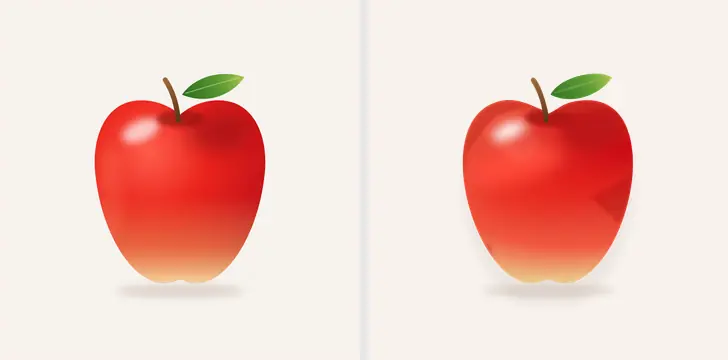
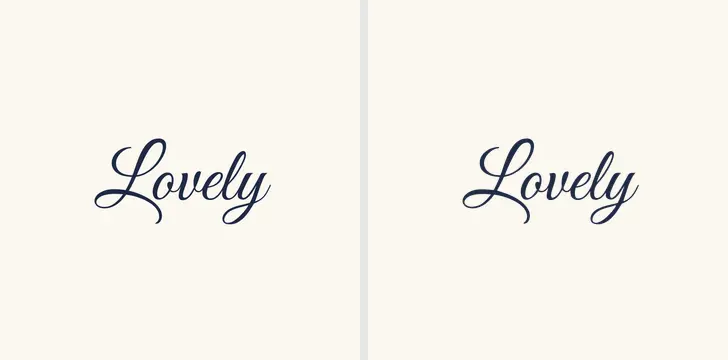
Before and after, made by Paletoo
Each pair is a picture and the vectors Vectorize made of it, as the editor draws them; the numbers are anchor points.




How it works
-
Open your picture
«Start free» opens a sample logo; to use your own, press Open file… or drop a PNG, JPG or WebP onto the canvas. Click the picture to select it. The Design tab shows Vectorize as the last row of the AI block.
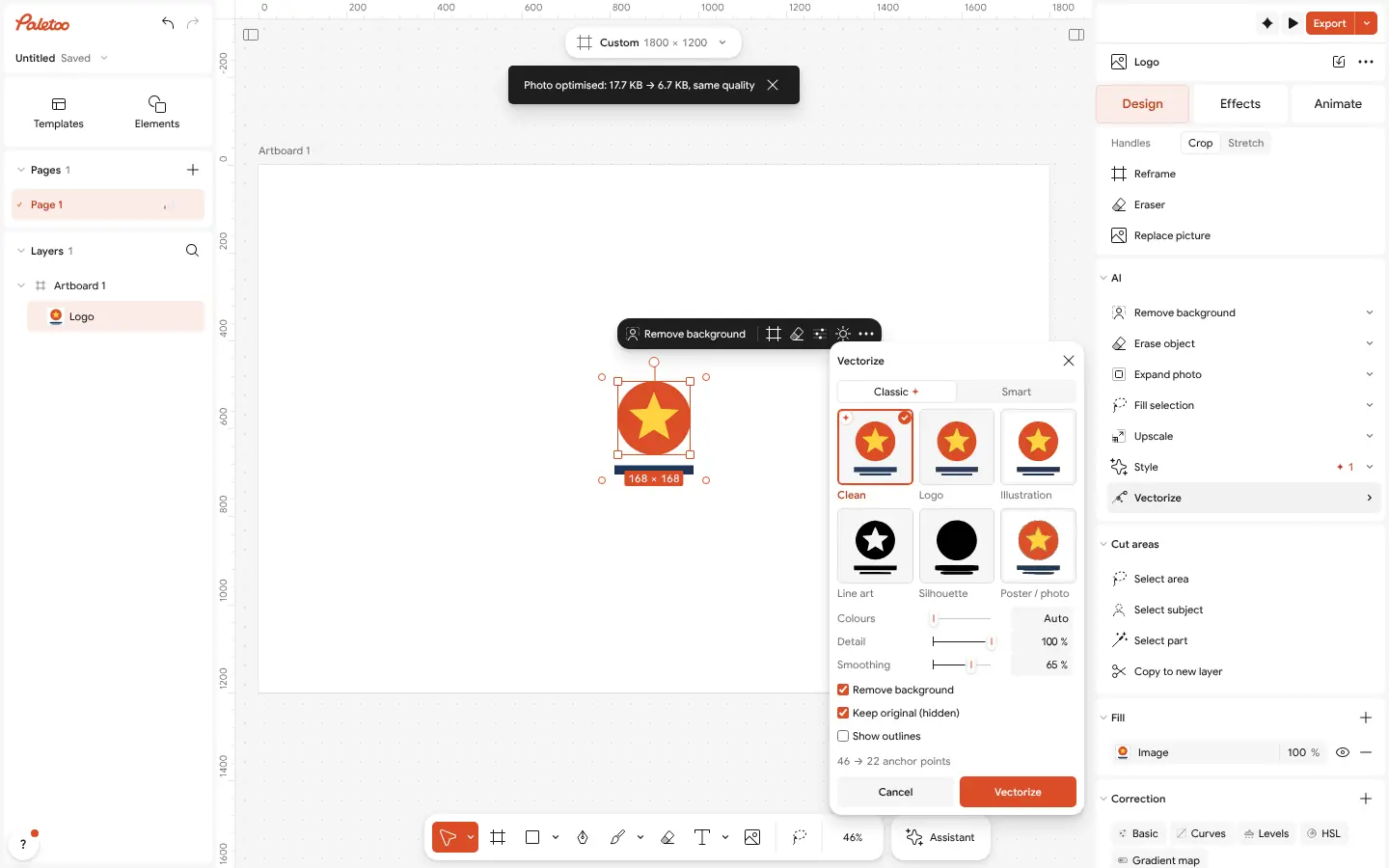
Vectorize open on a flat logo: Clean suggested with the spark, the row in the AI block -
Press Vectorize
The window opens on what the picture wants, marked with a spark: Clean for logos, icons, lettering and line art — true circles, crisp corners, a few dozen points — or Smart for shaded and glossy art: a few parts, real gradients, soft shapes. It shows the count before you commit.
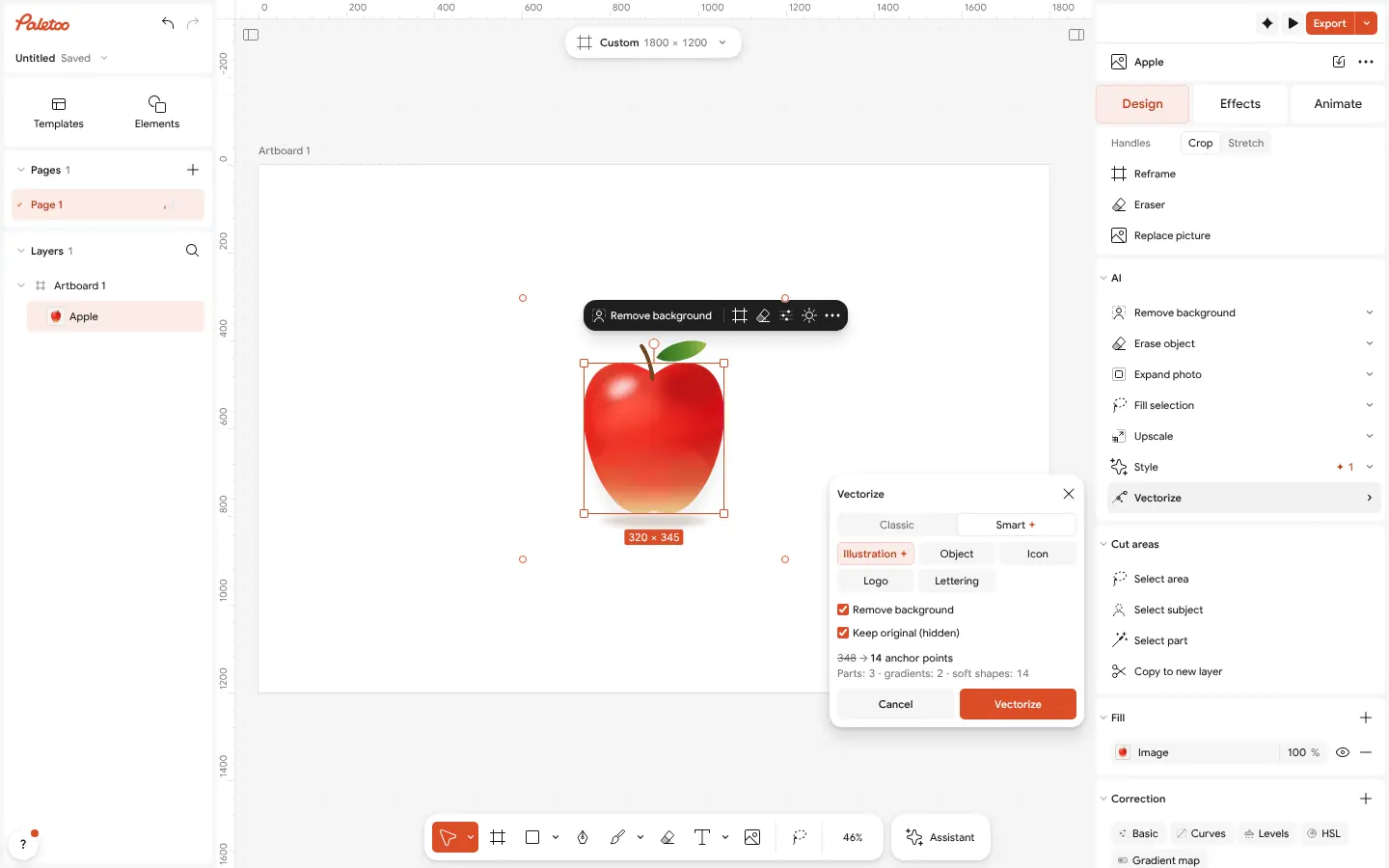
Smart on a shaded apple: 348 → 14 anchor points, three parts, gradients and soft shapes -
Export SVG
Press Vectorize (Enter): the picture becomes a group of vector shapes you can recolour from Selection colours and edit point by point. Then Export (Ctrl Shift E) as SVG or PDF.
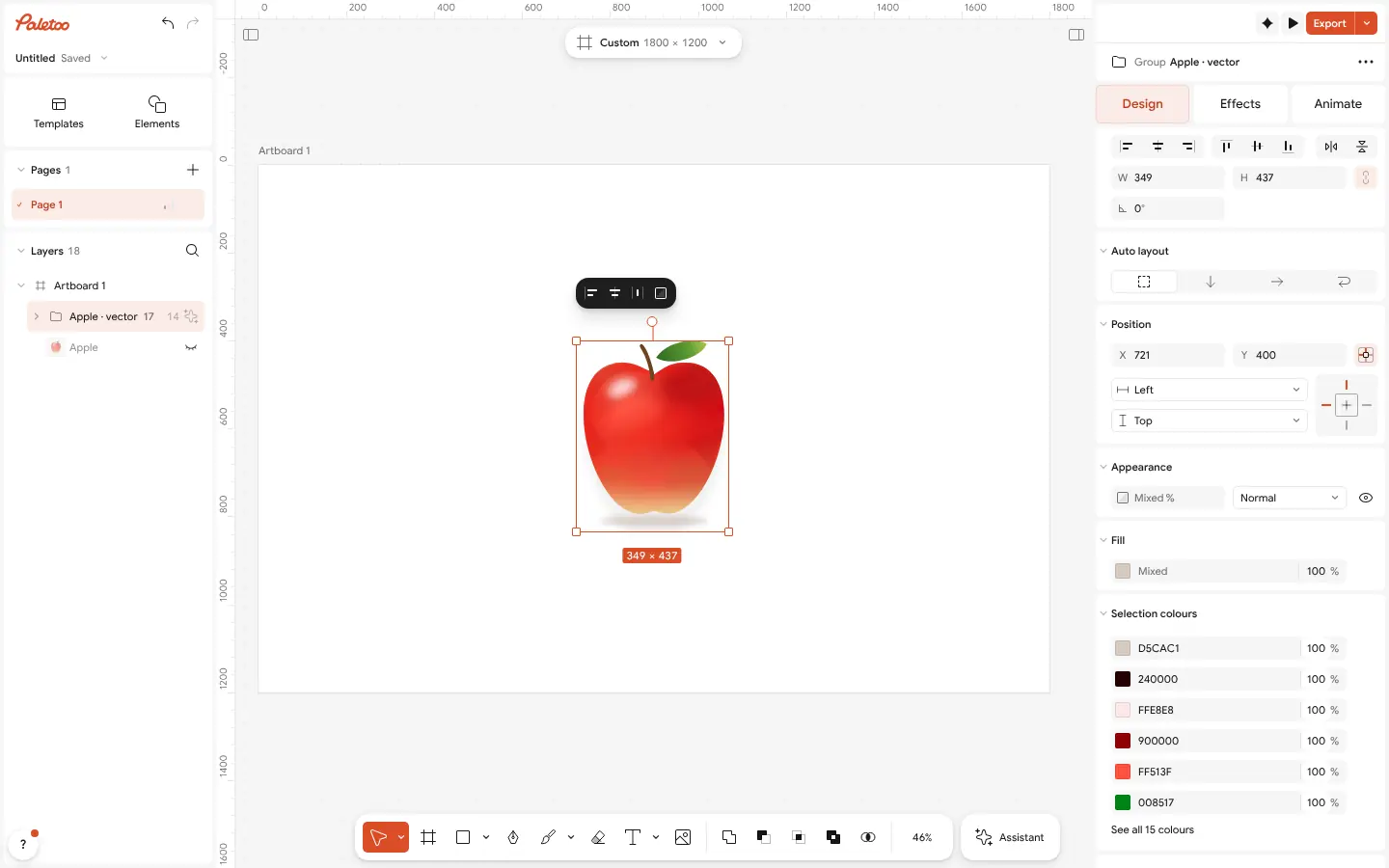
The result: «Apple · vector», a group of vector parts, its colours in Selection colours
What you get
Shapes a designer would draw
Clean recognises circles, ellipses, rounded rectangles, stars and straight edges, so a flat logo is 26 anchor points instead of 154, and the colours stack with no hairline gaps.
3D and gloss without stripes
Smart traces a shaded picture as a few named parts with real gradients and soft blurred shapes: our test apple is 14 outline points, not 2,840.
Private by design
The trace runs in your browser, in a background worker. The picture is not uploaded, so a client’s logo stays on your computer.
A real SVG, editable
One shape per colour, every anchor point editable, the original kept hidden underneath. Export SVG for the web and cutters, PDF for print.
Free, with no limits
Vectorize, both modes and SVG or PDF export are free: no credits, no watermark, no account needed.
Questions
Is this image to vector converter really free?
Yes. Vectorize, its Clean and Smart modes and export to SVG and PDF are free, with no watermark and no credits. You do not need an account to start or to download.
Does it make a real SVG?
Yes. Each colour becomes a vector shape made of curves and anchor points, not a picture wrapped in an SVG file. You can edit the points, recolour the shapes and scale them to any size.
Can I convert a PNG or JPG to SVG?
Yes. Open a PNG, JPG or WebP, select it, press Vectorize and then export SVG. A transparent PNG keeps its transparency: only the shapes are traced.
Do I need to sign up?
No. Paletoo opens in your browser and the whole job, from opening the picture to downloading the SVG, works without an account.
Is my picture uploaded to a server?
No. The trace runs on your own device, in the browser, so the file stays on your computer. Nothing is sent anywhere and no credits are used.
Can I vectorize a photo?
You can, but be honest with yourself: a photo becomes an illustration of itself with hundreds of points, not a faithful copy. Our product photo of a bottle came out at 728 points with Smart. Keep photos as photos and vectorize logos, icons, drawings and lettering.
Why does my SVG from other converters have thousands of points?
Most converters trace point by point, following every pixel of every colour band. Clean draws the shapes a designer would, and Smart traces shaded art as parts with real gradients, so the same picture needs a fraction of the points.
Can I turn a logo into a vector for a printer or a cutter?
Yes. Clean is made for logos: true circles and corners, one shape per colour. Export PDF for a print shop or SVG for a sign maker, a vinyl cutter or a laser.
Learn more
Step-by-step guides
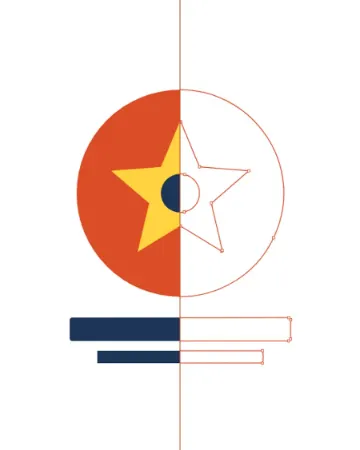
How to turn a logo into a vector — free, no Illustrator
From a blurry PNG to a logo you can print on a van — in a minute, in the browser, for free.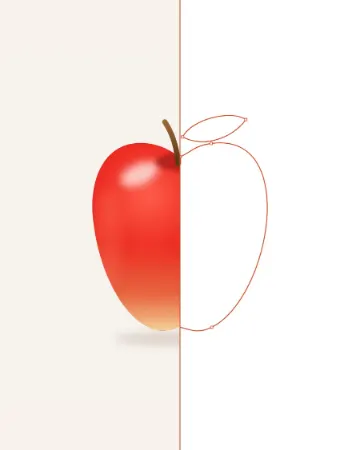
PNG to SVG: why most converters make 2,000 points and how to get 20
The same apple, traced two ways: 2,840 anchor points, or 14 and a few soft shapes.
Vectorize an image for free: raster to vector online
Turn pixels into shapes you can scale, recolour and cut — and know when not to.
In the help centre
More tools
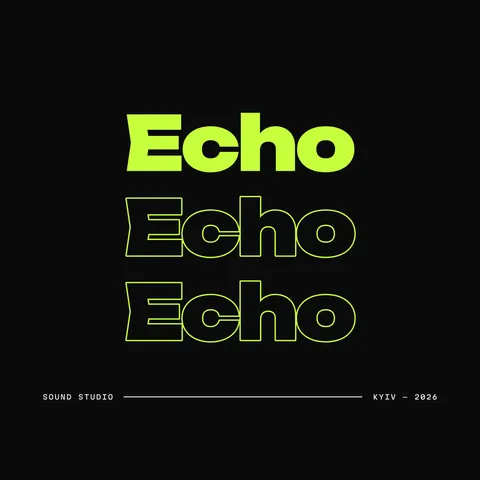
Logo maker
Type your brand name, pick a logo, and it opens with your name set. Export SVG, PDF or PNG — free, no watermark, no sign-up.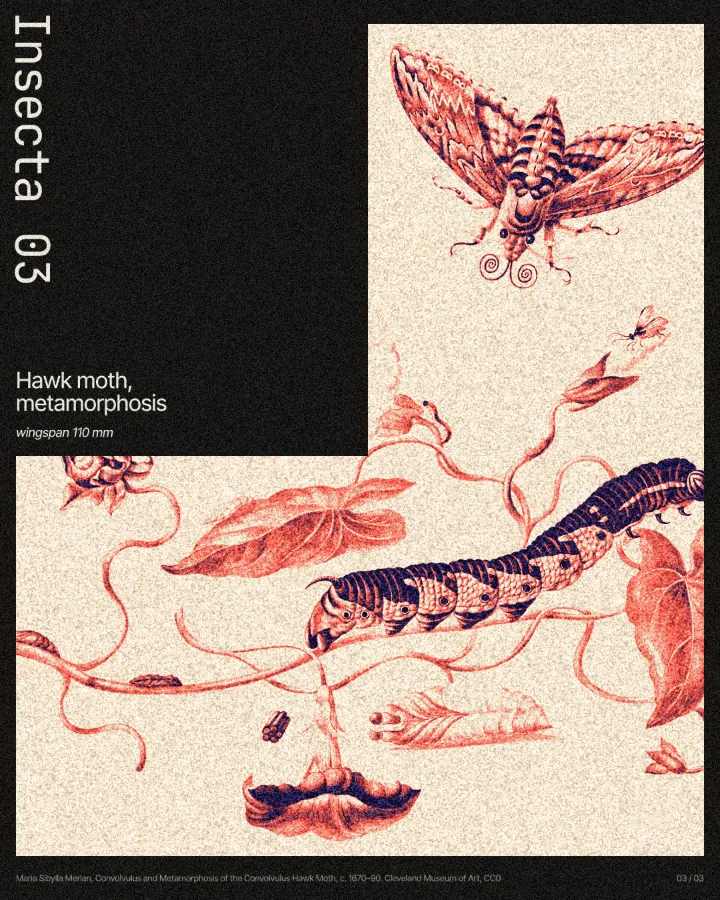
Remove background online
Cut the subject out of any photo in one click — on your own device, with no upload and no credits.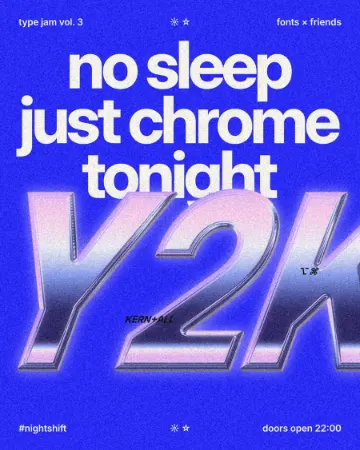
Text effects online
Type your words, press one effect — chrome, gold foil, emboss, cut-out letters, outlines or warps — and download it in a minute; the words stay editable text.
Make it now
Paletoo opens in your browser. Start from the template above or a blank page, and export when you are happy.
Start free