Techniques8 min readFreeUpdated 2026-11-19
How to install fonts on Windows, Mac, iPhone, Android and in apps
Where the font file goes on each system, why an app still does not see it, which format to download — and when you need not install anything.
By the Paletoo team · steps tested in Paletoo on
To install a font on Windows 11, unzip the download, right-click the .ttf or .otf file and choose Install (or Install for all users); on a Mac, double-click the file and press Install in Font Book. On an iPhone or iPad fonts come through a font app from the App Store and then appear in Settings › General › Fonts; on Android it depends on the app. Photoshop and the Figma desktop app use the fonts installed in the system — restart them after installing; Figma in a browser also needs Figma’s font installer.
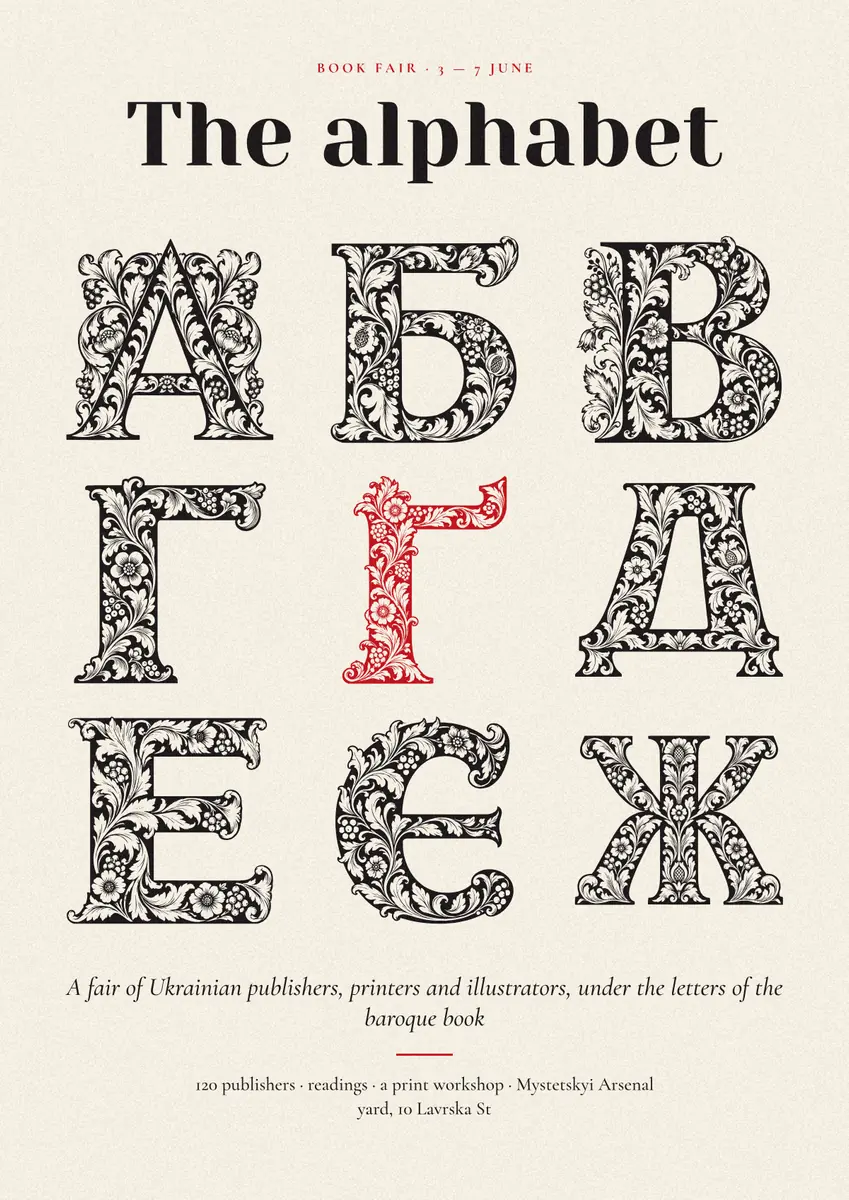
Below: each system step by step, what to do when an app still does not list the font, the difference between TTF, OTF, WOFF2 and variable fonts, what a licence allows, and how to check the Ukrainian letters ґ, є, і, ї before you rely on a font. The last part is the shortcut: in a browser editor such as Paletoo nothing is installed at all — the steps were run on «The alphabet», a book-fair poster of baroque initials, on 12 November 2026.
Windows 10 and 11
Fonts usually arrive as a .zip. Windows can show the files inside a zip without unpacking it, but it cannot install from there, so right-click the zip, choose Extract All, and open the folder. Then right-click a .ttf or .otf file and choose Install — on Windows 11 the item may sit under Show more options. Install puts the font in your own user profile; Install for all users puts it in the system Fonts folder and asks for an administrator. A few older programs see only fonts installed for all users, so if one of them misses a font, install it that way.
The second route is Settings › Personalization › Fonts: drag the files onto the «Drag and drop to install» area at the top. The same page lists every installed family, shows a preview and has an Uninstall button. Double-clicking a font file opens a preview window with its own Install button. Whatever the route, an app that was open during the install usually needs a restart before the font appears in its menu.
Mac, iPhone, iPad and Android
On a Mac, double-click the font file: Font Book opens a preview with an Install button. Font Book checks the file as it installs it and warns about a damaged or duplicate font; you can also drag a whole folder of fonts into its window. Fonts installed this way are for your user account; restart Pages, Keynote, Photoshop or any app that was open.
On an iPhone or iPad you cannot install a loose .ttf from Files. Fonts come through apps from the App Store that offer to install them; after you allow it, they are listed in Settings › General › Fonts and work in apps that support custom fonts, such as Pages, Keynote and many design apps — not across the whole system interface. Older font apps did the same through a configuration profile you confirm in Settings.
Android has no common way to install a font for every app. Some phones let you change the system font in their own settings or theme store; most design and photo apps on Android let you import a .ttf or .otf inside the app itself, and then it works only there. Search the app’s own menu for «Add font» or «Import font».
Photoshop, Figma, Canva and Word
Most programs do not install fonts at all; they use whatever the system has, and each has its quirks:
| App | Where the font comes from | If it does not show up |
|---|---|---|
| Photoshop, Illustrator, InDesign | Fonts installed in Windows or macOS, plus Adobe Fonts you activate in Creative Cloud | Restart the app; check the family name, not the file name |
| Figma desktop app | Fonts installed on the computer, plus Google Fonts built in | Restart the app |
| Figma in a browser | Installed fonts only through Figma’s font installer (FigmaAgent) | Install the font installer, then reload the file |
| Canva | Its own library; uploading your own font file is a paid-plan feature at the time of writing (November 2026) | Use a similar font from its library |
| Word, Google Docs | Word: the system fonts; Google Docs: its own list from Google Fonts | Docs cannot use a font from your computer |
| Paletoo | Google Fonts loaded in the browser, plus your own TTF, OTF, WOFF or WOFF2 files | Upload the file in Fonts › My fonts |
TTF, OTF, WOFF2 and variable fonts
TTF (TrueType) and OTF (OpenType) both install on Windows and macOS and both can carry the features designers care about — ligatures, alternates, small caps; when a family offers both, either works, and OTF files with PostScript outlines are a little more common in professional families. WOFF and WOFF2 are compressed versions made for websites: you cannot install them in the system, but browser editors can use them. A .ttc file is a collection of several fonts in one file; macOS installs it, many web tools do not.
A variable font is one file that holds a whole range of weights (and sometimes widths or slants) on an axis, instead of eight separate files. Install it like any other font. Apps that understand variable fonts show a weight slider or list named instances; older ones show only the default style.
Licences and the Ukrainian letters
Installing a font is not the same as having the right to use it. Fonts from Google Fonts are under open licences (mostly the SIL Open Font License) that allow print, web and products you sell; many fonts on free-download sites are «free for personal use» only. Read the licence file in the zip before you set a client’s logo in a font.
Before you install twenty fonts for a Ukrainian text, check that each sets ґ, є, і and ї — many «Cyrillic» fonts were drawn for Russian and miss them, so the letters fall back to another font. The quickest check is to type your own words in the Ukrainian font tester, which shows more than seventy free fonts with the whole alphabet; the guide to Ukrainian fonts explains how to choose among them.
Made in Paletoo
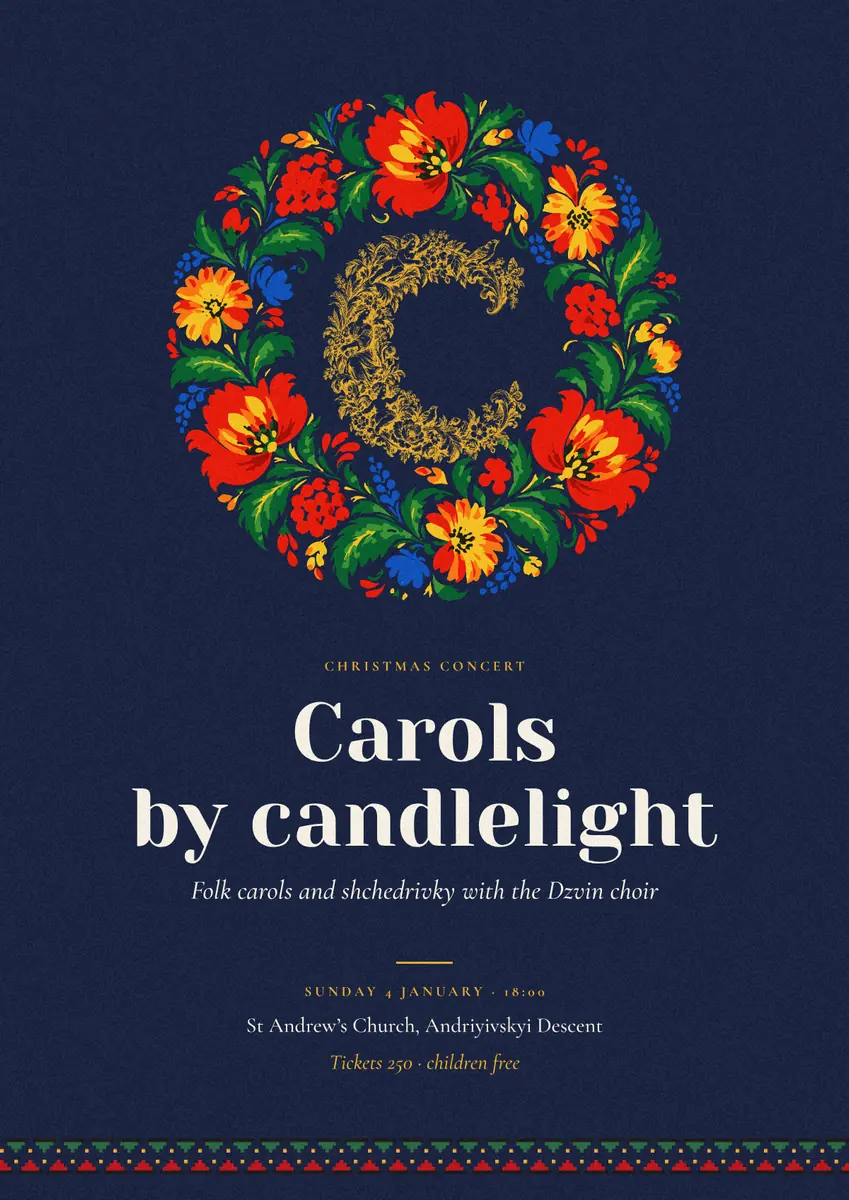
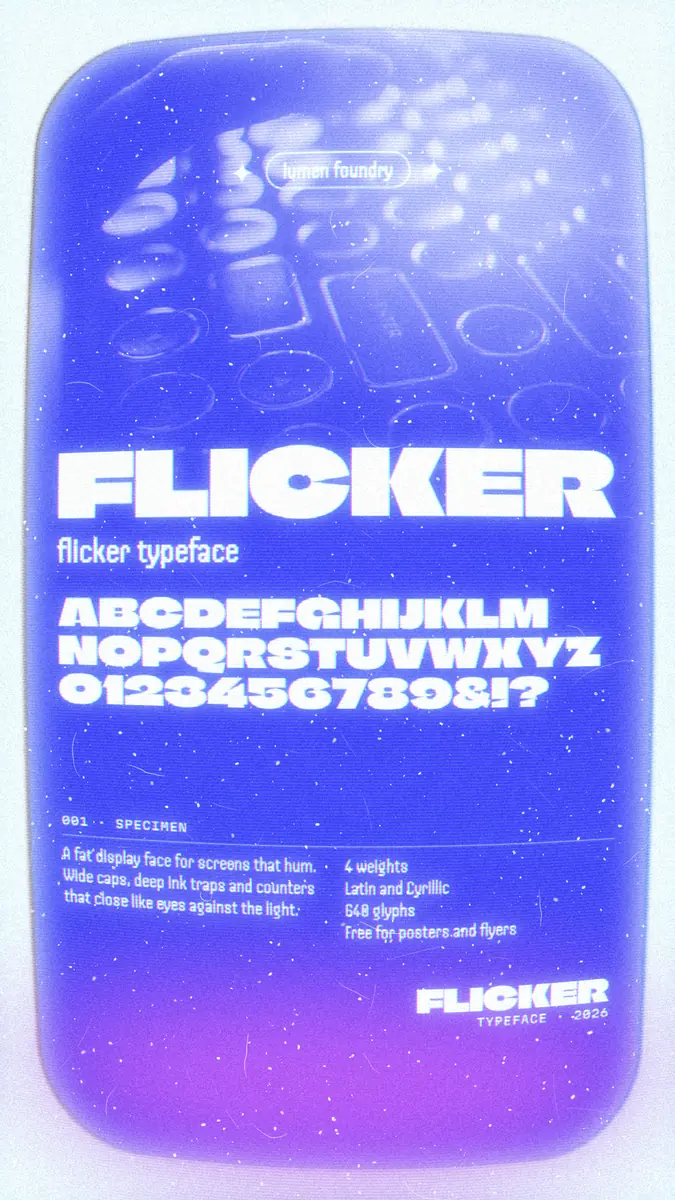
Every picture on this page was made in Paletoo — these three with the same steps on other templates:

Step by step in Paletoo
Open the poster: press “Open in Paletoo” on this page, or start from the poster maker. It opens as your own 1200 × 1697 document on linen: «BOOK FAIR · 3 — 7 JUNE», «The alphabet» as the title, nine baroque initials from А to Ж with a red Ґ, and an italic subtitle and footer.
Select «Title»: its font — Yeseva One, 128 px — is under Typography in the Design tab. Press the font name (or Ctrl Shift F) to open Fonts. Every family listed there is loaded into the browser when you pick it; nothing is installed on your computer, and the same document opens with the same fonts on another one.
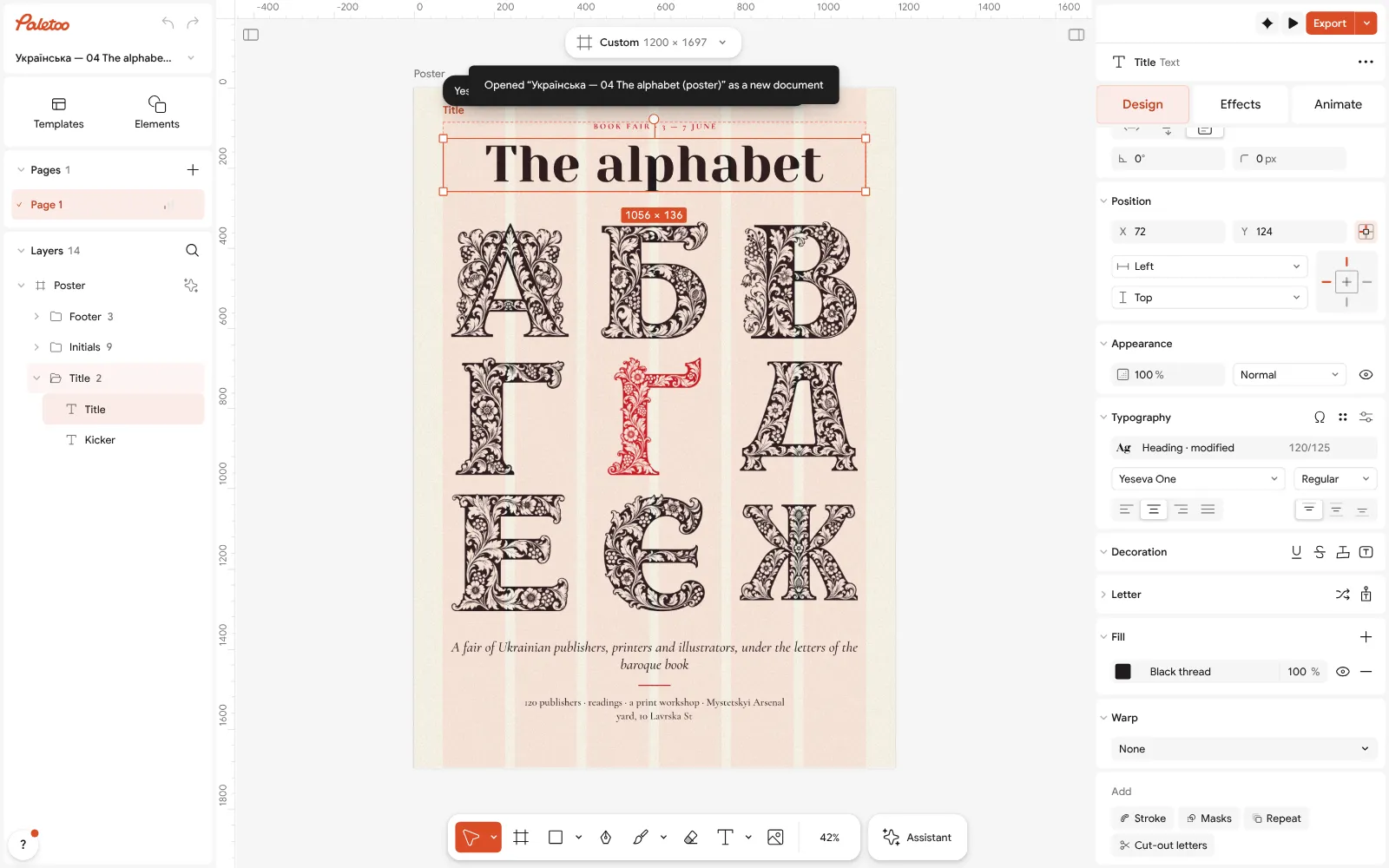
«The alphabet» open in Paletoo: «Title» selected — Yeseva One, 128 px, under Typography in the Design tab Turn on With Ukrainian so only fonts with ґ, є, і, ї are listed. If you search for a family that is on Google Fonts but not in the list, Paletoo offers «Add “…” from Google Fonts».
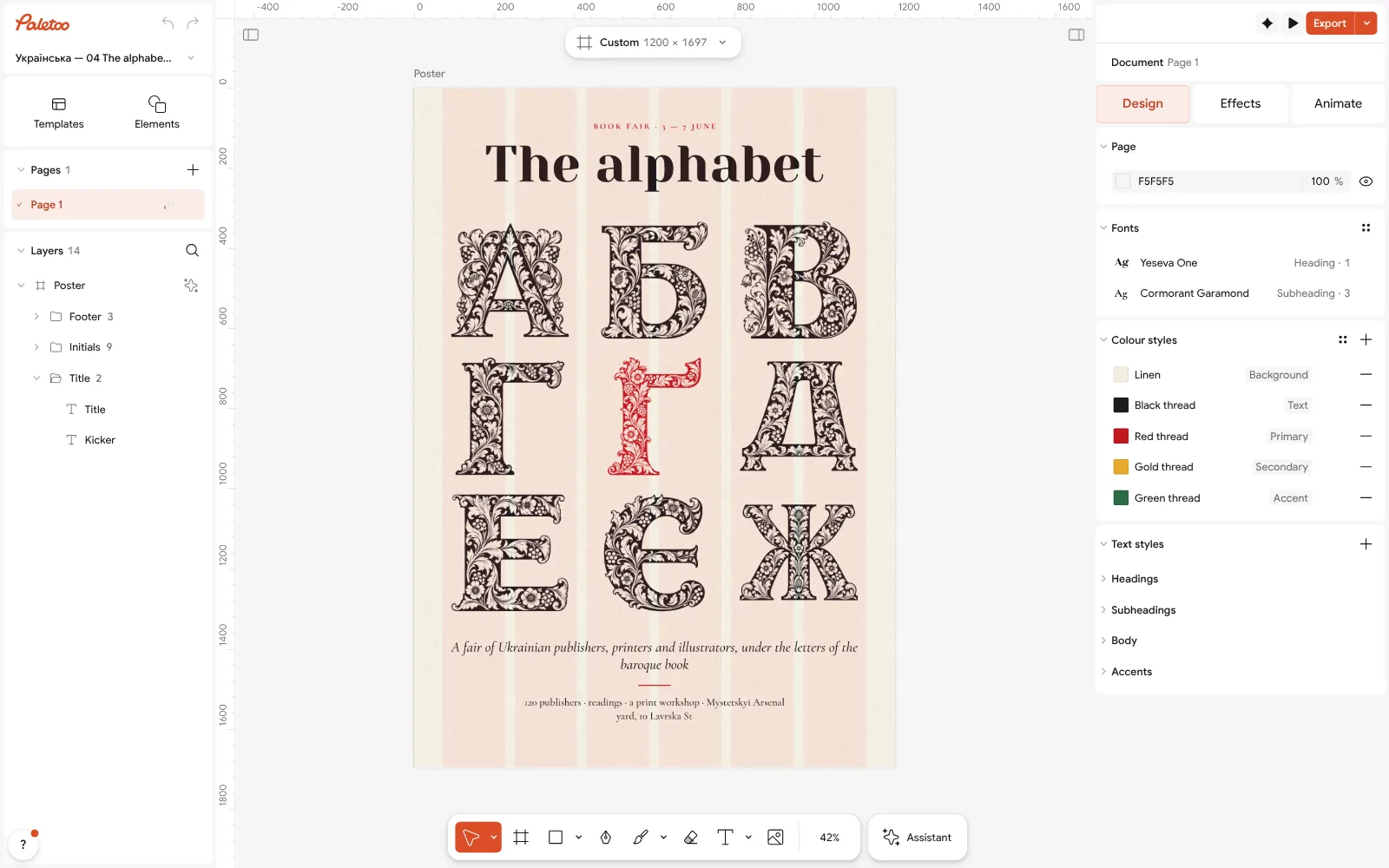
Nothing selected: the poster’s Text styles — Heading, Subheading, Body and Label To use a font file of your own, open the My fonts tab and press Upload fonts, or drop the files there: TTF, OTF, WOFF and WOFF2 are taken; a .ttc collection is not — unzip its single files first. The font stays in this browser’s My fonts for every document, and a variable font keeps its weight axis.
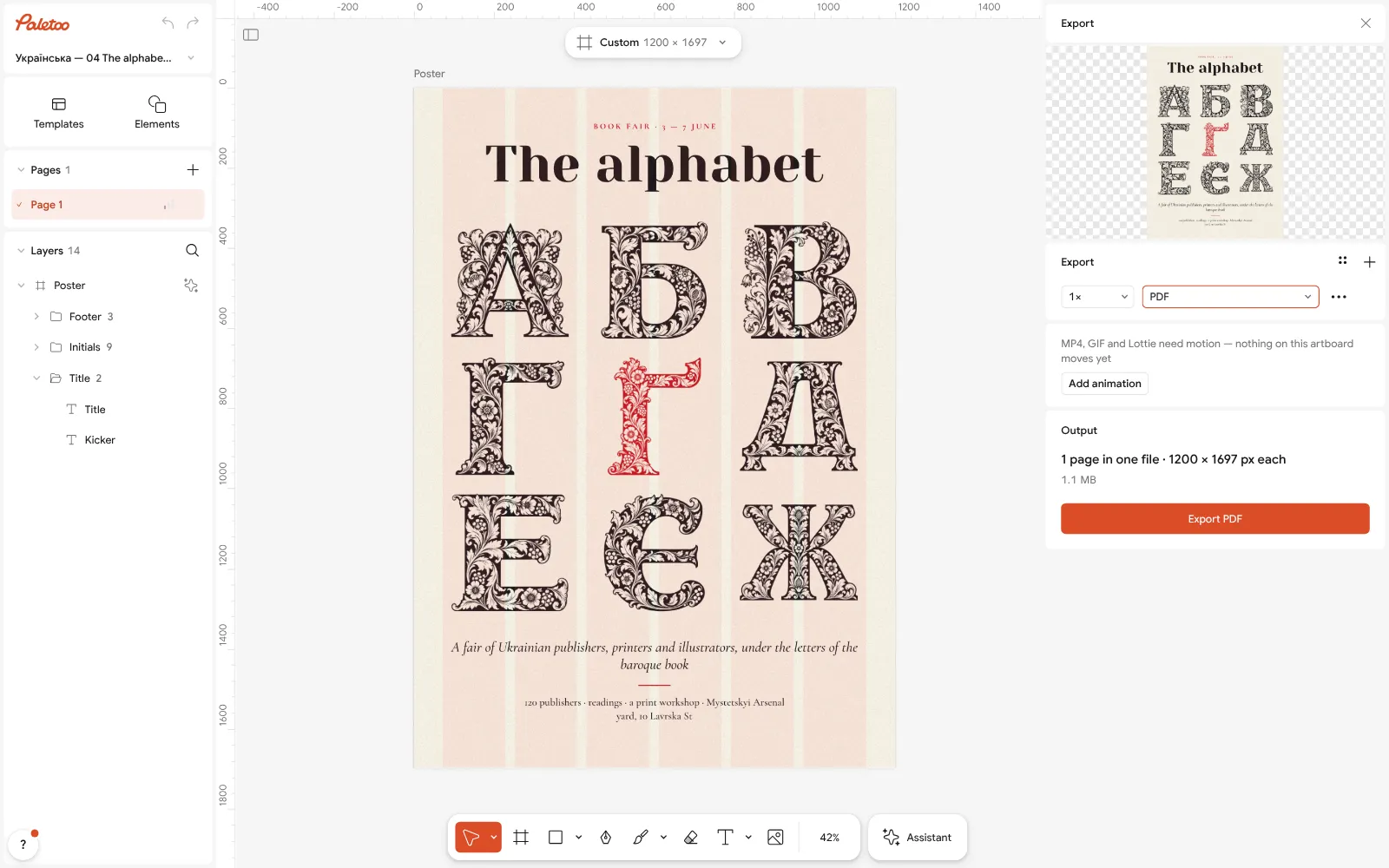
The Export window with PDF chosen Click an empty part of the canvas so nothing is selected: the Design tab shows the poster’s Text styles — Heading, Subheading, Body and Label. Change the font in Heading and every text that uses it follows.
Press Export (Ctrl Shift E) and choose PDF. The letters are drawn as outlines and the file also carries the text with the font embedded, so it can be searched and copied, and the print shop does not need your font installed. For a printer’s file add Include bleed.
Make it your own
If a font lacks letters your text needs, Paletoo says so under the font name and offers «Show fonts that have them»; with With Ukrainian on, the problem never comes up.
A variable font has a Weight slider instead of a few fixed styles: set the title between Bold and Black if neither looks right. More pairs to try: font pairing for posters and font pairings 2027.
For a letter or a CV rather than a poster, see which font a document needs, then save the font into Text styles so the next page uses it too.
Sources
Questions
How do I install a font on Windows 11?
Unzip the download, right-click the .ttf or .otf file and choose Install, or drag it onto Settings › Personalization › Fonts. Restart any app that was open.
Why does my installed font not show up in Photoshop or Word?
The app was open during the install and needs a restart, or you are looking for the file name instead of the family name. A few older programs see only fonts installed for all users.
Can I install fonts on an iPhone?
Yes, through a font app from the App Store; the fonts then appear in Settings › General › Fonts and work in apps that support custom fonts, not in the whole system.
Should I download TTF or OTF?
Either works on Windows and macOS. If a family offers both, take OTF for professional work; for websites use WOFF2.
Can I install a WOFF2 font?
Not in Windows or macOS: WOFF2 is a web format. Use it in browser tools such as Paletoo, or get the TTF or OTF version for the system.
How do I use my own fonts in Figma in a browser?
Install the font on the computer and install Figma’s font installer, then reload the file. The Figma desktop app sees installed fonts without it.
Do I need to install fonts to use them in Paletoo?
No. Google Fonts load in the browser when you pick them, and your own TTF, OTF, WOFF or WOFF2 files go into My fonts with Upload fonts — free, with no account.
Make it online
- Poster makerMake a poster from a template that already has the layout right, then export a print-ready PDF or an image for screens.
- Logo makerType your brand name, pick a logo, try fonts, colours and layouts, then download SVG, PNG and app icons — free, no watermark, no sign-up.
Free design templates for posts, stories and posters: Poster templates · Brand guidelines templates
Try it on your own design
Paletoo opens in your browser, with no sign-up. Every effect here is live: change the picture or the words and the effect follows.
Open in PaletooOpens this design as your own copy — every layer and effect editable, free.
Read next
- 02
 Font pairing for posters: six combinations that workOne loud voice, one quiet one, and a clear difference between them.
- 03
 Font pairings 2027: 40 trending pairs to try on your wordsForty trending font combinations — editorial serifs, wide grotesks, mono labels, bouba type — live on your own words, and one tap to use the pair.
- 04
 How to keep brand fonts and colours consistent across every designName the colours and the type once, link every layer to them, and change them in one place.