Techniques5 min readFreeUpdated 2026-11-13
How to make a movie poster: key art, title and billing block
The parts every film poster has, in the order your eye reads them — rebuilt on a real one-sheet you can open and make your own.
By the Paletoo team · steps tested in Paletoo on
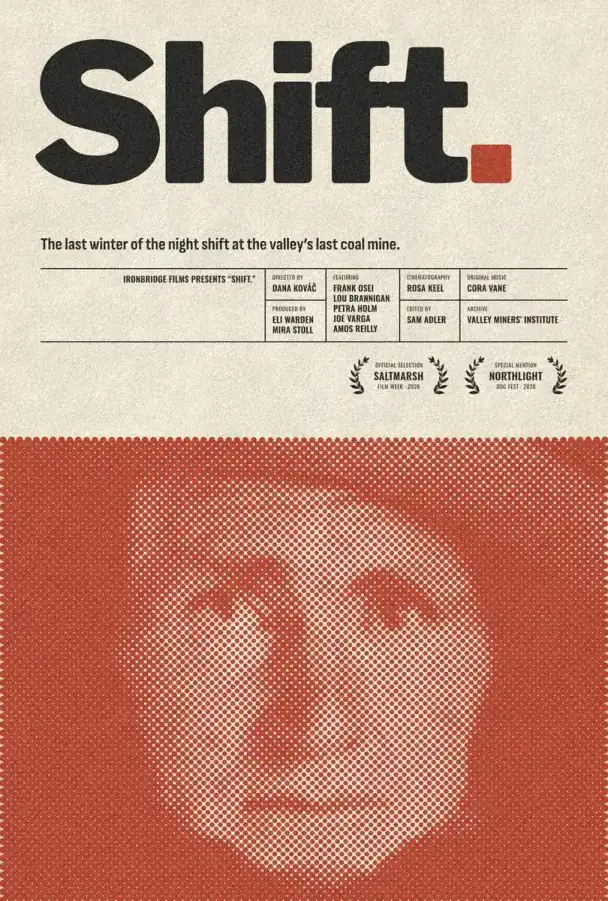
To make a movie poster, start with one strong image (the key art), put a big title over or under it, add a one-line tagline, the festival laurels if you have them and the credits in a narrow block at the bottom — then export it at 27 × 40 in or A2 for print, or 1080 × 1350 for Instagram. In Paletoo you can do it on a ready one-sheet: replace the photo, type your title and names, and the halftone print, the laurels and the credits layout are already there.
This guide takes «Shift.», a documentary one-sheet from our film-poster set — a halftone portrait in signal red under a huge black title — apart piece by piece, explains why real posters look the way they do, and rebuilds it for your own film, a school project or a fake poster for a friend. Every step was run in Paletoo on 11 November 2026; the pictures are the editor itself.
The anatomy of a movie poster
Film posters have been printed for more than a century, and the parts have settled into an order the eye expects. Key art is the picture: a face, a place or one object that sets the mood. The title treatment is the film’s name set as a logo, often in a typeface no one else uses. The tagline is one sentence of promise («The last winter of the night shift»). Laurels are the wreaths with festival names. The billing block is the tall, narrow credits — director, cast, producers — set in condensed capitals at the bottom. Then the date, the studio logos and, today, a link or QR code.
| Part | What it is | Tip |
|---|---|---|
| Key art | The main image | One subject, cropped tight; a face looking out works |
| Title treatment | The name as a logo | At least a sixth of the height; one typeface, set tight |
| Tagline | One line that promises the story | Under ten words, never a summary |
| Laurels | Festival or award wreaths | Only real ones — or leave the space empty |
| Billing block | The credits in condensed capitals | Narrow, 25–35 % of the title’s height |
| Date and logos | When, where, who made it | Smallest on the page, at the bottom |
Movie poster sizes
The American theatrical one-sheet is 27 × 40 inches; reprints and home posters are usually 24 × 36 in. In Europe cinemas use A1 (594 × 841 mm) or 120 × 160 cm for the big frames, and 50 × 70 cm or A2 for smaller ones. For a festival, a school or a home print A3 or A2 is plenty. On screens a poster lives as an Instagram post (1080 × 1350, 4:5) and a story (1080 × 1920); the 2:3 shape of a one-sheet crops into 4:5 with very little lost, so design the print first and the post follows.
Five things that make a poster look «real»
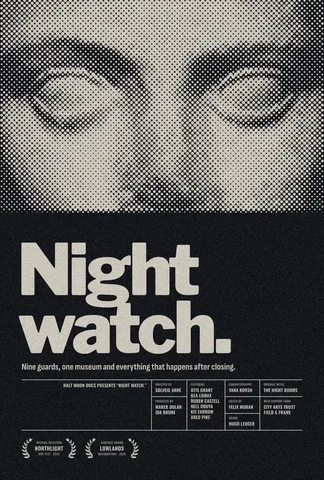
A limited palette: two or three colours, the photo often turned into one of them, as «Shift.» prints its portrait in red halftone. Big contrast in size: a huge title, tiny credits, almost nothing in between. A grid: the credits, the laurels and the tagline line up with the title’s edges. Texture: grain, halftone or a paper colour instead of pure white, so it looks printed. And restraint: what you leave out is what makes the rest feel expensive.
Made in Paletoo
Every picture on this page was made in Paletoo — these three with the same steps on other templates:
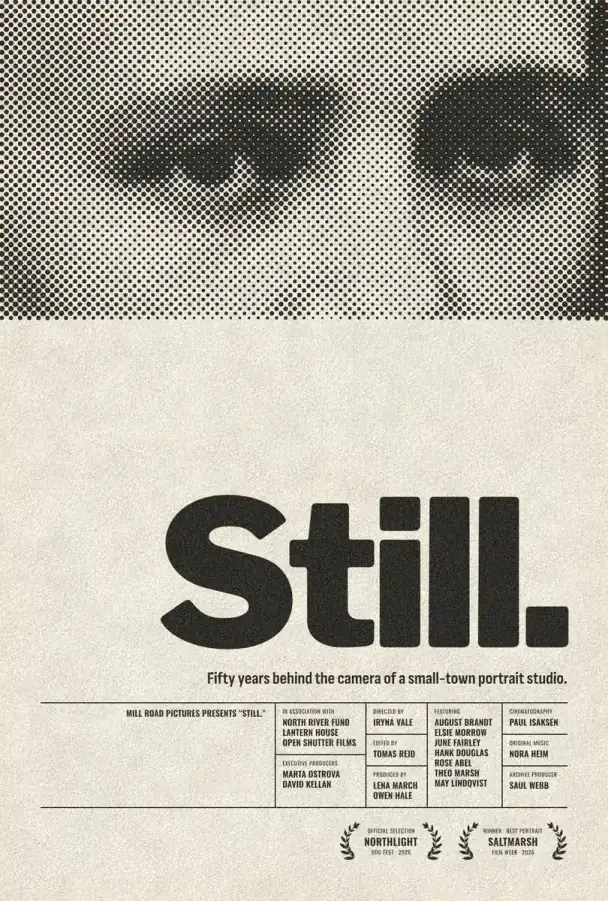
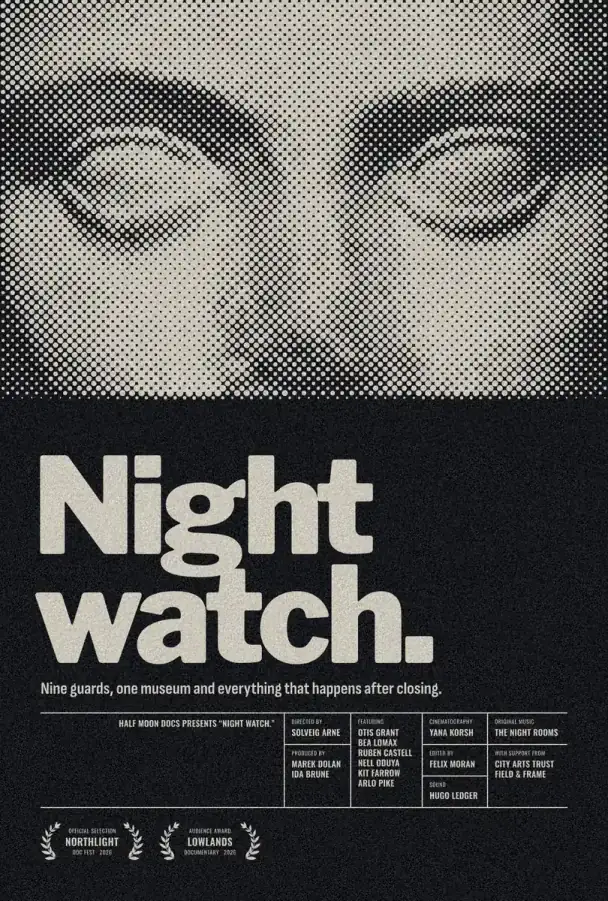
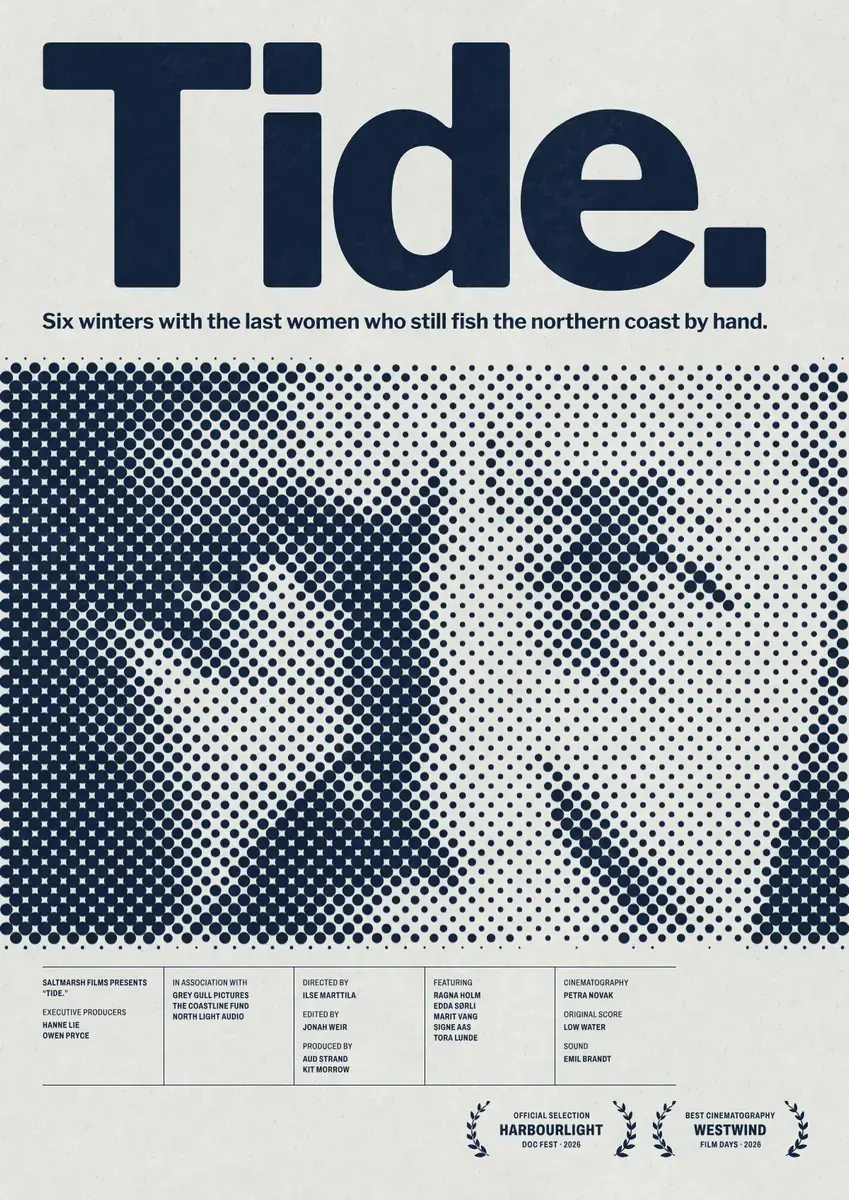
Step by step in Paletoo
Open the poster: press “Open in Paletoo” on this page, or start from the poster maker. It opens as your own document; the Layers panel lists the photo, the title, the tagline, the laurels and every credit line.
Double-click the title and type your film’s name. Under Typography in the Design tab keep the font heavy and the spacing tight; a short title can go even bigger.
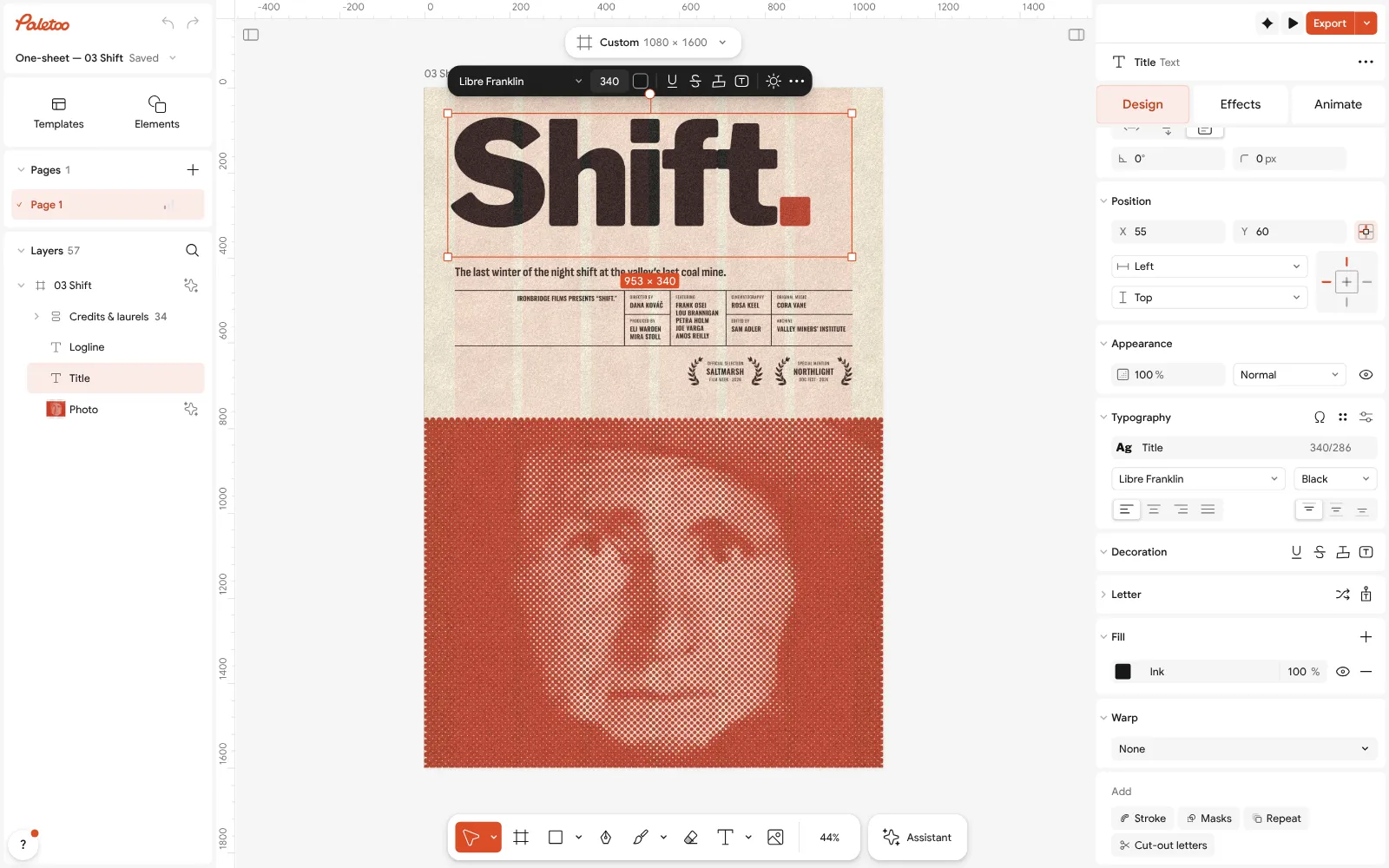
The «Shift.» one-sheet open in Paletoo: the title selected, its font and spacing under Typography Select the photo and press Replace picture to use your own still. It keeps the poster’s look, because the red print is not in the picture: it is two live steps under the Effects tab, Levels and Halftone, and they follow any photo you put in.
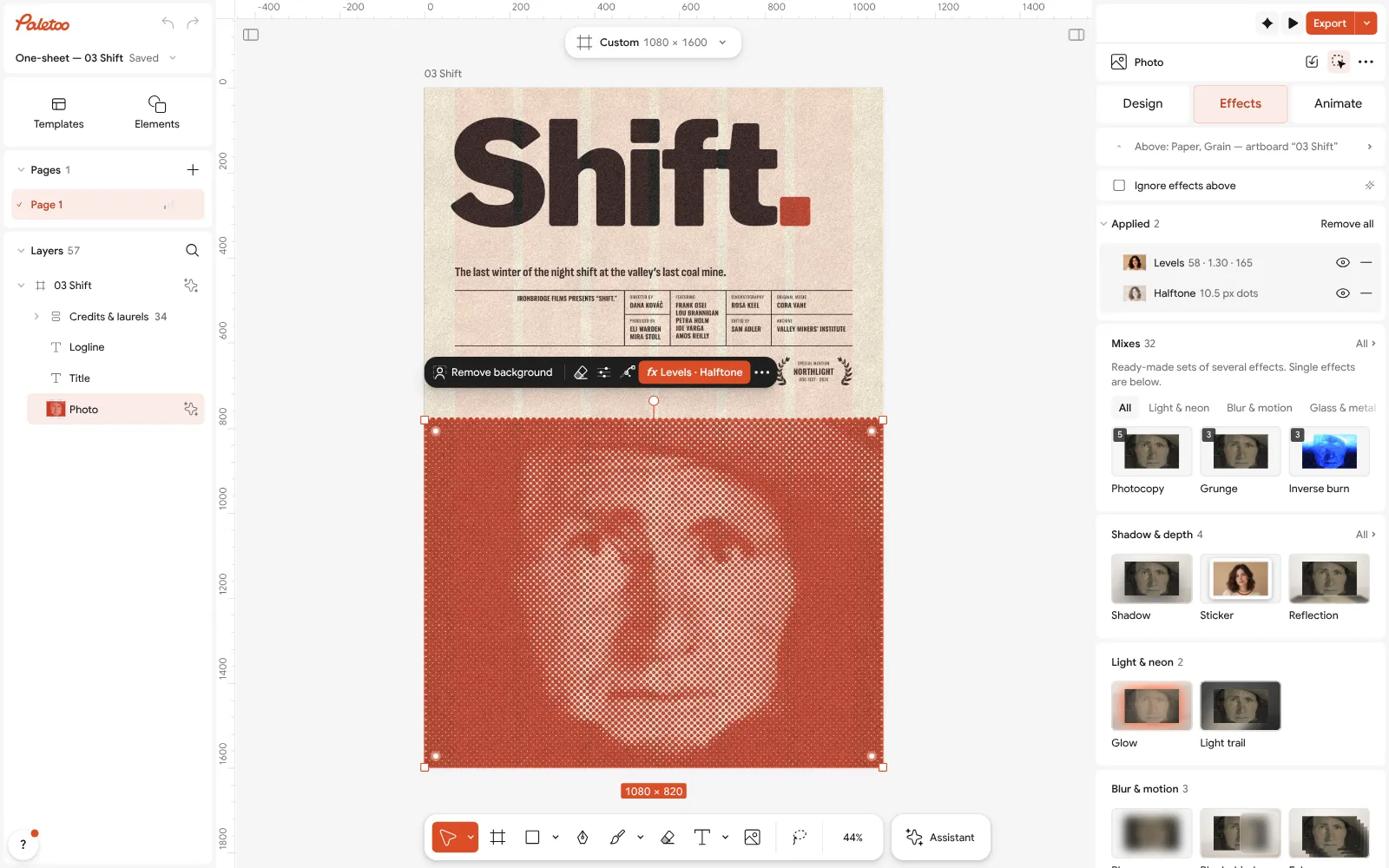
The photo under Effects: Levels and Halftone applied live, so any photo you put in prints the same way Open Halftone to set the dots: Size for coarser or finer, Angle for the screen’s direction, Colour for the ink. Change the red in Colour styles to recolour the title’s dot, the rules and the print together.
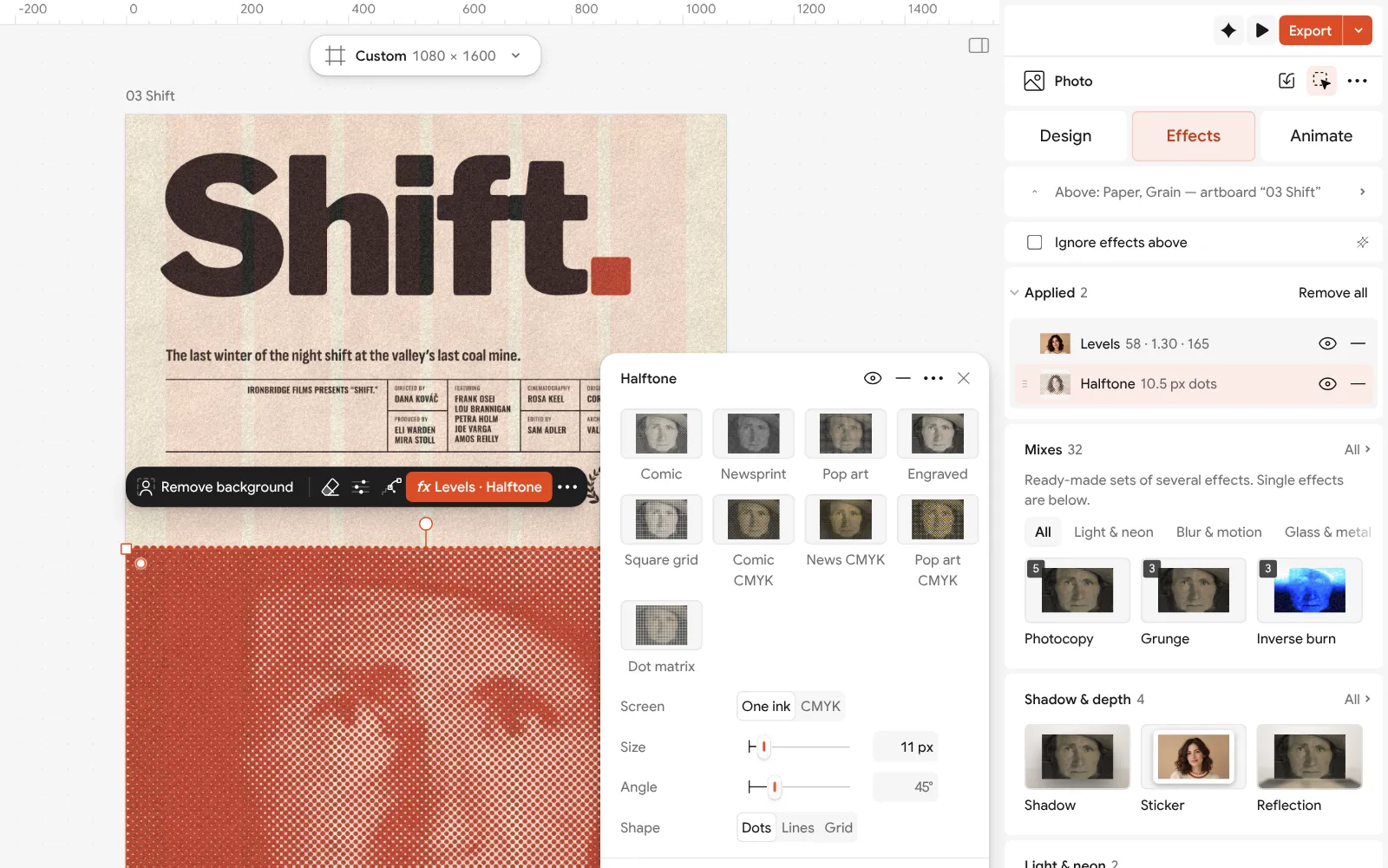
Halftone opened: the dot size, the screen angle and the ink colour Type your names into the credits and the tagline; keep the same order and capitals. Delete laurels you have not won — an empty space looks better than a fake wreath.
Press Export (Ctrl Shift E). For print add an artboard at Poster 18 × 24 in or A2, choose PDF and turn on Include bleed and Crop marks; for Instagram export PNG.
Make it your own
For a horror or thriller feel, darken the photo with Levels and make the title thin and spaced wide — the opposite of the documentary’s heavy black.
Turn the photo into a two-colour print with Gradient map instead of Halftone for a softer, festival-poster look.
For a school project, keep the billing block: it is what makes a poster read as a film poster, even with your classmates’ names in it.
Sources
Questions
How do I make my own movie poster?
Pick one strong image, set a big title, add a short tagline and the credits block, and export it. In Paletoo you can do it free on a ready one-sheet: replace the photo and the words.
What size is a movie poster?
The US theatrical one-sheet is 27 × 40 in; posters for home are usually 24 × 36 in. In Europe A1 or 120 × 160 cm for cinemas, A2 or 50 × 70 cm for smaller frames.
What font is used on movie poster credits?
A condensed sans in capitals — Univers Condensed, Bebas Neue and Oswald are common. The narrow letters let many names fit in a short block.
How do I make a fake movie poster of a friend?
Use their photo as the key art, give the film a title and a tagline about them, and fill the credits with friends’ names. Remove background helps cut them out of a busy photo.
Can I make a movie poster for free?
Yes. Paletoo’s film one-sheets are free to edit and export as PNG, JPG or a print PDF with bleed — no watermark, no account.
Make it online
- Poster makerMake a poster from a template that already has the layout right, then export a print-ready PDF or an image for screens.
- Photo effects onlineDrop in a photo, press one mix — film, print or glitch — and download it in a minute; every step stays editable afterwards.
- Flyer makerTurn a ready flyer template into yours in minutes and send the printer a PDF with bleed and crop marks.
Free design templates for posts, stories and posters: Poster templates · Event and launch templates
Try it on your own design
Paletoo opens in your browser, with no sign-up. Every effect here is live: change the picture or the words and the effect follows.
Open in PaletooOpens this design as your own copy — every layer and effect editable, free.
Read next
- 01
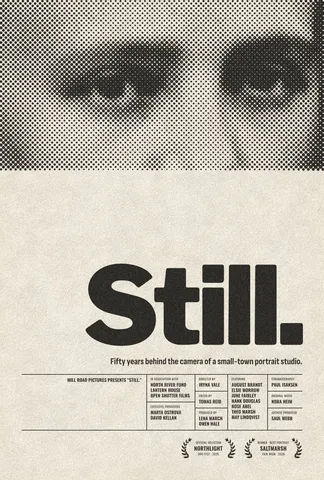 Free poster maker: make a poster online with no watermarkA real poster, from the size to a print-ready PDF, without paying or signing up.
- 02
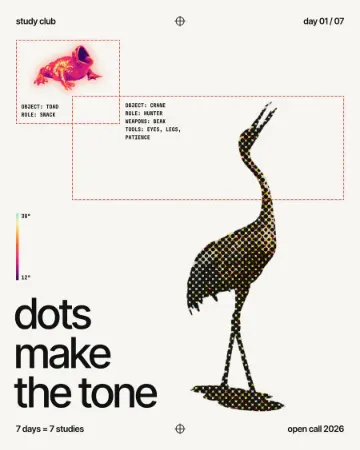 How to make a halftone effectComic-book CMYK dots, newspaper screens or one ink.
- 03
 Print-ready PDF: bleed, crop marks and CMYK, freeEverything a printer means by “print-ready”, and a checklist before you send the file.