Techniques5 min readFreeUpdated 2026-11-12
How to make a pitch deck: the slides, the order, a free template
The story investors expect, slide by slide, on a designed deck you can send today.
By Paletoo’s designers · every step done in Paletoo

A pitch deck is a short presentation that tells investors, in order, what problem you solve, how, for whom, why now, what you have already proved, who you are and how much you are raising. Making one well is mostly about that order and about saying one thing per slide. The design should be clean enough to disappear.
This guide walks through the slides on Lumaroot, a 30-slide seed deck in Paletoo that has a slide for every part of the story in five chapters. You can open it for free, rewrite it, delete what you do not need and export PowerPoint with editable text or a PDF to send.
The slides, in the order investors read them
Cover: the name, one line on what you do, the date. Problem: who has it, how often, what it costs them — one slide, with a number. Solution and how it works: what you built and the moment a customer gets value, in pictures rather than paragraphs. Then the product itself, in two or three screens.
Market: how many people or companies could buy, and why now is the time. Business model: who pays, how much and how often. Competition: a simple comparison that is honest about the alternatives. Traction: the one number that is growing, then growth over time, retention and a customer’s own words. The plan: a roadmap, the team, the financials, the round you are raising and what it buys, the risks, and a thank-you with your contacts.
How long should it be
Ten to fifteen slides for a first e-mail or a first meeting. Investors skim; a deck that needs a voice-over to make sense will be read without one. The Lumaroot template has 30 slides so that every part has a ready layout: keep the ones your story needs and delete the rest. Chapter slides help in a long talk and can go in a short send.
Keep an appendix for detail — the full financial model, the cohort table, the technical diagram. Mention that it exists; send it when someone asks.
Design that does not get in the way
One message per slide, written as the headline: not “Market” but “12 million small offices still book rooms by e-mail”. Large numbers, short words, real screenshots. Use two fonts at most — Lumaroot pairs a display face with a monospace for labels — and one accent colour for the thing you want remembered on each slide.
Send a PDF, not the editable file: it looks the same on every device and opens on a phone. Keep the PowerPoint for presenting and for the co-founder who edits the numbers.
Pitch decks for films, games and grants
The same shape works outside start-ups, with other words for the slides. A film or TV pitch deck swaps the market for the logline, the tone, the characters, the comparable titles and the budget; a game pitch shows the core loop, the art and the audience; a grant application deck states the need, the plan, the team and the measurable result. In every case: one idea per slide, in the order a reader asks the questions, and a PDF that opens anywhere.
Made in Paletoo
Every picture on this page was made in Paletoo — these three with the same steps on other templates:


Step by step in Paletoo
Press “Open in Paletoo” to open the Lumaroot deck as your own document: 30 slides of 1920 × 1080, one artboard each. Click the cover’s title; the Design tab shows its font and size.
Zoom out to see the whole deck and its five chapters — the problem, the product, the market, traction and the plan. The Layers panel lists every slide by its name.
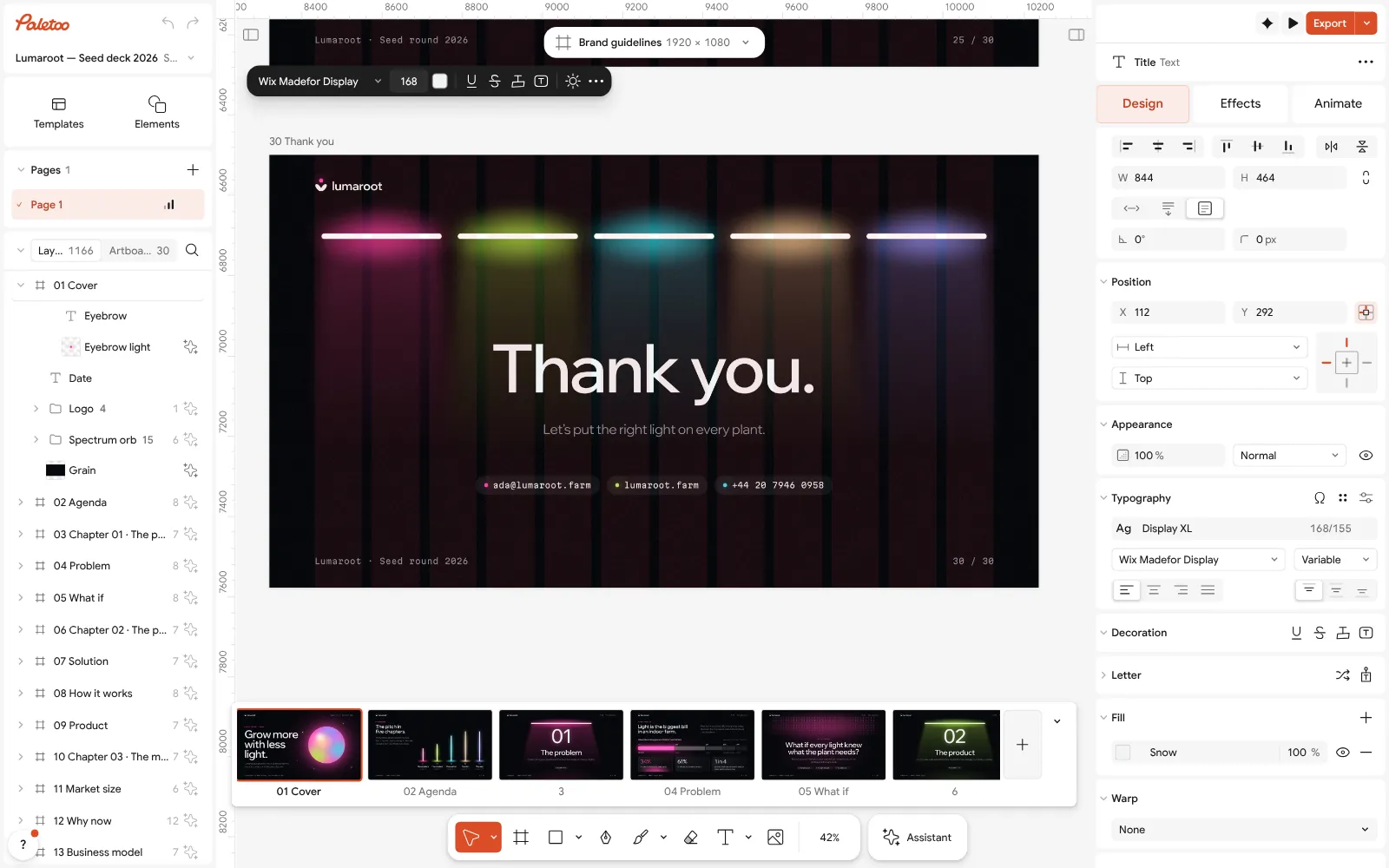
The Lumaroot deck open in Paletoo: the cover’s title selected, its font on the Design tab Rewrite the cover and the problem slide first: double-click a text and type. Cards and lists built with Auto layout grow with their words, so the spacing holds.
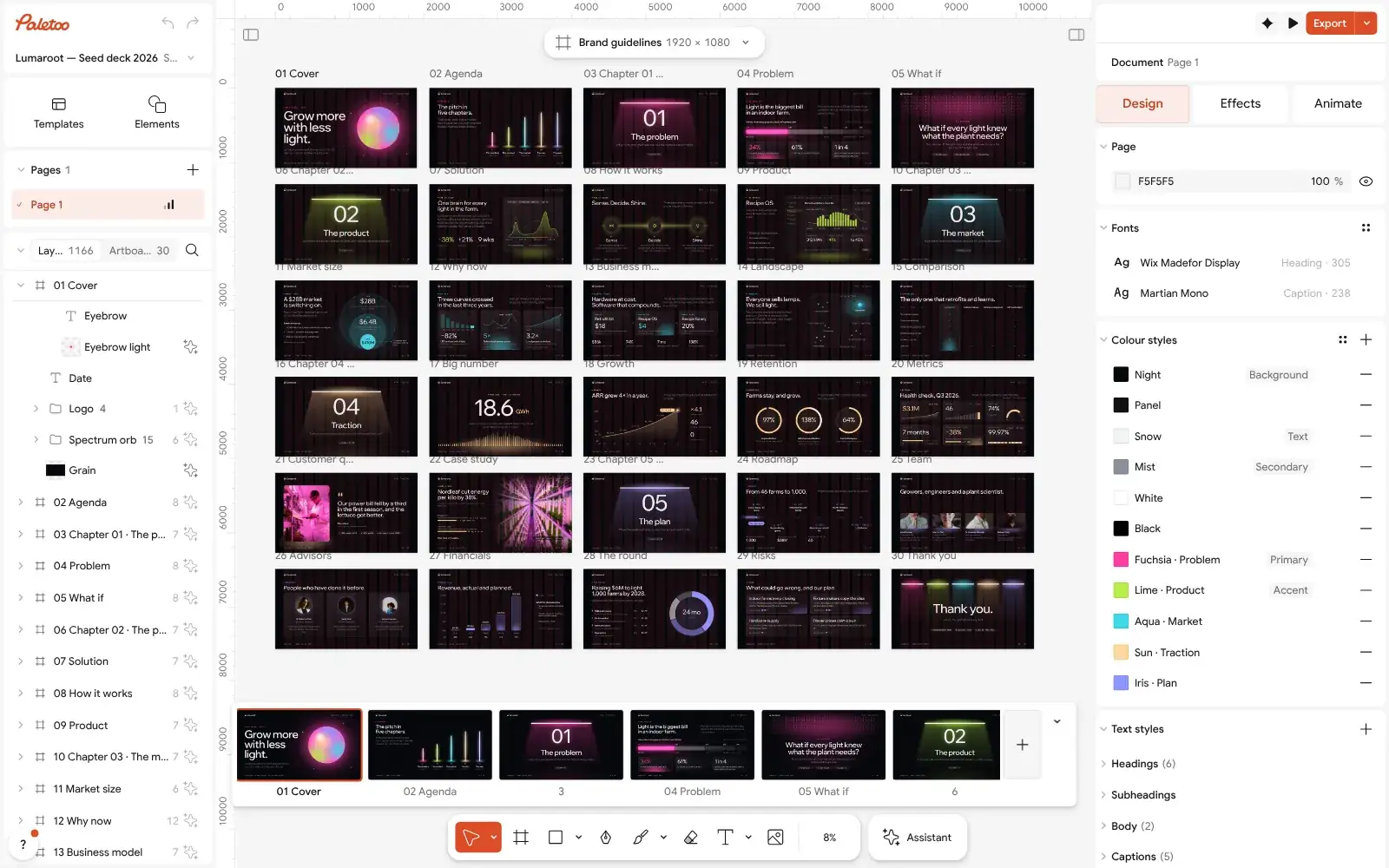
The whole 30-slide deck zoomed out: five chapters, one artboard per slide Delete the slides your story does not need, and duplicate a slide when you need a second of its kind. The order of artboards is the order of slides in the file.
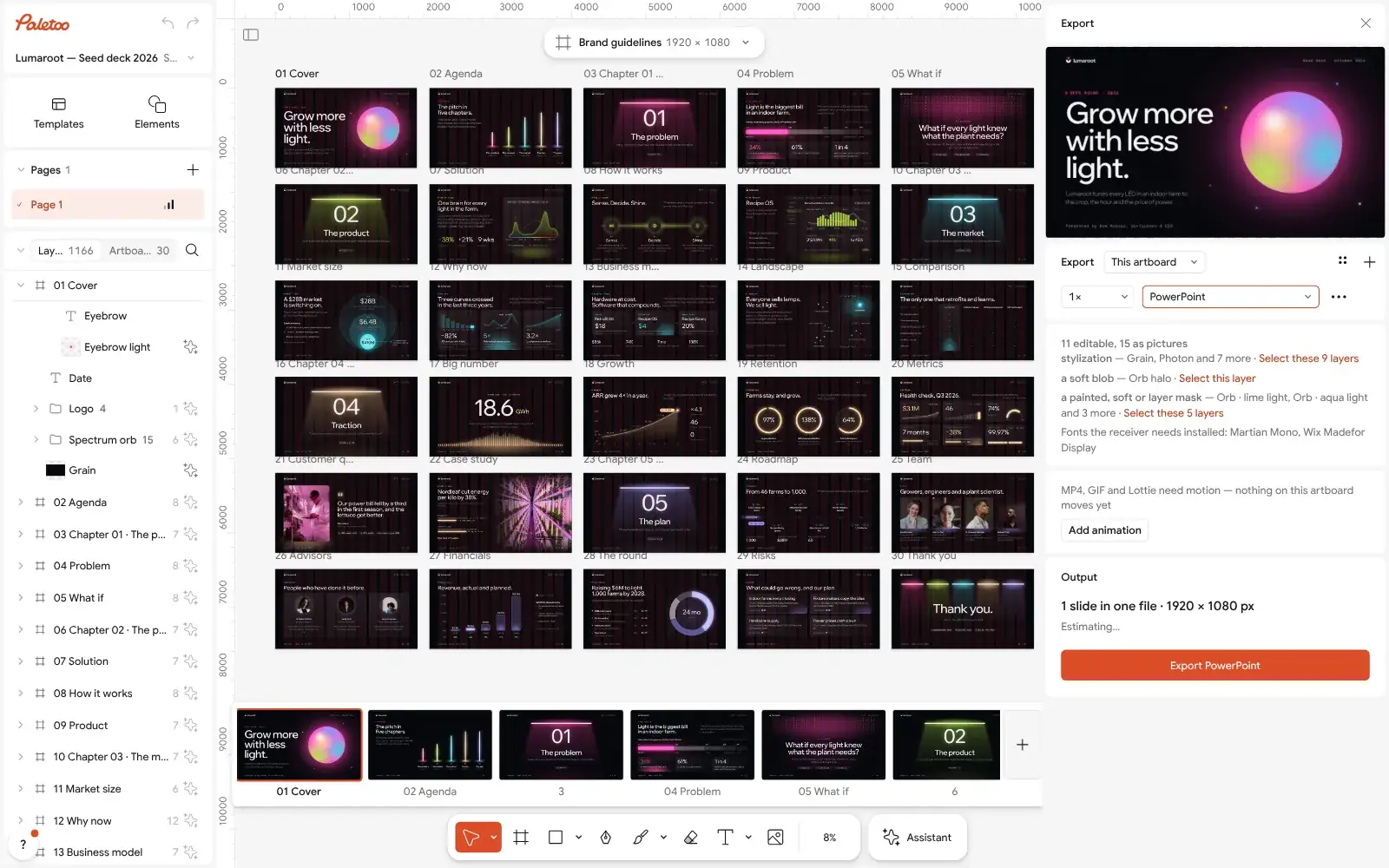
The Export window with PowerPoint chosen for every slide Put the deck in your brand: upload your fonts with Upload fonts and swap the deck’s fonts and colour styles from the document menu; every slide follows.
Press Export (Ctrl Shift E) and choose PowerPoint for presenting — one slide per artboard, text as text boxes — or PDF to send to investors.
Make it your own
If a headline wraps into three lines, shorten the words before you shrink the type in Typography; a pitch slide reads in three seconds or not at all.
Keep numbers as live text, not pictures: Auto layout cards grow with them, and you can update them the night before the meeting.
Check the PowerPoint file before you present: the Export window lists which layers stay editable and which become pictures, and which fonts the deck uses.
Questions
What should a pitch deck include?
A cover, the problem, your solution and how it works, the product, the market and why now, the business model, competition, traction, the team, the financials, the round you are raising, and your contacts.
How many slides should a pitch deck have?
Ten to fifteen for a first send or meeting. Move detail to an appendix you share on request.
Can I make a pitch deck for free?
Yes. In Paletoo the Lumaroot seed deck, editing and export to PowerPoint and PDF are free, with no watermark and no account needed.
Should I send investors a PDF or PowerPoint?
A PDF. It looks the same everywhere and nobody can change it by accident; keep PowerPoint for presenting and editing.
Can I edit the deck in Google Slides or Keynote?
Yes. Export PowerPoint and open it there: text arrives as text boxes, shapes as shapes. The fonts must be installed for the text to look the same.
Make it online
- Pitch deck makerOpen a designed 30-slide seed deck, write your story into it, and send it as PowerPoint or PDF — free, no sign-up, no AI filler.
- Presentation makerOpen a designed deck, change the words, present it full screen or send it as a PDF or PowerPoint — the first slide is yours in a minute.
- Logo makerType your brand name, pick a logo, try fonts, colours and layouts, then download SVG, PNG and app icons — free, no watermark, no sign-up.
Free design templates for posts, stories and posters: Presentation templates · Brand guidelines templates
Try it on your own design
Paletoo opens in your browser, with no sign-up. Every effect here is live: change the picture or the words and the effect follows.
Open in PaletooOpens this design as your own copy — every layer and effect editable, free.
Read next
- 01
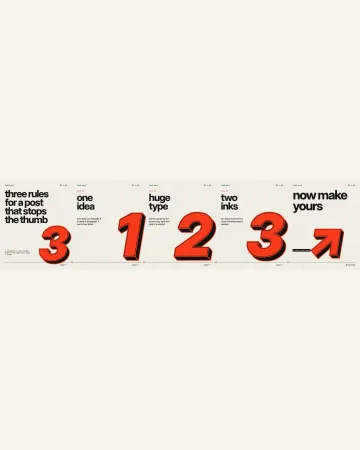 How to make an Instagram carousel from a templateOne wide artboard, a design that runs across the cuts, a file for every slide.
- 02
 Print-ready PDF: bleed, crop marks and CMYK, freeEverything a printer means by “print-ready”, and a checklist before you send the file.
- 03
 Font pairing for posters: six combinations that workOne loud voice, one quiet one, and a clear difference between them.