Pitch deck maker
Updated
Open a designed 30-slide seed deck, write your story into it, and send it as PowerPoint or PDF — free, no sign-up, no AI filler.
Start freeFree · opens in your browser · no sign-up · no watermark
Start from one of these
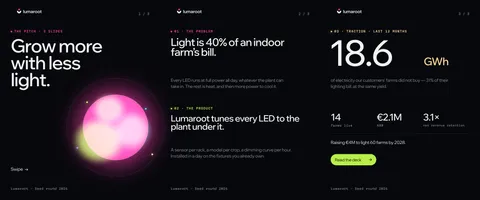
Real Paletoo documents and results — open one and change everything.



How it works
-
Open the deck
«Start free» opens the Lumaroot seed deck as your own document: 30 slides in five chapters, one artboard each. The Layers panel lists every slide by its name — Problem, Solution, Market size, Traction, Team, The round.
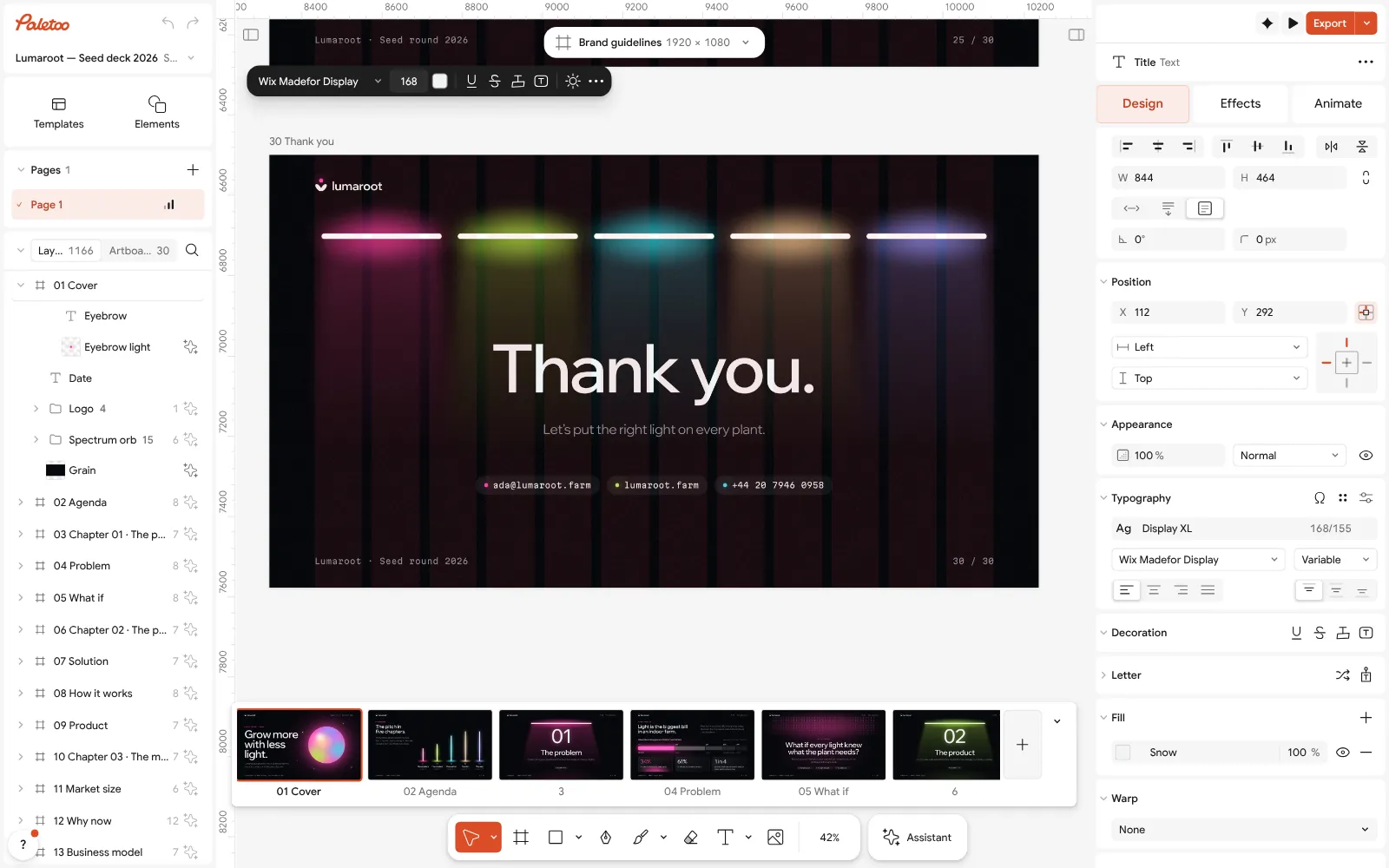
The Lumaroot deck open in Paletoo: the cover’s title selected, its font on the Design tab -
Write your story
Double-click a headline and type. Cards and lists built with Auto layout grow with their words, so the spacing holds. Delete the slides you do not need and duplicate the ones you need twice; the numbers and charts are plain text and shapes you can change.
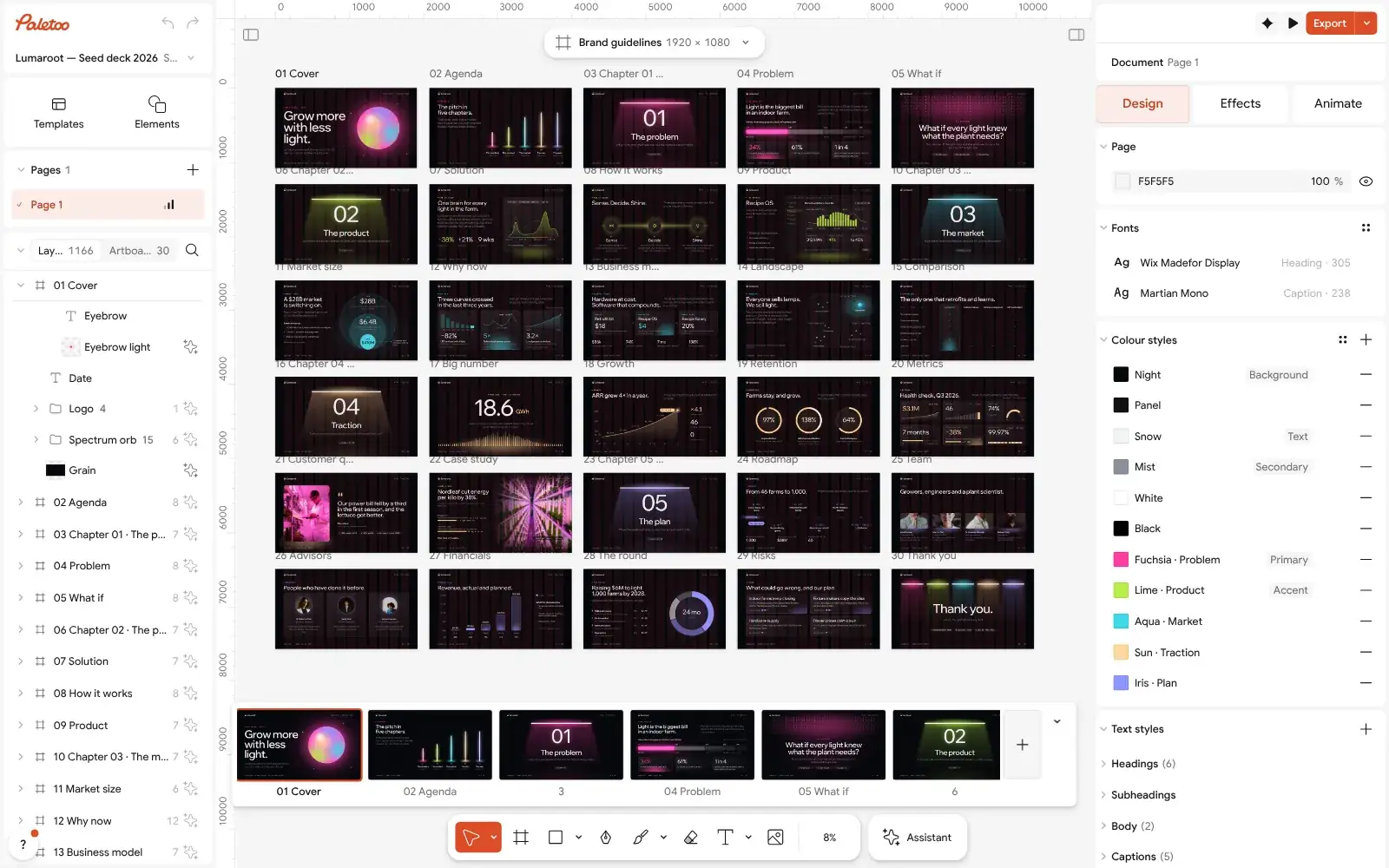
The whole 30-slide deck zoomed out: five chapters, one artboard per slide -
Export for investors
Press Export (Ctrl Shift E) and choose PowerPoint — one slide per artboard, text as real text boxes — or PDF, the file most investors prefer to receive.
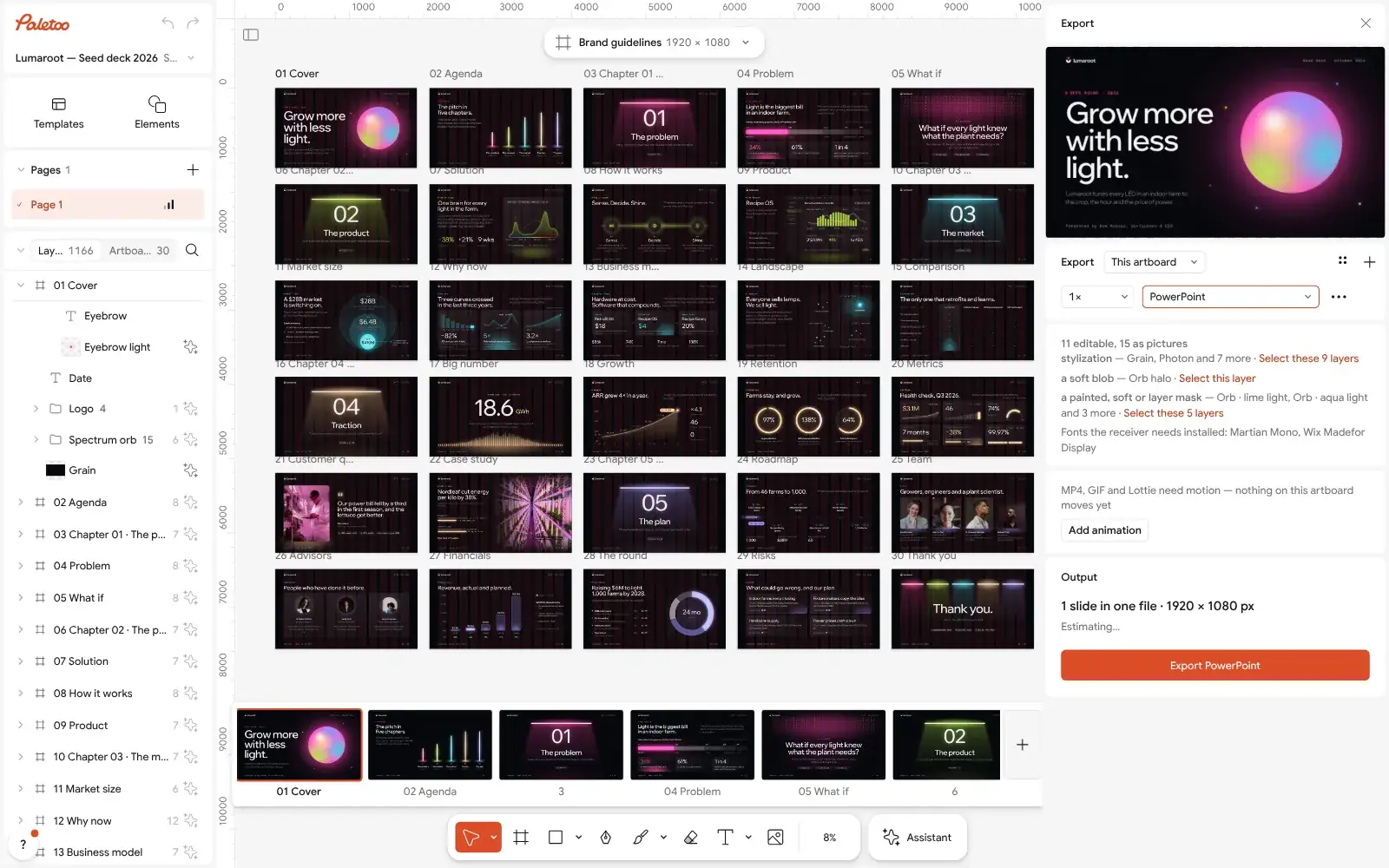
The Export window with PowerPoint chosen for every slide
What you get
A real seed deck
30 slides in the order investors read: problem, product, market, traction, the plan, team, financials, the round and risks.
Editable in PowerPoint
PPTX export keeps text as text boxes and vector shapes as shapes; it opens in Keynote and Google Slides too.
Your brand in a minute
Swap the deck’s fonts and colour styles once from the document menu and every slide follows.
Social cuts included
The same story as a three-slide carousel and a square webinar post, in the deck’s style.
Free, no sign-up
Editing and PowerPoint, PDF and picture export are free, with no watermark and no account needed.
Questions
Is the pitch deck maker free?
Yes. The deck template, editing and export to PowerPoint, PDF and pictures cost nothing and carry no watermark. You do not need an account; a free one adds cloud storage, share links and comments.
What slides should a pitch deck have?
Investors expect a problem, your solution, how it works, the market and why now, the business model and competition, traction, the team, the financials and the round you are raising. The Lumaroot deck has a slide for each, in that order, plus a cover, an agenda and a thank-you.
How many slides should a pitch deck have?
Ten to fifteen for a first meeting or an e-mail. The template has 30 so you can choose: keep the slides that tell your story and delete the rest, and move the detail to an appendix.
Can I edit the exported deck in PowerPoint or Google Slides?
Yes. Each artboard becomes a slide, text arrives as real text boxes and vector drawings as shapes. Anything a slide cannot express, such as a blend mode, becomes a picture, and the Export window tells you which layers.
Should I send investors a PDF or a PowerPoint file?
Send a PDF: it looks the same on every device and nobody can change it by accident. Keep the PowerPoint for presenting and for co-founders who will edit it.
Does it write the deck for me with AI?
No. It gives you the structure and the design, and you write the words, which is what investors read for. AI image generation is in the editor if you want a picture, and only it uses credits.
What size are the slides?
1920 × 1080 px, 16:9, the size of today’s screens and projectors. 4:3 and 16:9 in 4K are in the artboard’s format list if you need them.
Can I use my own fonts and colours?
Yes. Upload your fonts and swap the deck’s fonts and colour styles everywhere at once from the document menu; put your logo on as an SVG or a picture.
Learn more
Step-by-step guides

How to make a pitch deck: the slides, the order, a free template
The story investors expect, slide by slide, on a designed deck you can send today.
Presentation design tips: how to make slides look good
Eight rules that make any deck look designed, shown on a real three-slide pitch.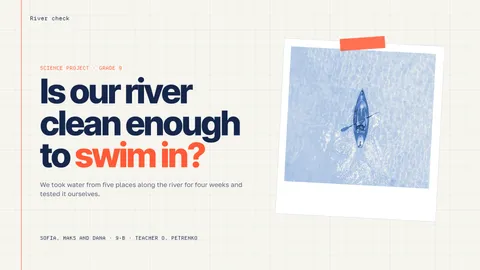
Best fonts for presentations: 12 pairs that read
Twelve font pairs that stay readable from the back of the room — on your own slide title, with sizes, and one tap to a new presentation set in them.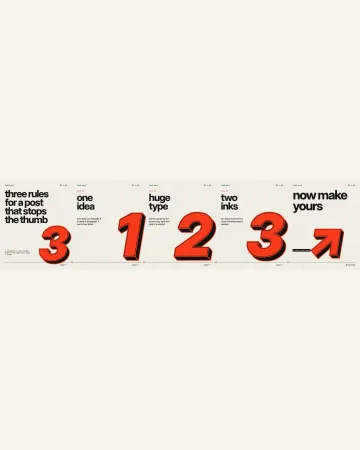
How to make an Instagram carousel from a template
One wide artboard, a design that runs across the cuts, a file for every slide.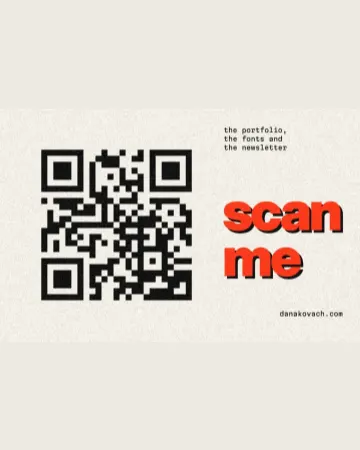
How to make a business card with a QR code
The right size, your details, a QR code that scans and a PDF for the printer.
In the help centre
More tools
Presentation maker
Open a designed deck, change the words, present it full screen or send it as a PDF or PowerPoint — the first slide is yours in a minute.
Logo maker
Type your brand name, pick a logo, try fonts, colours and layouts, then download SVG, PNG and app icons — free, no watermark, no sign-up.
Mockup generator
Show your design on a phone, a poster, a T-shirt or a bag — free, with real light and folds, no watermark and no sign-up.
Make it now
Paletoo opens in your browser. Start from the template above or a blank page, and export when you are happy.
Start free