Techniques5 min readFreeUpdated 2026-11-15
How to make a zine: one sheet, eight pages, made online
One sheet of paper, one cut, eight pages — the oldest self-publishing trick, laid out on screen and printed at the corner shop.
By the Paletoo team · steps tested in Paletoo on
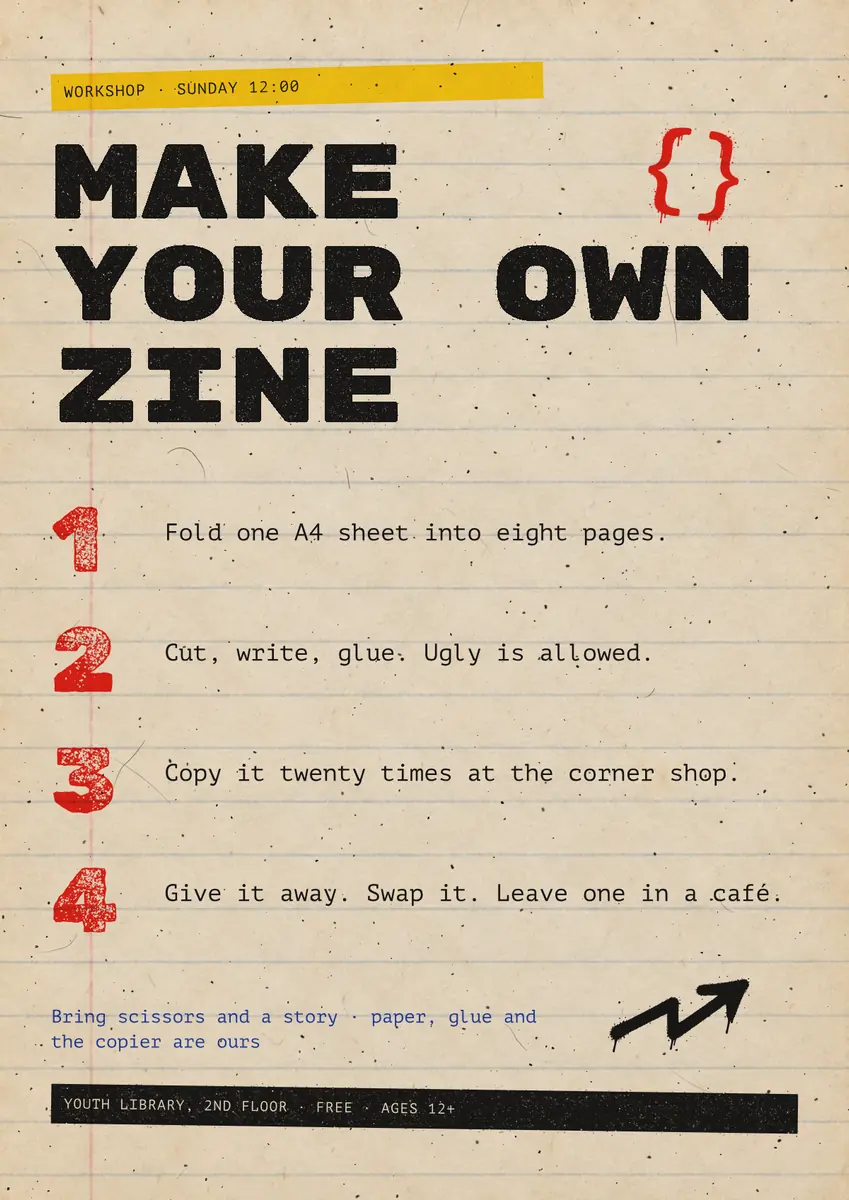
To make a zine, fold one A4 or Letter sheet into eight panels, cut a slit along the middle fold and fold it into a little booklet: eight pages, no stapler. Design the pages on a landscape A4 split four by two, print the top row upside down, and photocopy as many as you need — or make the whole thing online in Paletoo and print a PDF.
This guide uses «Make your own zine», a workshop poster from our zine set that already tells the story in four steps, then lays out a real eight-page zine: the page order, the fold, the photocopy look, the paper and the print. Every step in the editor was run in Paletoo on 11 November 2026; the pictures are the editor itself.
What a zine is
A zine (say «zeen», from «magazine») is a small self-published booklet, made by one person or a few, in a run of ten copies or a thousand, about anything: a band, a street, a recipe, a feeling. Zines grew from science-fiction fan magazines in the 1930s, became the voice of punk in the 1970s and of riot grrrl in the 1990s, and today fill library shelves and zine fairs. The rules are that there are no rules — but the photocopy, the cut-and-paste and the hand-made type are the look everyone recognises.
The one-sheet, eight-page zine
The classic mini zine uses one sheet. On A4 each page is 74 × 105 mm (A7); on US Letter, 2.75 × 4.25 in. Lay the sheet landscape and divide it into four columns and two rows. The front cover goes bottom right and the back cover next to it, bottom left of centre; the pages inside run along the top row, which is printed upside down so they come out the right way up after folding. The safest way to get the order right is the zine-makers’ trick: fold a scrap sheet, number the pages 1–8 in pencil, unfold it, and copy the layout.
| Sheet | Sheet in pixels at 300 dpi | One page |
|---|---|---|
| A4 landscape | 3508 × 2480 | 74 × 105 mm · 877 × 1240 px |
| US Letter landscape | 3300 × 2550 | 2.75 × 4.25 in · 825 × 1275 px |
| A3 landscape (a bigger zine) | 4961 × 3508 | 105 × 148 mm (A6) · 1240 × 1754 px |
How to fold it
Fold the printed sheet in half along its length and open it. Fold it in half across, then fold each half back to the middle, so you have eight panels creased. Open it, fold it in half across again, and cut along the middle crease from the folded edge to the centre — only through the two middle panels. Open it, fold it lengthwise, and push the two ends together: the cut opens into a diamond and the pages fall into place. Fold it flat around the cover. The first one takes five minutes; the twentieth, twenty seconds.
Made in Paletoo
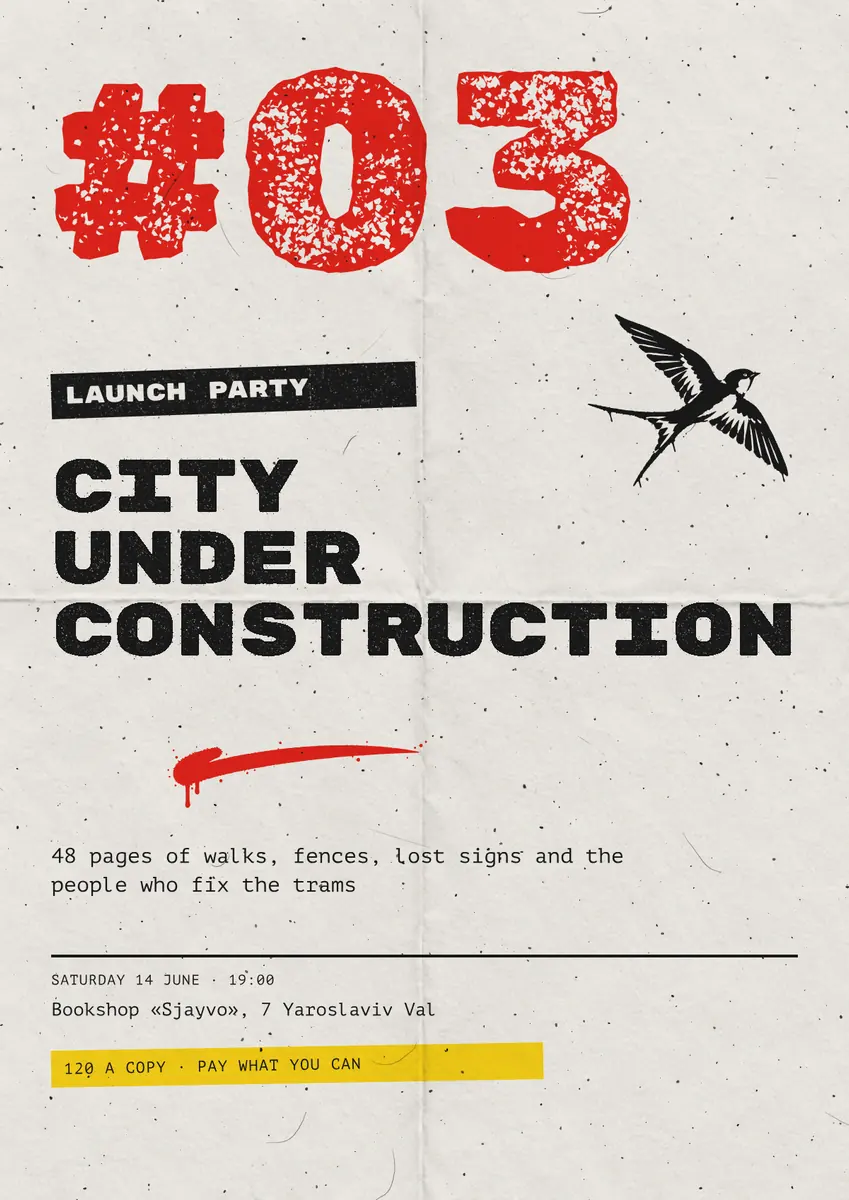
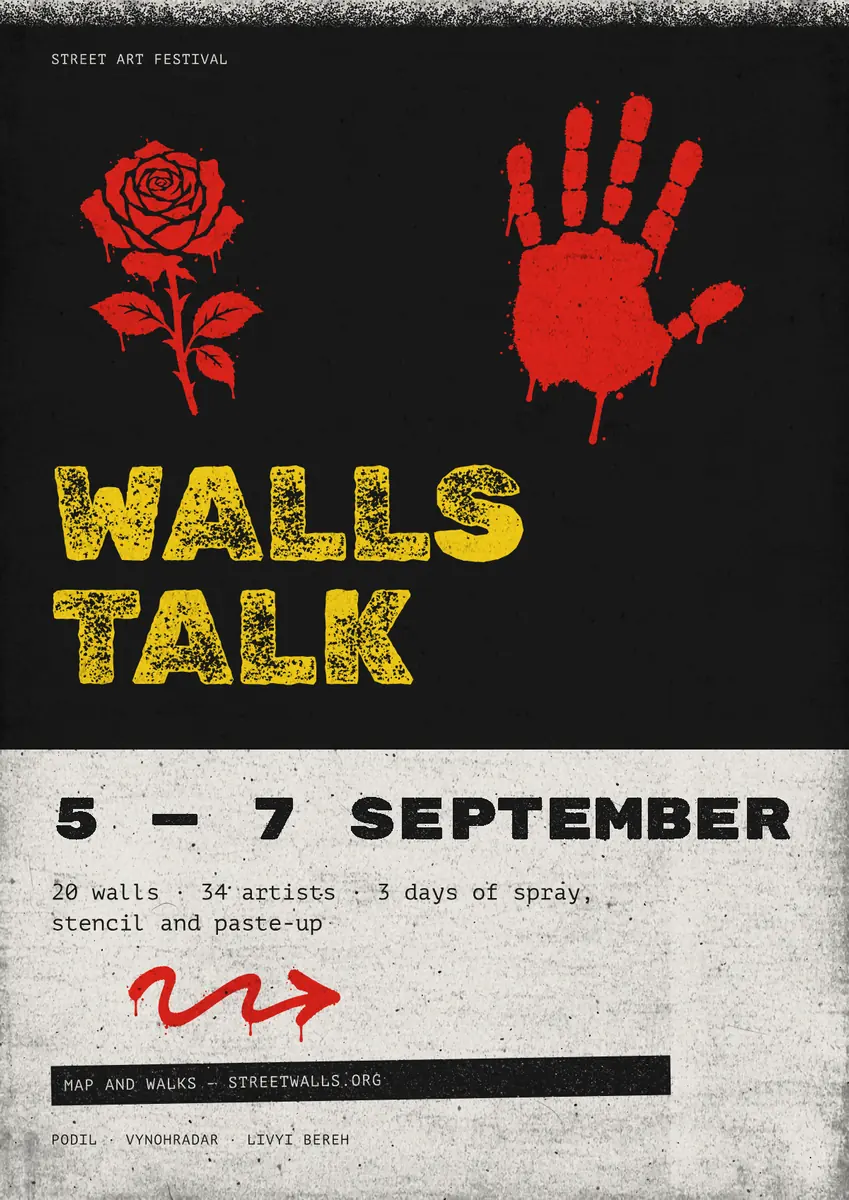
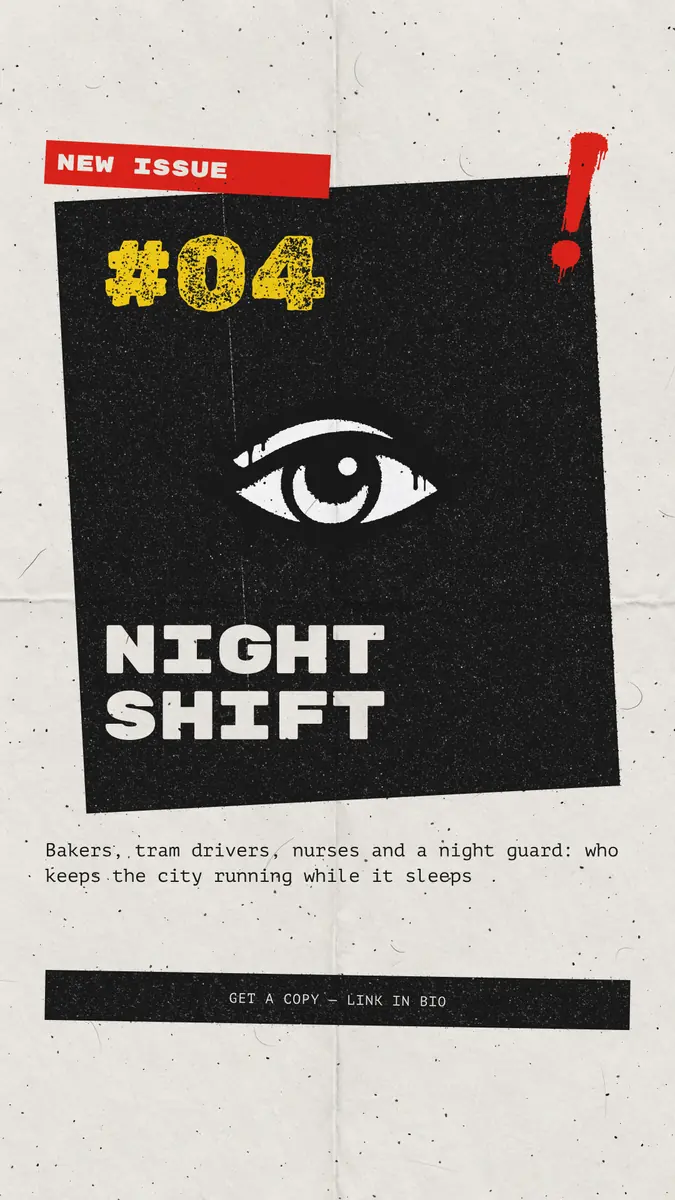
Every picture on this page was made in Paletoo — these three with the same steps on other templates:
Step by step in Paletoo
Open the poster: press “Open in Paletoo” on this page, or start from the poster maker. It opens as your own document; the Layers panel lists the title, the four steps and the strips of tape.
Double-click the steps and write your own zine’s story — or the announcement of your zine launch. The typewriter font and the sizes are under Typography in the Design tab.
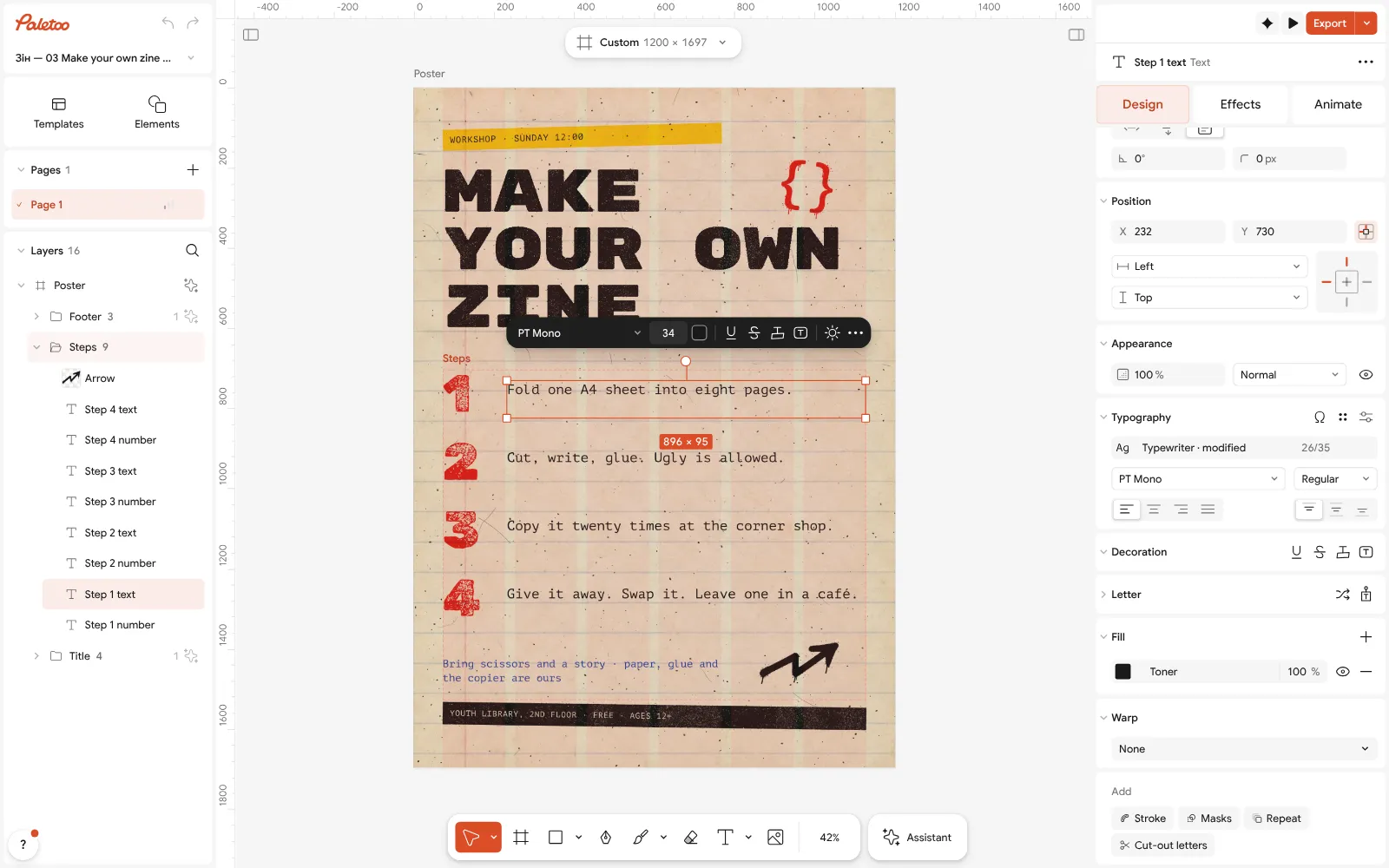
The «Make your own zine» poster open in Paletoo: the first step’s words selected under Typography Select the title and open the Effects tab: under Applied its photocopied look is one live step, Xerox. Open it to make the copy worse or better — Generation for how many times it was copied, Specks and Streaks for the dirt.
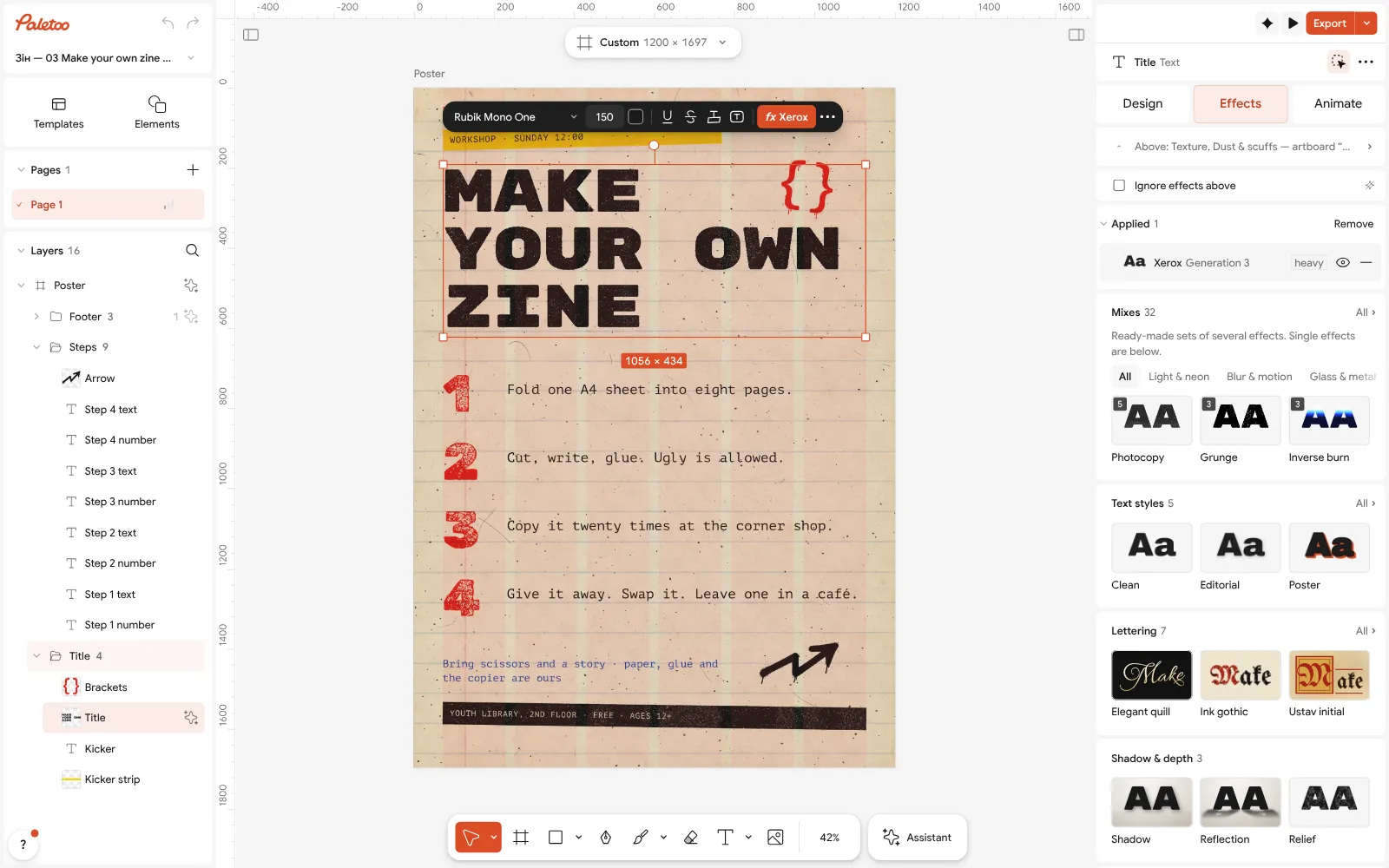
The title under Effects: its photocopied look is one live Xerox step For the zine itself, start a page from Home at A4 landscape. Press Add layout grid on the Design tab and set four columns with no gutter, then add a second grid of two rows: those are your eight pages.
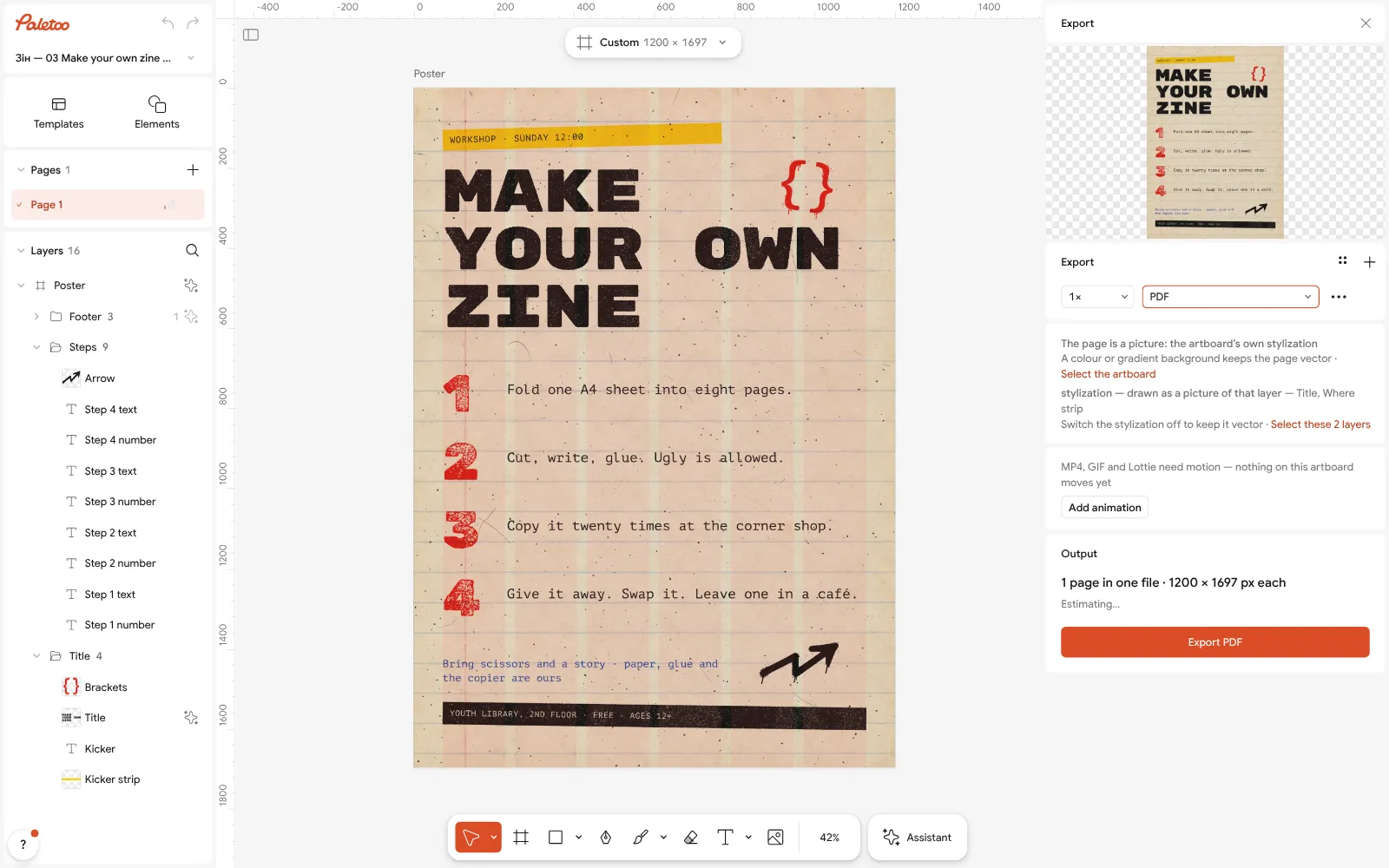
Export as PDF, ready to print and copy Put each page’s words and pictures in its cell, the top row’s turned upside down (type 180 in Rotation). Add Xerox or Halftone to photos so the whole zine prints the same way on a copier.
Press Export (Ctrl Shift E) and choose PDF. Print one at 100 %, fold it, check the order, then copy as many as you need. Nothing carries a watermark.
Make it your own
For a risograph-printed zine instead of a photocopied one, swap Xerox for Halftone in two ink colours — the look of zine fairs.
Keep two fonts at most: a loud one for the cover and a typewriter or mono one for the text. Set them once as Text styles and every page follows.
Making a longer zine for a print shop? Use one artboard per page with Duplicate artboard and export a PDF of all of them: the shop arranges them for a stapled booklet.
Sources
Questions
How do you make a zine from one piece of paper?
Fold an A4 or Letter sheet into eight panels, cut a slit along the middle fold through the two centre panels, then fold it lengthwise and push the ends together. It becomes an eight-page booklet with no staples.
What size is a zine?
A one-sheet zine from A4 has pages of 74 × 105 mm (A7); from Letter, 2.75 × 4.25 in. Stapled zines are often A5 (148 × 210 mm) or half-Letter (5.5 × 8.5 in).
Can I make a zine online?
Yes. Lay out the pages on an A4 landscape page in Paletoo with a four-by-two grid, add photocopy or halftone effects, and export a PDF to print — free.
How should a zine be laid out for printing?
Front cover bottom right, back cover beside it, the top row upside down. Fold and number a scrap sheet first and copy the layout — it is the surest way.
What do I need to make a zine?
Paper, something to write or design with, scissors and a copier or printer. That is the point of a zine: anyone can make one this afternoon.
Make it online
- Poster makerMake a poster from a template that already has the layout right, then export a print-ready PDF or an image for screens.
- Photo collage makerDrop your photos into a ready grid — two, three, four or five frames — and every picture fills its frame without stretching.
- Flyer makerTurn a ready flyer template into yours in minutes and send the printer a PDF with bleed and crop marks.
Free design templates for posts, stories and posters: Poster templates · Social media post templates · Event and launch templates
Try it on your own design
Paletoo opens in your browser, with no sign-up. Every effect here is live: change the picture or the words and the effect follows.
Open in PaletooOpens this design as your own copy — every layer and effect editable, free.
Read next
- 01
 Photocopy effect: how to make one online, freeDense toner blacks, greys in scan lines and grey copier paper, from any photo.
- 02
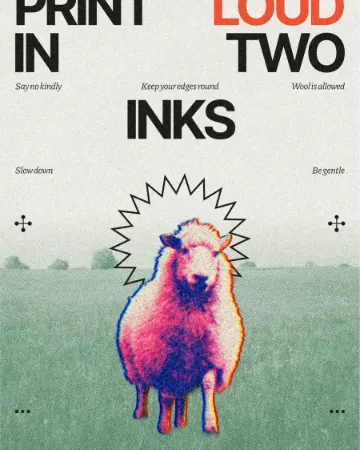 How to make a risograph effectTwo riso inks out of register, a coarse screen, riso paper.
- 03
 Collage and scrapbook design trend 2027: cut-outs, tape and torn paperCut-outs, photocopies and masking tape: a handmade look for a feed full of polished pictures.