Techniques5 min readFreeUpdated 2026-11-16
Instagram fonts in Ukrainian: why generators fail, what works
Why «fancy font» generators leave Ukrainian letters plain, what they break when they try, and forty real fonts with Cyrillic to try on your own words.
By the Paletoo team · steps tested in Paletoo on
There are no Instagram «fonts» in Ukrainian for your bio or captions: the font generators that make bold, italic or script text do it with special Unicode letters that exist only for Latin and Greek, so Cyrillic stays plain — or is swapped for lookalike Latin letters that search and screen readers misread. Real fonts with Cyrillic work in pictures: posts, stories, carousels and Reels covers, where the words are part of the image.
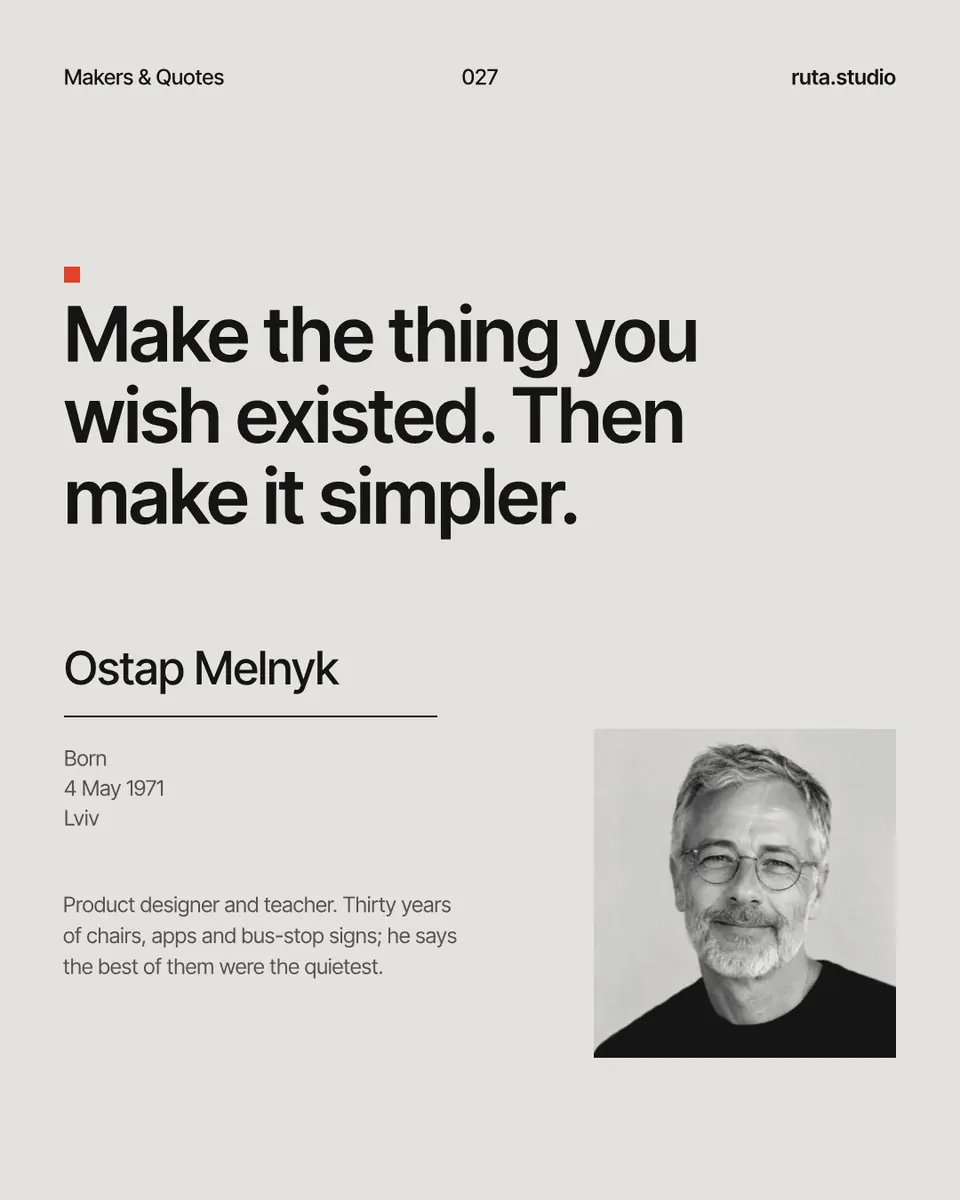
The tester below sets your words in forty font pairs, every face open-licence and complete in Ukrainian (Ґ, Є, І, Ї); «Use this pair» opens a new Instagram post with the pair saved as text styles. After it: what the generators actually do, where styled text helps and where it hurts, and the steps in Paletoo on «Makers & Quotes», a quote post set in a bold grotesk.
Try the pairs on your own wordsLive
Type a headline and a line of text, then switch between the forty pairs. Every face is open-licence and sets Ukrainian and Polish.
- Magazine spreadNyght Serif Light + Overused Grotesk
- New classicPlayfair Display + Inter
- Italic accentNyght Serif Italic + Geist
- Wide gestureUnbounded ExtraBold + Manrope
- Warm serifLiterata Display Black + Inter
- Code and designGeist SemiBold + Geist Mono
- Condensed shoutOswald Bold + Inter
- Quiet luxuryCormorant Garamond Medium + Manrope
- Grotesk and typewriterOverused Grotesk Black + IBM Plex Mono
- Contrast and monoYeseva One + Geist Mono
- One familyFixel Display Black + Fixel Text
- Compressed and monoSofia Sans Extra Condensed Black + JetBrains Mono
- CyberTektur ExtraBold + Martian Mono
- Y2K bubblesNunito Black + Manrope
- Handwritten noteCaveat Bold + Inter
- BookishPT Serif Bold + Overused Grotesk
- SystemIBM Plex Serif SemiBold + IBM Plex Sans
- Future medievalSinistre Dark + Fixel Text
- Wide brutalRubik Mono One + Geist
- MarbleForum + Manrope
- Grotesk with a twistCommissioner Flared Black + Commissioner
- Bouba groteskRubik ExtraBold + Rubik
- Wide meets bookUnbounded Medium + Literata
- WeddingCormorant Garamond Light + Montserrat
- HeritageBrygada 1918 Bold + Inter
- Hand scriptPodil Script + Fixel Text Light
- Y2K pixelDeparture Mono + Geist
- Modern journalManrope ExtraBold + Literata
- InterfaceFixel Display Bold + JetBrains Mono
- GlossyYeseva One + Overused Grotesk
- SeventiesMontserrat Alternates Black + Nunito
- Serif and codeLiterata Display Black + JetBrains Mono
- Gig posterLe Murmure + Overused Grotesk
- Italic textManrope ExtraBold + Nyght Serif Italic
- NewsroomIBM Plex Mono Bold + Nyght Serif
- One serifNyght Serif Dark + Nyght Serif Light
- PsychedelicOuroboros + Fixel Text Light
- SwissGrotesk Gras + Grotesk Mince
- InvitationPinyon Kyiv + Nyght Serif
- TabloidFira Sans Condensed Black + Nyght Serif
Quiet
Good type makes people stop, read and remember. The second face does the quiet work.
A thin editorial serif over a neutral grotesk — the most-saved pair of the year, in open look-alikes with Cyrillic.
Stands in for: PP Editorial New + PP Neue Montreal
Use this pair in PaletooOpens a new document with exactly this setup — free, no sign-up.
Why font generators do not write Ukrainian
Instagram lets you type only plain text in a bio, a name or a caption — there is no font menu. The «font generators» get around it by replacing each letter with a look-alike character from Unicode’s Mathematical Alphanumeric Symbols block: 𝐛𝐨𝐥𝐝, 𝘪𝘵𝘢𝘭𝘪𝘤, 𝓈𝒸𝓇𝒾𝓅𝓉, 𝔣𝔯𝔞𝔨𝔱𝔲𝔯. That block was made for mathematics and contains styled forms of Latin and Greek letters and digits only. There is no bold Ґ, no italic Ї, no script Ж anywhere in Unicode.
So the generators do one of three things with Ukrainian text. They leave it plain, so a bold English word sits next to an ordinary Ukrainian one. They swap Cyrillic for Latin letters that look similar (A for А, B for В, H for Н), which works for a few letters and turns the rest into nonsense. Or they add combining marks — a line through or under each letter — which do work on Cyrillic, but break searching and copying.
| Style | Latin | Ukrainian | Searchable and readable? |
|---|---|---|---|
| Bold, italic, script, fraktur | Styled letters | Left plain — no such letters exist | No for Latin: search and screen readers stumble |
| Lookalike swap | — | Some letters swapped for Latin ones | No: the word is no longer Ukrainian |
| Strikethrough, underline marks | Works | Works | Poorly: an extra mark after every letter |
| Small caps, bubbles, squares | Styled letters | Left plain | No for Latin |
| Words in a picture (a post or a story) | Any font | Any font with Cyrillic | Yes — add the words to the caption and alt text too |
Where styled text hurts — and where real fonts help
Generator letters look like text but are not: Instagram’s search does not match 𝐛𝐨𝐥𝐝 to «bold», so a styled name or keyword in a bio is harder to find, and many screen readers read such characters one by one or skip them. On someone else’s phone a symbol can show as an empty box. For your name, your bio and anything you want found, plain text is the professional choice.
Real fonts belong in the image. A post, a carousel slide, a story or a Reels cover can use any font with Cyrillic, set exactly as you want — and that is where people look first anyway. Keep the important words in the caption as plain text too, so they can be found and read aloud, and add alt text to the post.
Choosing a font for Instagram posts in Ukrainian
Check the whole alphabet first. Many trendy fonts have no Cyrillic, or have Russian letters without Ґ, Є, І and Ї, and a design tool then quietly swaps in another font for the missing ones — the word «Їжак» ends up in two fonts. Type a test line with ґ, є, і, ї and the apostrophe before you choose.
Then think about size. A post is seen at about a third of a phone screen in the feed, so a headline needs a heavy or wide face set large, and the text under it a calm one. That is exactly what a pair gives you: one face to stop the scroll, one to be read. Every pair in the tester passes the Ukrainian check, and the label on each tells you what it is good for.
Made in Paletoo
Every picture on this page was made in Paletoo — these three with the same steps on other templates:
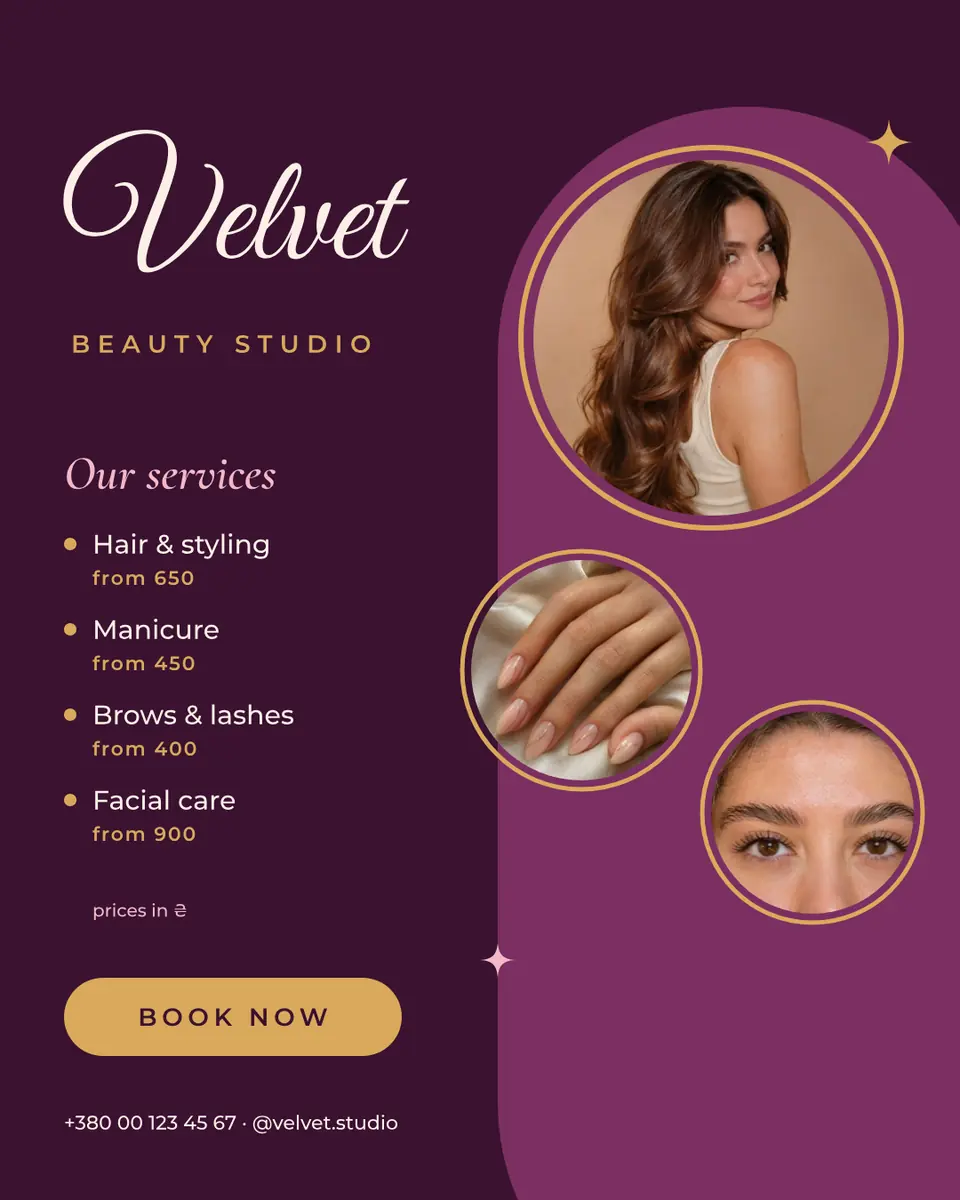
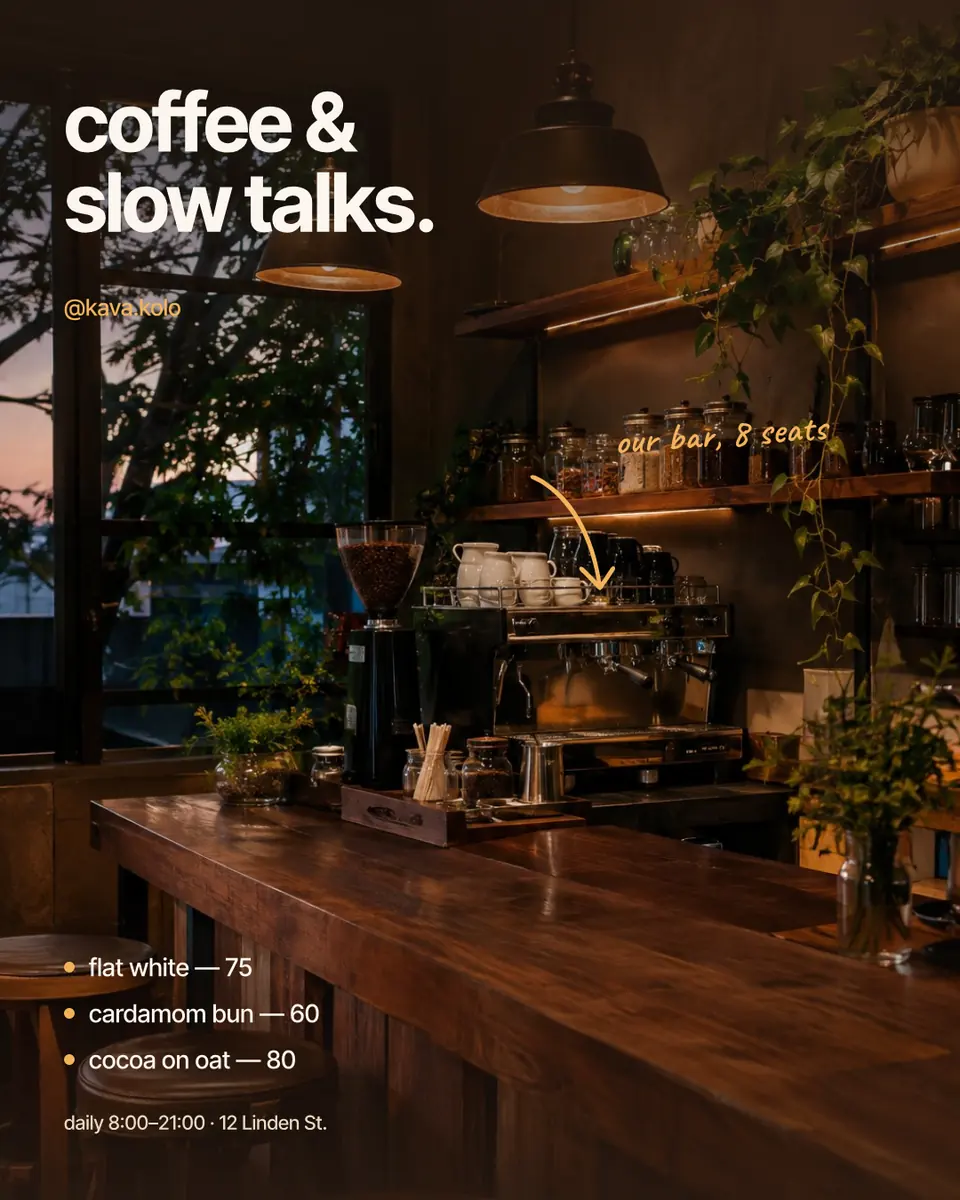
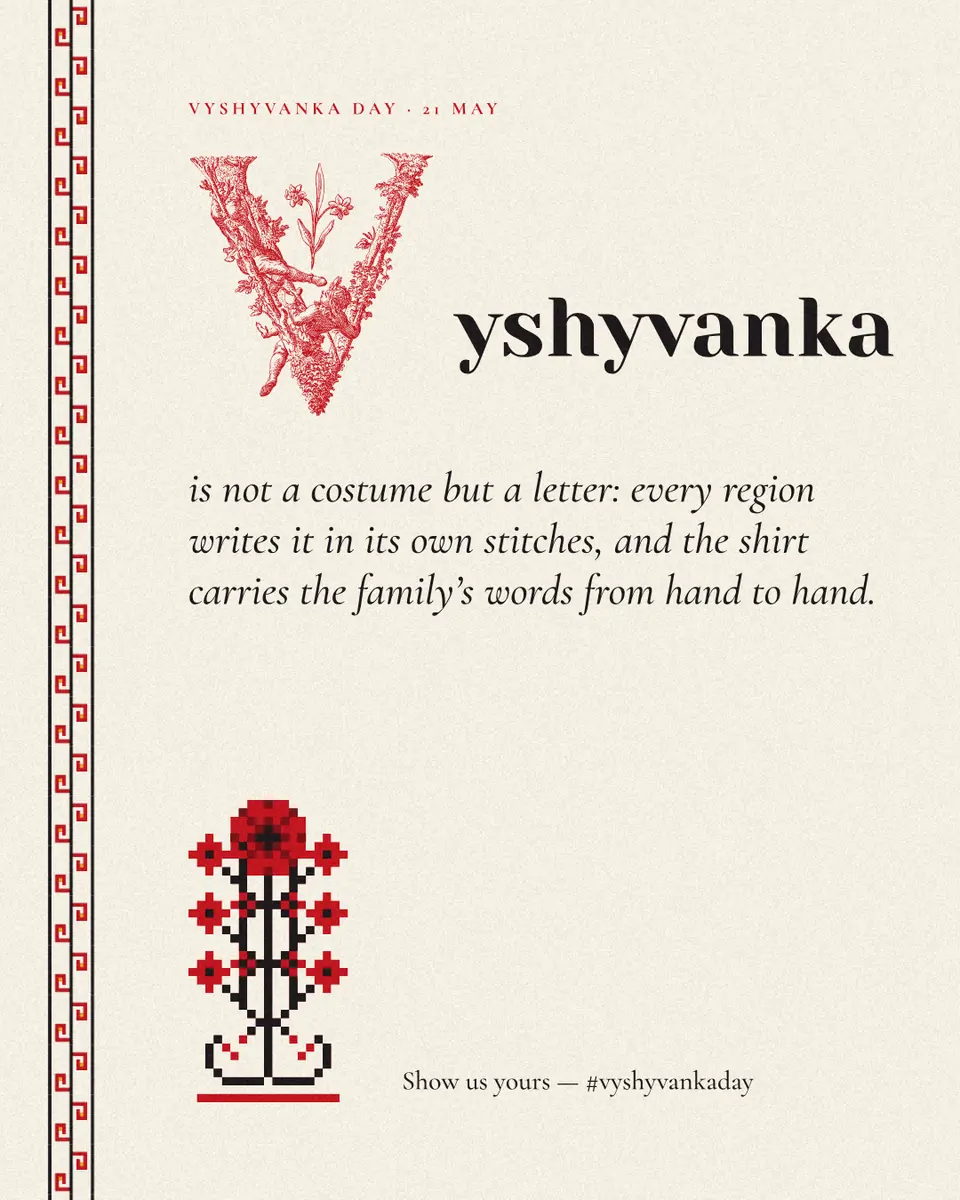
Step by step in Paletoo
Open the post: press “Open in Paletoo” on this page, or “Use this pair in Paletoo” under the tester — that opens a new post with your pair saved as two Text styles. «Makers & Quotes» sets a quote in a bold grotesk with a small caption and a portrait.
Double-click the quote and type your own words in Ukrainian; with it selected, the Typography section of the Design tab shows its Font, Weight and Size.
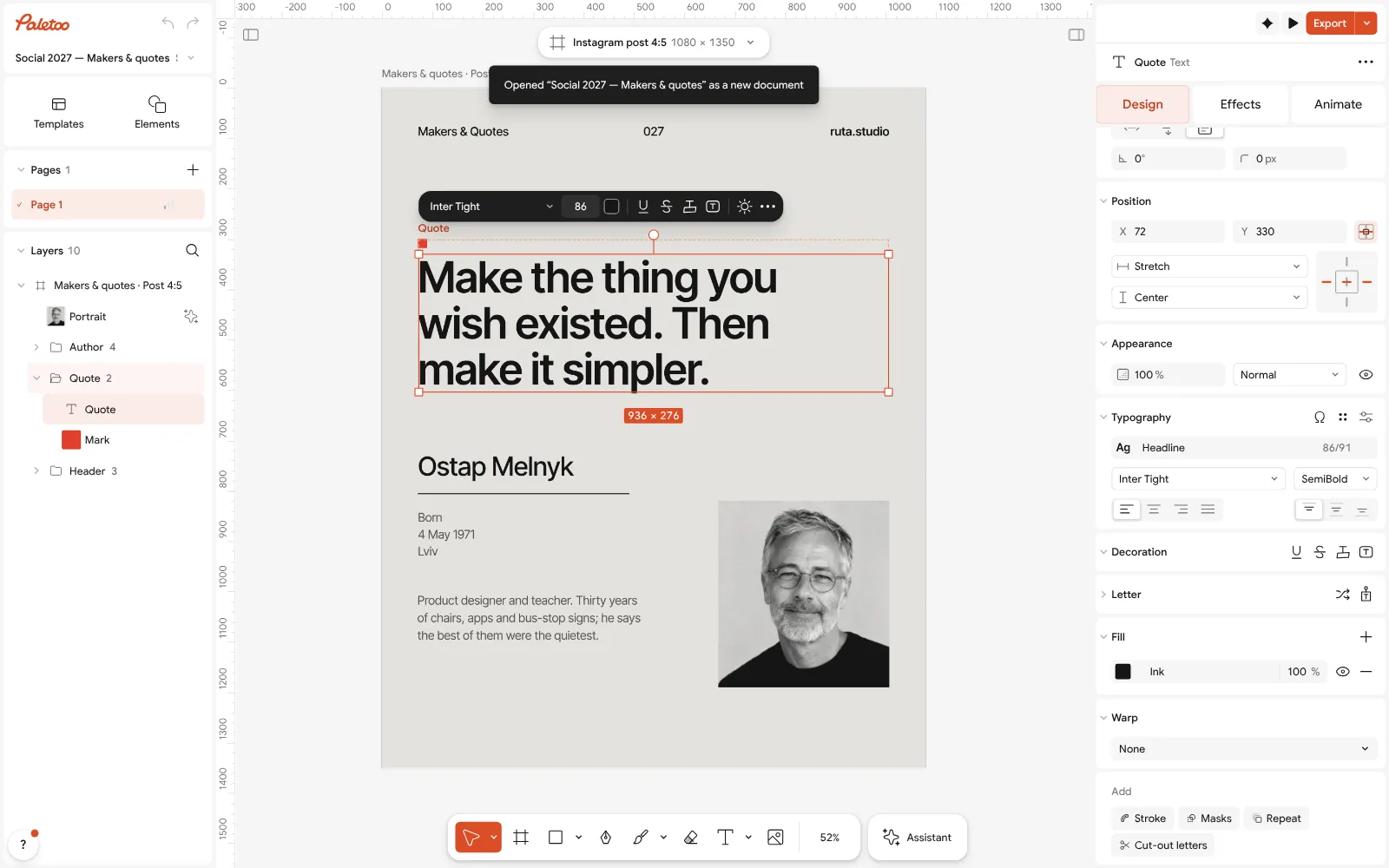
The «Makers & Quotes» post open in Paletoo, the quote selected: its font under Typography Press the font name to open the font list: Recommended for this design at its top suggests faces that pair with the fonts already in the post, all of them with Cyrillic.
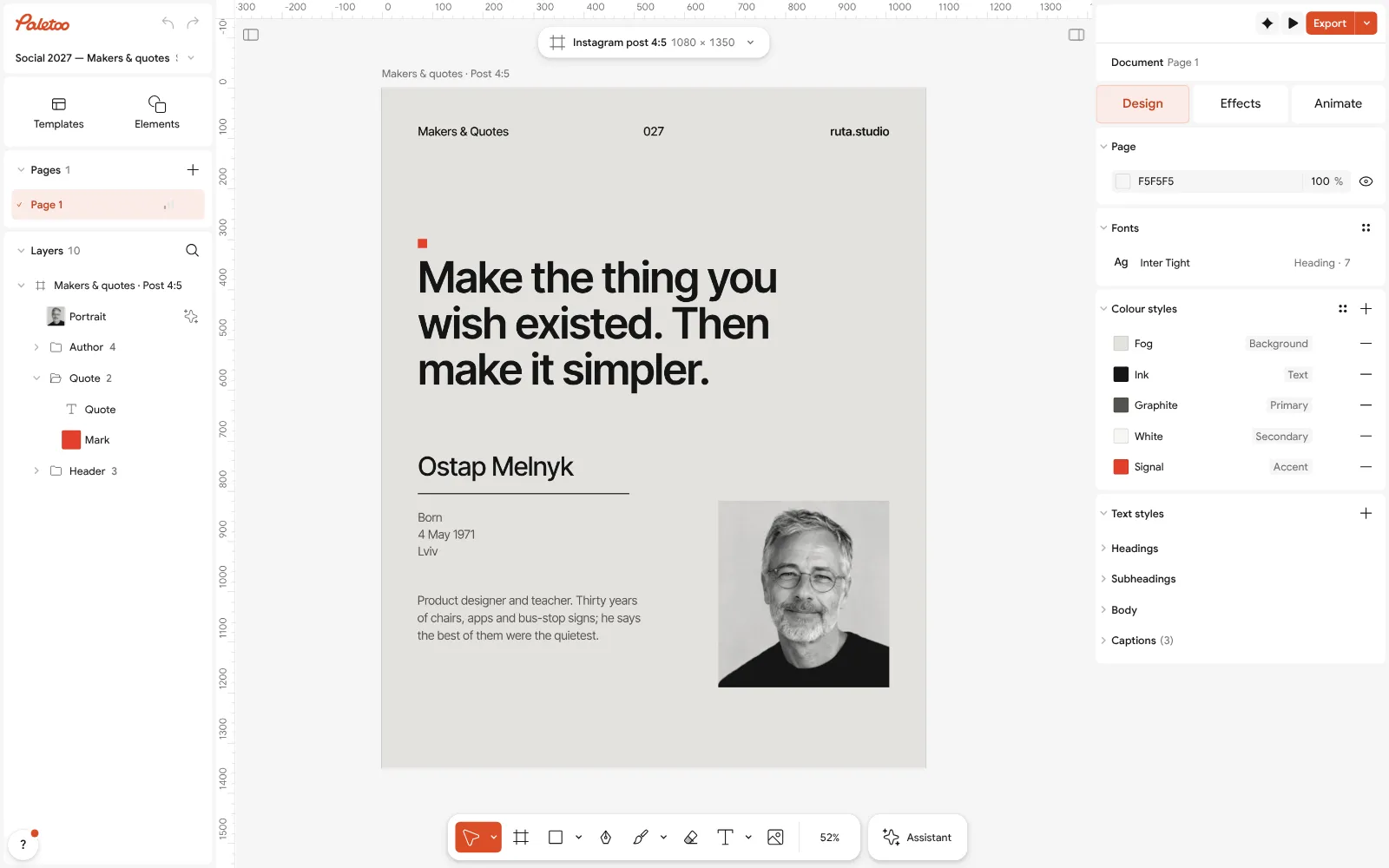
Nothing selected: the post’s text styles, ready to take another pair With nothing selected, the Design tab lists the post’s Text styles. Change a style’s font once, and every line that uses it changes.
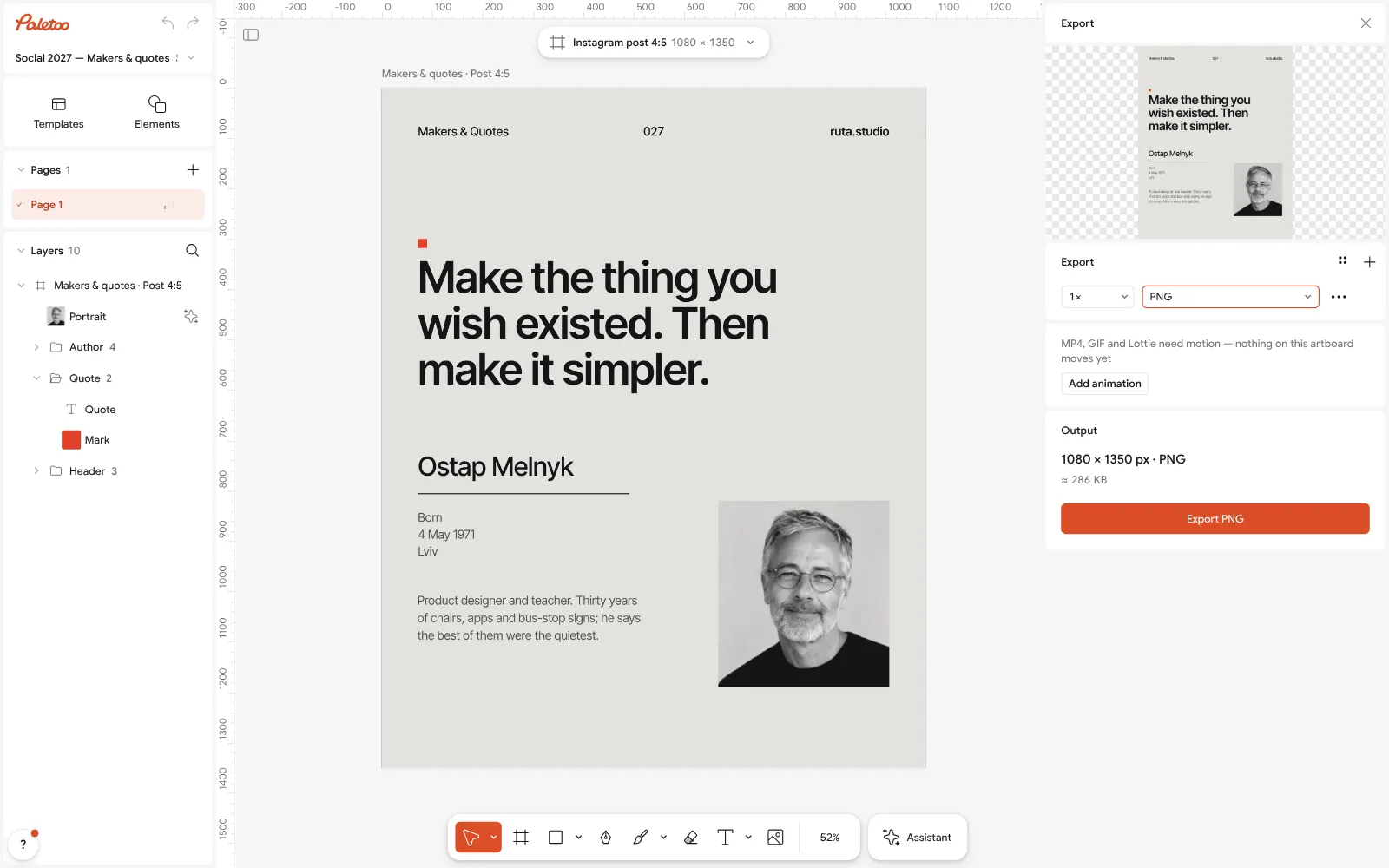
The Export window: the post as PNG, free Fine-tune: tighten Letter spacing on a big headline, loosen Line height on a long quote, and keep small text large enough to read in the feed.
Press Export (Ctrl Shift E) and download a PNG — the fonts are part of the picture, so they look the same on every phone; then paste the words into the caption as plain text.
Make it your own
If a Ukrainian word falls into another font, the face lacks a letter: pick another in Font — every face in the tester has the full alphabet.
For a series of posts, keep the pair in Text styles and only change the words — the feed then looks like one brand.
For stories, make the headline larger in Size than on a post: a story fills the screen, but people look at it for a second or two.
Sources
Questions
Why don’t Instagram font generators work in Ukrainian?
They use Unicode’s mathematical letters, which exist in bold, italic and script styles only for Latin and Greek. There are no styled Cyrillic letters, so Ukrainian stays plain or is swapped for lookalike Latin letters.
How do I change the font in my Instagram bio?
You cannot choose a real font in a bio: Instagram shows plain text there. Generator letters only imitate fonts for Latin, and they make your bio harder to search and to read aloud.
How can I post Ukrainian text in a nice font?
Put the words in the picture: set them in a font with Cyrillic in a post, carousel or story design, export a PNG and post it. Repeat the key words in the caption as plain text.
Which fonts support Ukrainian letters?
Every face in the tester on this page sets Ґ, Є, І, Ї and the apostrophe: Fixel, Unbounded, Manrope, Inter, Literata, Yeseva One, Caveat, Rubik, Podil Script and others.
Are generator fonts bad for my account?
They are not banned, but styled letters are not matched by search and can be read badly by screen readers. Use them sparingly for decoration, never for your name or keywords.
Can I use these fonts commercially on Instagram?
Yes. They are open-licence fonts (SIL Open Font License or similar), which allow commercial use in designs, including posts for a business.
Make it online
- Instagram post makerDesign a post at the right size from a real template, then export a sharp PNG or JPG — free, in your browser.
- Instagram story makerPick a 9:16 template, change the words and the photo, add motion if you like, and export an image or a video in a couple of minutes.
- Text effects onlineType your words, press one effect — chrome, gold foil, emboss, cut-out letters, outlines or warps — and download it in a minute, free and with no sign-up; the words stay editable text.
Free design templates for posts, stories and posters: Social media post templates · Story and Reels templates
Try it on your own design
Paletoo opens in your browser, with no sign-up. Every effect here is live: change the picture or the words and the effect follows.
Open in PaletooOpens this design as your own copy — every layer and effect editable, free.
Read next
- 01
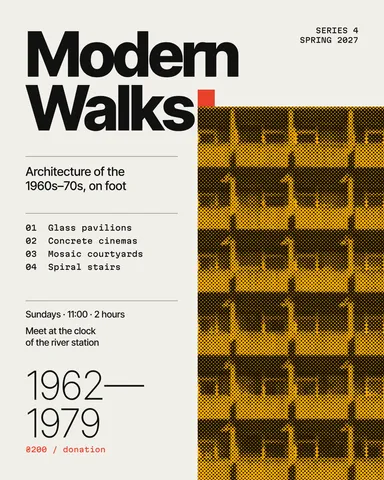 Font pairings 2027: 40 trending pairs to try on your wordsForty trending font combinations — editorial serifs, wide grotesks, mono labels, bouba type — live on your own words, and one tap to use the pair.
- 02
 Add text to a photo online, free: words that stay readableA caption, a quote, a date or a price on your own photo — in any font, with Ukrainian letters, on a computer or a phone.
- 03
 How to make an Instagram post for free: size, layout, exportThe size, the margins and the three type sizes that make a post read in one second.