Free tools6 min readFreeUpdated 2026-11-25
LinkedIn banner size 2026: 1584 × 396 for profiles and Pages
The two sizes LinkedIn uses, the corner your photo covers, the file limits — and a banner that opens at 1584 × 396 in one tap.
By the Paletoo team · steps tested in Paletoo on

A LinkedIn banner for a personal profile is 1584 × 396 pixels, a 4:1 strip, saved as JPG or PNG under 8 MB. A company Page cover is a different shape: LinkedIn’s Page help asks for 1512 × 256 pixels (about 6:1) in PNG or JPEG up to 3 MB — so one file does not fit both, and the round profile photo or the Page logo covers the lower left of either.
This guide checks the numbers (LinkedIn’s Page image specifications, read on 11 November 2026), shows what the photo, the phone and the Page layout cover, and fills in «We’re hiring mentors» — a coral banner from the Offset set with a white headline, three facts, a dark button and a team photo on the right, which also comes as a square post, a story, a 1200 × 675 post and an X header. Every step was run in Paletoo on 11 November 2026; the pictures are the editor itself.
LinkedIn banner sizes: personal profile and company Page
LinkedIn shows two different banners. The one on your personal profile is called the background photo: 1584 × 396 px is the recommended size, in JPG, PNG or GIF, under 8 MB. The one on a company Page is the cover image: 1512 × 256 px, PNG or JPEG, up to 3 MB, with a square logo of 400 × 400 px beside it. Both are wide strips, but not the same strip. A 4:1 profile banner uploaded to a Page loses about a sixth of its height at the top and at the bottom; a 6:1 Page cover on a profile is enlarged and cut at the sides.
Pixels, not inches, are what count on a screen. «1584 × 396 in inches» is 22 × 5.5 in only if you assume 72 pixels per inch, which nothing on LinkedIn does, so design in pixels. If a form asks for the ratio, it is 4:1 for a profile and about 6:1 for a Page.
| Where | Size in pixels | Shape | File |
|---|---|---|---|
| Profile background photo (the banner) | 1584 × 396 | 4:1 | JPG, PNG or GIF, under 8 MB |
| Company Page cover image | 1512 × 256 | about 6:1 | PNG or JPEG, up to 3 MB |
| Page logo | 400 × 400 (at least 268 × 268) | 1:1 | PNG or JPEG, up to 3 MB |
| Profile photo | 400 × 400 or larger | 1:1, shown as a circle | JPG or PNG |
| Post image | 1200 × 627, 1080 × 1080 or 1080 × 1350 | 1.91:1, 1:1 or 4:5 | JPG or PNG |
What covers your LinkedIn banner
On a computer the round profile photo sits over the lower left of the banner, roughly the left fifth of its width and its lower half; on a company Page the square logo takes the same corner. The phone app shows the banner smaller with the photo over its lower edge, and LinkedIn trims a little from the sides as a window narrows. So keep words out of that corner and away from the edges, and let the left side be quiet — a colour, a texture, the sky of a photo.
Say one thing. A role and a promise («Brand designer for food companies»), an event with its date, or «We’re hiring» with how to apply; a long list of skills reads as noise at this size. On a phone the strip is about 360 px wide, so a headline needs to be at least 60 px tall in the 1584-wide file to stay readable, and anything under 24 px disappears.
One design for every LinkedIn size
Make the banner first and the rest from it, so the words and the colours match: a post that announces the same thing, a square or 4:5 image for the feed, and a Page cover cut to 1512 × 256. The Offset template already holds five sizes of one design — a square, a story, a 1200 × 675 post, an X header and the LinkedIn banner — and the size chip above the canvas makes any other size as a copy.
Export PNG when the banner is mostly words and flat colour, because the letters stay crisp after LinkedIn compresses the upload, and JPG when it is mostly photo. A flat 1584 × 396 PNG weighs a few hundred kilobytes, far below both limits.
Made in Paletoo
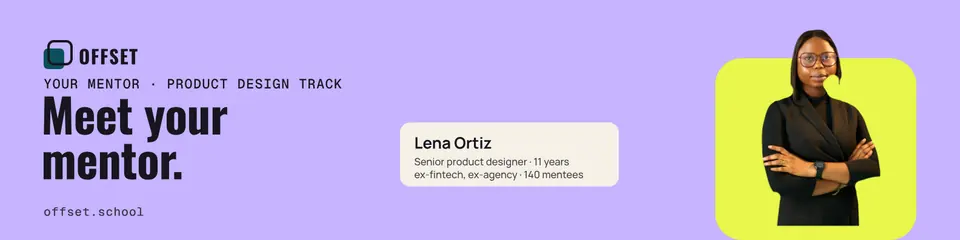
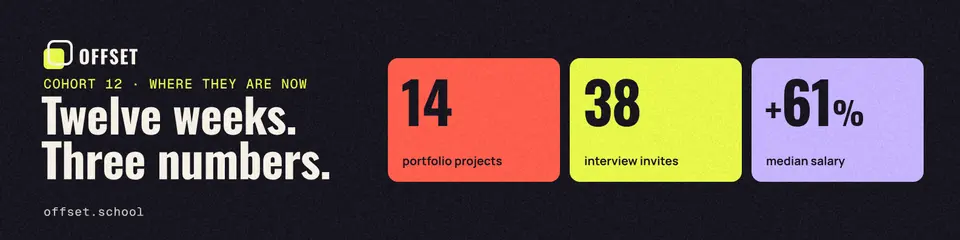
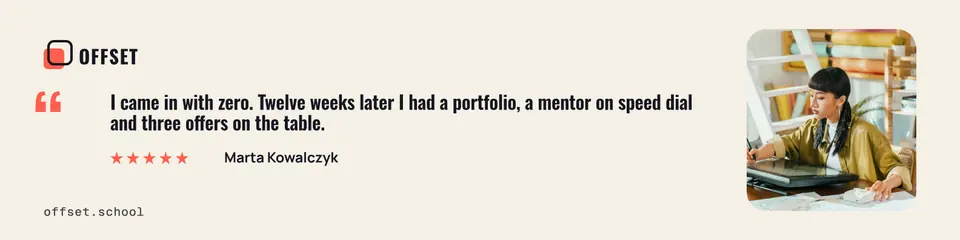
Every picture on this page was made in Paletoo — these three with the same steps on other templates:
Make it free in Paletoo
Open the banner: press “Open in Paletoo” on this page. With nothing selected, the size chip above the canvas reads LinkedIn banner, 1584 × 396. The same design waits beside it as a square, a story, a post and an X header.
Double-click the headline and type yours — a role, an offer, «We’re hiring designers». Its font and size are under Typography in the Design tab; two short lines read best.
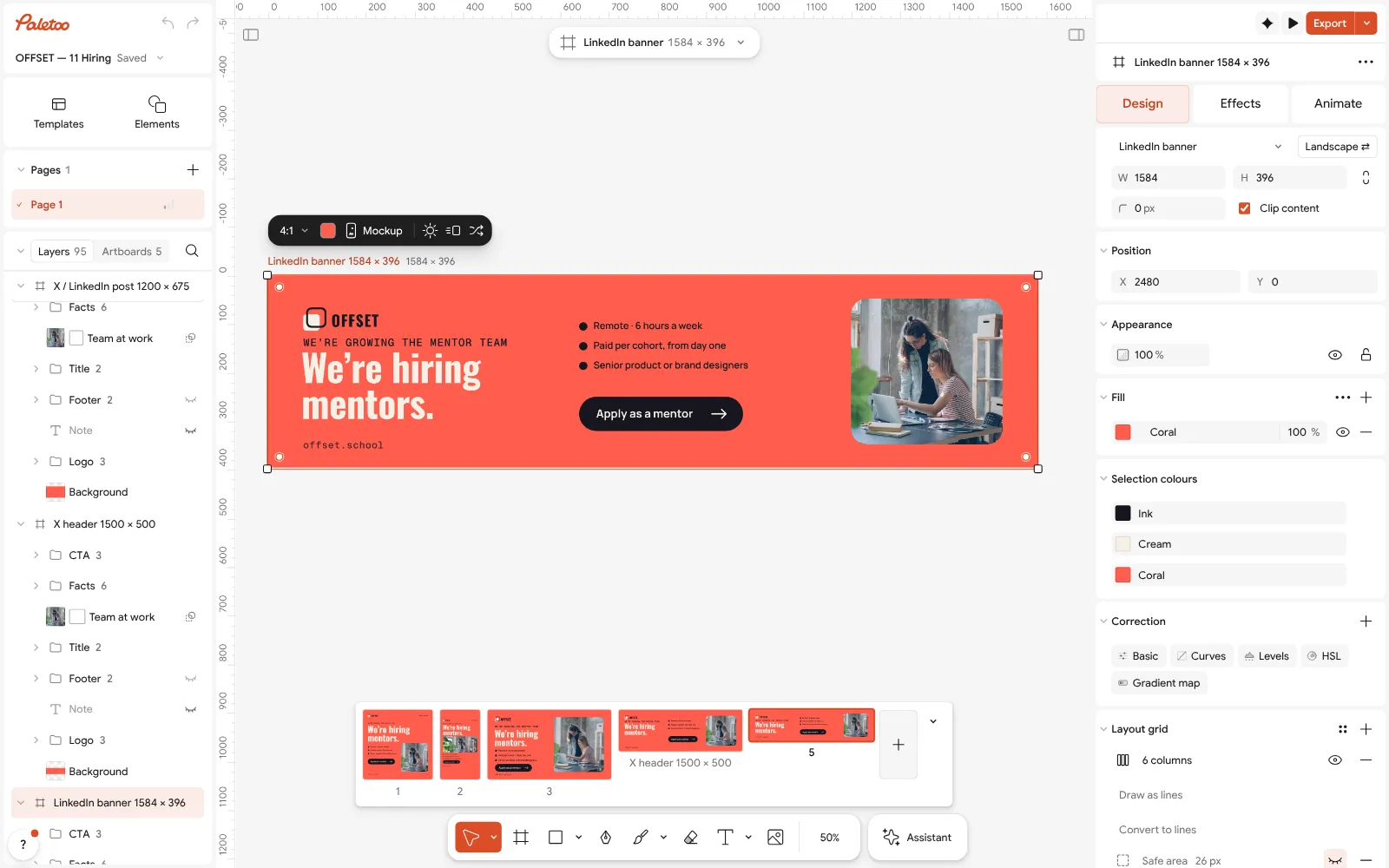
The «We’re hiring» banner open in Paletoo with nothing selected: LinkedIn banner, 1584 × 396, on the size chip Retype the three facts the same way and swap the team photo: select it and press Replace picture. For your own profile, drag the words a little up and to the right, out of the corner your photo will cover.
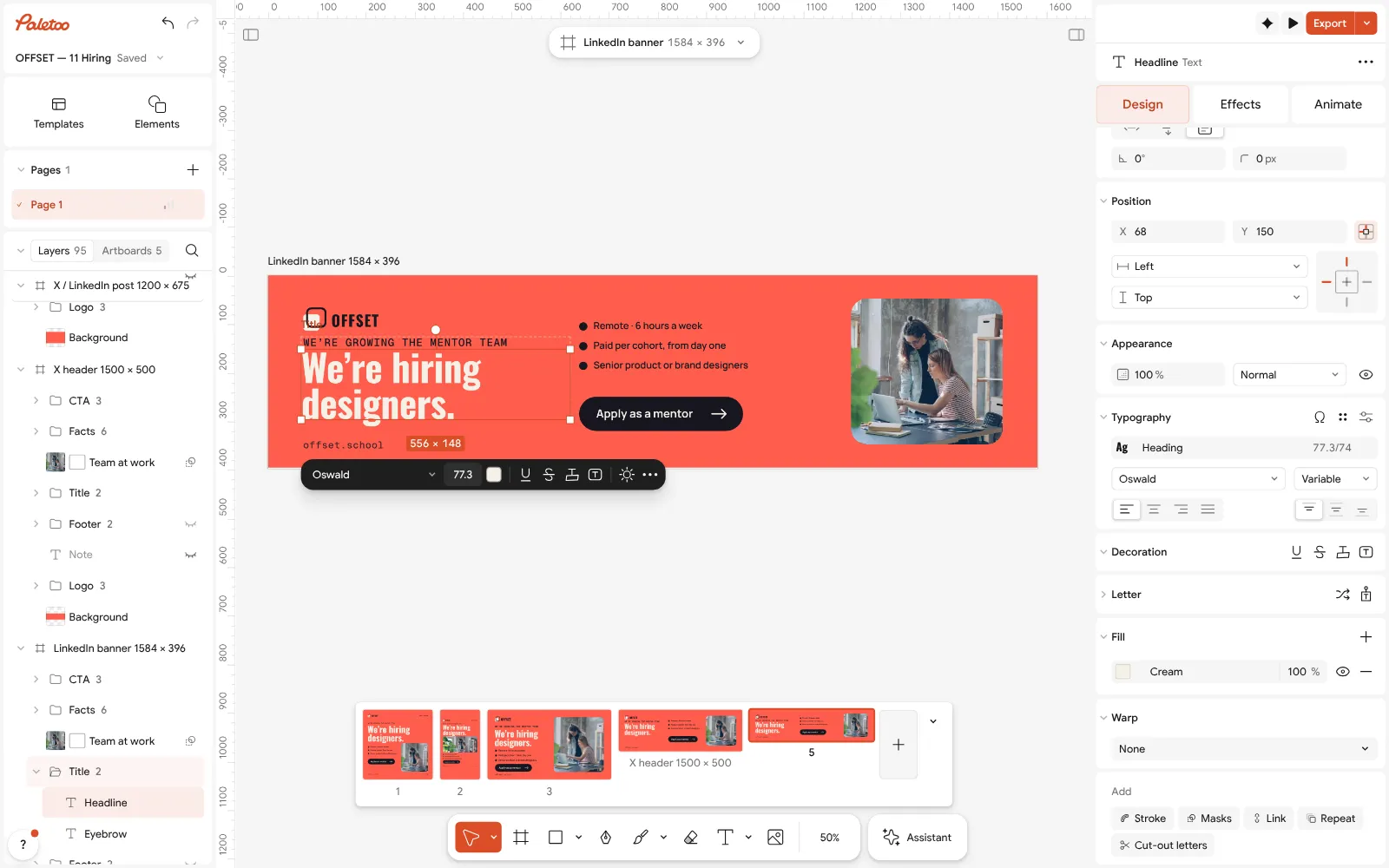
The headline retyped and selected, its font under Typography For a company Page, make the cover from the same design: press the chip, under Make a copy as press All formats…, then Custom, and type 1512 × 256. Keep Scale artwork on so everything shrinks with it, then check the lower left, where the logo sits.
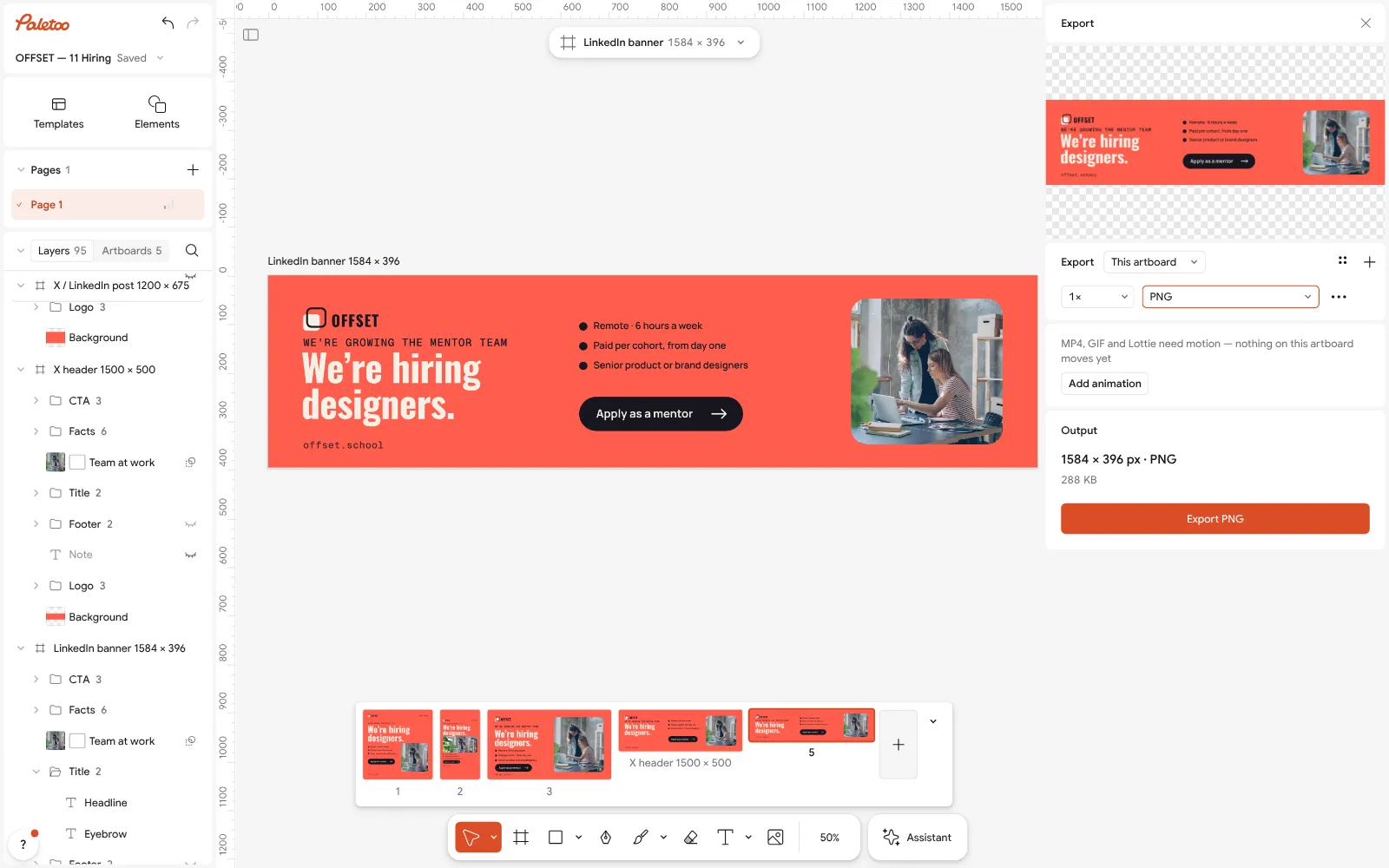
Export as PNG at 1584 × 396 Press Export (Ctrl Shift E) and choose PNG for words and flat colour or JPG for a photo. At 1× the file is exactly 1584 × 396, and nothing you export carries a watermark.
On LinkedIn, open your profile, press the pencil or the camera on the banner, upload the file, check the preview and apply. For a Page, open it as an admin and edit its cover image.
Make it your own
Need the same banner on X? The template already has an X header artboard, 1500 × 500: retype its words once the LinkedIn one is right.
Keep your colours in step across every size: change them once in Colour styles and every artboard that uses them follows.
Hiring for several roles? Duplicate artboard, change only the headline and swap banners as the roles change.
Sources
Questions
What size is a LinkedIn banner?
1584 × 396 pixels (4:1) for a personal profile, as JPG, PNG or GIF under 8 MB. A company Page cover is 1512 × 256 pixels, up to 3 MB.
What size is a LinkedIn company page banner?
1512 × 256 pixels, PNG or JPEG up to 3 MB, according to LinkedIn’s Page image specifications. The Page logo beside it is 400 × 400.
What is the LinkedIn banner ratio?
4:1 for a profile background photo and about 6:1 for a company Page cover.
What is the LinkedIn banner size in inches?
Screens do not use inches. 1584 × 396 pixels is 22 × 5.5 inches only at 72 pixels per inch, so design and export in pixels.
Why does my LinkedIn banner look blurry or cut off?
It was smaller than 1584 × 396 or another shape, so LinkedIn enlarged or cropped it. Upload an exact 1584 × 396 PNG and keep words out of the lower-left corner.
Can I make a LinkedIn banner for free?
Yes. Open a banner template in Paletoo, change the words and the photo and export PNG or JPG at 1584 × 396 — free, with no watermark and no account.
Make it online
- Instagram post makerDesign a post at the right size from a real template, then export a sharp PNG or JPG — free, in your browser.
- Carousel makerDesign all the slides of an Instagram carousel on one wide artboard, let a photo run across the cuts, and export one file per slide.
- Make a CV onlinePick a designed one-page CV, write your experience, add your photo and download a PDF — free, no sign-up, no watermark, nothing behind a paywall.
Free design templates for posts, stories and posters: Social media post templates · Instagram carousel templates · Team and speaker templates
Try it on your own design
Paletoo opens in your browser, with no sign-up. Every effect here is live: change the picture or the words and the effect follows.
Open in PaletooOpens this design as your own copy — every layer and effect editable, free.
Read next
- 01
 YouTube thumbnail size 2026: 1280 × 720, 4K and the file limitThe exact size, the file limit, the corner the timestamp covers — and a thumbnail that opens at that size in one tap.
- 02
 Instagram story size 2026: 1080 × 1920, safe zones and ratioThe pixels, the ratio, the bands that the profile and the reply bar cover — and a story that opens at the right size in one tap.
- 03
 How to remove a background from a photo for free, without uploading itA clean cut-out, made on your own computer or phone, ready for a thumbnail, a poster or a shop.