Make a CV online
Updated
Pick a designed one-page CV, write your experience, add your photo and download a PDF — free, no sign-up, no watermark, nothing behind a paywall.
Start from a CV
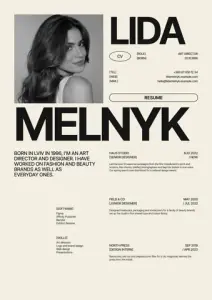
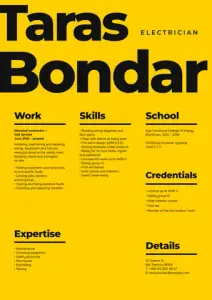
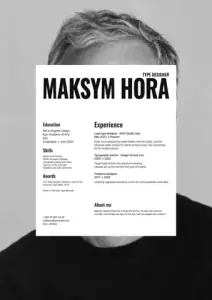
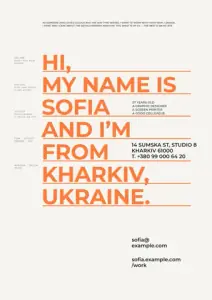
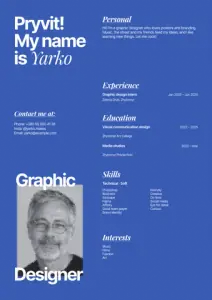
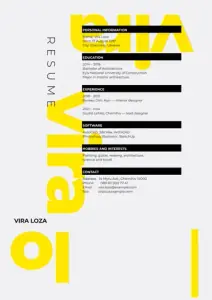
Each opens as your own A4 document. Calm one-page CVs, creative ones for design jobs, and cover letters to match.
Start freeFree · in your browser · no sign-up · no watermark
More CVs and cover letters
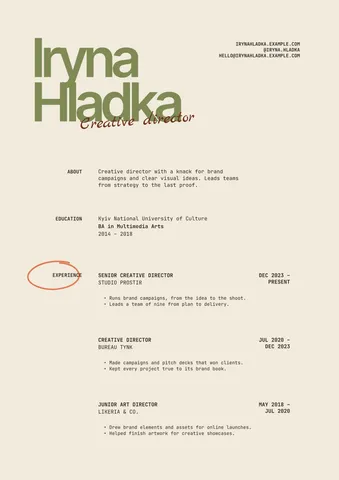
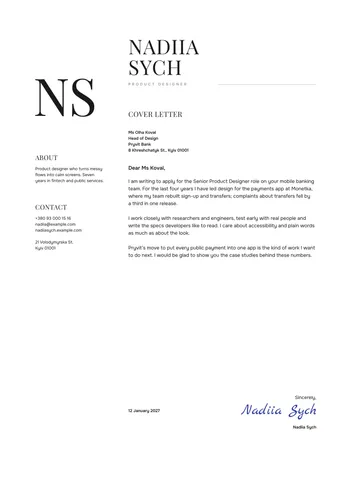
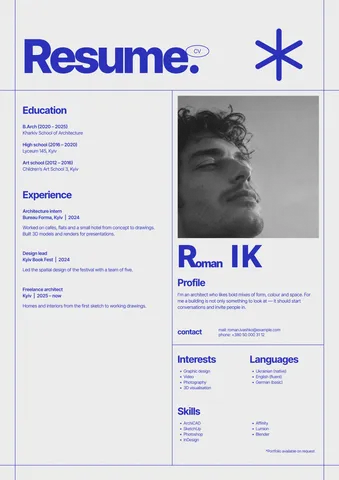
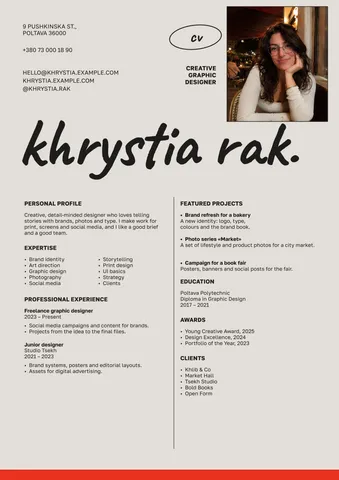
Real Paletoo documents and results — open one and change everything.
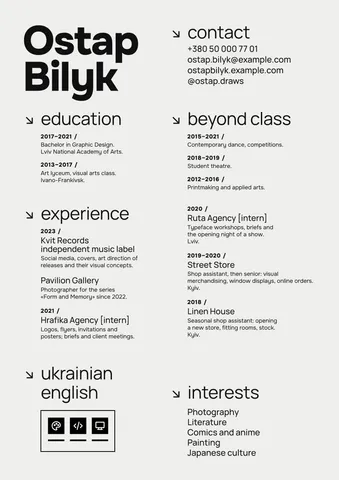
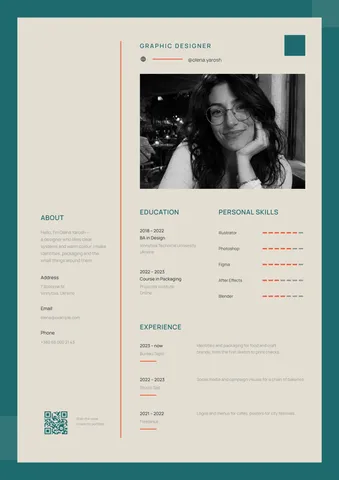
How it works
-
Pick a CV
Tap a CV above, or «Start free» for a clean one with a big name. In Templates there are more: calm one-page CVs, creative ones for design and media jobs, and cover letters in the same style.
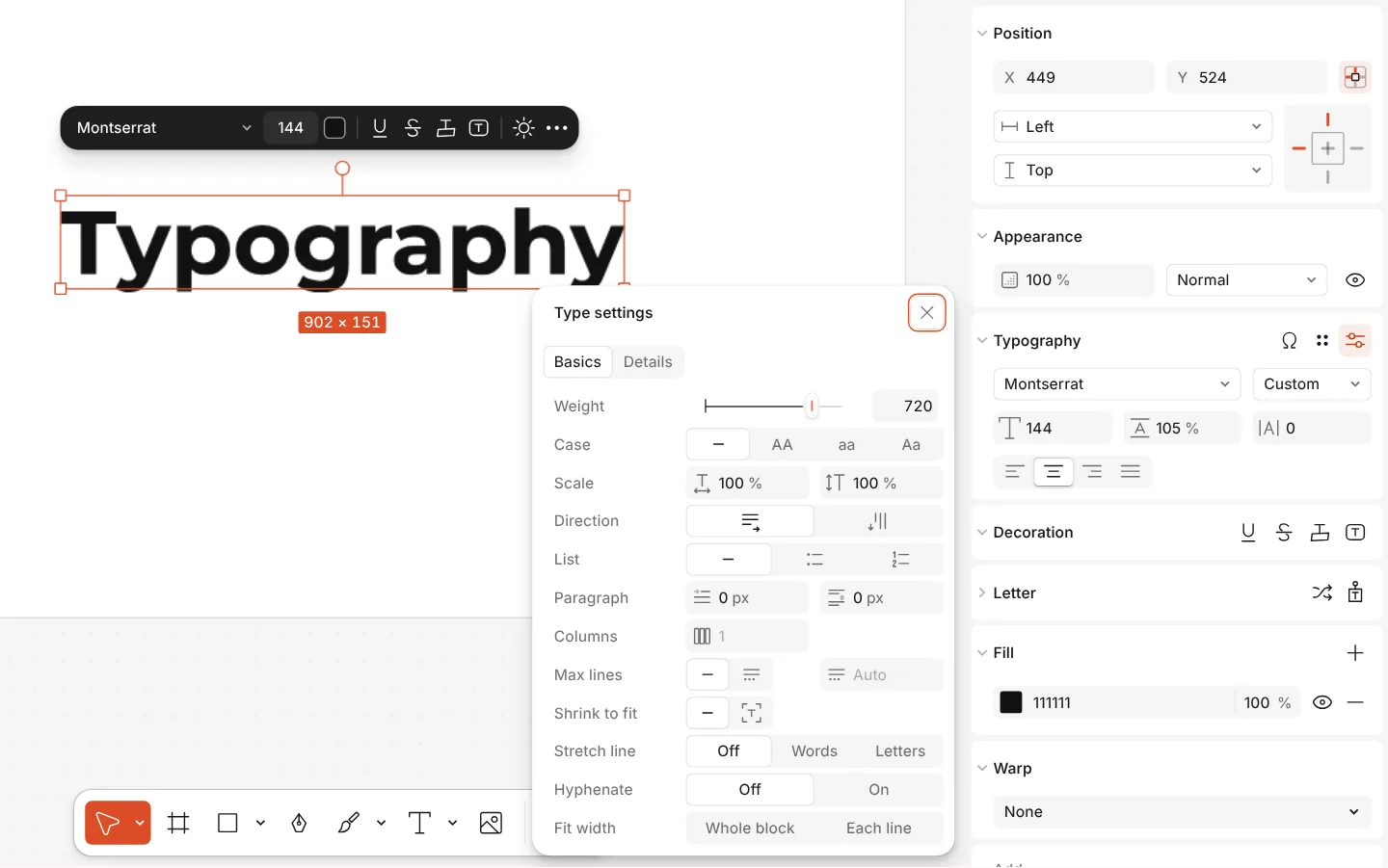
The Type settings window of a text, with variable axes -
Write your experience
Double-click any line to write your name, role, jobs, dates and skills; text boxes grow as you type. Add your photo with Replace picture; Remove background cuts you out of a busy one.
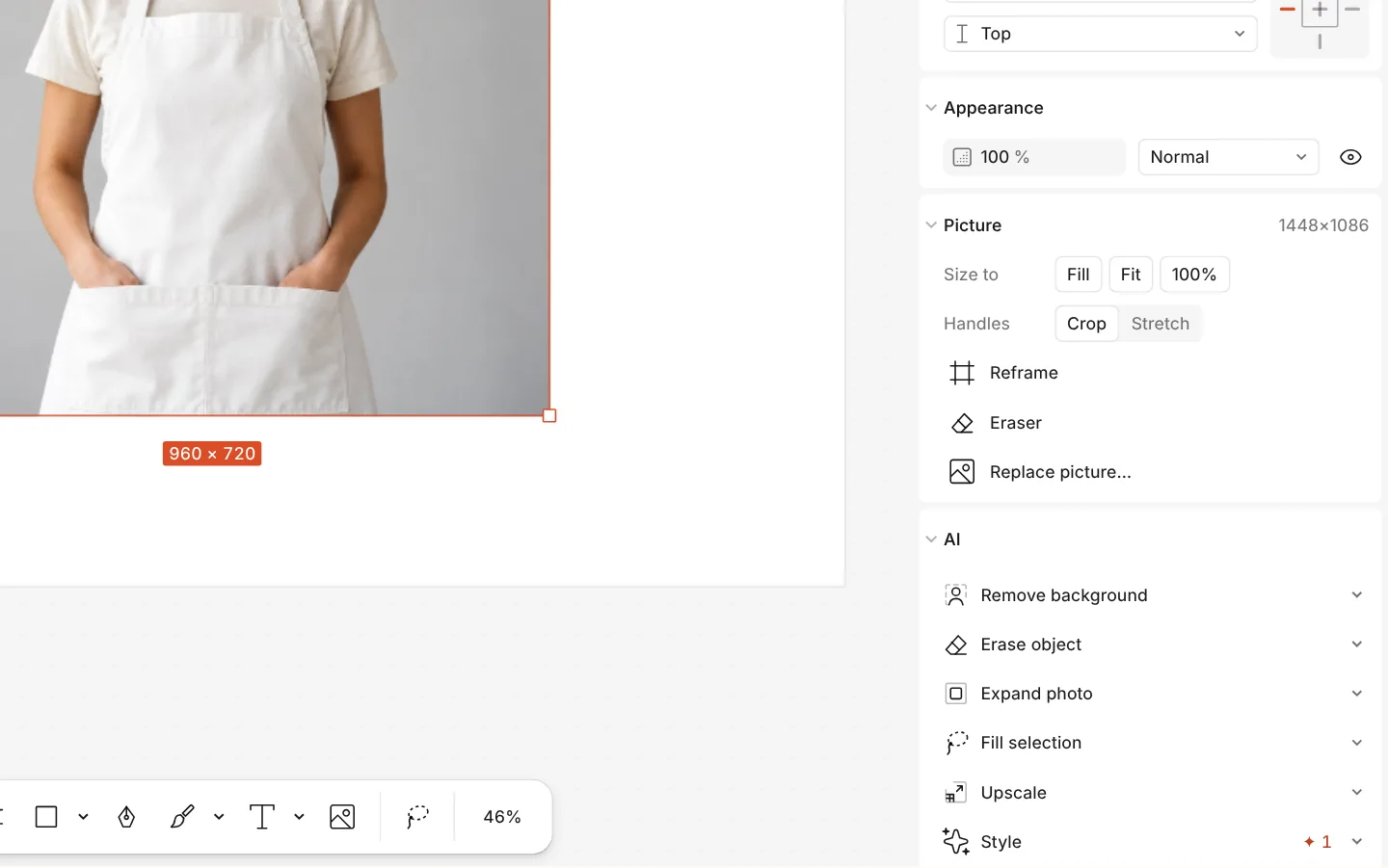
The AI section of a photo with Remove background -
Download the PDF
Press Export (Ctrl Shift E) and choose PDF to send to an employer or print. PNG is there too, for a LinkedIn post or a portfolio page.
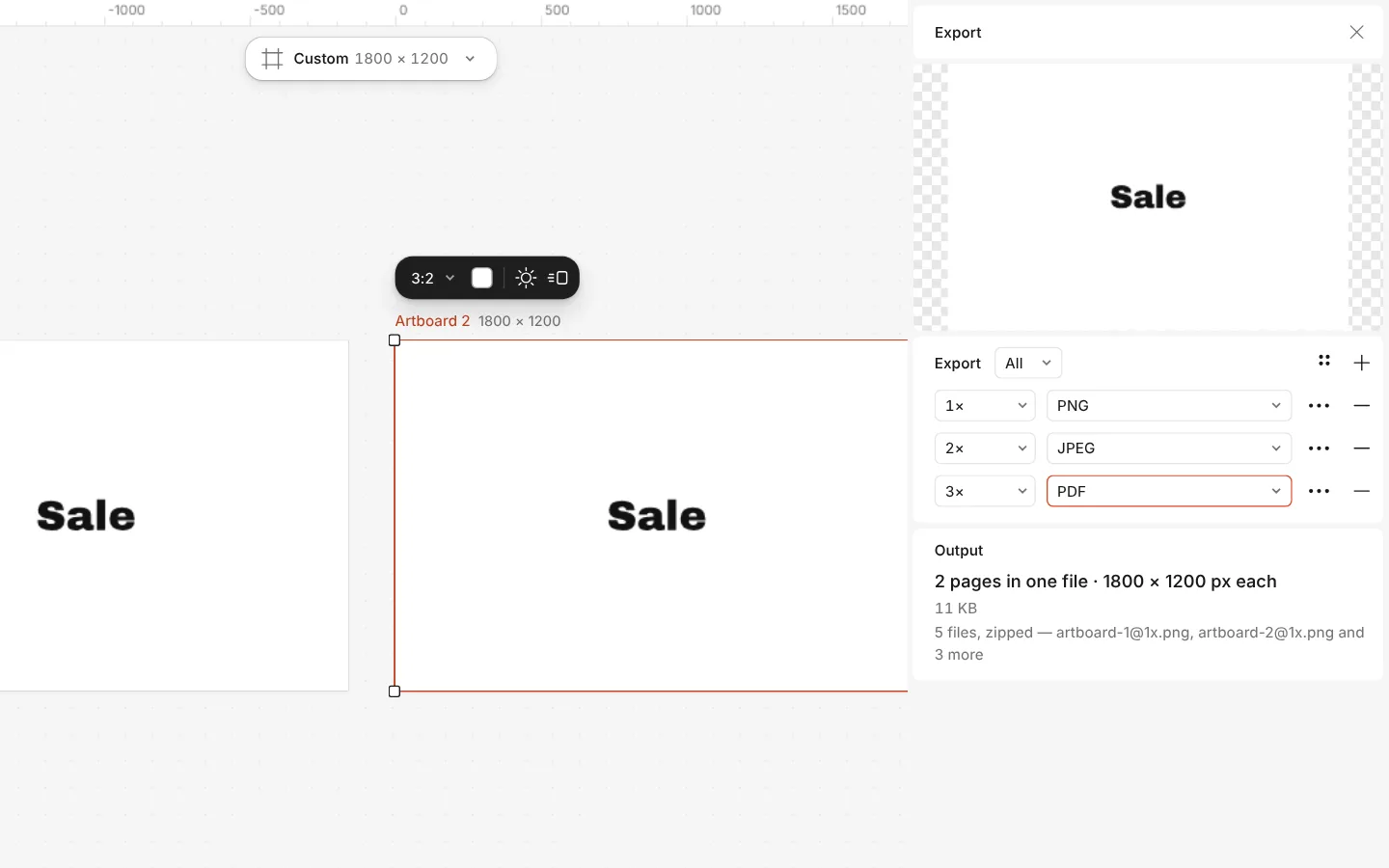
The Export window with all artboards and three files at once
What is free
- Every template on this page, and every font, photo and effect in it
- Export to PNG, JPG and PDF — with bleed and crop marks for a print shop
- No watermark, on the free plan too
- No account needed to make or download; a free one adds cloud storage and share links
A designed CV is best sent to a person or printed. Job portals that read your CV automatically prefer simple layouts, so keep a plain one for those too.
What you get
Designed, not a form
Each CV is laid out by a designer, with a clear order of name, role, experience and skills — in English and in Ukrainian.
A cover letter that matches
Two cover letters share the CVs’ type and colours, so your application reads as one piece.
Your photo, cut out
Put in a photo and remove its background in one click — the cut-out runs in your browser, so the photo is never uploaded.
Everything free, no paywall at download
Many resume builders let you write for free and ask for money at the download. Here the PDF is free, with no watermark and no account.
Questions
How do I make a CV online for free?
Open a CV template here, double-click each line to write your experience, add your photo, then press Export and download a PDF. It is free from start to download, needs no account and leaves no watermark.
Is the resume maker really free to download?
Yes. Writing, the templates and the PDF download are free and carry no watermark. There is no paid step at the end; only AI image generation and materials use credits, and a CV needs neither.
What is the difference between a CV and a resume?
In the USA and Canada a resume is a short one- or two-page summary and a CV is a longer academic record; in the UK, Europe and Ukraine «CV» means the short version. These templates are the short, one-page kind.
Should my CV have a photo?
It depends on the country: in Ukraine and much of Europe a photo is common, in the USA and the UK it is usually left out. Templates with and without a photo are both here.
Will a designed CV pass an applicant tracking system?
Portals that read CVs automatically handle simple, single-column layouts best. Send the designed PDF to people and keep a plain version for portals that parse text.
What size should a CV be?
A4 (210 × 297 mm) everywhere outside North America; US Letter in the USA and Canada. These templates are A4; change the page in the Format menu if you need Letter.
Can I use my own fonts?
Yes. Upload your own fonts in the fonts list and use them anywhere; the templates’ own fonts are free to use and carry the full Cyrillic alphabet too.
Can I make a CV in Ukrainian?
Yes. Every CV has a Ukrainian version with the headings Ukrainian employers expect, and a matching cover letter.
Learn more
Step-by-step guides
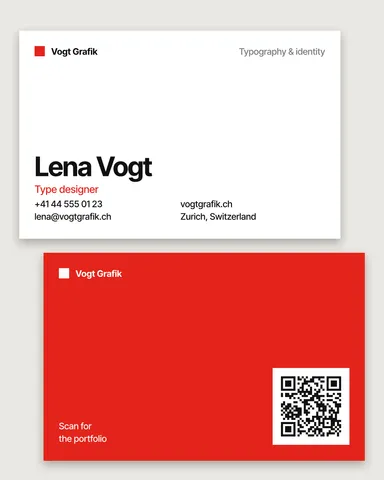
Business card size: inches, mm and pixels for every country
The size your printer expects — in inches, millimetres and pixels — with the bleed and the safe area, on a card that opens at that size.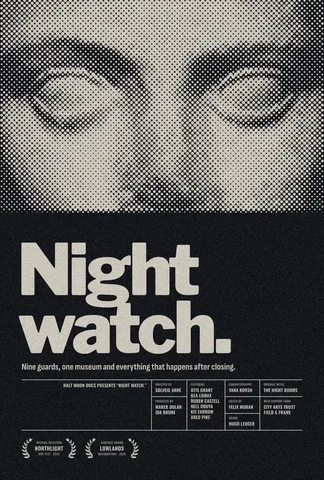
Print-ready PDF: bleed, crop marks and CMYK, free
Everything a printer means by “print-ready”, and a checklist before you send the file.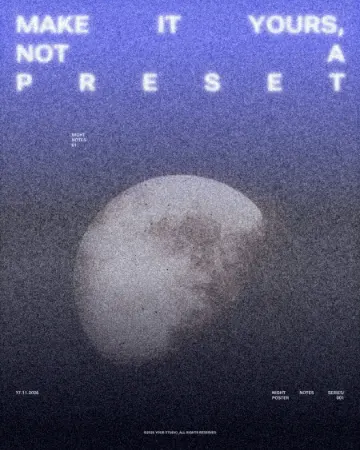
A free Canva alternative for designers — no watermark, real type, print files
Keep the speed of templates, and get back the controls a designer expects.
In the help centre
More tools
Business card maker
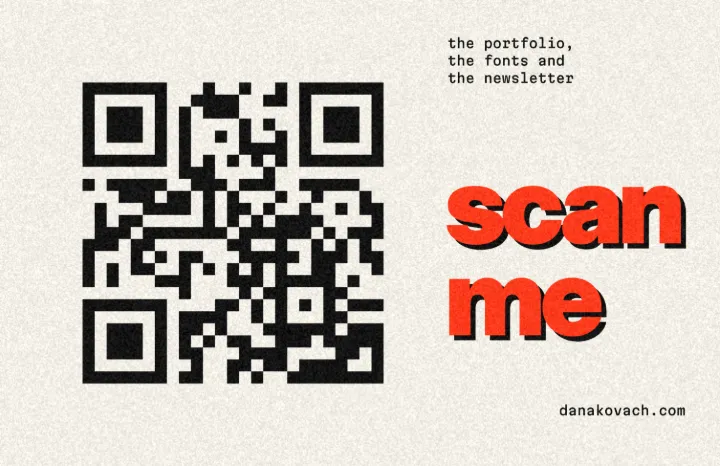
Design a business card at the exact print size, add a QR code that really scans, and export a PDF the printer accepts.
Logo maker
Type your brand name, pick a logo, try fonts, colours and layouts, then download SVG, PNG and app icons — free, no watermark, no sign-up.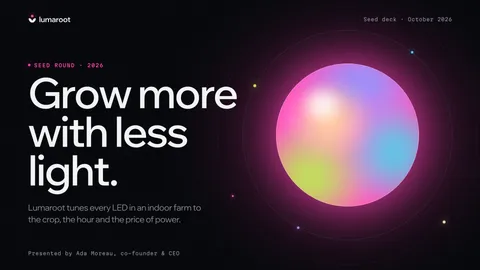
Presentation maker
Open a designed deck, change the words, present it full screen or send it as a PDF or PowerPoint — the first slide is yours in a minute.
Make it now
Paletoo opens in your browser. Start from the template above or a blank page, and export when you are happy.
Start free