Techniques5 min readFreeUpdated 2026-11-14
Neon text effect: make glowing neon sign letters free
Letters that look like lit glass tubing — a white-hot core, a coloured halo, a dark wall — on text you can still retype.
By the Paletoo team · steps tested in Paletoo on
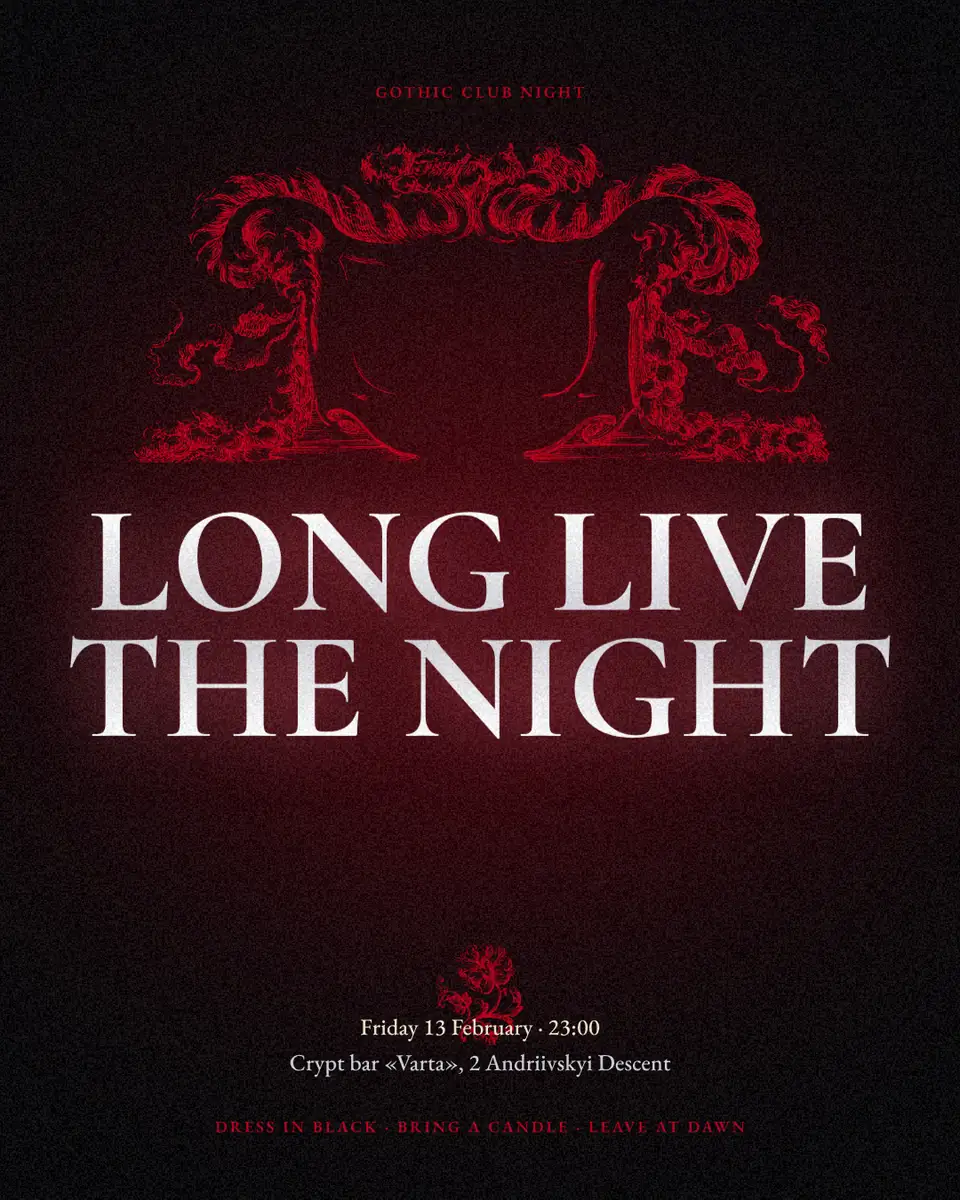
To make a neon text effect, set your word in a rounded, even-stroke font on a dark background, colour it a saturated pink, cyan or red, and add a glow in the same colour around a lighter core; in Paletoo that is the Glow effect with its Neon preset, applied live, so you can change the words and the colour at any time. Export it as a PNG, a transparent PNG for a video, or an MP4 with a flicker.
This guide takes «New Year’s Eve», a story from our holiday set where the headline and a frame glow pink over a night city, and shows what makes neon look real, which fonts work, how to tune the glow and how to keep it readable. Every step was run in Paletoo on 11 November 2026; the pictures are the editor itself.
What makes neon look like neon
A real neon sign is a glass tube bent into letters and filled with gas that glows when a current runs through it. Pure neon glows red-orange; blues, greens and pinks come from argon and coloured coatings. Three things happen at once, and a convincing effect copies all three: the tube itself is almost white in the middle (the brightest light clips to white in a photo), its colour shows as a tight halo around it, and the light spills wider and fainter onto the wall behind.
That is why flat coloured text with a drop shadow never looks lit: there is no white-hot core and no spill. Two glows — a tight one and a wide one — over letters that are lighter than the glow do most of the work. The darker the background, the brighter it looks: neon needs night.
Fonts and colours for a neon sign
Real tubes have one thickness and round ends, so fonts with an even stroke and rounded corners look most believable: monoline scripts for a «bar sign», rounded sans for a modern one, thin geometric sans for a 1980s look. Very bold fonts blur into a blob once they glow; very thin ones disappear. Leave space between the letters — glows overlap and close the gaps.
| Colour | Hex to start from | Feels like |
|---|---|---|
| Hot pink | #ff3fb4 | Bars, parties, New Year |
| Electric cyan | #3fe6ff | Arcades, tech, Y2K |
| Signal red | #ff2b2b | Sales, «open», urgency |
| Acid lime | #c6ff3d | Music, sport, loud |
| Warm amber | #ffb13f | Cafés, vintage motels |
Neon text without Photoshop
In Photoshop the usual recipe is a layer style: Outer Glow twice, an Inner Glow and sometimes a Stroke — and a lot of rasterising if you want to warp the text. In Paletoo the glow is a live effect on the text layer: retype the word, change the font, recolour it, and the light follows. Neon also animates well: a slow pulse or an occasional flicker makes a story feel alive, and the editor exports it as MP4 rather than a banding GIF.
Made in Paletoo
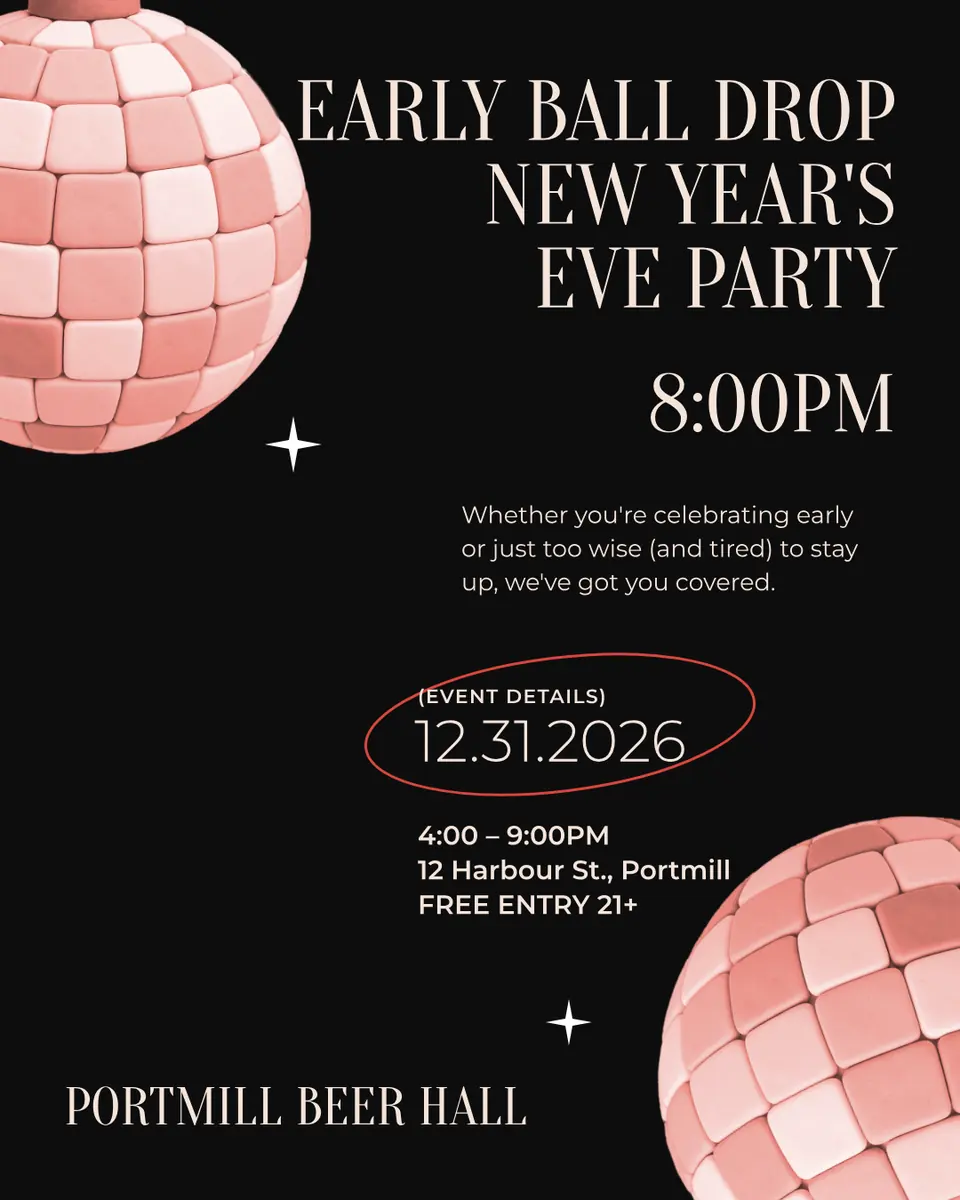
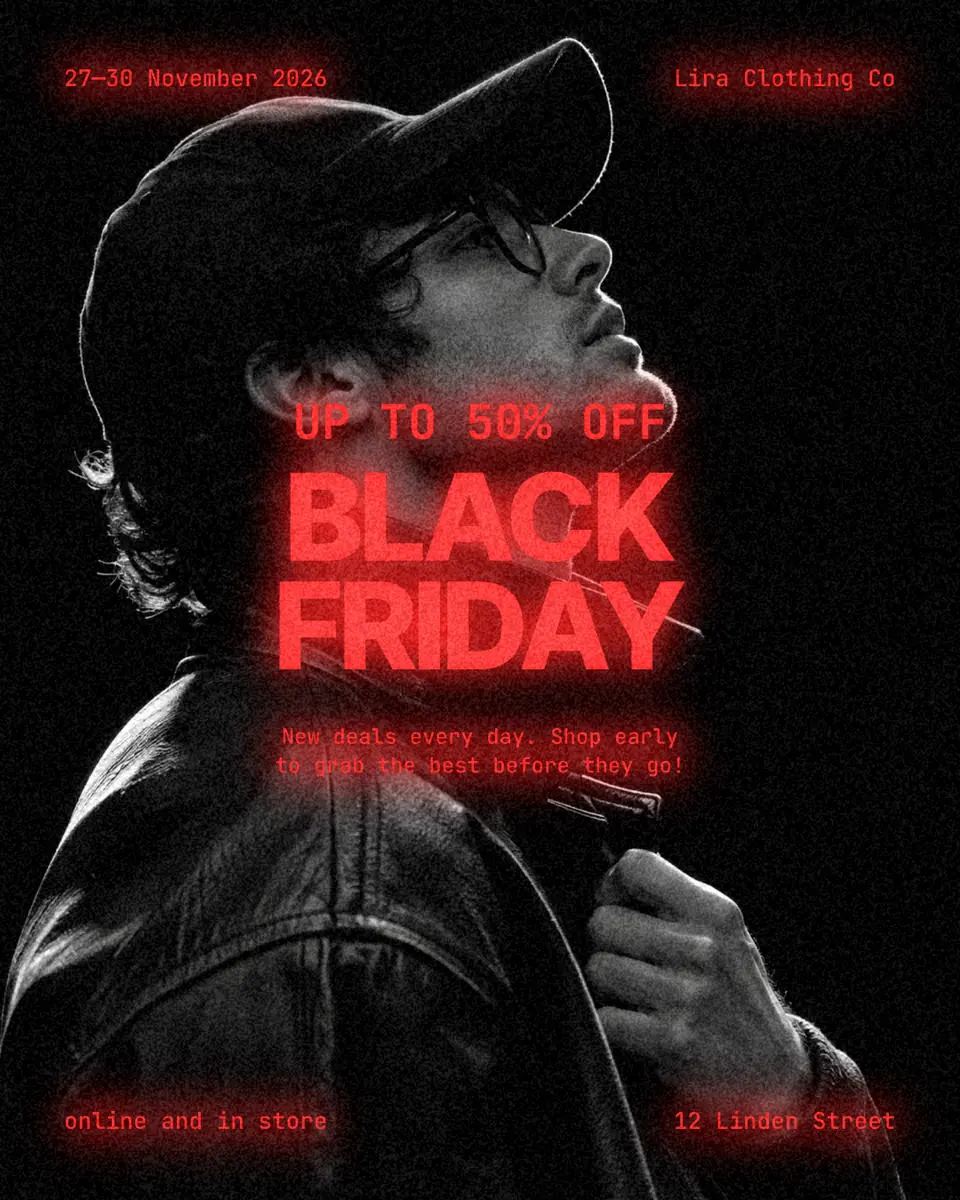
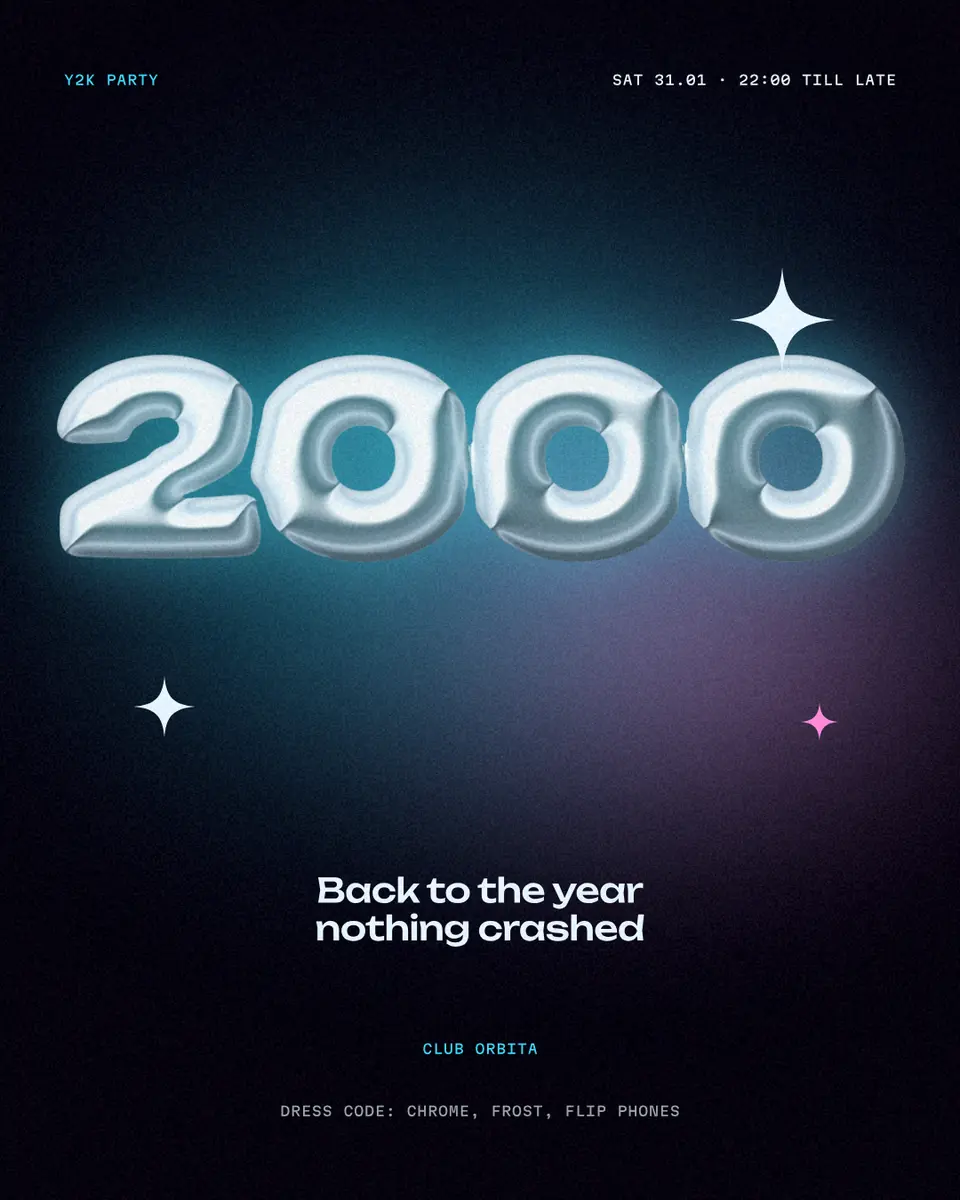
Every picture on this page was made in Paletoo — these three with the same steps on other templates:
Step by step in Paletoo
Open the design: press “Open in Paletoo” on this page, or start from the text effects page. It opens as your own document; the Layers panel lists the photo, the neon frame, the headline and the small lines.
Double-click the headline and type your own word or two. In Typography on the Design tab keep a rounded font and add a little letter spacing so the glows do not merge.
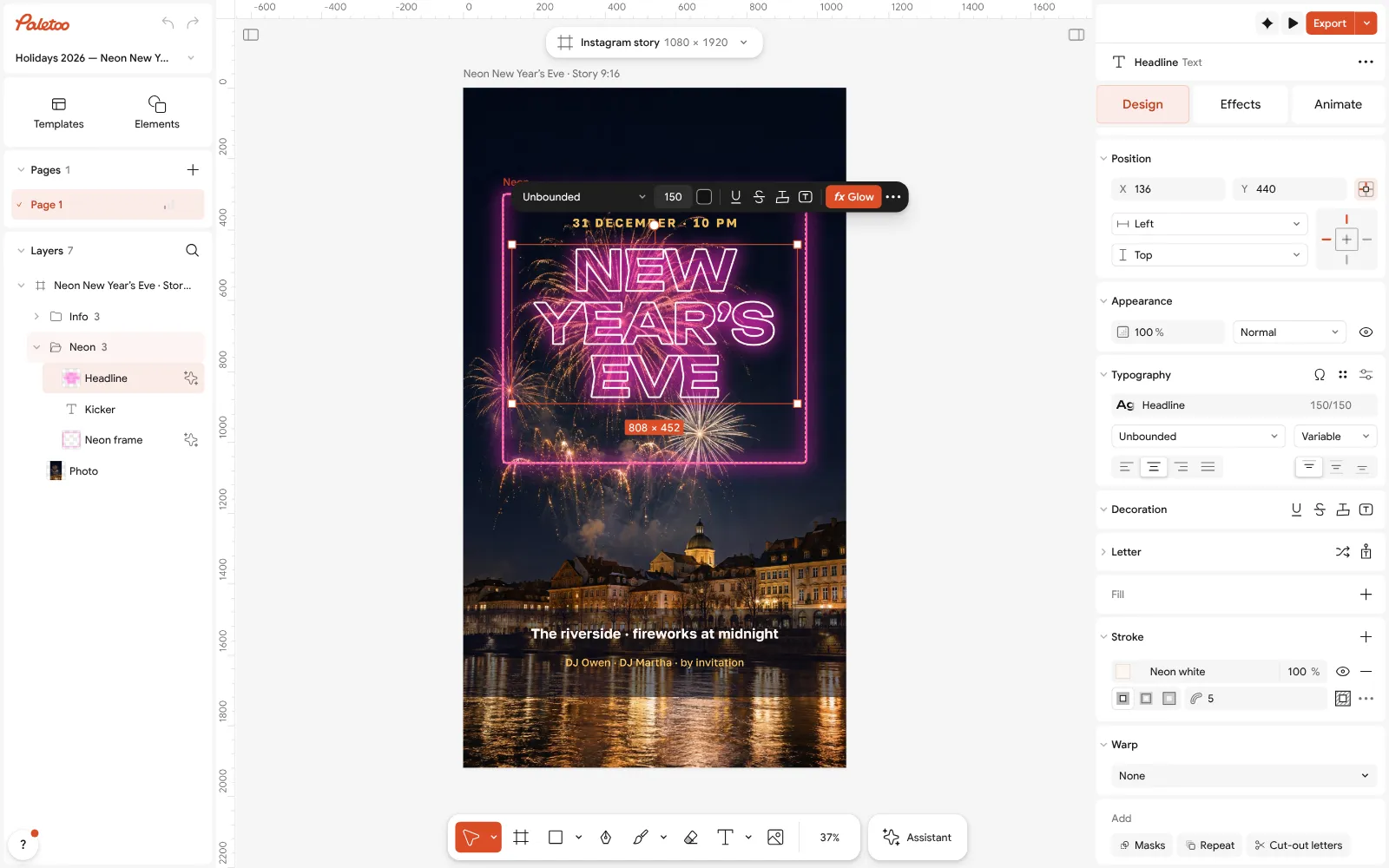
The «New Year’s Eve» story open in Paletoo: the headline selected, its rounded font under Typography With the headline selected, open the Effects tab: under Applied there are two live steps — Hollow, a thin outline that draws the letters as a tube, and Glow with its Neon preset, the light. Retype the word and both follow the new letters.
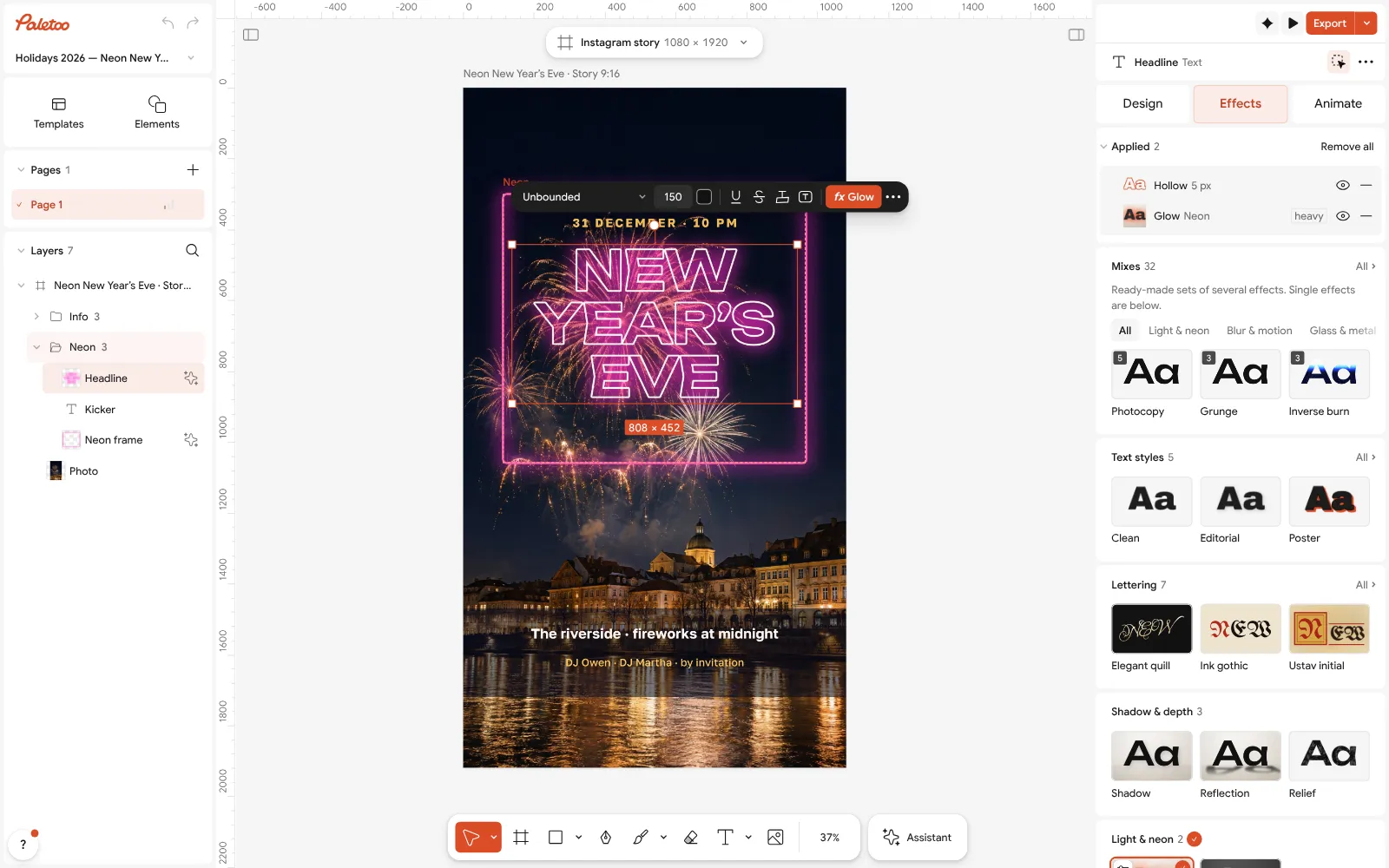
The headline under Effects: two live steps on the text — Hollow, the tube, and Glow with its Neon preset, the light Open Glow to tune it: Brightness for how strong the light is, Spread for how far it reaches, Colour for the tube’s colour. For your own text, press Add effect, choose Glow and its Neon preset.
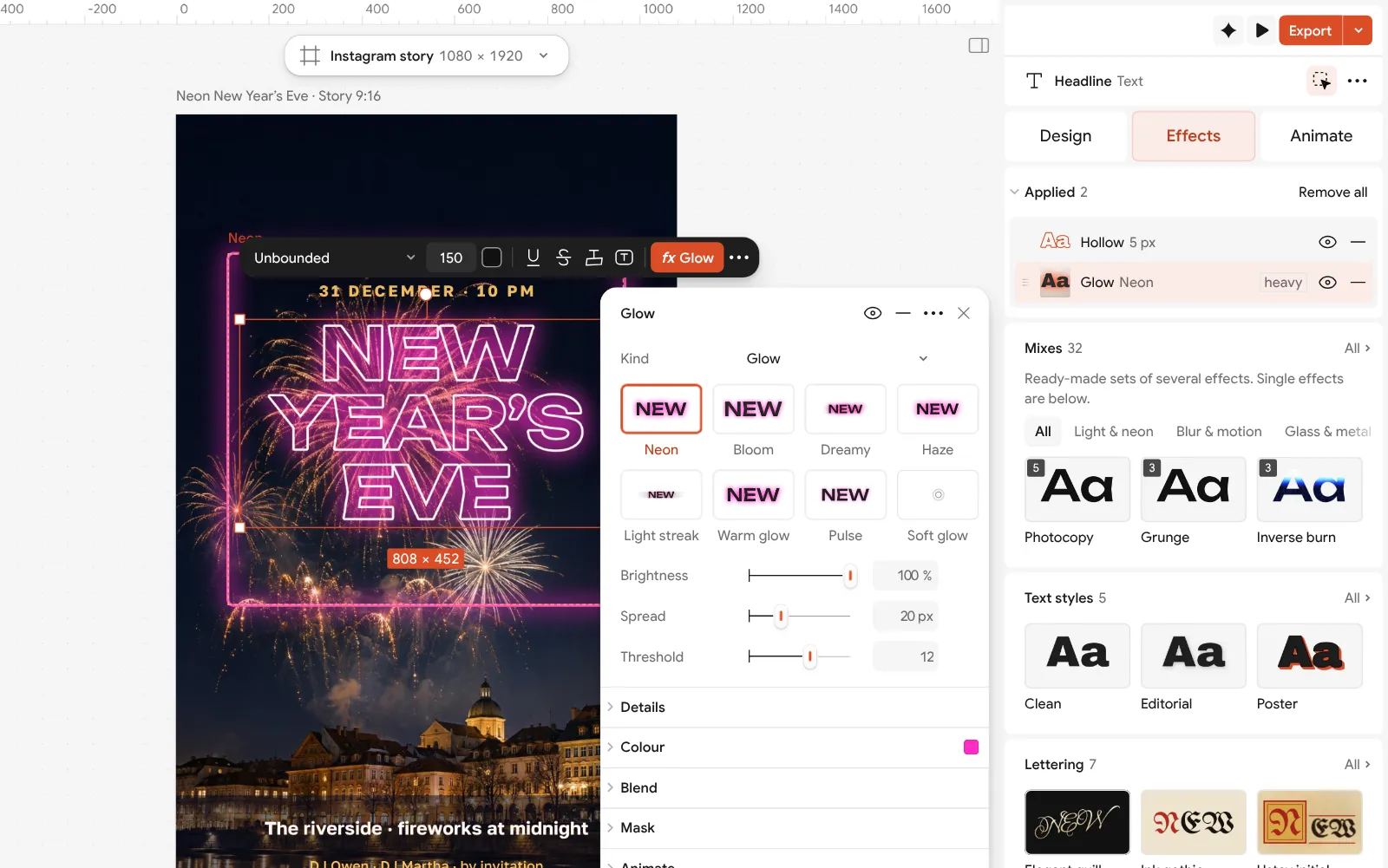
Glow opened: its Neon preset, the brightness and spread of the light, and its colour The tube is the outline: its colour and width are under Stroke on the Design tab. Keep it a little lighter than the glow — pale pink inside a hot-pink glow — so the core reads as white-hot, and change the accent in Colour styles to recolour the frame and the headline together.
Press Export (Ctrl Shift E): PNG for a post, PNG with a transparent background to lay the neon over a video, or Add animation and MP4 for a pulsing story. Nothing carries a watermark.
Make it your own
For a sign on a brick wall, put a photo of a wall behind, darken it with Levels and keep the glow’s Colour the same as the letters so the light seems to fall on the bricks.
Two glows look richer than one: add a second Glow with a wider spread and lower intensity for the spill on the wall.
To make a neon logo, set the name, add the glow and export a transparent PNG from Export settings › Background › Transparent — it sits on any dark photo or video.
Sources
Questions
How do I make a neon text effect?
Use a rounded, even-stroke font on a dark background, colour it a saturated hue and add a glow in the same colour around a lighter core. In Paletoo: Effects › Add effect › Glow › Neon, live on editable text.
What font is best for neon text?
Monoline scripts and rounded sans fonts, because real neon tubes have one thickness and round ends. Avoid very bold fonts: they blur into a blob when they glow.
Can I make neon text without Photoshop?
Yes. Paletoo’s Glow effect works in the browser, free, and stays editable: retype the words or change the colour and the light follows.
How do I make a neon PNG with a transparent background?
Hide or delete the background, then export PNG with Background set to Transparent. The glow’s soft edge is kept, so it looks right over any dark picture.
Can neon text be animated?
Yes. In the Export window press Add animation and export MP4: a slow pulse or a flicker looks like a real sign and stays sharp, unlike a GIF.
Make it online
- Text effects onlineType your words, press one effect — chrome, gold foil, emboss, cut-out letters, outlines or warps — and download it in a minute, free and with no sign-up; the words stay editable text.
- Poster makerMake a poster from a template that already has the layout right, then export a print-ready PDF or an image for screens.
- Instagram story makerPick a 9:16 template, change the words and the photo, add motion if you like, and export an image or a video in a couple of minutes.
Free design templates for posts, stories and posters: Social media post templates · Poster templates · Story and Reels templates
Try it on your own design
Paletoo opens in your browser, with no sign-up. Every effect here is live: change the picture or the words and the effect follows.
Open in PaletooOpens this design as your own copy — every layer and effect editable, free.
Read next
- 01
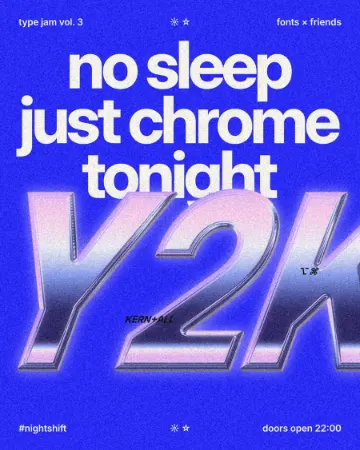 How to make a Y2K chrome text effectFat liquid chrome in pearly pastels, with a soft glow.
- 02
 Free logo text effects: seven looks that work on a wordmarkSeven text looks for a wordmark, and how to keep them sharp at 32 px.
- 03
 How to make a Y2K poster: chrome type, glow and a 2000s layoutOne fat chrome word, two clouds of light and tiny computer type — the turn of the millennium in six steps.