Techniques6 min readFreeUpdated 2026-11-13
How to make a Y2K poster: chrome type, glow and a 2000s layout
One fat chrome word, two clouds of light and tiny computer type — the turn of the millennium in six steps.
By the Paletoo team · steps tested in Paletoo on
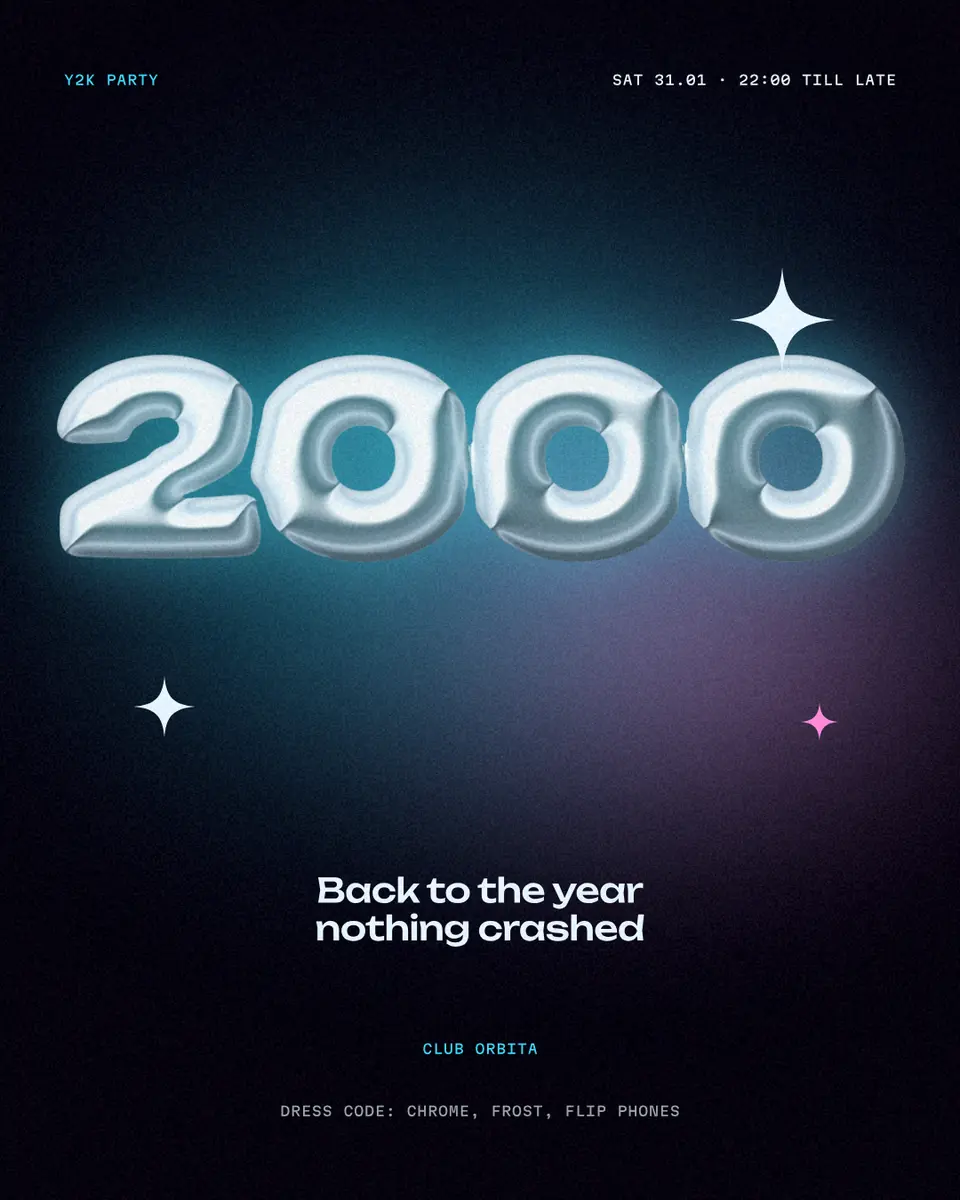
To make a Y2K poster, put one huge rounded word or number on a near-black background, turn it into inflated chrome with a cool glow, float two blurred spots of aqua and pink light behind it, and set every other line small, in a monospaced font, at the edges. In Paletoo that is a free template with live effects, so you only change the words and export a PNG or a print-ready PDF.
This guide builds it on «2000», the Y2K party poster in our trends set: a puffed chrome year, two soft glows, Unbounded for the title and Martian Mono for the small print. It also explains where the look comes from, which details make a poster read as 2000 rather than as generic neon, the colours and fonts that work, and the sizes for a feed, a story and an A3 print. Every step was run in Paletoo on 10 November 2026; the pictures are the editor itself.
What makes a poster look Y2K
Y2K is the look of the late 1990s and early 2000s: chrome and translucent plastic, inflatable furniture, the first glossy websites, flip phones and rave flyers. The name is the programmers’ shorthand for the year 2000 and the bug everyone feared. The translucent Bondi Blue iMac of 1998 is its most famous object; the look came just after the colourful Memphis style and just before the glassy Frutiger Aero of the late 2000s.
On a poster it comes down to four signs. The hero type is fat and rounded, as if blown up or poured, and it shines like metal. Light is soft and coloured — aqua, periwinkle, pink, lilac — and glows rather than casting hard shadows. The background is dark, so the shine has something to stand on. And around the hero sits a layer of tiny interface type: dates, codes, «loading…», a URL, set in a monospaced font as if printed by a computer. Leave one of the four out and the poster reads as neon, not 2000.
Why Y2K posters are everywhere again
People save them. On 9 November 2026 we read the save counts of the 60 most saved poster pins on Pinterest for ten poster searches: 538,328 saves in all. Y2K posters — cut-out people with sticker borders, chrome type, glow — took 28.6 % of those saves, more than any other look and three times the next one. It is a look for parties, club nights, fashion drops, album releases and birthdays, and it suits anyone born after 2000 who sees it as retro and anyone older who remembers it.
The useful part for a designer is that the rules above are strict, so the look is easy to hit and hard to overdo — as long as one thing stays loud. Pick the one word or number that matters, make it the chrome, and keep everything else quiet.
Colours, fonts and sizes that work
Start from almost-black with a hint of violet (#05010d on our poster) rather than pure black: the glow reads warmer. Pick one cold light (aqua #3dd6f5) and one warm (pink), and keep the small text in an icy white or a cool grey. For the hero, a wide, round display face — Unbounded, free on Google Fonts and with Cyrillic — or any heavy rounded sans; for the small print, a monospaced face such as Martian Mono or JetBrains Mono. Two families are enough.
Make the poster for where it will be seen. The table is the short version; the same document can hold a post, a story and a print artboard.
| Where it goes | Size | File |
|---|---|---|
| Instagram feed | 1080 × 1350 px (4:5) | PNG |
| Stories and reels cover | 1080 × 1920 px (9:16) | PNG or MP4 if it moves |
| A3 print | 297 × 420 mm = 3508 × 4961 px at 300 dpi | PDF with bleed |
| US poster | 18 × 24 in = 5400 × 7200 px at 300 dpi | PDF with bleed |
Y2K poster ideas
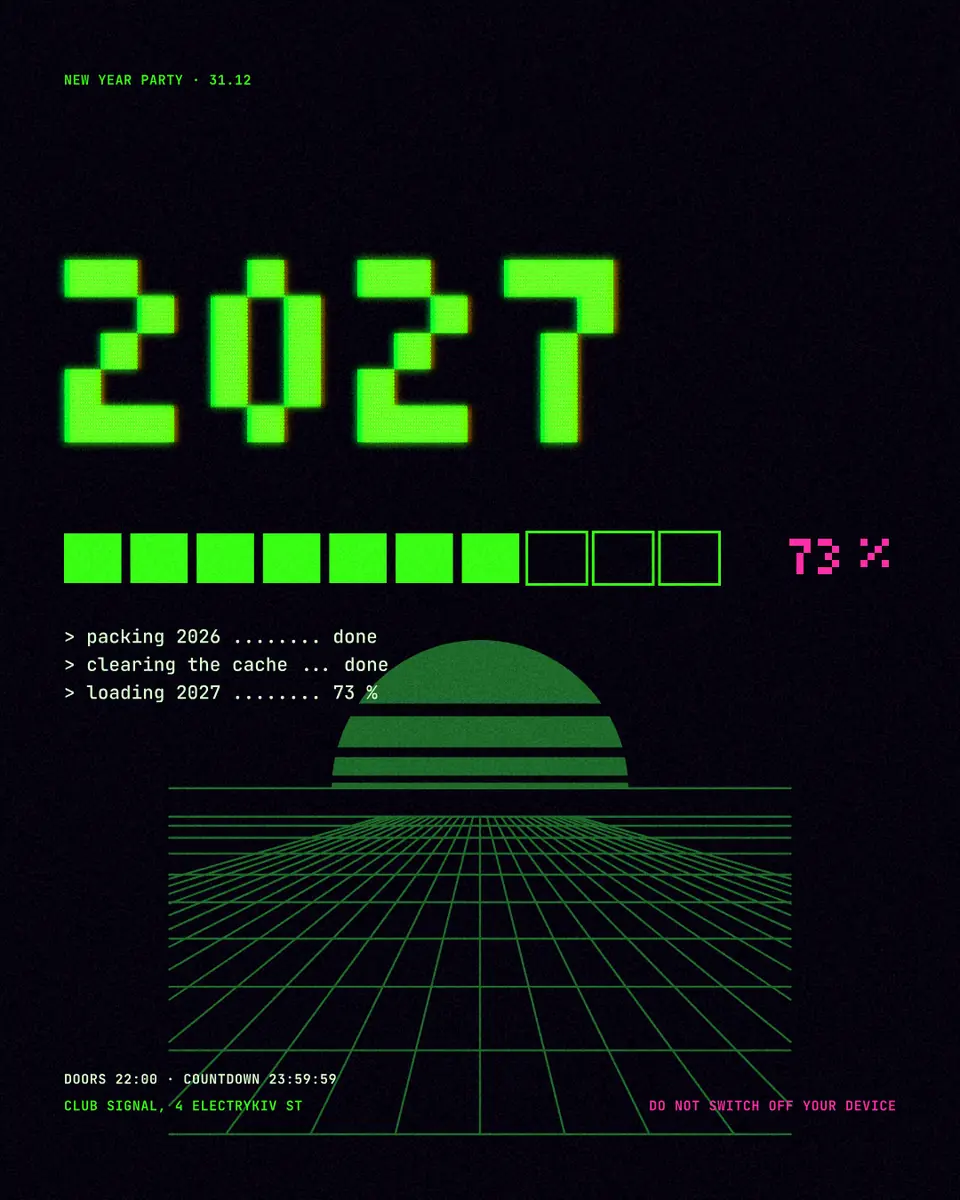
A party or a club night is the classic: the year or the date as the chrome word, the venue and the dress code in mono. A birthday poster puts the age there instead («21» in chrome is hard to beat). For a release or a drop, the chrome word is the title and the small print is the tracklist or the price list. A school or office «back to 2000» day, a retro gaming night, a fashion sale and a New Year party with «2027» in chrome all use the same five layers. If you want pixels and an old monitor instead of chrome, our «Loading 2027» poster in the same set is the 8-bit side of the same era.
Made in Paletoo
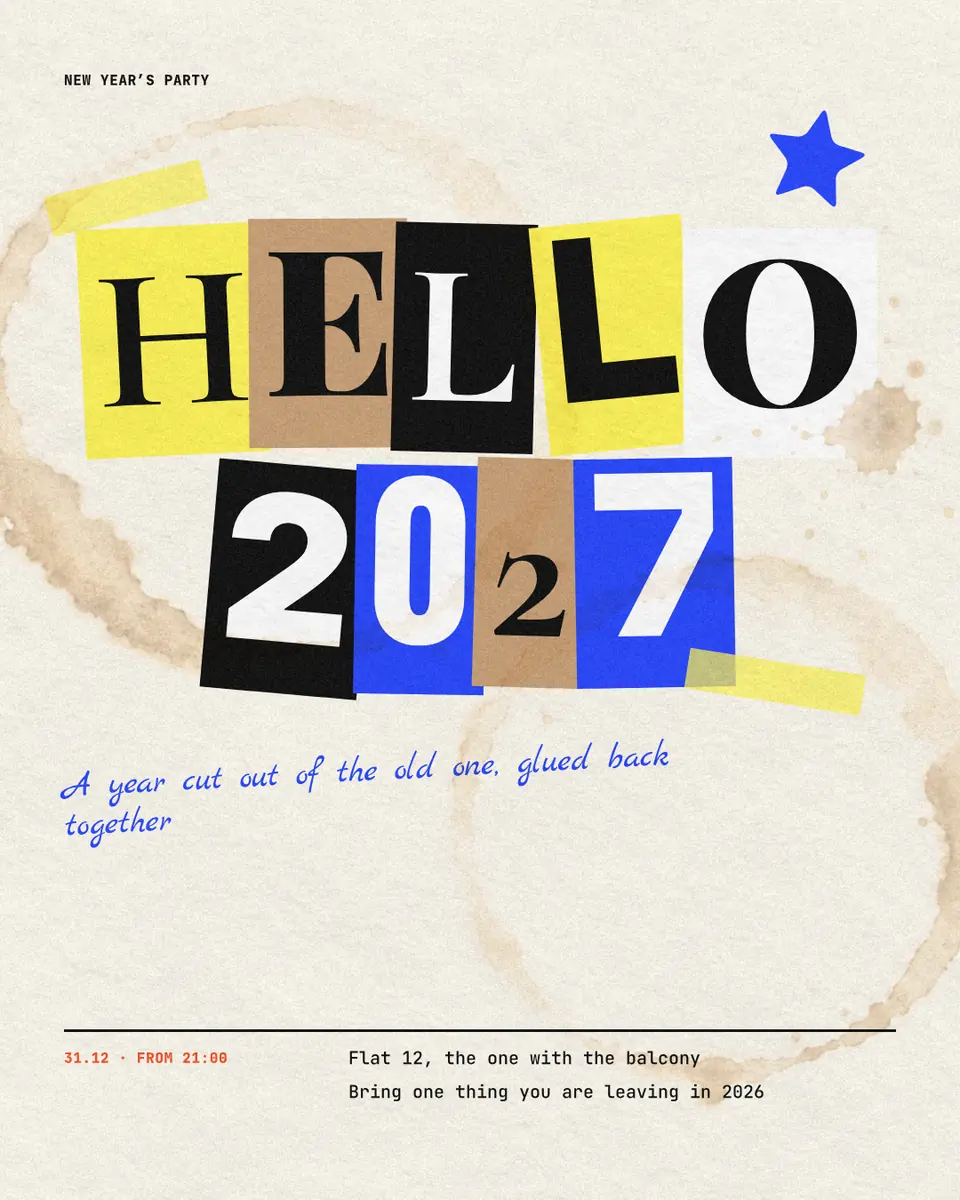
Every picture on this page was made in Paletoo — these three with the same steps on other templates:
Step by step in Paletoo
Open the poster: press “Open in Paletoo” on this page, or start from the poster maker. It opens as your own document; the Layers panel lists the two glows, the year, the title line and the small labels.
Double-click the title line and the small labels and type your own: the event, the date, the place, the dress code. The fonts, sizes and spacing are under Typography in the Design tab; keep the labels short, like a computer readout.
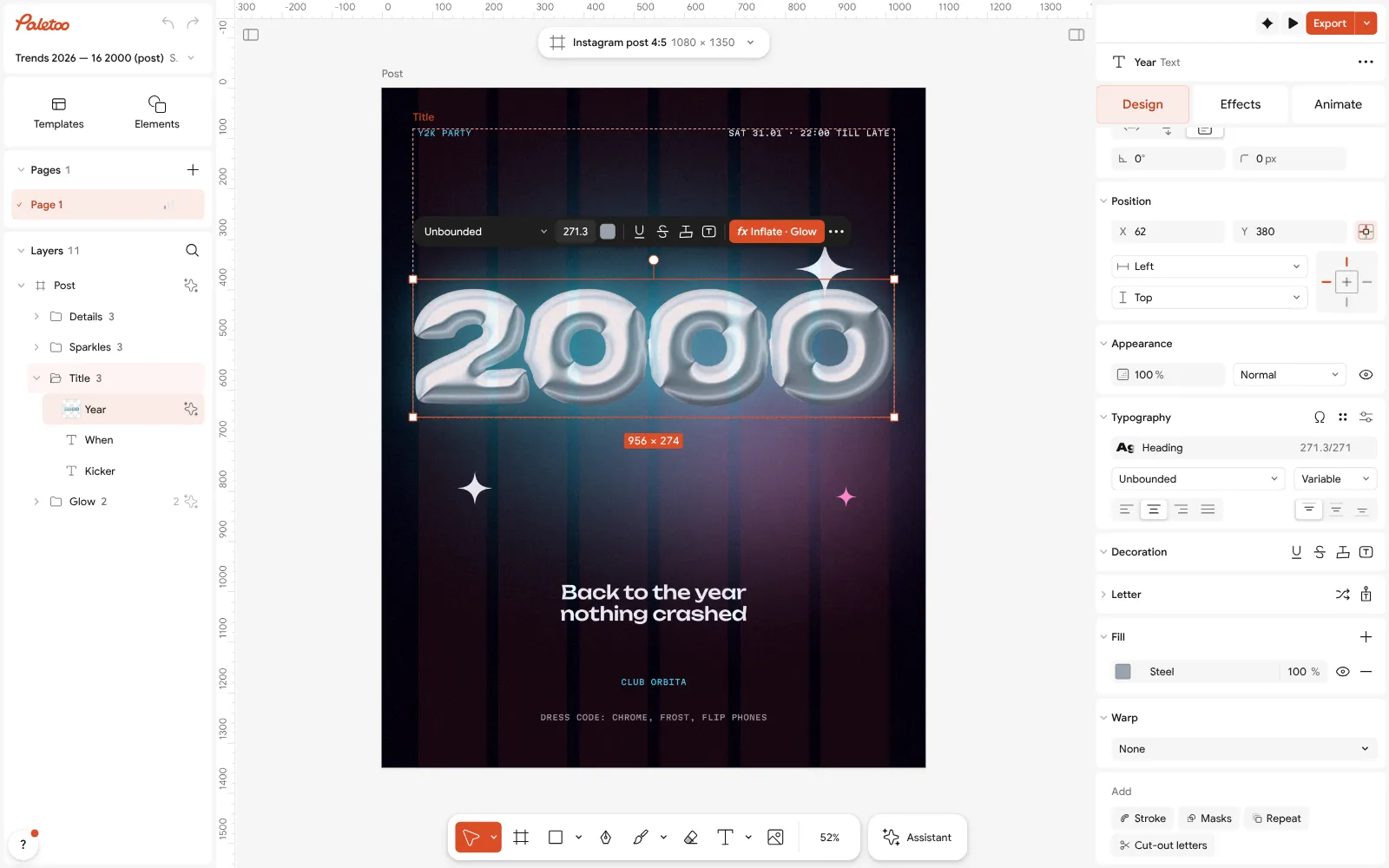
The Y2K party poster open in Paletoo: the chrome year selected, its font under Typography Click the year to select it and open the Effects tab: two live steps are applied to the text, Inflate with a chrome finish and a cool Glow. Type another word or number into the year and both effects follow the new letters.
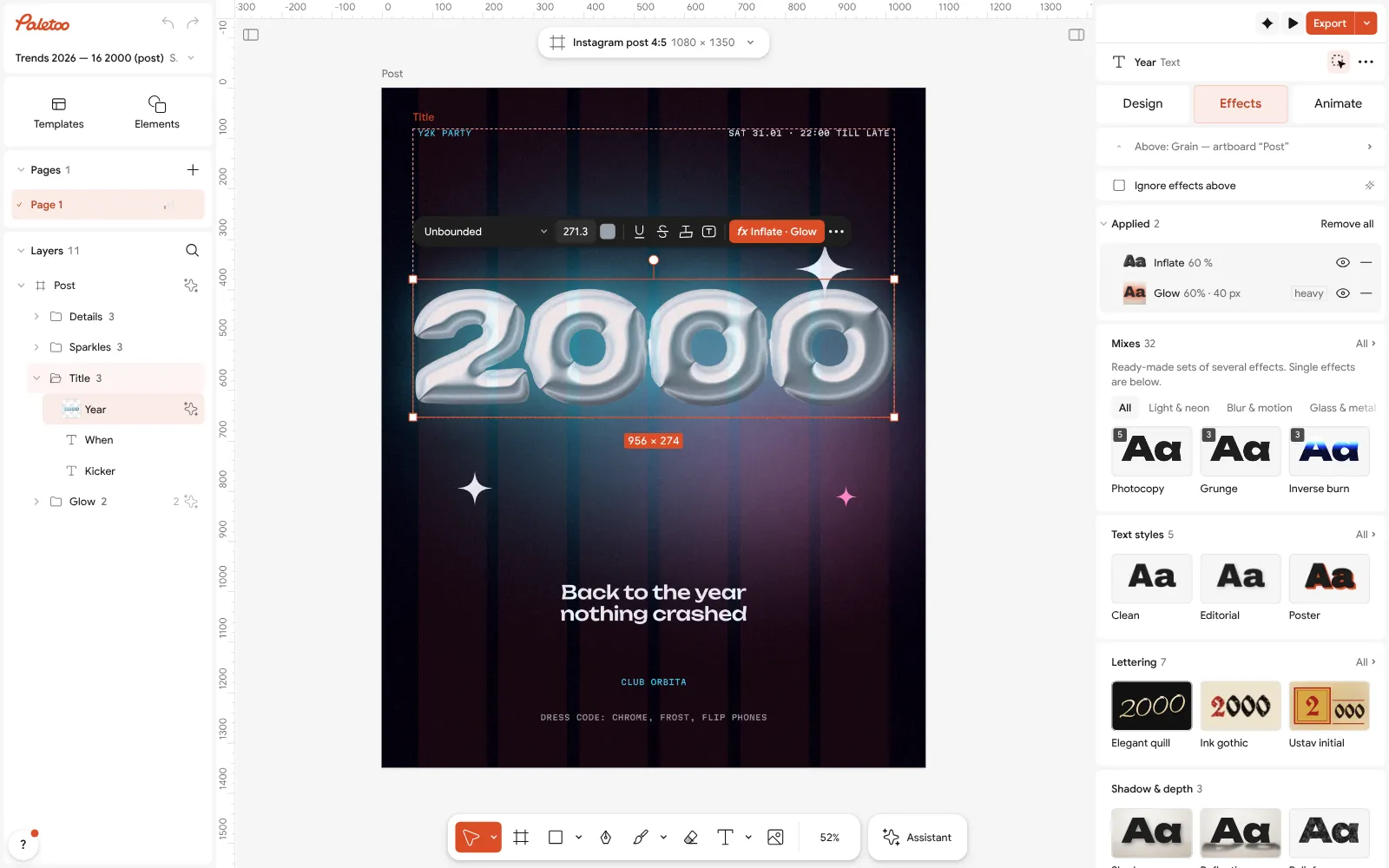
The year under Effects: Inflate with a chrome finish and Glow applied to live text Open Inflate to make the letters rounder or flatter and the shine harder or softer; open Glow to change its colour and size. A little goes a long way: the glow should be a halo, not a fog.
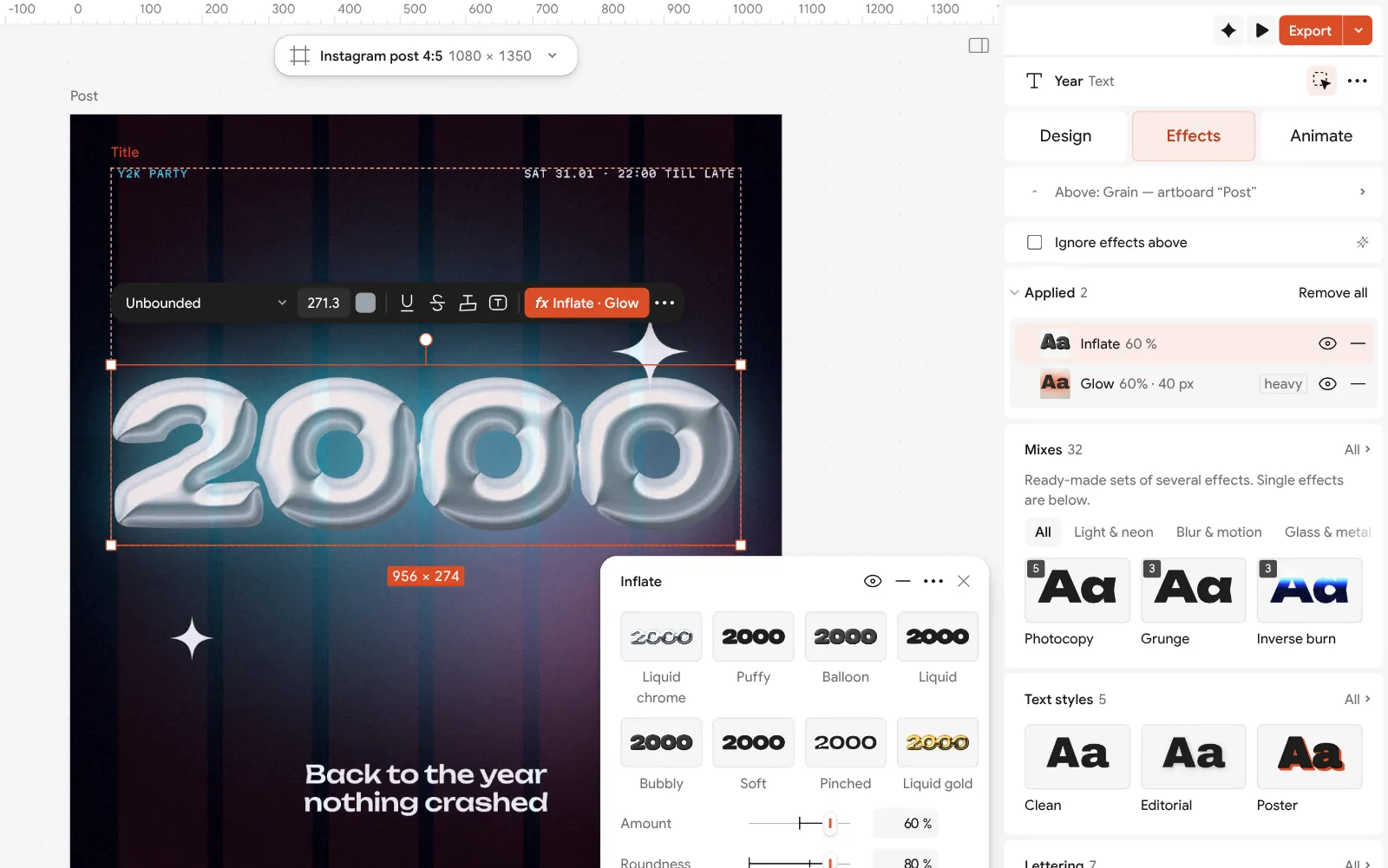
Inflate opened: how round the letters are, the light and the chrome finish To recolour the whole poster at once, change the accent in Colour styles: the labels and the glows that use it change together. Swap aqua for lilac or lime and the poster becomes another night.
Press Export (Ctrl Shift E) and keep PNG for Instagram. For print, add an A3 artboard, choose PDF and turn on Include bleed and Crop marks. Nothing carries a watermark.
Make it your own
Chrome looks best on short words. If your word is long, make it two lines and lower the size in Typography rather than squeezing the letters.
To make the poster move for a story, press Add animation in the Export window and export MP4: the chrome stays sharp where a GIF bands.
A photo of a person makes it even more 2000: drop it in, run Remove background, and place the cut-out figure between the glows and the year.
Sources
Questions
What is a Y2K poster?
A poster in the style of the late 1990s and early 2000s: a dark background, one big rounded word in shiny chrome, soft coloured glow, and small monospaced «computer» text around it. The name comes from Y2K, the shorthand for the year 2000.
Which fonts are Y2K?
Wide, heavy, rounded display faces for the hero word — Unbounded is a free one with Cyrillic — and a monospaced face such as Martian Mono or JetBrains Mono for the small print. Two families are enough.
What colours are Y2K?
Near-black with a hint of violet, chrome silver, and soft lights: aqua, periwinkle, pink and lilac. Keep one cold and one warm light; small text in icy white or cool grey.
Can I make a Y2K poster for free?
Yes. In Paletoo the template, the chrome and glow effects and export to PNG, JPG, PDF and MP4 are free, with no watermark and no sign-up.
How do I make chrome text without Photoshop?
Select the text and apply Inflate with a chrome finish, then a Glow. Both are live, so the words can still change. Our Y2K chrome guide shows a second, pearlier chrome.
What size should a Y2K poster be?
1080 × 1350 px for the Instagram feed, 1080 × 1920 px for stories, and A3 (297 × 420 mm) or 18 × 24 in at 300 dpi for print.
Make it online
- Poster makerMake a poster from a template that already has the layout right, then export a print-ready PDF or an image for screens.
- Text effects onlineType your words, press one effect — chrome, gold foil, emboss, cut-out letters, outlines or warps — and download it in a minute, free and with no sign-up; the words stay editable text.
- Instagram post makerDesign a post at the right size from a real template, then export a sharp PNG or JPG — free, in your browser.
Free design templates for posts, stories and posters: Poster templates · Social media post templates
Try it on your own design
Paletoo opens in your browser, with no sign-up. Every effect here is live: change the picture or the words and the effect follows.
Open in PaletooOpens this design as your own copy — every layer and effect editable, free.
Read next
- 01
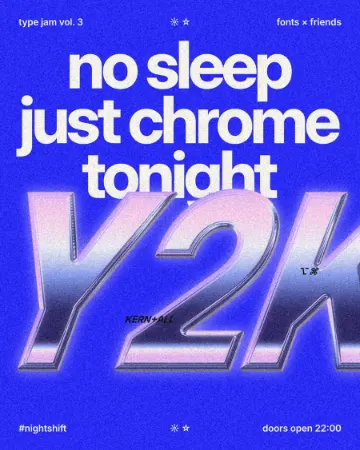 How to make a Y2K chrome text effectFat liquid chrome in pearly pastels, with a soft glow.
- 02
 Y2K pixel art trend 2027: 8-bit, LED boards and CRT screensChunky pixels, a few hard colours and the glow of an old screen.
- 03
 Free poster maker: make a poster online with no watermarkA real poster, from the size to a print-ready PDF, without paying or signing up.