Free tools4 min readFreeUpdated 2026-11-18
Pinterest pin size 2026: 1000 × 1500 and the 2:3 rule
The shape Pinterest shows in full, the pixels, the file rules and the title length — on a 2:3 poster that opens at that shape.
By the Paletoo team · steps tested in Paletoo on
A Pinterest pin should be 2:3 — 1000 × 1500 pixels — in PNG or JPEG, up to 20 MB from a computer or 32 MB in the app; Pinterest says pins taller than 2:3 may be cut off in people’s feeds. Video pins can be 9:16 (1080 × 1920), and a pin’s title shows its first 40 or so characters of a 100-character limit.
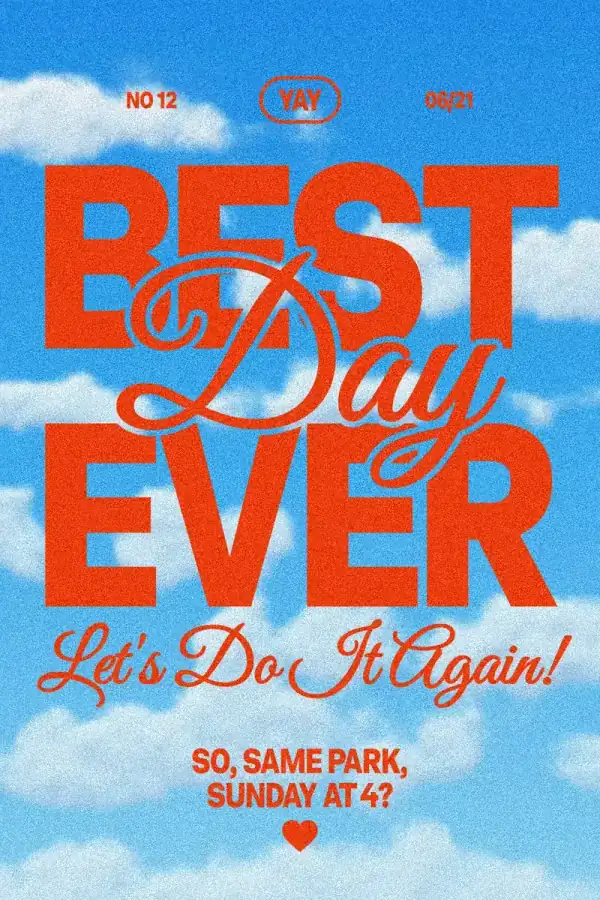
This guide checks those numbers on Pinterest’s own specs page (read on 11 November 2026), explains what makes a pin get saved, and makes one at the right size in Paletoo — on «Best day ever», a red and sky-blue poster that is already 2:3. Every step was run in the editor; the pictures are the editor itself.
Pinterest pin size and specs
Pinterest is a feed of tall pictures in narrow columns, so height is what earns attention — up to the 2:3 limit. Here are the numbers from its product specs:
| Standard pin | Video pin | |
|---|---|---|
| Ratio | 2:3 (taller may be cut off) | 9:16 recommended; 1:2, 2:3, 4:5, 1:1 allowed |
| Size | 1000 × 1500 px | 1080 × 1920 px |
| File | PNG or JPEG | MP4, MOV, M4V |
| File size | 20 MB desktop, 32 MB in the app | — |
| Title | Up to 100 characters; the first 40 show | Same |
| Description | Up to 800 characters | Same |
What makes a pin get saved
People use Pinterest to plan: a room, a party, a poster for their wall, a way to do something. A pin that shows the finished result — the poster on a wall, the room, the cake — and says in a few words what it is gets saved far more than an abstract graphic. Put a short headline on the image itself (six words or fewer, big enough to read on a phone column), keep a strong colour, and link the pin to a page that delivers what the picture promises.
Pins live for months, not hours, so a good title and description matter as much as the picture: write them in the words people would search, such as «free printable poster» or «Christmas party ideas». Three to five fresh pins a week beat thirty in one afternoon.
Why 2:3 and not longer
Long «infographic» pins of 1:3 used to fill the feed; Pinterest now trims anything taller than 2:3 in the feed, so the bottom of a long pin is never seen until someone opens it. Keep the essential part — the headline, the picture, the logo — in a 2:3 frame. A poster made at 2:3, like a 24 × 36 in print, works as a pin without any change: it is the same shape.
Video pins have safe zones too. In a full-screen 1080 × 1920 video pin, Pinterest asks you to keep text and key elements 270 px from the top, 790 px from the bottom, 65 px from the left and 195 px from the right, where its own title, buttons and profile sit. That leaves a clear area in the upper middle of the frame — the same idea as an Instagram story, with a deeper band at the bottom.
Made in Paletoo
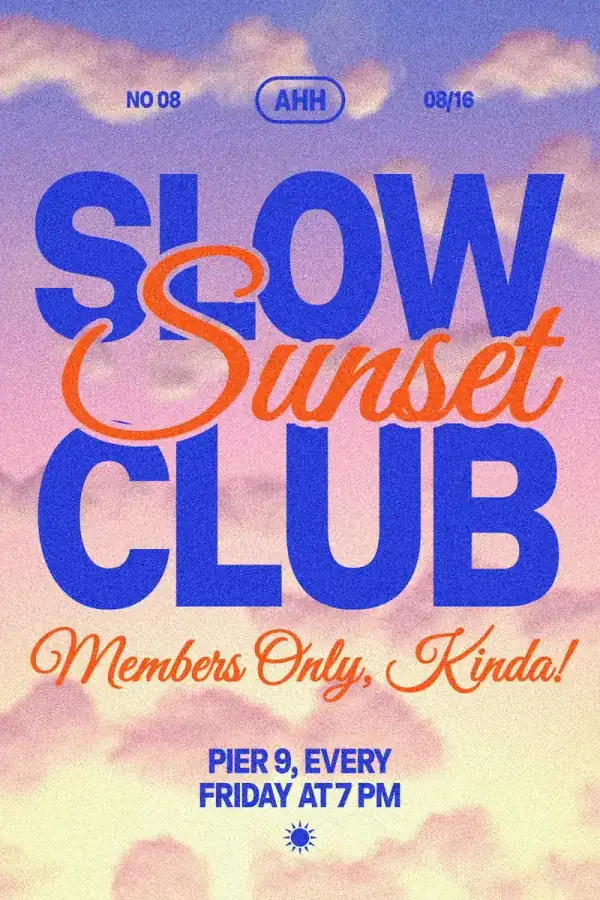
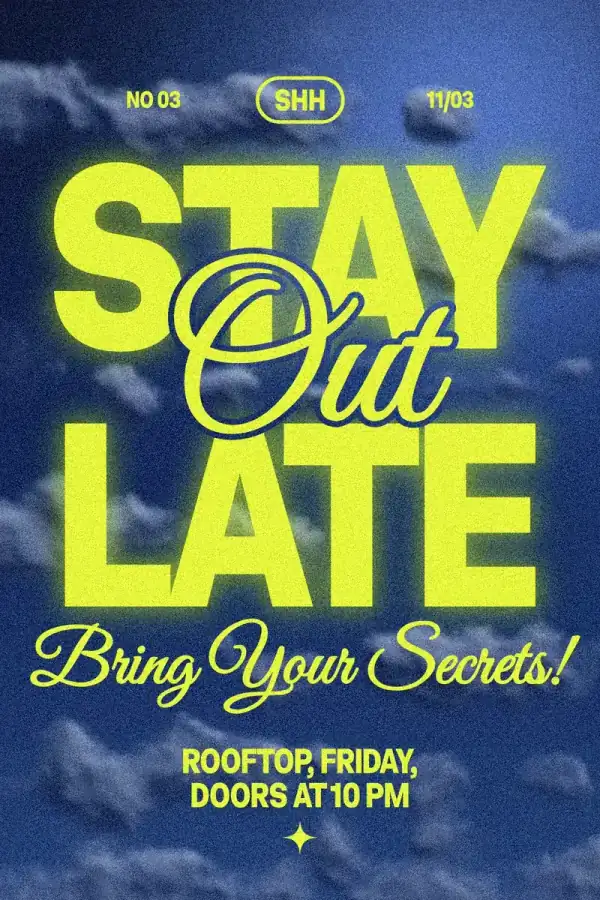
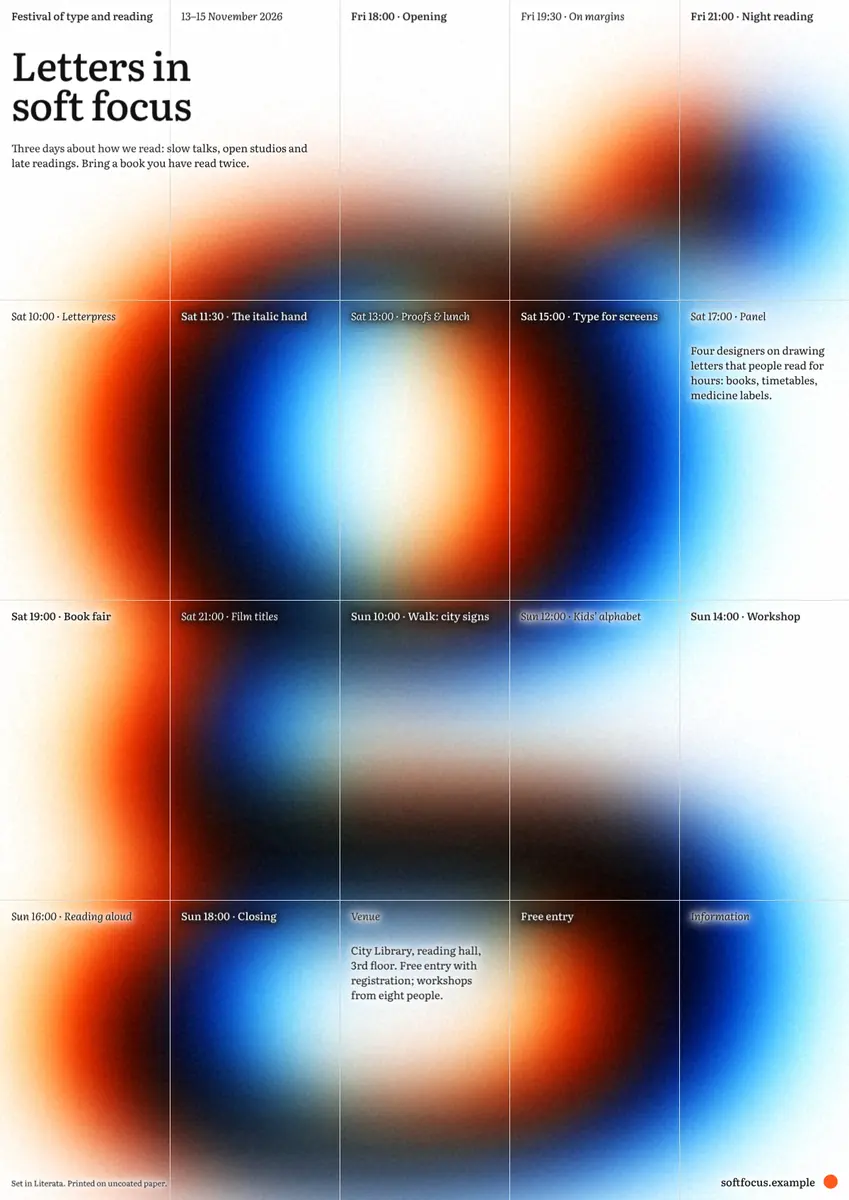
Every picture on this page was made in Paletoo — these three with the same steps on other templates:
Make it free in Paletoo
Open the poster: press “Open in Paletoo” on this page, or start from the poster maker. With nothing selected, the chip above the canvas shows 1200 × 1800 — already 2:3, the pin’s shape.
For an exact pin size, press the chip and pick Pinterest pin (1000 × 1500) under Resize this artboard in the Social media group, with Scale artwork on — or Make a copy as it, to keep the print version.
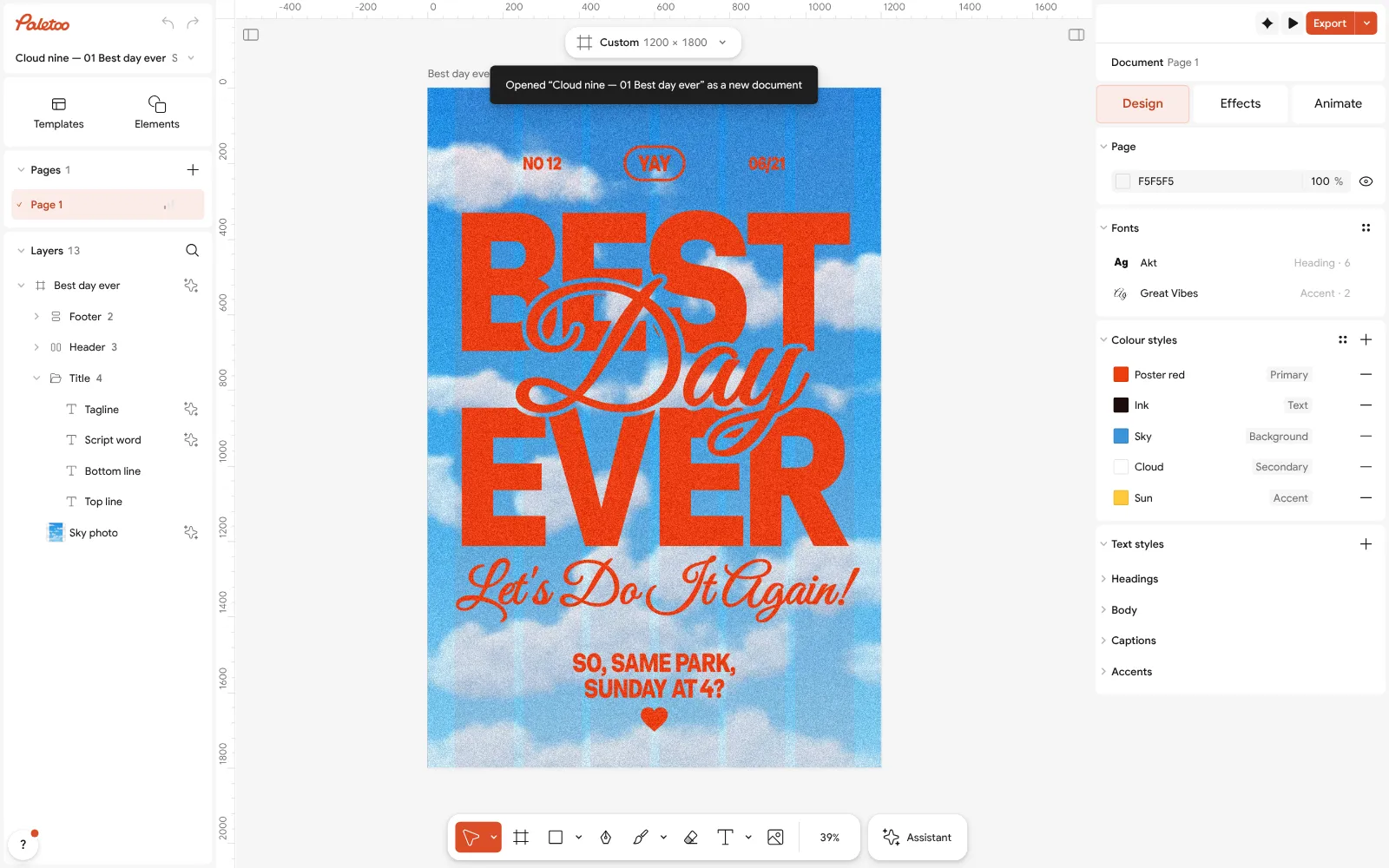
The «Best day ever» poster open in Paletoo with nothing selected: 1200 × 1800 on the chip — 2:3 Double-click the headline and type yours in a few words; under Typography in the Design tab keep it big enough to read in a narrow phone column.
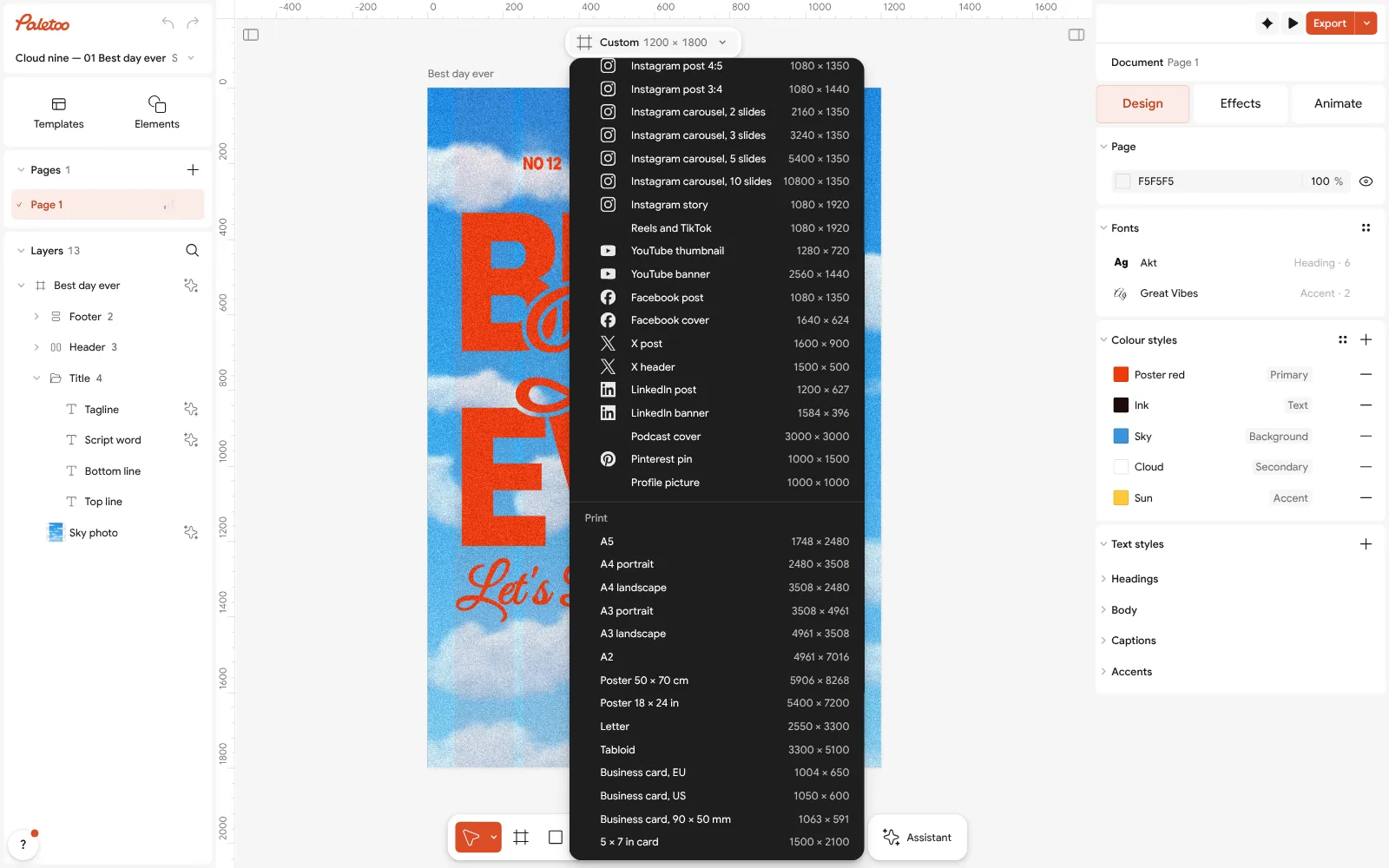
The size chip pressed: Pinterest pin, 1000 × 1500, in the Social media group Change the colours in Colour styles if the pin should match your brand or a season; every part that uses the colour changes together.
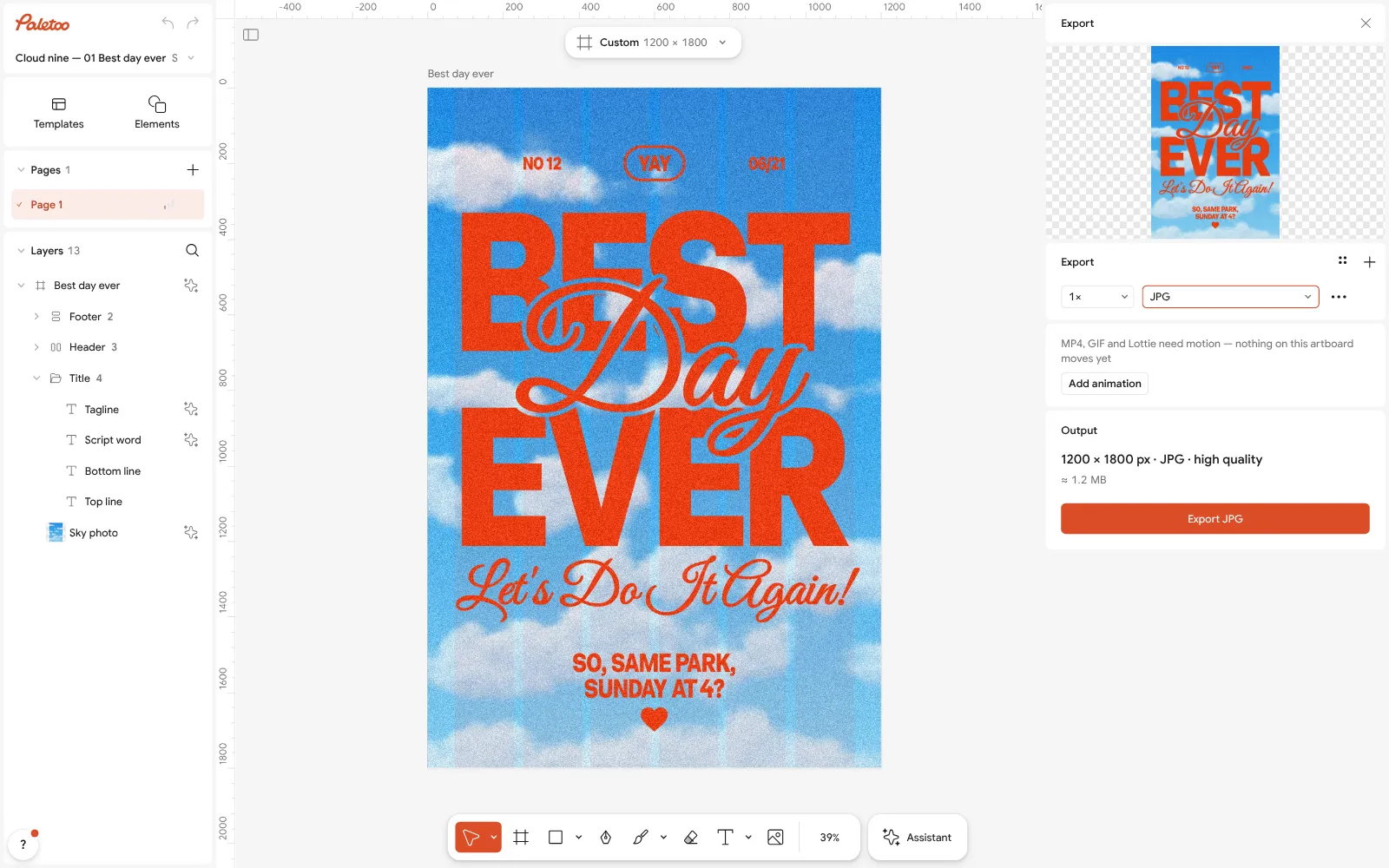
Export as JPG, ready to upload as a pin Press Export (Ctrl Shift E) and choose JPG for photos or PNG for graphics. A 1000 × 1500 JPG is well under Pinterest’s 20 MB.
On Pinterest, create a pin, upload the file, write a title whose first 40 characters say what it is, add the link and a board. For a video pin, press Add animation in the same window and export MP4.
Make it your own
Make a set of pins from one design: Duplicate artboard, change the headline and the colour, export them all — five pins for the price of one.
For a pin that shows your poster in a room, use Put on a mockup from Ctrl K and export the mockup at 2:3.
Keep text away from the bottom-right corner, where Pinterest places its own buttons on hover.
Sources
Questions
What is the best Pinterest pin size?
1000 × 1500 pixels, a 2:3 ratio. Pinterest says taller pins may be cut off in the feed.
What size is a Pinterest video pin?
9:16, 1080 × 1920 pixels is recommended; 1:2, 2:3, 4:5 and 1:1 are also accepted.
What is the file size limit for a pin?
20 MB for images uploaded from a computer and 32 MB in the app, PNG or JPEG.
How long can a pin title be?
Up to 100 characters, but only about the first 40 show in feeds, so put the important words first.
What are the safe zones of a Pinterest video pin?
In a 1080 × 1920 video pin keep text 270 px from the top, 790 px from the bottom, 65 px from the left and 195 px from the right, according to Pinterest’s pin specs.
Can I make Pinterest pins for free?
Yes. Paletoo’s 2:3 posters and the Pinterest pin size are free to edit and export as JPG, PNG or MP4, with no watermark and no account.
Make it online
- Poster makerMake a poster from a template that already has the layout right, then export a print-ready PDF or an image for screens.
- Instagram post makerDesign a post at the right size from a real template, then export a sharp PNG or JPG — free, in your browser.
- Instagram story makerPick a 9:16 template, change the words and the photo, add motion if you like, and export an image or a video in a couple of minutes.
Free design templates for posts, stories and posters: Poster templates · Social media post templates · Story and Reels templates
Try it on your own design
Paletoo opens in your browser, with no sign-up. Every effect here is live: change the picture or the words and the effect follows.
Open in PaletooOpens this design as your own copy — every layer and effect editable, free.
Read next
- 01
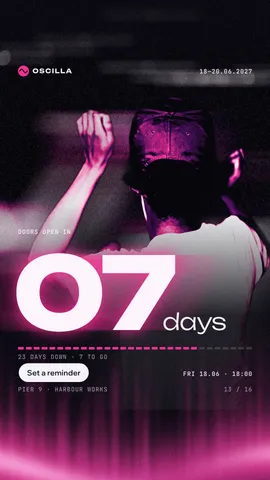 Instagram story size 2026: 1080 × 1920, safe zones and ratioThe pixels, the ratio, the bands that the profile and the reply bar cover — and a story that opens at the right size in one tap.
- 02
 YouTube thumbnail size 2026: 1280 × 720, 4K and the file limitThe exact size, the file limit, the corner the timestamp covers — and a thumbnail that opens at that size in one tap.
- 03
 How to make an Instagram post for free: size, layout, exportThe size, the margins and the three type sizes that make a post read in one second.