Free tools4 min readFreeUpdated 2026-11-20
Price list design: a free template for salons, cafés and shops
A price list people read in ten seconds: groups, dot leaders, prices in one column and a way to book — as an A4 to print and a post to share.
By the Paletoo team · steps tested in Paletoo on
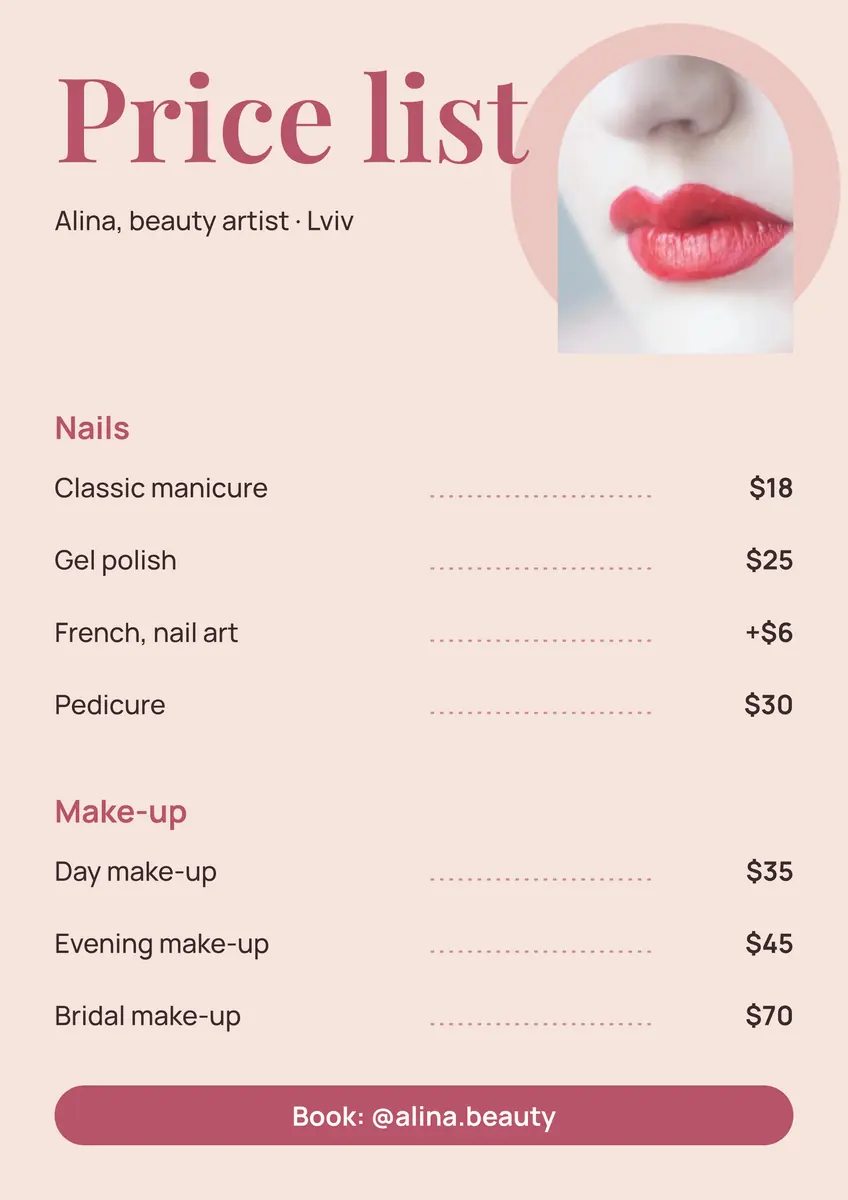
To make a price list, group what you sell under two or three headings, set each item on its own line with the price in a right-hand column joined by a dotted leader, keep one accent colour and end with how to book; then export an A4 PDF for the wall and a 1080 × 1350 post for Instagram. In Paletoo you can start from a ready price list and only change the words and numbers.
This guide uses «Price list», a beauty artist’s list from our price-list set — nails and make-up, a photo in a circle and a booking chip — to show the layout rules that make prices easy to scan, what to leave out, and how to keep the print and the post in step. Every step was run in Paletoo on 11 November 2026; the pictures are the editor itself.
How people read a price list
Nobody reads a price list top to bottom. Eyes jump to the heading they care about («Nails»), run down the names to their item and across to the price. Every design choice should make those two jumps short. Group items under a few headings with clear space between groups. Put the name on the left and the price on the right, all prices in one column, with a dotted leader between them so the eye cannot slip to the wrong line. Align numbers to the right so £8 and £120 line up by their last digit.
Keep descriptions to a few words, or put them in small type under the name. A «from» before a price is honest where the price varies; a footnote for extras («+£6 nail art») beats a second column nobody reads.
Price list layouts that work
Three layouts cover most businesses:
| Layout | Looks like | Best for |
|---|---|---|
| One column | Headings and lines down the page, prices on the right | Salons, barbers, small menus (up to ~20 items) |
| Two columns | Two groups side by side | Longer lists on A4 landscape or a wide screen |
| Cards | Each service a box with a short line and the price | Packages, tiers, «basic / standard / premium» |
| Instagram post | 4:5, one group per post or a carousel | Sharing and pinning to the profile |
Print and post from one design
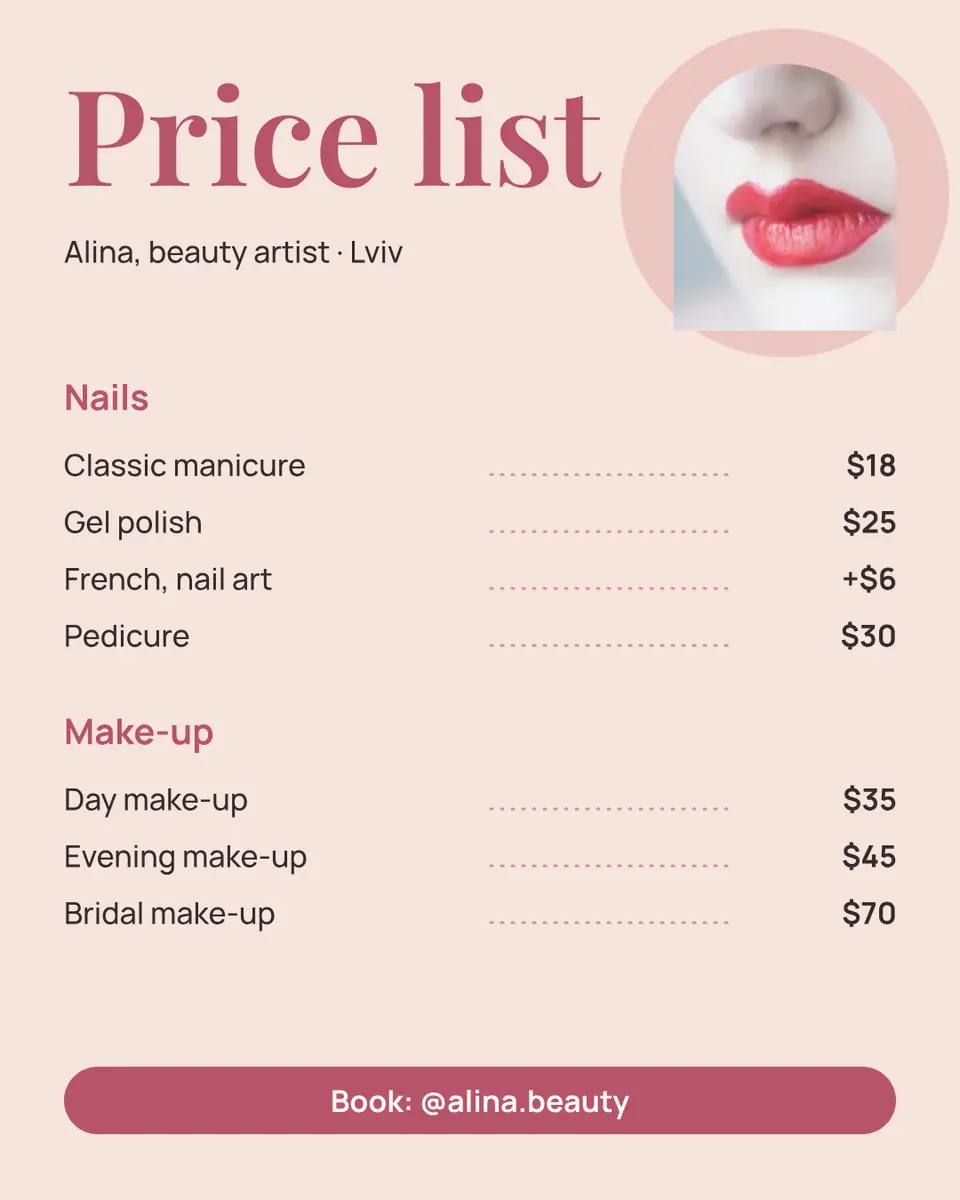
Prices change, so the list will be edited more than any other design you have. Make it once as an A4 for the wall or the counter, then a 1080 × 1350 copy for Instagram, and keep both in the same document: when a price changes you edit both in a minute. A QR code on the printed list to your booking page saves you from writing the link; on the post, put the booking line in the caption and in the image.
Write the names in your customers’ words, not your trade’s: «Gel polish» beats «Soak-off UV gel system». Use one currency style everywhere (£25 or 25 £, not both), round prices where you can, and drop the zeros after the point — «25» reads faster than «25.00» — and keep every price the same size and weight, so none of them shouts. If a price is a range, say «from £25» rather than «£25–£60», which makes everyone expect the higher number.
Made in Paletoo
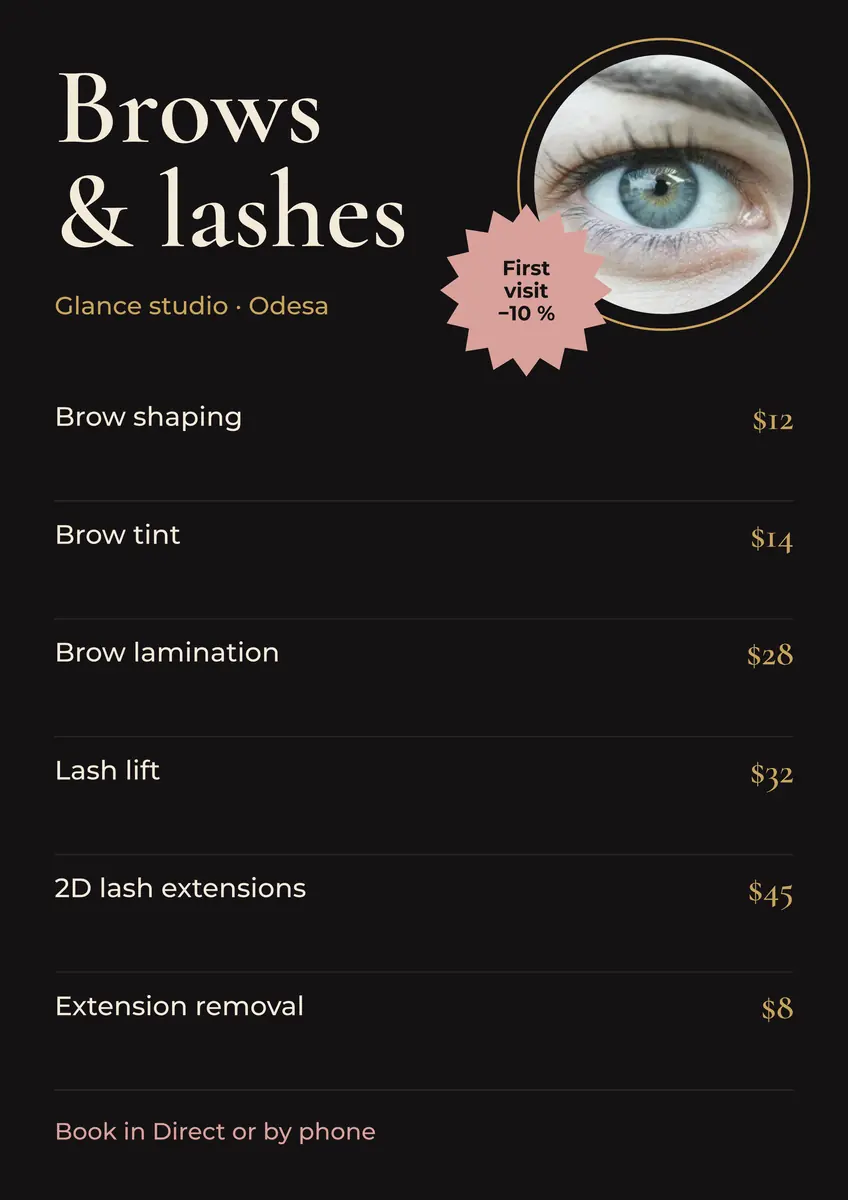
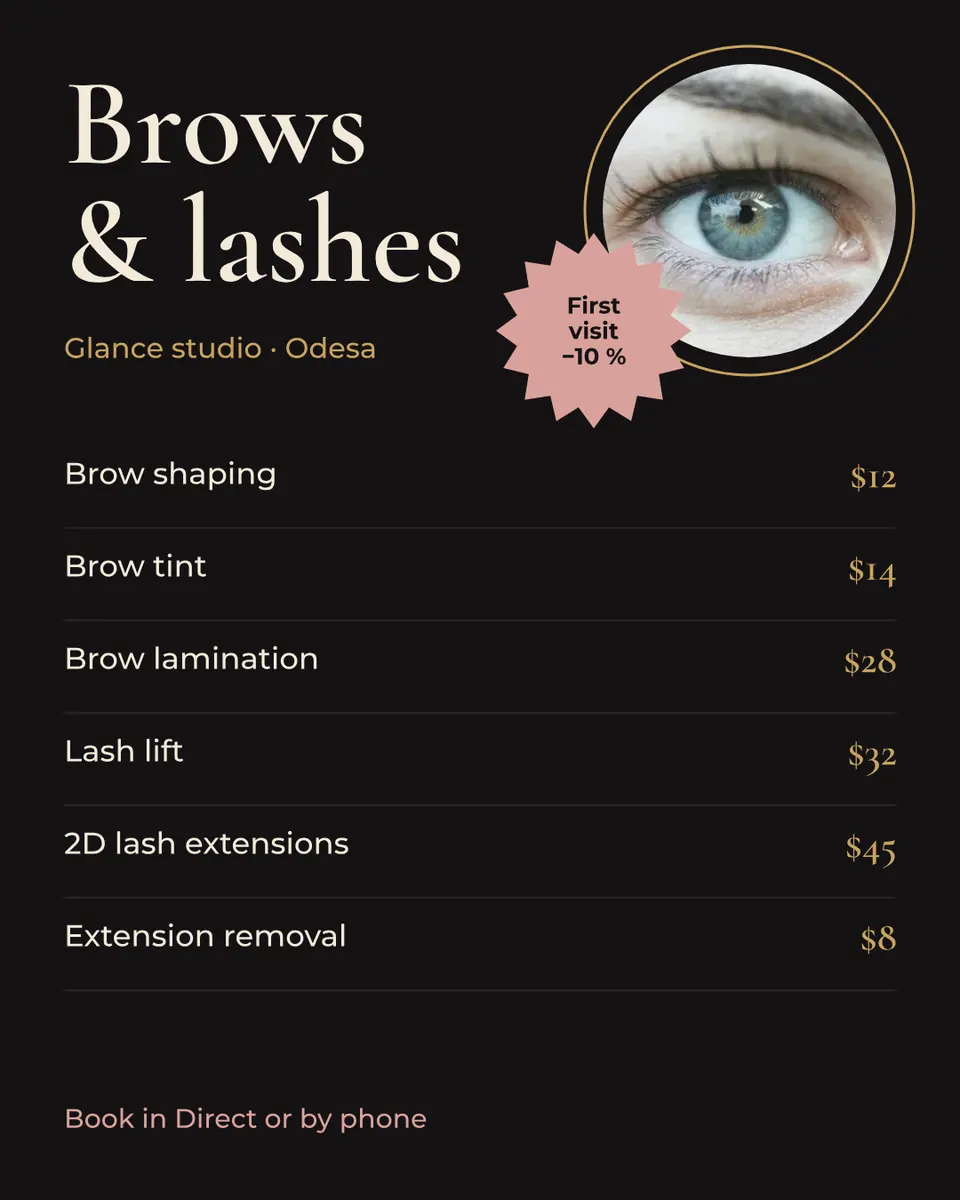
Every picture on this page was made in Paletoo — these three with the same steps on other templates:
Make it free in Paletoo
Open the price list: press “Open in Paletoo” on this page, or start from the flyer maker. It opens as an A4; the Layers panel lists each heading, each item, its leader and its price.
Double-click a name or a price and type yours. Fonts and sizes are under Typography in the Design tab; keep all prices in one font and size so they line up as a column.
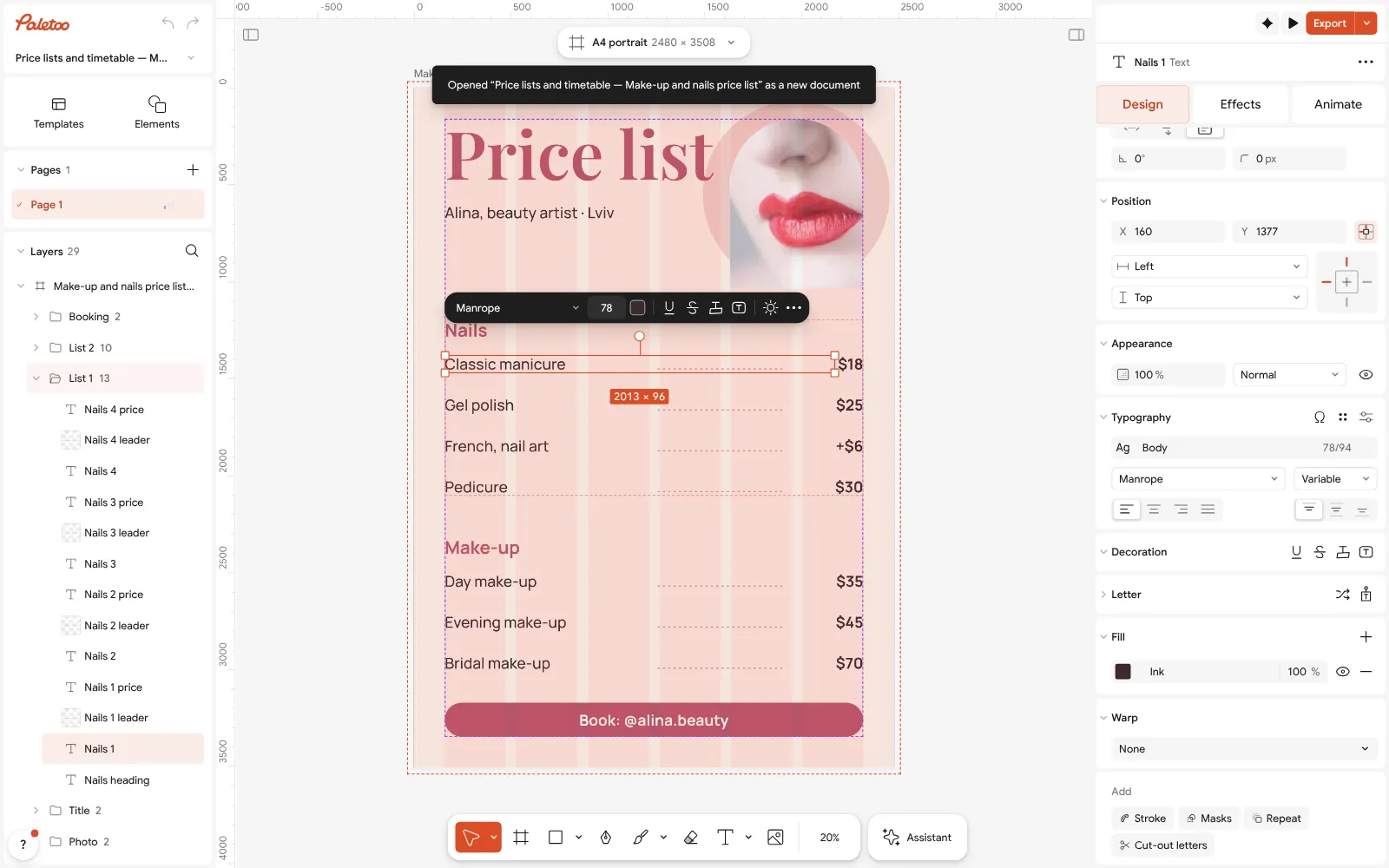
The beauty price list open in Paletoo: the first item selected, its font under Typography With nothing selected, the Design tab shows the document’s Colour styles and fonts: change the pink accent there and the headings, the chip and the photo’s circle change together.
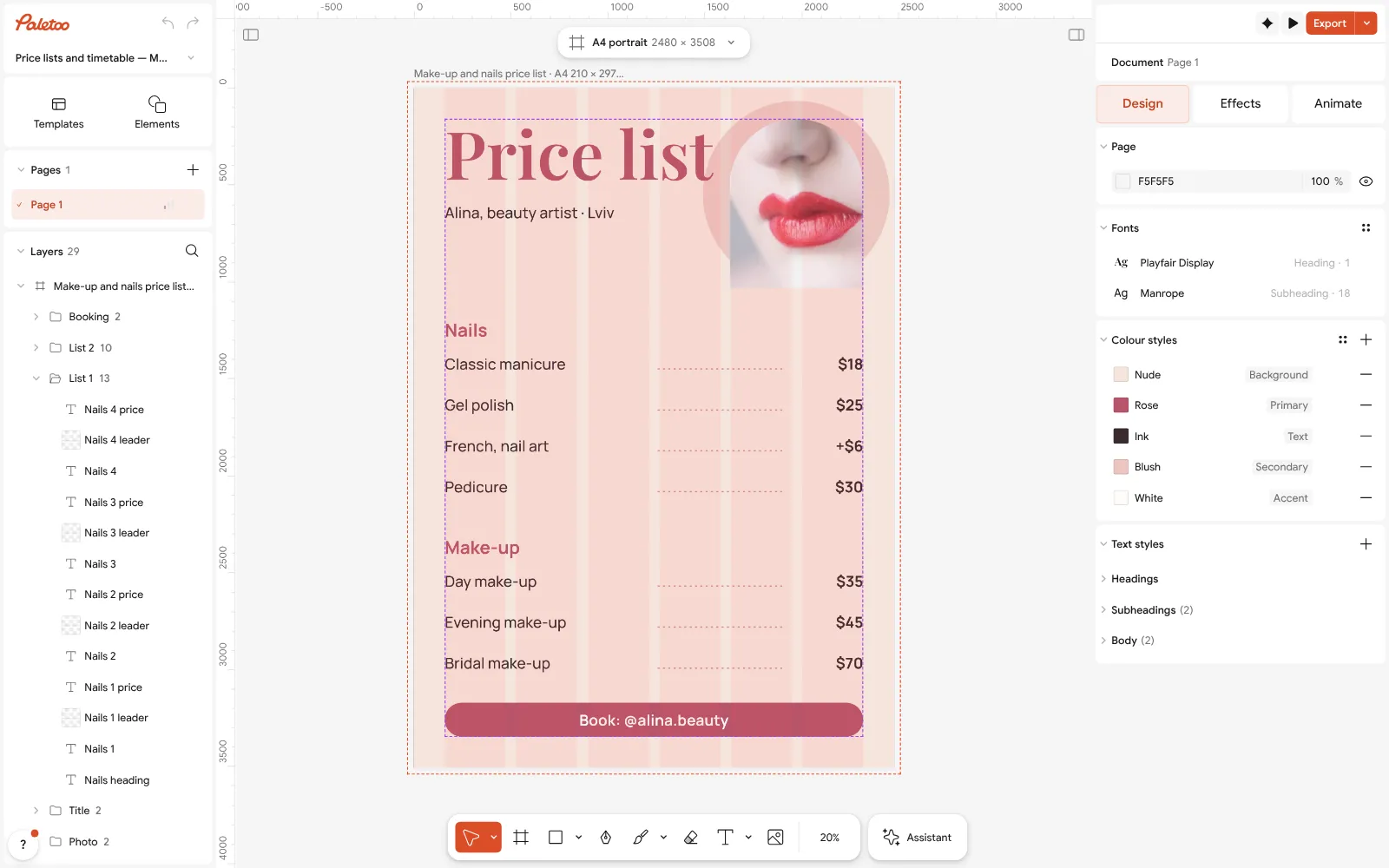
Nothing selected: the document’s Colour styles and fonts in the Design tab Need more lines? Select an item, its leader and its price and duplicate them (Ctrl D), then move the copy down. Swap the photo with Replace picture.
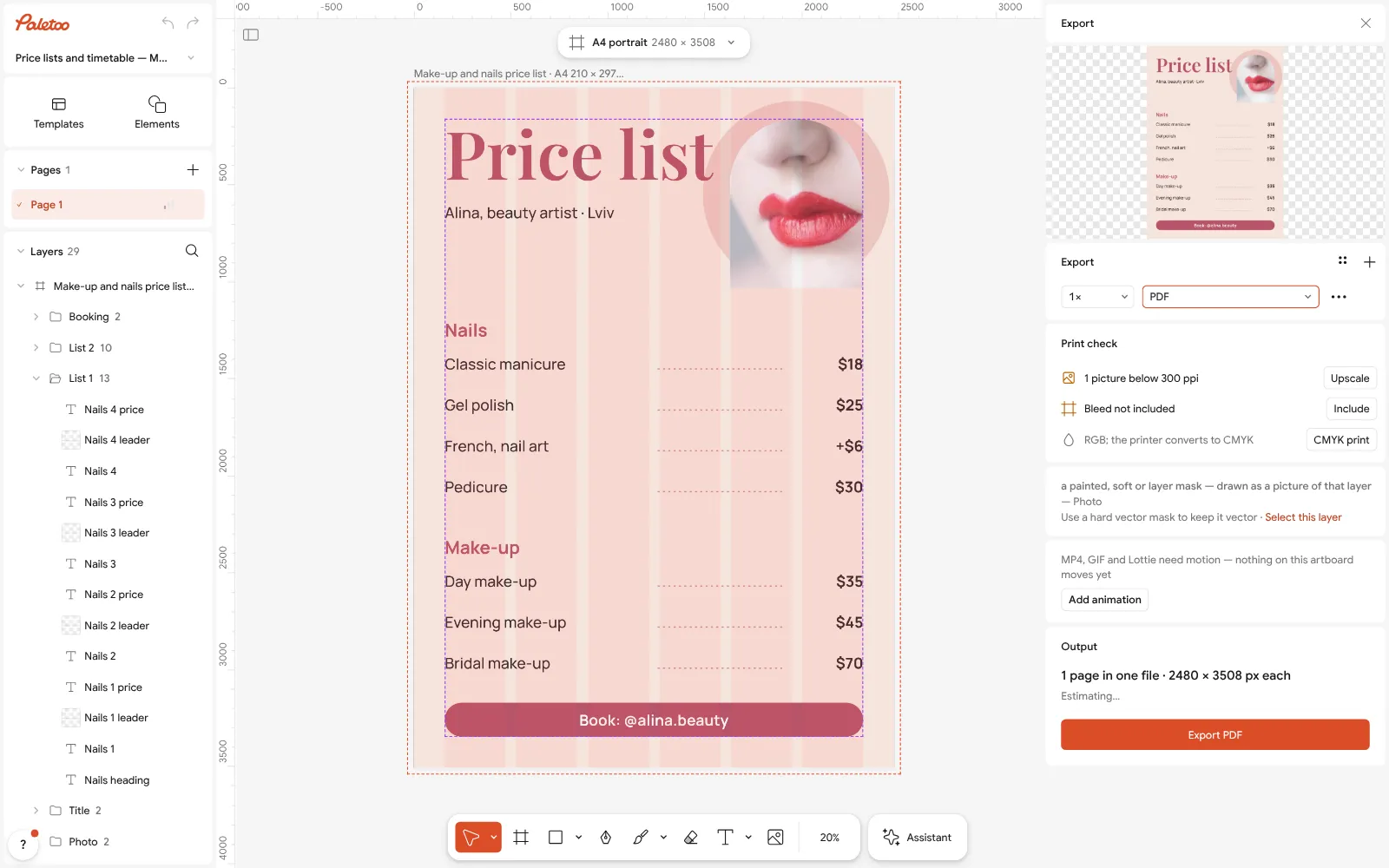
Export as PDF for printing Press Export (Ctrl Shift E) and choose PDF for print, with Include bleed if the colour runs to the edge.
For Instagram, press the size chip and under Make a copy as choose a 4:5 post; move the groups to fit and export PNG. Nothing carries a watermark.
Make it your own
For a café, rename the groups («Coffee», «Tea», «Cakes») and add a QR code to the full menu — the printed list stays short.
Keep every price in the same Text styles style: change it once and all prices update, on the print and the post.
If the list grows past one page, add another artboard with Duplicate artboard and keep the headings in the same places.
Sources
Questions
How do I make a price list?
Group items under a few headings, put names on the left and prices in one right-hand column joined by dotted leaders, add how to book, and export A4 for print and 4:5 for Instagram.
What should be on a salon price list?
The groups of services, each service with its price (with «from» where it varies), extras as a short note, and how to book — a phone, a link or a QR code.
What size should a price list be?
A4 (210 × 297 mm) for a wall or a counter, A5 for a table card, 1080 × 1350 for an Instagram post.
Can I make a price list in Word or Canva?
You can, but a design editor makes the leaders and the price column easier to keep straight. Paletoo’s price lists are free to edit and export as PDF or PNG.
Should a price list show «from» prices?
Yes, where the price depends on length, time or materials — «from £25» is honest and reads better than a range.
Can I make a price list for free?
Yes. Paletoo’s price-list templates are free to edit and export, with no watermark and no account.
Make it online
- Make a price list onlineNails, brows, hair, a barber or a café: pick a price list, type your services and prices, and print it for the wall or post it as a story — free, no sign-up, no watermark.
- Flyer makerTurn a ready flyer template into yours in minutes and send the printer a PDF with bleed and crop marks.
- Instagram post makerDesign a post at the right size from a real template, then export a sharp PNG or JPG — free, in your browser.
- QR code generatorMake a free QR code that never expires, right here — eight styles, a logo or emoji in the middle, PNG, SVG or PDF — and see that it scans before you print. No sign-up.
Free design templates for posts, stories and posters: Sale and pricing templates · Event and launch templates · Social media post templates · Contact and call-to-action templates
Try it on your own design
Paletoo opens in your browser, with no sign-up. Every effect here is live: change the picture or the words and the effect follows.
Open in PaletooOpens this design as your own copy — every layer and effect editable, free.
Read next
- 01
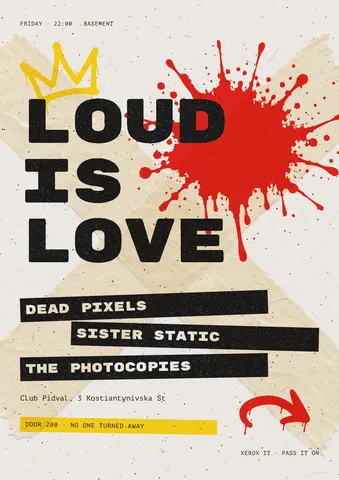 Flyer size: A5, A6, DL, Letter and half-letter in pixelsThe flyer sizes printers stock and racks hold — in millimetres, inches and pixels — and one gig flyer that switches between them.
- 02
 How to make an Instagram post for free: size, layout, exportThe size, the margins and the three type sizes that make a post read in one second.
- 03
 Font pairing for posters: six combinations that workOne loud voice, one quiet one, and a clear difference between them.