Make a price list online
Updated
Nails, brows, hair, a barber or a café: pick a price list, type your services and prices, and print it for the wall or post it as a story — free, no sign-up, no watermark.
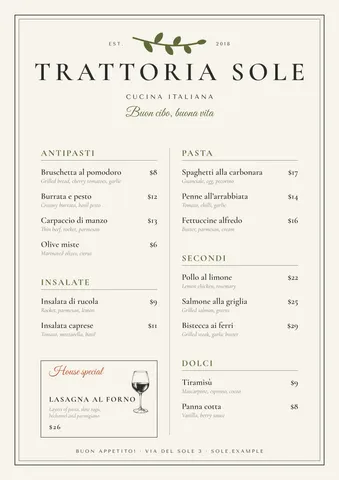
Start from a price list
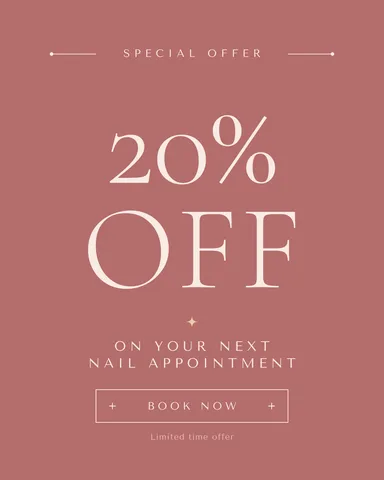
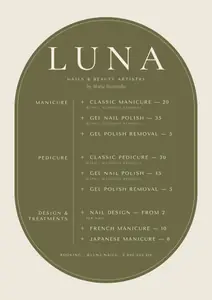 Nail studio, A4
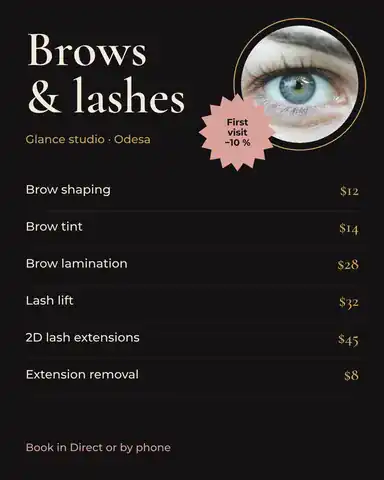
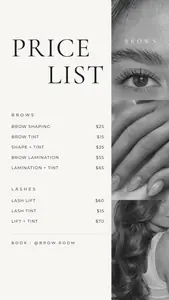 Brow studio, story
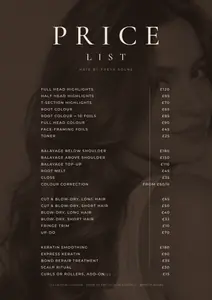 Beauty salon, dark
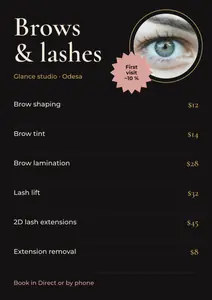 Brows and lashes
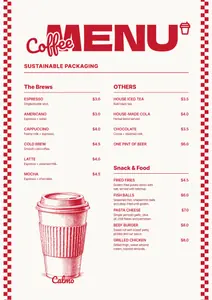 Coffee prices, A3
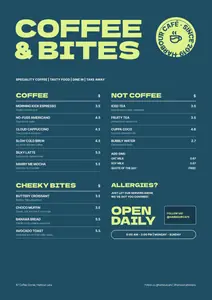 Café board, A3
Each opens as your own document. A4 sheets for the wall or the counter, A3 boards, and price lists sized for an Instagram story or post.
Start freeFree · in your browser · no sign-up · no watermark
More price lists
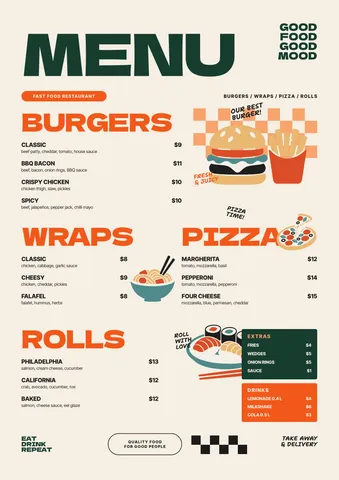
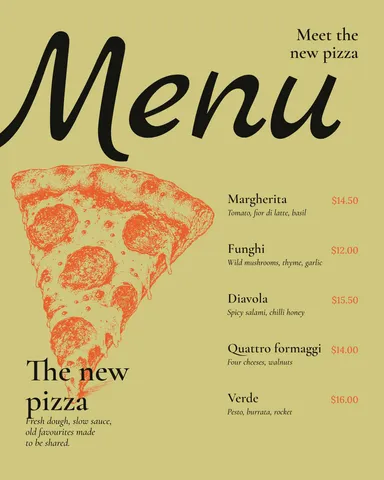
Real Paletoo documents and results — open one and change everything.

How it works
-
Pick a price list
Tap a price list above, or «Start free» for a nail studio list on A4. In Templates there are more for beauty salons, brow and lash studios, barbers and cafés, as A4 sheets, A3 boards, stories and posts.
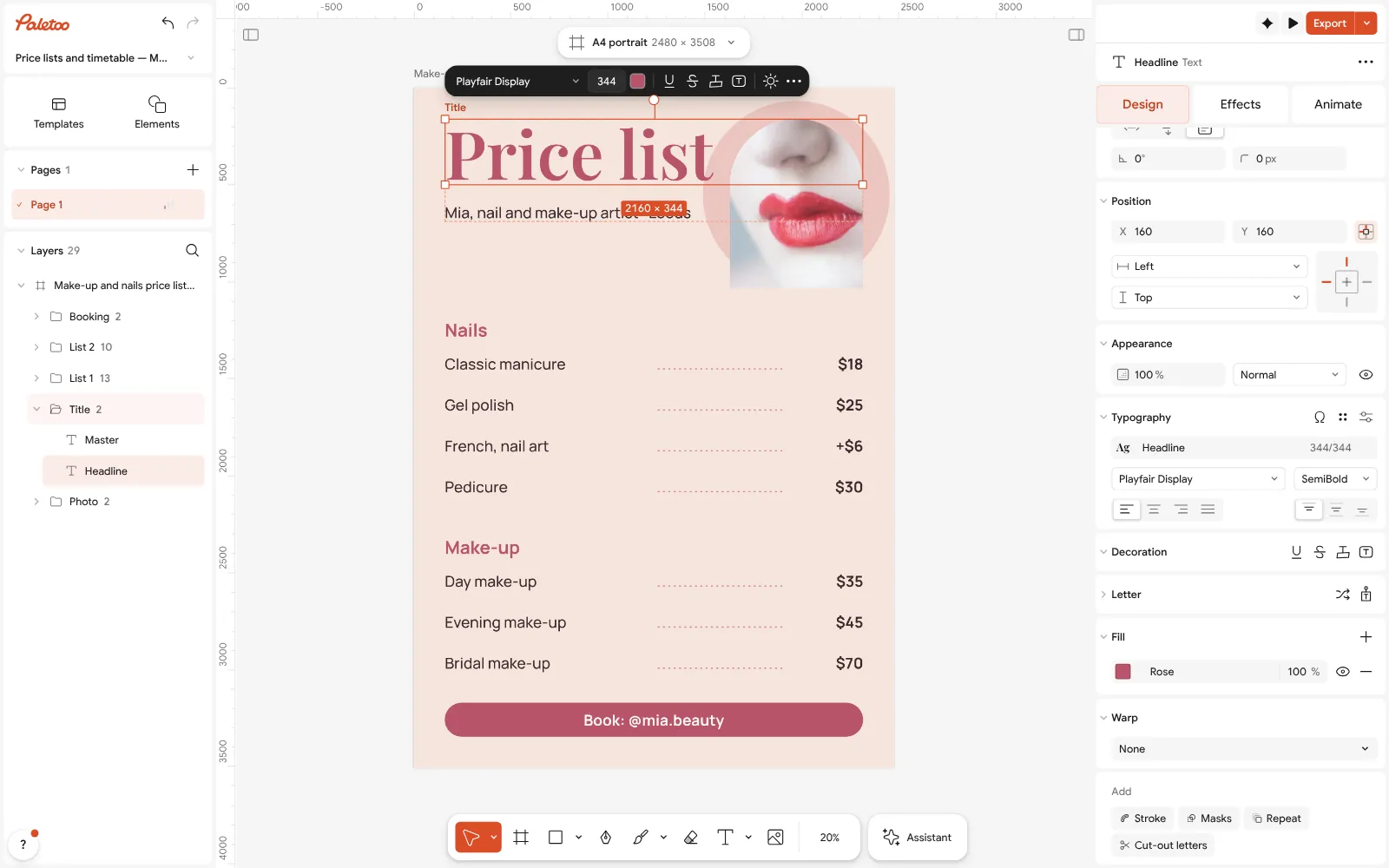
The price list open in Paletoo: the headline selected, its font and size under Typography -
Type your services and prices
Double-click a line to write a service, its length and its price; the columns keep their places. Press Duplicate on a row to add another. A photo of your work goes in with Replace picture.
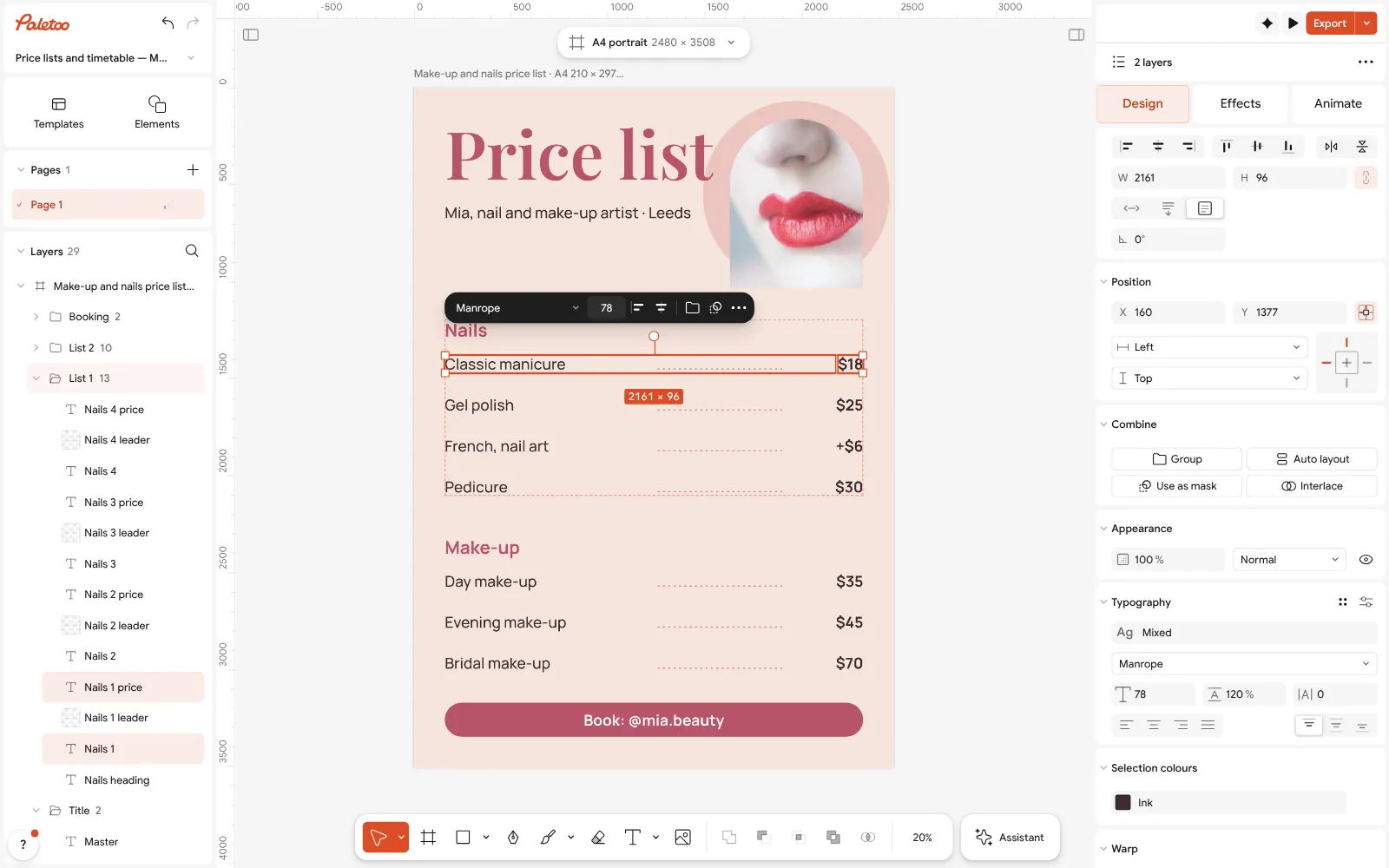
A service line selected with its price: each is its own text, so the price column stays straight -
Print it or post it
Press Export (Ctrl Shift E): a PDF for the wall or the print shop, a PNG or JPG for your Instagram story, highlights and Google Maps listing.
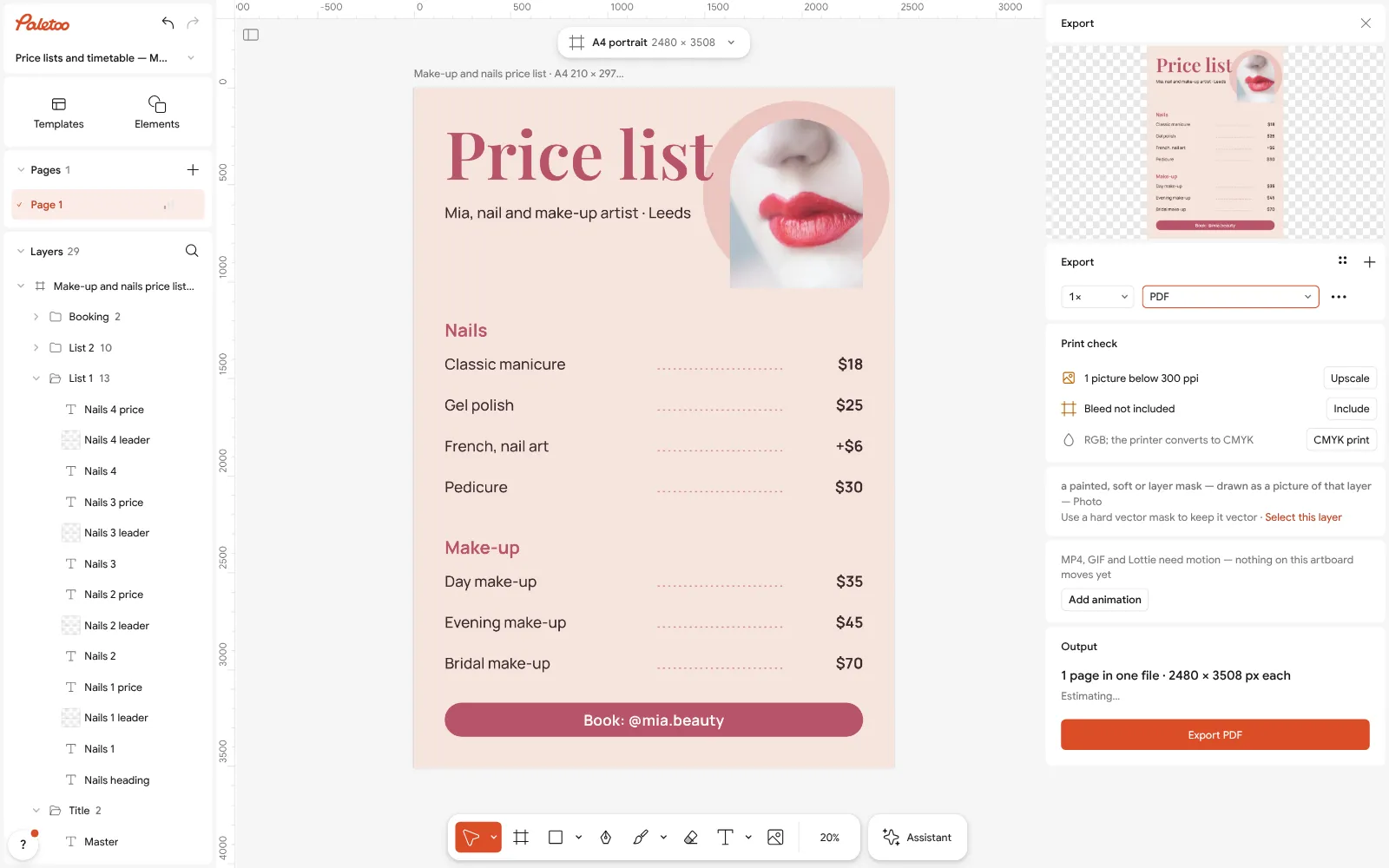
Export as PDF: the A4 page ready to print, with bleed and crop marks one switch away
What is free
- Every template on this page, and every font, photo and effect in it
- Export to PNG, JPG and PDF — with bleed and crop marks for a print shop
- No watermark, on the free plan too
- No account needed to make or download; a free one adds cloud storage and share links
Credits are only for AI image generation and materials. Nothing here needs them.
What you get
Made for services
Layouts with sections, durations and prices for nail, brow, lash, beauty and barber studios, and boards for cafés and coffee bars — in English and in Ukrainian.
One list, every size
An A4 sheet to frame by the mirror, an A3 board for the counter, and a 9 : 16 story or 4 : 5 post to pin in your highlights.
Your brand on it
Change the colours to your salon’s, put in your logo and your own photos, and keep the look across the list, your posts and your gift vouchers.
Update in a minute
Prices change: double-click, type, export again. The list stays in your browser between visits, or in the cloud with a free account.
Questions
How do I make a price list for free?
Open a price list template here, double-click each line to type your services and prices, add your logo and photos, then press Export and download a PDF to print or a PNG for Instagram. It costs nothing and leaves no watermark.
Is it really free, with no watermark?
Yes. The price list templates, your edits and the PNG, JPG and PDF exports are free and carry no watermark. You do not need an account to download the file.
How do I make a price list for a hair or nail salon?
Start from a salon template: it already has sections, durations and prices. Rename the sections to your services, type your prices, set your colours and logo, and export one A4 list for the wall and one story for Instagram.
What size should a price list be?
A4 (210 × 297 mm) suits the wall, a frame or a counter; A3 is better for a board people read from a distance; for Instagram use a 1080 × 1920 story or a 1080 × 1350 post.
How do I add more services?
Select a row with its price and press Duplicate, then move the copy down and type the new service. Text boxes grow with the words, so a long service name wraps instead of running off.
Can I add photos of my work?
Yes. Drop a photo onto the list or select a picture and press Replace picture. Before-and-after posts and a gift voucher in the same style are among the templates too.
Can I make the price list in Ukrainian?
Yes. Every template has a Ukrainian version with the services named as Ukrainian salons name them, and the fonts carry the full Cyrillic alphabet.
Can I make a price list on my phone?
Yes. Paletoo opens in a phone’s browser without an app: change the prices and export a story there. Laying out an A4 list for print is easier on a computer.
Learn more
Step-by-step guides
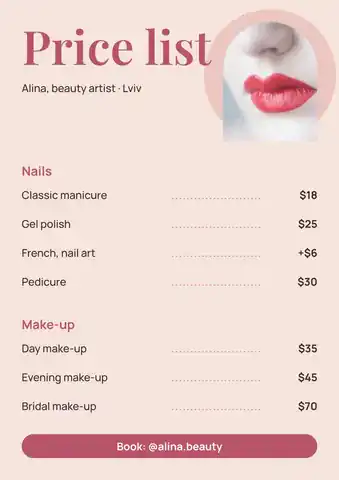
Price list template: make a salon or nail price list online, free
A nail, brow or beauty price list that reads at a glance — on the wall as A4 and in Instagram as a post, from one template.Price list design: a free template for salons, cafés and shops
A price list people read in ten seconds: groups, dot leaders, prices in one column and a way to book — as an A4 to print and a post to share.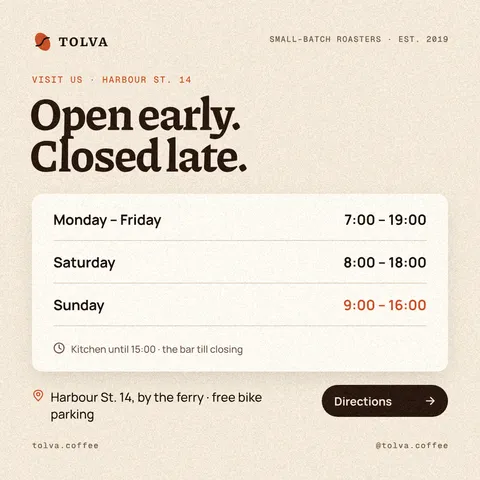
Opening hours template: a business hours sign and post, free
Hours a customer can read from the street — for the door, the feed and the days when everything changes: holidays, repairs, a new schedule.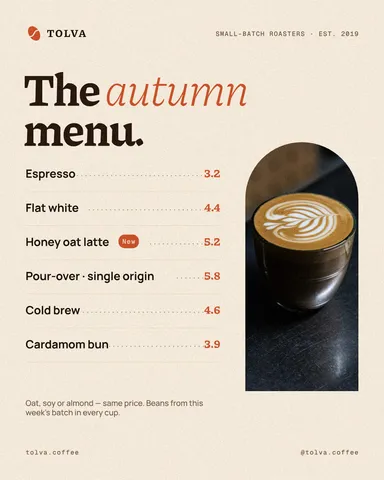
Café menu template: make a menu for a coffee shop online, free
A short menu with prices that reads from the queue — for the counter, the window and Instagram, from one template.
In the help centre
More tools
Make a menu online
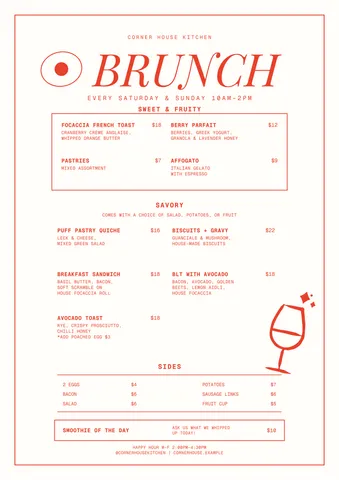
Café, restaurant, bar or street food: pick a menu, type your dishes and prices, add a QR code and print it or post it — free, no sign-up, no watermark.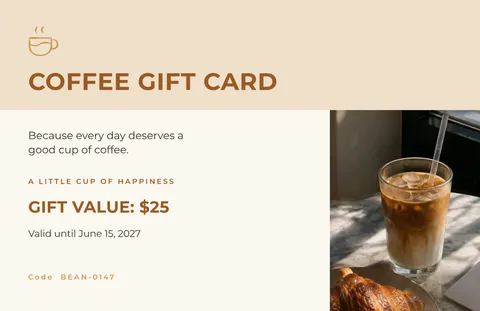
Make a gift voucher online
For a salon, a café or a shop: pick a gift voucher, type the amount and the code, and print it or send it as a picture — free, no sign-up, no watermark.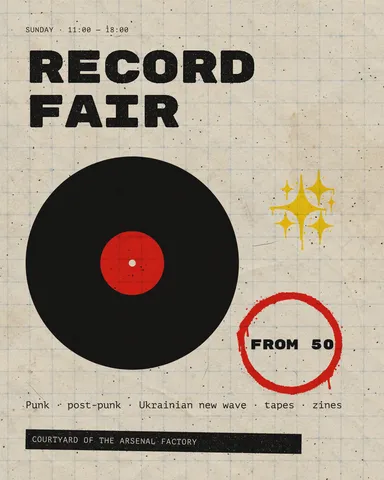
Instagram post maker
Design a post at the right size from a real template, then export a sharp PNG or JPG — free, in your browser.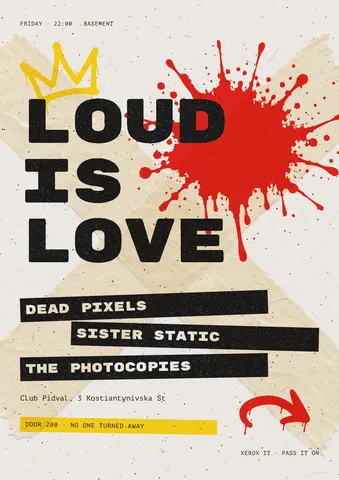
Flyer maker
Turn a ready flyer template into yours in minutes and send the printer a PDF with bleed and crop marks.
Make it now
Paletoo opens in your browser. Start from the template above or a blank page, and export when you are happy.
Start free