Techniques5 min readFreeUpdated 2026-11-20
Zakon font: Ukraine’s national typeface
What the national font Zakon is, which of its three faces anyone may use, where to get it, how to install it and set a document or a certificate in it.
By the Paletoo team · steps tested in Paletoo on
Zakon is Ukraine’s national typeface, presented by the Ministry of Culture in October 2026 to replace Russian-made fonts such as Izhitsa and Petersburg in official documents. Its family has three faces: Zakon Text, for everyday documents and letters, is open for anyone to use and can be downloaded from the Ministry’s site; Zakon Decor (for ceremonial documents and awards) and Zakon Letterpress (for printing the originals of laws) are under a closed licence.
So for a school certificate, a letter, an order or a CV, you can download Zakon Text, install it and use it; in Paletoo you add it under My fonts and save it into the document’s text styles. Below: the pairs tester with open serifs that also set the whole Ukrainian alphabet, what makes Zakon different, the licence in plain words, and the steps on a course certificate.
Try the pairs on your own wordsLive
Type a headline and a line of text, then switch between the pairs picked for this page. Every face is open-licence and sets Ukrainian and Polish.
- SystemIBM Plex Serif SemiBold + IBM Plex Sans
- Warm serifLiterata Display Black + Inter
- Modern journalManrope ExtraBold + Literata
- HeritageBrygada 1918 Bold + Inter
- New classicPlayfair Display + Inter
- WeddingCormorant Garamond Light + Montserrat
- Quiet luxuryCormorant Garamond Medium + Manrope
- MarbleForum + Manrope
- Wide meets bookUnbounded Medium + Literata
- InvitationPinyon Kyiv + Nyght Serif
C
e
Serif and sans of one superfamily — the Season / Untitled / STK Bureau approach: two voices, one skeleton.
Stands in for:
Use this pair in PaletooOpens a new document with exactly this setup — free, no sign-up.
What Zakon is and who made it
Zakon was drawn by a team of Ukrainian type designers — Oleksii Chekal, Hennadii Zarechniuk, Dmytro Rastvortsev and Andrii Shevchenko, with Taras Ishchyk leading the project — on the heritage of six masters of Ukrainian lettering: Heorhii Narbut, Vasyl Krychevsky, Yakiv Hnizdovsky, Robert Lisovsky, Vasyl Khomenko and Vasyl Chebanyk. You can see it in the details: asymmetric serifs, diamond-shaped dots over і and ї, and a distinctive mark over й that follows Narbut’s tradition.
Its purpose is practical. Ukrainian state documents have long been set in fonts cyrillised by the Russian studio ParaType; Zakon gives offices a font of their own. The ministry plans a gradual change: institutions test Zakon Text first, and nothing requires replacing signs or forms that already exist.
| Face | Made for | Who can use it |
|---|---|---|
| Zakon Text | Paperwork, official documents, letters, everyday text | Anyone — open for free use |
| Zakon Decor | Ceremonial documents, awards, inscriptions | A limited circle, closed licence |
| Zakon Letterpress | Printing the originals of the Verkhovna Rada’s laws | A limited circle, closed licence |
Can you use Zakon for your own work?
Zakon Text is published for free use by an unlimited circle of people, which covers documents, letters, school papers and your own designs. Read the licence that comes with the download before you sell a product built on it, embed it in an app or redistribute the files: «free to use» is not always «free to modify or share». Do not pass the font files around yourself; send people to the Ministry of Culture’s page, where the current version lives.
Zakon Decor and Zakon Letterpress are not for public use, so a certificate that should look ceremonial needs another face. The tester on this page offers open-licence serifs and grotesks — IBM Plex Serif, Literata, Brygada 1918, Cormorant, Inter, Montserrat and others — that set ґ, є, і, ї and the apostrophe and are free for commercial work under the SIL Open Font License.
Zakon Text in a document: size and spacing
Zakon Text is a text face, so treat it like one: 11–12 pt for body text in a letter or an order, line spacing of about 1.2–1.5, and a heavier weight or capitals with a little extra letter spacing for headings. On a certificate, set the name larger, around 28–40 pt, and keep everything else small and quiet so the name leads.
Before you send a file, check that every letter is really in Zakon: type a test line with Ґ, Є, І, Ї and the apostrophe. A PDF carries the font with it, so the recipient sees Zakon even without installing it; a Word file without the font installed on the other computer falls back to another font.
Made in Paletoo
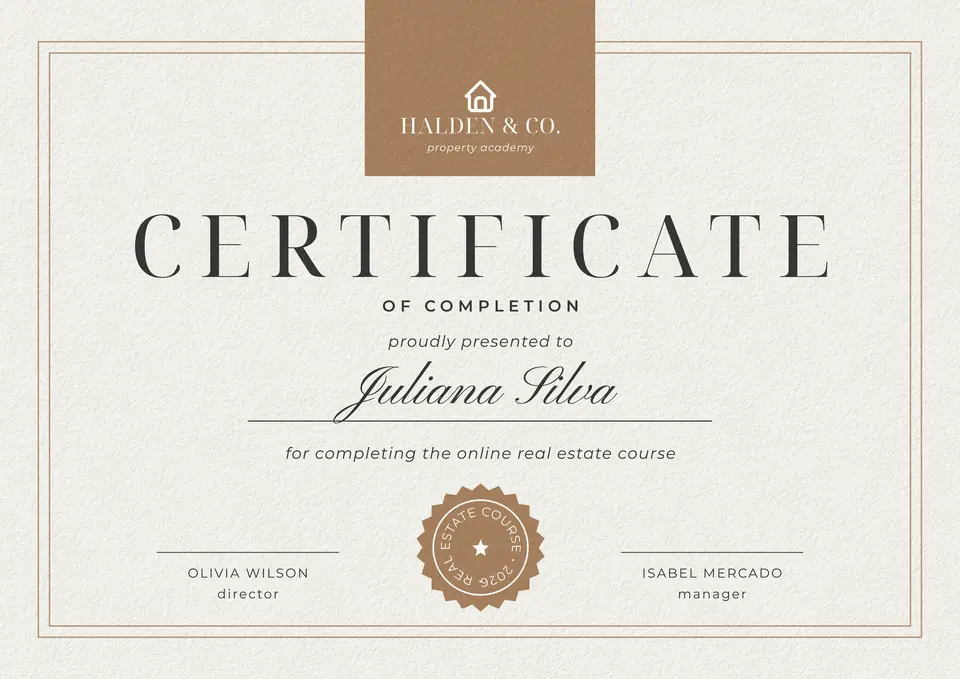
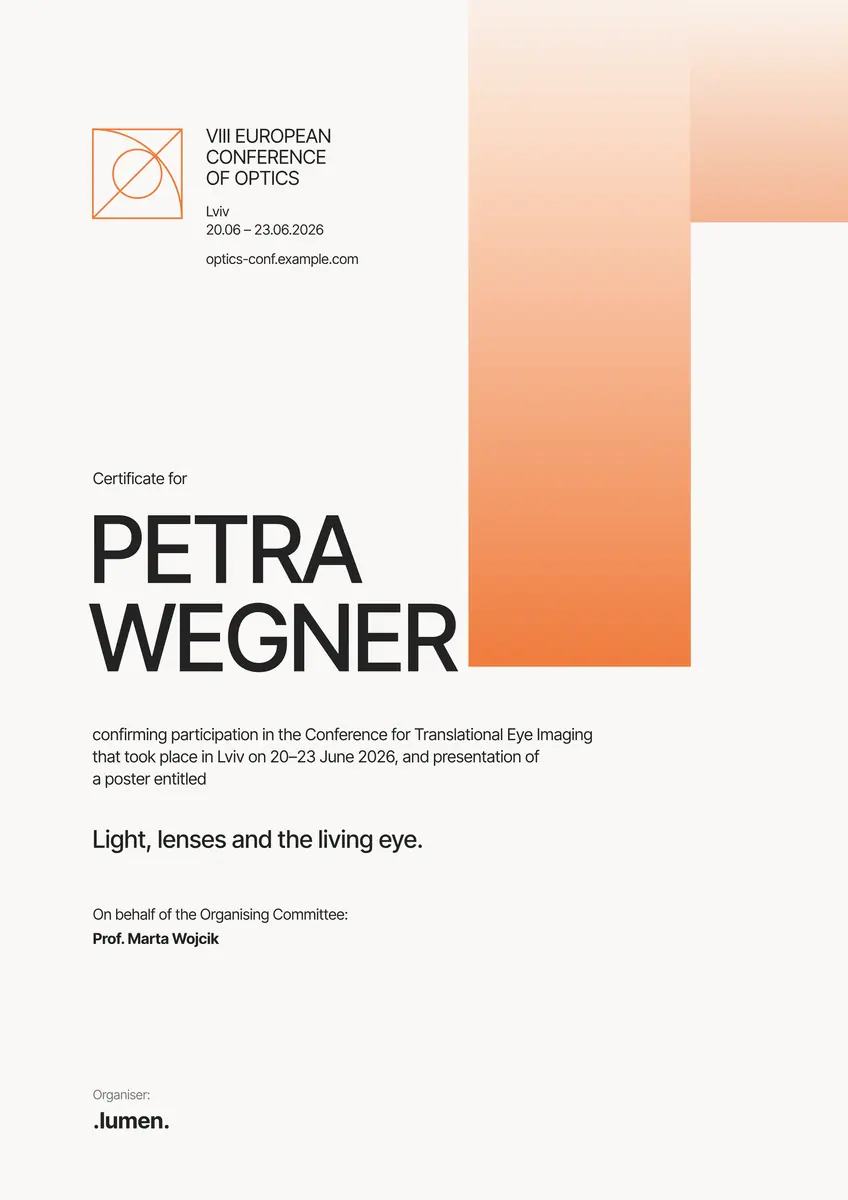
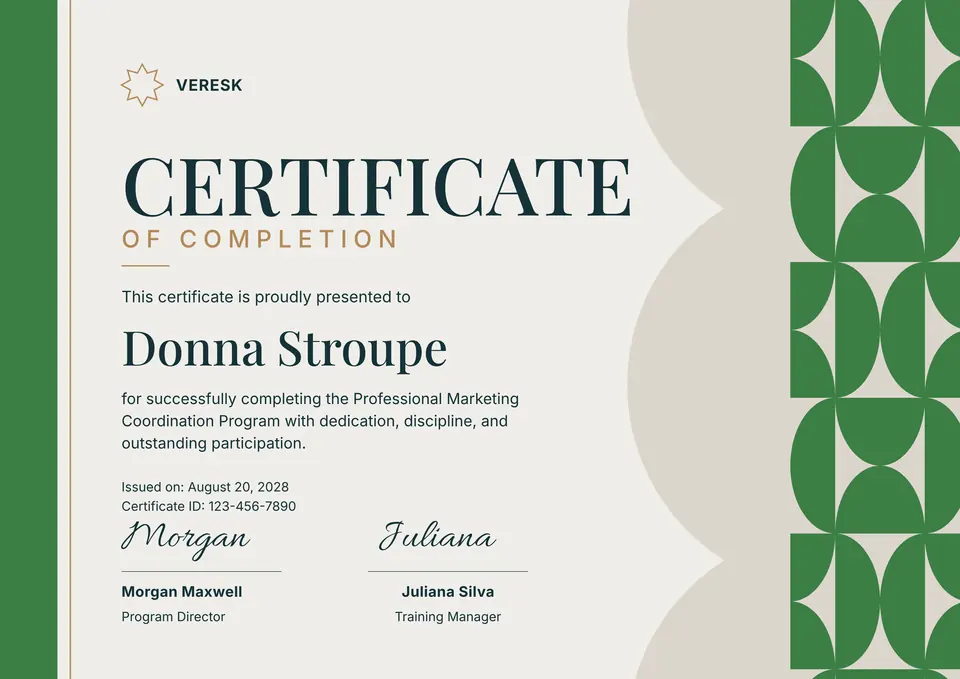
Every picture on this page was made in Paletoo — these three with the same steps on other templates:
Step by step in Paletoo
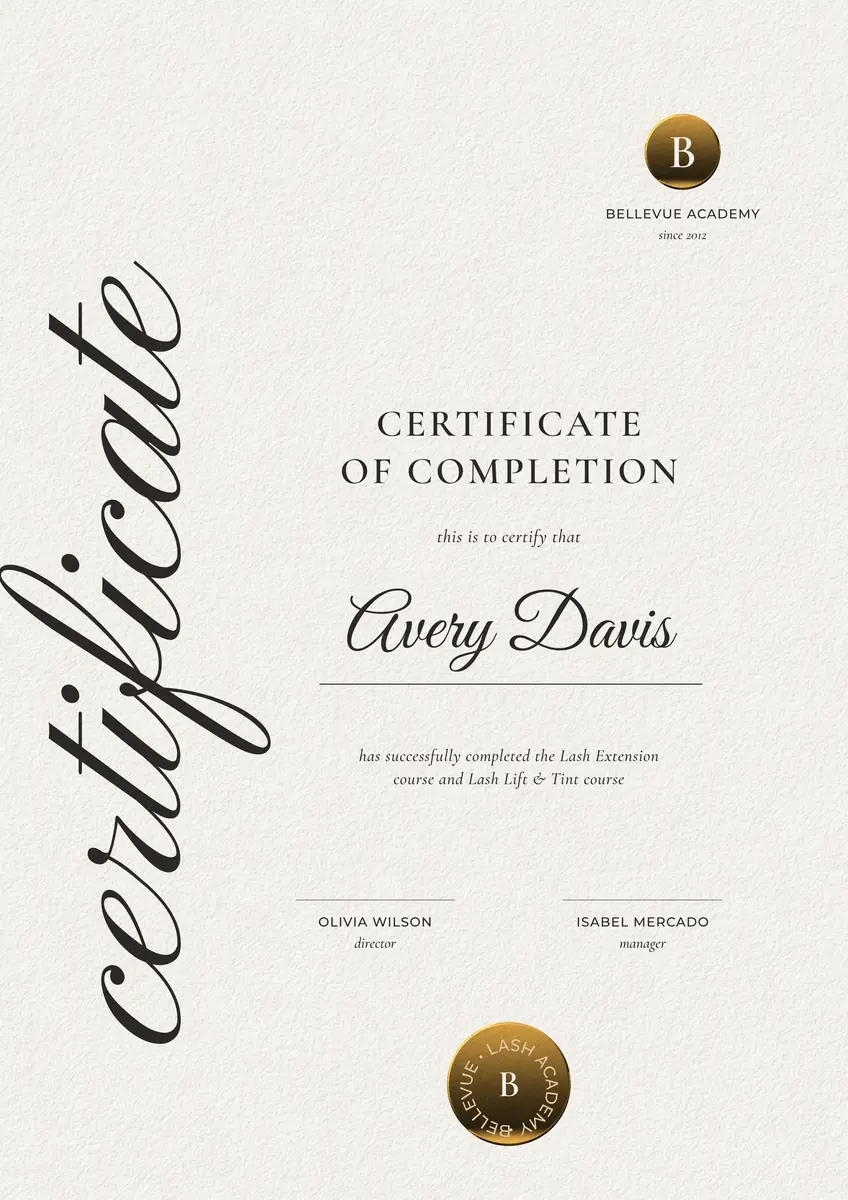
Open the certificate: press “Open in Paletoo” on this page. «Beauty course certificate, calligraphy» opens as your own A4 document, 210 × 297 mm: a huge «certificate» in Pinyon Script, a monogram, the title «CERTIFICATE OF COMPLETION», the recipient’s name, two signatures and a seal.
Select the title. Under Typography in the Design tab: Cormorant Garamond, 111 px, in capitals. Press the font name to open Fonts; with With Ukrainian on, only fonts with ґ, є, і, ї are listed.
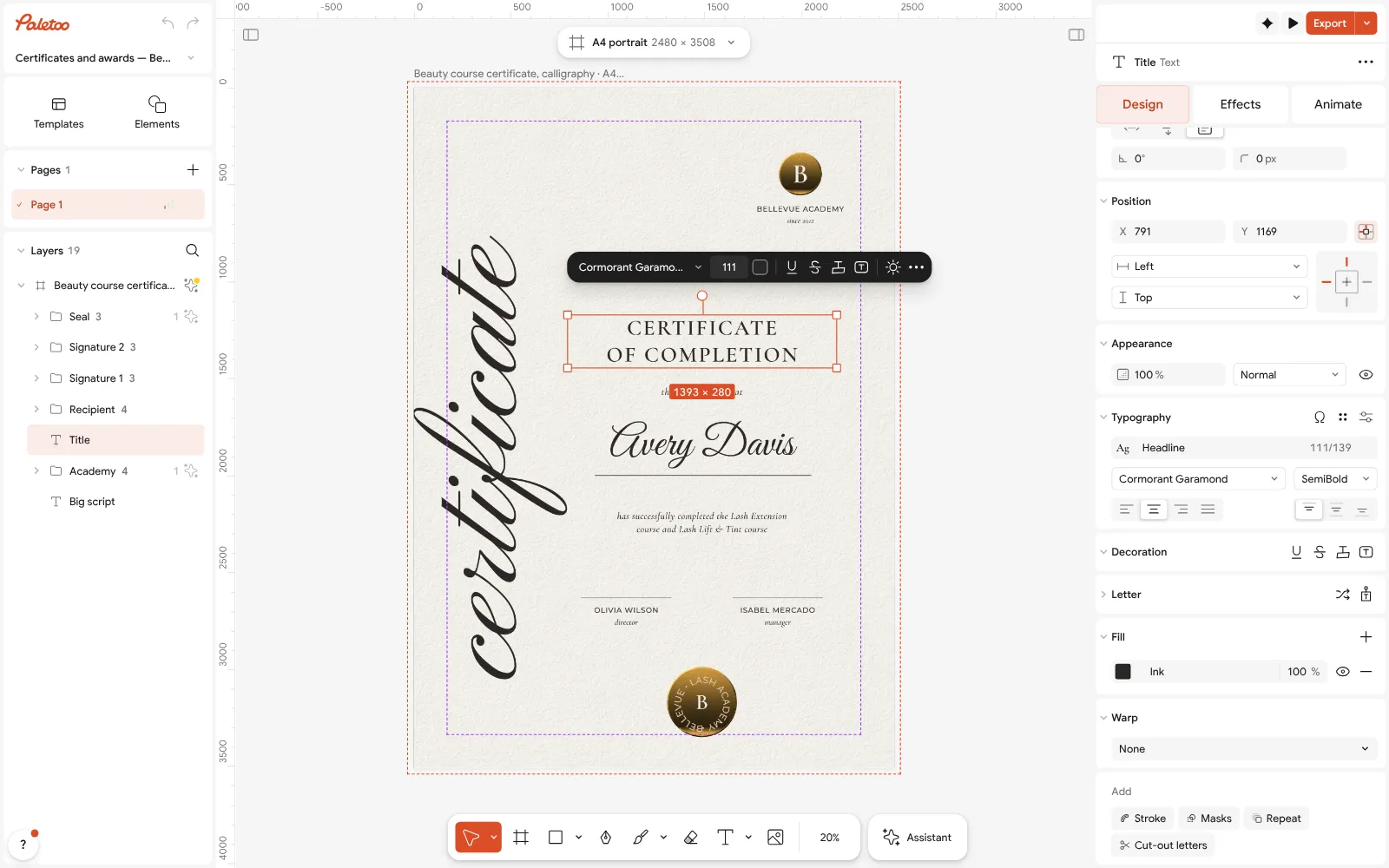
The calligraphy certificate open in Paletoo with its title selected: Cormorant Garamond under Typography To use Zakon Text, download it from the Ministry of Culture’s page, open the My fonts tab and press Upload fonts, or drop the files there. The font stays in this browser’s My fonts for every document.
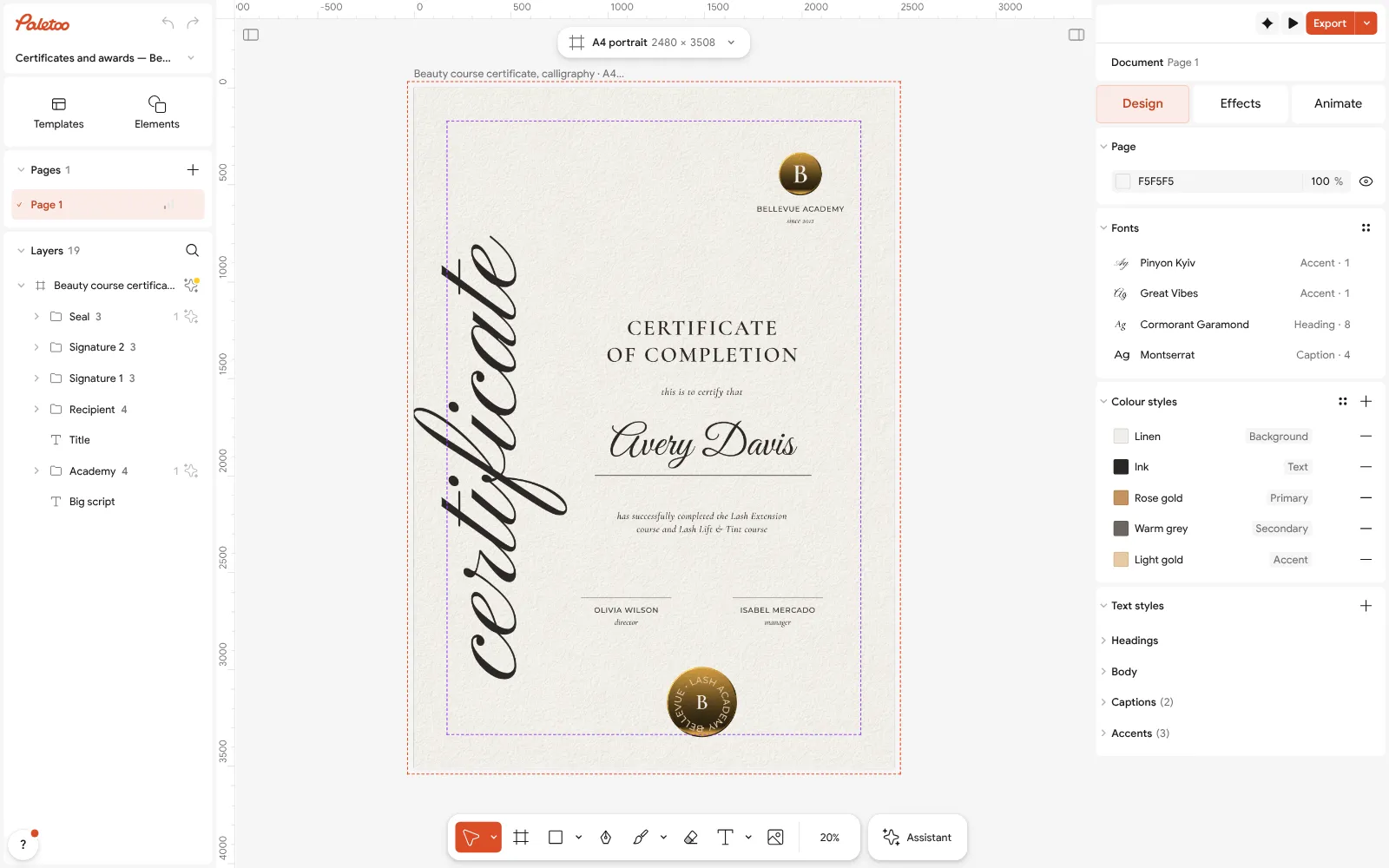
Nothing selected: the certificate’s Text styles, ready for another font Click an empty part of the canvas: the Design tab shows the certificate’s Text styles. Set the font of the body style to Zakon Text once, and every line that uses it follows.
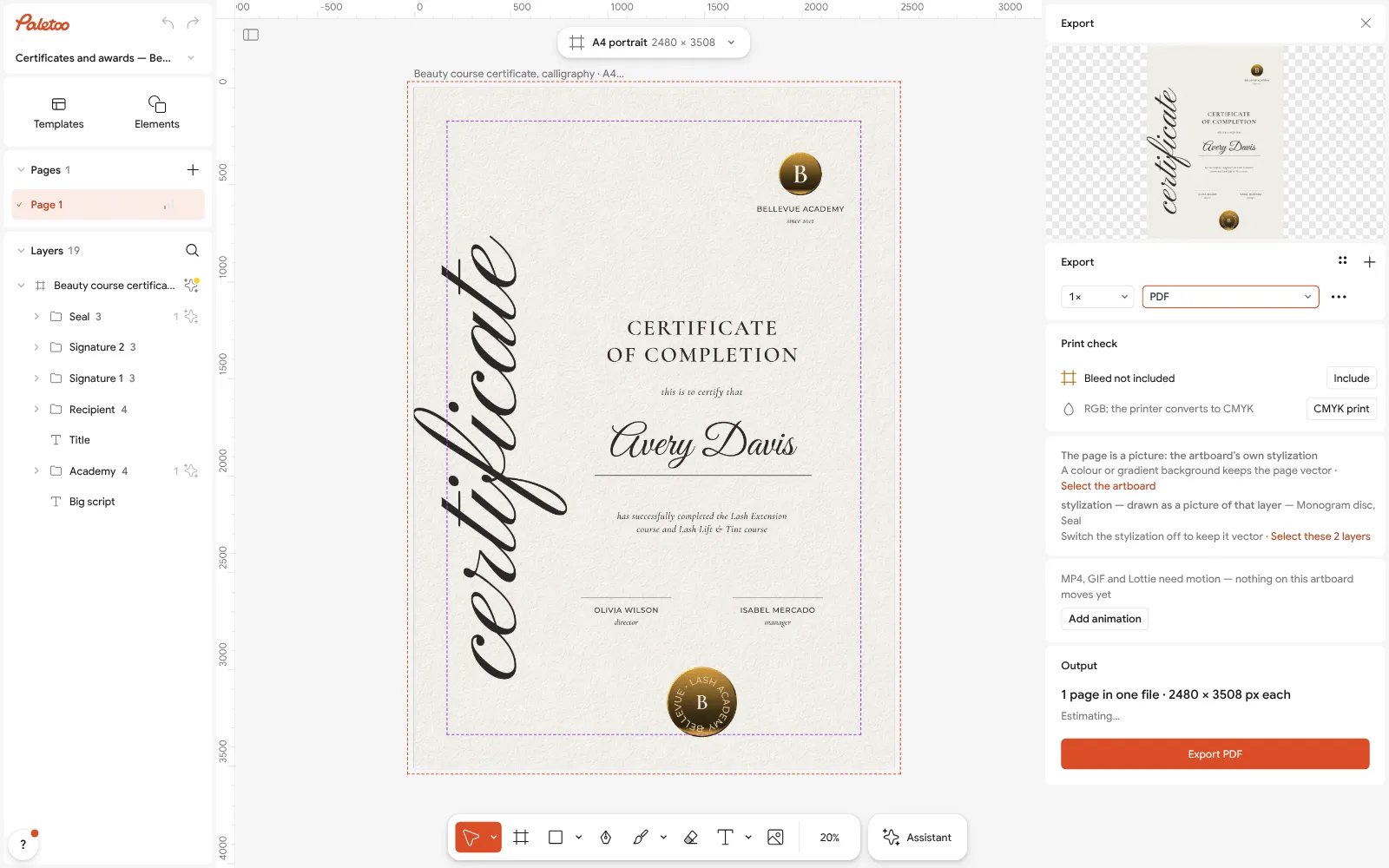
The Export window with the certificate as a PDF Type the name, the course and the signers. Keep the name larger than everything else and check the smallest line at 100 % zoom; adjust Letter spacing for capitals and Line height for longer text.
Press Export (Ctrl Shift E) and choose PDF: the font travels inside the file, so the certificate prints the same anywhere. For a print shop add Include bleed.
Make it your own
If a letter falls into another font, the font lacks it: turn on With Ukrainian in Fonts and pick again.
Keep one serif and one grotesk at most. Save both into Text styles, and the next certificate in the series uses them too.
A variable font has a Weight slider: make the name a step heavier than the text instead of switching to a second font. More faces with the whole alphabet: Ukrainian fonts.
Sources
Questions
What is the Zakon font?
Zakon is Ukraine’s national typeface, presented by the Ministry of Culture in October 2026 for official documents. It has three faces — Zakon Text, Zakon Decor and Zakon Letterpress — and replaces Russian-made fonts such as Izhitsa and Petersburg.
Where can I download Zakon?
Zakon Text is downloadable from the Ministry of Culture of Ukraine’s page for the font. Zakon Decor and Zakon Letterpress are under a closed licence and are not publicly downloadable.
Is Zakon free for commercial use?
Zakon Text is open for free use by anyone. For selling products built on it, embedding it in an app or sharing the files, read the licence that comes with the download; Decor and Letterpress are not for public use.
Is Zakon mandatory for documents?
Not yet: the ministry plans a gradual move, with institutions testing Zakon Text first and no mass replacement of existing signs and forms.
How do I use Zakon in an online editor?
Download Zakon Text, then in Paletoo open Fonts, the My fonts tab, and press Upload fonts. Set it in the document’s text styles and export a PDF, which carries the font inside.
What fonts look official and support Ukrainian?
Open serifs such as IBM Plex Serif, Literata, Brygada 1918 and Noto Serif Display, and grotesks such as Inter, Manrope and Montserrat, all set the whole Ukrainian alphabet and are free for commercial work. The tester on this page shows them in pairs.
Make it online
- Poster makerMake a poster from a template that already has the layout right, then export a print-ready PDF or an image for screens.
- Invitation makerTap an invitation below and it opens ready to edit: write who, when and where, then send it as a picture or print it on A5. Free, with no watermark and no sign-up.
- Business card makerDesign a business card at the exact print size, add a QR code that really scans, and export a PDF the printer accepts.
- Make a certificate onlineA course, an award, a thank-you or a kids’ prize: pick a certificate, type the name and the reason, and print it or send it as a PDF — free, no sign-up, no watermark.
Free design templates for posts, stories and posters: Poster templates · Invitation templates · Contact and call-to-action templates · Team and speaker templates
Try it on your own design
Paletoo opens in your browser, with no sign-up. Every effect here is live: change the picture or the words and the effect follows.
Open in PaletooOpens this design as your own copy — every layer and effect editable, free.
Read next
- 02
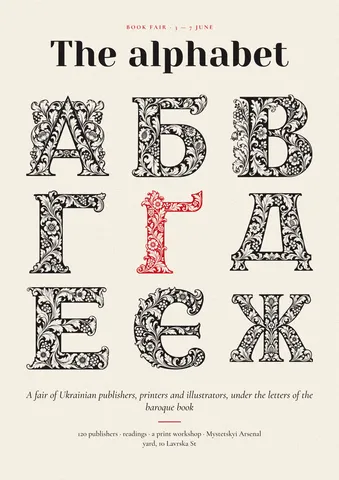 How to install fonts on Windows, Mac, iPhone, Android and in appsWhere the font file goes on each system, why an app still does not see it, which format to download — and when you need not install anything.
- 03
 Instagram fonts in Ukrainian: why generators fail, what worksWhy «fancy font» generators leave Ukrainian letters plain, what they break when they try, and forty real fonts with Cyrillic to try on your own words.