Make a certificate online
Updated
A course, an award, a thank-you or a kids’ prize: pick a certificate, type the name and the reason, and print it or send it as a PDF — free, no sign-up, no watermark.
Start from a certificate
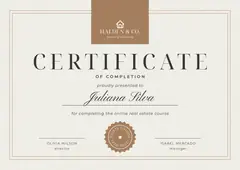
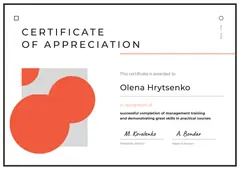
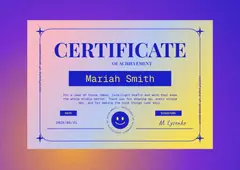

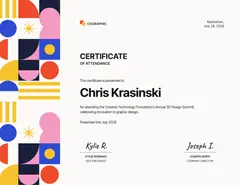
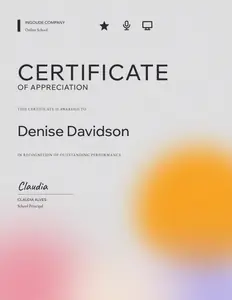
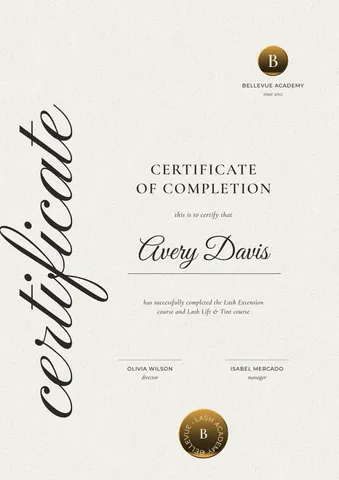
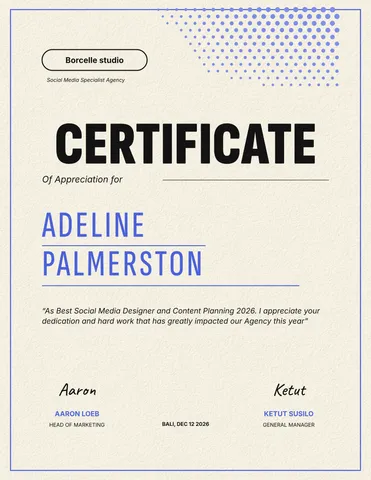
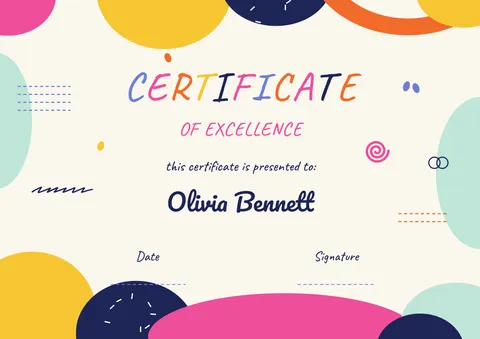
Each opens as your own document. A4 and US Letter, landscape and portrait, and a post to announce the winner.
Start freeFree · in your browser · no sign-up · no watermark
More certificates
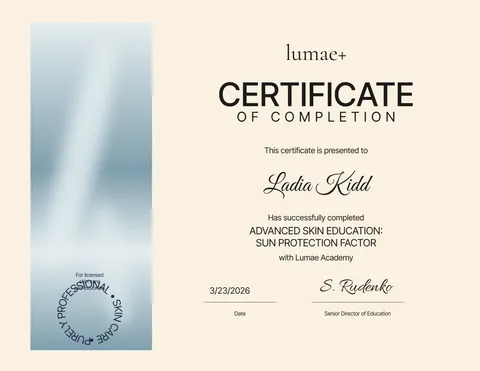
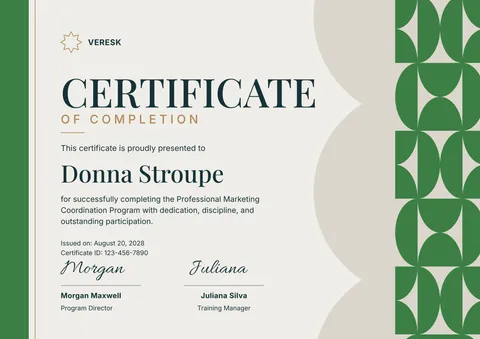
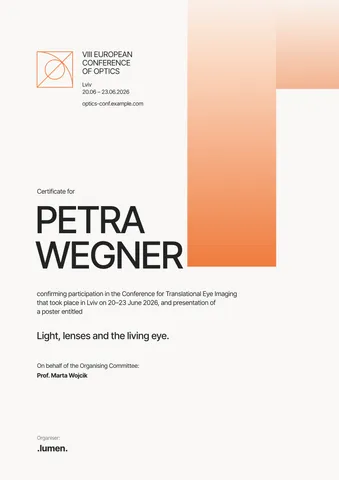
Real Paletoo documents and results — open one and change everything.
How it works
-
Pick a certificate
Tap a certificate above, or «Start free» for a course certificate with a seal. In Templates there are 18: completion, attendance, appreciation, achievement, awards and kids’ certificates, on A4 or US Letter.
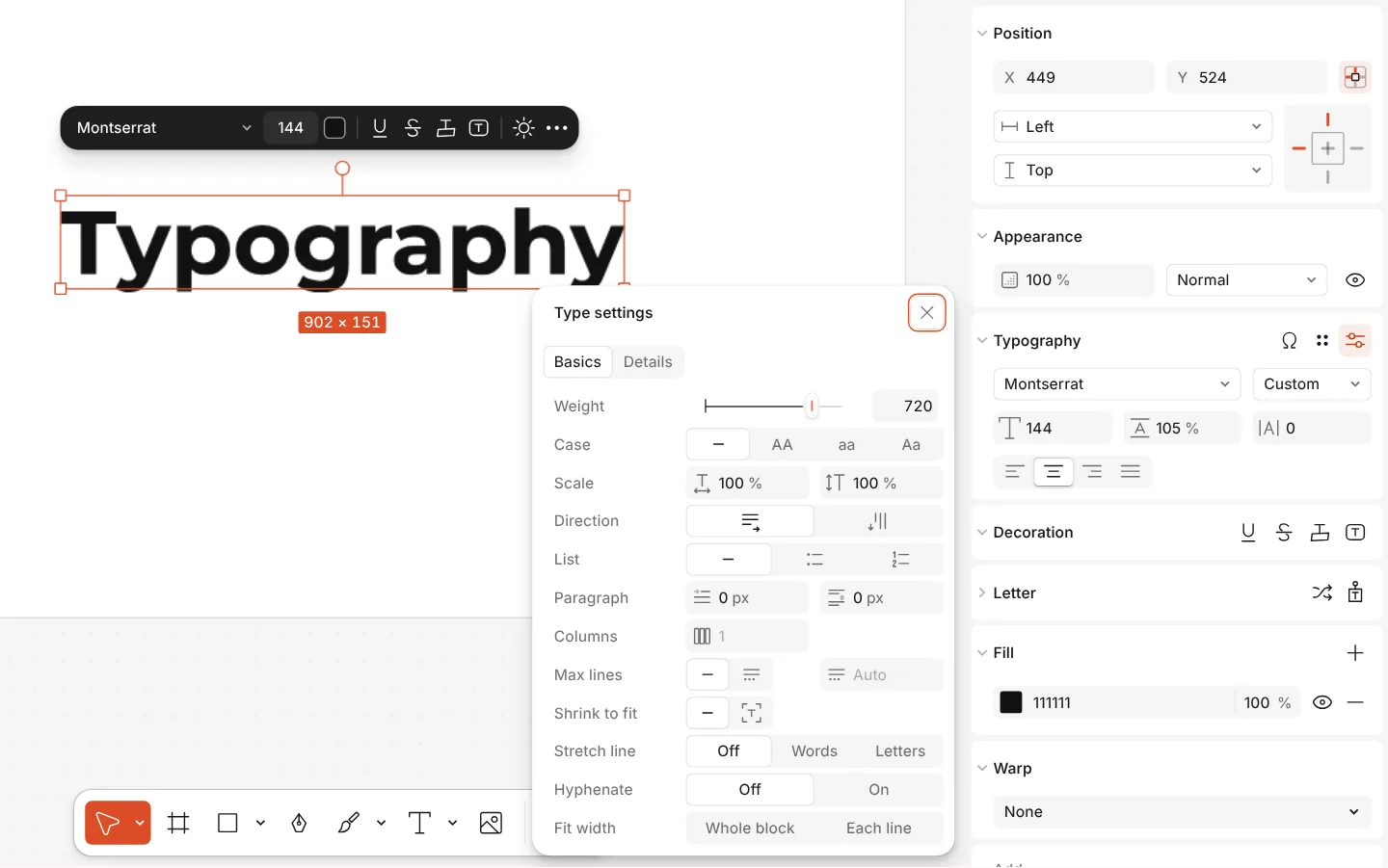
The Type settings window of a text, with variable axes -
Type the name and the reason
Double-click the name, the title of the course or award, the date and the signatures to write your own. Put in your logo with Replace picture. For a group, press Duplicate once per person and change the name on each copy.
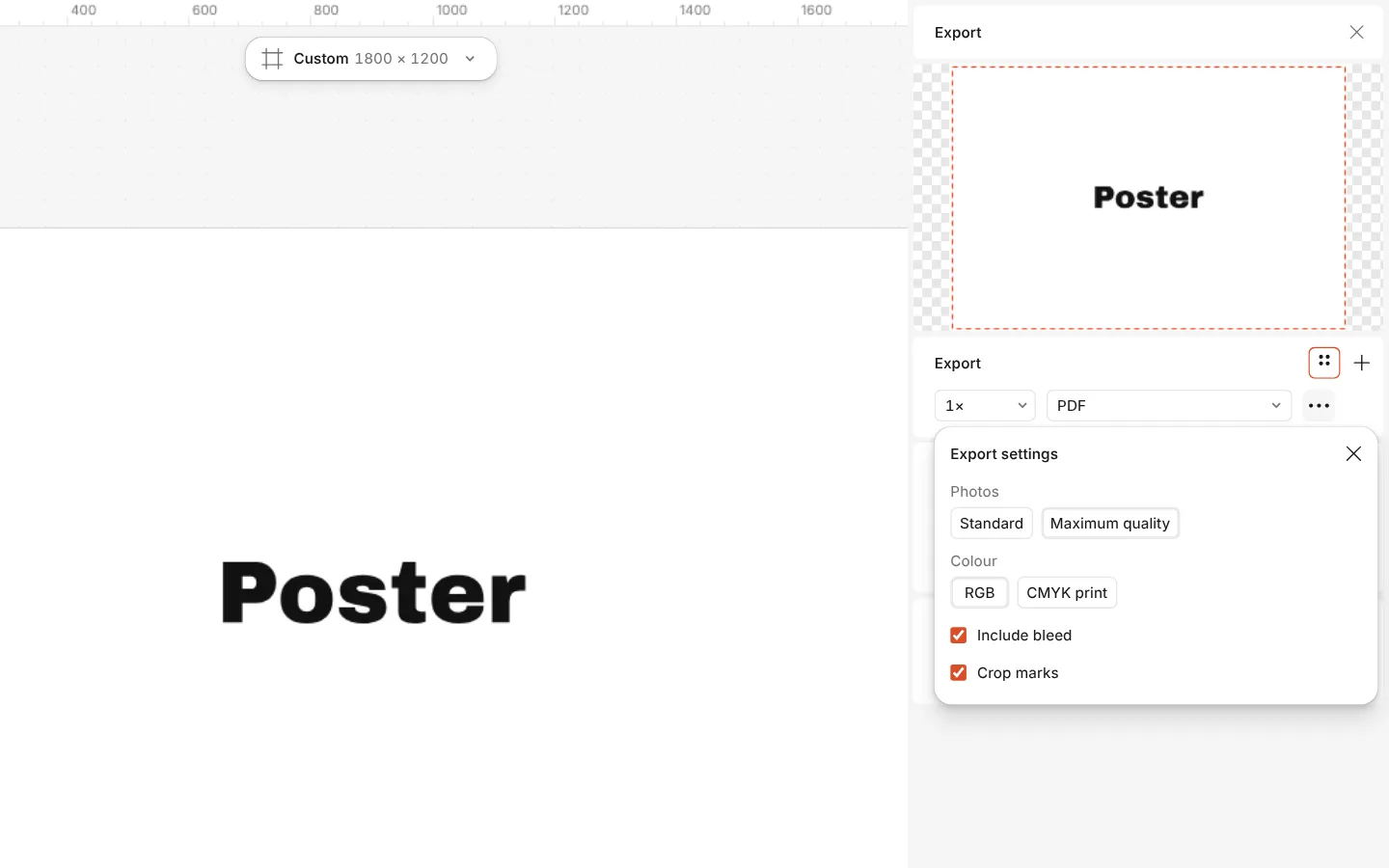
The Export window with the PDF print with bleed preset and its settings -
Print or send it
Press Export (Ctrl Shift E): a PDF to print at home or at a print shop (with bleed if the colour runs to the edge), or a PNG to send in a message or post.
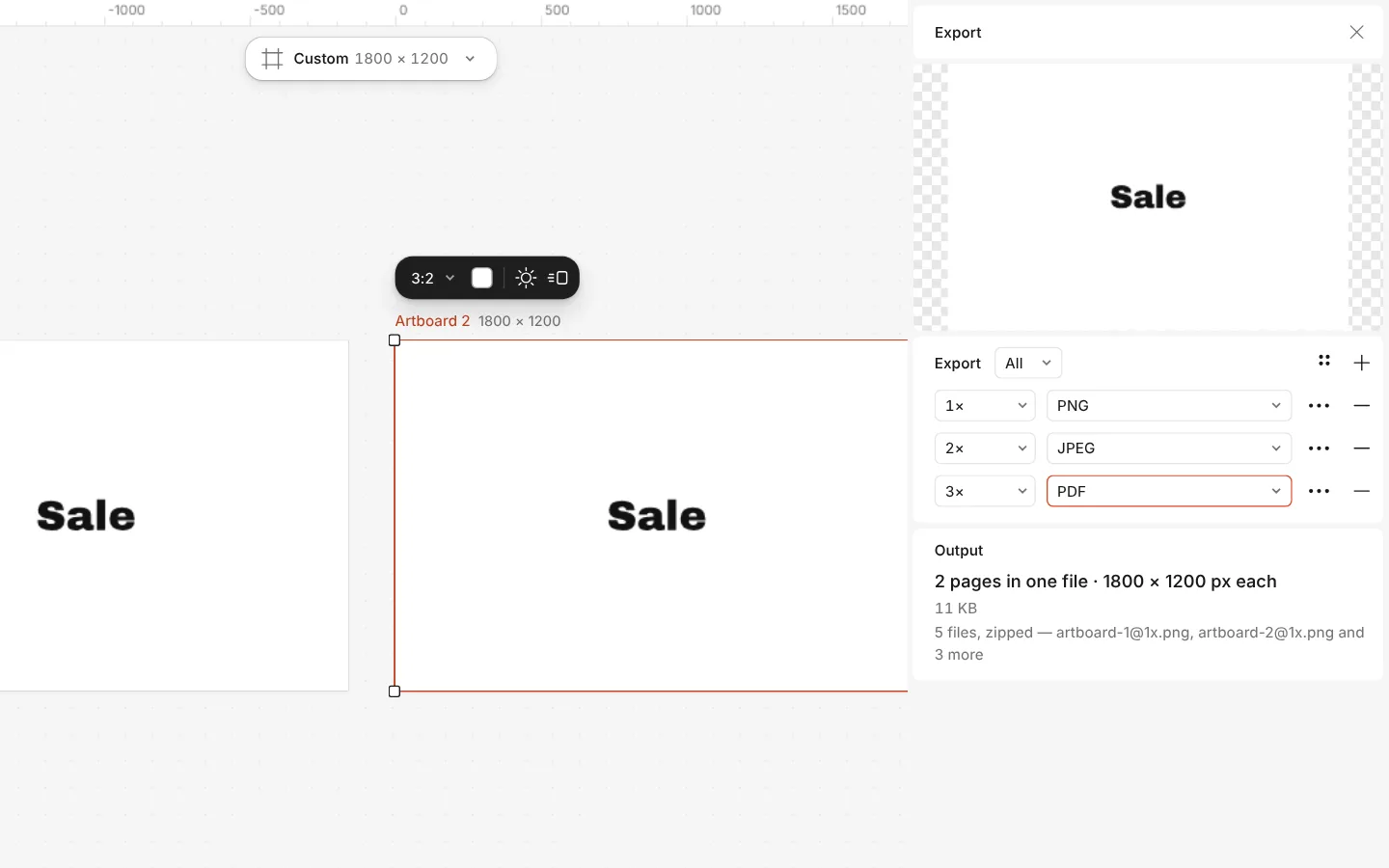
The Export window with all artboards and three files at once
What is free
- Every template on this page, and every font, photo and effect in it
- Export to PNG, JPG and PDF — with bleed and crop marks for a print shop
- No watermark, on the free plan too
- No account needed to make or download; a free one adds cloud storage and share links
There is no spreadsheet import for a long list of names yet: duplicate the page for each one. Credits are only for AI image generation and materials.
What you get
A certificate for each occasion
Course completion, attendance, appreciation, achievement, a design award, a learner of the month and bright kids’ certificates — in English and in Ukrainian.
The paper you print on
A4 and US Letter, landscape and portrait, already set up; print at home at 100 % or send the PDF to a print shop.
Your name, your logo, your signature
Every line is live text in a font chosen for it. Add your school’s or company’s logo, and a scan of a signature as a picture.
One for each person
Duplicate the certificate for every name in a class or a team; Export writes all of them into one PDF, a page each.
Questions
How do I make a certificate online for free?
Open a certificate template here, double-click the name, the reason and the date to write your own, add your logo, then press Export and download a PDF to print or a PNG to send. No account and no watermark.
Is the certificate maker free, with no watermark?
Yes. The certificate templates, your edits and the PDF, PNG and JPG exports are free and carry no watermark. Credits are only for AI images and materials, which a certificate does not need.
What size is a certificate?
Most are A4 (297 × 210 mm landscape) outside North America and US Letter (11 × 8.5 in) in the USA and Canada. Both are here, in landscape and portrait.
How do I make certificates for a whole class?
Finish one certificate, then select its artboard and press Duplicate once per person and change the name on each. Export writes every page into one PDF. A spreadsheet import is not there yet.
Can I add my logo and a signature?
Yes. Drop your logo onto the certificate, or select the template’s logo and press Replace picture. A signature scanned or photographed on white paper can go in the same way; make the white transparent first.
How do I print a certificate at home?
Export a PDF and print it at 100 % (actual size) on A4 or US Letter. A slightly heavier paper, 160–250 g/m², makes it feel like a real certificate.
Can I make a certificate in Ukrainian?
Yes. Every certificate has a Ukrainian version — «сертифікат», «подяка», «грамота» wording included — and the fonts carry the full Cyrillic alphabet.
Can I send the certificate by email?
Yes. Export a PDF or a PNG and attach it to an email or a message. A 1080 × 1350 post version of the learner award is there for announcing the winner online too.
Learn more
Step-by-step guides
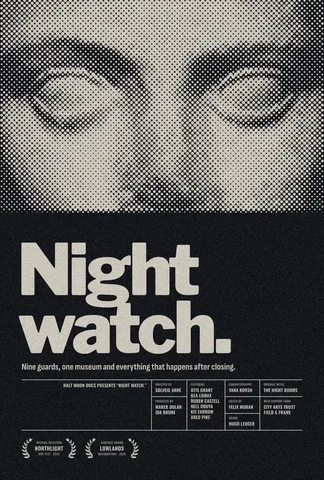
Print-ready PDF: bleed, crop marks and CMYK, free
Everything a printer means by “print-ready”, and a checklist before you send the file.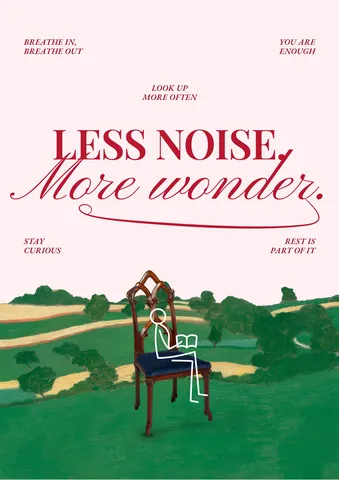
What DPI for printing? 300, 150 or less — and how to check
How many pixels a print really needs, from a business card to a billboard — and the one multiplication that tells you if your file is big enough.
RGB vs CMYK: which to use for print, and why colours go dull
Why your neon yellow came back from the printer looking like mustard — and how to see it coming on screen, before you pay for the run.
In the help centre
More tools
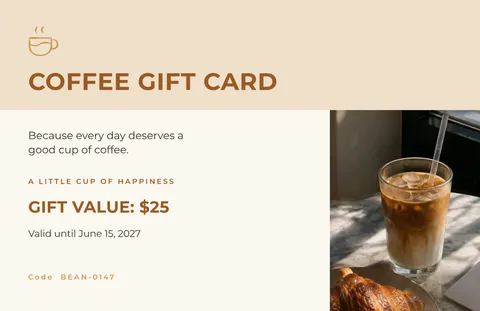
Make a gift voucher online
For a salon, a café or a shop: pick a gift voucher, type the amount and the code, and print it or send it as a picture — free, no sign-up, no watermark.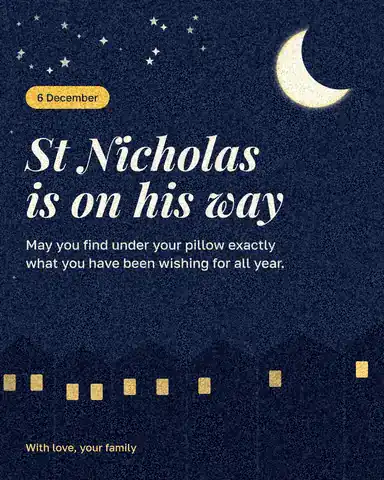
Make a greeting card online
Birthday, thank-you, love or holiday: pick a card, write your own words, add a photo and send it as a picture or print it — free, no sign-up, no watermark.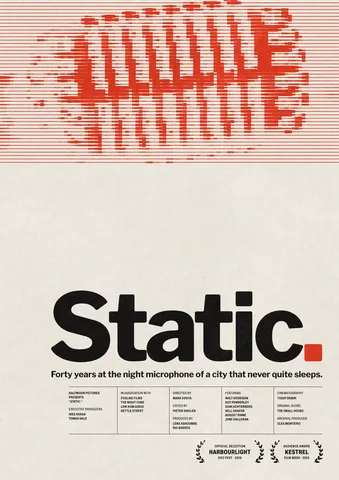
Poster maker
Make a poster from a template that already has the layout right, then export a print-ready PDF or an image for screens.
Make it now
Paletoo opens in your browser. Start from the template above or a blank page, and export when you are happy.
Start free