Fix text in an AI image
Updated
Turn the words on a ChatGPT or other AI picture into text you can edit: fix the typo, change a date or a price — free, in your browser, nothing uploaded.
Start freeFree · no sign-up · nothing uploaded · runs on your device
Before and after, made by Paletoo
Each pair is an AI-style poster with a typo and the same picture after Make text editable, as the editor exports it.
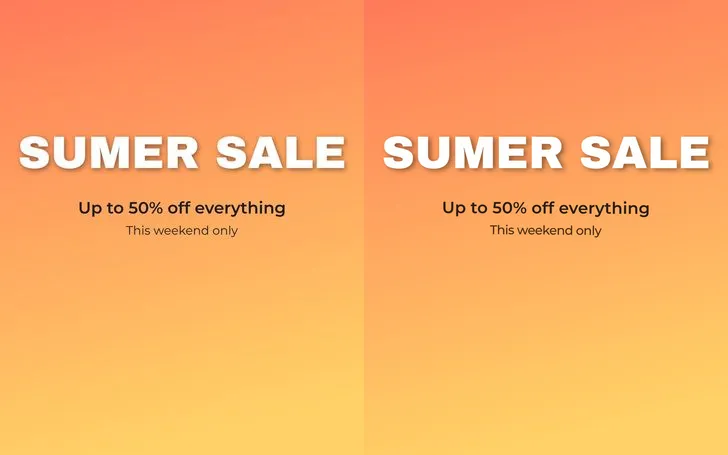 «SUMER SALE» · three lines, each in its matched face (Archivo Black, Montserrat)
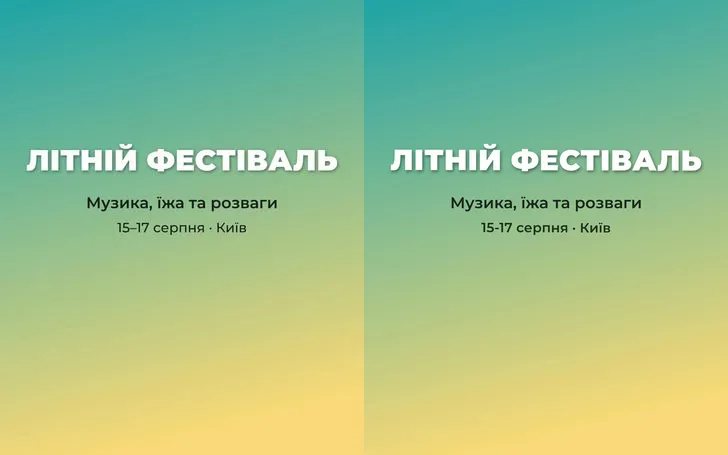 «ЛІТНІЙ ФЕСТІВАЛЬ» · Ukrainian, read and set again
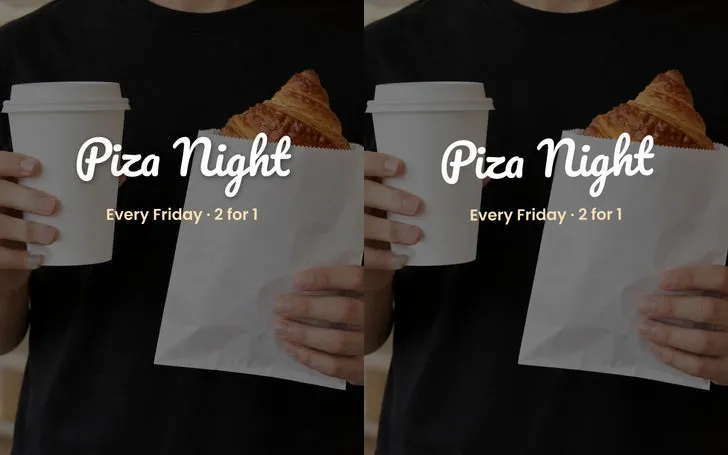 «Piza Night» on a photo · script face, shadow kept
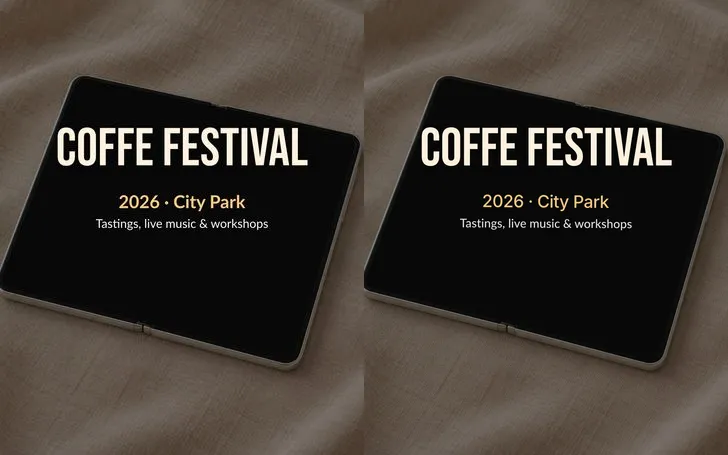 «COFFE FESTIVAL» on a photo of a tablet · the ground under the words filled
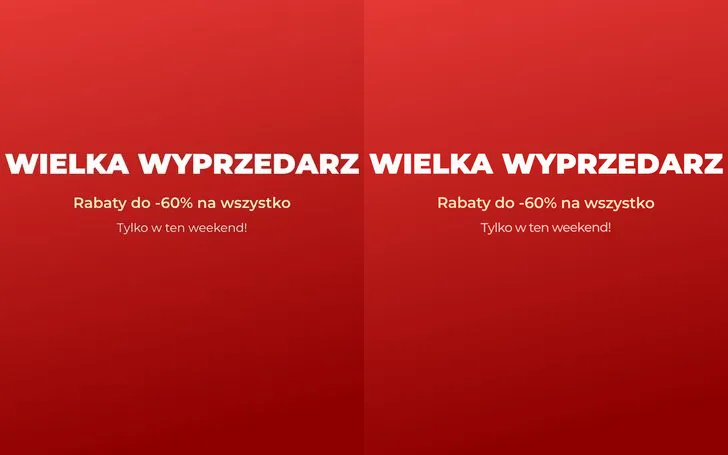 «WIELKA WYPRZEDARZ» · Polish letters read and set again
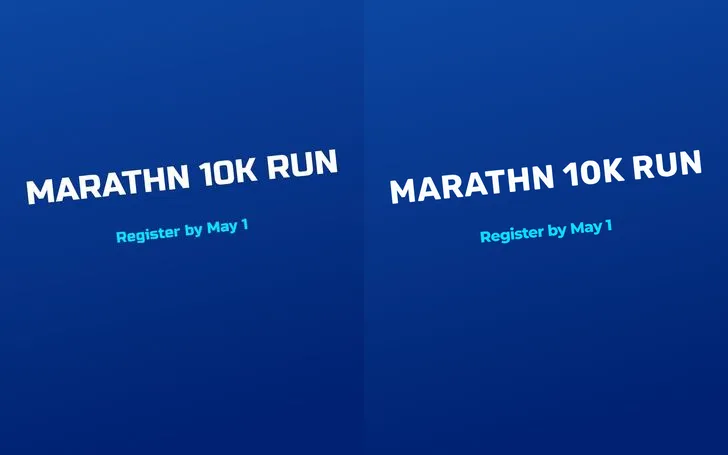 «MARATHN 10K RUN» · turned lines stay turned
How it works
-
Open your AI image
«Start free» opens Home, where Fix text in an AI image asks for your picture: a PNG, JPG or WebP from ChatGPT, Gemini, Midjourney or Ideogram. In a design, select the picture instead.
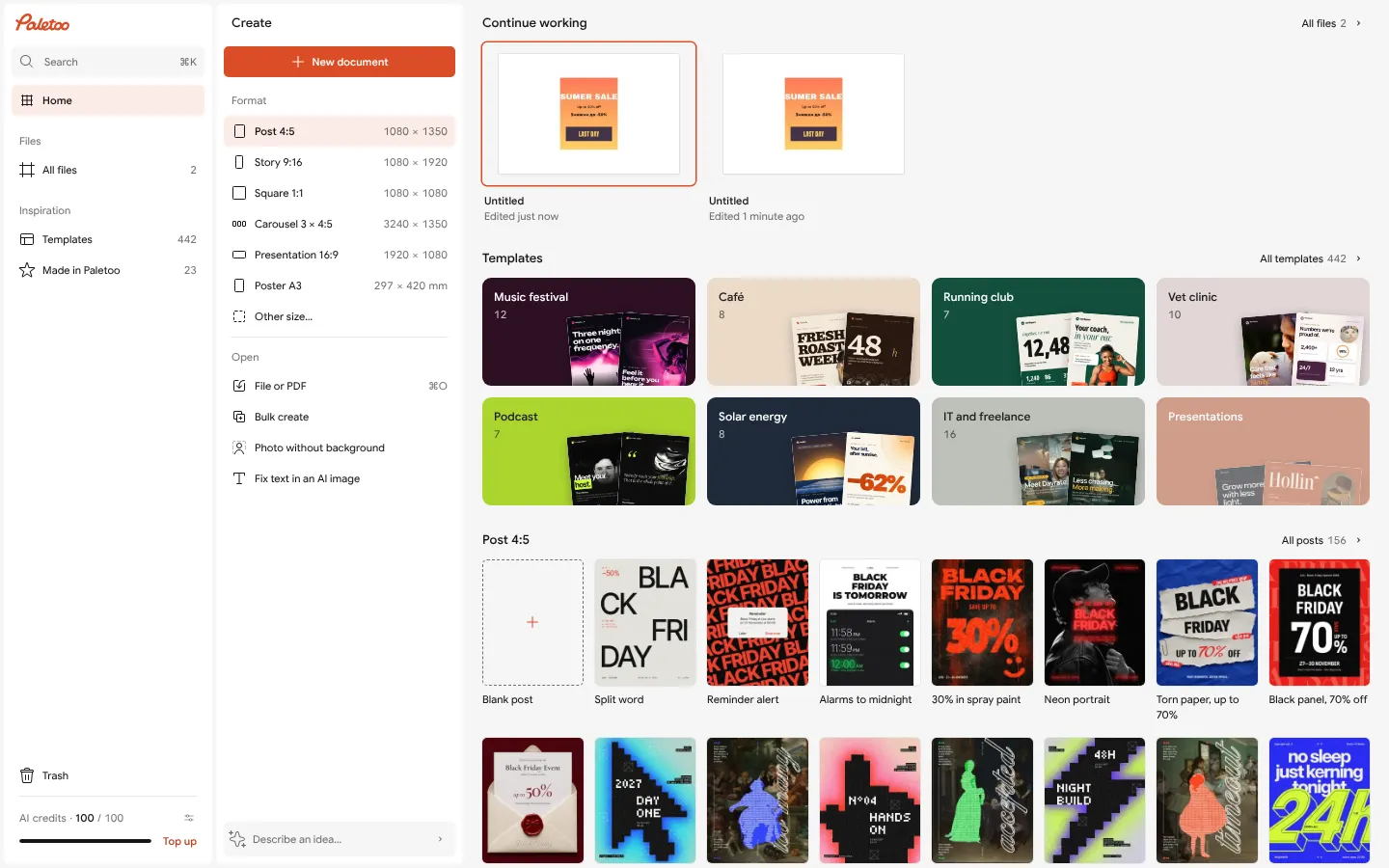
Home: «Fix text in an AI image» asks for your picture -
Make the text editable
The picture is read on your device: every line is found, erased from the picture and set again as live text in the closest font of our library, at its place, size, angle and colour. The first time, the models download once.
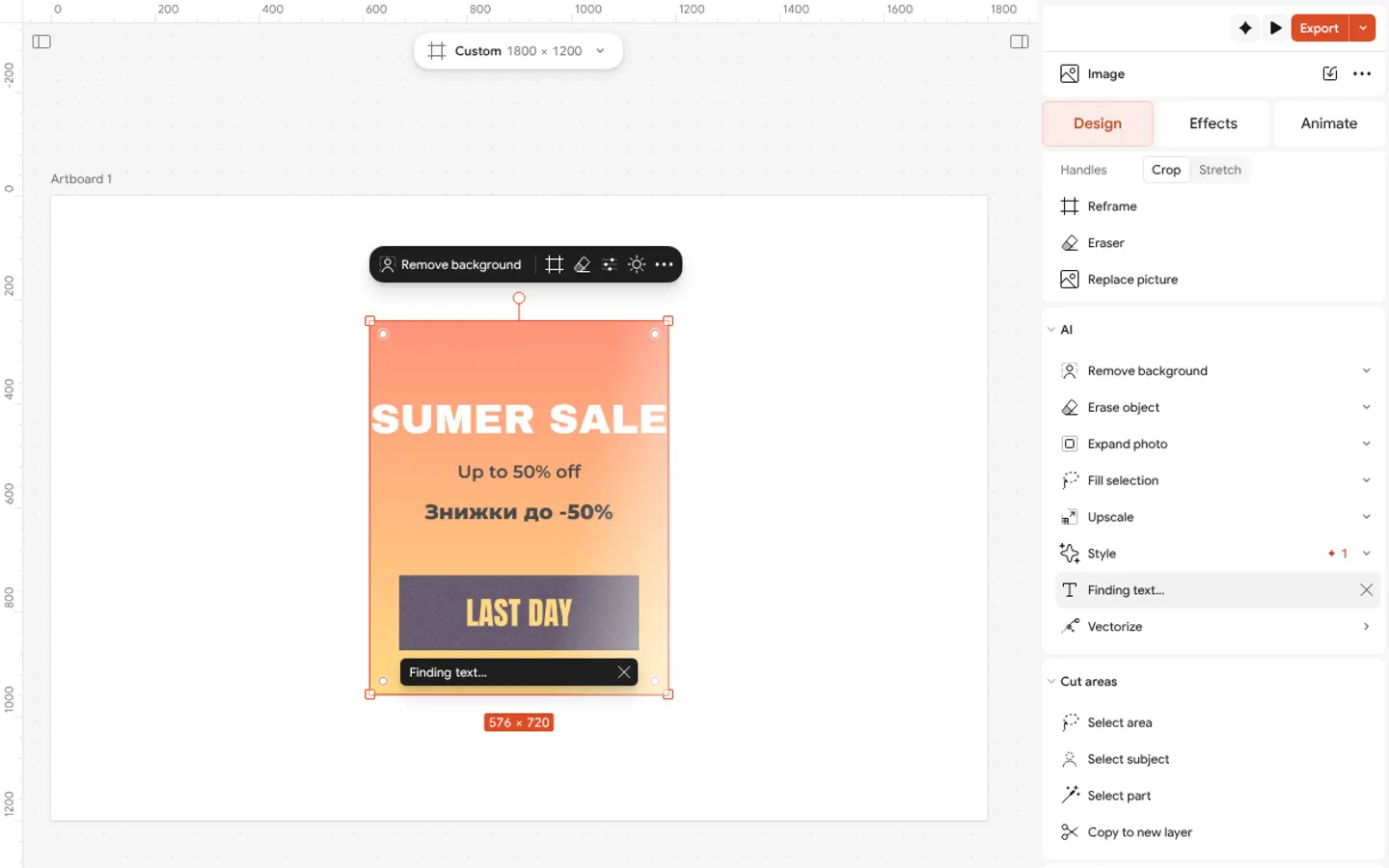
Make text editable at work on the photo: its step and × to stop -
Fix it and export
Double-click a line and retype it: the typo, a date, a price or another language. The picture and its lines are one group, and Undo takes all of it back in one step. Then Export as PNG, JPG or PDF.
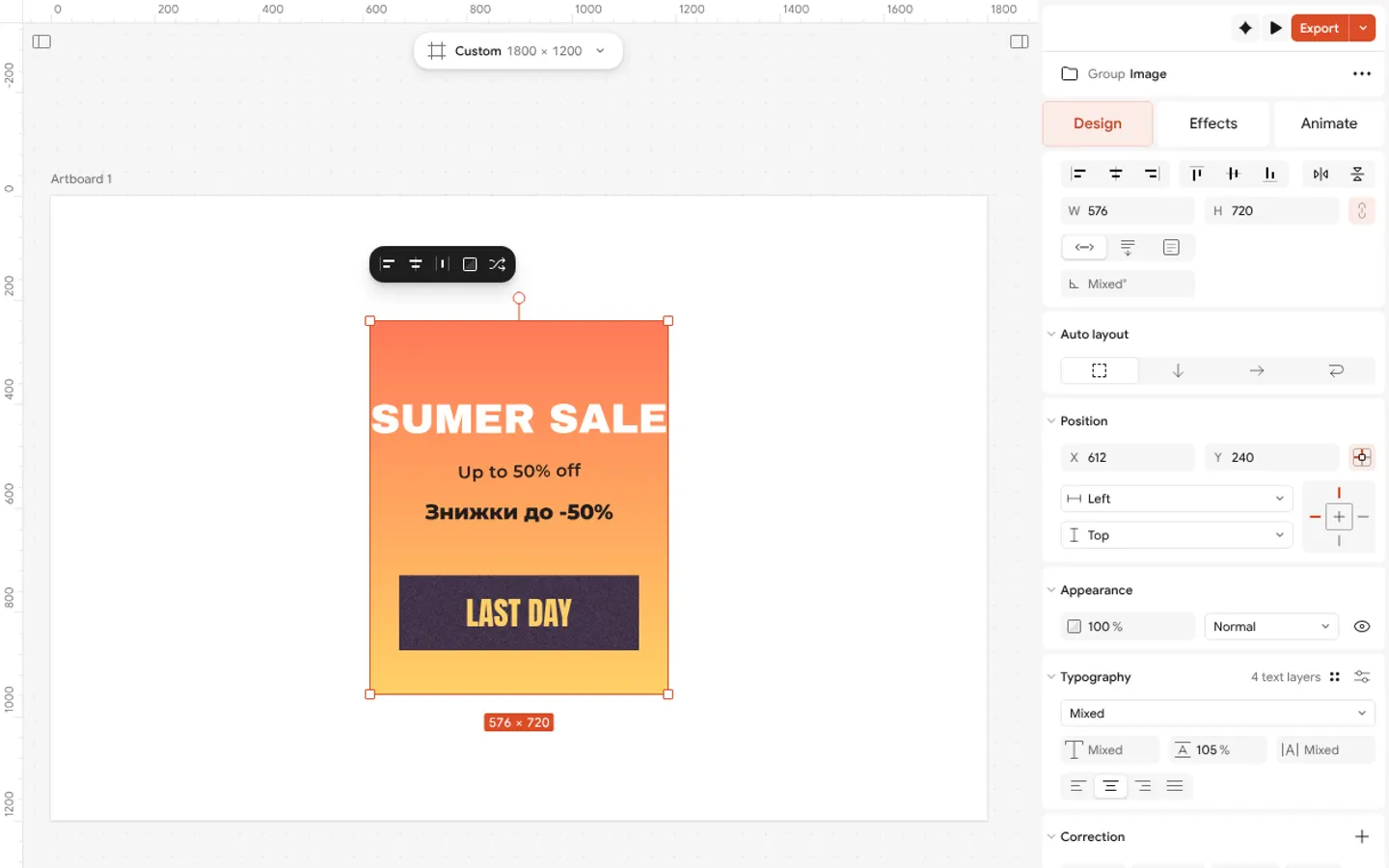
The result: the picture and its lines as live text, one group
What you get
The typo fixed in seconds
No more asking the AI again and getting a new picture with a new mistake: keep the picture you like and change only the words.
Live text in the closest font
Each line is measured — its height, width, weight and style — and set in the nearest face of our library, in the line’s own colour and at its angle.
A clean background
The old letters are erased with on-device inpainting: flat panels and gradients at once, photographs and textures by the model Erase object uses.
Private and free
The models run in your browser. The picture is never uploaded, and there are no credits, however many pictures you fix.
Latin and Cyrillic
English, Polish, German, French and the other Latin-alphabet languages, and Ukrainian and the other Cyrillic ones — in one picture too.
Questions
Is it free?
Yes. Reading and erasing the text run on your own device, so they cost no credits, however many pictures you fix. There is no watermark on the export.
Is my picture uploaded anywhere?
No. The picture stays in your browser and the models run on your computer or phone. Nothing is sent to a server.
Which pictures work best?
Clear, printed-looking letters: posters, social posts, banners, flyers and invitations. Hand lettering, very small or faint text and heavily distorted 3D letters may be left in the picture rather than read wrong.
Will the font be exactly the same?
Close, not always the same: an AI picture rarely uses a real font, so the editor picks the nearest face of our library by measuring the letters. Pick another font for a line in one click.
Which languages does it read?
Latin-alphabet languages such as English, Polish, German, French and Spanish, and Cyrillic ones such as Ukrainian. A picture may mix them.
Why is the first time slower?
The first time, the editor downloads the text reader (about 21 MB), and the browser keeps it. Only a picture whose words lie on a busy photo also needs the eraser (about 103 MB), downloaded once, the first time it is needed. After that it starts at once.
Can I undo it?
Yes. The whole change is one step: Undo brings back the picture as it was. Later, Reset erase on the picture restores its original pixels too.
Does it work on a phone?
Yes, in a current mobile browser, more slowly than on a computer: a poster takes from several seconds to a minute or two, with the progress shown on the picture.
Learn more
Step-by-step guides
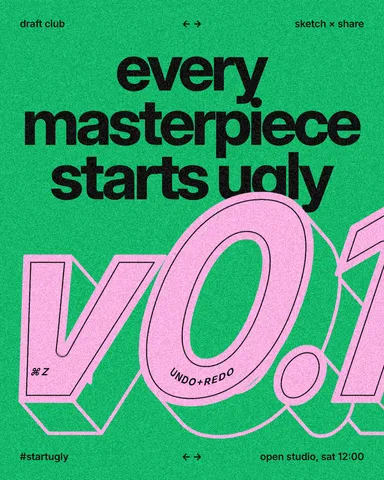
Font pairing for posters: six combinations that work
One loud voice, one quiet one, and a clear difference between them.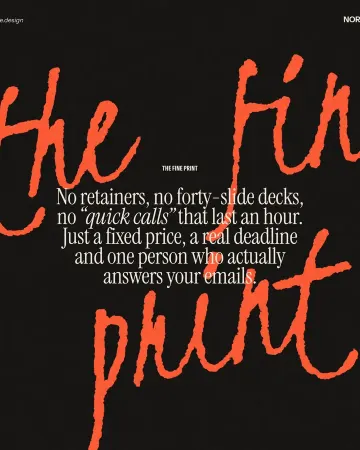
Typography poster: how to make the type the picture
No photo needed: when the words are drawn big enough, they are the image.
In the help centre
More tools
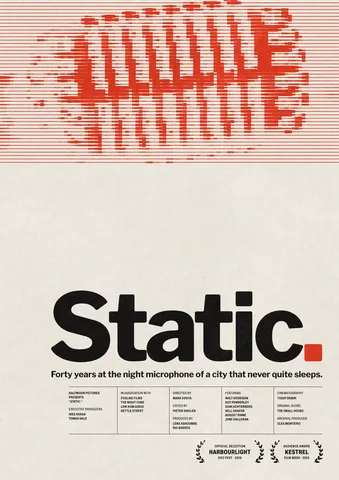
Poster maker
Make a poster from a template that already has the layout right, then export a print-ready PDF or an image for screens.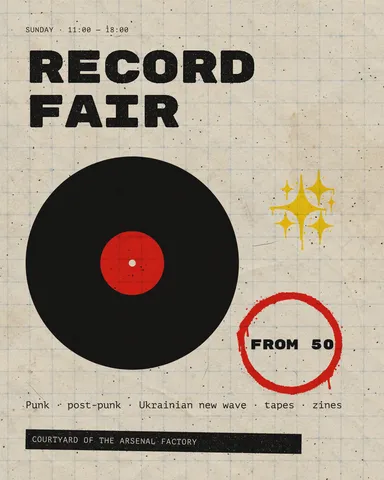
Instagram post maker
Design a post at the right size from a real template, then export a sharp PNG or JPG — free, in your browser.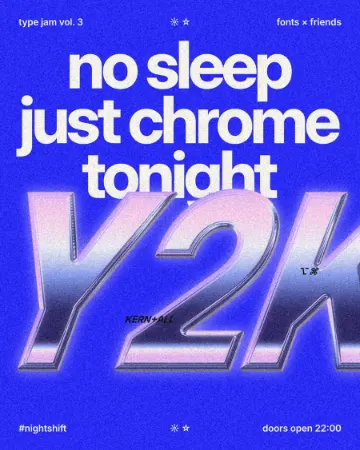
Text effects online
Type your words, press one effect — chrome, gold foil, emboss, cut-out letters, outlines or warps — and download it in a minute, free and with no sign-up; the words stay editable text.
Make it now
Paletoo opens in your browser. Start from the template above or a blank page, and export when you are happy.
Start free