Free tools6 min readFreeUpdated 2026-11-20
Price list template: make a salon or nail price list online, free
A nail, brow or beauty price list that reads at a glance — on the wall as A4 and in Instagram as a post, from one template.
By the Paletoo team · steps tested in Paletoo on
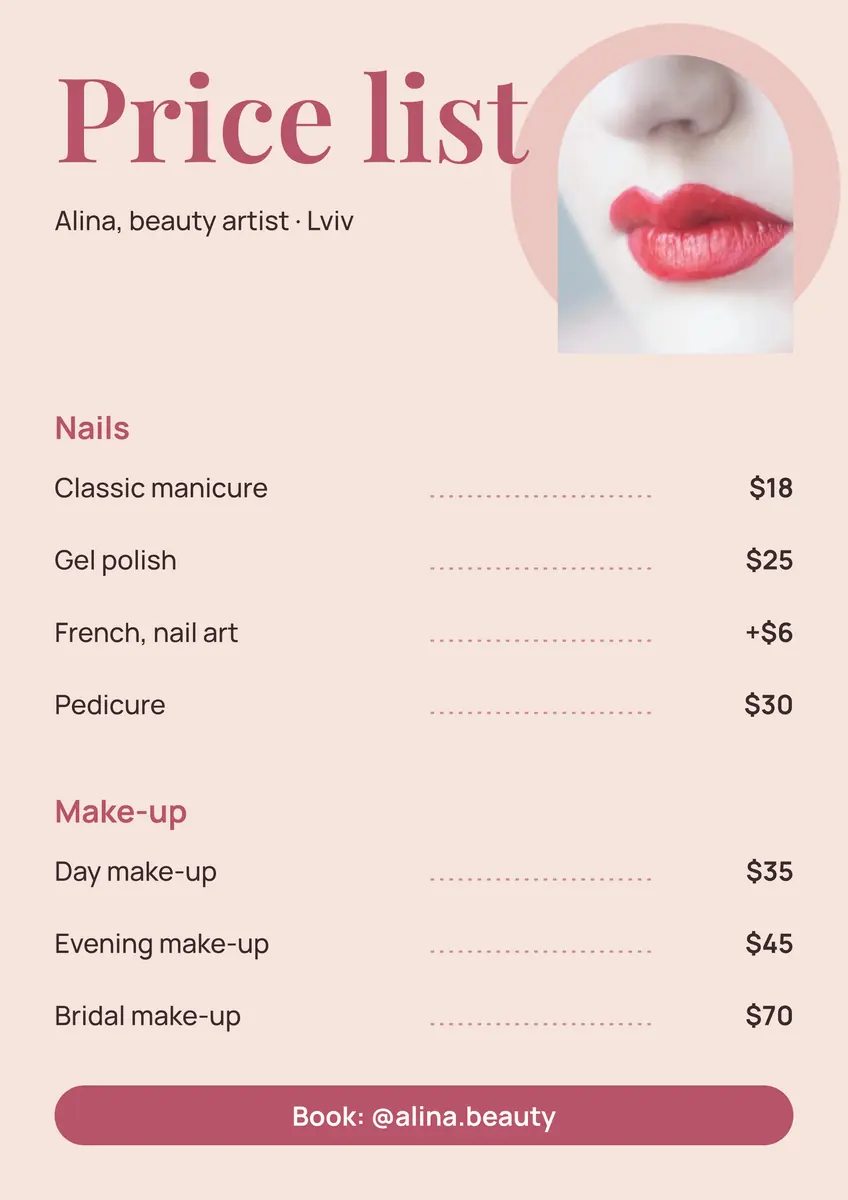
To make a price list for free, open the A4 price list template in Paletoo, double-click each line to type your own services and prices, pick your colours in Colour styles and press Export: PDF for the printer, PNG or JPG for Instagram and messengers. Nothing is installed, there is no account and no watermark, and the file is an editable design, not a blank picture you have to write over.
This guide does it on «Price list: make-up and manicure» from our price list set — two groups of services with dotted leaders, a photo and a booking line — and covers what makes a price list work: how many lines fit, how to write a price that will not start an argument, what size to print and what to post. Every step was run in Paletoo on 11 November 2026; the pictures are the editor itself.
What a good price list has on it
A price list answers three questions in a few seconds: what do you do, what does it cost, how do I book. So it needs a name (yours or the studio’s), services in the client’s words, one price beside each and one way to book. Everything else — a slogan, a long «about me» — belongs in the profile, not here.
Group the services: three to five headings (nails, brows, make-up) with three to six lines under each read far faster than twenty lines in a row. Put what people ask for most at the top of each group. If a price depends on length or complexity, write «from 450» or an add-on like «+150» rather than a range nobody can decode — and say what is included, so the price at the till matches the price on the wall.
In Ukraine a seller has to give the client the price before the service (the consumer rights law, Article 15), and information about services is given in Ukrainian (the state language law, Article 30). A price list in plain sight, in Ukrainian, with the currency written once, covers both.
| Where it goes | Size | File |
|---|---|---|
| The wall, the mirror, the reception desk | A4, 210 × 297 mm | |
| An Instagram post or a pinned post | 1080 × 1350 px (4:5) | PNG or JPG |
| A story highlight «Prices» | 1080 × 1920 px (9:16) | PNG or JPG |
| A messenger reply to «how much?» | The post, as a picture | JPG |
How many lines fit, and how big the type should be
On A4 read from a metre away, the service names should be at least 14–16 pt and the headings about twice that; the template’s sizes are in that range. That gives room for about twelve to sixteen lines with their headings. If you have forty services, do not shrink the type: make a second page with Duplicate artboard, one per direction, or leave the rare ones for «ask me».
The dotted line between a name and its price (a leader) is not decoration: it leads the eye across the gap so nobody reads the wrong price. Keep the prices in one column, right-aligned, with the same currency sign. In the template each price is its own text, so the column stays straight when a name gets longer.
When prices change
Prices change a few times a year, and a price list that is a flat picture has to be redone each time. Here the document stays yours: it is saved in your browser, and Save to file keeps a copy you can open on any device. Change two numbers, export again, replace the pinned post. Put a small «prices from 1 December» line at the bottom when you raise them — regular clients take a change better when it is said in advance.
Made in Paletoo
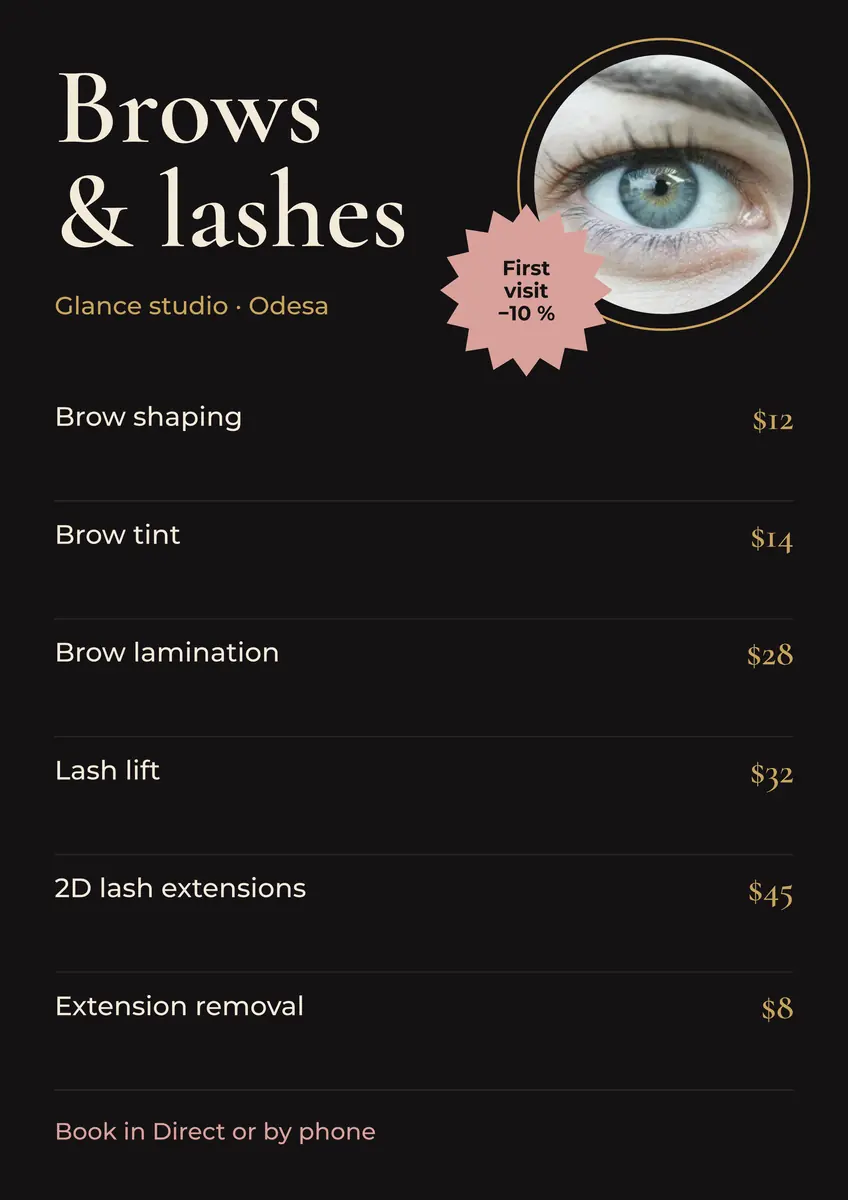
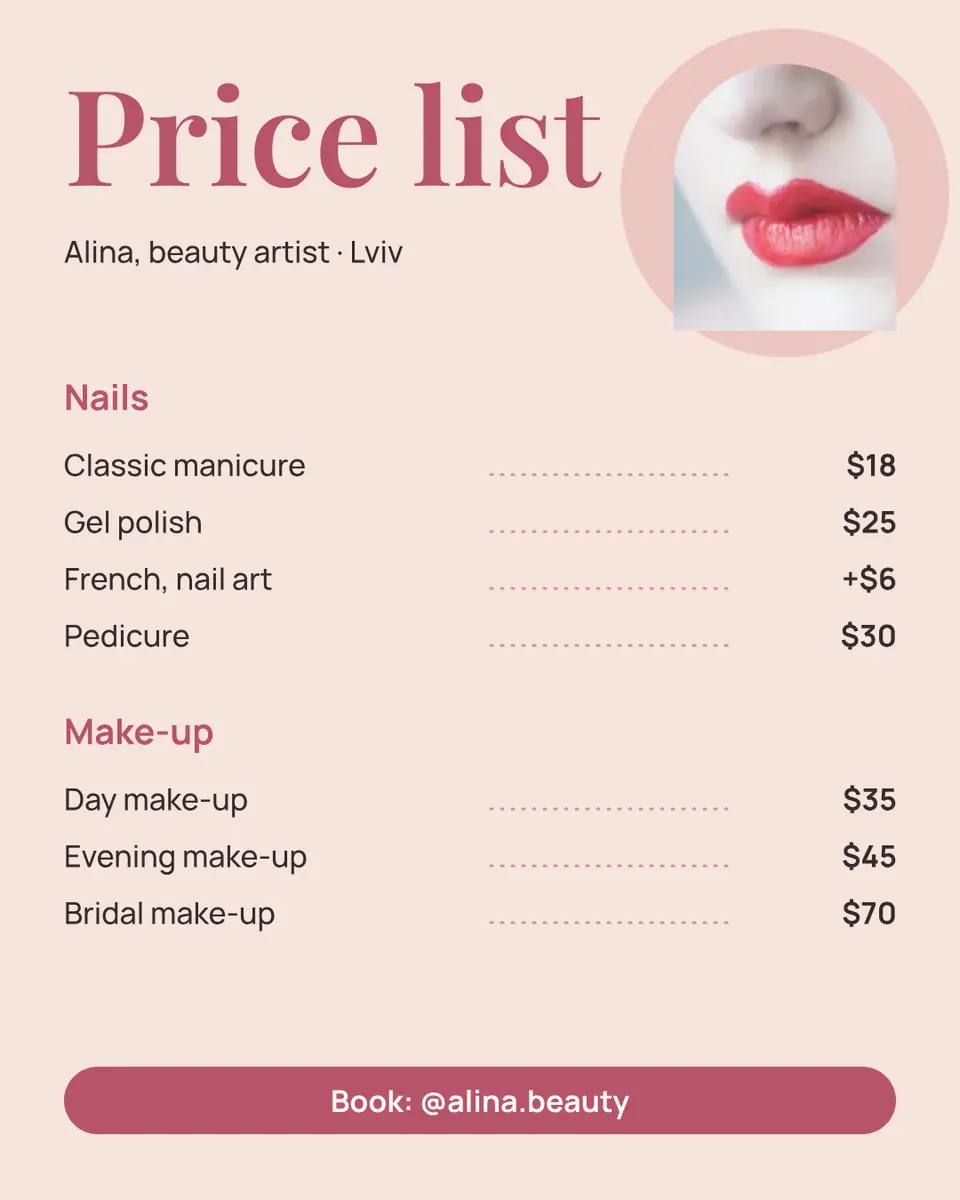
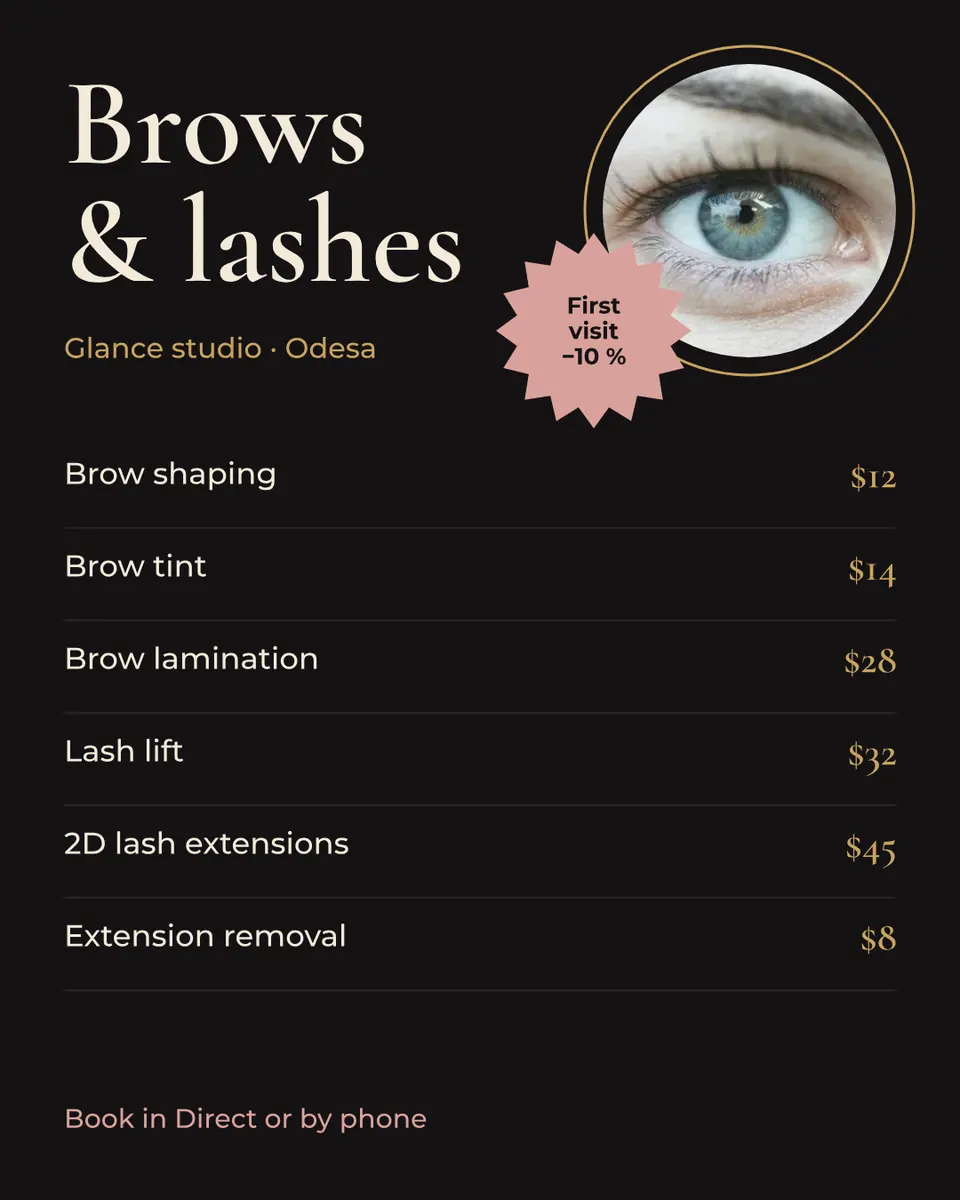
Every picture on this page was made in Paletoo — these three with the same steps on other templates:
Make it free in Paletoo
Open the template: press “Open in Paletoo” on this page. It opens as your own document, an A4 page; the Layers panel lists every line by name — the heading, each service, its dotted leader and its price.
Double-click the headline and the line under it and type your own: «Prices», your name, the city. The font, size and colour of the selected words are under Typography in the Design tab.
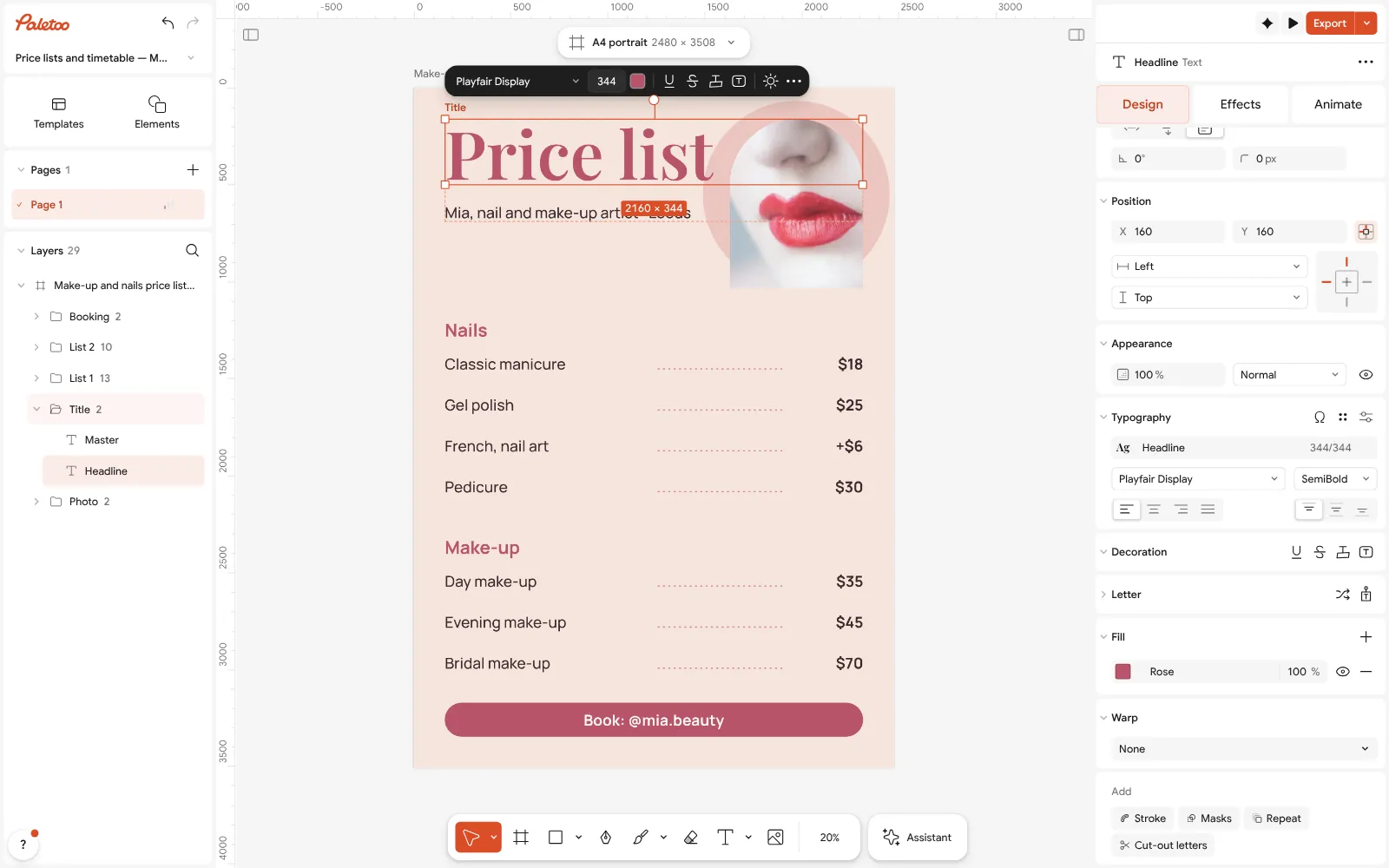
The price list open in Paletoo: the headline selected, its font and size under Typography Double-click a service and type yours; then its price. To add a line, select a service, its leader and its price together, press Ctrl D (Duplicate) and drag the copy down — the guides show when the spacing matches. To remove one, select the three and press Delete.
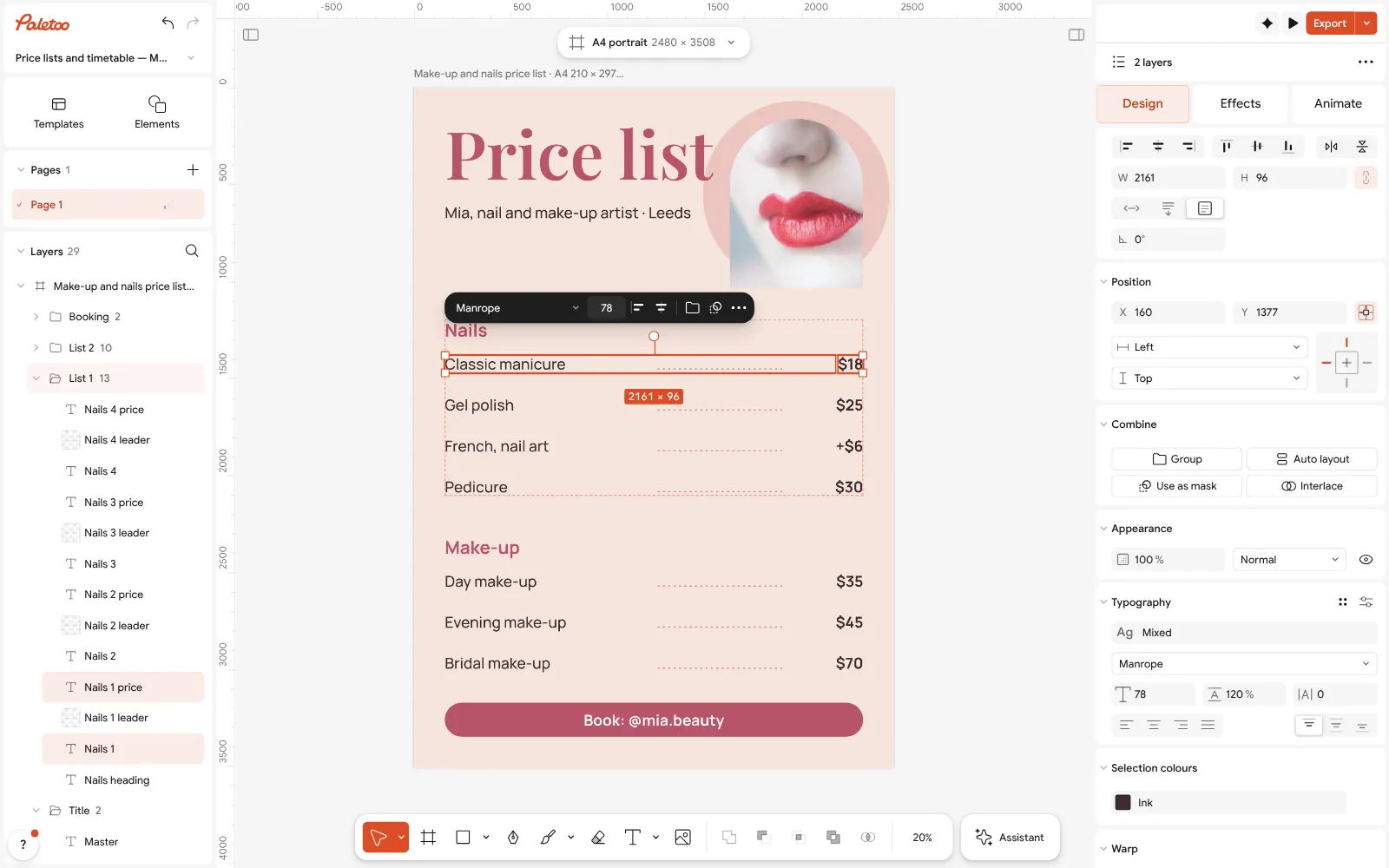
A service line selected with its price: each is its own text, so the price column stays straight Change the look in one move: Colour styles lists the template’s colours — change the accent and every heading and the booking strip follow. Select the photo and press Replace picture to put in your own work.
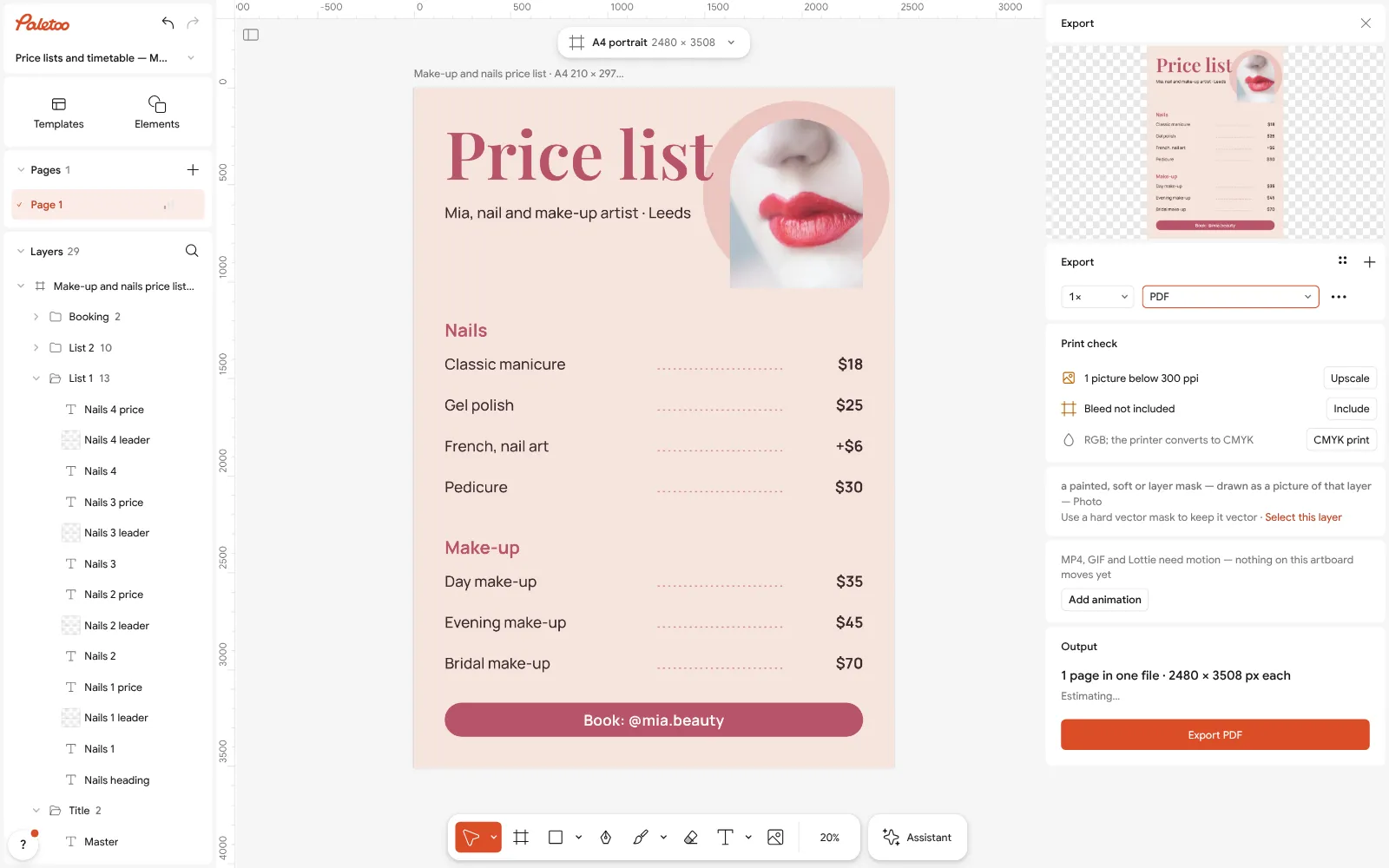
Export as PDF: the A4 page ready to print, with bleed and crop marks one switch away Press Export (Ctrl Shift E). For the wall choose PDF and print it at 100 % on A4; if a print shop will trim it, turn on Include bleed and Crop marks.
For Instagram open the post version of the same price list (in Templates, the same set), or export this page as PNG — A4 is close to 4:5 and reads well in the feed. Pin the post and save the story to a highlight.
Make it your own
A second direction (say, a separate men’s price list)? Duplicate artboard makes a copy of the page beside the first; change its lines and both export in one go.
Add a booking code: press Ctrl K › QR code, paste the link to your booking page or Instagram, and put it beside the booking line — a client photographs the price list and still gets to you.
Ukrainian or Polish words? Every font of the template has Ukrainian letters; for another one, the font list’s filter shows which fonts do.
Sources
Questions
How do I make a price list for free?
Open the price list template in Paletoo, type your services and prices, change the colours and export: PDF to print, PNG or JPG for Instagram. It is free, with no watermark and no account.
Is there a blank price list template for manicure?
Yes — the template has groups, lines with dotted leaders and a price column; delete our sample services and type yours. Unlike a blank picture, every line stays editable text.
What size is a price list for printing?
A4 (210 × 297 mm) for the wall or desk; the template is A4 at 300 dpi. For a small stand by the mirror print the same PDF at A5 — it scales cleanly.
How do I make a price list for Instagram?
Use the 4:5 post version (1080 × 1350 px) and pin it; add a 9:16 story to a «Prices» highlight. Keep to 8–10 lines per picture so it reads on a phone.
Can I make it in Word or Excel instead?
You can, but the leaders, the column and the photo are fiddly there, and the result is hard to post. Here the layout is done; you only type.
Can I edit the price list later?
Yes. The document is kept in your browser, and Save to file gives you a copy to open anywhere. Change the numbers and export again.
Make it online
- Make a price list onlineNails, brows, hair, a barber or a café: pick a price list, type your services and prices, and print it for the wall or post it as a story — free, no sign-up, no watermark.
- Flyer makerTurn a ready flyer template into yours in minutes and send the printer a PDF with bleed and crop marks.
- Instagram post makerDesign a post at the right size from a real template, then export a sharp PNG or JPG — free, in your browser.
- Business card makerDesign a business card at the exact print size, add a QR code that really scans, and export a PDF the printer accepts.
Free design templates for posts, stories and posters: Sale and pricing templates · Event and launch templates · Social media post templates · Contact and call-to-action templates
Try it on your own design
Paletoo opens in your browser, with no sign-up. Every effect here is live: change the picture or the words and the effect follows.
Open in PaletooOpens this design as your own copy — every layer and effect editable, free.
Read next
- 01
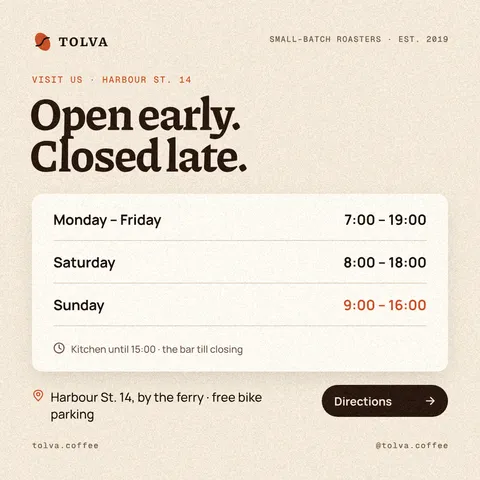 Opening hours template: a business hours sign and post, freeHours a customer can read from the street — for the door, the feed and the days when everything changes: holidays, repairs, a new schedule.
- 02
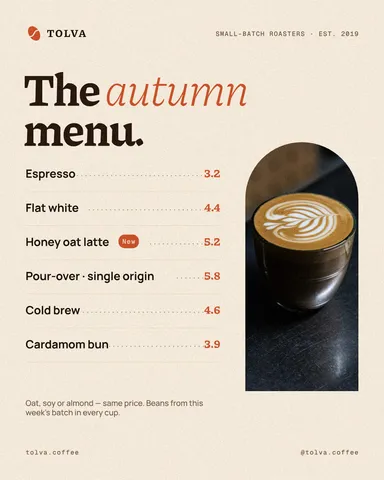 Café menu template: make a menu for a coffee shop online, freeA short menu with prices that reads from the queue — for the counter, the window and Instagram, from one template.
- 03
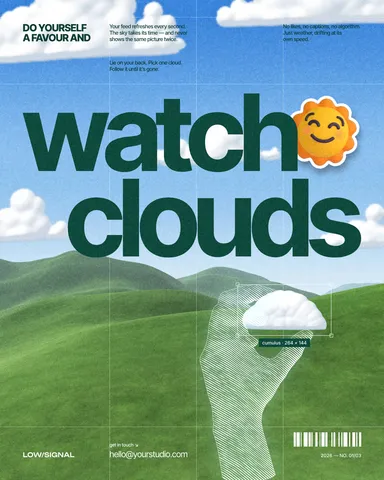 How to make an Instagram post for free: size, layout, exportThe size, the margins and the three type sizes that make a post read in one second.
- 04
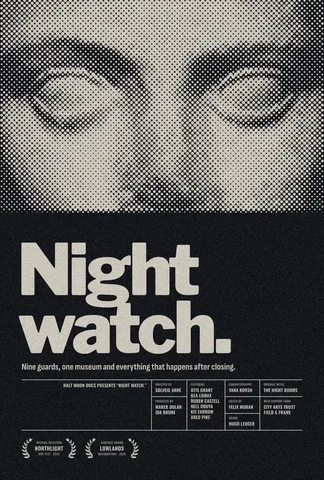 Print-ready PDF: bleed, crop marks and CMYK, freeEverything a printer means by “print-ready”, and a checklist before you send the file.