Free tools5 min readFreeUpdated 2026-11-20
Opening hours template: a business hours sign and post, free
Hours a customer can read from the street — for the door, the feed and the days when everything changes: holidays, repairs, a new schedule.
By the Paletoo team · steps tested in Paletoo on
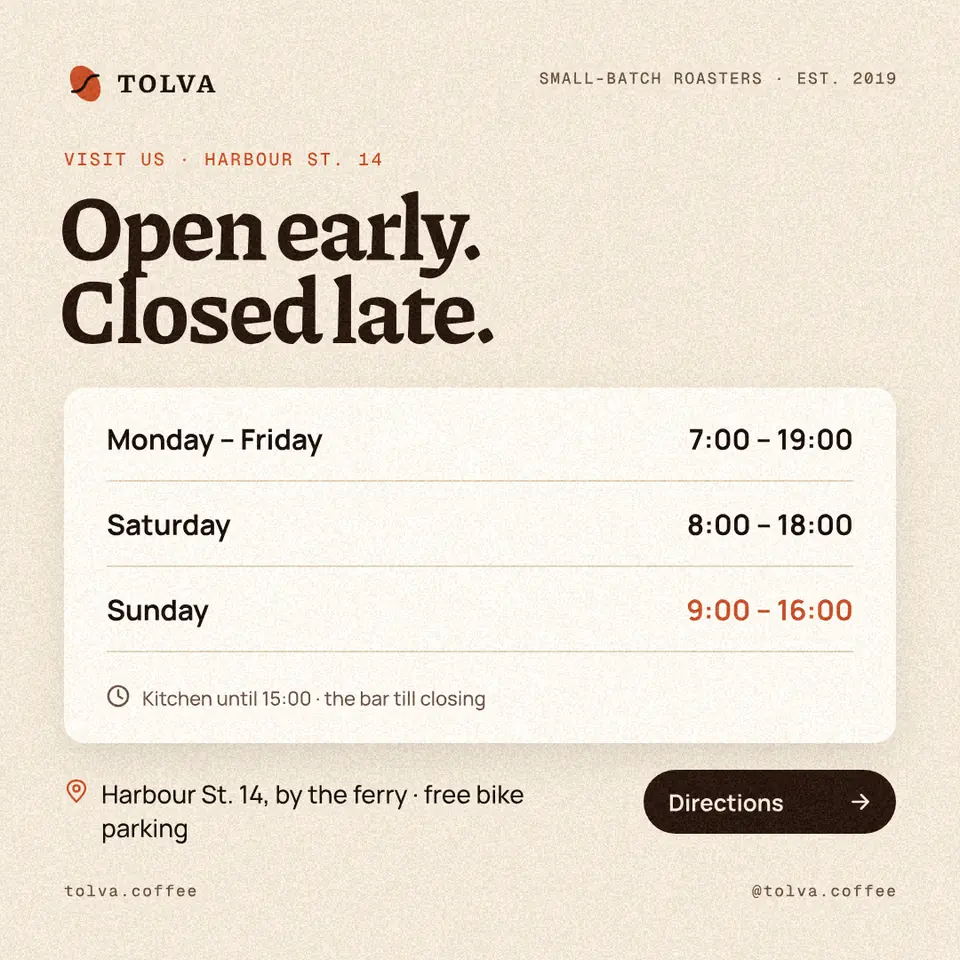
To make an opening hours sign, open the opening hours template in Paletoo, double-click the days and times to type your own, change the colours in Colour styles and press Export: PNG for Instagram, Facebook and messengers, PDF to print for the door. It is free, with no account and no watermark; the template is in English and every font in it has Ukrainian letters, so you type straight over it.
This guide does it on «Opening hours» from our Tolva coffee-shop set — a square with a headline, three rows of days and times, a note, the address and a button — and turns it into «New hours from 1 December». It also covers how to write hours so nobody misreads them, what to post before a holiday, and the places where the hours must be the same. Every step was run in Paletoo on 11 November 2026; the pictures are the editor itself.
How to write hours so nobody misreads them
Group the days that are the same: «Monday – Friday 8:00 – 20:00» is one row, not five. Three rows cover most businesses: weekdays, Saturday, Sunday. Write time in the 24-hour form used in Ukraine — «9:00 – 18:00», with a dash and spaces — and write the word «closed» for a day off, not a dash that looks like a misprint.
Say what people ask next. A break («13:00 – 14:00 break»), the last order or the kitchen’s hours, «by appointment only». One short note under the rows is enough; the template has a line with a clock for exactly that. Mark the exception with colour — the template’s Sunday is red — so a regular notices that something differs.
| Where | Size | File |
|---|---|---|
| Instagram or Facebook post | 1080 × 1080 px (square) | PNG or JPG |
| A story, saved to a highlight | 1080 × 1920 px | PNG or JPG |
| The door or the window | A4 or A5 | |
| Google Maps, your site | The same hours as text | — |
Holidays and changes: post it before, not on the day
The hours post matters most when the hours change: New Year and Christmas, Easter, a repair, a power cut schedule, a move to winter time. People check the evening before. Post the change three to five days ahead, pin it, and repeat it in a story the day before — and take it down when it is over: an old «closed until Monday» costs more visits than no post at all.
A change has to land everywhere at once. The door, the pinned post, the story highlight and the business profile on Google Maps — a customer who finds «open» on the map and a locked door does not come back. Google lets you set special hours for particular dates without touching the regular ones; do that the same day you print the sign.
For the door
A sign on a door is read from the pavement, two to three metres away, often through a reflection. Make the hours the biggest thing after the name, dark on light, and print on matte paper or put it behind matte film. A4 is the least; a sign that lives outside wants lamination. A door sign needs two things, in Ukrainian: the name of the place and its working hours — the square template resized to A4 covers that in a few minutes.
Made in Paletoo
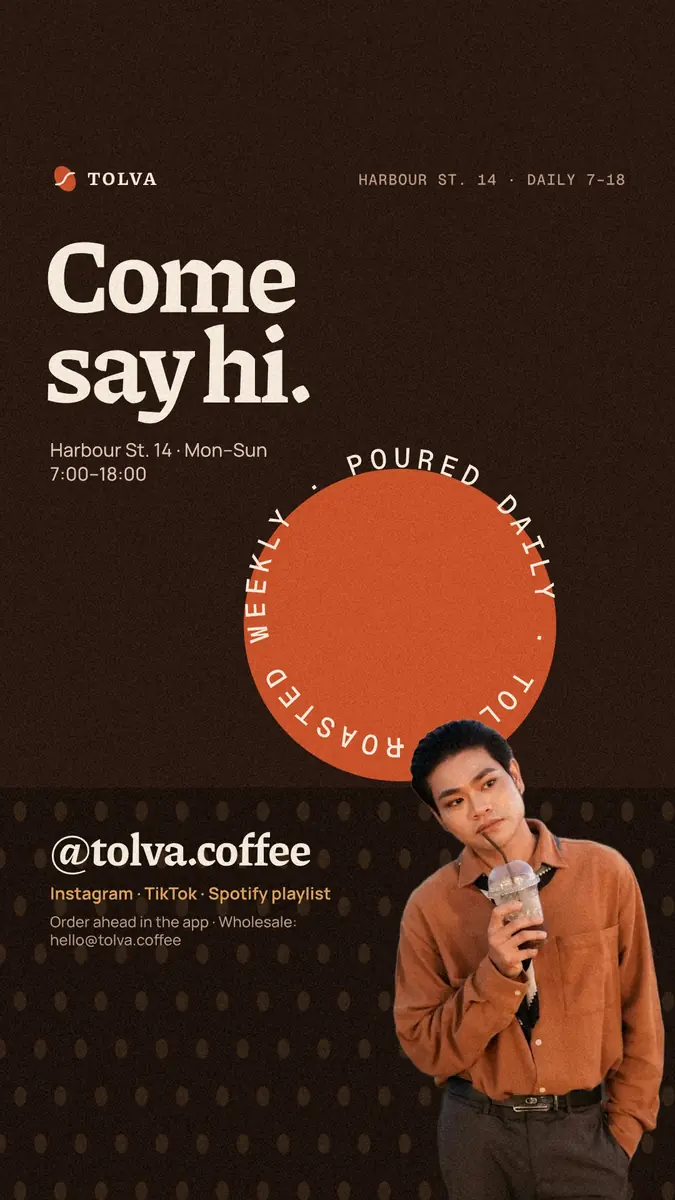
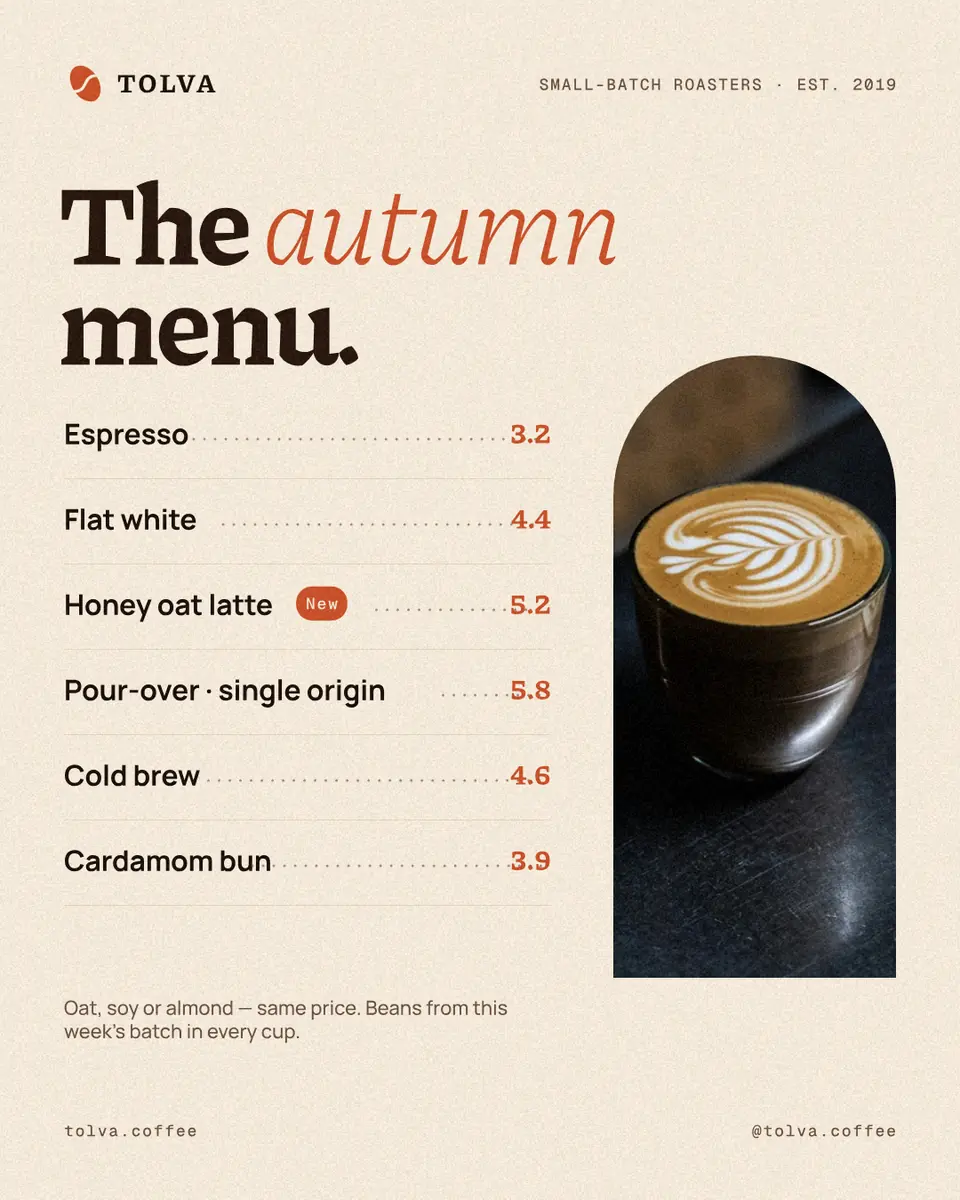
Every picture on this page was made in Paletoo — these three with the same steps on other templates:

Make it free in Paletoo
Open the template: press “Open in Paletoo” on this page. It opens as your own document, a square post; the Layers panel lists the days, the times, the note and the address by name.
Double-click the headline and type the news — «New hours from 1 December», «Holiday hours». The font and size are under Typography in the Design tab.
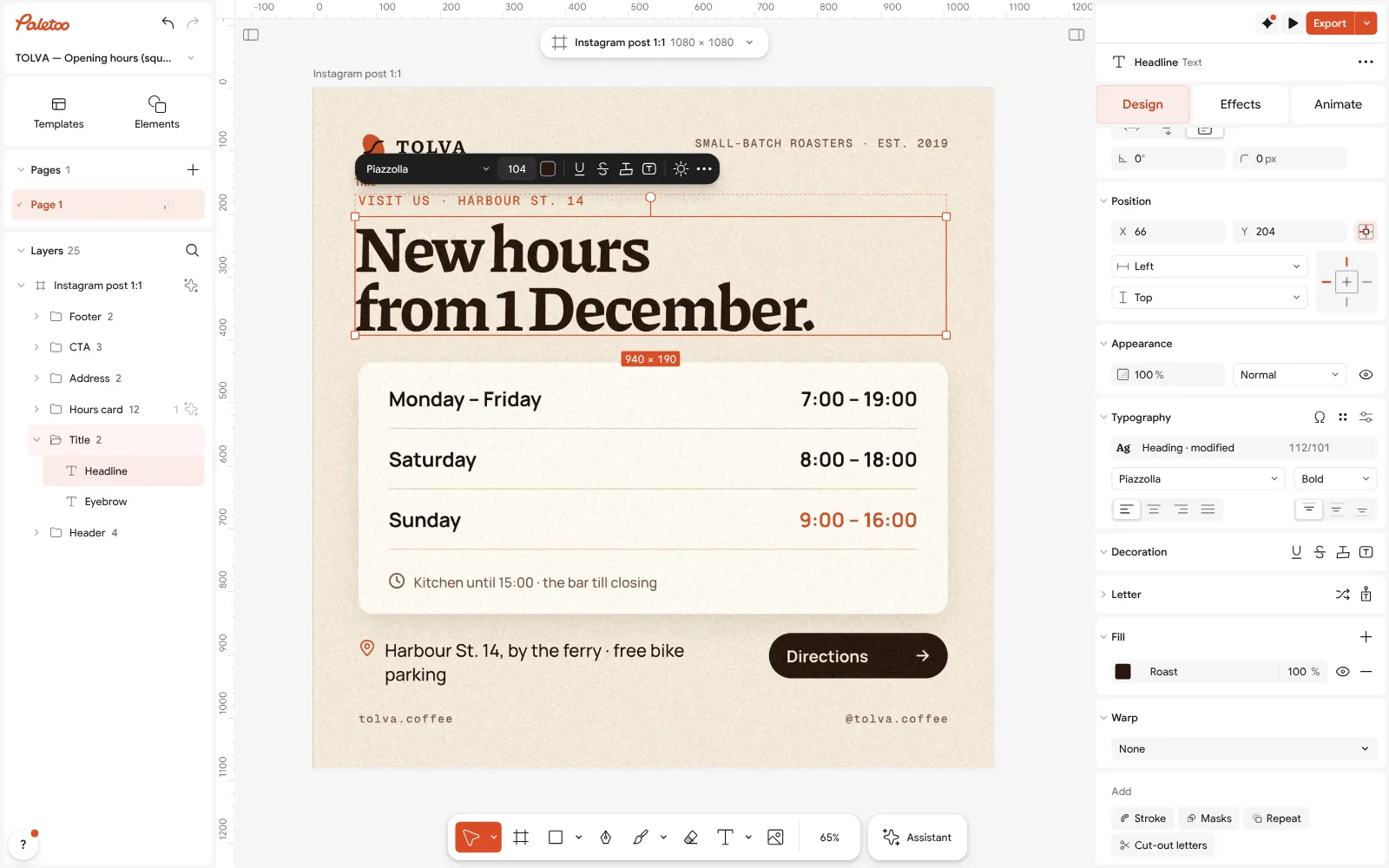
The hours open in Paletoo: the headline retyped as «New hours from 1 December», its font under Typography Double-click each day and its time and type yours: group equal days in one row, write «closed» in words. To add a row, select a day, its time and the rule under them, press Ctrl D (Duplicate) and drag the copy down.
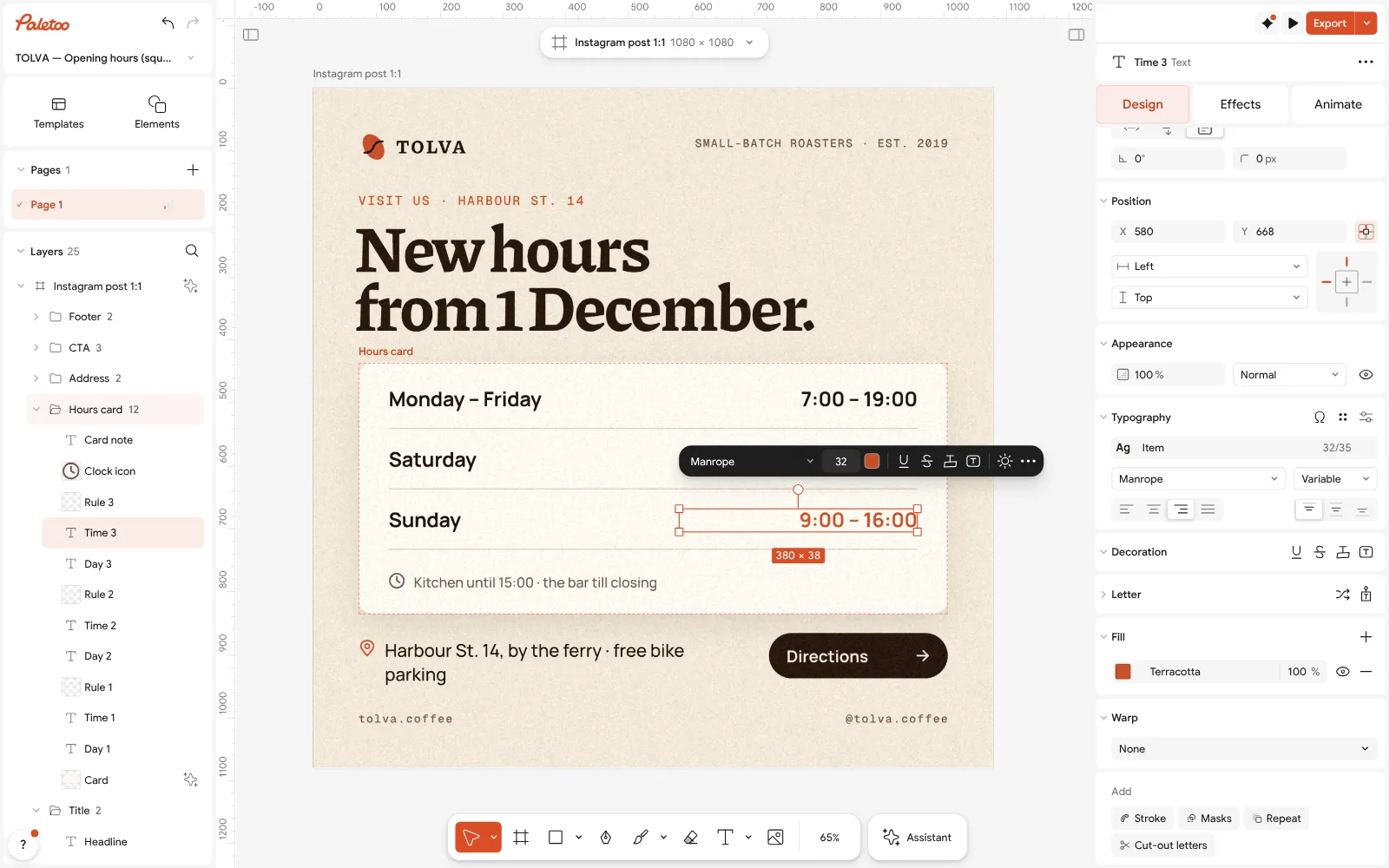
Sunday’s time selected: its red is the Fill in Design — the exception stands out Mark the exception: select the time that differs and change its Fill in Design — the template uses red for Sunday. Type the note under the rows and the address; rewrite the button or delete it.
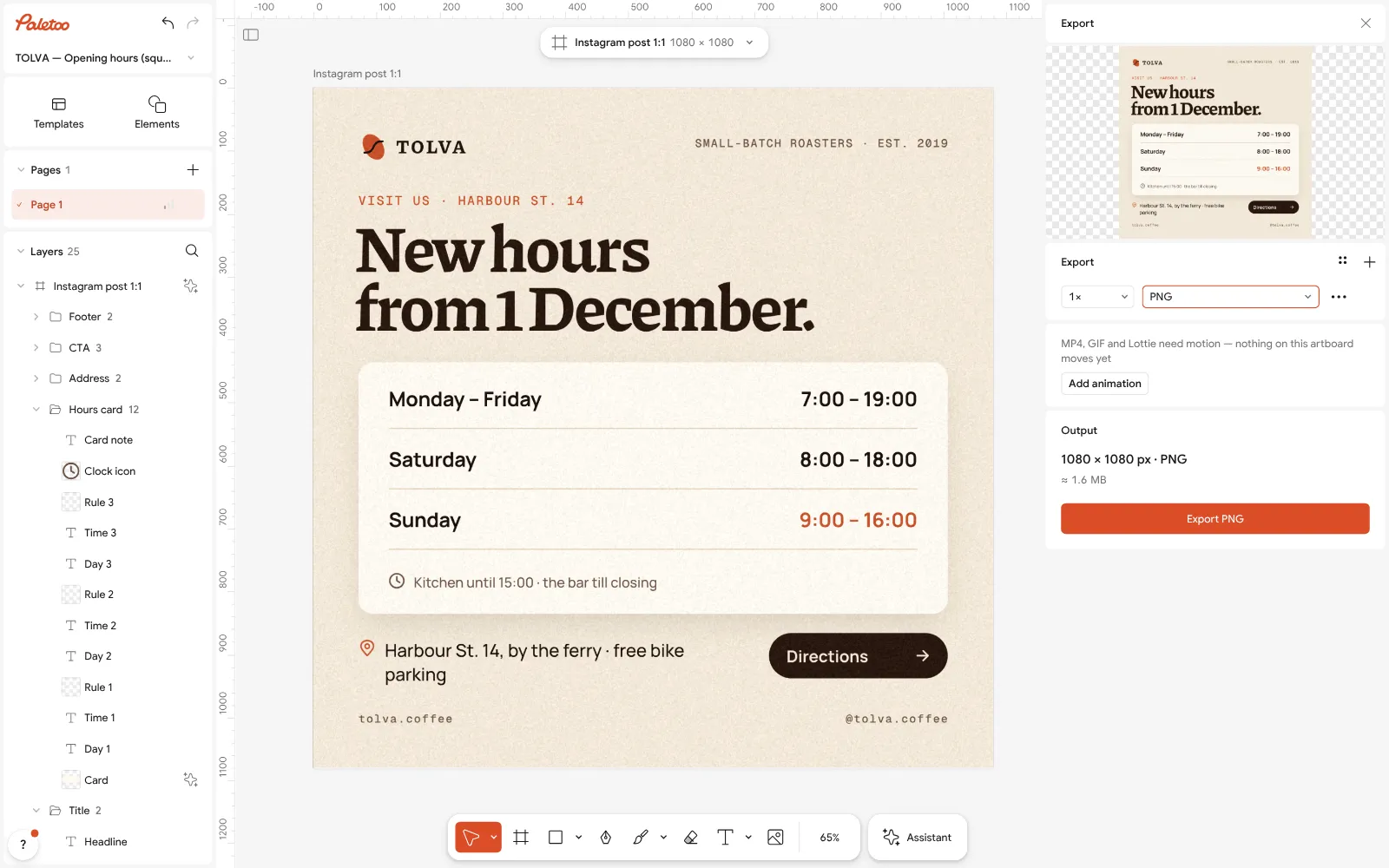
Export as PNG: the square post, ready for Instagram and the story Open Colour styles and set the paper and the accent to your brand’s colours; replace the wordmark with your name or logo.
Press Export (Ctrl Shift E): PNG for the post. For the door, Duplicate artboard, press Resize this artboard, choose A4 and export that page as PDF.
Make it your own
Hours for a single date («31 December: 8:00 – 16:00, 1 January: closed»)? Retype the three rows as dates instead of weekdays — the layout is the same.
Add a QR code to the map: press Ctrl K › QR code and paste your Google Maps link; on the door it saves people typing the address.
Need a story too? Duplicate artboard, resize the copy to 1080 × 1920 and move the rows to the middle band, away from the top and bottom edges.
Sources
Questions
How do I make an opening hours sign for free?
Open the opening hours template in Paletoo, type your days and times, change the colours and export PNG for social media or PDF for the door. It is free, with no watermark and no account.
What size is an opening hours sign?
A4 or A5 for a door or a window; 1080 × 1080 px for a post and 1080 × 1920 px for a story.
How do I write working hours correctly?
Group equal days («Mon – Fri»), write time in the 24-hour form with a dash («9:00 – 18:00»), put breaks and the last order in a note, and write «closed» in words.
When should I post holiday hours?
Three to five days before, pinned, and again in a story the day before. Update the business profile on Google Maps the same day, and take the post down afterwards.
Can I download the template for Word?
It is not a Word file: you edit it in the browser and download a PDF or a picture. The layout stays in place when you change the text.
Can I use it for a shop, a salon or a library?
Yes. The rows are plain text: type any days and hours, replace the name, change the colours. The coffee-shop details are only the example.
Make it online
- Instagram post makerDesign a post at the right size from a real template, then export a sharp PNG or JPG — free, in your browser.
- Flyer makerTurn a ready flyer template into yours in minutes and send the printer a PDF with bleed and crop marks.
- QR code generatorMake a free QR code that never expires, right here — eight styles, a logo or emoji in the middle, PNG, SVG or PDF — and see that it scans before you print. No sign-up.
- Make a price list onlineNails, brows, hair, a barber or a café: pick a price list, type your services and prices, and print it for the wall or post it as a story — free, no sign-up, no watermark.
Free design templates for posts, stories and posters: Social media post templates · Event and launch templates · Contact and call-to-action templates · Sale and pricing templates
Try it on your own design
Paletoo opens in your browser, with no sign-up. Every effect here is live: change the picture or the words and the effect follows.
Open in PaletooOpens this design as your own copy — every layer and effect editable, free.
Read next
- 01
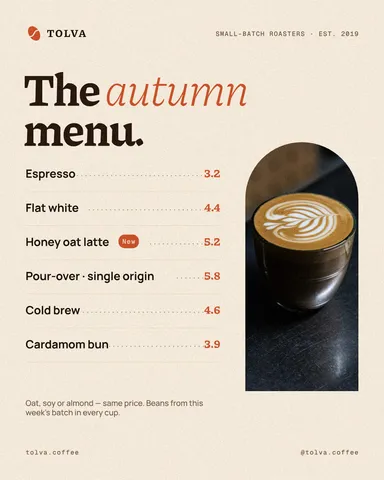 Café menu template: make a menu for a coffee shop online, freeA short menu with prices that reads from the queue — for the counter, the window and Instagram, from one template.
- 02
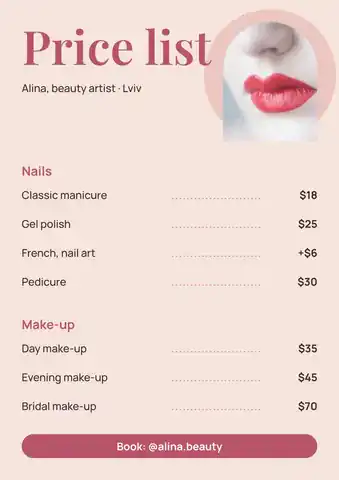 Price list template: make a salon or nail price list online, freeA nail, brow or beauty price list that reads at a glance — on the wall as A4 and in Instagram as a post, from one template.
- 03
 How to make an Instagram post for free: size, layout, exportThe size, the margins and the three type sizes that make a post read in one second.
- 04
 Print-ready PDF: bleed, crop marks and CMYK, freeEverything a printer means by “print-ready”, and a checklist before you send the file.