Make a save the date online
Updated
Tell your guests the date: pick a save-the-date card, add your names and photo, and print it or send it to every chat — free, no sign-up, no watermark.
Start from a save the date

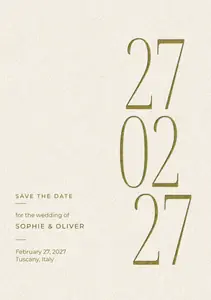
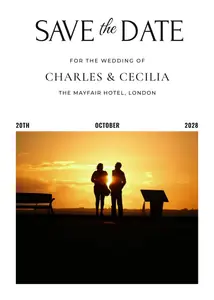

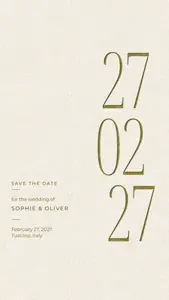
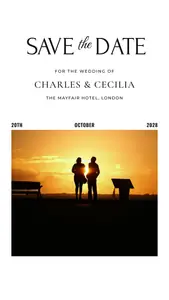
Each opens as your own document. Printed cards on A5 and 5 × 7 in, and a story version of each to send.
Start freeFree · in your browser · no sign-up · no watermark
The rest of the wedding set
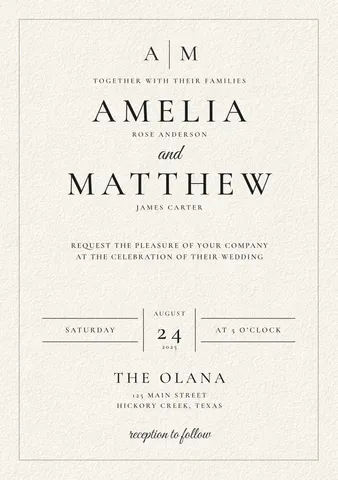
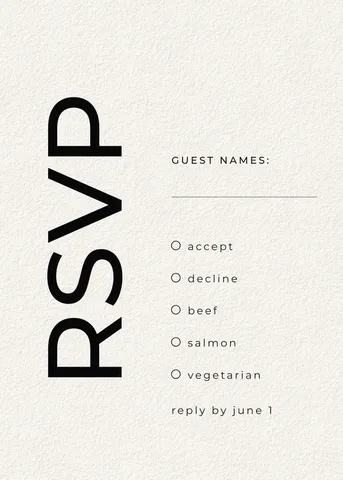
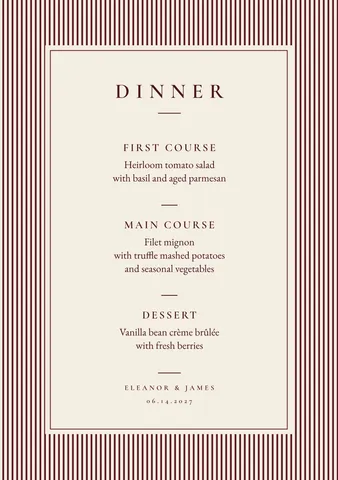
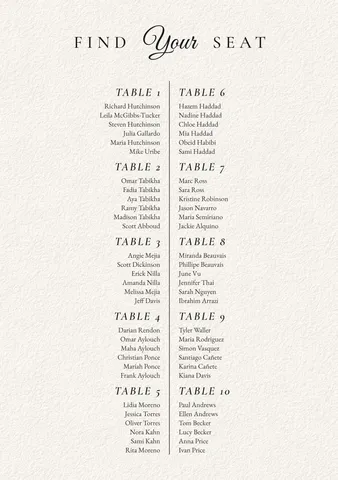
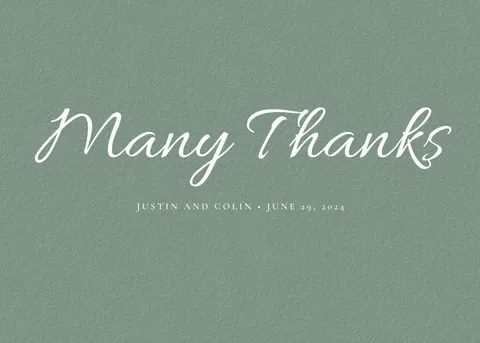
The invitation, the RSVP card, the menu, the seating chart and the thank-you card in the same style.

How it works
-
Pick a card
Tap a card above, or «Start free» for a save the date with a big date. Each design comes as a printed card and as a story to send. In Templates the rest of the wedding set waits: the invitation, the RSVP card, the menu, the seating chart, the thank-you card.
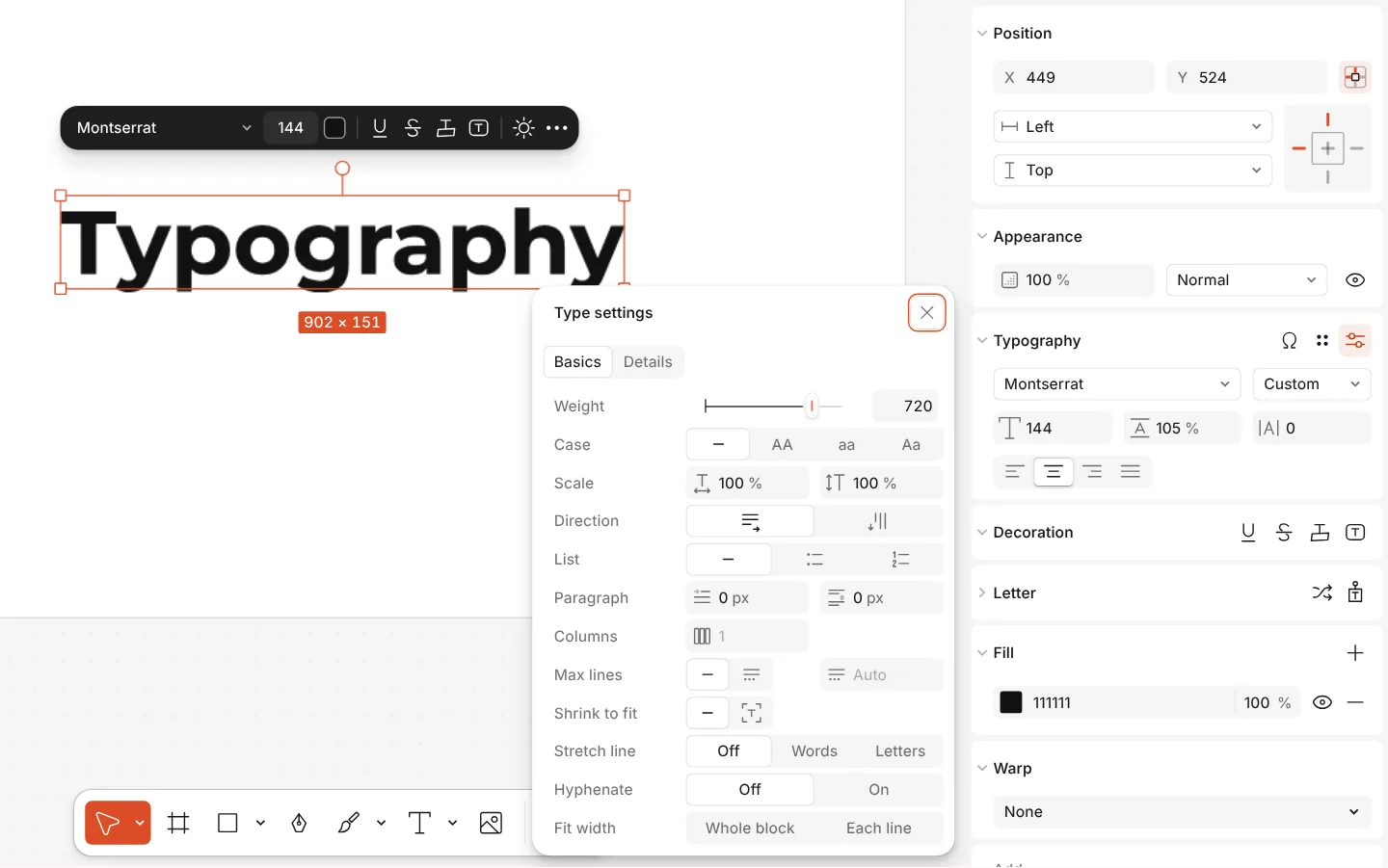
The Type settings window of a text, with variable axes -
Add your names, date and photo
Double-click the names, the date and the place to write yours. Drop your photo onto the photo card or select it and press Replace picture; Remove background can set the two of you on the card’s colour.
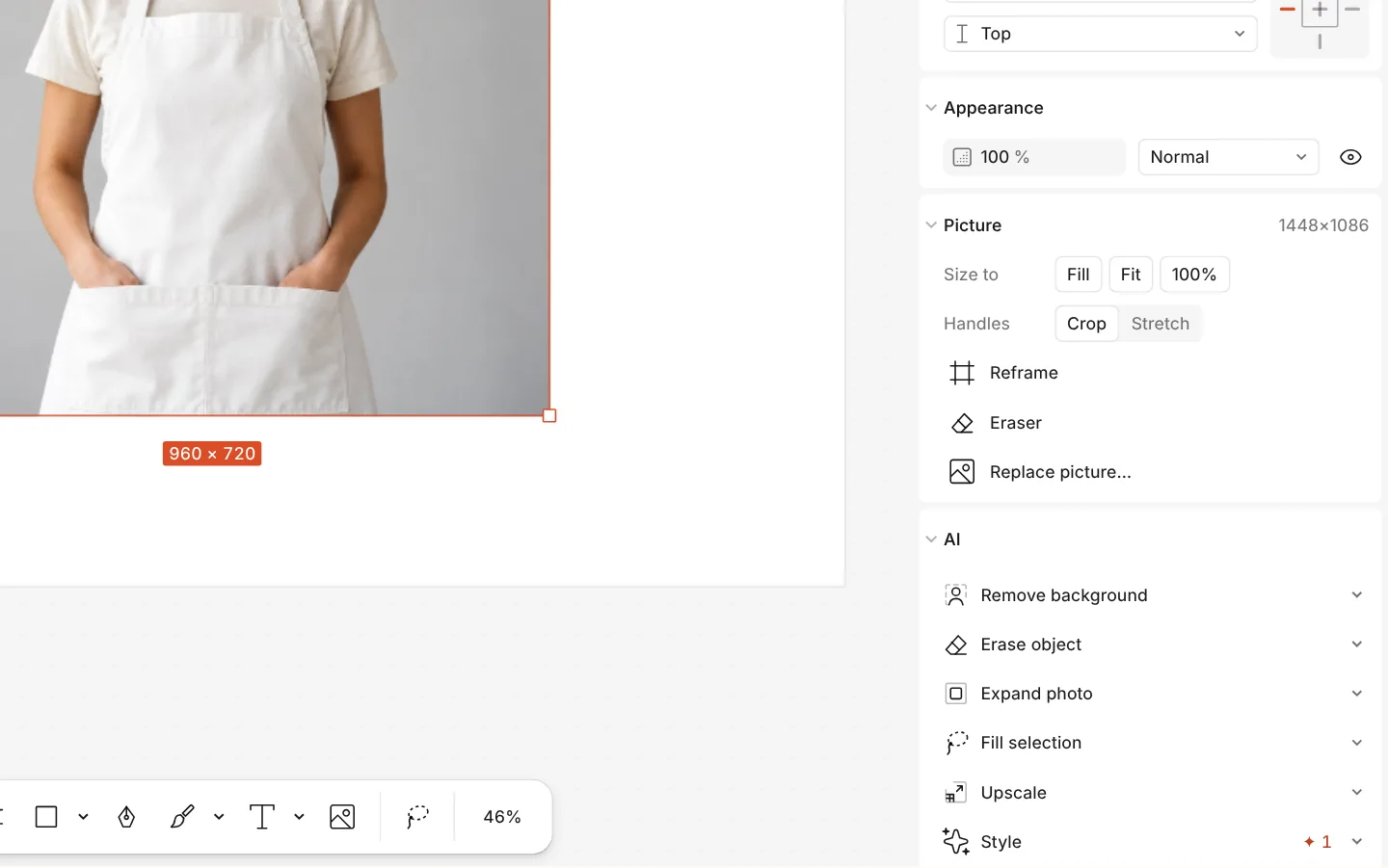
The AI section of a photo with Remove background -
Print it and send it
Press Export (Ctrl Shift E): a PDF with bleed and crop marks for the print shop, and a PNG of the story version to send in Telegram, Viber, WhatsApp or by email.
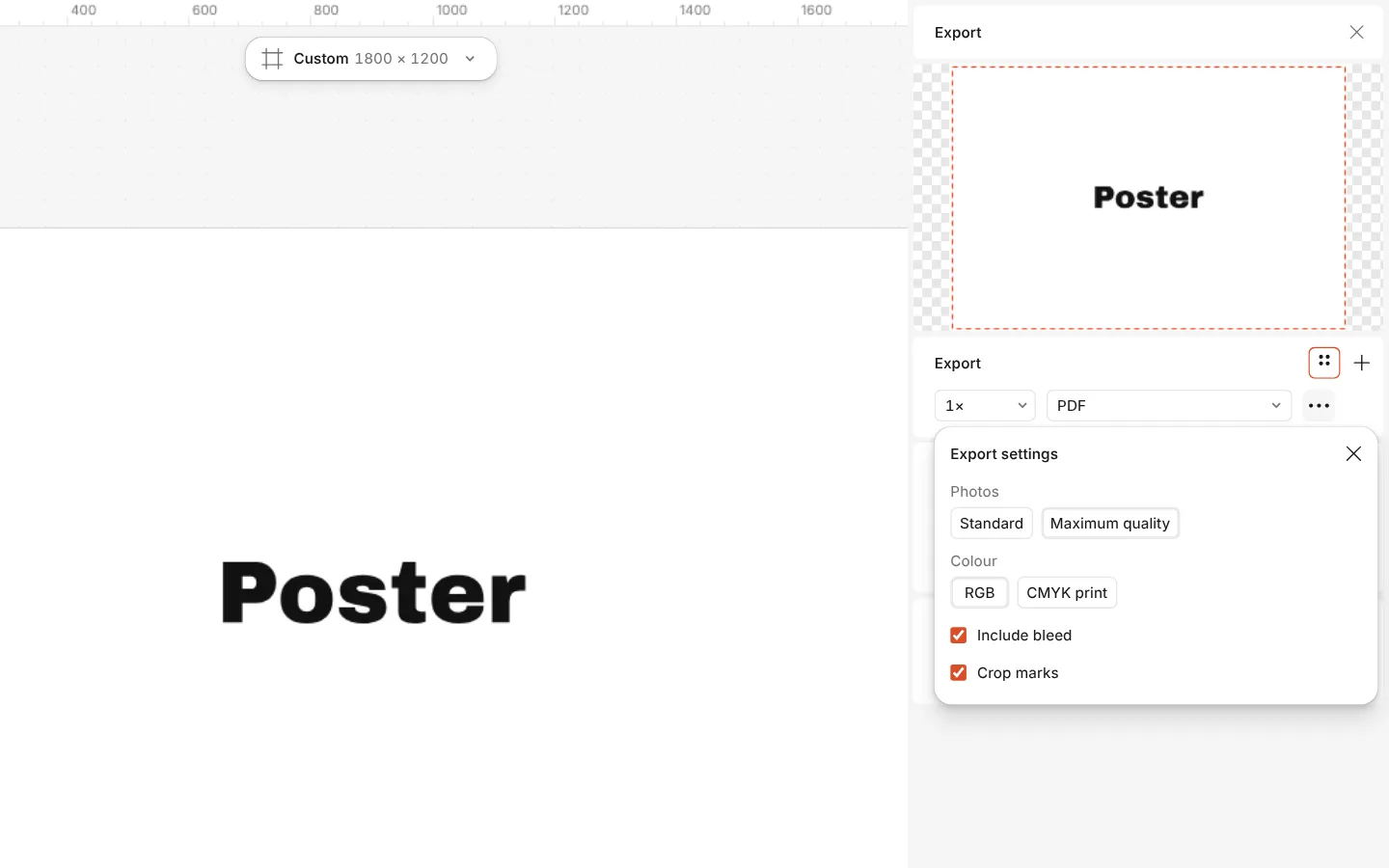
The Export window with the PDF print with bleed preset and its settings
What is free
- Every template on this page, and every font, photo and effect in it
- Export to PNG, JPG and PDF — with bleed and crop marks for a print shop
- No watermark, on the free plan too
- No account needed to make or download; a free one adds cloud storage and share links
Credits are only for AI image generation and materials. Nothing here needs them.
What you get
Printed and digital, one design
Every save the date comes as a printed card and as a 1080 × 1920 story with the same type and colours, so guests who get either see one wedding.
The whole wedding set
The invitation, the RSVP card, the dinner menu, the seating chart and the thank-you card share the style — make them all in one place.
Your photo on the card
A photo save the date with room for your engagement picture; cut the two of you out of the background if the photo is busy.
Ready for the print shop
A5 (148 × 210 mm) and 5 × 7 in cards with bleed and crop marks in the PDF, or print them at home on A4 and trim.
Questions
How do I make a save the date for free?
Open a save the date here, double-click your names, the date and the place to write them, add a photo if you like, then press Export and download a PDF to print or a PNG to send. Free, no account, no watermark.
When should we send a save the date?
Usually six to eight months before the wedding, and up to a year ahead for a wedding abroad or on a holiday weekend. The invitation follows about two months before the day.
What size is a save-the-date card?
The usual printed sizes are A5 (148 × 210 mm) in Europe and Ukraine and 5 × 7 in in the USA; both fit standard envelopes. The digital version is a 1080 × 1920 story.
Can I send a digital save the date?
Yes. Each design has a story version: export it as a PNG and send it in a messenger or by email, or export an MP4 after you add a gentle animation to the date.
Can I add our photo?
Yes. The photo card has a frame for your picture: drop the photo onto it, or select it and press Replace picture. Double-click the frame to move the photo inside it.
Do the invitations match the save the date?
Yes. The wedding set’s invitation, RSVP card, menu, seating chart and thank-you card share the same type and colours, all in Templates.
Is it free, with no watermark?
Yes. The cards, your photo and the PDF, PNG, JPG and MP4 exports are free and carry no watermark. Only AI image generation and materials use credits.
Are the cards in Ukrainian?
Each card has an English and a Ukrainian version, «Збережіть дату», written for the occasion, and the fonts carry the full Cyrillic alphabet.
Learn more
Step-by-step guides

Free templates by occasion: holidays, birthdays, weddings
Collections for every occasion of the season — cards, invitations, posts, stories and posters — each one a tap away from your own editable copy.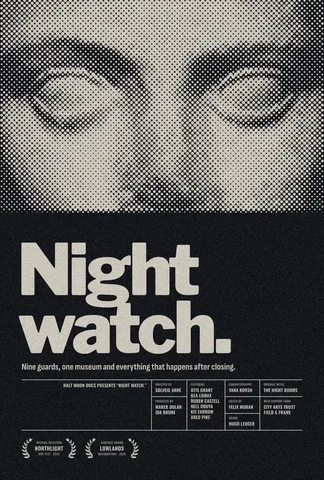
Print-ready PDF: bleed, crop marks and CMYK, free
Everything a printer means by “print-ready”, and a checklist before you send the file.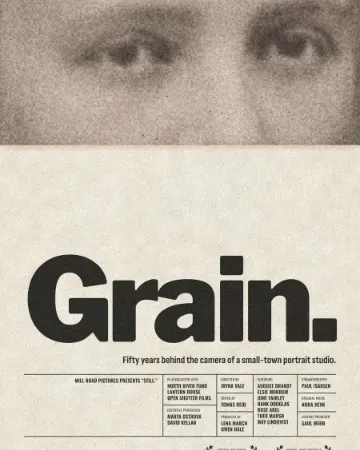
How to give a portrait an analog film look
Warm, faded, a soft halo round the lights, grain and dust.
In the help centre
More tools

Invitation maker
Tap an invitation below and it opens ready to edit: write who, when and where, then send it as a picture or print it on A5. Free, with no watermark and no sign-up.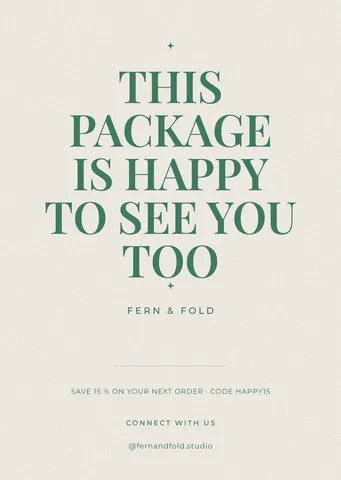
Make a thank-you card online
A card for every parcel, a wedding thank-you or a note to a client: pick a card, write your words, add your logo or a QR code and print it — free, no sign-up, no watermark.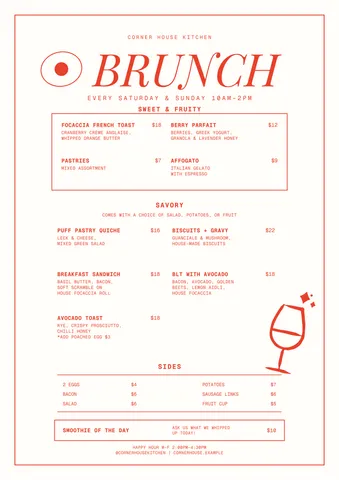
Make a menu online
Café, restaurant, bar or street food: pick a menu, type your dishes and prices, add a QR code and print it or post it — free, no sign-up, no watermark.
Make a greeting card online
Birthday, thank-you, love or holiday: pick a card, write your own words, add a photo and send it as a picture or print it — free, no sign-up, no watermark.
Make it now
Paletoo opens in your browser. Start from the template above or a blank page, and export when you are happy.
Start free