Make a thank-you card online
Updated
A card for every parcel, a wedding thank-you or a note to a client: pick a card, write your words, add your logo or a QR code and print it — free, no sign-up, no watermark.
Start from a card
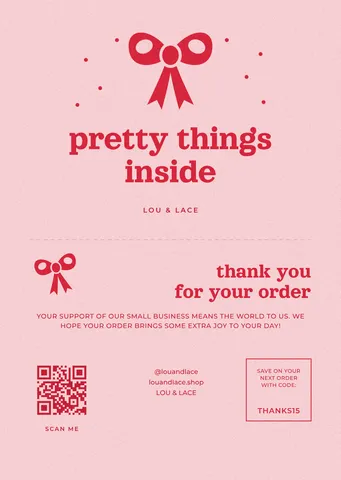
 Bow and wavy frame
 Monogram insert
 «So happy you chose us»
 With a QR for reviews
 Wedding thank-you
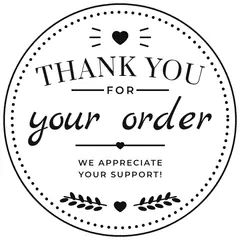 Round sticker
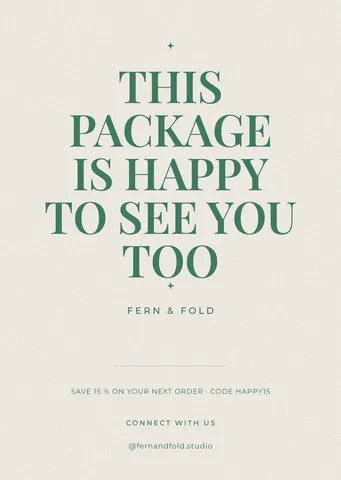
Each opens as your own document. A6 and 15 × 10 cm cards, 5 cm round stickers for the box, a wedding thank-you and posts.
Start freeFree · in your browser · no sign-up · no watermark
More cards, stickers and labels
Real Paletoo documents and results — open one and change everything.

How it works
-
Pick a card
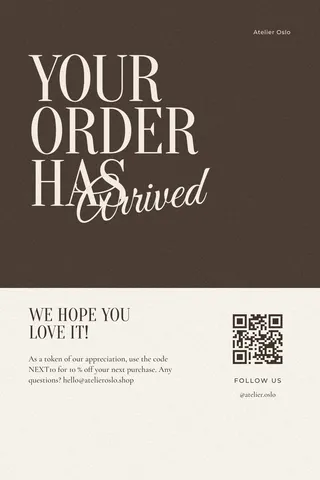
Tap a card above, or «Start free» for a thank-you with a bow and a wavy frame. In Templates there are more: package inserts, «your order has arrived», round stickers, product labels and posts.
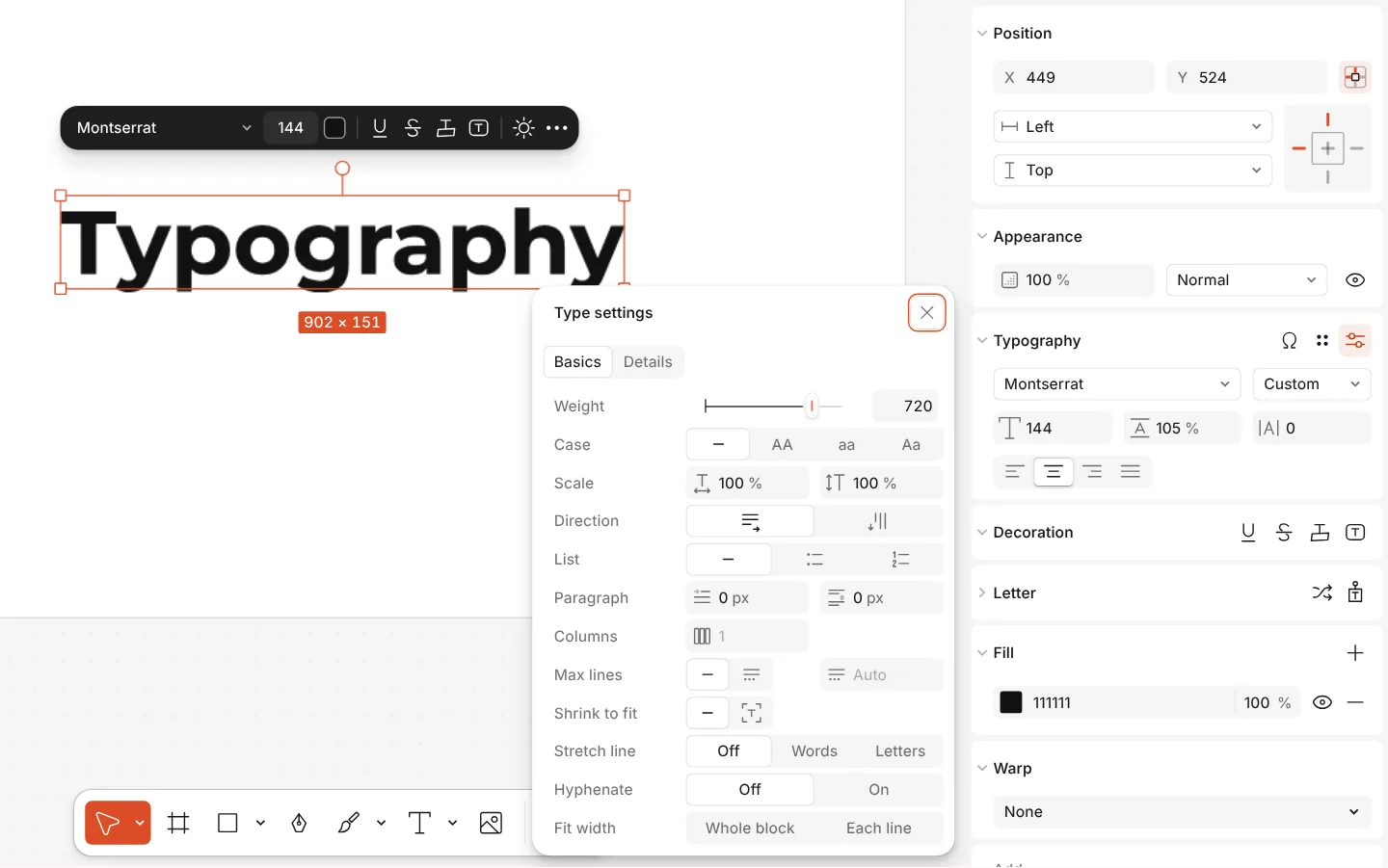
The Type settings window of a text, with variable axes -
Write your words, add your logo
Double-click any line to write your own thanks, a discount code or your shop’s name. Put in your logo with Replace picture; QR code adds a code that opens your review page or your shop.
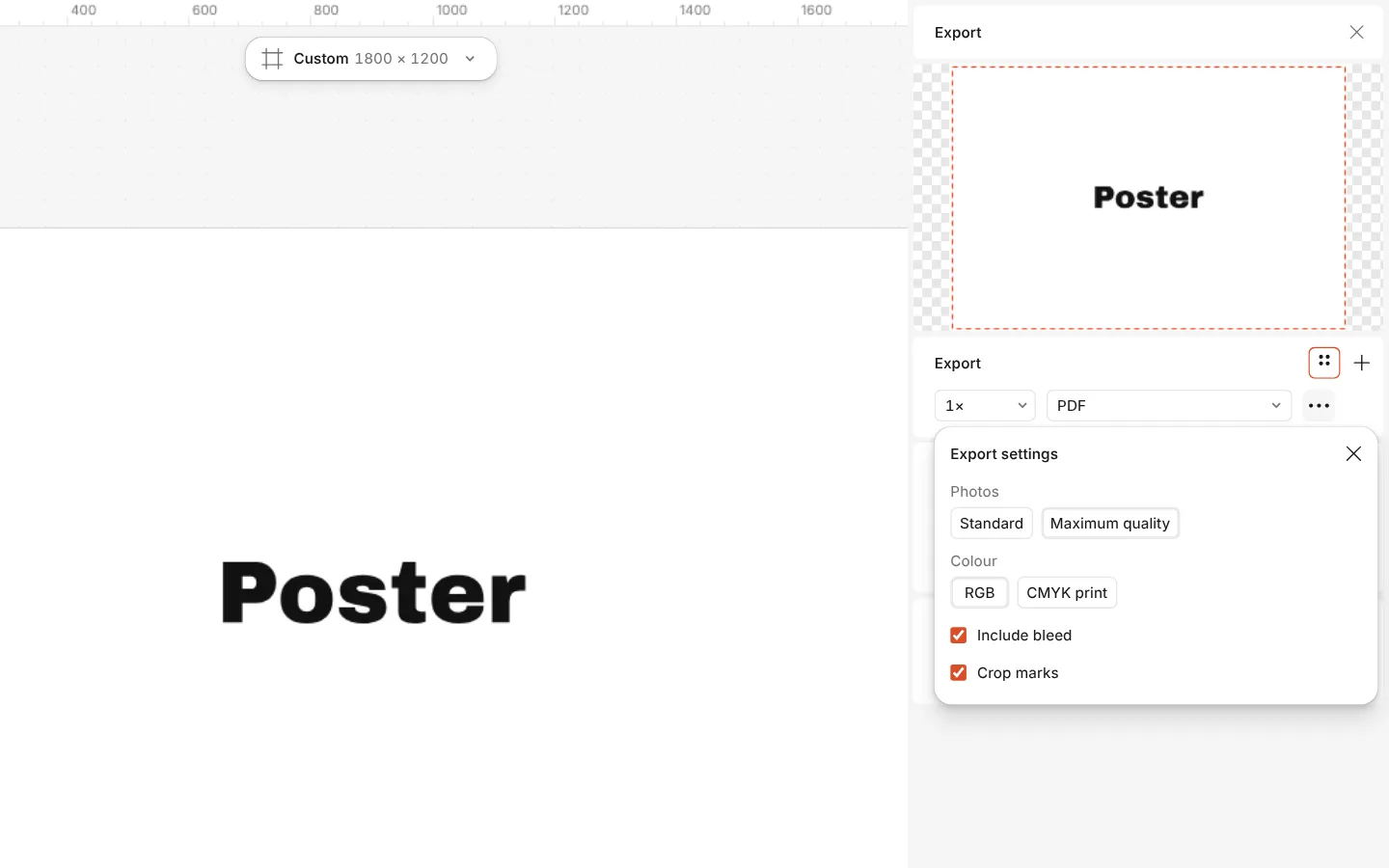
The Export window with the PDF print with bleed preset and its settings -
Print a stack
Press Export (Ctrl Shift E) and choose PDF: print several on one A4 sheet at home and cut them, or send the file with bleed and crop marks to a print shop.
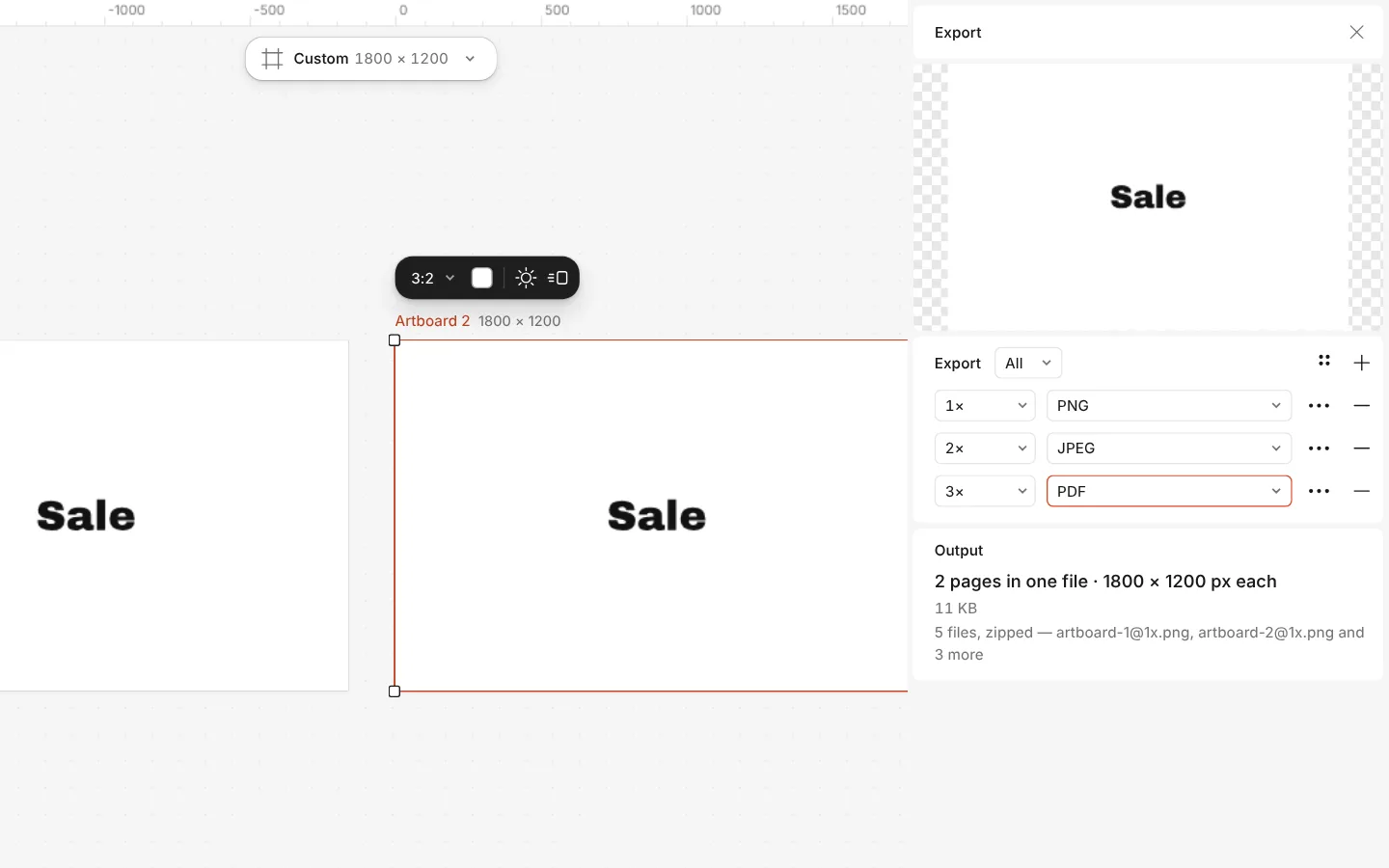
The Export window with all artboards and three files at once
What is free
- Every template on this page, and every font, photo and effect in it
- Export to PNG, JPG and PDF — with bleed and crop marks for a print shop
- No watermark, on the free plan too
- No account needed to make or download; a free one adds cloud storage and share links
Credits are only for AI image generation and materials. Nothing here needs them.
What you get
Made for small shops
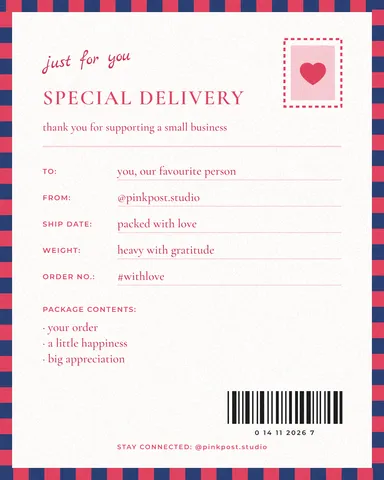
Inserts for a parcel, «we’re so happy you chose us», «handle with care» stickers, candle and soap labels — the paper a small brand puts in the box.
A QR code that asks for a review
Add a QR code that opens your review page, Instagram or shop; the editor checks that it scans before you print.
Weddings and clients too
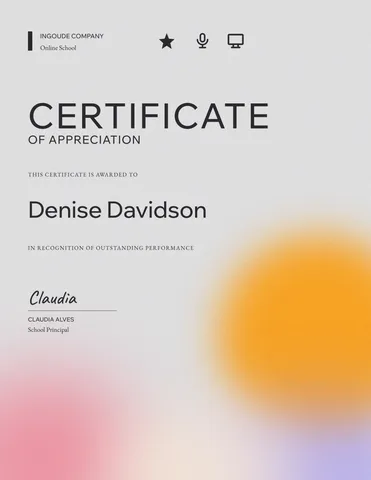
A sage wedding thank-you card and two thank-you certificates for a team, a volunteer or a teacher.
Print-ready sizes
A6 (105 × 148 mm), 15 × 10 cm and 5 × 7 in cards and 5 cm round stickers, already set up for a print shop or for home printing.
Questions
How do I make a thank-you card for free?
Open a thank-you card here, double-click its words to write your own, add your logo, then press Export and download a PDF to print or a PNG to send. It costs nothing and leaves no watermark.
What should a small business thank-you card say?
Keep it short and personal: thank them by name if you can, say what their order means to you, and add one next step — a discount code for the next order or a QR code to leave a review.
What size is a thank-you card for a parcel?
A6 (105 × 148 mm) or 15 × 10 cm suits most parcels and fits a C6 envelope; a 5 cm round sticker can seal the tissue paper. All of these are here, ready to print.
Can I add a QR code for reviews?
Yes. Use QR code in the editor, paste the address of your review page, Instagram or shop, and place it on the card. Keep it at least 2 cm wide so a phone reads it.
How do I print many cards at home?
Export a PDF and print it on A4 at 100 %, then cut along the edges. To fit several on one sheet, duplicate the card side by side on an A4 artboard before you export.
Is there a wedding thank-you card?
Yes: a sage card in 7 × 5 in with a story version, part of the same wedding set as the save-the-date, the invitation and the menu.
Is it free for my business to use?
Yes. The templates and the files you export are free to use for your shop, with no watermark and no account needed to download.
Are the cards in Ukrainian?
Each card has an English and a Ukrainian version, written for a small shop rather than translated word for word, and the fonts carry the full Cyrillic alphabet.
Learn more
Step-by-step guides
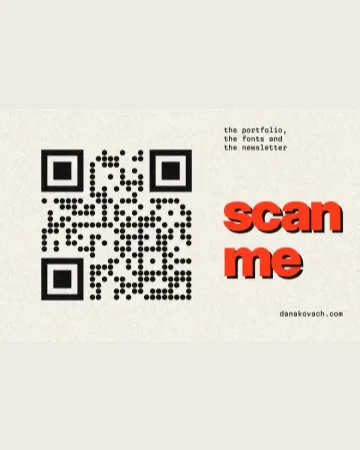
QR code design: how to style a QR code that still scans
Colours, shapes and a logo — inside the few rules that keep a phone reading it.
Print-ready PDF: bleed, crop marks and CMYK, free
Everything a printer means by “print-ready”, and a checklist before you send the file.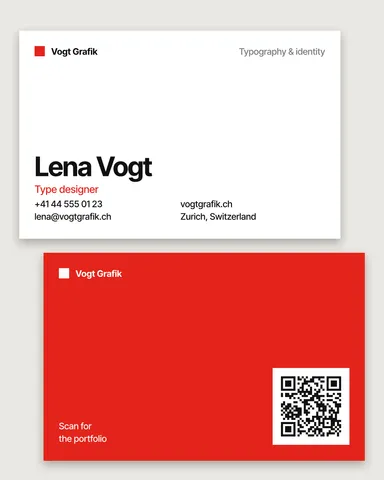
Business card size: inches, mm and pixels for every country
The size your printer expects — in inches, millimetres and pixels — with the bleed and the safe area, on a card that opens at that size.
In the help centre
More tools
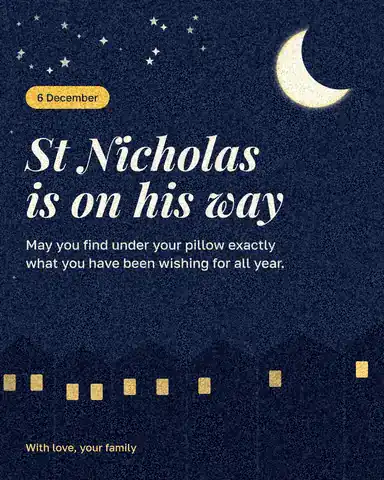
Make a greeting card online
Birthday, thank-you, love or holiday: pick a card, write your own words, add a photo and send it as a picture or print it — free, no sign-up, no watermark.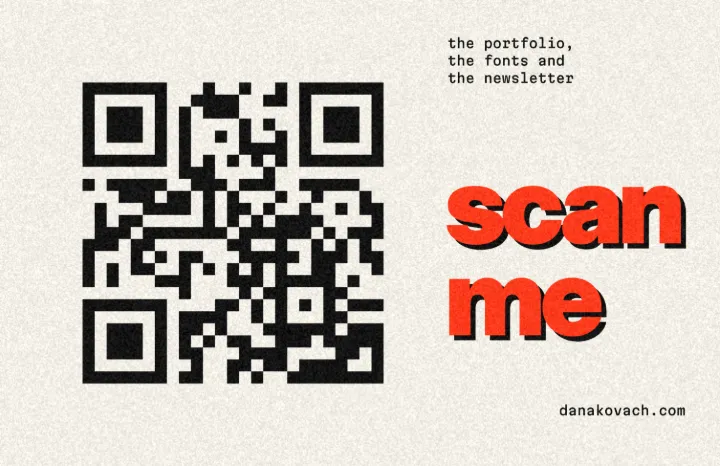
Business card maker
Design a business card at the exact print size, add a QR code that really scans, and export a PDF the printer accepts.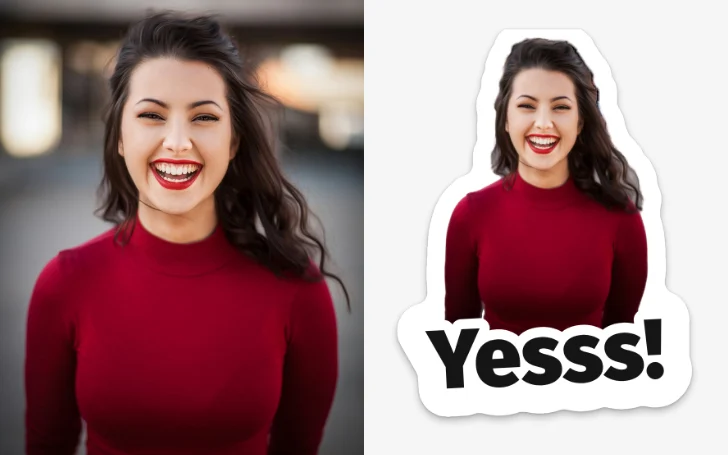
Make stickers from photos
Pick a few photos and get a sticker pack: each one cut out with a white rim and a caption, for Telegram, WhatsApp or as PNG files — free, no sign-up.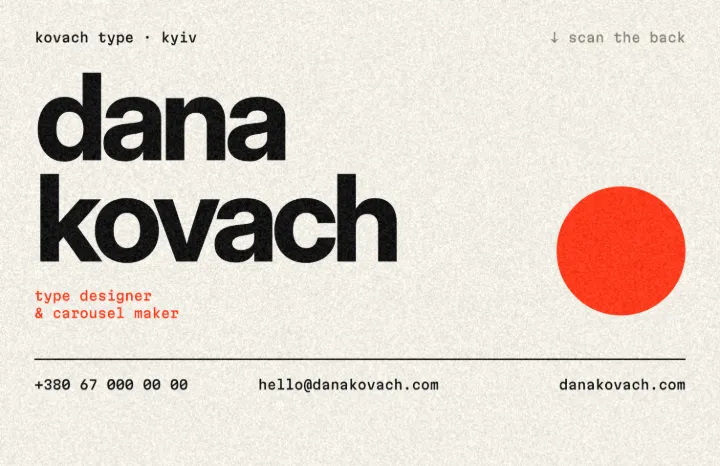
QR code generator
Make a free QR code that never expires, right here — eight styles, a logo or emoji in the middle, PNG, SVG or PDF — and see that it scans before you print. No sign-up.
Make it now
Paletoo opens in your browser. Start from the template above or a blank page, and export when you are happy.
Start free