Free tools5 min readFreeUpdated 2026-11-20
Free templates by occasion: holidays, birthdays, weddings
Collections for every occasion of the season — cards, invitations, posts, stories and posters — each one a tap away from your own editable copy.
By the Paletoo team · steps tested in Paletoo on
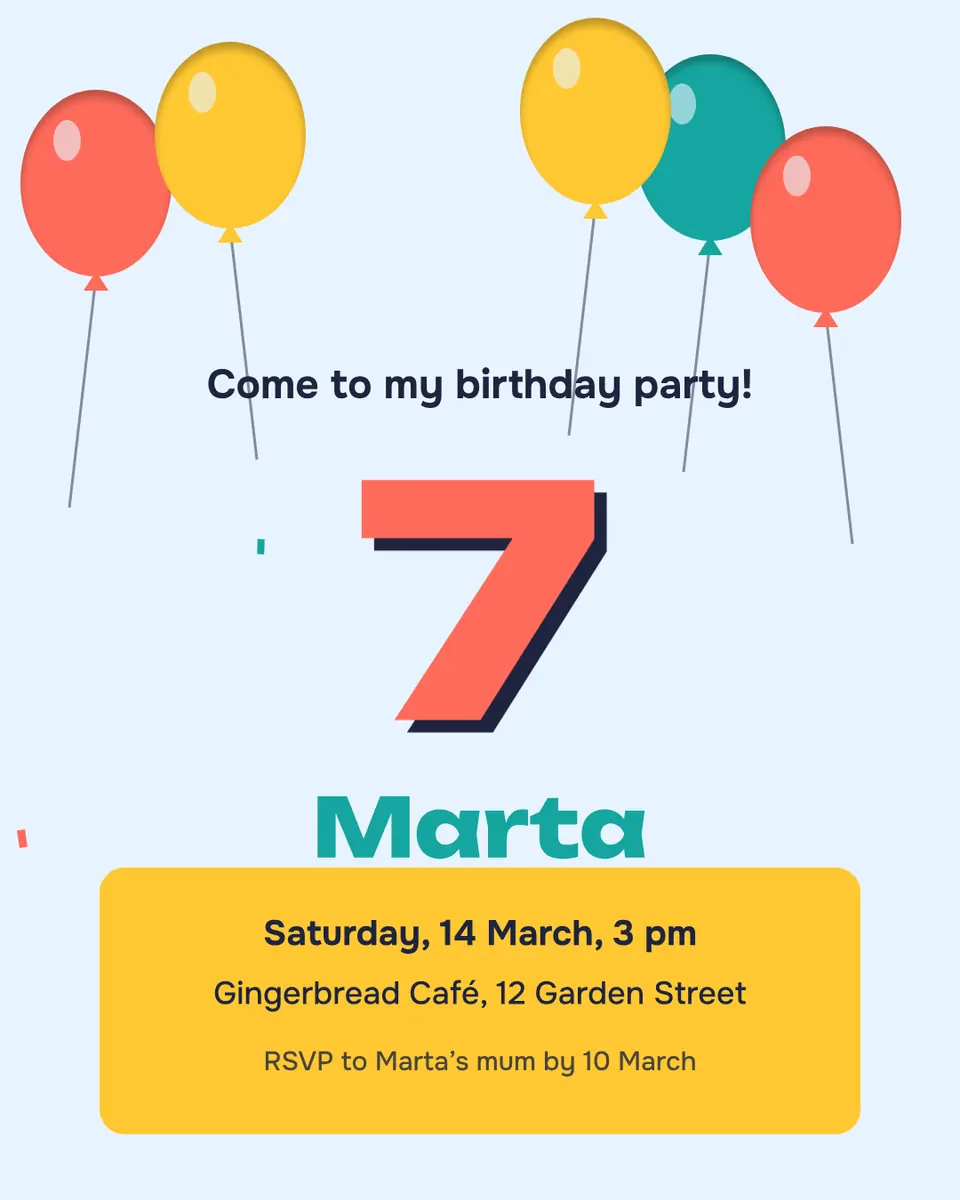
Every template below opens in Paletoo as your own editable copy: press it, change the words and the photo, and download a PNG, JPG or a print-ready PDF — free, without a watermark and without signing up. The collections are grouped by occasion: Christmas, New Year, St Nicholas Day, birthdays, weddings and invitations, Black Friday and sales, parties and gigs, and cards for the defenders.
Most come in a post and a story size, many in English and Ukrainian, and the invitations also as an A5 print. After the galleries: how to pick a template that will still look good with your words, how to make one your own in five minutes, and the steps in Paletoo on a birthday invitation.
Template collections by occasionLive
Pick the occasion; press a design to open it in Paletoo as your own copy, change the words and photo, and download it free.
Christmas 12 designs
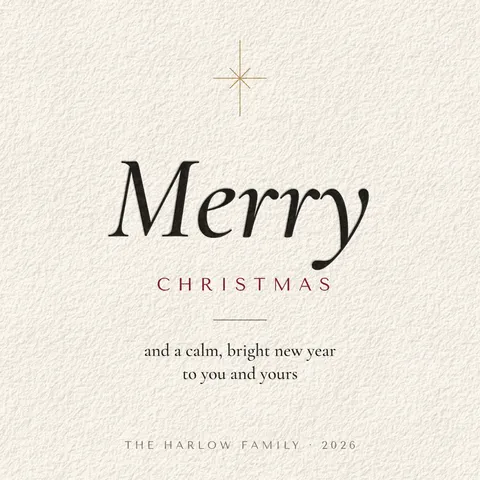 Square: quiet Christmas card
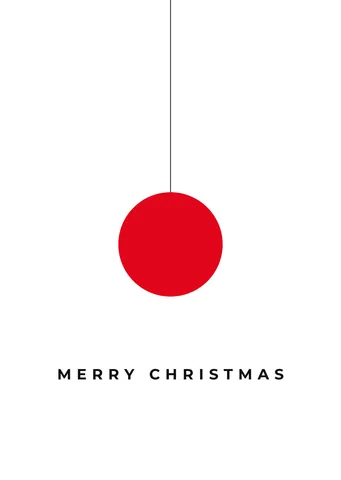 A6 card: Christmas card, one red bauble
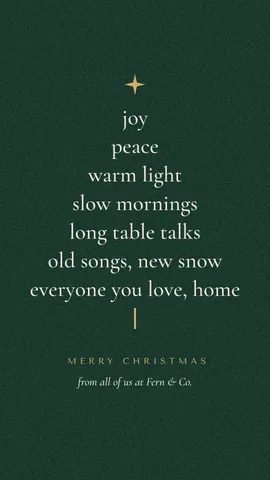 Story: Christmas tree of words
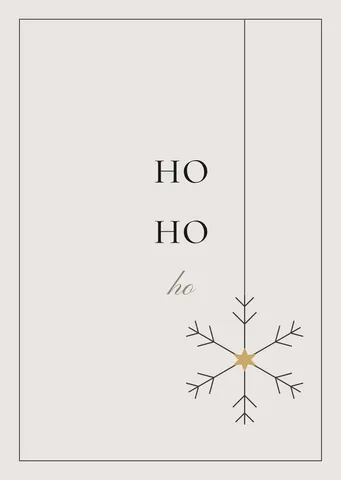 A6 card: «ho ho ho» card, a hanging snowflake
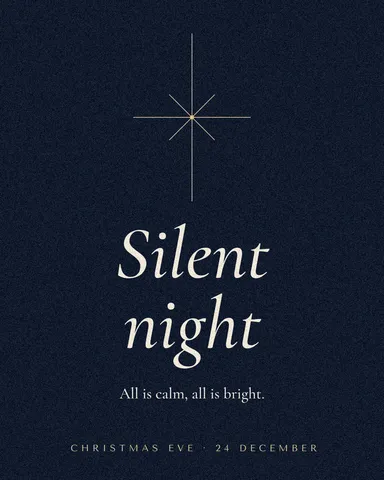 Post: Christmas Eve, a hairline star
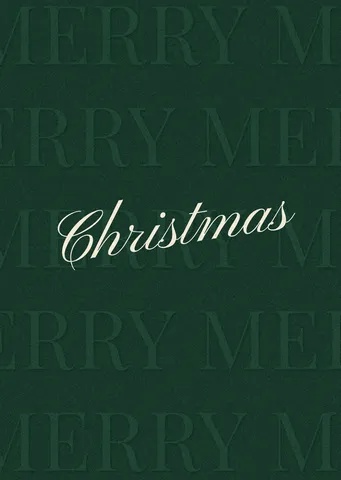 A6 card: green card, embossed words and a script
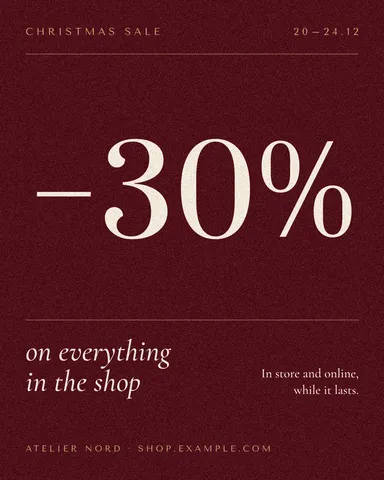 Post: Christmas sale in one number
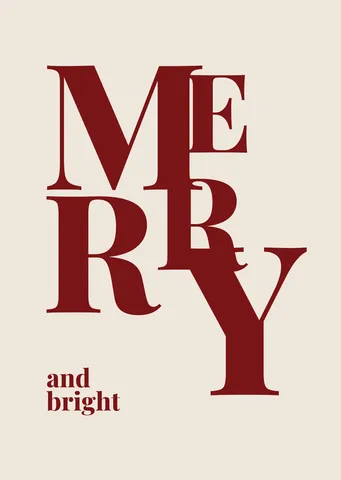 A6 card: card of giant claret letters
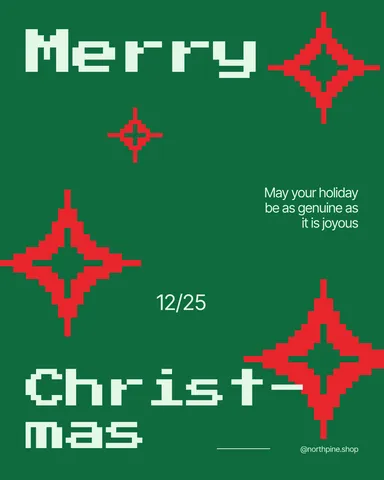 Post: Christmas greeting, pixel stars
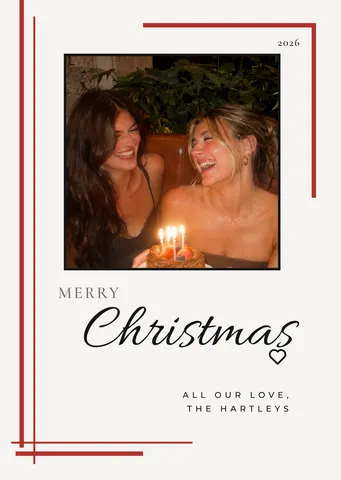 A6 card: family photo card, red rules
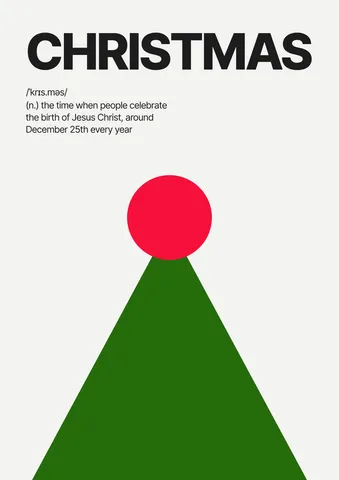 Poster: Christmas poster, a dictionary entry
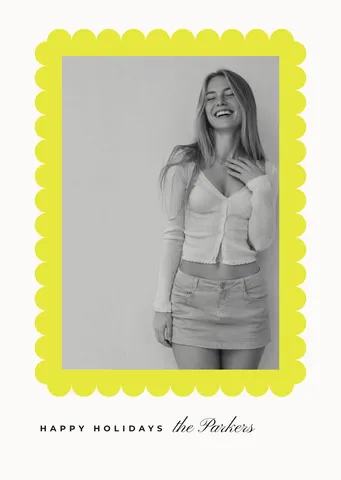 A6 card: family photo in a scalloped frame
New Year 12 designs
 5 × 7 card: New Year’s Eve party, gold on navy
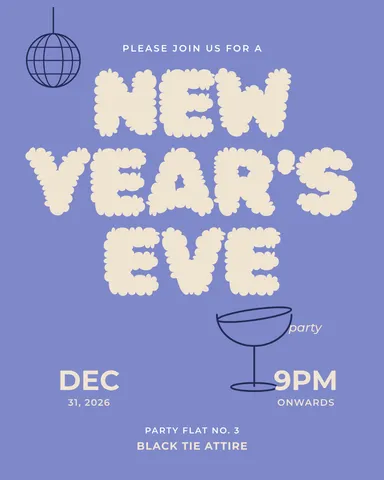 Post: New Year’s Eve party, puffy stacked letters
 Story: New Year’s Eve party, gold on navy
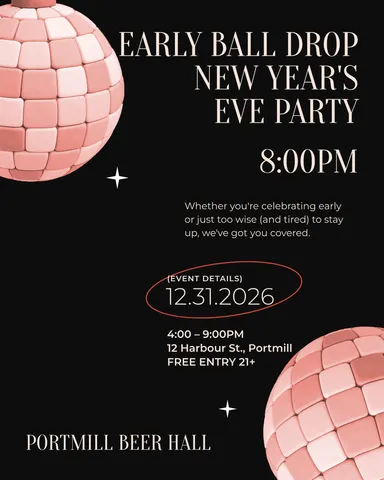 Post: early New Year’s Eve party, coral mirror balls
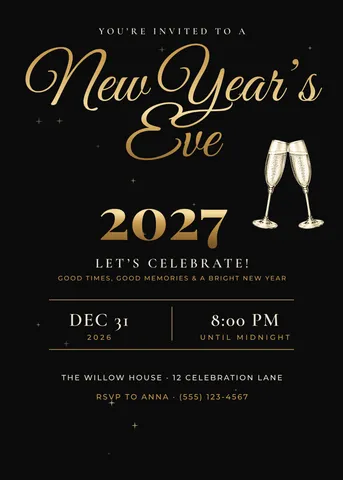 5 × 7 card: New Year’s Eve, gold script
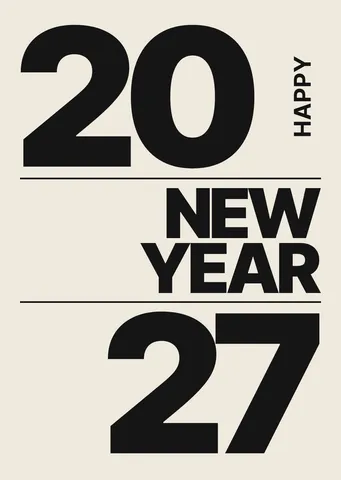 A6 card: New Year greeting, the year stacked in heavy type
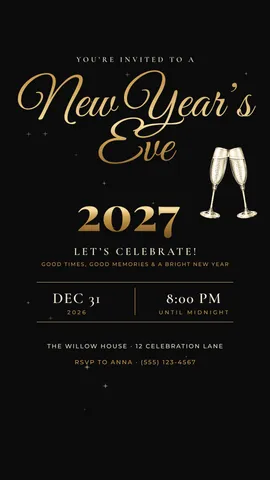 Story: New Year’s Eve, gold script
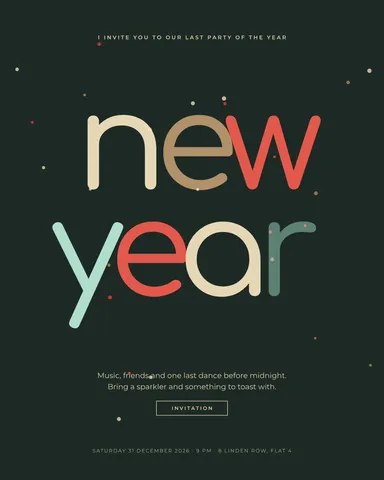 Post: New Year’s party invitation, coloured overlapping letters
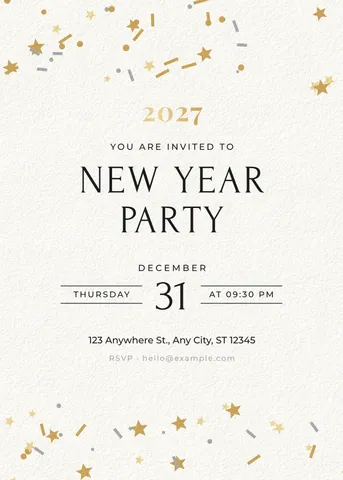 5 × 7 card: New Year party, white with confetti
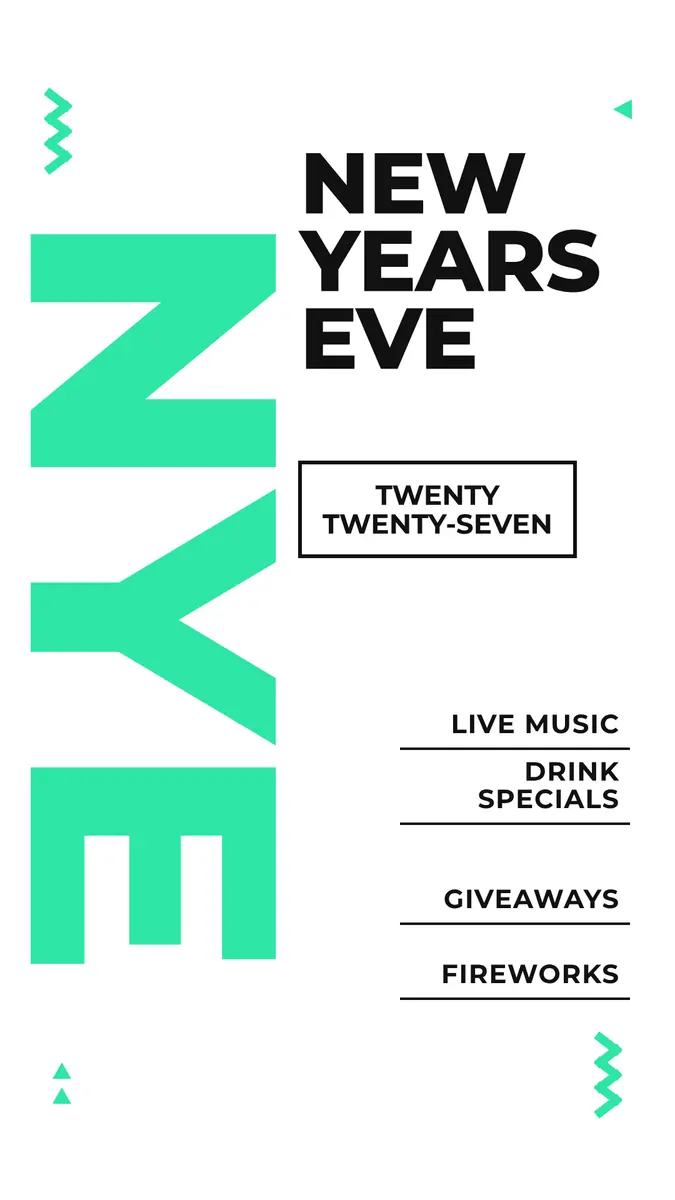
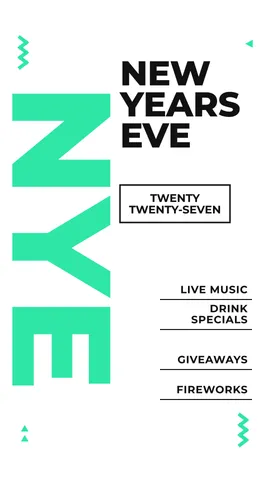 Story: New Year’s Eve party, giant turned letters and a programme
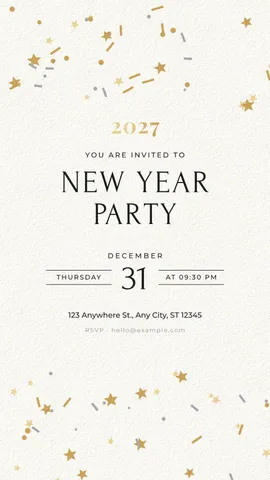 Story: New Year party, white with confetti
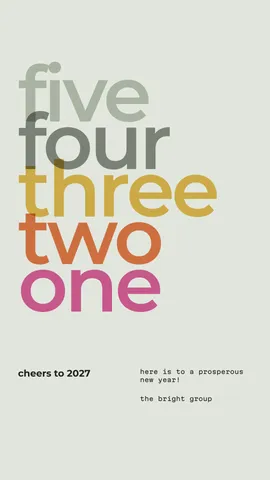 Story: countdown, numbers as overlapping words
St Nicholas Day 11 designs
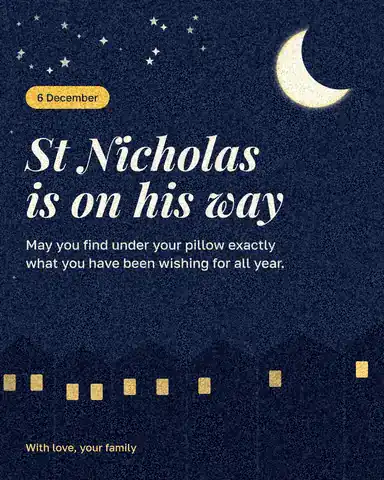 Post: St Nicholas Day, night roofs
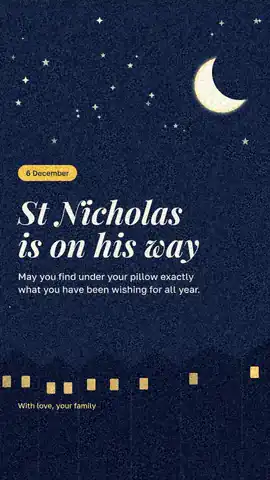 Story: St Nicholas Day, night roofs
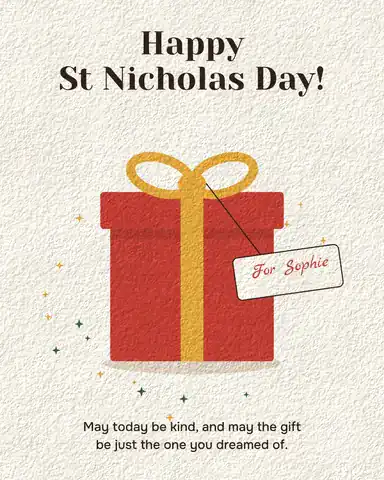 Post: St Nicholas Day, a gift with a tag
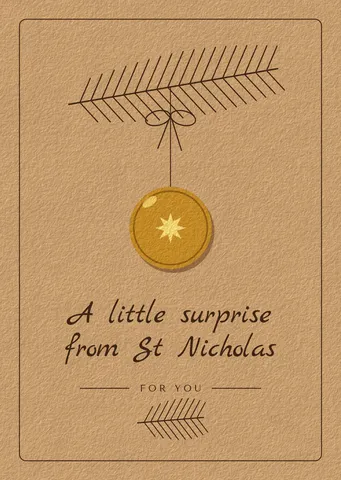 A6 card: St Nicholas card, kraft and a gold coin
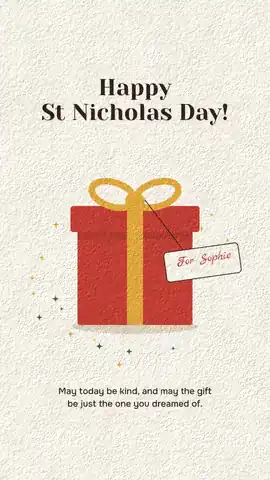 Story: St Nicholas Day, a gift with a tag
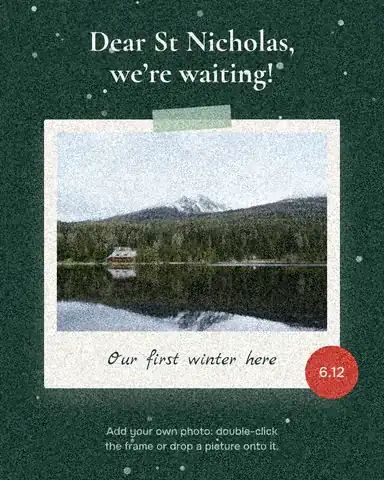 Post: St Nicholas Day, photo in snow
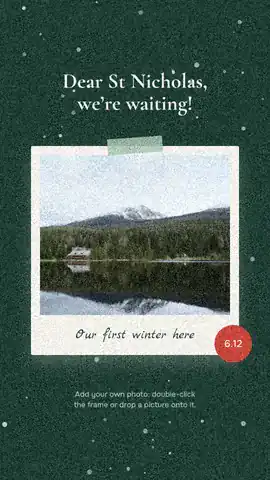 Story: St Nicholas Day, photo in snow
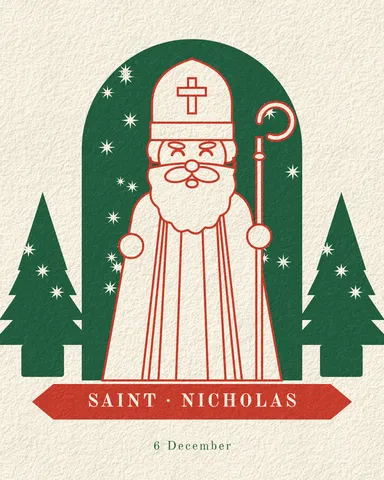 Post: St Nicholas, a papercut arch
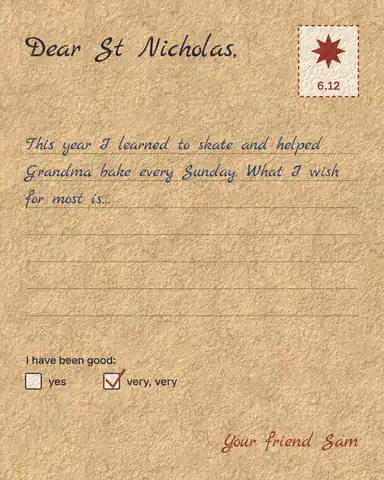 Post: St Nicholas letter, kraft paper
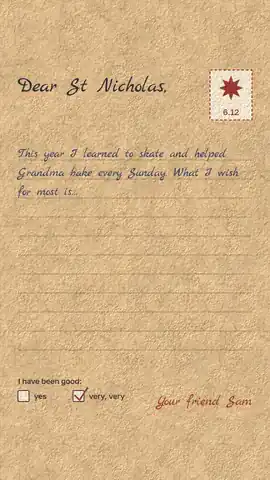 Story: St Nicholas letter, kraft paper
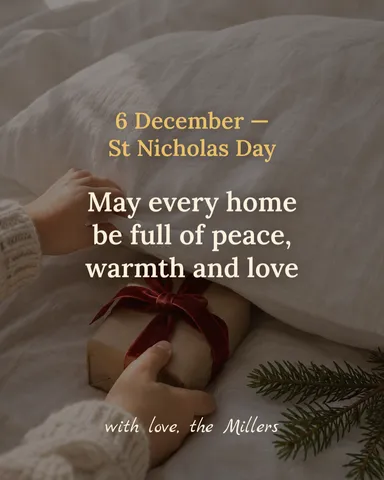 Post: St Nicholas Day, a family’s wish on a photo
Birthday 12 designs
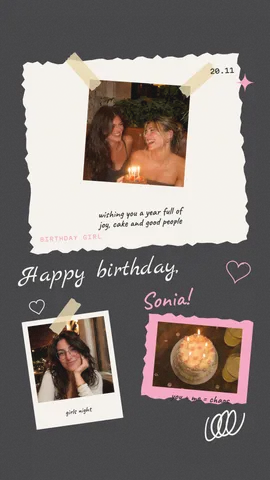 Story: birthday, a photo scrapbook
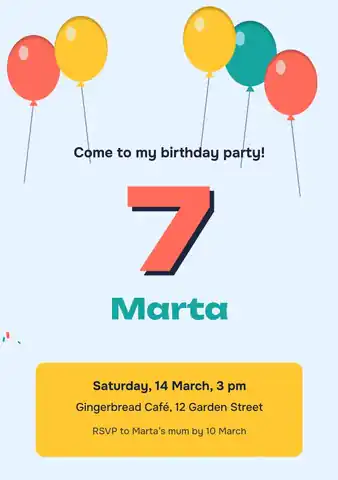 A5 print: birthday party with balloons
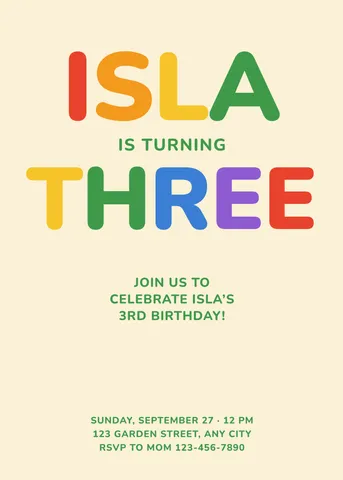 5 × 7 card: kids’ invitation, rainbow letters
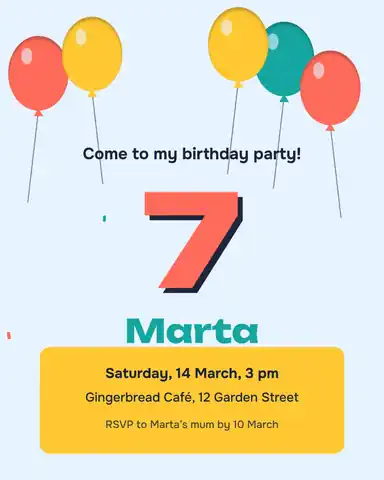 Post: birthday party with balloons
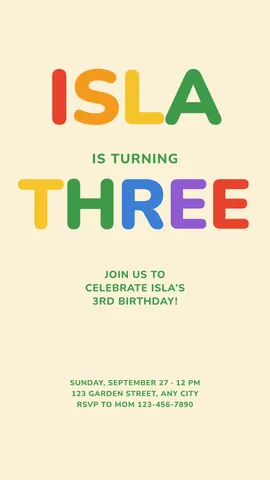 Story: kids’ invitation, rainbow letters
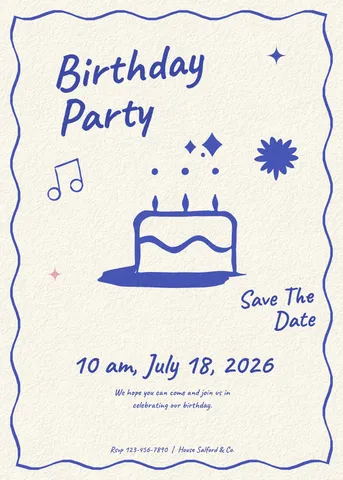 5 × 7 card: party invitation, blue ink cake
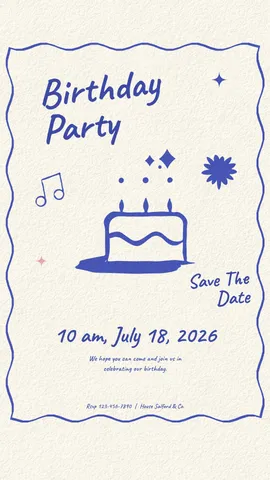 Story: party invitation, blue ink cake
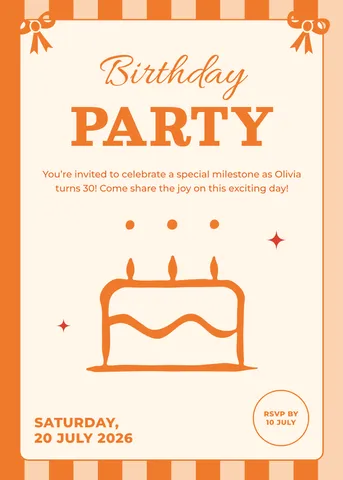 5 × 7 card: party invitation, orange stripes
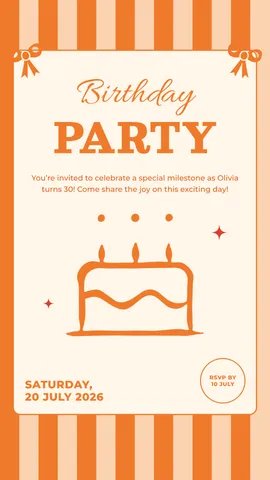 Story: party invitation, orange stripes
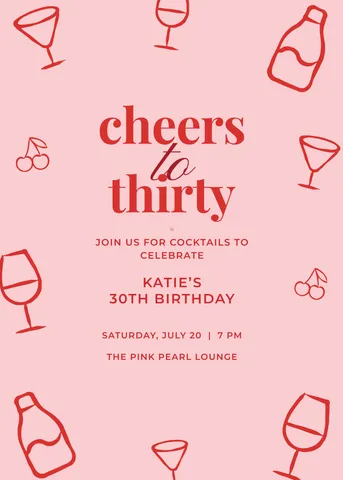 5 × 7 card: 30th invitation, cocktails
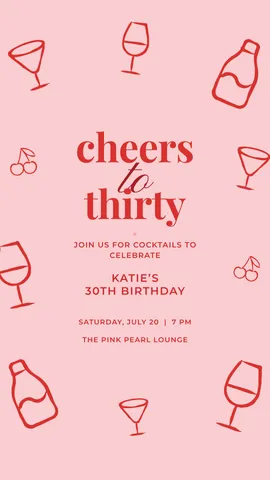 Story: 30th invitation, cocktails
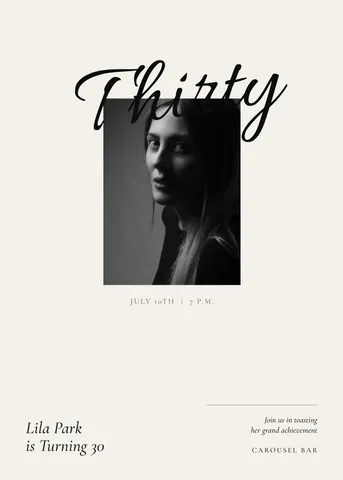 5 × 7 card: 30th invitation with a portrait
Wedding and invitations 12 designs
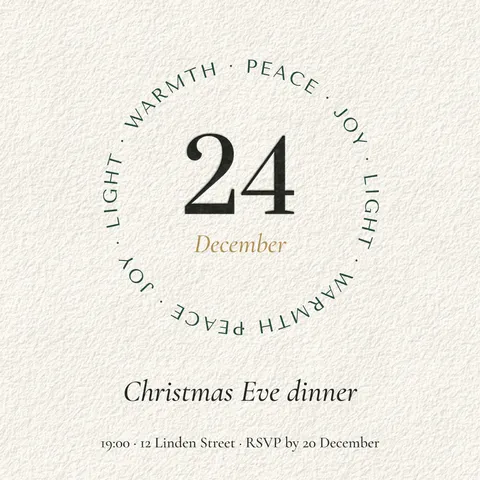 Square: Christmas Eve dinner invitation
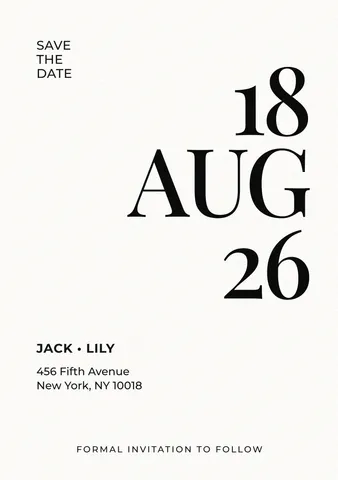 A5 print: save the date, a big date
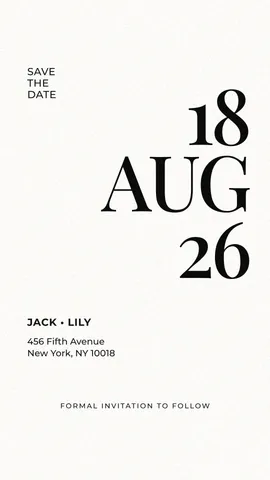 Story: save the date, a big date
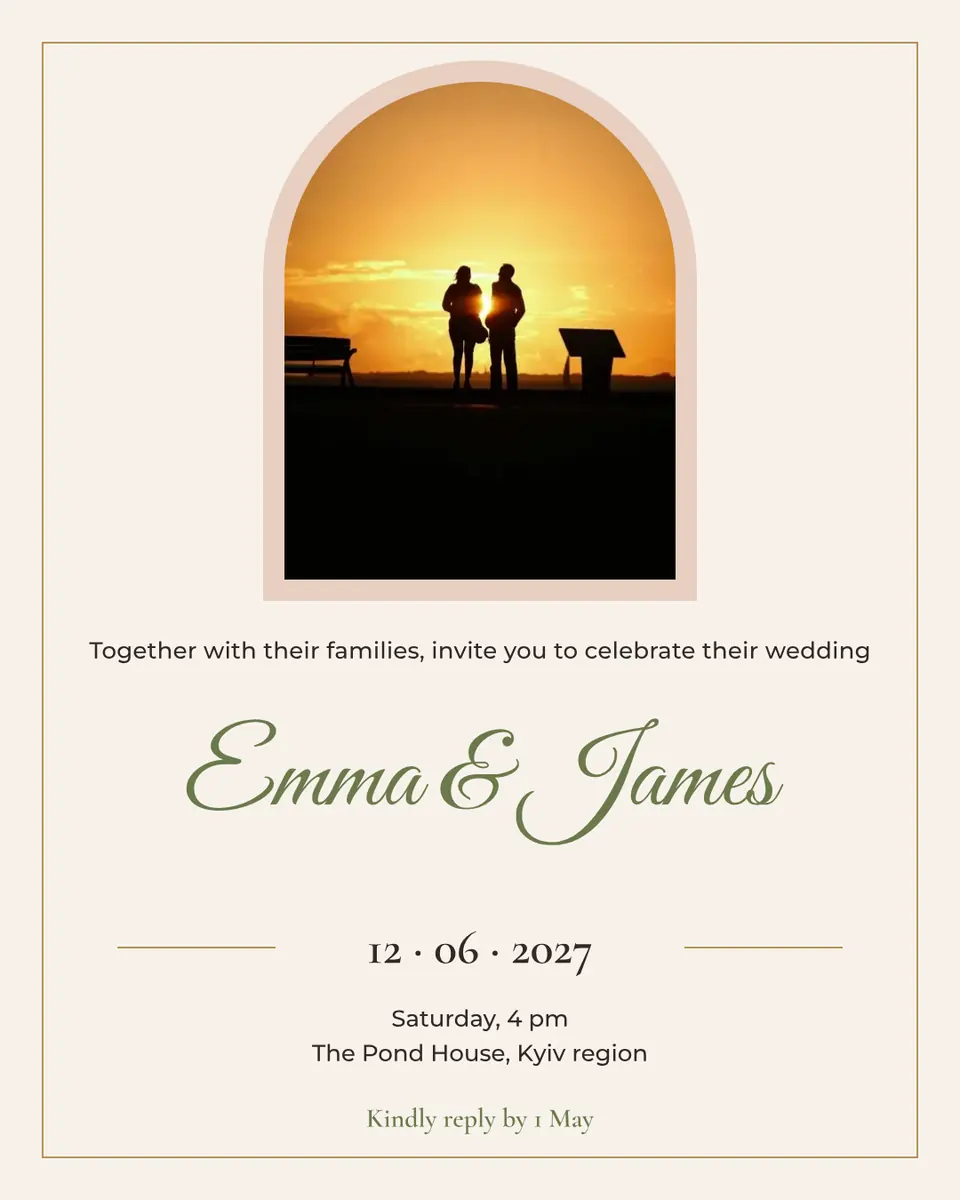
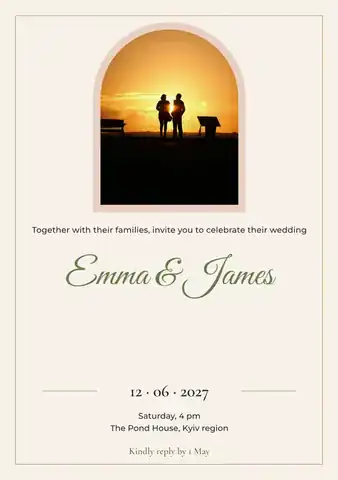 A5 print: wedding, a photo in an arch
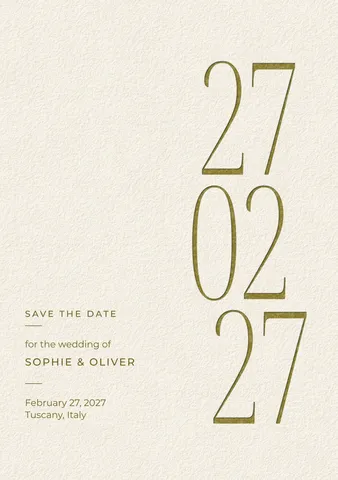 A5 print: save the date, tall gold figures
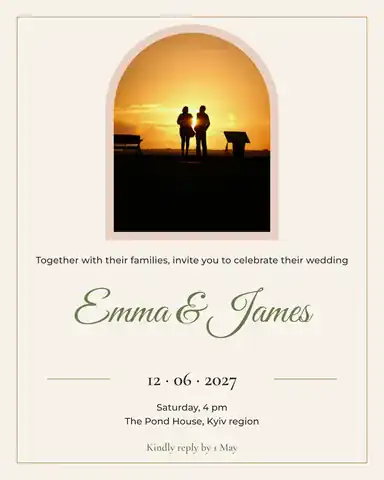 Post: wedding, a photo in an arch
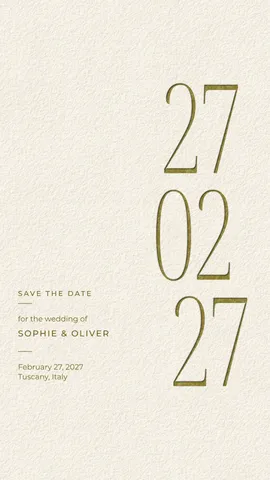 Story: save the date, tall gold figures
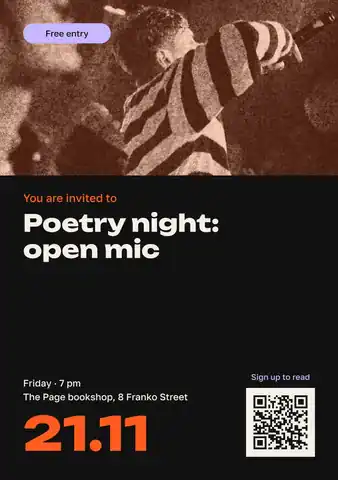 A5 print: event invitation, a big date and a QR code
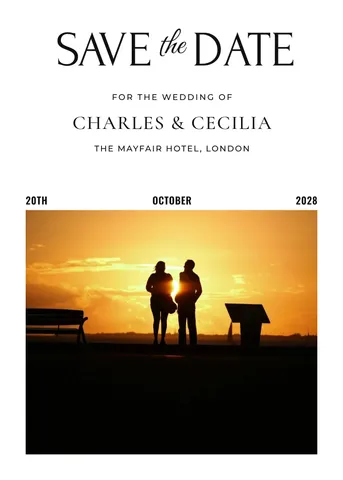 5 × 7 card: save the date with a photo
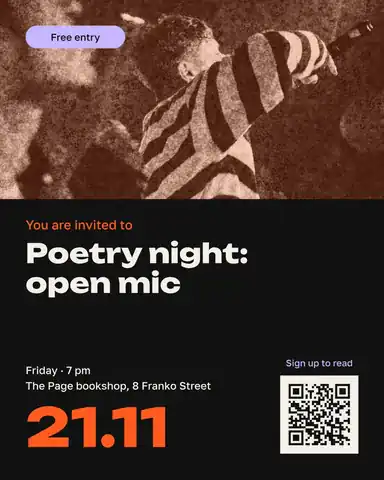 Post: event invitation, a big date and a QR code
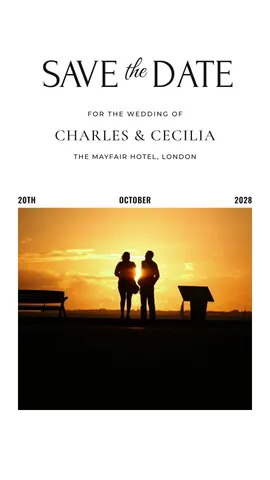 Story: save the date with a photo
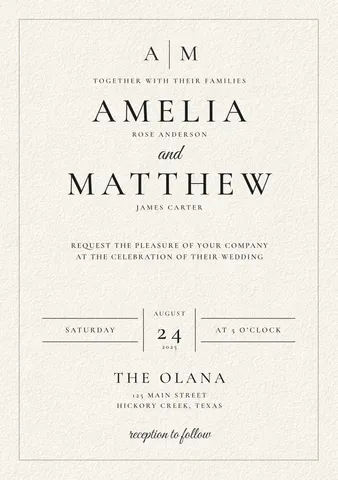 A5 print: wedding invitation, classic monogram
Black Friday and sales 12 designs
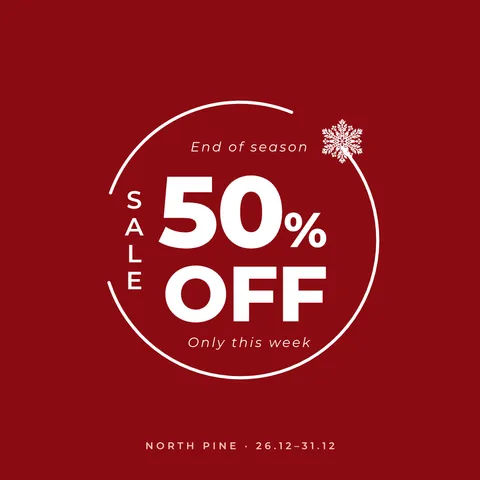 Square: winter sale, a discount in a ring
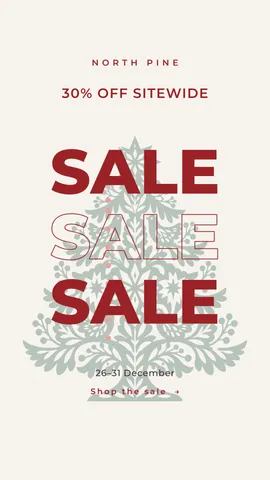 Story: winter sale, the word three times
 Story: Christmas sale, a red disc
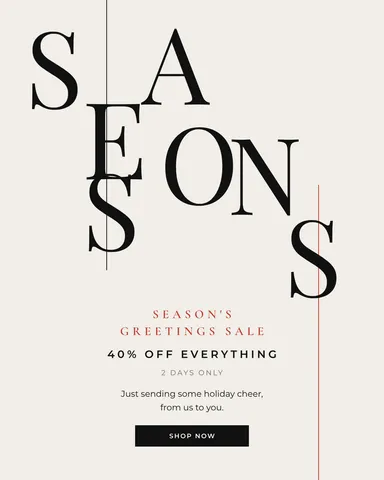 Post: winter sale, stepped serif letters
- Post: Christmas sale in one number
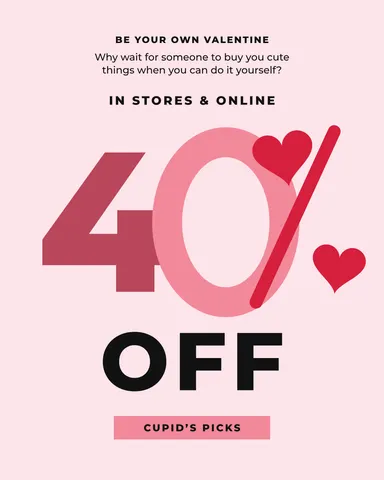 Post: Valentine’s sale 40 %, hearts
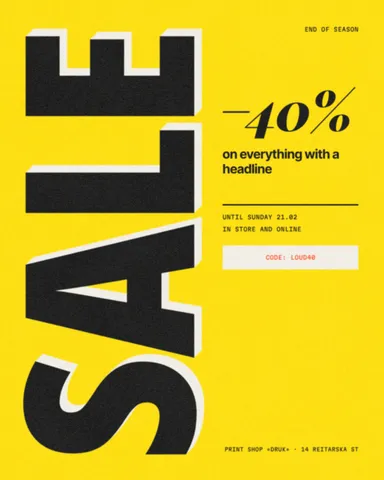 Post: sale, the word standing upright
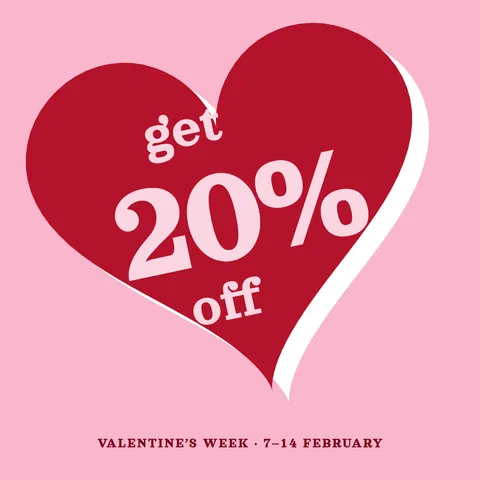 Square: Valentine’s sale, a heart sticker
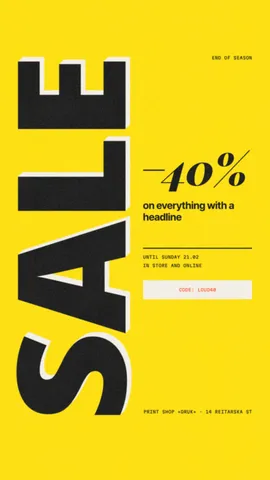 Story: sale, the word standing upright
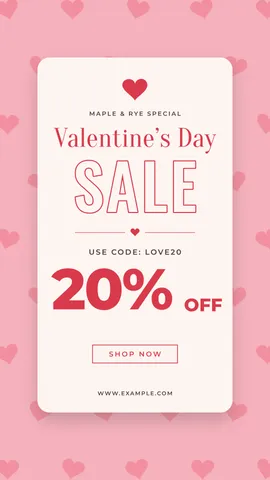 Story: Valentine’s sale 20 %, a code
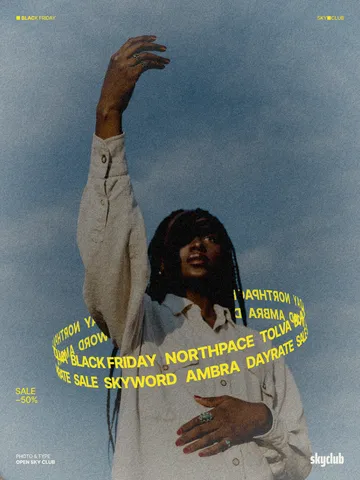 Poster: Black Friday, names round a model
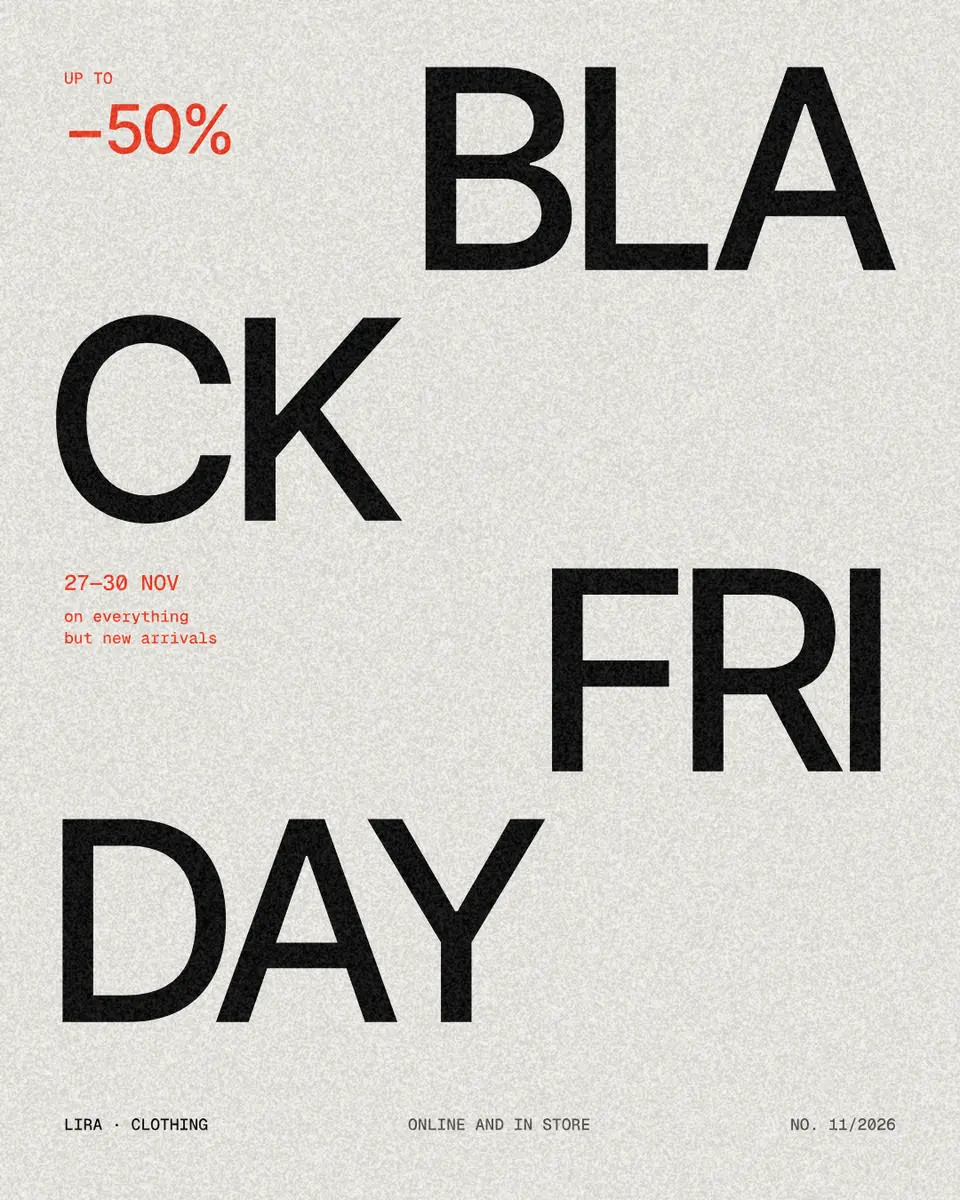
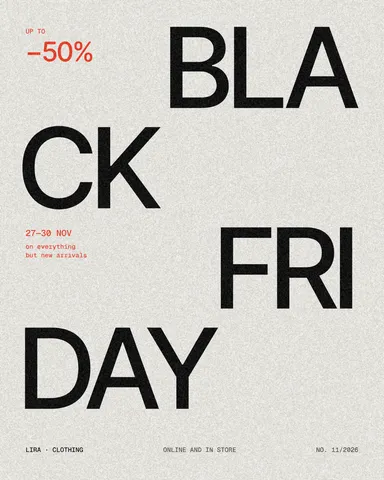 Post: split word
Parties and gigs 12 designs
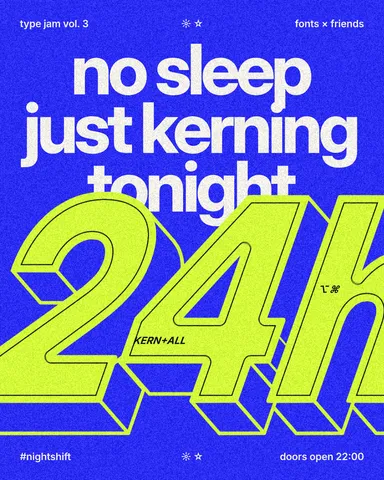 Post: night event, giant hours
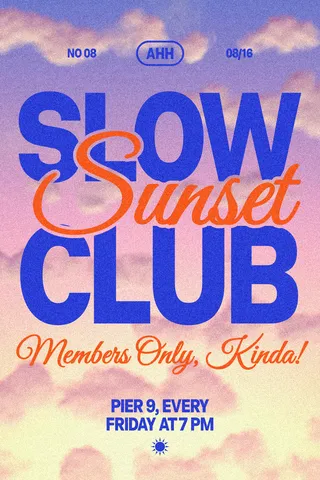 Poster: club evening invitation
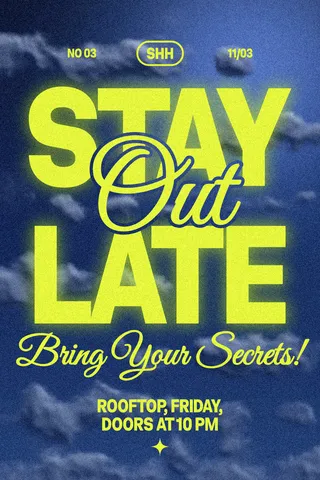 Poster: night party invitation
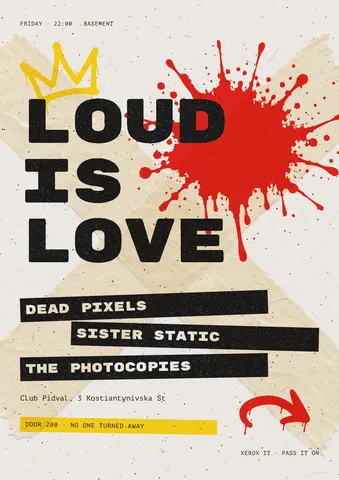 Poster: gig flyer
- 5 × 7 card: New Year’s Eve party, gold on navy
 Poster: techno night, a figure and red rays
- Story: New Year’s Eve party, gold on navy
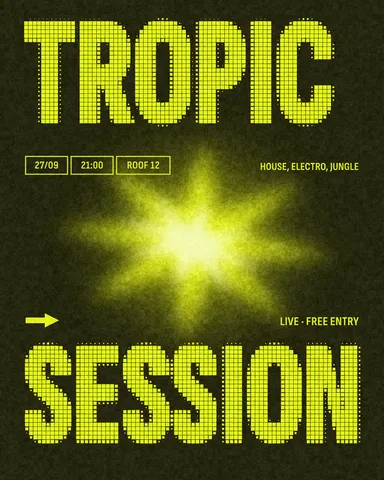 Post: live session, dot-matrix letters
- 5 × 7 card: New Year’s Eve, gold script
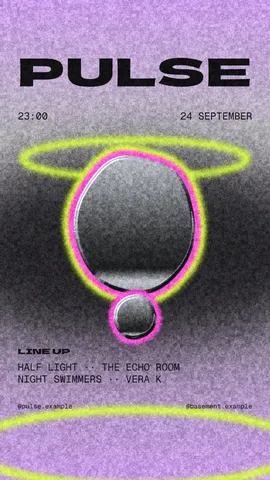 Story: club night, a drop of chrome
- Story: New Year’s Eve, gold script
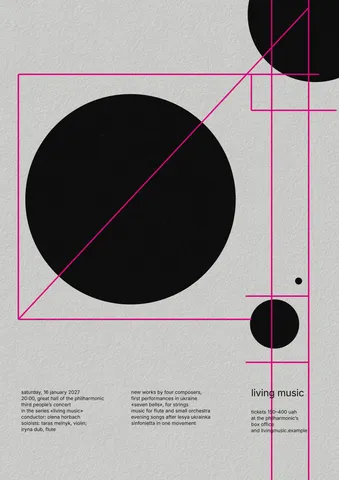 Poster: concert, Swiss discs and lines
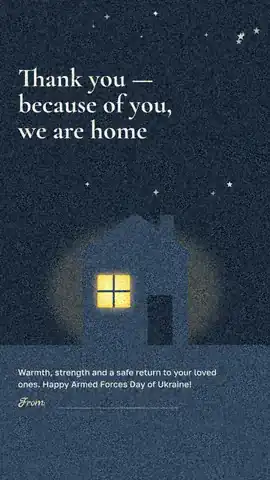
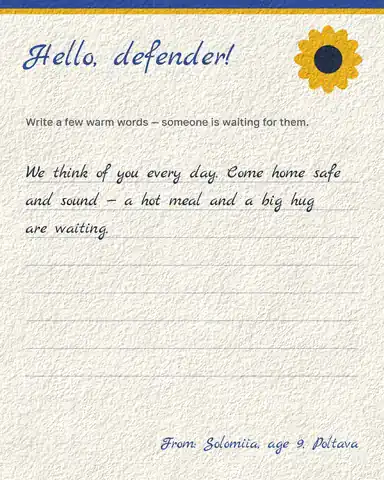
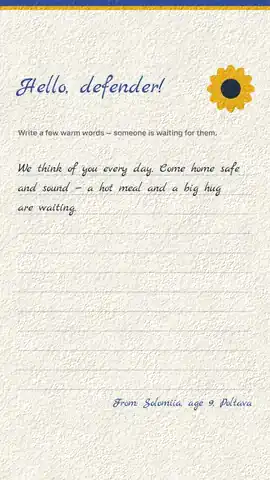
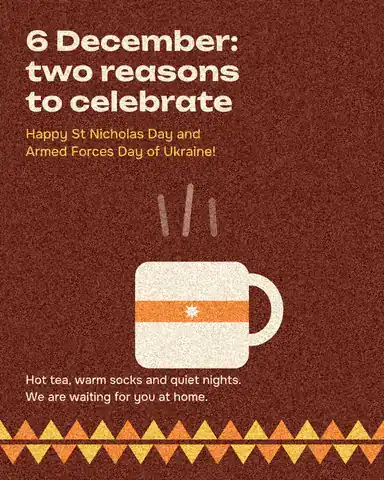
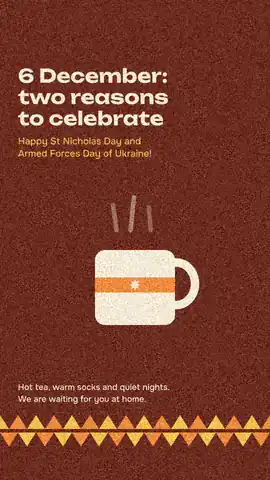
For the defenders 6 designs
How to choose a template that survives your words
Look at the template’s text, not its photo. A layout built for two words in huge type will not take a long sentence; a card with a paragraph of greetings will look empty with one line. Count roughly how many words you have and choose a template whose text blocks are about that size.
Then check the format you need. A post is 1080 × 1350 for Instagram, a story 1080 × 1920; an invitation you print is A5 or 5 × 7 inches. Most occasion templates here come as a pair — a post and a story, or a post and an A5 — with the same design, so one text change covers both.
Make it yours in five minutes
Change the three things people notice first: the words, the photo and one colour. Replacing the photo with your own and setting the accent colour to the one in it already makes the template look made for you; the fonts and the layout can stay, they are why you chose it.
Keep dates, places and RSVP lines in the template’s small text style, and do not shrink the headline to fit more words — cut the words. If you need a second version (another language, a story for the same party), duplicate the artboard and change only the text.
Write the words before you open the template. A good invitation answers four questions in this order — what, who, when, where — and then says how to reply; a good greeting is one warm line and a signature. With the words ready, filling in a template takes minutes; writing them inside the design takes an evening, because every edit moves the layout.
When to post and what size to print
For the season’s dates, publish a little ahead of the day: invitations two to three weeks before, St Nicholas and Christmas greetings on the morning of the day, New Year stories from the 31st, Black Friday posts the week before and on the Friday itself. Stories disappear after 24 hours, so post the greeting as a story and the invitation as a post people can find again.
| Design | Size | Notes |
|---|---|---|
| Instagram post | 1080 × 1350 px | The 4 : 5 post fills the most screen in the feed |
| Story / Reels cover | 1080 × 1920 px | Keep text 250 px from the top and bottom |
| Printed invitation | A5, 148 × 210 mm | Export PDF; at home, print two on A4 |
| Greeting card | 5 × 7 in, 127 × 178 mm | The common US card size |
| Poster | A3 or A2 | Export PDF for the printer |
Made in Paletoo
Every picture on this page was made in Paletoo — these three with the same steps on other templates:
Make it free in Paletoo
Open the invitation: press “Open in Paletoo” on this page, or any design in the galleries above — each opens as your own copy. In the editor, Templates and Search templates find more by occasion.
Double-click the name and type your own; do the same for the age, the date, the place and the RSVP line. The Typography section of the Design tab shows each line’s font and size.
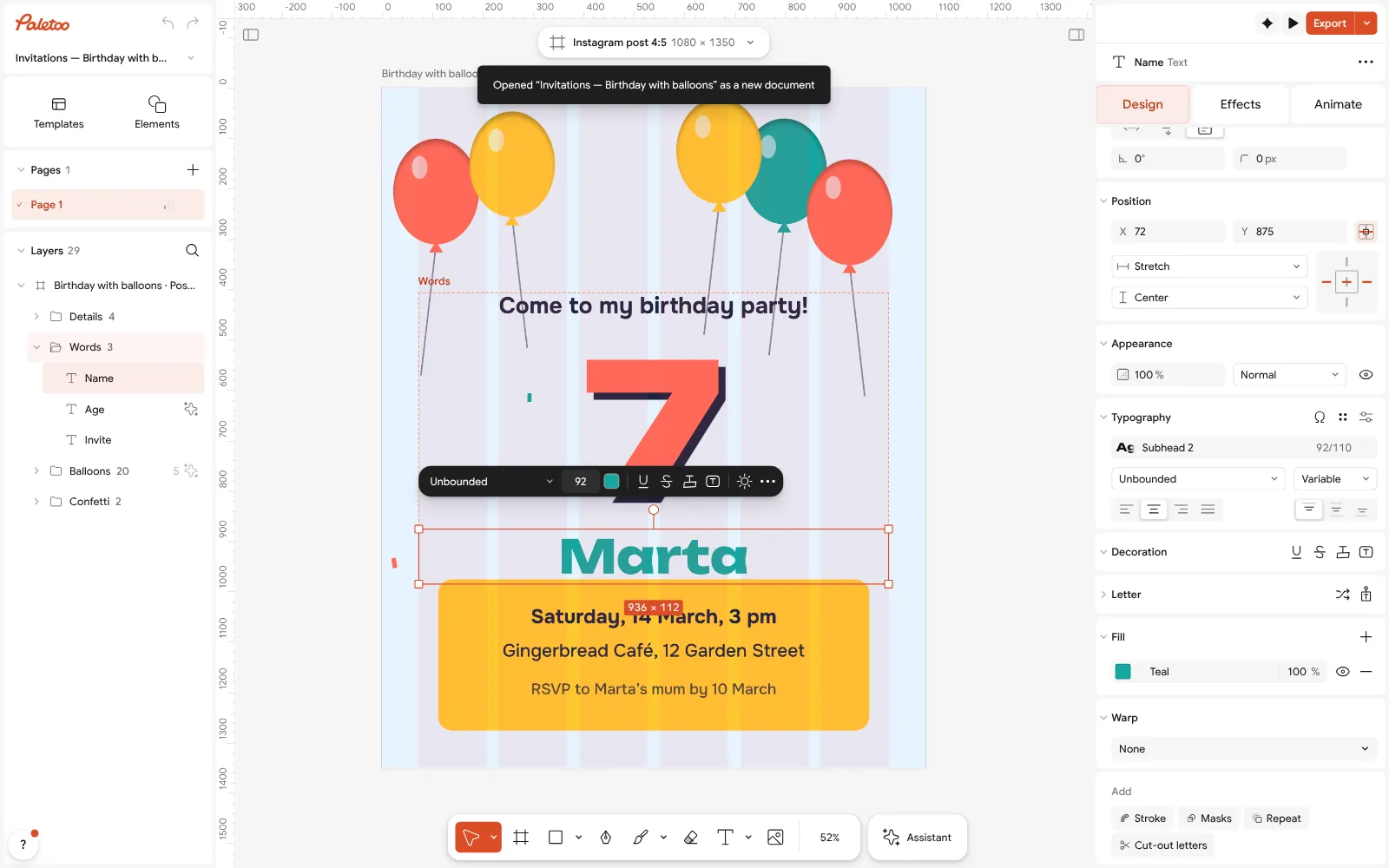
The birthday invitation open in Paletoo, a line of text selected: its font under Typography To change the balloons’ colours, select nothing: the Design tab lists the invitation’s Colour styles. Change one and every balloon in that colour follows.
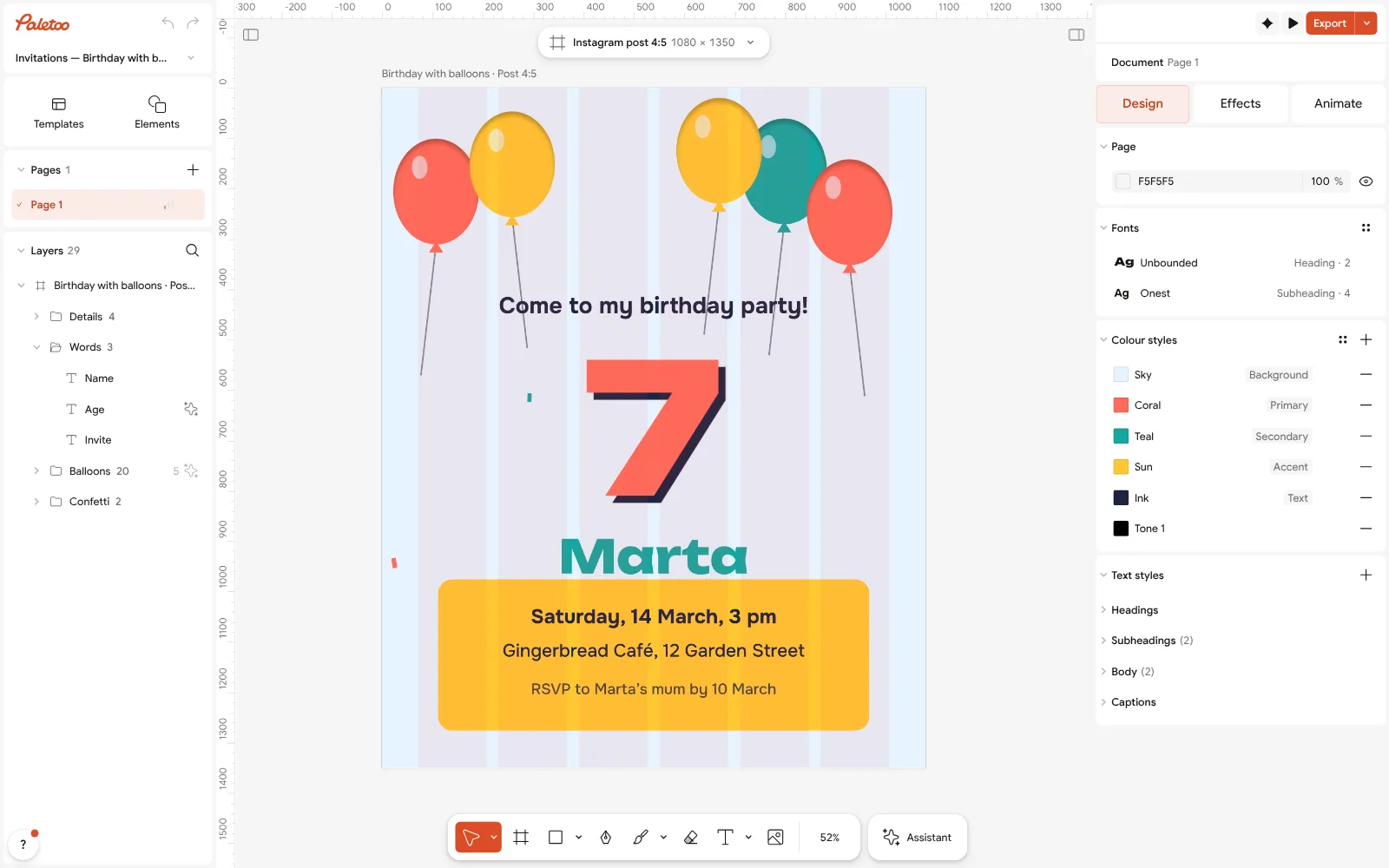
Nothing selected: the invitation’s colour styles, one per balloon colour Need a story or a print? With nothing selected, press the size chip above the canvas and pick another size under Resize this artboard, with Scale artwork on — or duplicate the artboard first to keep both.
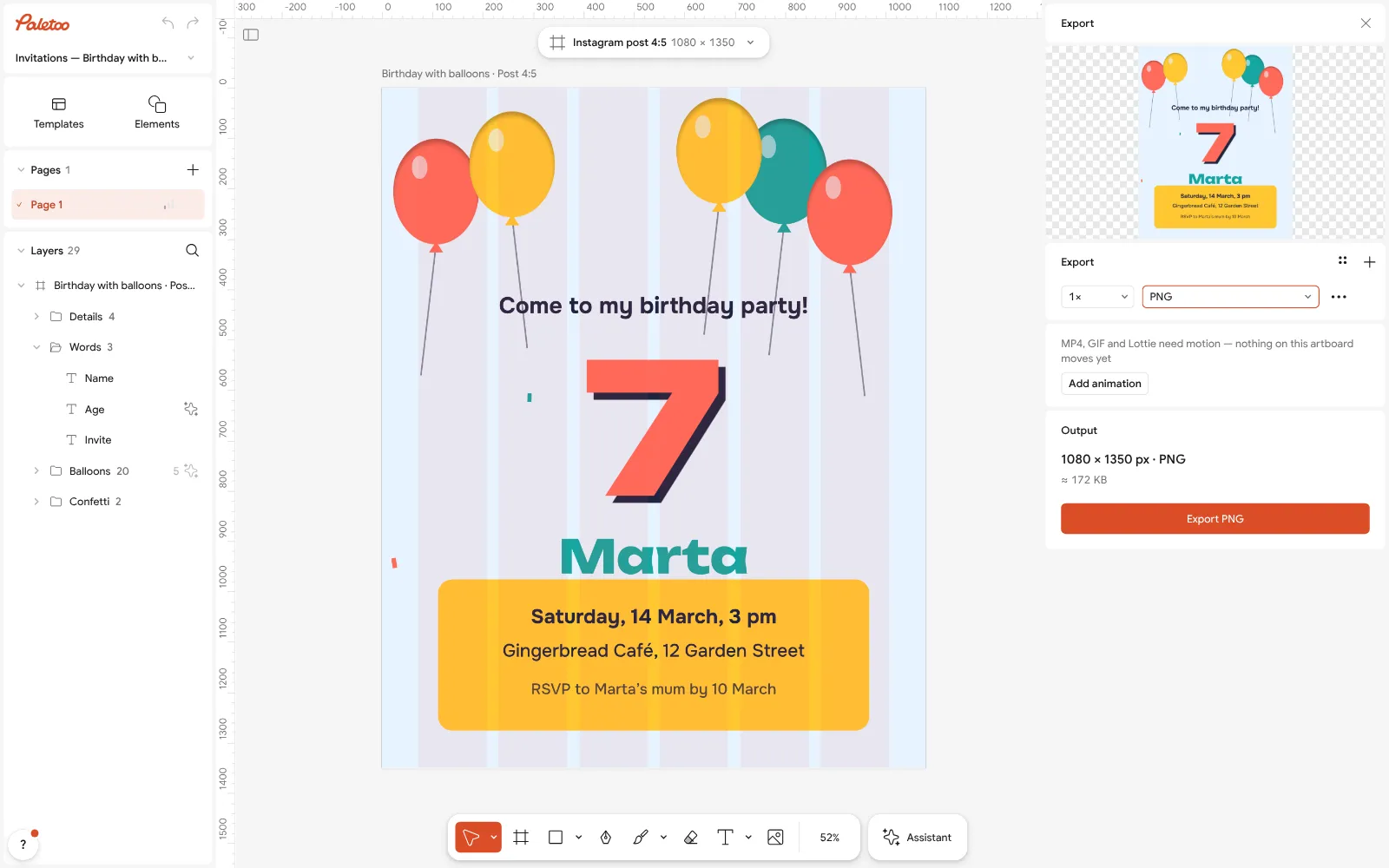
The Export window with the invitation ready to download Add a photo by dropping it on the canvas; to swap a template’s photo, select it and press Replace picture.
Press Export (Ctrl Shift E): PNG for messengers and social media, PDF for print — free, no watermark.
Make it your own
If your text is longer than the template’s, select the text and lower its Size by a step or two — or, better, shorten the text; big type is the reason the design works.
Match the template to your photo with Colour styles: take the accent from the photo with Pick color and the whole card follows.
For a printed invitation, export a PDF and print one copy first at 100 % to check that the small text is readable.
Sources
Questions
Are these templates free?
Yes. Every template opens, edits and downloads free in Paletoo, without a watermark and without an account.
Can I edit a template on my phone?
Yes. Press a template on your phone: it opens in Paletoo in the browser, where you can change the words and download it.
Are there templates in Ukrainian?
Many occasion templates come in English and Ukrainian twins — Christmas, New Year, St Nicholas, the cards for the defenders and the invitations. The Ukrainian page shows the Ukrainian versions.
Can I print the invitations?
Yes. Export a PDF; the invitations come in A5, which prints two to an A4 sheet at home or at a print shop.
Can I use a template for my business?
Yes. A design you make from a template is yours to use, for your own business or a client’s.
Can I send the card in Telegram, Viber or WhatsApp?
Yes. Export a PNG or JPG and send it as a photo; for the sharpest result send it as a file. A story-sized version (1080 × 1920) fills a phone screen best.
How do I make the same card in two languages?
Duplicate the artboard, then change only the words on the copy. Many templates here already come in English and Ukrainian twins.
Make it online
- Invitation makerTap an invitation below and it opens ready to edit: write who, when and where, then send it as a picture or print it on A5. Free, with no watermark and no sign-up.
- Christmas and New Year cardsPick a card, write your own wish, add a family photo and send it as a picture, a story or a short animation — free.
- Instagram post makerDesign a post at the right size from a real template, then export a sharp PNG or JPG — free, in your browser.
- Make a thank-you card onlineA card for every parcel, a wedding thank-you or a note to a client: pick a card, write your words, add your logo or a QR code and print it — free, no sign-up, no watermark.
- Make a save the date onlineTell your guests the date: pick a save-the-date card, add your names and photo, and print it or send it to every chat — free, no sign-up, no watermark.
Free design templates for posts, stories and posters: Invitation templates · Holiday card templates · Social media post templates
Try it on your own design
Paletoo opens in your browser, with no sign-up. Every effect here is live: change the picture or the words and the effect follows.
Open in PaletooOpens this design as your own copy — every layer and effect editable, free.
Read next
- 01
 How to make a Christmas card online for free, with your photoFrom a ready card to one with your family on it in about ten minutes, with nothing to pay and no account.
- 02
 New Year wishes 2027: short messages and a picture with your wordsShort wishes for family, friends, colleagues and defenders that you can sign as your own, and a greeting picture made with them in five minutes.
- 03
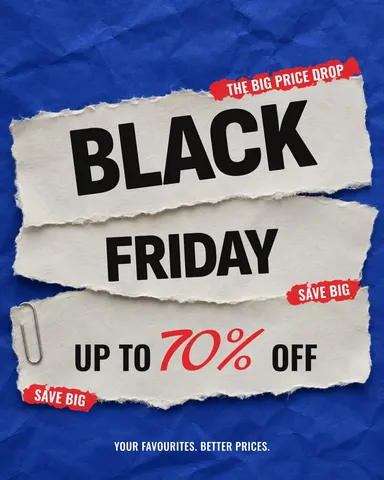 How to make a Black Friday poster for free: 8 designs that sellOne number people read from across the street, the dates and your shop’s name — as a post, a story and a print poster from one file.