Free tools5 min readFreeUpdated 2026-11-20
Business Christmas cards with your logo: wording for clients, print or e-card
A card that thanks your clients rather than sells to them — your logo small, a real signature, sent on time by post or by email.
By the Paletoo team · steps tested in Paletoo on
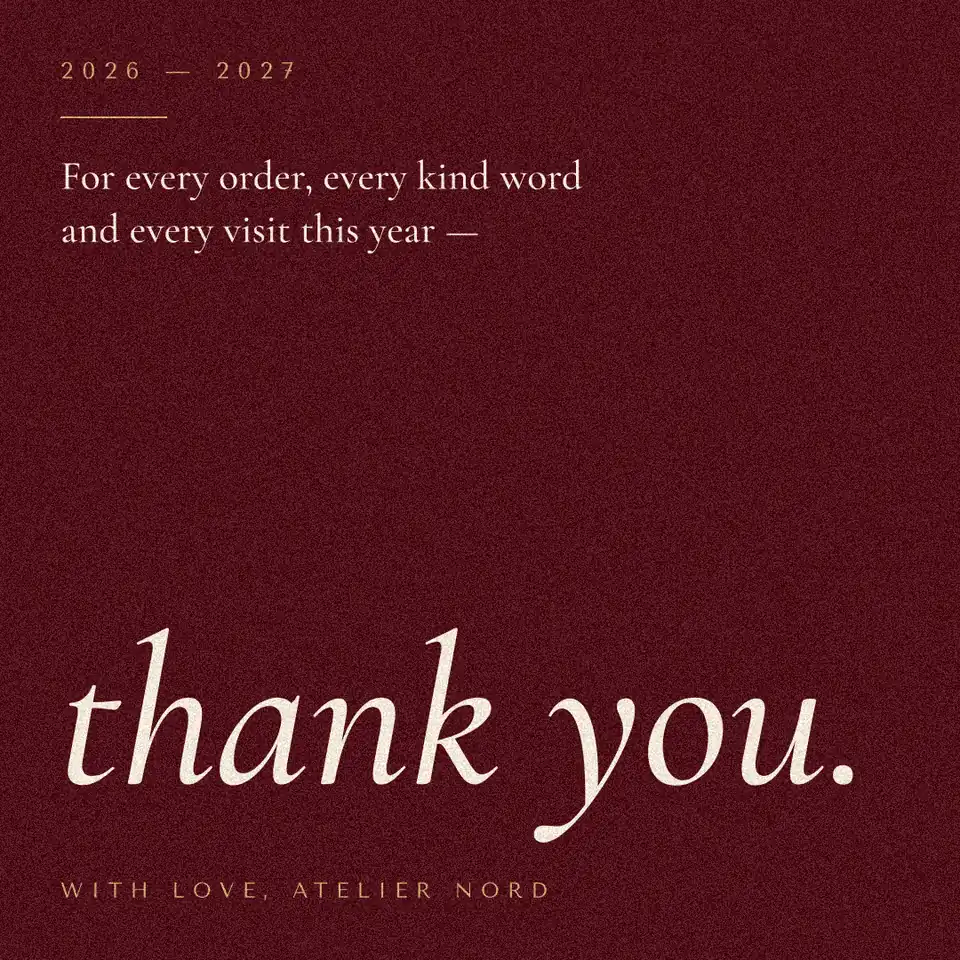
A good business Christmas card thanks clients for the year, carries your logo small and is signed by a person: «For every project and every kind word this year — thank you. Warm wishes for the holidays and a good 2027. Anna, Harbour Studio». In Paletoo you can make one free on a ready card, add your logo as a transparent PNG or SVG, and export a PDF for print or a picture for email and LinkedIn, with no watermark.
This guide covers the parts that make a company card land rather than end up in a pile: what to write to clients, partners, suppliers and your team, when to send a printed card and when an e-card, which sizes and files, and how to put the logo on without turning the card into an advert. The steps were run in Paletoo on 12 November 2026 on «Thank you», a card from our Quiet holidays set; the pictures are the editor itself.
What makes a business Christmas card work
Thank, do not sell. A card that lists your services or a discount reads as a flyer and is treated like one; a card that thanks a client for something specific is kept. One line about them — the project you finished, the shop they opened, the year you have worked together — does more than any design. Keep the logo small, at the bottom, about a sixth of the card’s width: it signs the card, it is not the headline.
Sign it as a person. A printed company name alone feels like a mailing; a first name, or a few names of the team, feels like a card. Choose the greeting for the people who get it: «Season’s greetings» or «Happy holidays» when your clients celebrate different holidays, «Merry Christmas» when you know they do. Since 2023 Ukraine celebrates Christmas on 25 December, so Ukrainian clients get the same date as most of Europe; many Ukrainian companies send one card for Christmas and the New Year together.
What to write: messages for clients, partners and your team
Each line below is short enough for a card and can be signed straight away. Change the year to yours, and add one sentence only you could write — that is the part people remember.
| To | Message |
|---|---|
| Clients | Thank you for trusting us with your projects this year. Warm wishes for the holidays and a good 2027. |
| A long-time client | Five years of working together, and every one of them a pleasure. Thank you, and happy holidays. |
| A new client | We are glad you found us this year. Wishing you a peaceful holiday and a strong start to 2027. |
| Partners and suppliers | Everything we delivered this year, we delivered with you. Thank you, and season’s greetings. |
| Your team | Thank you for the work, the patience and the jokes on hard days. Rest well — see you in January. |
| Donors and volunteers | Because of you this year happened. Thank you, from all of us — merry Christmas and a happy New Year. |
Print, e-card or both — and when to send
A printed card is noticed and kept on a desk; send it to the twenty or fifty clients who matter most, and post it in the first week of December if it travels abroad. Common sizes are A6 (105 × 148 mm), 5 × 7 in and a 148 mm square; export a PDF, where the words and the logo are vectors and print sharp, and ask the printer about 3 mm of bleed if colour runs to the edge. Our card-size guide has the envelopes for each.
An e-card goes to everyone else: a PNG or JPG about 1080–2160 px wide, under 1 MB, in the body of the email or as a LinkedIn and Instagram post. Send it between 10 and 20 December, before offices close; a card that arrives on 27 December feels like an afterthought. If you also post holiday opening hours, make them on the same card style so the season looks like one brand.
Made in Paletoo
Every picture on this page was made in Paletoo — these three with the same steps on other templates:
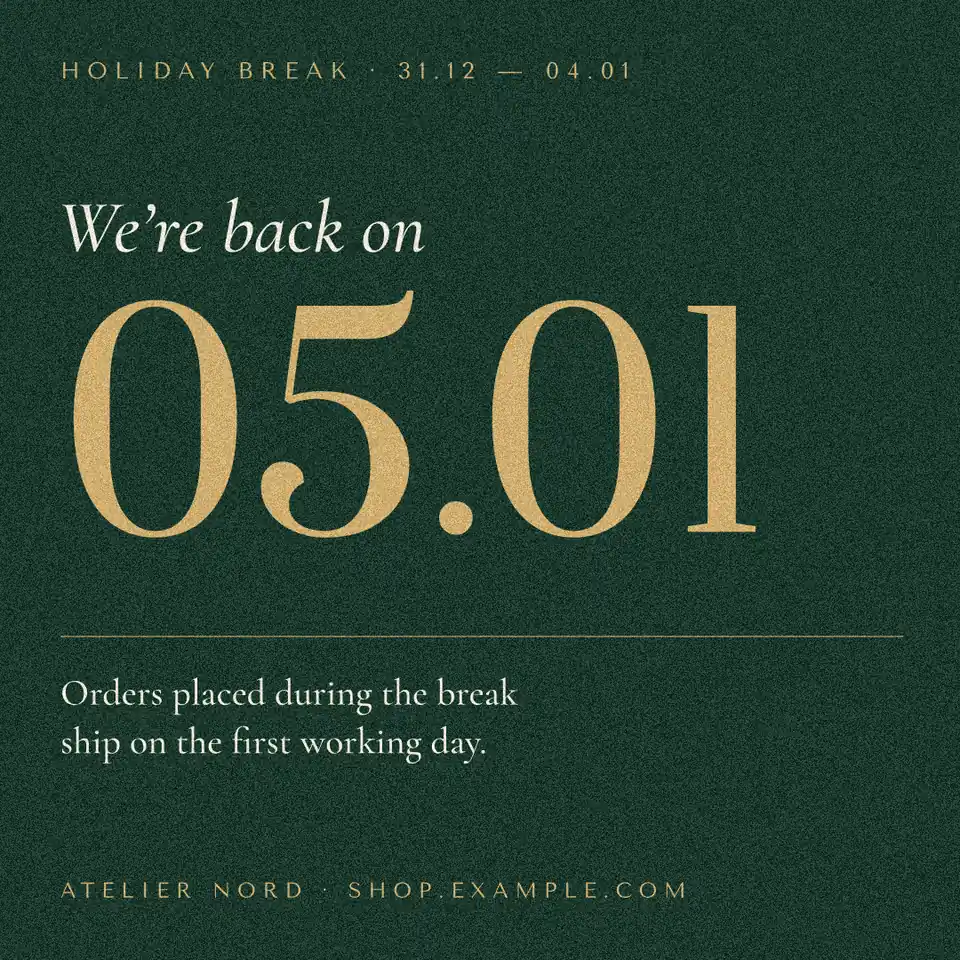
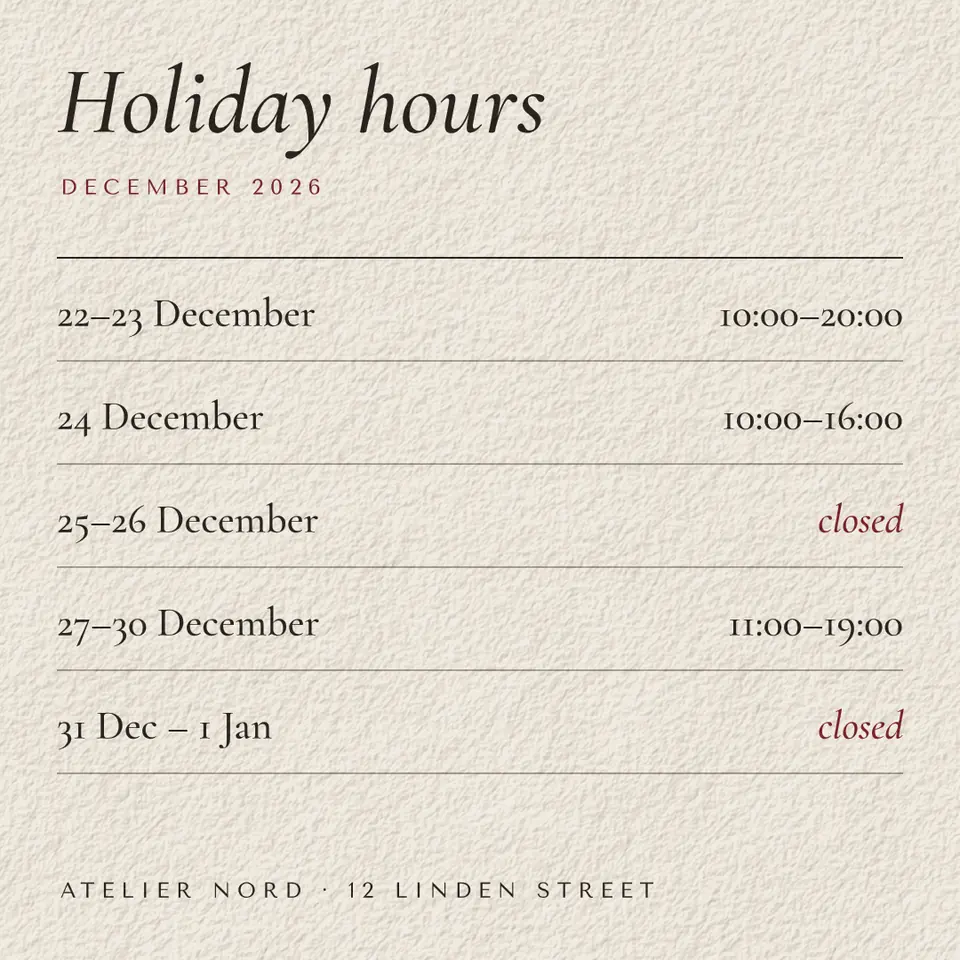
Make it free in Paletoo
Press “Open in Paletoo” on this page to open «Thank you» as your own document, or start from the Christmas card maker. The Layers panel lists the years, the thanks, the line about the year and the signature.
Double-click the line about the year and write your own, then the signature — a first name and the company. Font and size are under Typography in the Design tab.
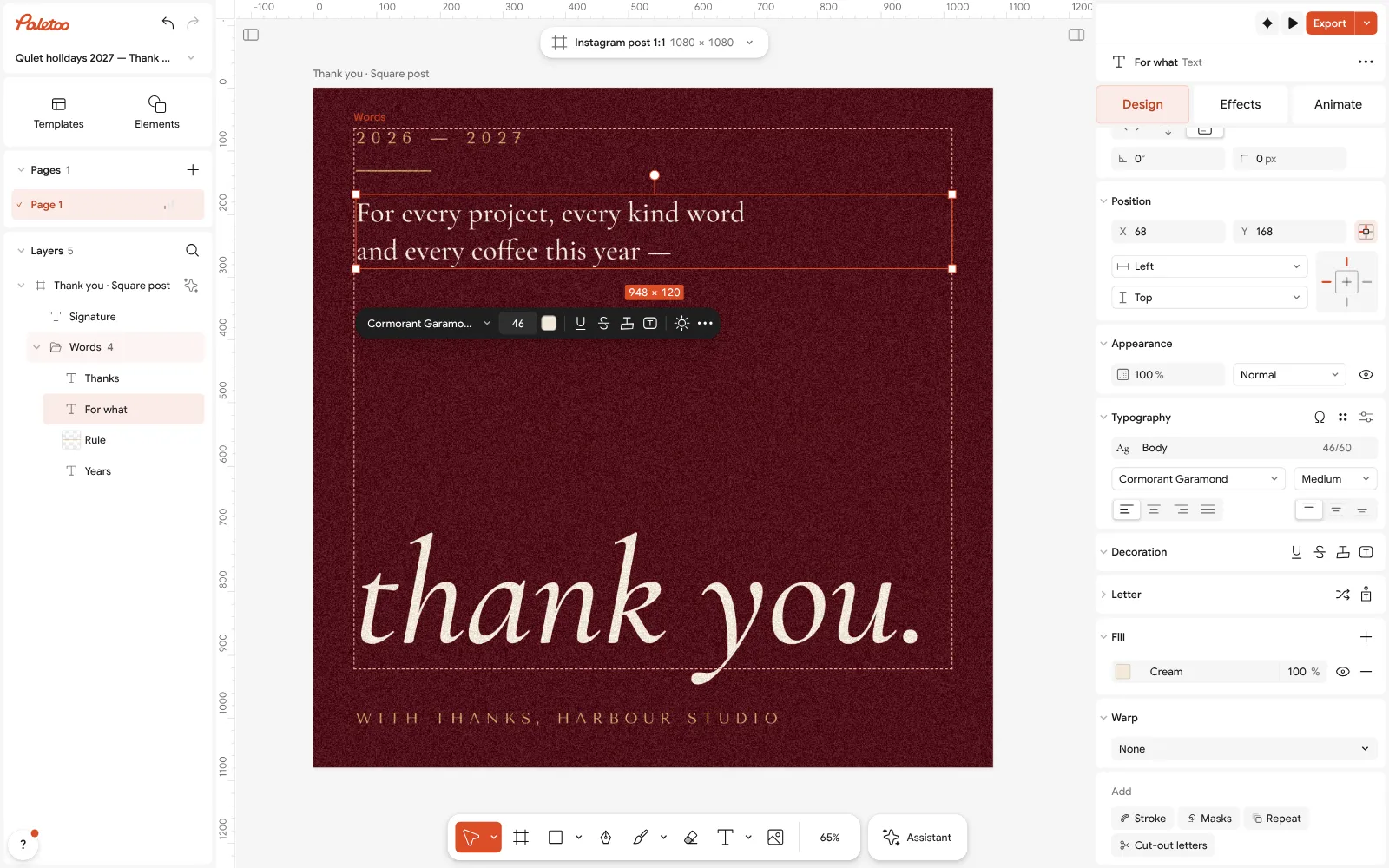
The «Thank you» card open in Paletoo, retyped for Harbour Studio’s clients: the line about the year under Typography Put the card in your brand colours: click an empty part of the canvas and change the card’s Colour styles — Oxblood, Cream, Old gold — to yours; every part that uses them follows.
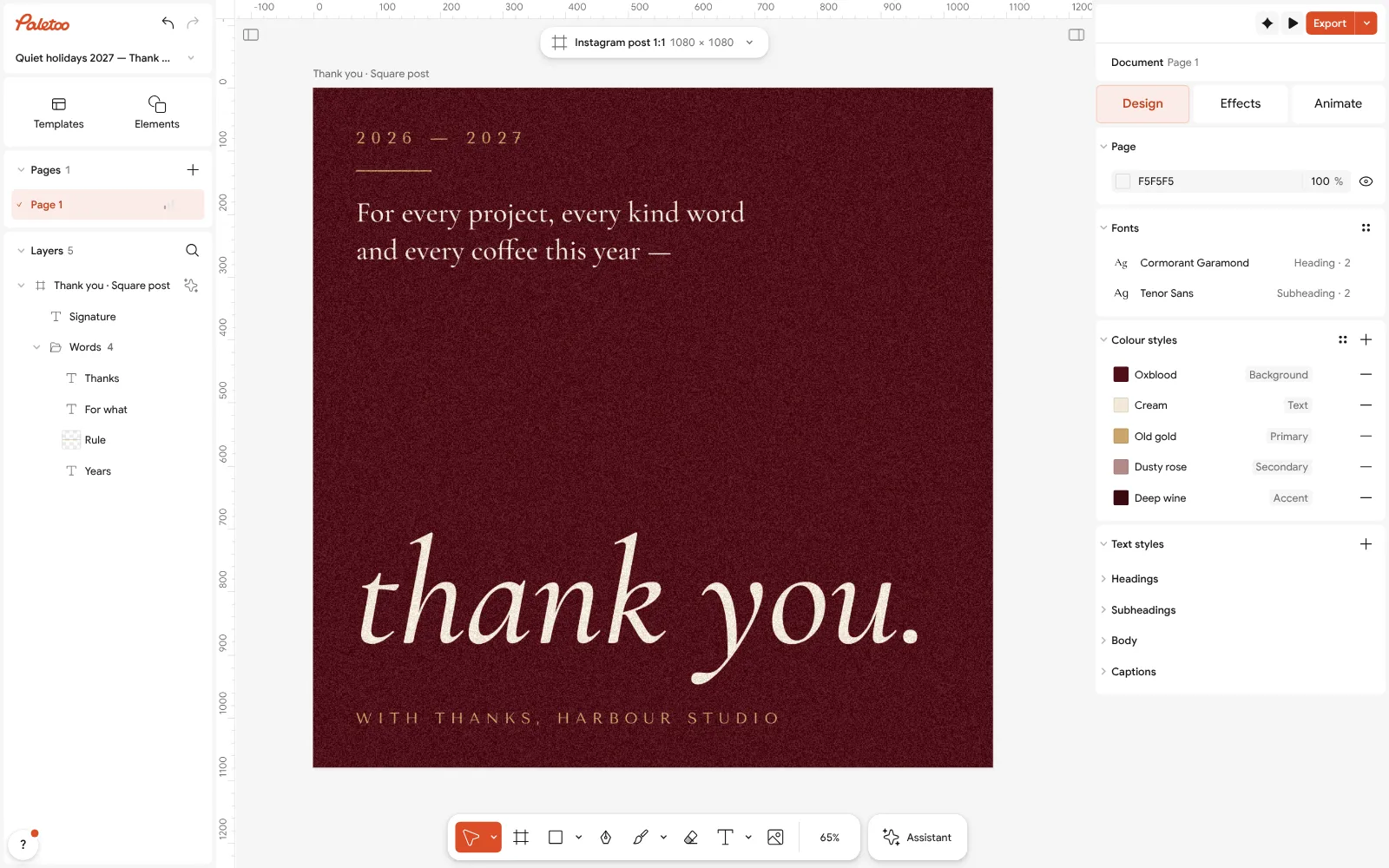
Nothing selected: the card’s Colour styles — change them to the brand’s colours and the whole card follows Add the logo: drag your transparent PNG onto the card, or paste the SVG from the logo maker. Keep it small at the bottom; on a dark card use the white version of the logo, or set its colour under Selection colours.
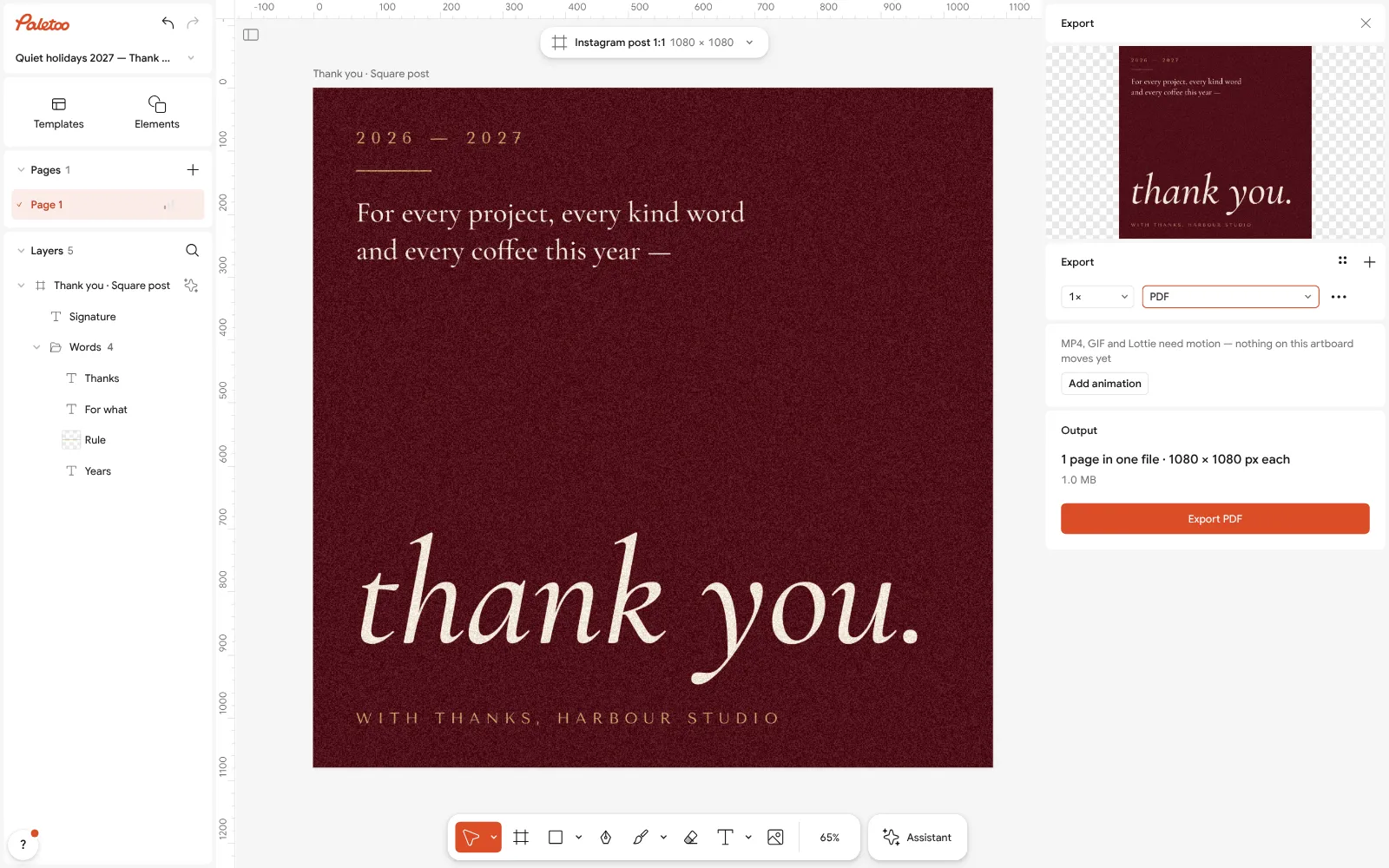
Export as PDF for a printed card — the words and the logo stay vector and print sharp For key clients, make a personal copy each: Duplicate artboard, change the name in the first line, and repeat. All the copies export together.
Press Export: PDF for the printer (with Include bleed if the colour runs to the edge), or PNG / JPG at 2× for email, LinkedIn and Instagram. Free, with no watermark.
Make it your own
Printing a white logo on a dark card? Check it with Proof colours (CMYK) first: deep reds and wines print darker than they look on a screen.
A card for Ukrainian and English-speaking clients: Duplicate artboard, retype the copy in the other language, and export both into one PDF.
Turn the card into a short video for LinkedIn: the Export window can add motion to the words and export MP4.
Sources
Questions
What should I write in a business Christmas card?
Thank them for the year and wish them well: «Thank you for trusting us with your projects this year. Warm wishes for the holidays and a good 2027.» Sign with a first name and the company.
How do I make a Christmas card with my company logo?
Open a Christmas card in Paletoo, drag in your logo as a transparent PNG or paste it as SVG, keep it small at the bottom, and export a PDF to print or a PNG to email. Free, no watermark.
Should a business say Merry Christmas or Happy Holidays?
«Happy holidays» or «Season’s greetings» when your clients celebrate different holidays; «Merry Christmas» when you know they celebrate it.
When should I send business Christmas cards?
Printed cards in the first week of December (earlier abroad); e-cards between 10 and 20 December, before offices close for the holidays.
What size is a business Christmas card?
A6 (105 × 148 mm), 5 × 7 in or a 148 mm square for print; 1080 × 1080 or 1080 × 1350 px for an e-card or a post.
Can I send a corporate Christmas card by email?
Yes. Export a PNG or JPG about 1080–2160 px wide and under 1 MB, and put it in the body of the email so it shows without opening an attachment.
Make it online
- Christmas and New Year cardsPick a card, write your own wish, add a family photo and send it as a picture, a story or a short animation — free.
- Logo makerType your brand name, pick a logo, try fonts, colours and layouts, then download SVG, PNG and app icons — free, no watermark, no sign-up.
- Business card makerDesign a business card at the exact print size, add a QR code that really scans, and export a PDF the printer accepts.
- Make a gift voucher onlineFor a salon, a café or a shop: pick a gift voucher, type the amount and the code, and print it or send it as a picture — free, no sign-up, no watermark.
- Make a thank-you card onlineA card for every parcel, a wedding thank-you or a note to a client: pick a card, write your words, add your logo or a QR code and print it — free, no sign-up, no watermark.
Free design templates for posts, stories and posters: Holiday card templates · Brand guidelines templates · Contact and call-to-action templates · Sale and pricing templates
Try it on your own design
Paletoo opens in your browser, with no sign-up. Every effect here is live: change the picture or the words and the effect follows.
Open in PaletooOpens this design as your own copy — every layer and effect editable, free.
Read next
- 01
 Christmas card size: inches, millimetres, pixels and postageEvery common card size in one table, the envelope it fits, and the file you need to print it.
- 02
 How to make a Christmas card online for free, with your photoFrom a ready card to one with your family on it in about ten minutes, with nothing to pay and no account.
- 03
 Logo file formats explained: which files you need, and who gets whichOne logo, seven files: what each is for, what to send a printer, a web developer or Instagram — and how to get all of them free.