How-to3 min readFreeUpdated 2026-11-22
A letter to St Nicholas with kids: print and fill
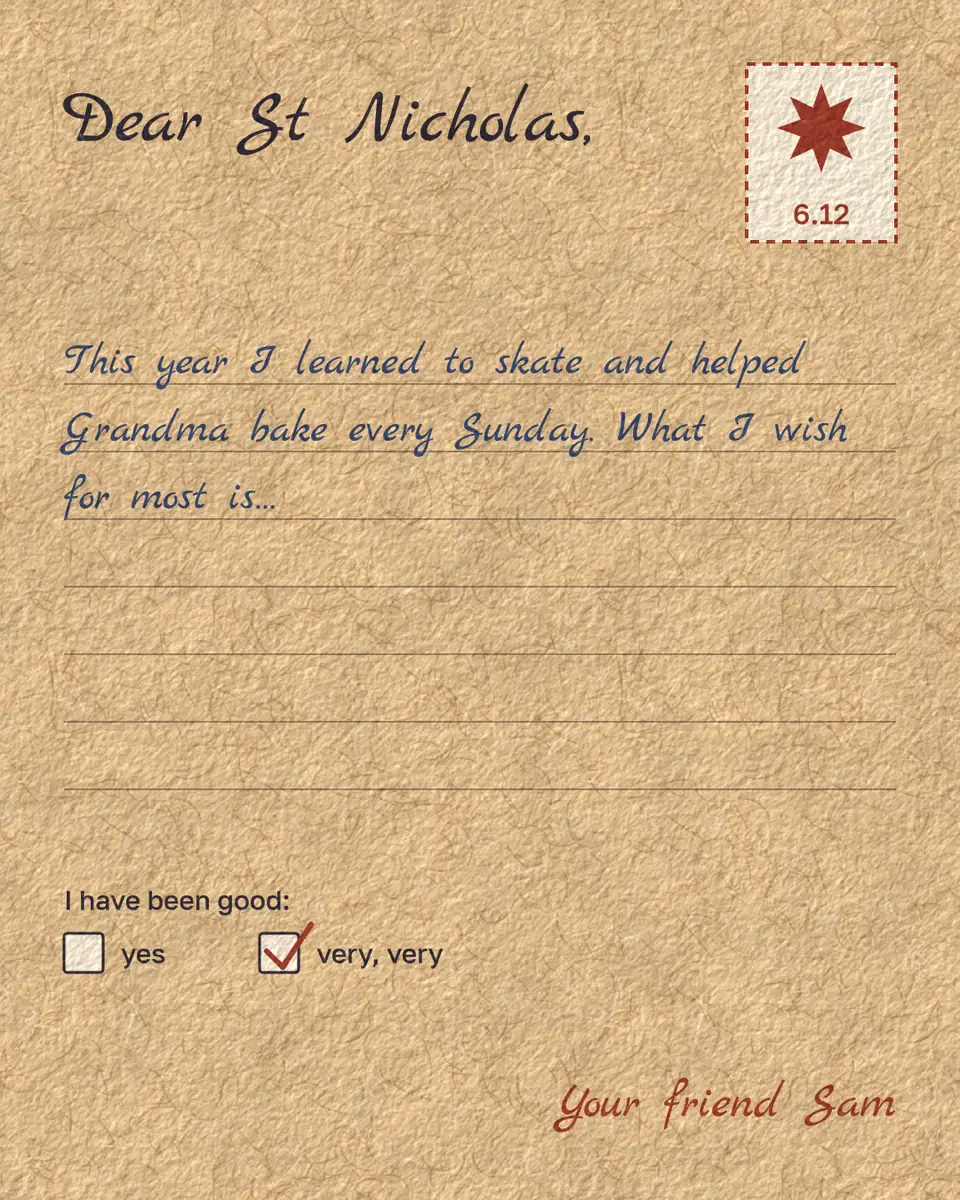
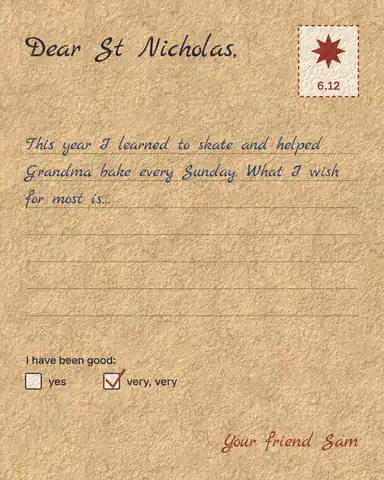
A page a five-year-old can «write» with a drawing and a seven-year-old fills in alone — printed, signed, under the pillow on 5 December.
By Paletoo’s designers · every step done in Paletoo
The short answer
- 1
Ask two questions, not ten. «What good did you do this year?» and «What would you like?» — a child answers both in a few lines.
- 2
Let the youngest draw. A box for a picture of the wish and two tick boxes («I have been good: yes / very, very») make the letter theirs before they can write.
- 3
Print it on A4, sign it, leave it out. On the evening of 5 December, under the pillow or on the windowsill, as St Nicholas comes the night before 6 December.
Type the child’s answers into the block, or leave the lines empty for them to write by hand. Switch to «To colour» for a white page with outlines only — it prints in black and saves the colour ink.
Try it right here
Fill in the name and the answers (or leave them empty), pick kraft or a page to colour, then «Download PNG» and print at 100 % on A4.
The tool wakes up as you scroll to it…
Drawn on the page with Canvas 2D at A4, 150 dpi (1240 × 1754 px); the script face is Great Vibes, as in the template’s handwriting.
What to write, by age
3–5: the child talks, you write their words exactly as said — including «and a dinosaur». They draw the wish and tick a box. 6–8: they copy two short sentences you agreed on, then sign. 9 and up: they write alone; ask them to thank someone, not only to ask.
Keep the wish list short. One or two things is the tradition — St Nicholas brings a small gift and sweets; the big present waits for Christmas or New Year.
When to leave it
In Ukraine St Nicholas’ Day is 6 December (since 2023, by the new calendar; before that 19 December). The letter goes under the pillow or on the windowsill the evening before, on 5 December; the gift is found in the morning. Many families write it a week earlier, so there is time to find the gift.
Made in Paletoo
Real designs from Paletoo’s templates and tools — open any of them and change it.
Open this in Paletoo
«Open in Paletoo» opens «Dear St Nicholas,» in the editor: double-click the lines to type the child’s words, change the signature, then export a PDF in A4 for print or a PNG to send to grandparents.
Open the letter templateFree, no sign-up. Everything stays editable.
Questions
How do I write a letter to St Nicholas with a small child?
Ask two questions — what good they did and what they would like — and write their answers down as said. Let them draw the wish and sign with a mark.
When do you leave the letter to St Nicholas?
On the evening of 5 December, under the pillow or on the windowsill; St Nicholas’ Day is 6 December.
Is there a free printable letter to St Nicholas?
Yes — the block on this page downloads one at A4, kraft or white to colour, and the template opens free in Paletoo.
What should a child ask St Nicholas for?
One or two small things. Traditionally St Nicholas brings a small gift and sweets; the big present waits for Christmas.
Keep going
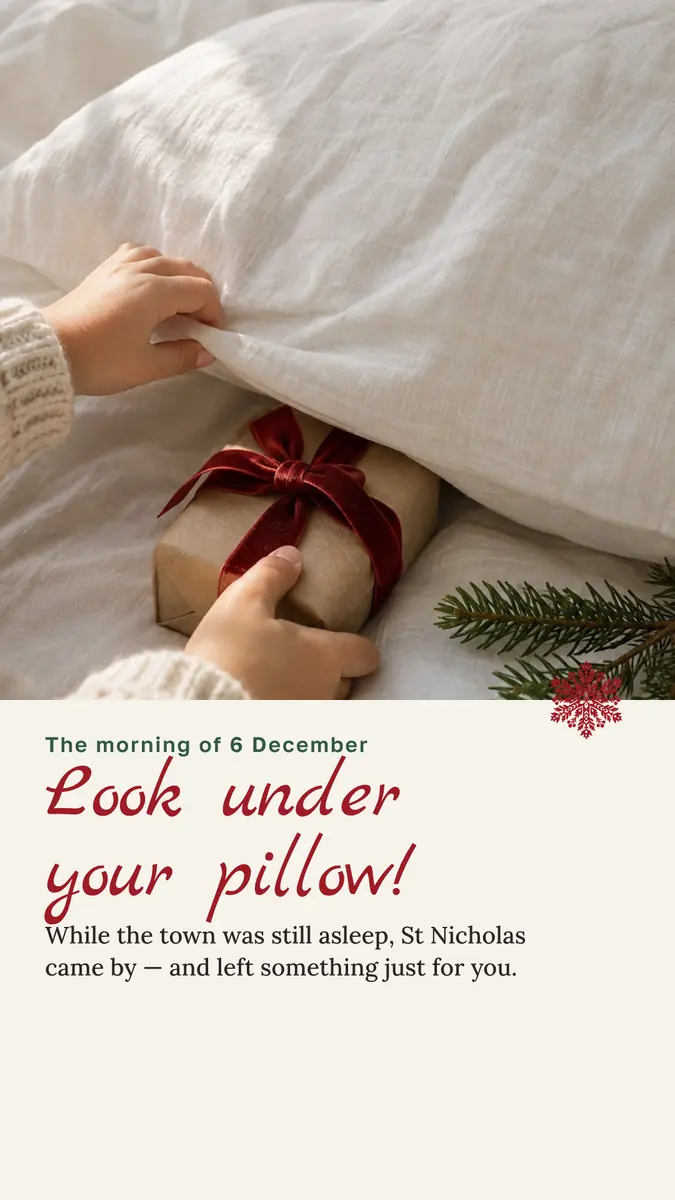
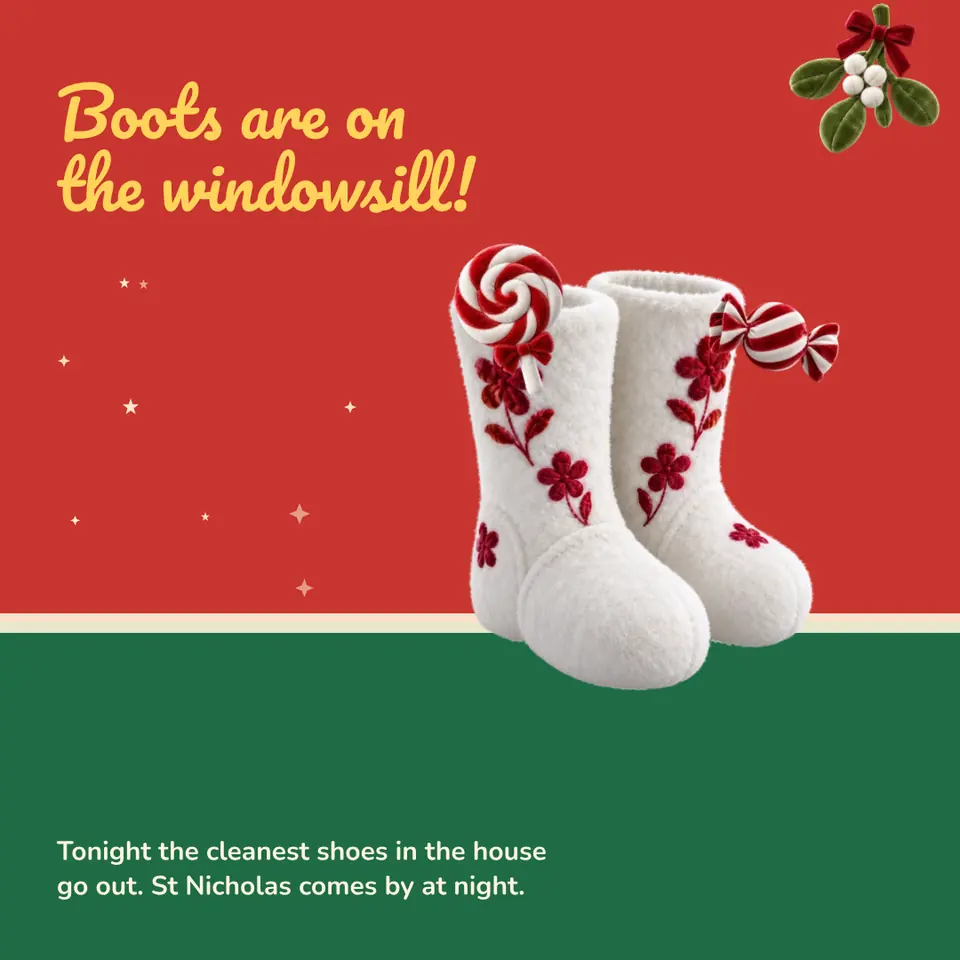
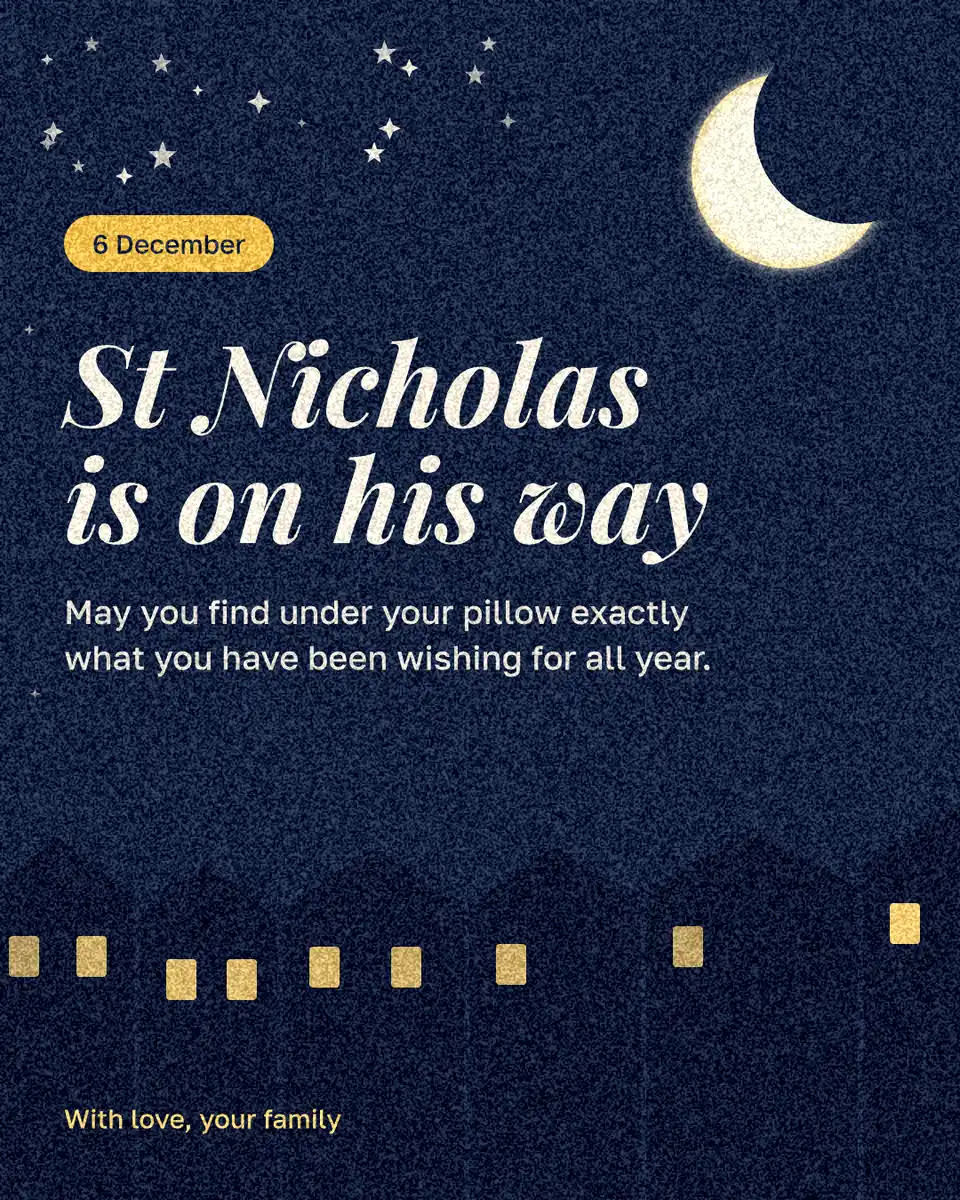
- St Nicholas Day cardsFour cards for 6 December — a night sky, a gift tag, a family photo and a child’s letter — ready for your own words.
- Letter to St Nicholas: a printable template and what to writeA ready letter on kraft paper, your child’s own words in it, printed and under the pillow by the evening of 5 December.
- St Nicholas Day wishes: short messages for 6 December and a card to send them onA few warm lines for 6 December, in your own words, on a picture you can send before breakfast.
- Print-ready PDF: bleed, crop marks and CMYK, freeEverything a printer means by “print-ready”, and a checklist before you send the file.
More how-tos you can try on the page
- 01
 How to make a Black Friday banner in 2 minutesOne number people read in half a second, the dates and your shop’s name — as a post, a story and a site header from the same words.
- 02
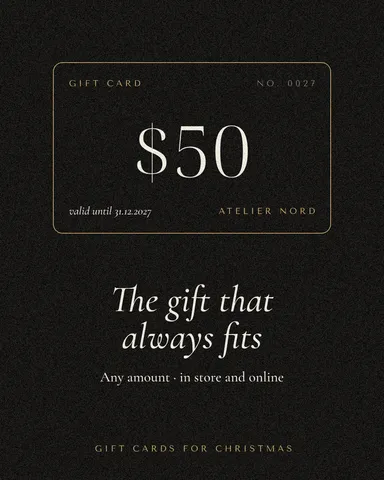 How to make a gift voucher with a unique codeEach voucher gets its own number and a code that cannot be guessed or misread — and you keep the list to check them off.
- 06
 How to make a sticker from a photoCut the subject out, give it a white die-cut border and a caption, save it at 512 px — try the border and the caption right on this page.
- 07
 How to remove a white background from an imageMake the white transparent without a white fringe, keep the white that belongs to the logo, save a PNG — try it on a real logo right here.
- 08
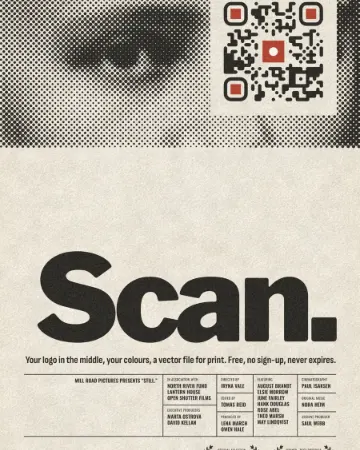 How to put a logo in a QR code (and keep it scannable)Error correction H, a logo of about a tenth of the code, a white quiet zone — and a scan check that shows you the exact moment it breaks.
- 09
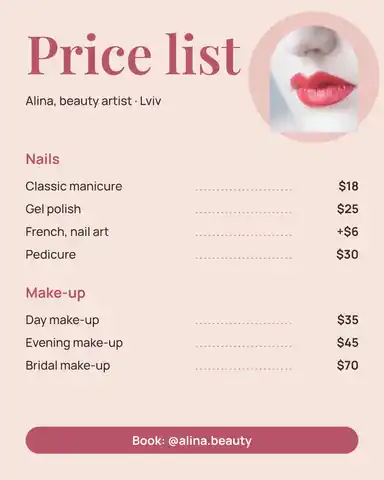 How to make a price listType your services and prices the way you would in a note — the page sets them as a finished price list for Instagram, Stories or A4.
- 10
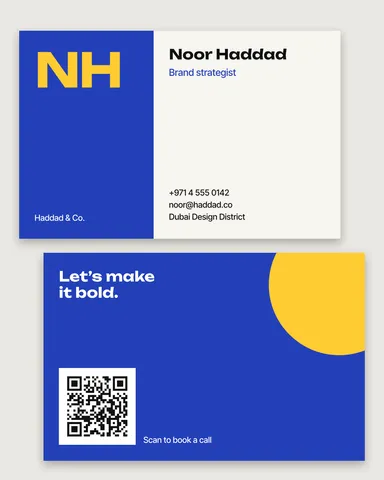 How to make a business card online, freeType your name and contacts, pick one of six designs, and the card lays itself out — front and back, with a QR code that saves your contact.
- 11
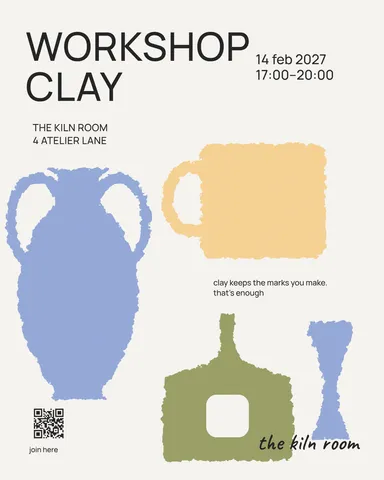 How to make a poster on your phoneOne photo, a title of a few words, a date line — the layout sets itself for an A3 print, an Instagram post or a story, on the phone in your hand.