How-to3 min readFreeUpdated 2026-11-16
How to make a business card online, free
Type your name and contacts, pick one of six designs, and the card lays itself out — front and back, with a QR code that saves your contact.
By Paletoo’s designers · every step done in Paletoo

The short answer
- 1
Type only what people need. Your name, what you do, one phone, one email, one link. Five lines, no more.
- 2
Pick a design and the right size. 3.5 × 2 in in the US, 85 × 55 mm in Europe, 90 × 50 mm in Ukraine. Keep text 4 mm inside the edge.
- 3
Download a print PDF with bleed. 3 mm of bleed and crop marks for the printer; a PNG of the front for email and messengers.
The card below is laid out by the same engine as the Paletoo bot’s business cards: every word is fitted to the safe area, the back carries a QR code with your contact. «Open this card in Paletoo» takes your words with it.
Try it right here
Change any field — the card relays itself. The QR code on the back saves your contact to a phone.
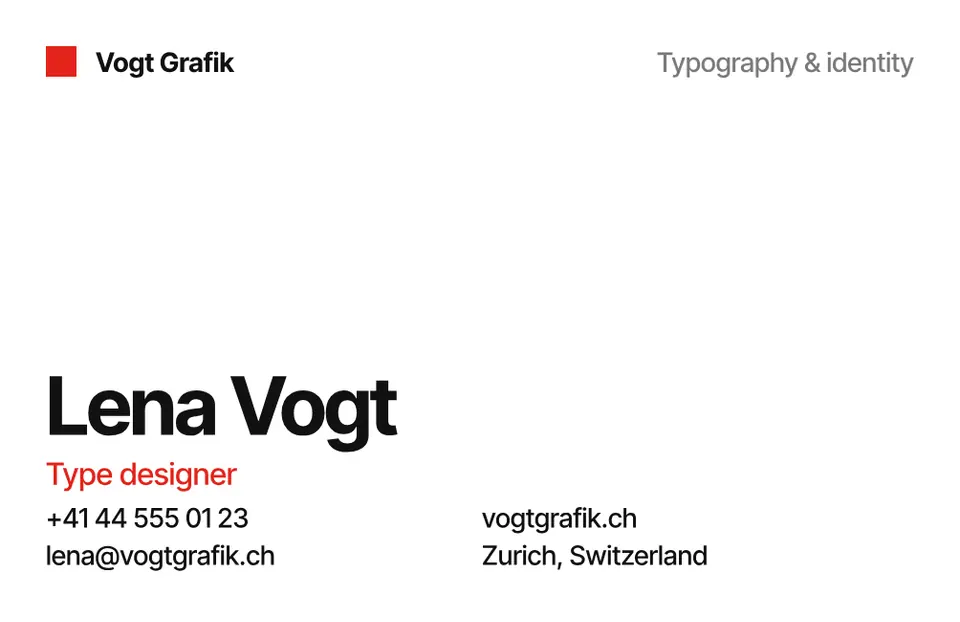
The tool wakes up as you scroll to it…
Engine: the Paletoo bot’s business-card layout — six designs, words fitted to the 4 mm safe area, the contact QR code — drawn with the same glyph outlines it prints.
What to put on a business card
Less than you think. A card is read in three seconds and kept for its contact, so the front carries your name (the largest thing), what you do in a few words, and — if you have one — a logo. The back, or the lower half, carries the ways to reach you: one phone, one email, one link. Every extra line makes the important ones smaller.
A QR code earns its place now: it can save your contact to a phone in one scan (a vCard), so nobody types your email. Keep it at least 2 cm wide, on a light ground, away from the edge.
Business card sizes
There is no world standard — order the size your printer cuts.
| Where | Size | Pixels at 300 dpi | With 3 mm bleed |
|---|---|---|---|
| US, Canada | 3.5 × 2 in (88.9 × 50.8 mm) | 1050 × 600 | 94.9 × 56.8 mm |
| Europe, UK | 85 × 55 mm | 1004 × 650 | 91 × 61 mm |
| Ukraine, Eastern Europe | 90 × 50 mm | 1063 × 591 | 96 × 56 mm |
Getting it printed
Printers want a PDF with bleed (colour that runs past the cut by 3 mm) and crop marks, text at least 7 pt, and nothing important within 4 mm of the edge. 350 gsm matte card is a safe choice; order 100 first. Before the full run, print one page at 100 % at home and hold it against a card you already have — wrong sizes are the most common mistake.
Made in Paletoo
Real designs from Paletoo’s templates and tools — open any of them and change it.
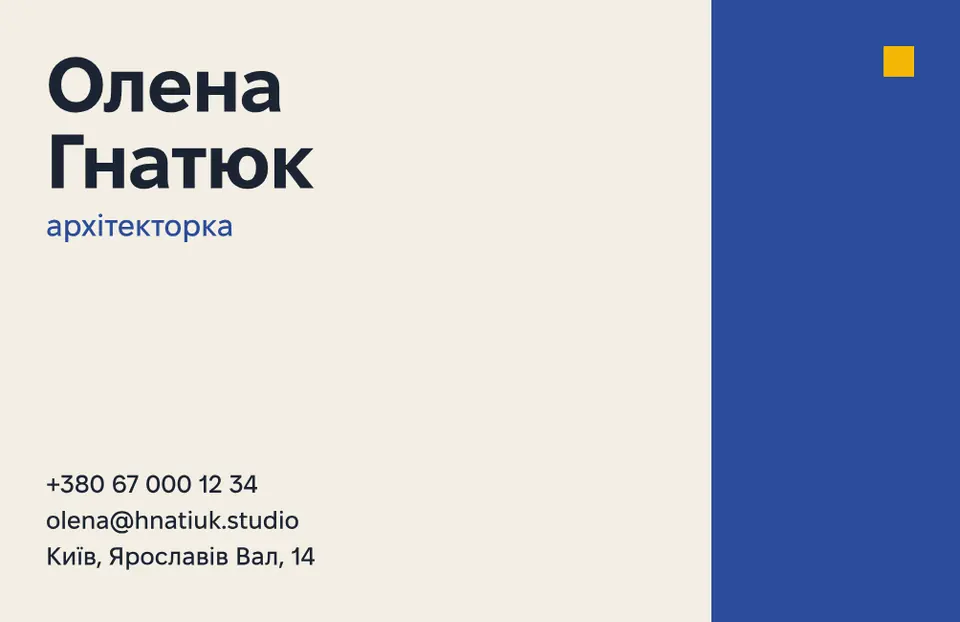
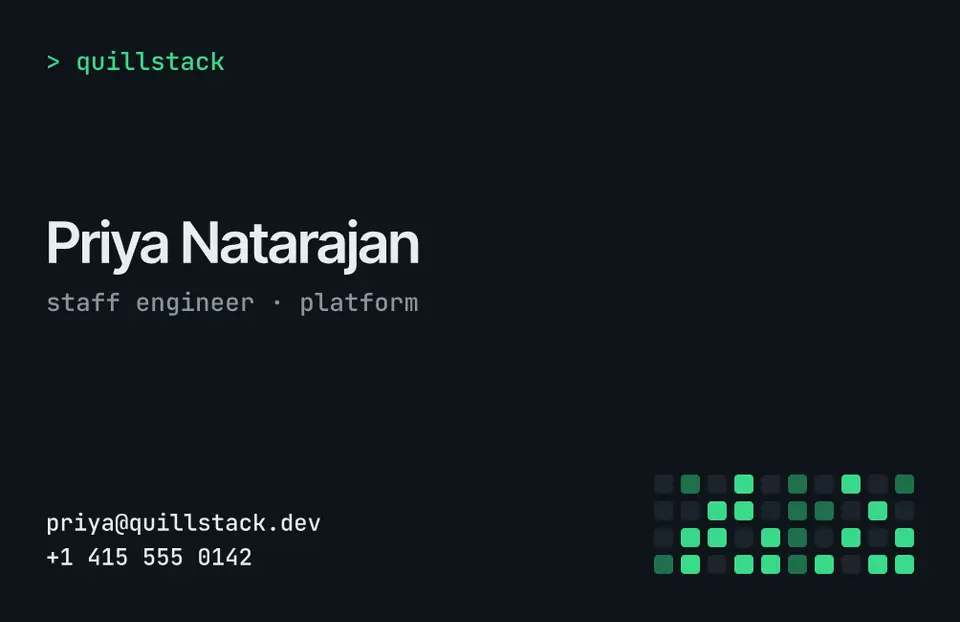

Open this in Paletoo
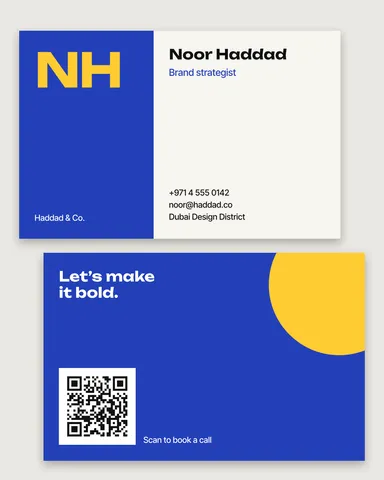
With «Open this card in Paletoo» on the tool above, the business-cards template of your design opens with your name, role, contacts and QR code already in it — all four artboards (EU and US, front and back). Export a print PDF with bleed and crop marks.
Open a business card templateFree, no sign-up. Everything stays editable.
Questions
How do I make a business card online for free?
Type your details into a design, choose the size your printer uses and download a PDF with bleed. Paletoo does it free, with no watermark and no account.
What size is a business card?
3.5 × 2 in in the US and Canada, 85 × 55 mm in Europe, 90 × 50 mm in Ukraine.
What should be on a business card?
Your name, what you do, one phone, one email and one link — and a QR code that saves your contact.
Which file do printers want for business cards?
A PDF with 3 mm bleed and crop marks, text at least 7 pt, nothing important within 4 mm of the edge.
Can I add a QR code to my business card?
Yes — every design here puts one on the back with your contact as a vCard. Keep it at least 2 cm wide.
Keep going
- Business card makerDesign a business card at the exact print size, add a QR code that really scans, and export a PDF the printer accepts.
- Business card size: inches, mm and pixels for every countryThe size your printer expects — in inches, millimetres and pixels — with the bleed and the safe area, on a card that opens at that size.
- How to make a business card with a QR codeThe right size, your details, a QR code that scans and a PDF for the printer.
- Print-ready PDF: bleed, crop marks and CMYK, freeEverything a printer means by “print-ready”, and a checklist before you send the file.
More how-tos you can try on the page
- 01
 How to make a sticker from a photoCut the subject out, give it a white die-cut border and a caption, save it at 512 px — try the border and the caption right on this page.
- 02
 How to remove a white background from an imageMake the white transparent without a white fringe, keep the white that belongs to the logo, save a PNG — try it on a real logo right here.
- 03
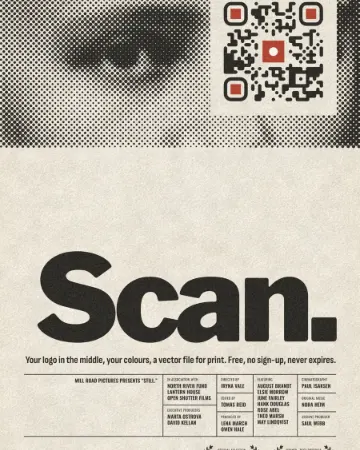 How to put a logo in a QR code (and keep it scannable)Error correction H, a logo of about a tenth of the code, a white quiet zone — and a scan check that shows you the exact moment it breaks.
- 04
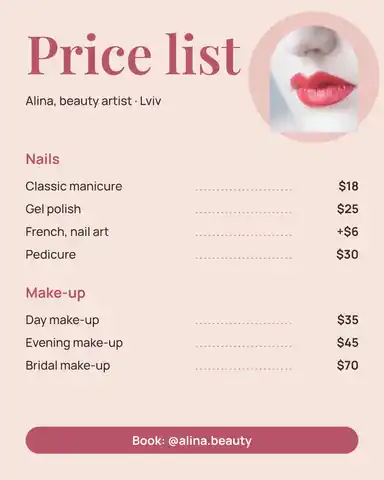 How to make a price listType your services and prices the way you would in a note — the page sets them as a finished price list for Instagram, Stories or A4.
- 05
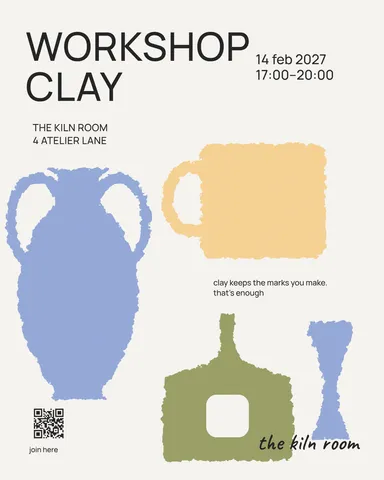 How to make a poster on your phoneOne photo, a title of a few words, a date line — the layout sets itself for an A3 print, an Instagram post or a story, on the phone in your hand.
- 08
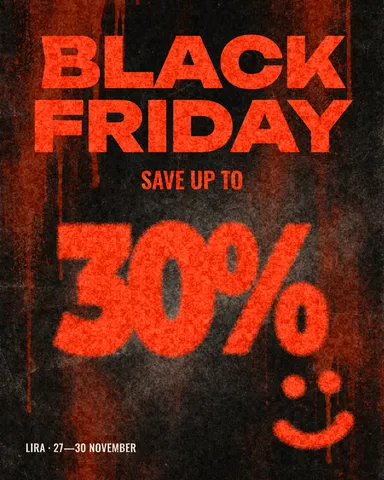 How to make a Black Friday banner in 2 minutesOne number people read in half a second, the dates and your shop’s name — as a post, a story and a site header from the same words.
- 09
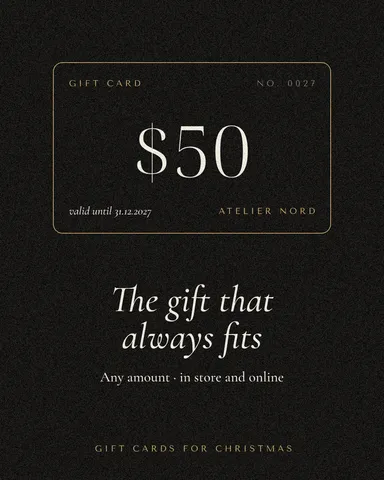 How to make a gift voucher with a unique codeEach voucher gets its own number and a code that cannot be guessed or misread — and you keep the list to check them off.