How-to3 min readFreeUpdated 2026-11-14
How to make a Black Friday banner in 2 minutes
One number people read in half a second, the dates and your shop’s name — as a post, a story and a site header from the same words.
By Paletoo’s designers · every step done in Paletoo
The short answer
- 1
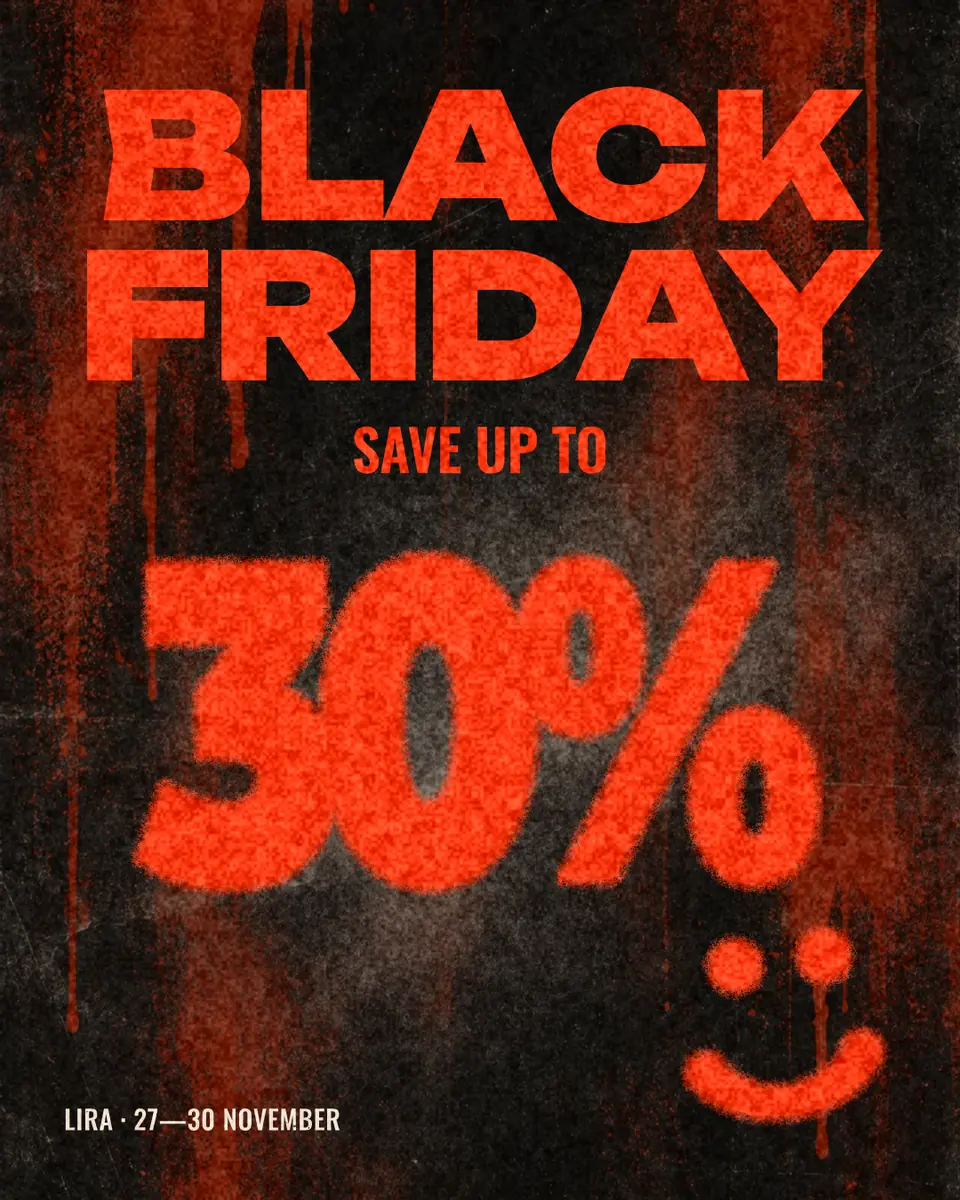
Make the discount the biggest thing. «−30 %» or «up to 50 %», at least a third of the banner’s width. Nobody reads a Black Friday banner; they see one number.
- 2
Add the dates and the shop, small. 27–30 November 2026 (Black Friday is the 27th) and your name, in one line at the bottom.
- 3
Export the three sizes you need. 1080 × 1350 for the feed, 1080 × 1920 for stories, 1920 × 600 for the top of your site — same words, each laid out for its shape.
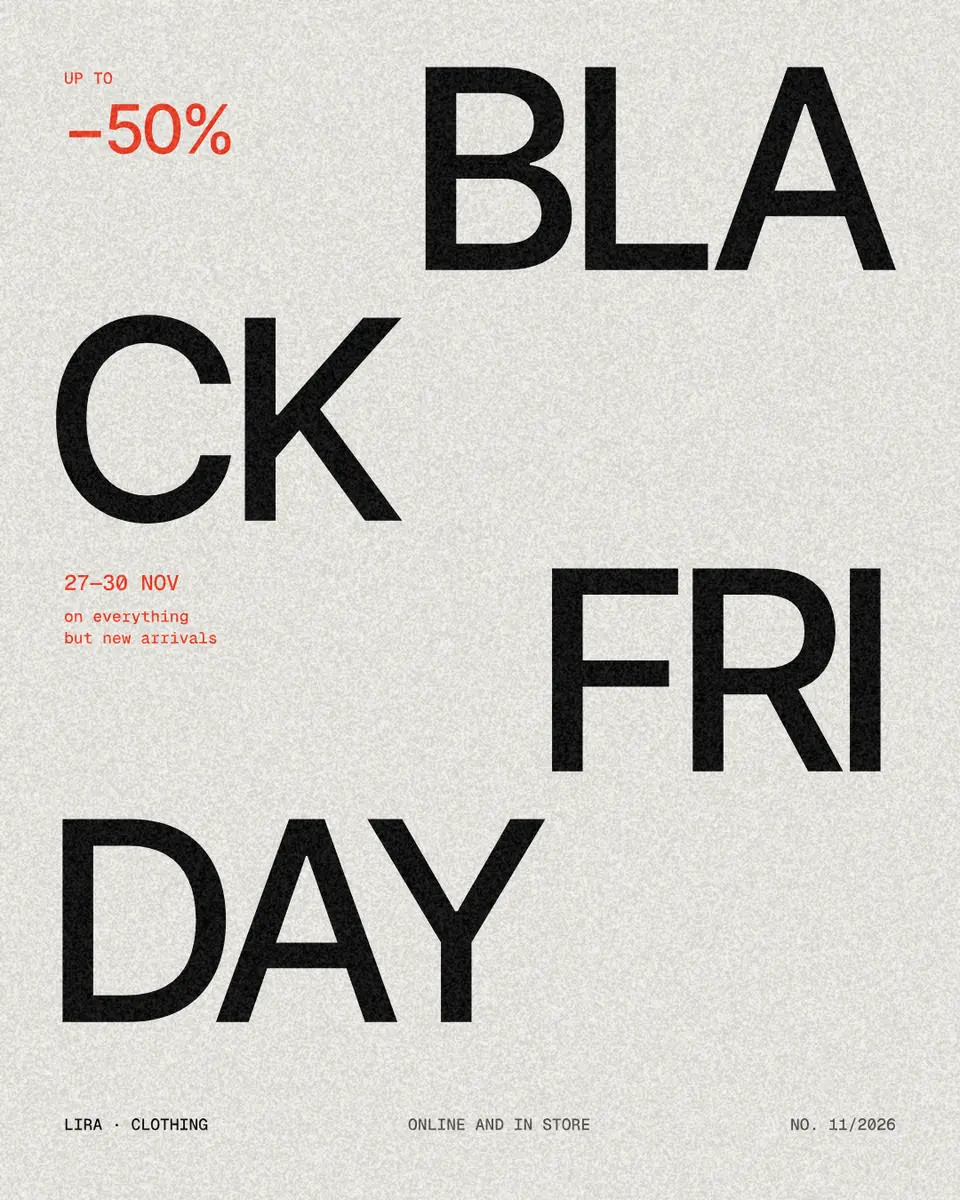
The block below lays out the three sizes as you type: the headline fills the width, the discount takes what is left, the dates and the shop sit on the bottom line. «Open in Paletoo» opens «Spray 30», the template it follows, with every layer editable.
Try it right here
Type your discount and dates, switch the size and the look — the banner relays itself. «Download PNG» saves it at full size.
The tool wakes up as you scroll to it…
Drawn on the page with Canvas 2D in the faces of the Black Friday set (Fixel Display Black, IBM Plex Mono); the sizes are the ones Paletoo’s Black Friday templates use.
Black Friday banner sizes
Make the feed size first: it is the one most people see. The story and the site header reuse its words, laid out again — a squeezed post never reads well as a story.
| Where | Size | Keep clear |
|---|---|---|
| Instagram and Facebook post | 1080 × 1350 (4:5) | nothing — the whole post shows |
| Stories and Reels cover | 1080 × 1920 (9:16) | 250 px at the top and at the bottom |
| Site header | 1920 × 600 | the outer 300 px on phones |
| Email header | 600 × 200 (shown at 2×: 1200 × 400) | small text — many apps shrink it |
What makes a sale banner work
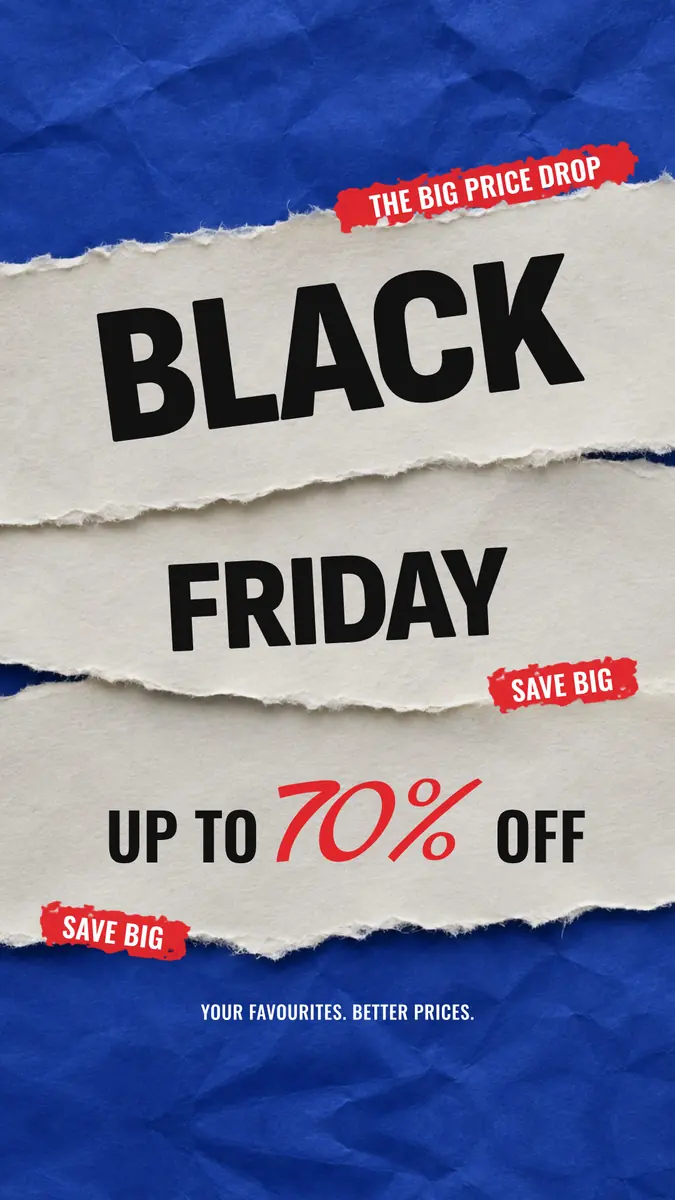
One number, high contrast, no photo behind it. Black and a hot orange or red is the season’s convention because it reads from across a feed; a pale «paper» look stands out precisely because almost nobody uses it that week.
Write the real end date. A banner that says «ends Monday» in a story still being watched on Wednesday costs trust. If the sale is «up to» a number, say so above it — «Save up to» — so a −50 % that applies to three items does not read as a promise.
Made in Paletoo
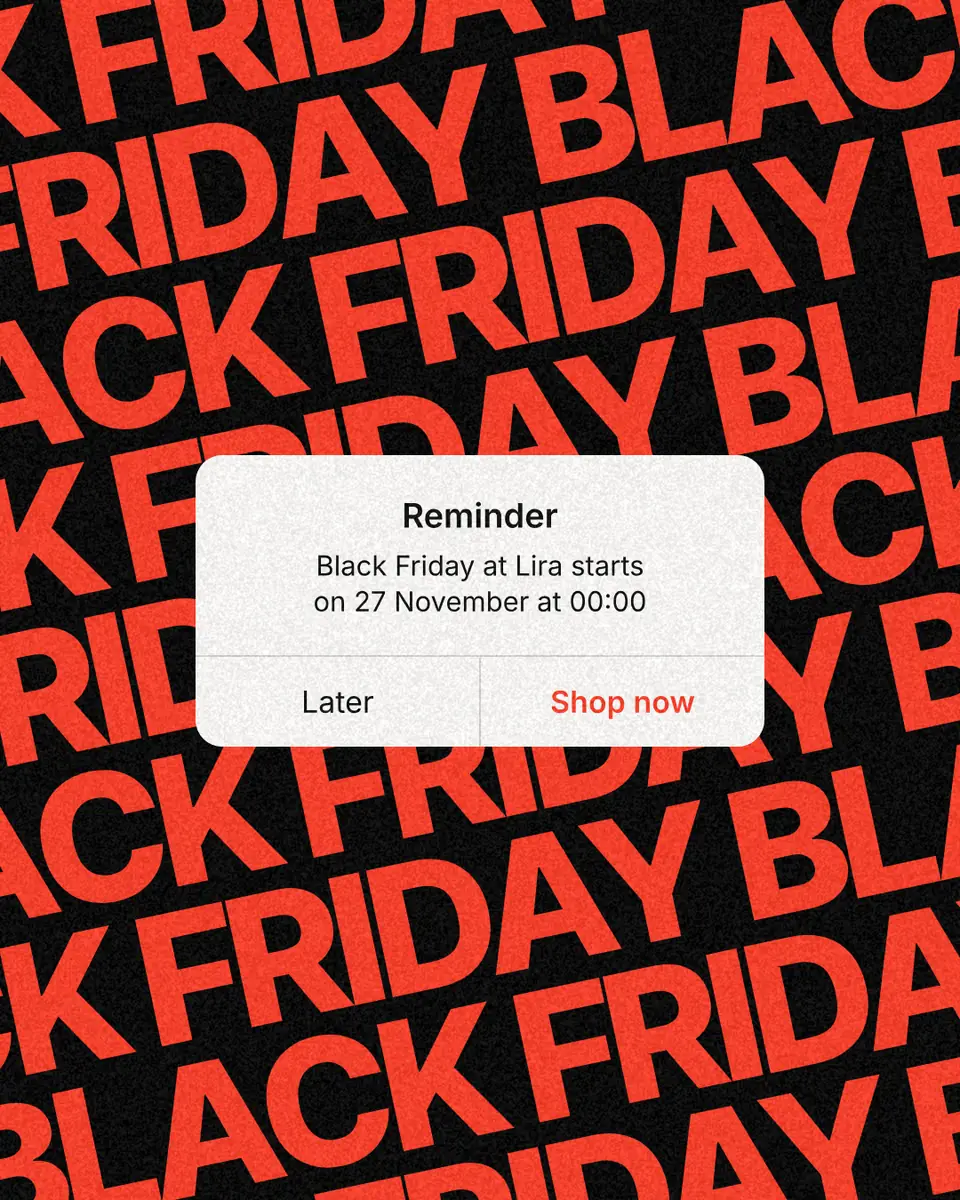
Real designs from Paletoo’s templates and tools — open any of them and change it.
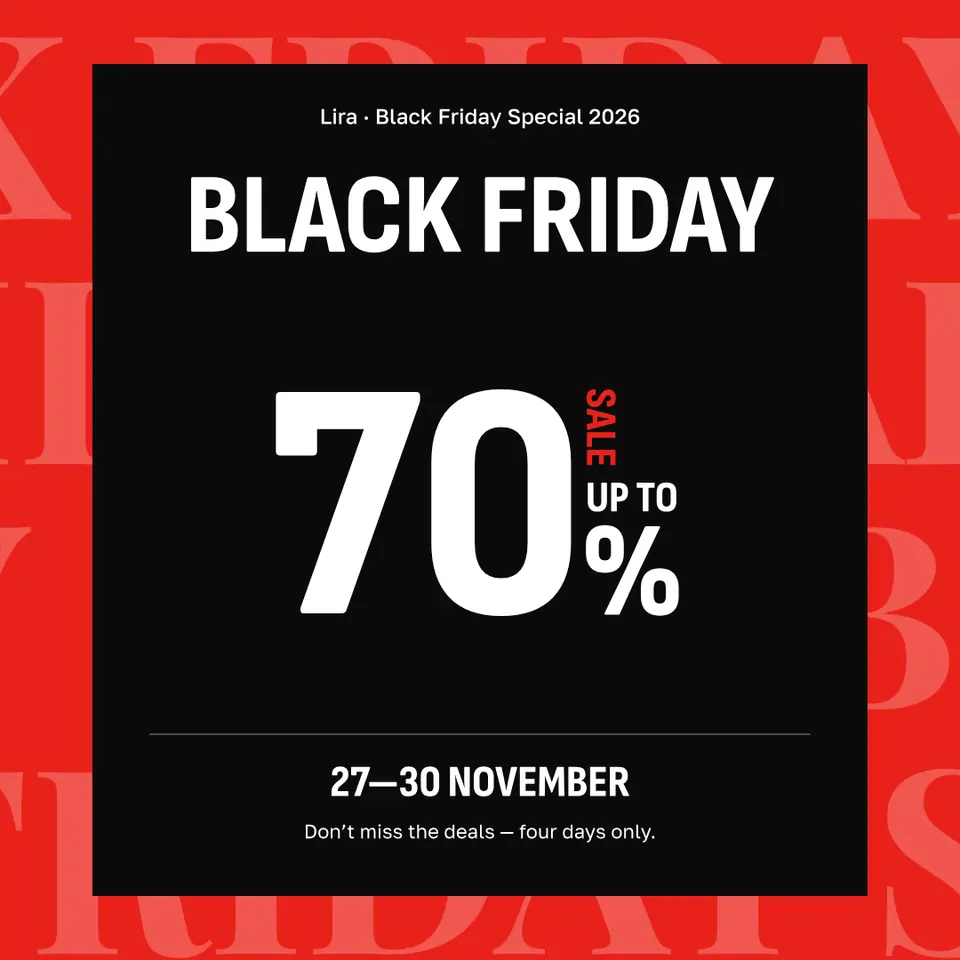
Open this in Paletoo
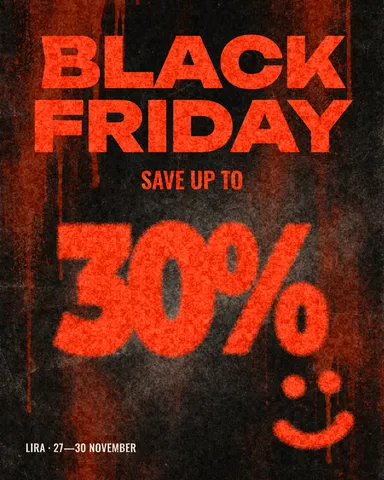
«Open in Paletoo» opens «Spray 30» in the editor: double-click the number and the dates to change them, then use the frame’s size menu to make the story and the square from the same design. Export PNG for the feeds, JPG for email.
Open the Black Friday templateFree, no sign-up. Everything stays editable.
Questions
What size is a Black Friday banner for Instagram?
1080 × 1350 px for a post (4:5) and 1080 × 1920 px for a story. Keep the discount and the dates out of the top and bottom 250 px of a story.
When is Black Friday 2026?
Friday 27 November 2026, the day after US Thanksgiving. Most shops run the sale 27–30 November, through Cyber Monday.
What should a Black Friday banner say?
The discount, the dates and your shop’s name — nothing else. If the discount is the maximum, say «up to».
Can I make a Black Friday banner for free?
Yes. The block on this page downloads a PNG, and Paletoo’s Black Friday templates are free to edit and export, without a watermark.
Keep going
- Instagram post makerDesign a post at the right size from a real template, then export a sharp PNG or JPG — free, in your browser.
- How to make a Black Friday poster for free: 8 designs that sellOne number people read from across the street, the dates and your shop’s name — as a post, a story and a print poster from one file.
- Instagram story size 2026: 1080 × 1920, safe zones and ratioThe pixels, the ratio, the bands that the profile and the reply bar cover — and a story that opens at the right size in one tap.
More how-tos you can try on the page
- 01
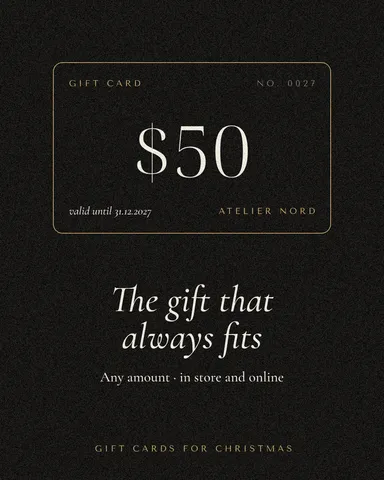 How to make a gift voucher with a unique codeEach voucher gets its own number and a code that cannot be guessed or misread — and you keep the list to check them off.
- 06
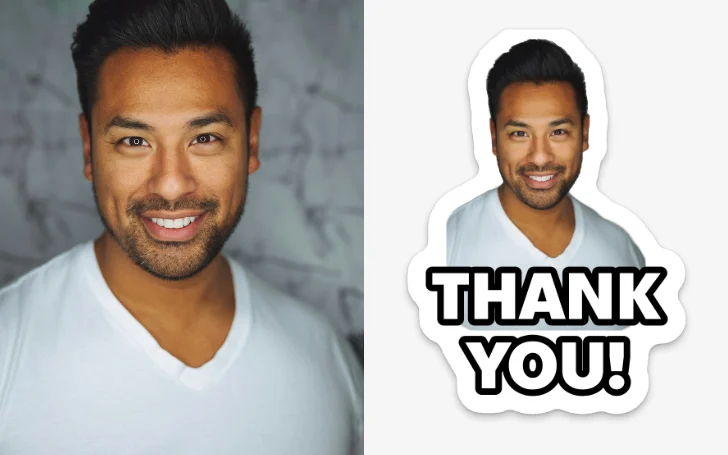 How to make a sticker from a photoCut the subject out, give it a white die-cut border and a caption, save it at 512 px — try the border and the caption right on this page.
- 07
 How to remove a white background from an imageMake the white transparent without a white fringe, keep the white that belongs to the logo, save a PNG — try it on a real logo right here.
- 08
 How to put a logo in a QR code (and keep it scannable)Error correction H, a logo of about a tenth of the code, a white quiet zone — and a scan check that shows you the exact moment it breaks.
- 09
 How to make a price listType your services and prices the way you would in a note — the page sets them as a finished price list for Instagram, Stories or A4.
- 10
 How to make a business card online, freeType your name and contacts, pick one of six designs, and the card lays itself out — front and back, with a QR code that saves your contact.
- 11
 How to make a poster on your phoneOne photo, a title of a few words, a date line — the layout sets itself for an A3 print, an Instagram post or a story, on the phone in your hand.