How-to3 min readFreeUpdated 2026-11-20
How to make a sticker from a photo
Cut the subject out, give it a white die-cut border and a caption, save it at 512 px — try the border and the caption right on this page.
By Paletoo’s designers · every step done in Paletoo
The short answer
- 1
Cut the subject out. Remove the background so only the person, the pet or the object is left on transparency — Paletoo’s sticker maker does it on your device, in a few seconds.
- 2
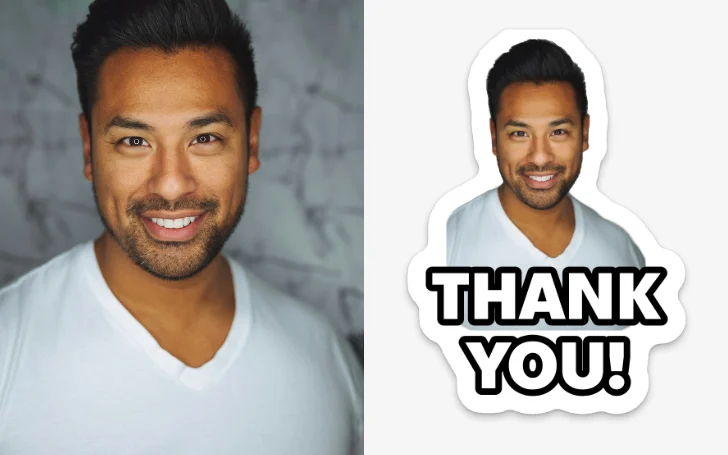
Add a white border and a caption. A 15–25 px white die-cut outline around the shape is what makes a picture read as a sticker; a short caption (two or three words) makes it useful in a chat.
- 3
Save it as a 512 × 512 PNG. That is Telegram’s sticker size; WhatsApp takes the same square as WebP. Keep a transparent background — never a white square.
Below, the same die-cut and caption engine the Paletoo bot uses runs on this page: change the words, the style and the border, or drop in your own cut-out PNG.
Try it right here
A photo becomes a rounded card; a PNG with a transparent background is cut round its outline. Nothing is uploaded.

The tool wakes up as you scroll to it…
Engine: Paletoo’s sticker renderer — the same die-cut (a smooth offset of the shape, its crevices closed) and the eight caption styles the Telegram bot draws with.
What makes a picture look like a sticker
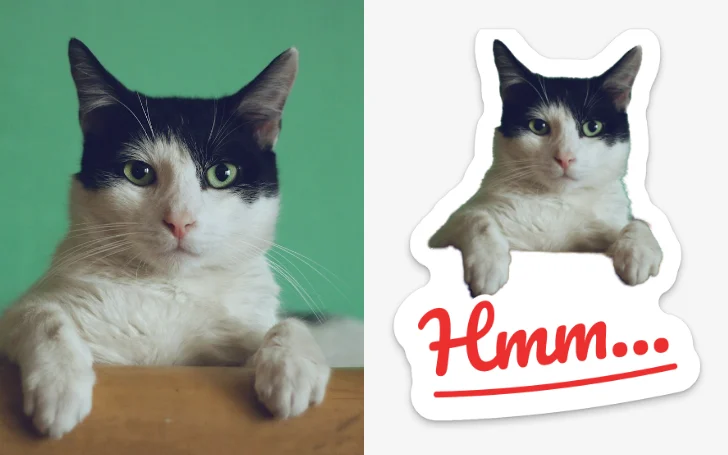
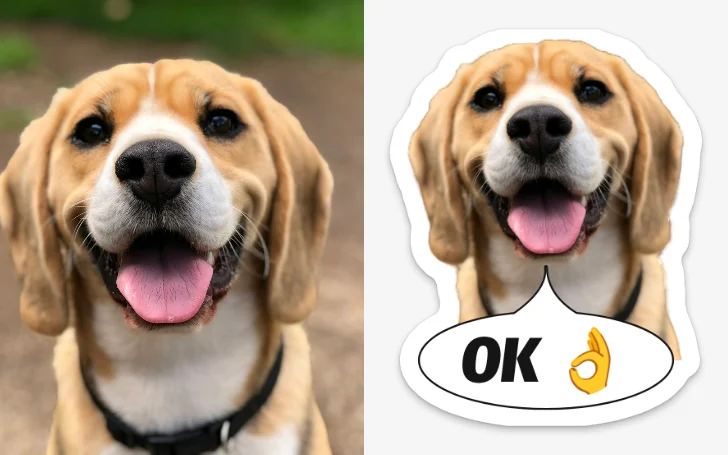
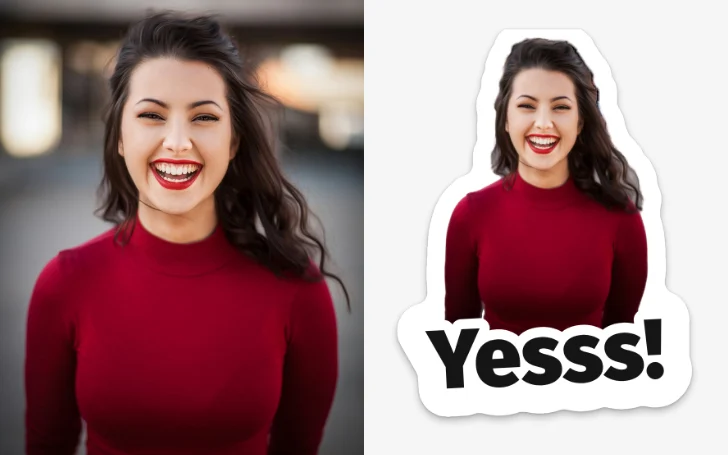
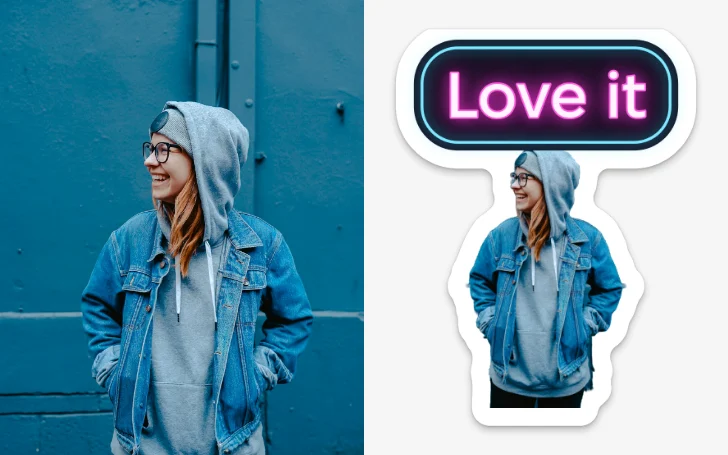
Three things, and the border matters most. A real vinyl sticker is cut by a die a few millimetres outside the printed shape, so it always has a white margin that follows the outline — smooth, without the jagged bits of hair or fur. Copying that margin is what turns a cut-out into a sticker: a thin, even, rounded rim, a soft shadow under it, and nothing cut inside the shape.
The second is the shape itself: one clear subject, cropped close, readable at the size of a thumbnail. A face, a pet, a hand gesture or an object works; a group photo or a landscape does not. The third is the words. Stickers are used as replies, so a caption of two or three words — «Hmm…», «Thanks!», «On my way» — makes one sticker do a job.
Just the white sticker edge on a cut-out? Add an outline to an image in one step. A whole set of photos: remove backgrounds from many photos first and get them as one ZIP.
Sticker sizes for Telegram, WhatsApp and print
Messengers want a square file with a transparent background. Make it at 512 px and you can use the same picture everywhere; for print, think in millimetres and add the cut line.
| Where | Size | Format | Limit |
|---|---|---|---|
| Telegram | 512 × 512 px (one side exactly 512) | PNG or WebP, transparent | up to 512 KB |
| 512 × 512 px | WebP, transparent | up to 100 KB, 3–30 per pack | |
| iMessage | 300 × 300 to 618 × 618 px | PNG, transparent | up to 500 KB |
| Printed vinyl | 50–100 mm a side | PDF or PNG at 300 dpi | a cut line round the shape |
On a phone, without an app
iPhone (iOS 17 and later) can lift a subject: touch and hold it in Photos, then Add Sticker. That gives you the cut-out, but not a border or a caption, and it stays in Apple’s keyboard. Paletoo’s sticker maker works in the phone’s browser: it removes the background on the device, adds the die-cut and the caption, and saves a pack of 512 px PNGs you can add to Telegram or WhatsApp — or a print sheet.
Made in Paletoo
Real designs from Paletoo’s templates and tools — open any of them and change it.
Open this in Paletoo
The sticker maker opens with six photos at a time: it cuts each one out on your device, puts the white die-cut and your caption on, and saves the pack as 512 px PNGs or a sheet for printing.
Open the sticker makerFree, no sign-up. Everything stays editable.
Questions
How do I make a sticker from a photo for free?
Remove the background, add a white border and a caption, and save a 512 × 512 PNG. Paletoo’s sticker maker does all three in the browser, free and with no watermark.
What size is a Telegram sticker?
512 × 512 px — at least one side exactly 512 — as a PNG or WebP with a transparent background, up to 512 KB.
How do I make a WhatsApp sticker from a photo?
Make a 512 × 512 transparent picture, save it as WebP under 100 KB, and add at least three to a pack. Paletoo saves the 512 px files; a sticker app or WhatsApp’s own «Create sticker» adds them.
Why does my sticker have a white square around it?
It was saved as a JPEG, or the background was never removed. Stickers need transparency: save as PNG or WebP after cutting the subject out.
Is my photo uploaded?
No. The cut-out and the border are made on your device; the photo stays in your browser.
Keep going
- Make stickers from photosPick a few photos and get a sticker pack: each one cut out with a white rim and a caption, for Telegram, WhatsApp or as PNG files — free, no sign-up.
- How to remove the background from a photo online — free, on your deviceOne click cuts the subject out; the background is hidden, not deleted, so you can bring it back.
- How to make a transparent PNG for free: a logo, words or a cut-out photoA logo, a line of words or a cut-out photo that sits on anything — no white box, no watermark, on a computer or a phone.
- How to remove a background from a photo for free, without uploading itA clean cut-out, made on your own computer or phone, ready for a thumbnail, a poster or a shop.
Sources
More how-tos you can try on the page
- 01
 How to remove a white background from an imageMake the white transparent without a white fringe, keep the white that belongs to the logo, save a PNG — try it on a real logo right here.
- 02
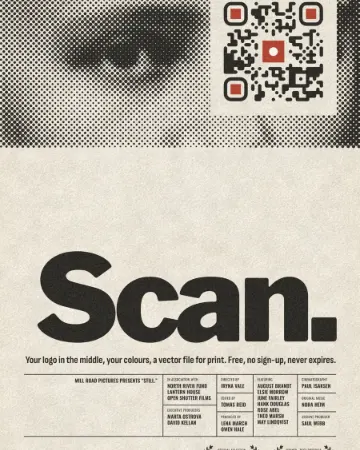 How to put a logo in a QR code (and keep it scannable)Error correction H, a logo of about a tenth of the code, a white quiet zone — and a scan check that shows you the exact moment it breaks.
- 03
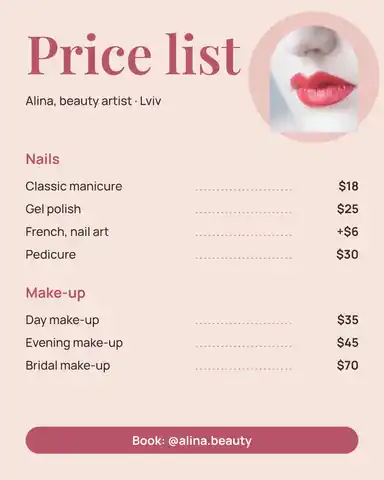 How to make a price listType your services and prices the way you would in a note — the page sets them as a finished price list for Instagram, Stories or A4.
- 04
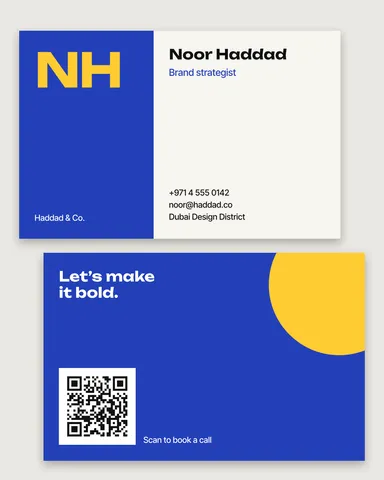 How to make a business card online, freeType your name and contacts, pick one of six designs, and the card lays itself out — front and back, with a QR code that saves your contact.
- 05
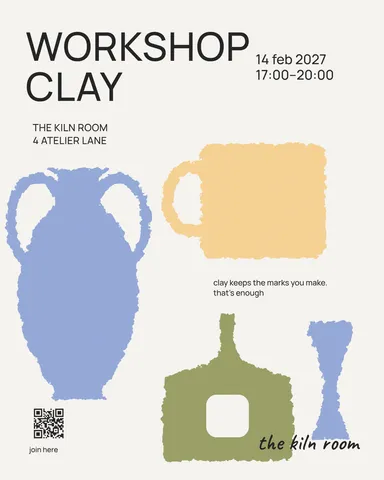 How to make a poster on your phoneOne photo, a title of a few words, a date line — the layout sets itself for an A3 print, an Instagram post or a story, on the phone in your hand.
- 08
 How to make a Black Friday banner in 2 minutesOne number people read in half a second, the dates and your shop’s name — as a post, a story and a site header from the same words.
- 09
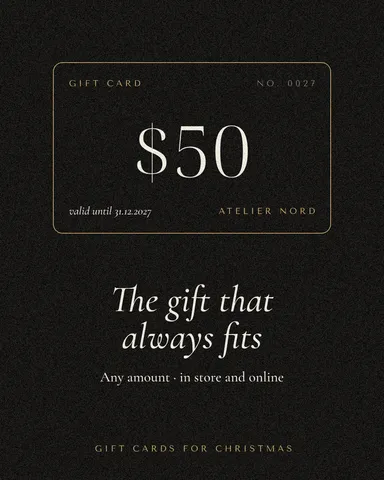 How to make a gift voucher with a unique codeEach voucher gets its own number and a code that cannot be guessed or misread — and you keep the list to check them off.