How-to3 min readFreeUpdated 2026-11-20
How to make a price list
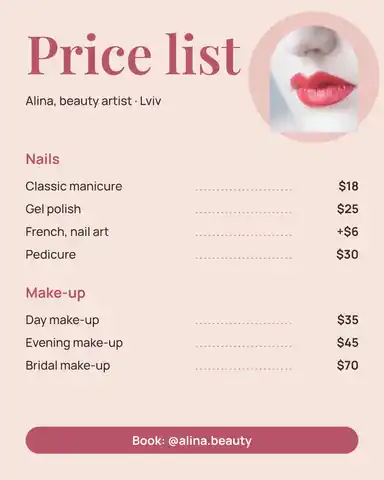
Type your services and prices the way you would in a note — the page sets them as a finished price list for Instagram, Stories or A4.
By Paletoo’s designers · every step done in Paletoo
The short answer
- 1
Write the list first, as plain text. One service a line with its price at the end — «Haircut — 35», «Manicure 25 $». Sort out names and prices before any design.
- 2
Group it into sections. 3–6 items under short headings («Hair», «Nails») read faster than one long column. Put the bestseller first in each.
- 3
Lay it out with leaders and one typeface pair. Dotted leaders tie a name to its price; a title face plus one text face keep it calm. Save a post (4:5), a story (9:16) or an A4 for print.
Below, the Paletoo bot’s own price-list engine reads whatever you type — dashes, dots, «from 30», «$12.50», sections in capitals — and lays it out.
Try it right here
Edit the list: a line without a price becomes a section, a lower-case line under an item its description. Long lists flow onto more pages.
The tool wakes up as you scroll to it…
Engine: the price-list reader and layout of the Paletoo bot (the Salon design, free, with a small Paletoo mark — as the bot sends it).
What a good price list does
It answers «how much» in two seconds and sells a little on the way. People scan a price list, they do not read it: they look for the service, then slide right to the price. So every row needs one clear name, one price on the same line, and a quiet link between them — dotted leaders, a hairline, or simply a fixed column.
Sections do the rest. «Hair, Nails, Brows» or «Coffee, Tea, Pastries» let a reader skip to their part; within a section, put the most-booked or the most profitable item first, where the eye lands. Keep descriptions to one short line under the name — what is included, how long it takes — and leave the extras to a conversation.
Sizes for Instagram, Stories and print
Make the list once and save it in each place it will be seen. A post is read in the feed, a story is held for a few seconds, A4 sits on a counter or a wall.
| Where | Size | Fits |
|---|---|---|
| Instagram post | 1080 × 1350 px (4:5) | 10–14 items |
| Instagram / Facebook story | 1080 × 1920 px (9:16) | 12–16 items, keep the top and bottom 250 px clear |
| A4 print | 210 × 297 mm (2480 × 3508 px at 300 dpi) | 20–30 items |
| A5 card on a table | 148 × 210 mm | 10–15 items |
Prices that read clearly
Use one currency mark, in one place — after the number (35 $) or before it ($35), never both. Drop «.00»; keep cents only where they exist (2.50). «From 60» is honest for services that depend on length or time. Line prices up on the right so they form a column, and set them a weight heavier than the names — that column is what people actually read.
Made in Paletoo
Real designs from Paletoo’s templates and tools — open any of them and change it.
Open this in Paletoo
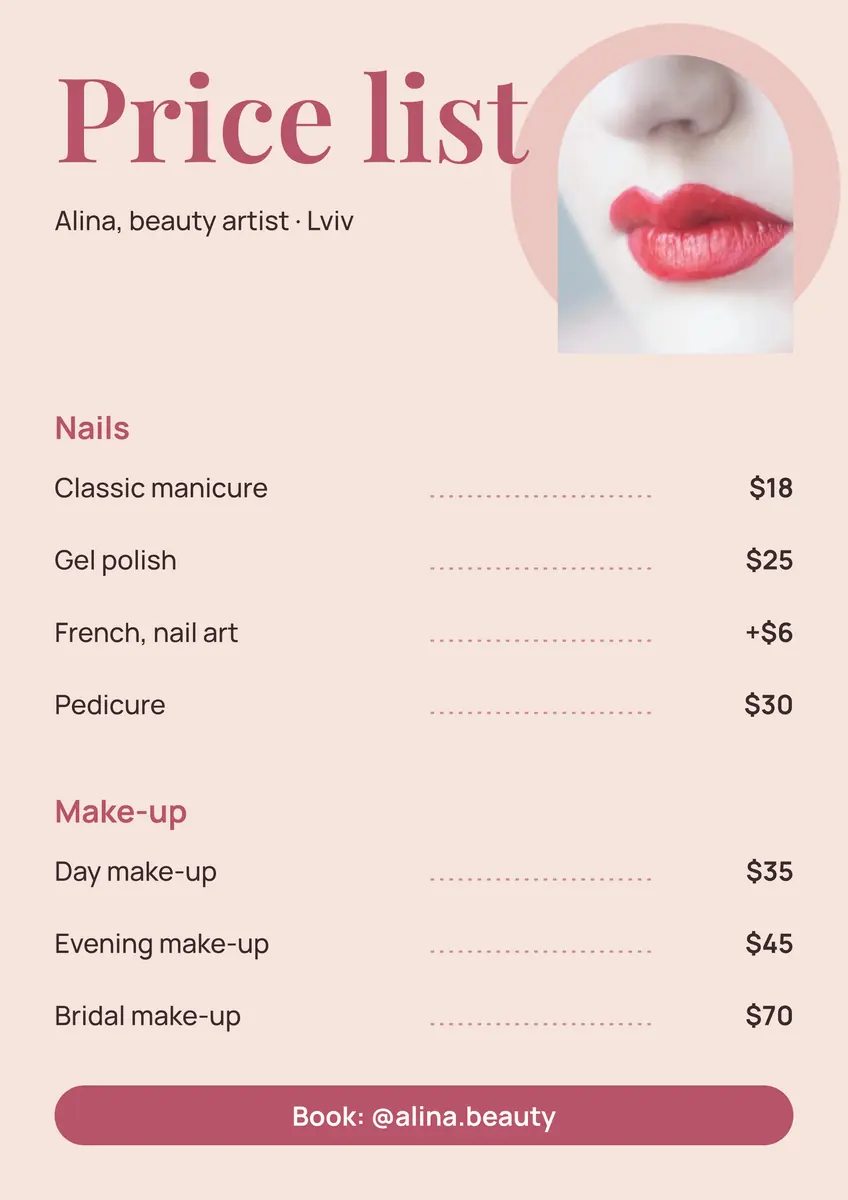
This opens the salon price list template with live text: double-click any service or price to change it, duplicate a row for a new one, and export a post, a story or a print PDF.
Open the price list templateFree, no sign-up. Everything stays editable.
Questions
How do I make a price list for free?
Write your services and prices as a list, group them into sections and lay them out with dotted leaders. The tool on this page does the layout for free; Paletoo’s templates add more designs.
What should a price list include?
Your business name, sections, each service with its price on the same line, a short description where it helps, and how to book (a phone, a link or a QR code).
What size should a price list be for Instagram?
1080 × 1350 px (4:5) for a post and 1080 × 1920 px (9:16) for a story.
How do I make a price list with pictures?
Open a price list template in Paletoo and drop your photos into its picture frames — they crop to fit. Keep one photo per section at most, so the prices stay readable.
Can I make a price list in Ukrainian or Polish?
Yes. The reader understands «від 500», «грн», «od 30 zł» and «12,50», and the faces have Cyrillic and Polish letters.
Keep going
- Make a price list onlineNails, brows, hair, a barber or a café: pick a price list, type your services and prices, and print it for the wall or post it as a story — free, no sign-up, no watermark.
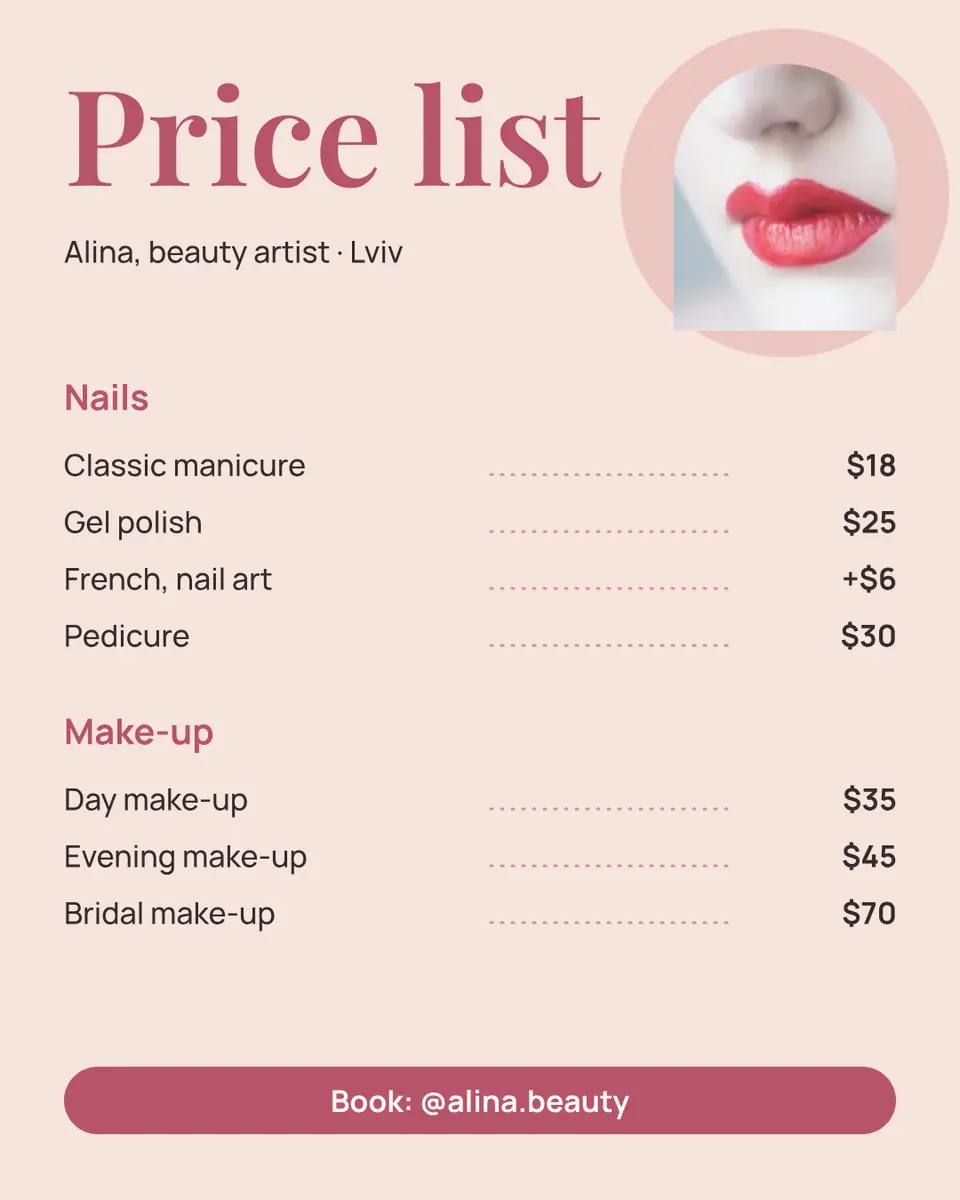
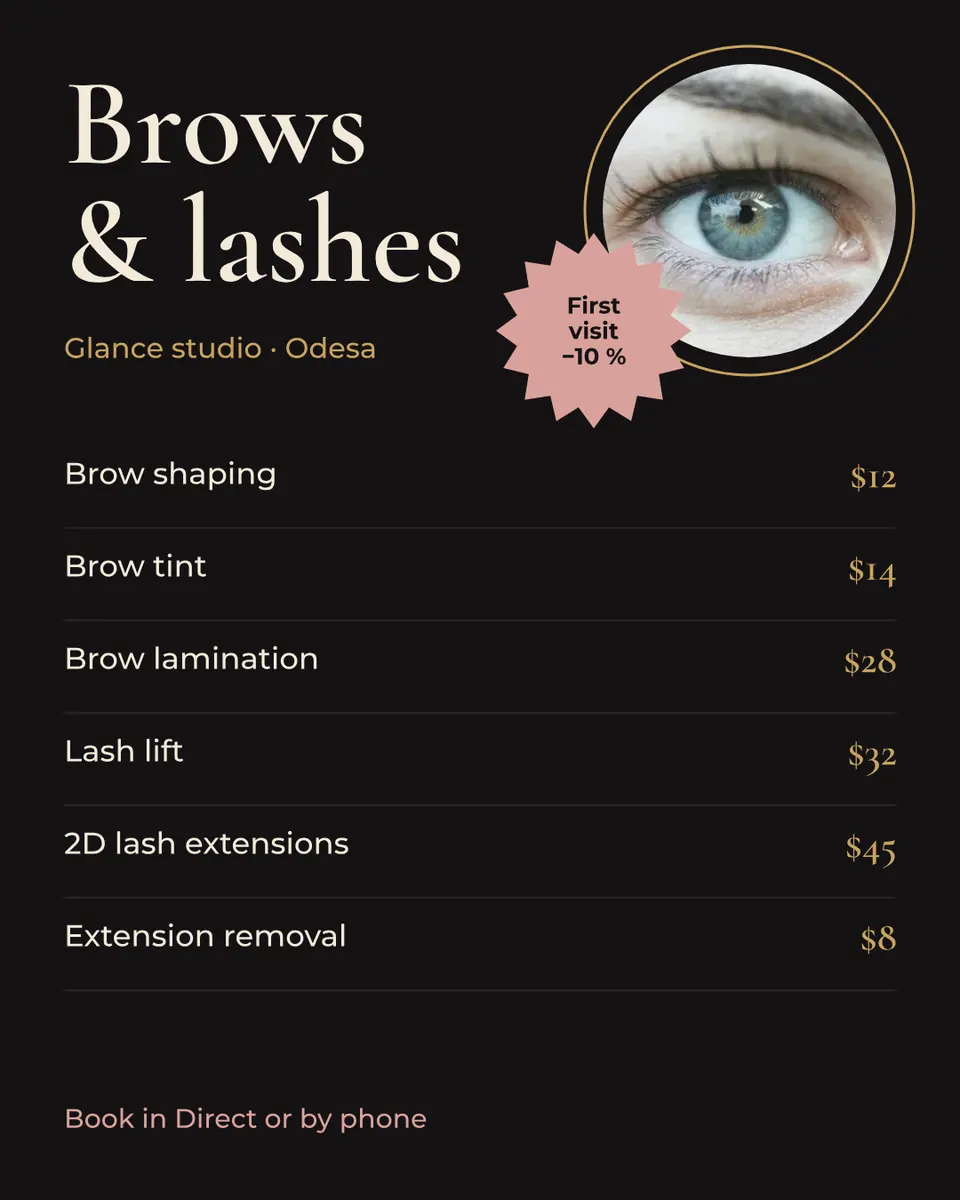
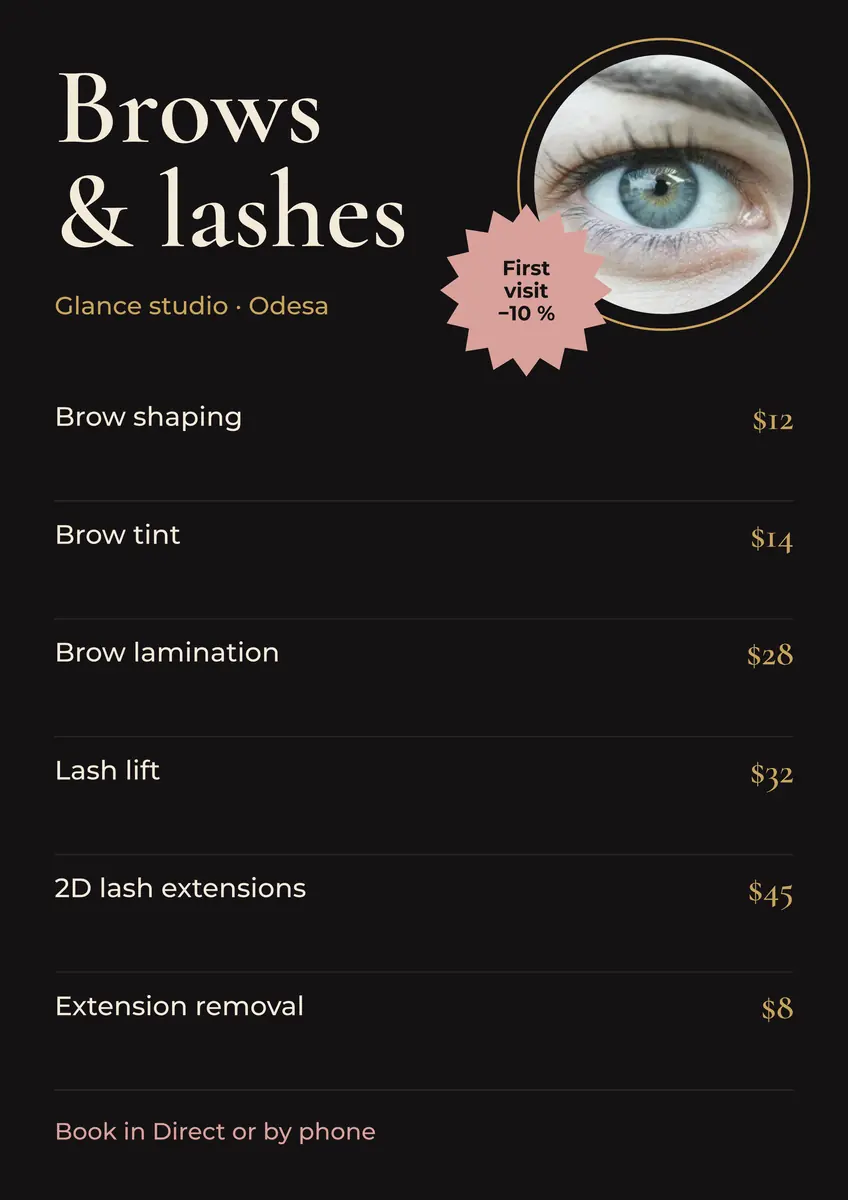
- Price list templatesThe salon price list with live text, its A4 twin and the brows & lashes list.
- Price list design: a free template for salons, cafés and shopsA price list people read in ten seconds: groups, dot leaders, prices in one column and a way to book — as an A4 to print and a post to share.
- Price list template: make a salon or nail price list online, freeA nail, brow or beauty price list that reads at a glance — on the wall as A4 and in Instagram as a post, from one template.
- Café menu template: make a menu for a coffee shop online, freeA short menu with prices that reads from the queue — for the counter, the window and Instagram, from one template.
More how-tos you can try on the page
- 01
 How to make a sticker from a photoCut the subject out, give it a white die-cut border and a caption, save it at 512 px — try the border and the caption right on this page.
- 02
 How to remove a white background from an imageMake the white transparent without a white fringe, keep the white that belongs to the logo, save a PNG — try it on a real logo right here.
- 03
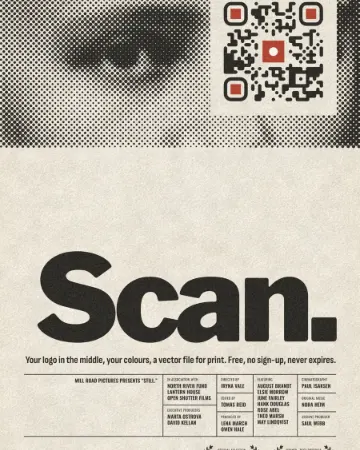 How to put a logo in a QR code (and keep it scannable)Error correction H, a logo of about a tenth of the code, a white quiet zone — and a scan check that shows you the exact moment it breaks.
- 04
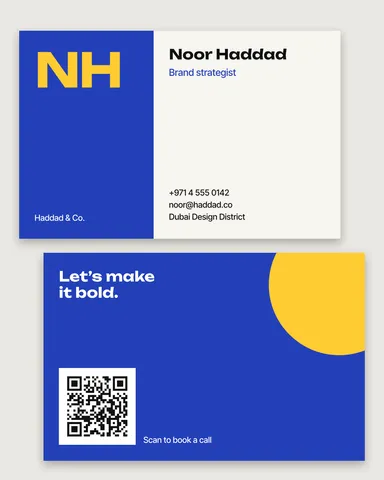 How to make a business card online, freeType your name and contacts, pick one of six designs, and the card lays itself out — front and back, with a QR code that saves your contact.
- 05
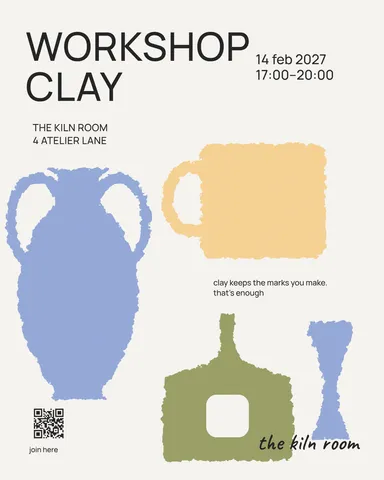 How to make a poster on your phoneOne photo, a title of a few words, a date line — the layout sets itself for an A3 print, an Instagram post or a story, on the phone in your hand.
- 08
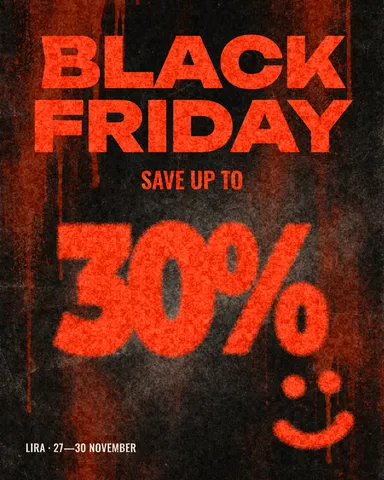 How to make a Black Friday banner in 2 minutesOne number people read in half a second, the dates and your shop’s name — as a post, a story and a site header from the same words.
- 09
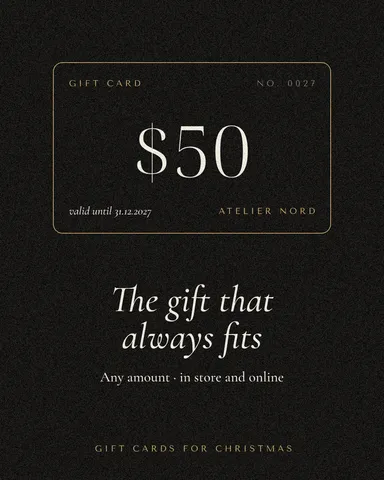 How to make a gift voucher with a unique codeEach voucher gets its own number and a code that cannot be guessed or misread — and you keep the list to check them off.