How-to3 min readFreeUpdated 2026-11-21
How to make a poster on your phone
One photo, a title of a few words, a date line — the layout sets itself for an A3 print, an Instagram post or a story, on the phone in your hand.
By Paletoo’s designers · every step done in Paletoo
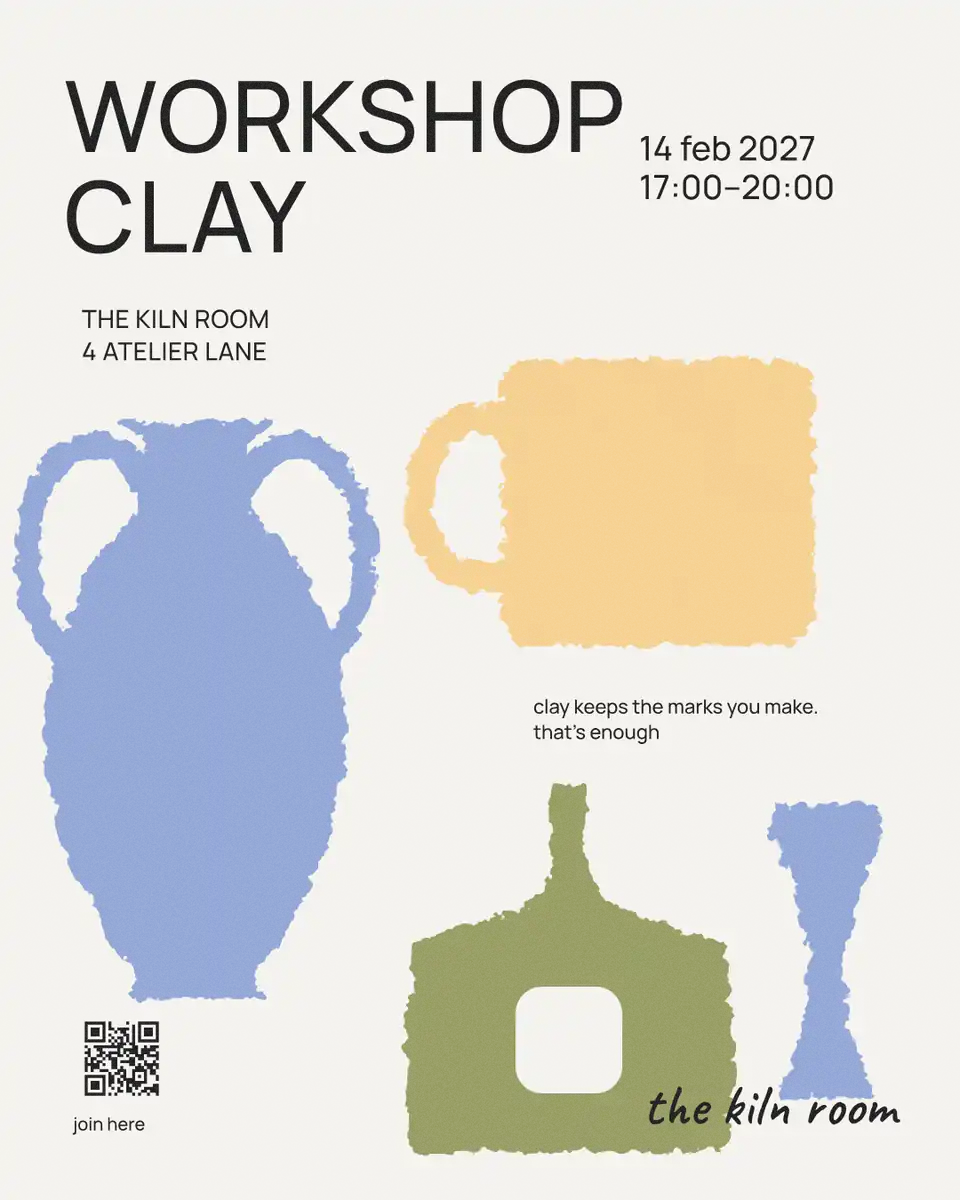
The short answer
- 1
Start with one strong photo. One subject, plenty of contrast, taken in daylight. A phone photo is enough for A3.
- 2
Write a title of one to four words and one date line. What, when, where — nothing else on the first look. Make the title as big as the width allows.
- 3
Pick the size before you start. A3 or A4 for print, 1080 × 1350 for an Instagram post, 1080 × 1920 for a story — and download a file at that size.
Below is the poster maker’s own layout: type a title and a date, switch between A3, a post and a story, and see where things go. Its looks are the editor’s effects; here you see their colours.
Try it right here
The title gets smaller and wraps as it grows; in a story the words stay clear of Instagram’s bars.
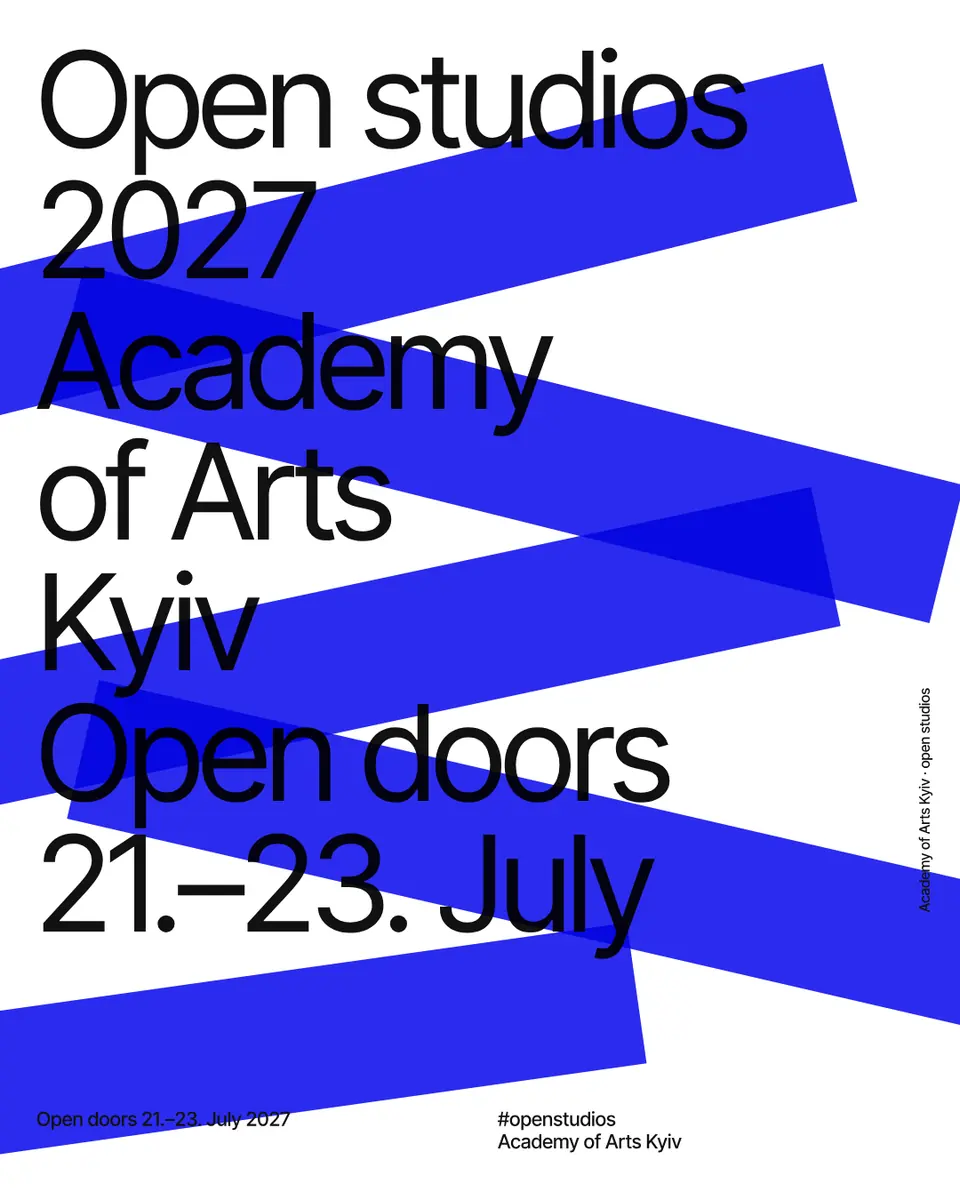
The tool wakes up as you scroll to it…
Engine: the Paletoo poster maker’s layout (the photo’s frame, the title’s size and lines, the date line per format) in the paper and inks of its looks.
Why one photo and four words
A poster is read from three metres away in two seconds, and a phone screen in the feed is read the same way. That leaves room for one picture and one line big enough to see from there. Everything else — the address, the price, the small print — goes in a quiet date line at the bottom, or on a QR code.
So pick the photo for its shape, not its detail: a face, an animal, an object against a plain background. Crop close. Then write the title as if it were a headline: «Lost dog», «Open day», «Sale −30 %». If it needs a fifth word, it needs a second poster.
Poster sizes, in pixels
Choose the size first: changing it later reflows everything.
| Use | Size | Pixels |
|---|---|---|
| A3 print | 297 × 420 mm | 1754 × 2480 at 150 dpi · 3508 × 4961 at 300 |
| A4 print | 210 × 297 mm | 2480 × 3508 at 300 dpi |
| Instagram post | 4:5 | 1080 × 1350 |
| Instagram / TikTok story | 9:16 | 1080 × 1920 |
Doing it with your thumbs
Phone editors fail on precision: dragging a title by a millimetre is hard. Lean on layouts that place things for you (the poster maker does), on big type, and on undo. Zoom out often — what reads at the size of your screen will read on a wall. When you are done, download the PNG for sharing and the PDF for the print shop; most will print A3 from a phone in an hour.
Made in Paletoo
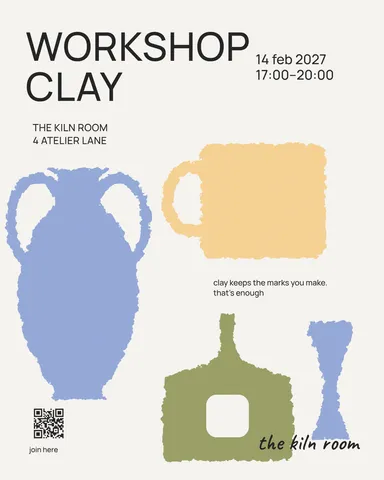
Real designs from Paletoo’s templates and tools — open any of them and change it.
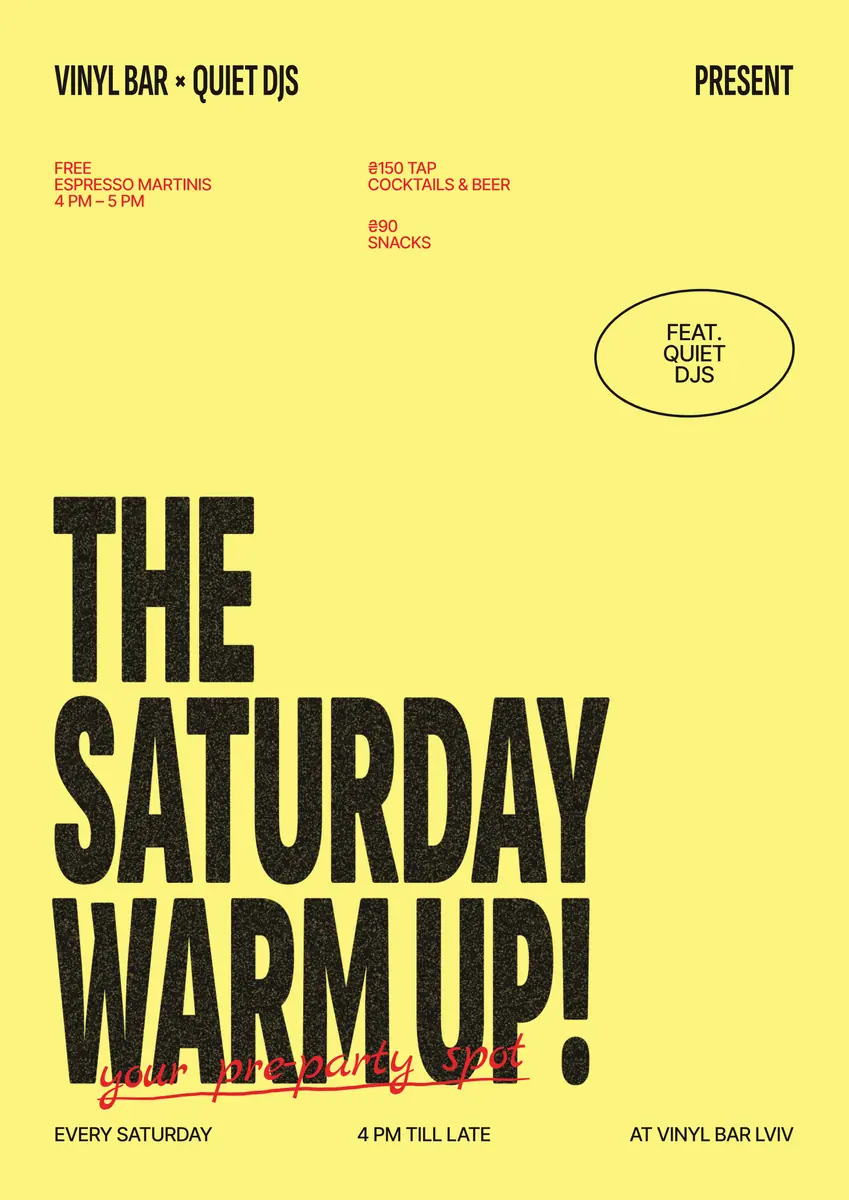
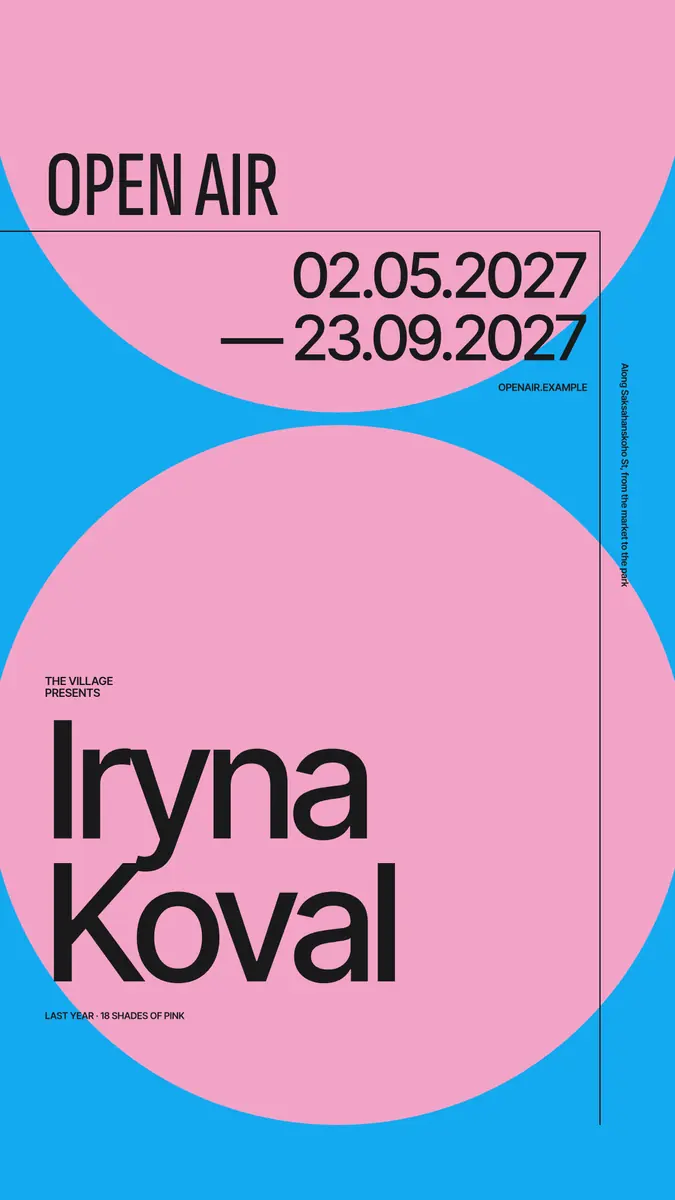
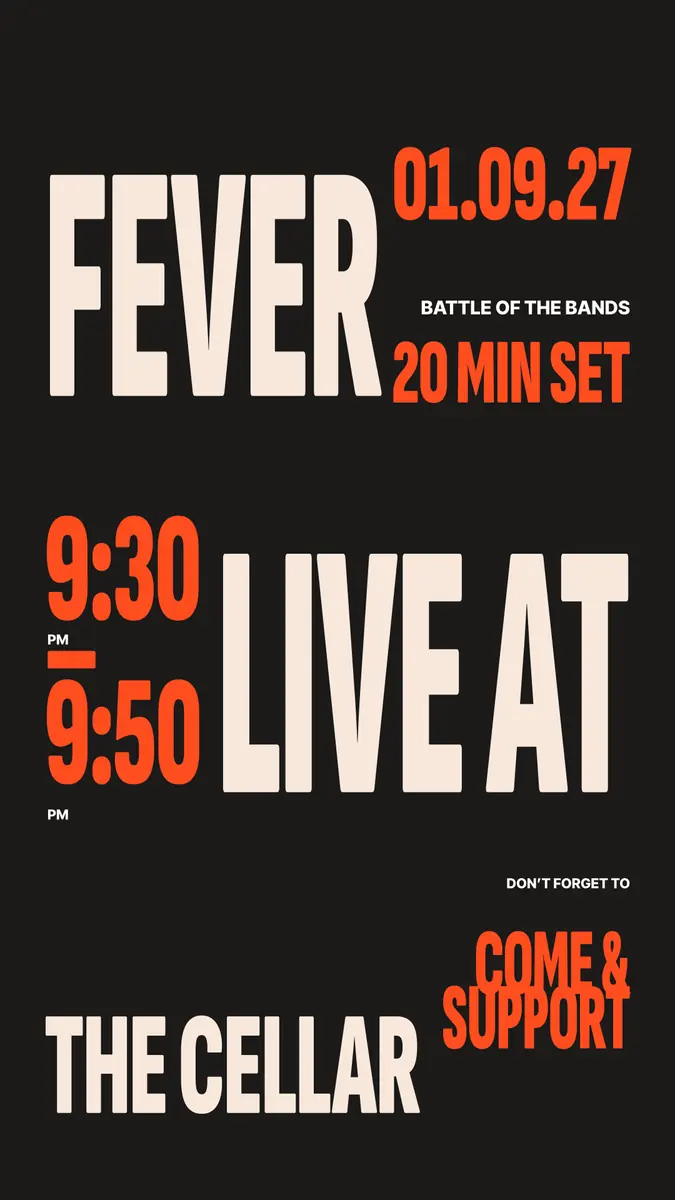
Open this in Paletoo
The poster maker opens on your phone: choose a photo, one of eight looks (engraving, risograph, halftone, neon…), type the title and the date, and save an A3 PNG and PDF, a post or a story — or carry on in the full editor.
Open the poster makerFree, no sign-up. Everything stays editable.
Questions
How do I make a poster on my phone for free?
Open Paletoo’s poster maker in the phone’s browser, choose a photo and a look, type a title and a date, and download an A3 PNG or PDF. Free, no app to install.
What size should a poster be?
A3 (297 × 420 mm) or A4 for print; 1080 × 1350 px for an Instagram post and 1080 × 1920 px for a story.
Is a phone photo good enough for a printed poster?
Yes for A3 and A4: a 12-megapixel photo is about 4000 × 3000 px, more than the 1754 × 2480 px an A3 needs at 150 dpi.
How many words should a poster have?
A title of one to four words and one short line for the date and place. Put the rest behind a QR code.
Keep going
- Poster makerMake a poster from a template that already has the layout right, then export a print-ready PDF or an image for screens.
- Your first poster in 10 minutes: a timed exercise for beginnersSet a timer. Ten minutes, six small decisions, one finished poster.
- Poster sizes: A4 to A0, 18 × 24, 24 × 36 and pixels for printEvery common poster size in one table — millimetres, inches and the pixels to export — and a poster that switches size in one menu.
- Poster design tips: 9 tricks that make a poster look designedNine habits that separate a designed poster from an assembled one.
More how-tos you can try on the page
- 01
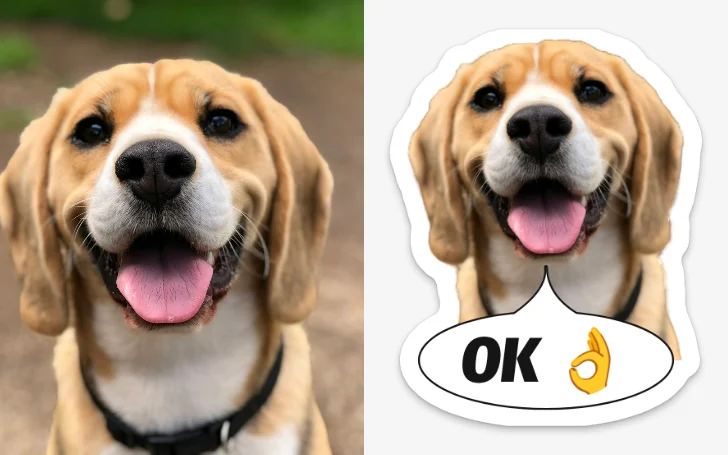
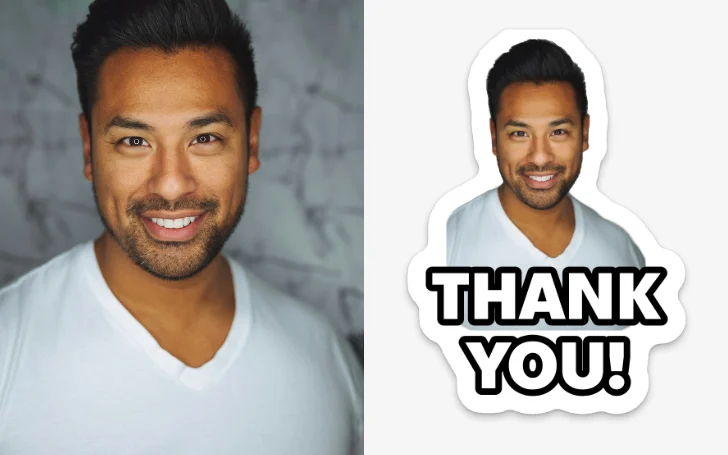 How to make a sticker from a photoCut the subject out, give it a white die-cut border and a caption, save it at 512 px — try the border and the caption right on this page.
- 02
 How to remove a white background from an imageMake the white transparent without a white fringe, keep the white that belongs to the logo, save a PNG — try it on a real logo right here.
- 03
 How to put a logo in a QR code (and keep it scannable)Error correction H, a logo of about a tenth of the code, a white quiet zone — and a scan check that shows you the exact moment it breaks.
- 04
 How to make a price listType your services and prices the way you would in a note — the page sets them as a finished price list for Instagram, Stories or A4.
- 05
 How to make a business card online, freeType your name and contacts, pick one of six designs, and the card lays itself out — front and back, with a QR code that saves your contact.
- 08
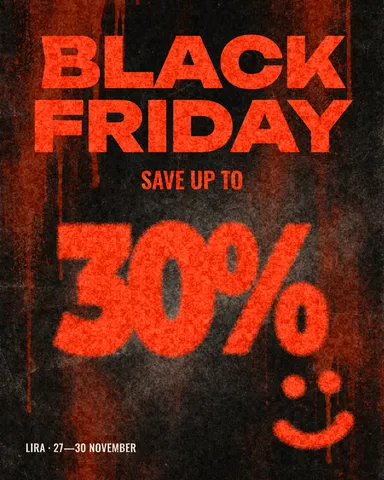 How to make a Black Friday banner in 2 minutesOne number people read in half a second, the dates and your shop’s name — as a post, a story and a site header from the same words.
- 09
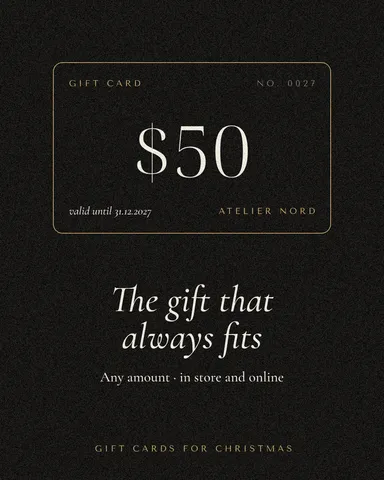 How to make a gift voucher with a unique codeEach voucher gets its own number and a code that cannot be guessed or misread — and you keep the list to check them off.