How-to3 min readFreeUpdated 2026-11-13
How to put a logo in a QR code (and keep it scannable)
Error correction H, a logo of about a tenth of the code, a white quiet zone — and a scan check that shows you the exact moment it breaks.
By Paletoo’s designers · every step done in Paletoo
The short answer
- 1
Make the code at error correction H. H can rebuild about 30 % of the code’s data — that spare capacity is what a logo uses up.
- 2
Keep the logo to about 10 % of the code’s area, in the middle. A longer link makes a bigger code with more room. Never cover the three corner squares, and leave a module of white round the logo.
- 3
Test before you print. Scan it with two phones at the size it will be printed — and keep the white quiet zone (4 modules) round the code.
The QR code below is the editor’s own encoder; the meter is its damage estimate and the tick is its reader decoding the code. Grow the logo or drop to level L and watch it break.
Try it right here
The meter shows how much of the worst block’s error correction the logo uses up; past 100 % no phone can read it.

The tool wakes up as you scroll to it…
Engine: Paletoo’s QR encoder and reader — the same ones behind the QR code element in the editor and the QR generator.
Why a QR code survives a logo at all
A QR code carries its data twice over: alongside the message it stores Reed–Solomon error correction, the same maths that lets a scratched CD play. There are four levels — L, M, Q and H — that can rebuild roughly 7, 15, 25 and 30 % of the code’s codewords. A logo over the middle is, to a scanner, damage; the code still reads as long as the damage stays inside what the level can repair.
That is why the level matters more than the logo: at L even a small badge breaks the code. And the «30 %» is of codewords, not of the picture: a logo hits every codeword it touches, so in practice H leaves room for about a tenth of the area — a little more on the bigger code of a long link. The limit is the worst-hit block; the meter in the tool above counts it the way the reader does.
| Level | Recovers | Logo, safely |
|---|---|---|
| L | ≈ 7 % | none |
| M | ≈ 15 % | ≈ 2–4 % of the area |
| Q | ≈ 25 % | ≈ 5–8 % of the area |
| H | ≈ 30 % | ≈ 8–14 % of the area |
What never to cover
The three big squares in the corners (the finder patterns) tell the phone where the code is and which way up; the dotted lines between them (timing) set the grid; the small square near the fourth corner keeps it straight on larger codes. Cover any of them and no amount of error correction helps. Keep the logo in the middle, square or round, with a module of white round it so its edge does not merge with the dots.
Contrast does the rest: dark modules on a light ground, at least 2 cm across in print (3 cm on a poster seen from a step away), and the white quiet zone round the outside — four modules wide. A coloured code works; a light-on-dark one fails on older scanners.
Made in Paletoo
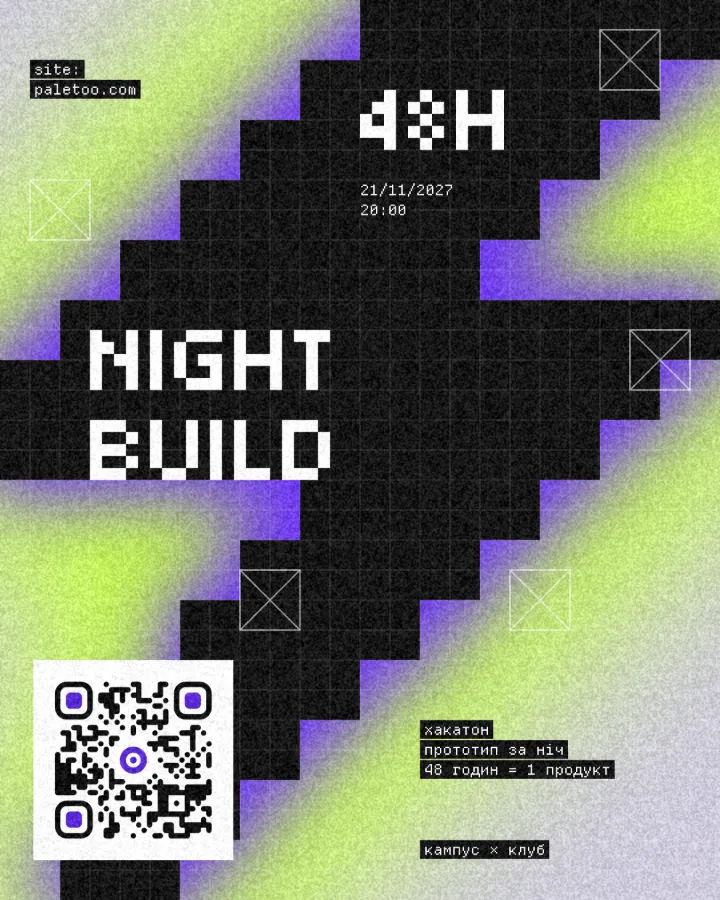
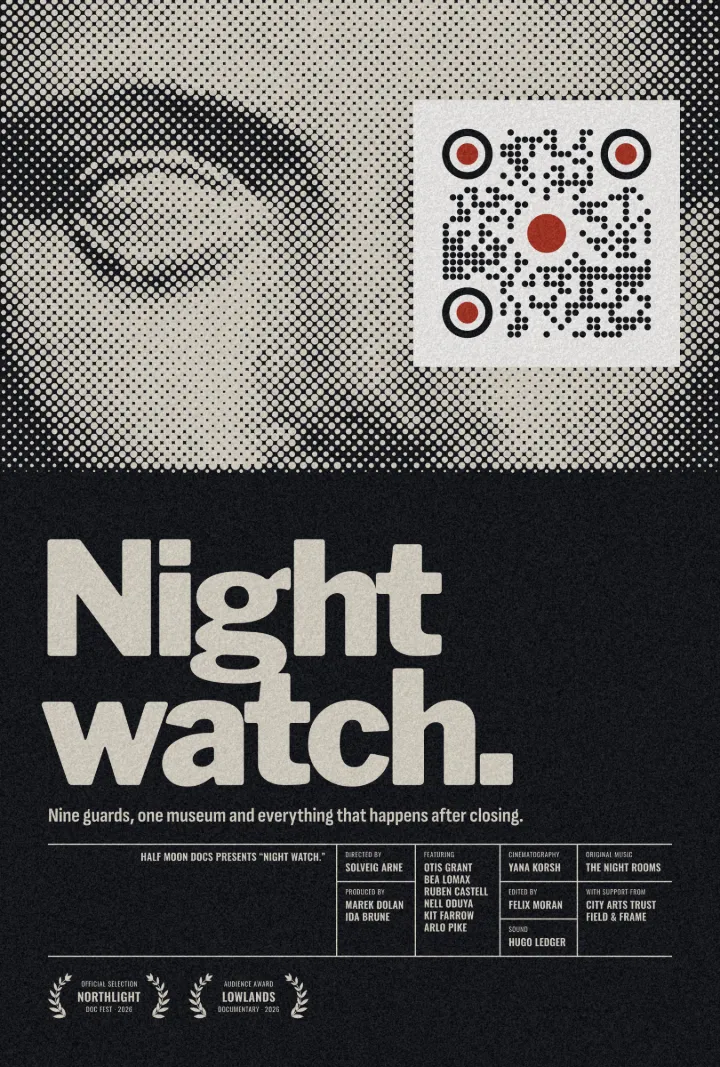
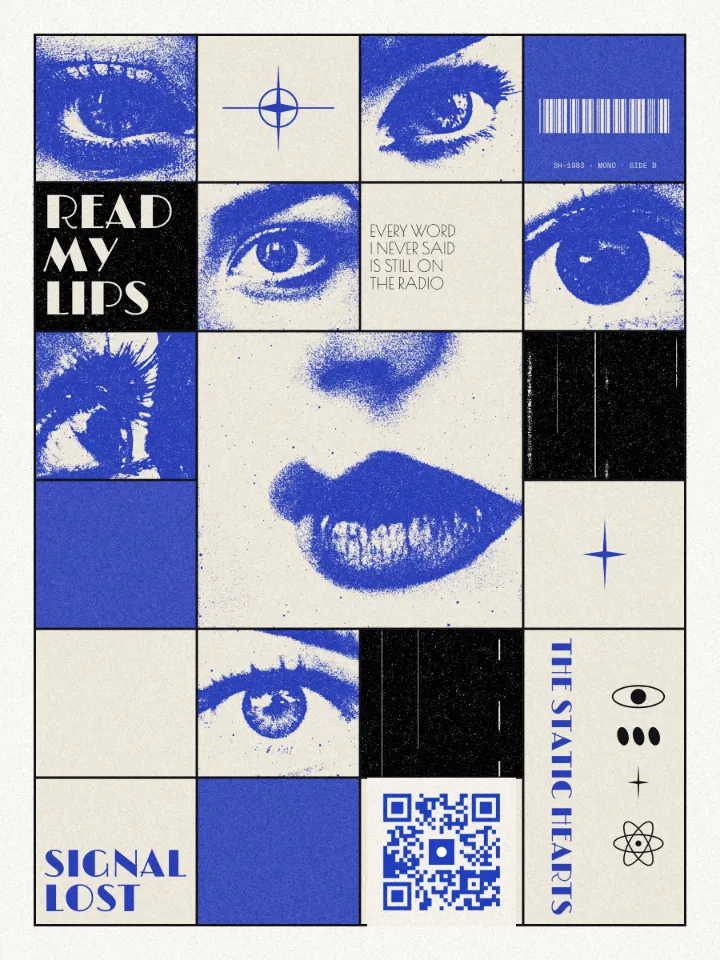
Real designs from Paletoo’s templates and tools — open any of them and change it.
Open this in Paletoo
This opens a poster with a QR code element already on it: select the code, paste your link, choose error correction H and drop your logo in its Logo slot — the editor warns you if it stops scanning.
Open in PaletooFree, no sign-up. Everything stays editable.
Questions
How big can a logo in a QR code be?
With error correction H, about 10 % of the code’s area in the middle — up to about 14 % on the bigger code of a long link. Smaller is safer; test with two phones at the printed size.
Does a logo make a QR code less reliable?
A little: it spends error correction that would otherwise mend scratches and glare. Use level H, a small logo, good contrast and a quiet zone.
Which error correction level is best for a QR code with a logo?
H (about 30 % recovery). Q works for a very small mark; L and M leave almost no room.
Can I put my logo in a QR code for free?
Yes. Paletoo’s QR generator and the tool on this page are free, with no watermark and no expiry — the code is static, so it never stops working.
Why does my QR code with a logo not scan?
The logo is too big for the error correction level, it covers a corner square, the contrast is too low or the quiet zone is missing. Fix the first one first.
Keep going
- QR code generatorMake a free QR code that never expires, right here — eight styles, a logo or emoji in the middle, PNG, SVG or PDF — and see that it scans before you print. No sign-up.
- How to make a custom QR code with a logo, freeYour logo in the middle, your colours and shapes, a code that still scans — and nothing to pay, now or later.
- QR code size for print: the «will it scan» checklistSize, quiet zone, contrast, correction and a proof: the five checks that decide whether a printed code scans.
- QR code design ideas: ten styles that still scanTen ways to make a QR code part of the design instead of a sticker on it — each one still reads at the first try.
Sources
More how-tos you can try on the page
- 01
 How to make a sticker from a photoCut the subject out, give it a white die-cut border and a caption, save it at 512 px — try the border and the caption right on this page.
- 02
 How to remove a white background from an imageMake the white transparent without a white fringe, keep the white that belongs to the logo, save a PNG — try it on a real logo right here.
- 03
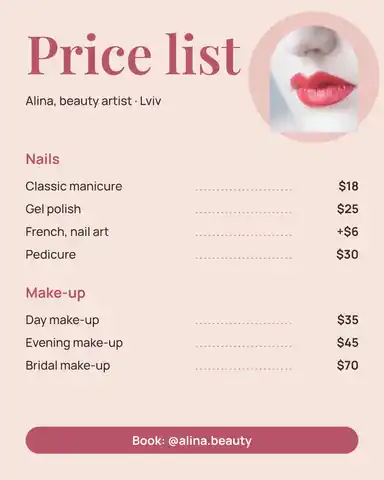 How to make a price listType your services and prices the way you would in a note — the page sets them as a finished price list for Instagram, Stories or A4.
- 04
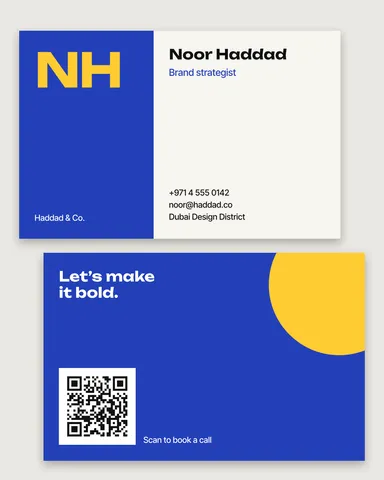 How to make a business card online, freeType your name and contacts, pick one of six designs, and the card lays itself out — front and back, with a QR code that saves your contact.
- 05
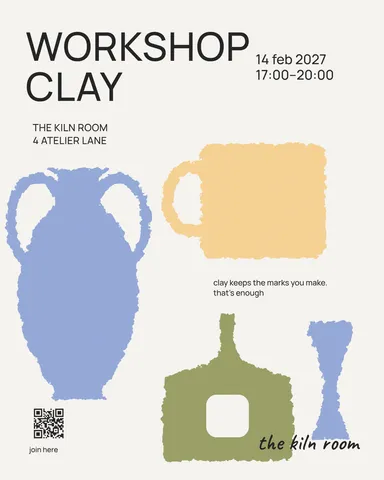 How to make a poster on your phoneOne photo, a title of a few words, a date line — the layout sets itself for an A3 print, an Instagram post or a story, on the phone in your hand.
- 08
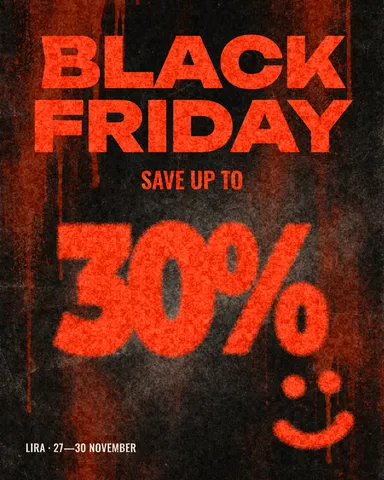 How to make a Black Friday banner in 2 minutesOne number people read in half a second, the dates and your shop’s name — as a post, a story and a site header from the same words.
- 09
 How to make a gift voucher with a unique codeEach voucher gets its own number and a code that cannot be guessed or misread — and you keep the list to check them off.