How-to3 min readFreeUpdated 2026-11-18
How to make a gift voucher with a unique code
Each voucher gets its own number and a code that cannot be guessed or misread — and you keep the list to check them off.
By Paletoo’s designers · every step done in Paletoo
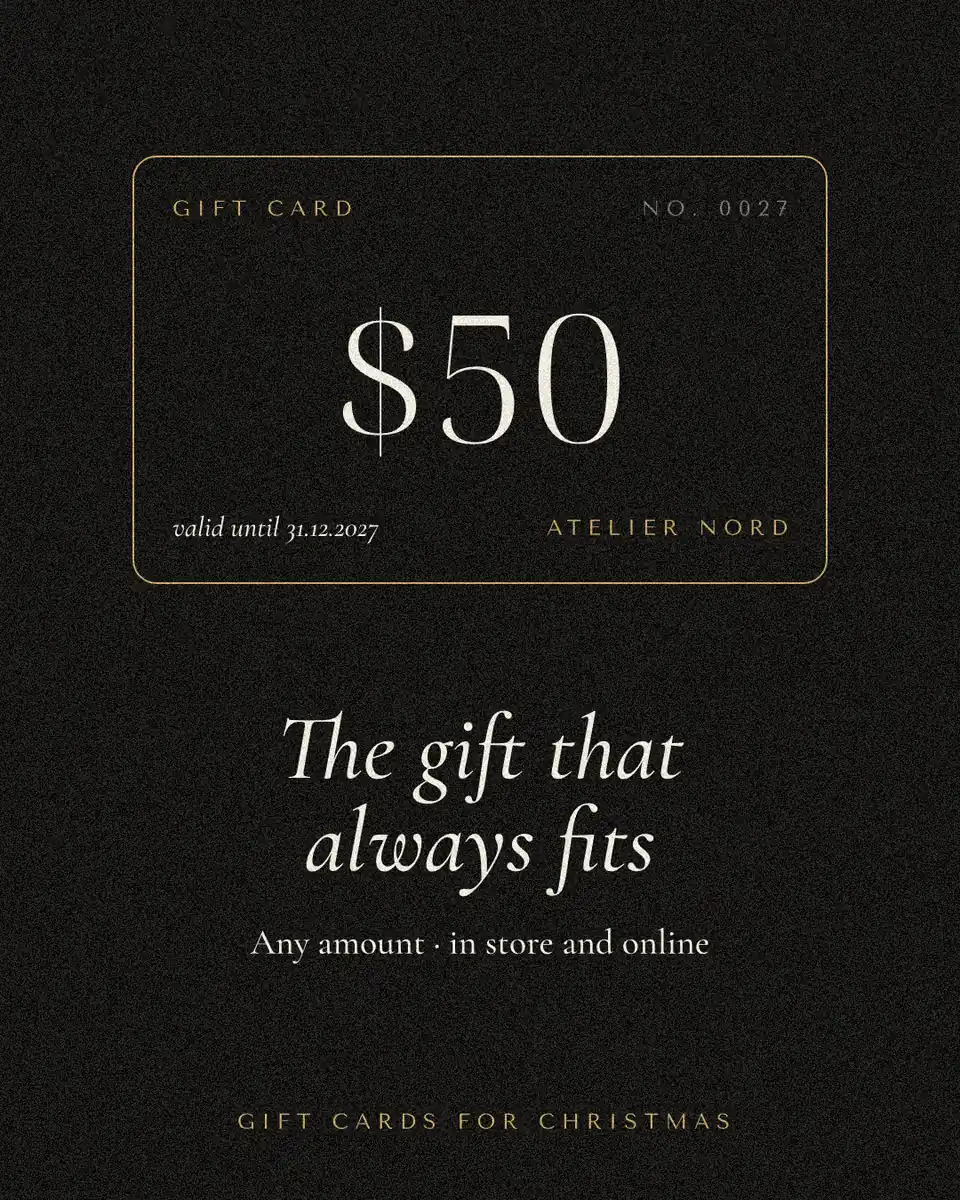
The short answer
- 1
Give every voucher its own code. A random code (not 0001, 0002…) means nobody can make a fake by changing one digit.
- 2
Use letters that cannot be misread. No 0/O, no 1/I/L, and a check letter at the end, so a code read out over the phone is right the first time.
- 3
Keep the list, print the sheet. Copy the codes into your spreadsheet before you print, and cross each one off when it is spent.
The block below makes the codes in your browser with its secure random generator — nothing is sent anywhere — and lays out one voucher or a sheet of up to twelve. The codes appear under the picture, ready to copy.
Try it right here
Set the amount, the shop and how many vouchers you need. «New codes» draws a fresh set; select the line of codes under the picture to copy it.
The tool wakes up as you scroll to it…
Drawn on the page with Canvas 2D; the codes come from the browser’s crypto.getRandomValues, 31 unambiguous characters, eight random and one check letter.
Why a code, and what kind
A voucher is money on paper, so the code is its lock. Sequential numbers are easy to copy; a random code of eight characters from 31 has about 850 billion combinations, so guessing one is hopeless. The number on the corner (No 0001) stays for you: it tells you which voucher went to whom.
The check letter at the end is computed from the other eight. If a customer reads «7K2P-QD4M-X» and one letter is wrong, the check usually fails — you notice at the till, not at the end of the month.
Printing and keeping track
A voucher 2:1 fits two across an A4 sheet; print on 250–300 gsm card and cut. Before you hand any out, paste the codes into a sheet with three columns — code, amount, spent on — and keep it where the till is.
| Use | Size | Per A4 |
|---|---|---|
| Printed voucher | 180 × 90 mm (2:1) | 2 × 3 = 6 |
| Small voucher in an envelope | 160 × 80 mm | 2 × 4 = 8 |
| Sent as a picture | 1200 × 600 px | — |
Made in Paletoo
Real designs from Paletoo’s templates and tools — open any of them and change it.
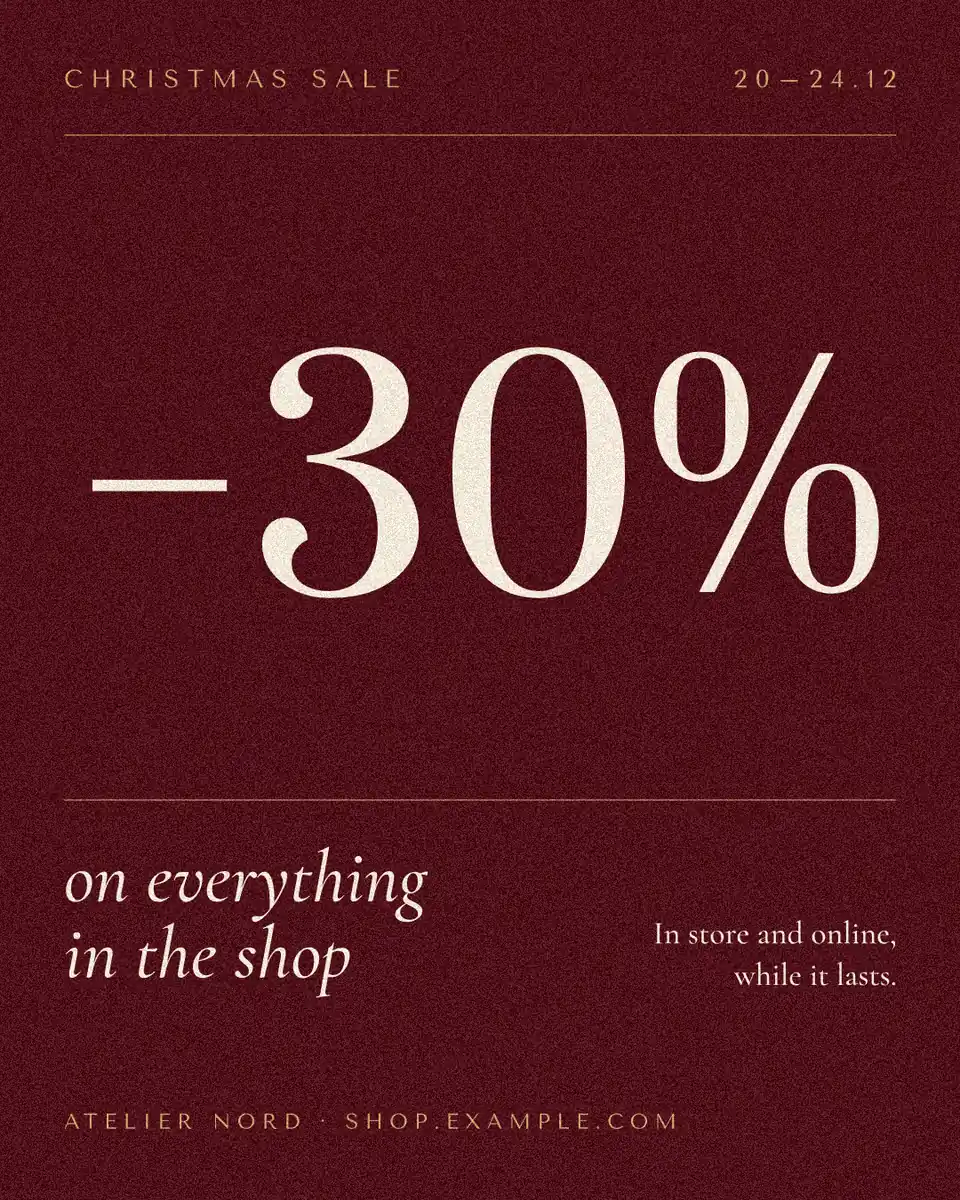
Open this in Paletoo
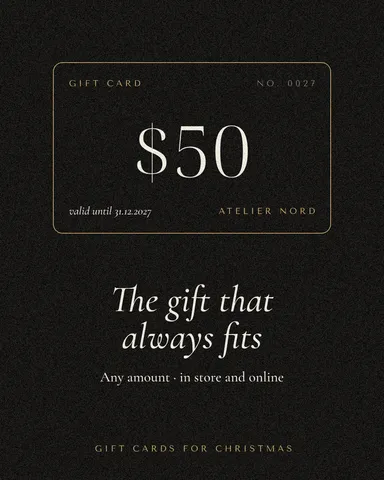
«Open in Paletoo» opens «Gift card» in the editor. Double-click the amount and the shop to change them; to print a numbered set, duplicate the frame and type each code from your list. Export a PDF to print.
Open the gift card templateFree, no sign-up. Everything stays editable.
Questions
How do I make gift vouchers with unique codes?
Generate a random code for each voucher, print it on the voucher and keep the list. The block on this page does both and never sends the codes anywhere.
How long should a gift voucher code be?
Eight random characters plus a check letter is plenty for a shop: about 850 billion combinations, short enough to read out.
Which characters should a voucher code avoid?
0 and O, 1, I and L — they are misread. The codes here use 2–9 and the other letters.
Can I add a QR code to a gift voucher?
Yes — put the code into Paletoo’s QR code generator and place it on the voucher; a scan then shows the code at the till.
Keep going
- QR code generatorMake a free QR code that never expires, right here — eight styles, a logo or emoji in the middle, PNG, SVG or PDF — and see that it scans before you print. No sign-up.
- How to make a Black Friday poster for free: 8 designs that sellOne number people read from across the street, the dates and your shop’s name — as a post, a story and a print poster from one file.
- Print-ready PDF: bleed, crop marks and CMYK, freeEverything a printer means by “print-ready”, and a checklist before you send the file.
More how-tos you can try on the page
- 01
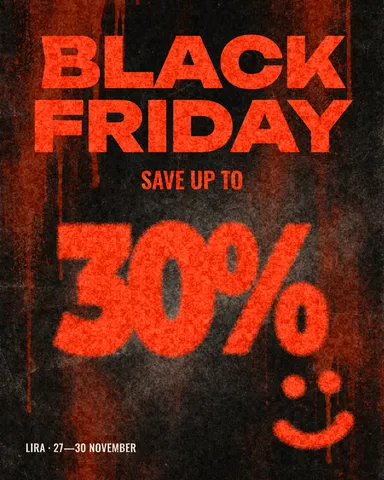 How to make a Black Friday banner in 2 minutesOne number people read in half a second, the dates and your shop’s name — as a post, a story and a site header from the same words.
- 06
 How to make a sticker from a photoCut the subject out, give it a white die-cut border and a caption, save it at 512 px — try the border and the caption right on this page.
- 07
 How to remove a white background from an imageMake the white transparent without a white fringe, keep the white that belongs to the logo, save a PNG — try it on a real logo right here.
- 08
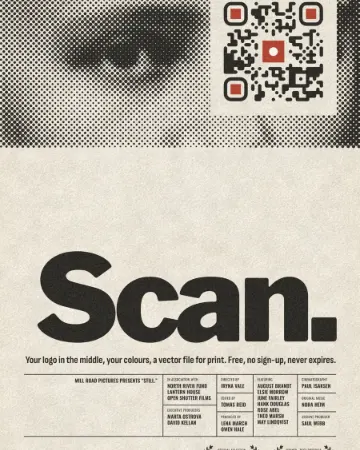 How to put a logo in a QR code (and keep it scannable)Error correction H, a logo of about a tenth of the code, a white quiet zone — and a scan check that shows you the exact moment it breaks.
- 09
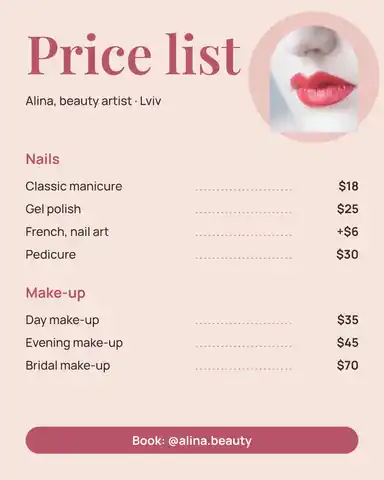 How to make a price listType your services and prices the way you would in a note — the page sets them as a finished price list for Instagram, Stories or A4.
- 10
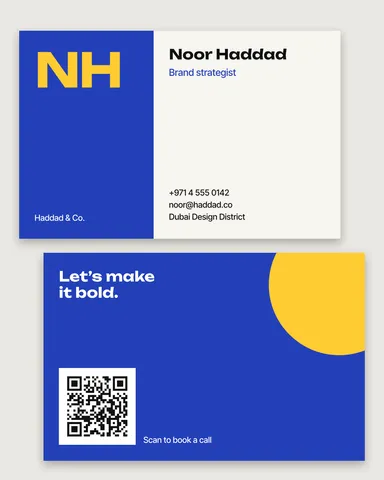 How to make a business card online, freeType your name and contacts, pick one of six designs, and the card lays itself out — front and back, with a QR code that saves your contact.
- 11
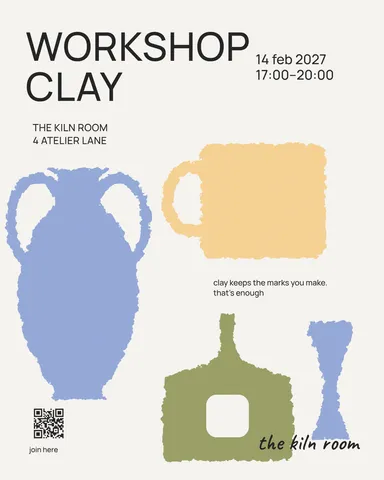 How to make a poster on your phoneOne photo, a title of a few words, a date line — the layout sets itself for an A3 print, an Instagram post or a story, on the phone in your hand.