Product photo maker
Updated
Drop a product photo: the background is removed on your device, the product lands on white at the marketplace’s size, with a soft shadow, ready as a JPG.
Drop a product photo
The background is removed on your device: the photo is not uploaded. Then it lies on white in the marketplace’s frame, with a soft shadow under it.
Open in the editor, 2000 × 2000
Open a white 2000 × 2000 sheet
Free, with no sign-up and no watermark. The sizes come from each marketplace’s own help pages.
More for your shop
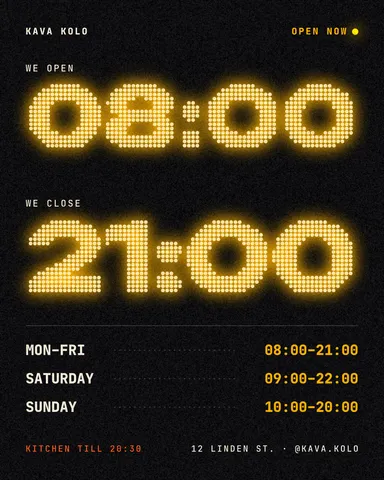
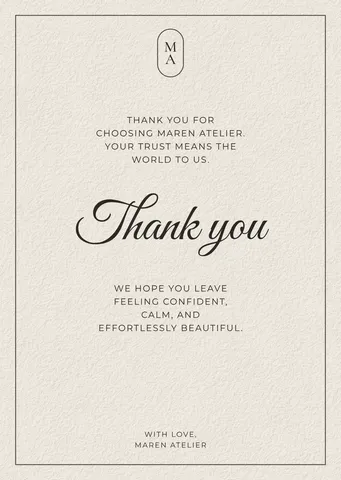
Templates sellers use beside the product photo: a thank-you card for the parcel, a price list, opening hours, a gift voucher.

How it works
-
Drop your product photo
Choose a photo or drop it on the page. The background is removed right here, by the same model the editor uses, on your own computer or phone: the photo is not uploaded. The first time, the model downloads once.
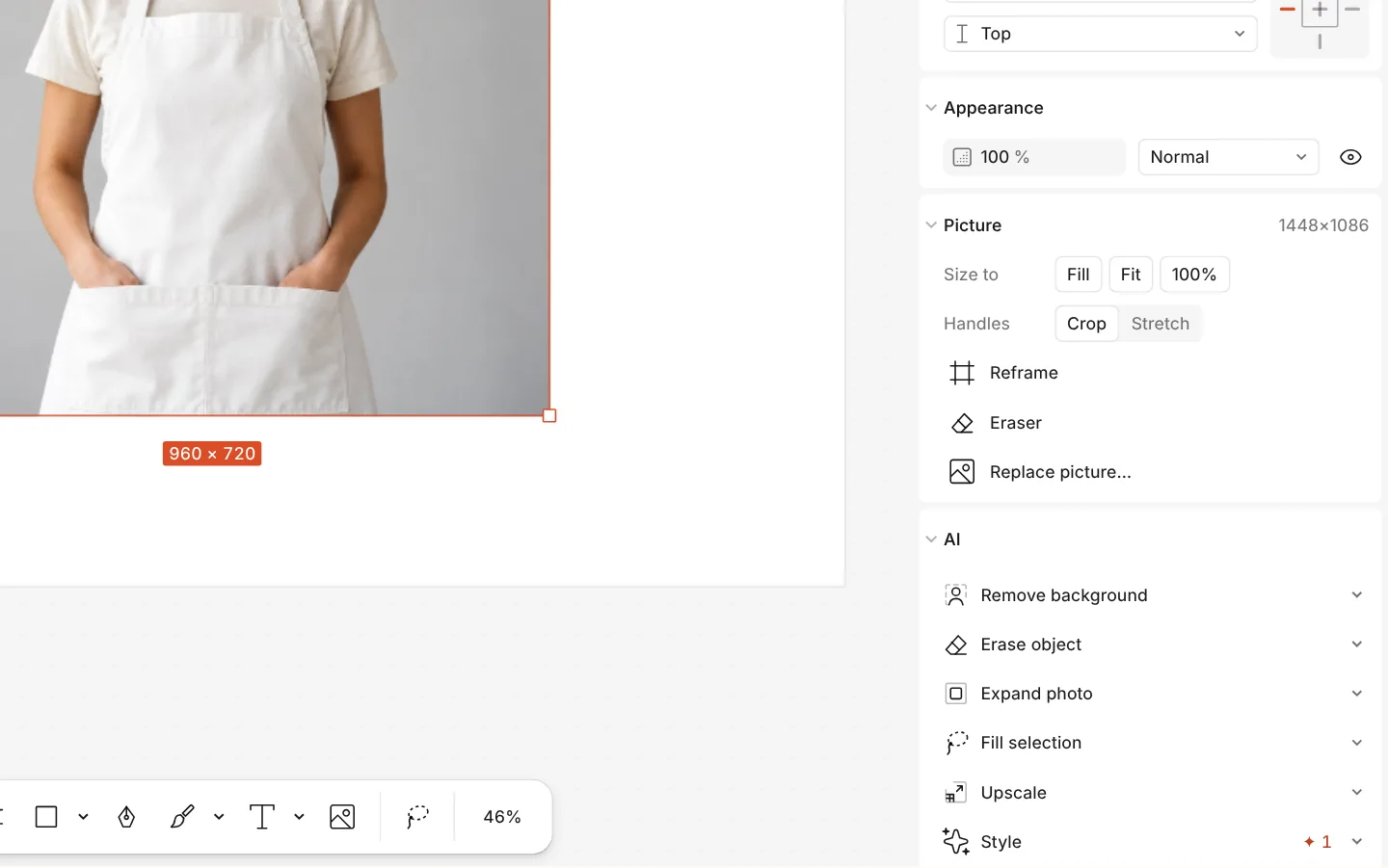
The AI section of a photo with Remove background -
Pick the marketplace
Etsy, Shopify, Amazon, Prom.ua, Rozetka or OLX. The editor opens your product on a white artboard of that size, centred inside a safe margin, with a Ground shadow under it — an ordinary effect you can tune or remove.
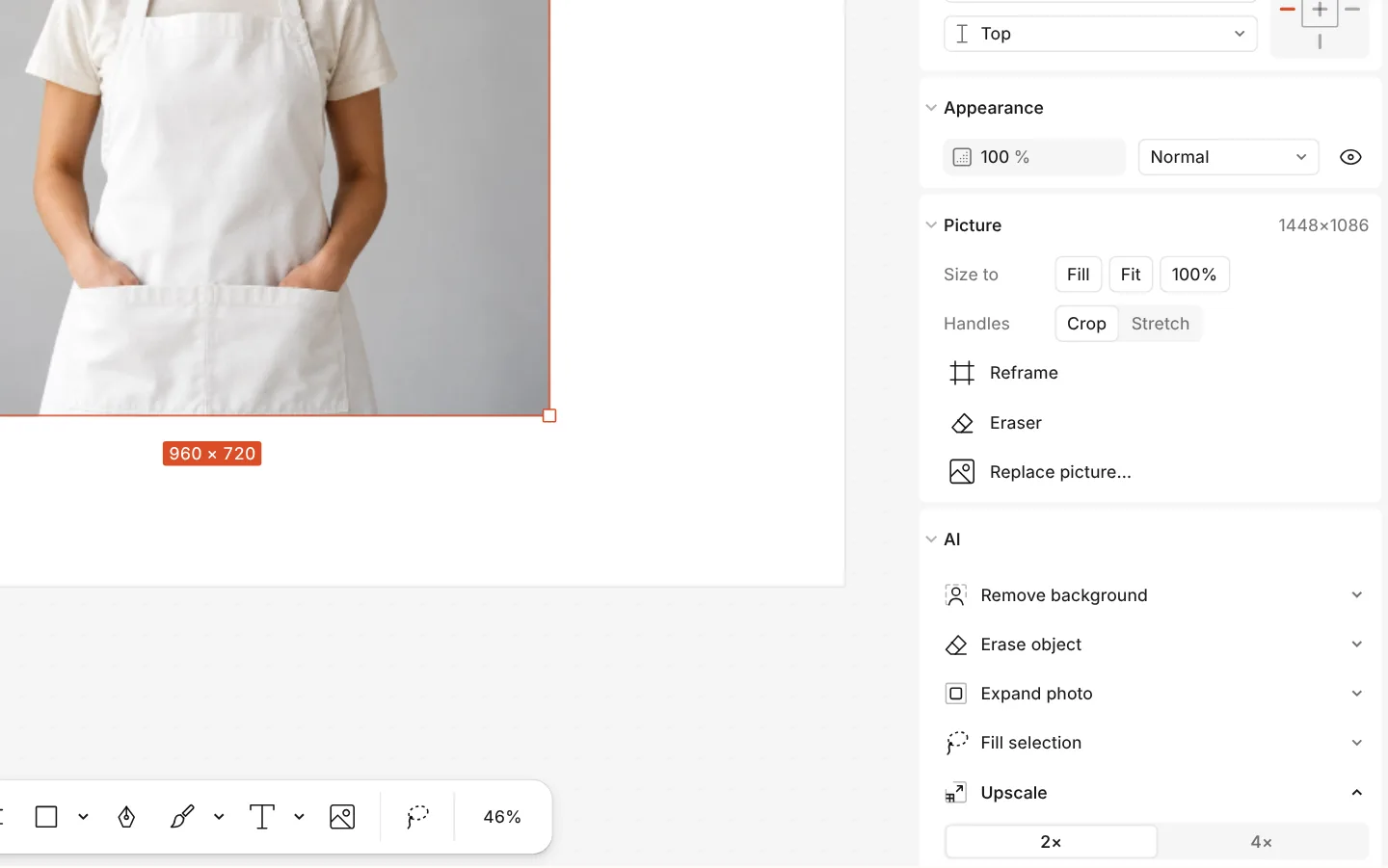
The AI section of a photo with Upscale and Erase object -
Download the JPG
The card «Ready? Download the JPG» offers the file at once: press Download. Any time later, Export (Ctrl Shift E) makes a JPG or PNG of the same artboard.
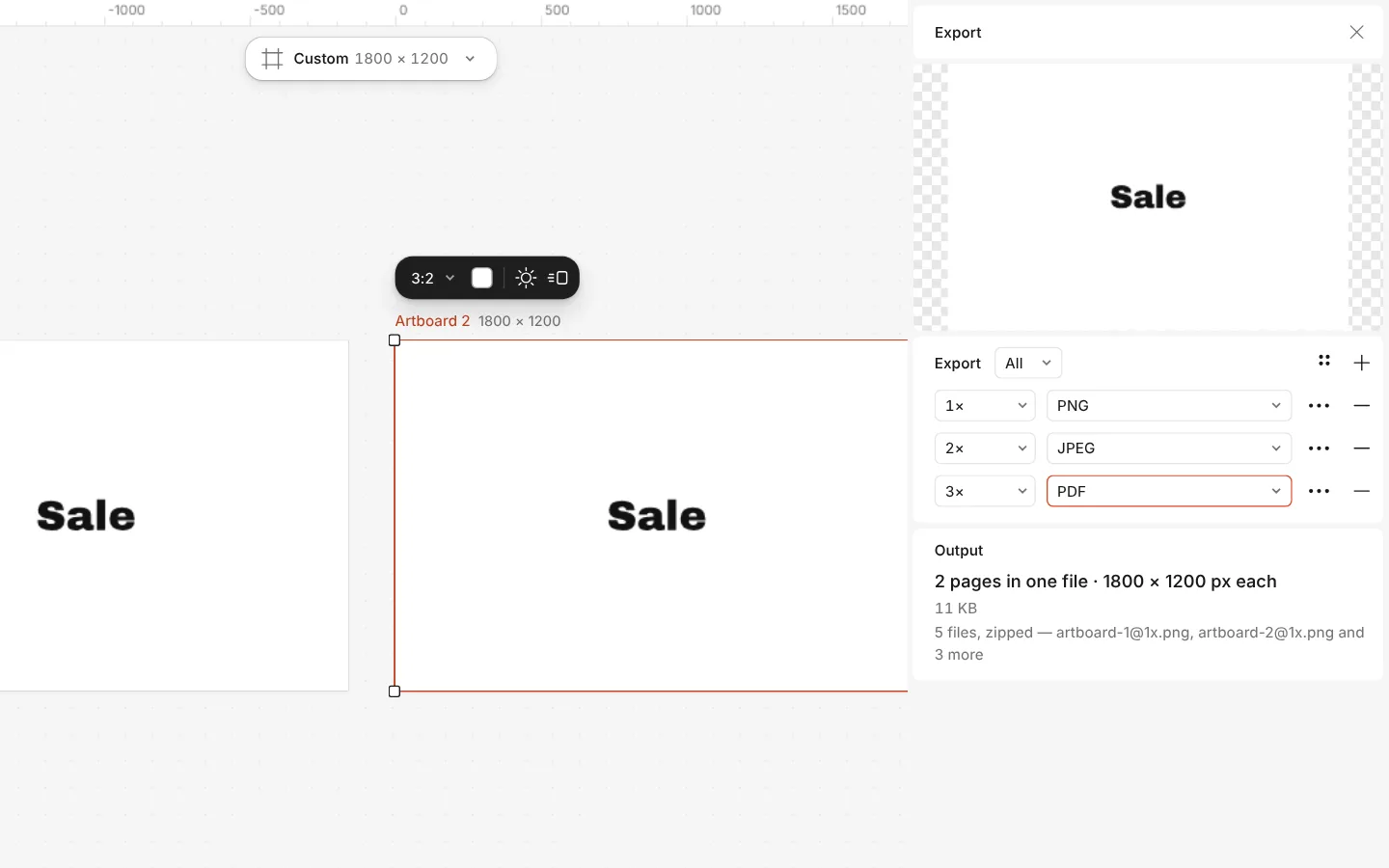
The Export window with all artboards and three files at once
What you get
Each marketplace’s own size
Prom.ua 1280 × 1280, Rozetka 1000 × 1000, OLX, Etsy and Amazon 2000 × 2000, Shopify 2048 × 2048 — taken from their help pages, with the sources listed.
Nothing uploaded
The cut-out runs in your browser. Your product photo stays on your device, and so does the result.
A shadow to stand on
A soft contact shadow under the product, so it stands on the white instead of floating. Its light, softness and density are sliders.
A safe margin
The product is fitted inside 80 % of the frame (90 % for Amazon and Rozetka, which ask for the product to fill most of it), so nothing touches the edge.
Free, no watermark
No sign-up, no credits and no watermark on the file. Make one photo or a whole catalogue.
Questions
What size should a product photo be for Etsy?
Etsy’s help page recommends at least 2000 pixels in width and height, and warns that files over 1 MB may not finish uploading on a slow connection. This tool makes a 2000 × 2000 JPG on white.
What does Amazon ask of the main image?
A pure white background and the product filling about 85 % of the frame, 1000 pixels or more on the longest side for zoom. We could only read those rules in Seller Central’s forums, so check Amazon’s own page before you list; the preset makes 2000 × 2000 on #ffffff with the product in 90 % of the frame.
Is my photo uploaded anywhere?
No. The background is removed by a model that runs in your browser, and the editor keeps the photo on your device. Only the model itself is downloaded, once, the first time.
Which marketplaces are there?
Etsy, Shopify, Amazon, Prom.ua, Rozetka and OLX, each at the size its own help pages give. Vinted is not among them: it gives no size, and its rules ask for photos of the item as it is.
Can I change the shadow or the background?
Yes. The shadow is the Ground shadow effect in the Design panel: change its light, length and softness, or remove it. The white is the artboard’s background colour, so a pastel takes one click.
The edge around my product is rough. What can I do?
In the editor, select the picture and run Refine subject: it smooths and feathers the edge of the cut-out. The background is hidden by a mask, so Restore background brings it back if needed.
Can I download a PNG instead of a JPG?
Yes. Press Export, choose PNG and download. A JPG is smaller for the same picture, which helps under OLX’s 5 MB and Etsy’s 1 MB advice.
How do I do the next photo?
Come back to this page and drop the next one, or, in the editor, drop another photo onto the artboard and use Remove background on it: every photo is free, with no daily limit.
Learn more
Step-by-step guides
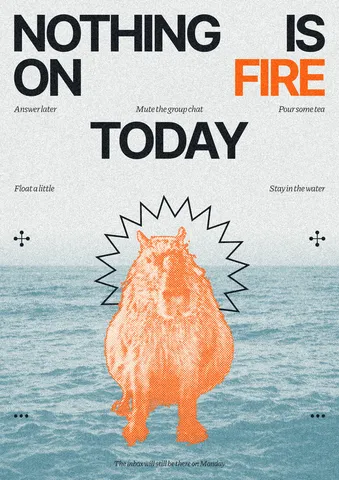
How to remove the background from a photo online — free, on your device
One click cuts the subject out; the background is hidden, not deleted, so you can bring it back.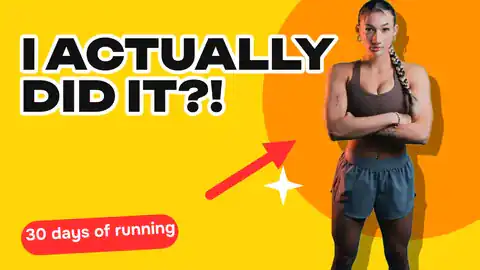
How to remove a background from a photo for free, without uploading it
A clean cut-out, made on your own computer or phone, ready for a thumbnail, a poster or a shop.
How to make a transparent PNG for free: a logo, words or a cut-out photo
A logo, a line of words or a cut-out photo that sits on anything — no white box, no watermark, on a computer or a phone.
In the help centre
More tools

Remove background online
Cut the subject out of any photo in one click — on your own device, with no upload and no credits.
Mockup generator
Show your design on a phone, a poster, a T-shirt or a bag — free, with real light and folds, no watermark and no sign-up.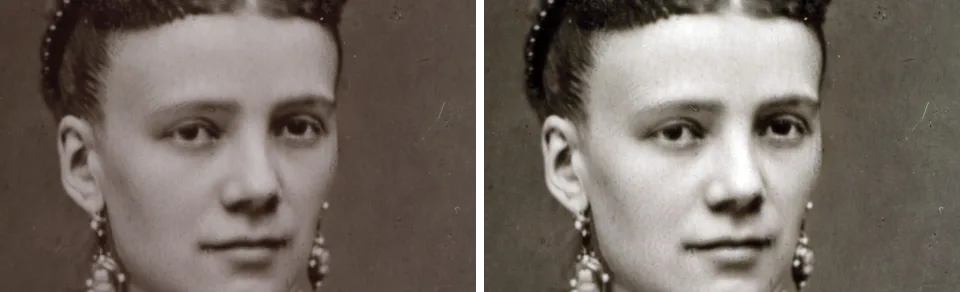
Photo enhancer
Fix a dull, grey or yellowed photo in one press, then make it two or four times larger — free, in your browser, nothing uploaded.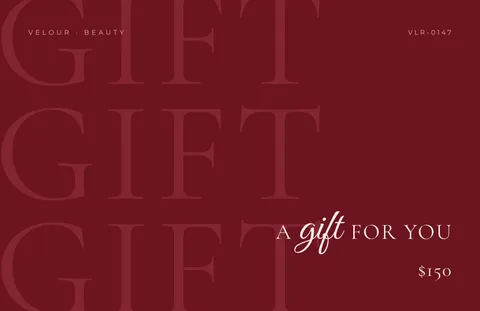
Make a price list online
Nails, brows, hair, a barber or a café: pick a price list, type your services and prices, and print it for the wall or post it as a story — free, no sign-up, no watermark.
Make it now
Paletoo opens in your browser. Start from the template above or a blank page, and export when you are happy.
Start free