Remove backgrounds from many photos
Updated
Drop up to 50 photos and get them all cut out at once, on a transparent, white or coloured background or with a soft shadow, in one ZIP — free, in your browser, no upload.
Remove the background from many photos
Up to 50 photos at once (10 on a phone). They are cut out in your browser and never uploaded.
or drop them here
JPG, PNG or WebP (HEIC where your browser opens it, as Safari does). The first time, the cut-out model downloads once: about 30 MB; your browser keeps it.
Background
Original keeps the photo’s size (up to 4096 px; 2048 on a phone). Square and Marketplace centre the subject; on Marketplace it fills 85 % of a 2000 px square.
Your photos
What people make with cut-outs in Paletoo
Templates built on cut-out photos: open one and drop your own cut-out in.

How it works
-
Drop your photos
Press Choose photos and pick up to 50 at once (10 on a phone), or drop them on the page: JPG, PNG or WebP. The first time, the cut-out model downloads once; then each photo is cut out on your device, one after another, and its progress shows under it.
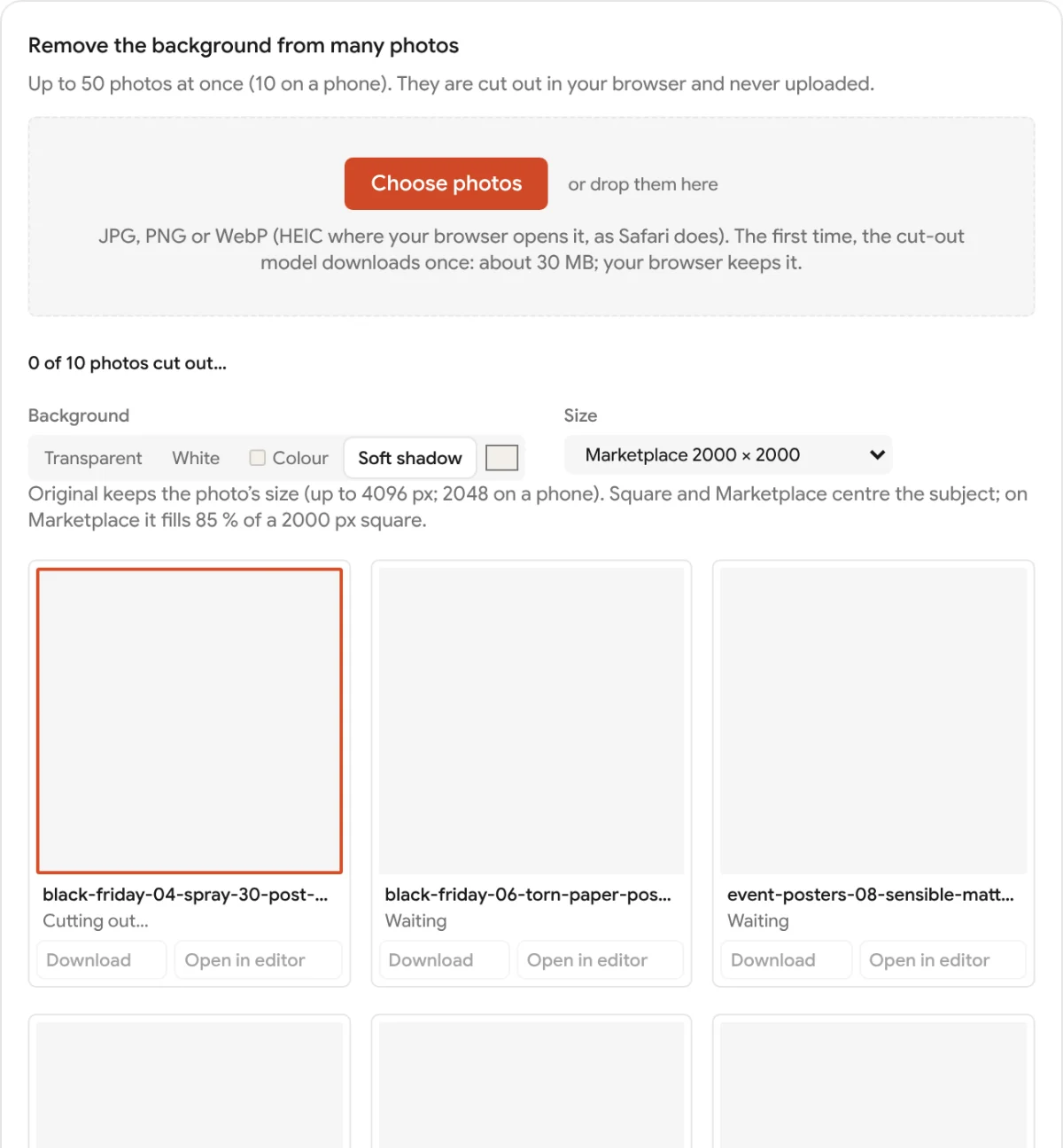
Ten photos dropped on the page: Soft shadow and Marketplace 2000 × 2000 chosen for all, each photo cut out on the device in turn -
Pick one background and size for all
Choose Transparent, White, a Colour of your own or Soft shadow, and the size: Original, Square 1:1, or Marketplace 2000 × 2000 with the subject centred. The choice applies to every photo and can be changed at any time, even after the cut-outs are done.
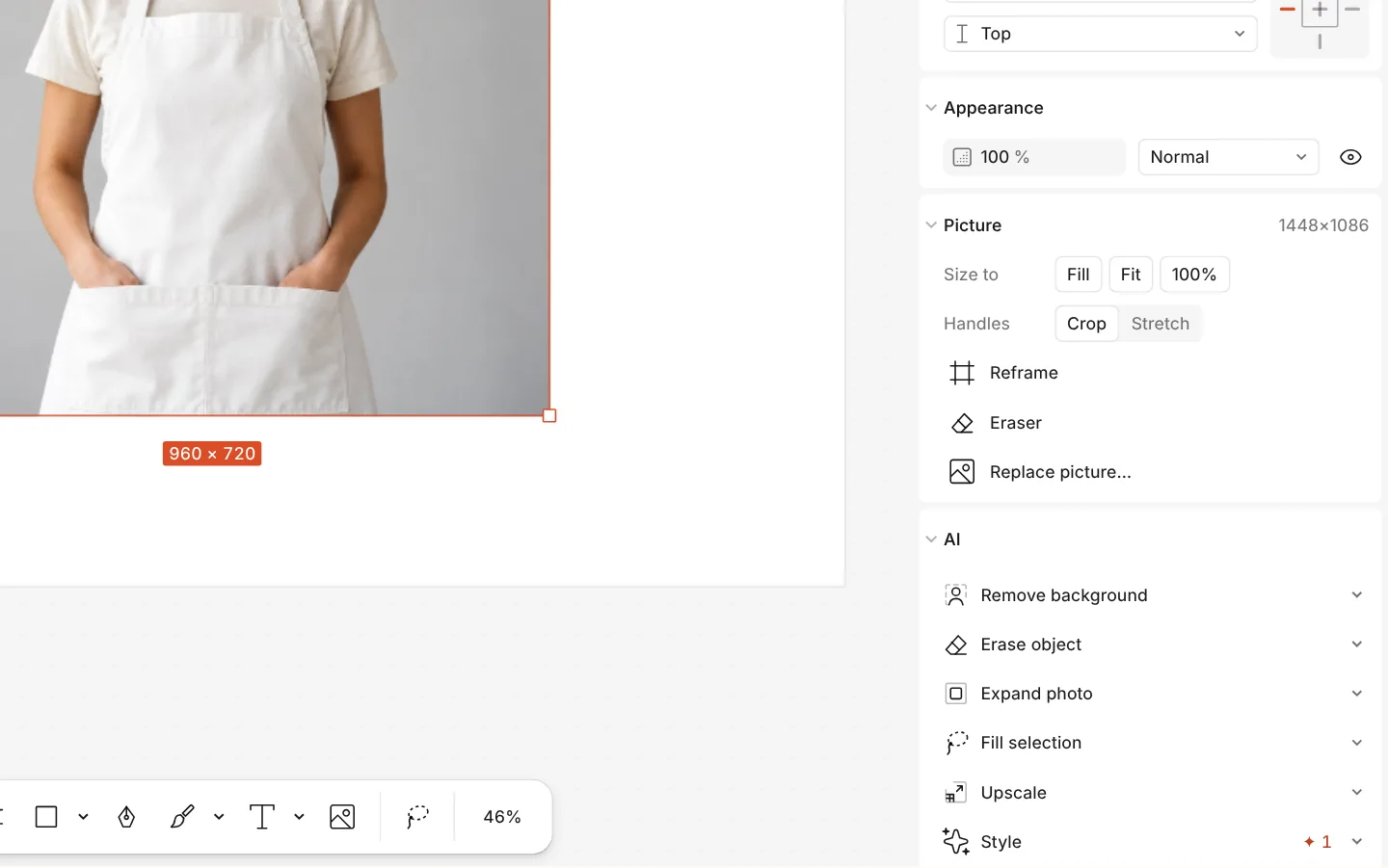
The AI section of a photo with Remove background -
Download them, or open one in the editor
Download all (ZIP) gives every photo as a PNG in one archive; Download under a photo gives just that one. Open in editor takes a cut-out into Paletoo, where Refine subject, the Eraser and the rest of the editor can perfect it.
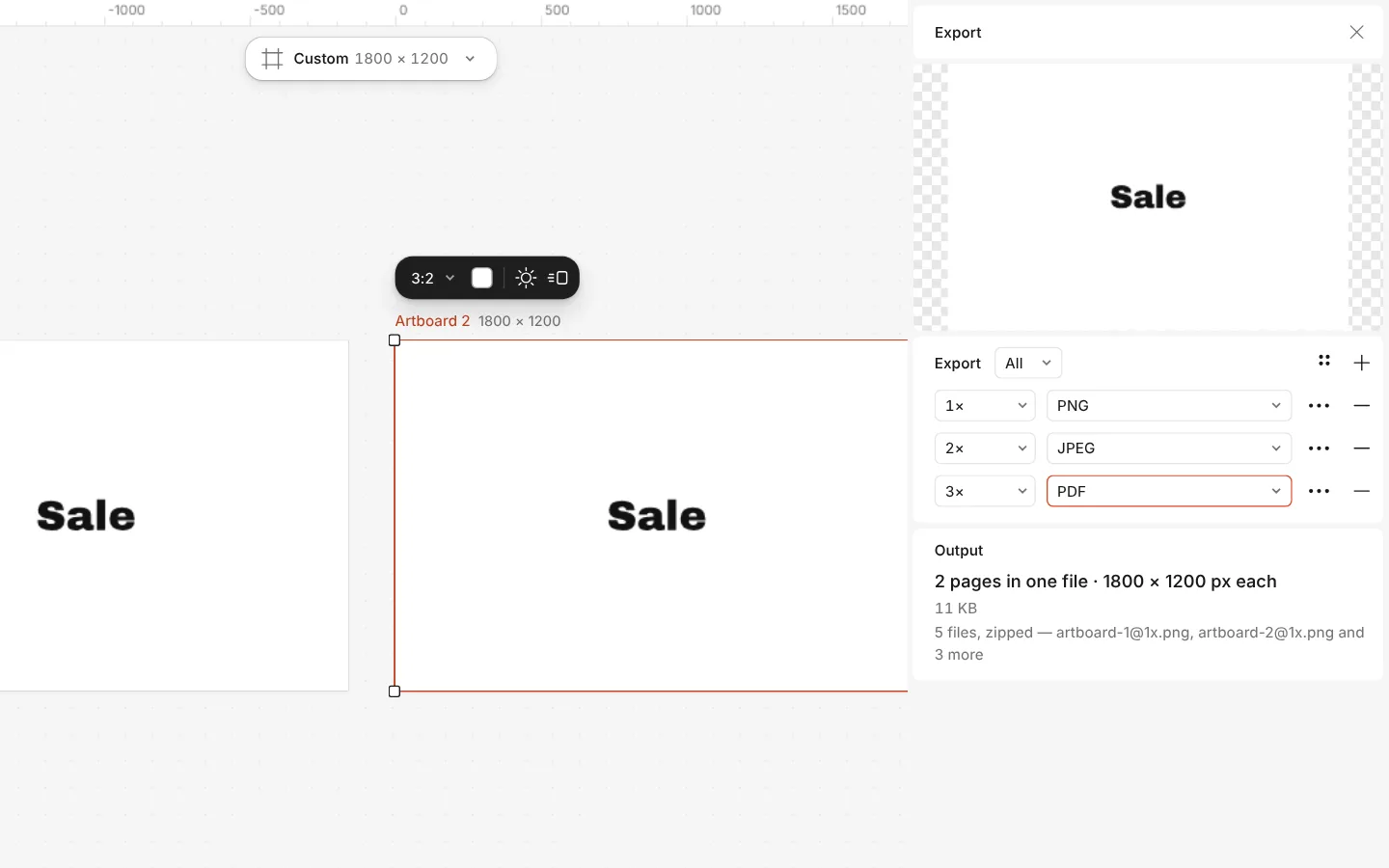
The Export window with all artboards and three files at once
What you get
Up to 50 photos at once
A whole product shoot in one go: the photos are cut out in turn while you choose the background, and finished ones can be downloaded straight away.
Nothing is uploaded
Each photo is read and cut out in your browser by the same ISNet model as the editor’s Remove background. Only the model itself is downloaded, once, from our site.
Four backgrounds
Transparent PNG for any design, plain white for shops, any colour you pick, or white with a soft shadow under the subject so it does not float.
Marketplace-ready squares
Square 1:1 crops tight around the subject; Marketplace 2000 × 2000 centres it at 85 % of the frame, the square most online shops ask for.
Free, with no watermark
No account, no credits and no watermark on the files: the cut-out runs on your device, so it costs us nothing to give it to you.
Questions
Is the batch background remover really free?
Yes. Cutting out, the backgrounds, the sizes, the ZIP and opening a photo in the editor cost nothing, need no account and leave no watermark, because all the work happens on your own device.
Are my photos uploaded anywhere?
No, your photos never leave your device: they are read and cut out in your browser. The only download is the cut-out model itself, once, from our own site; your browser keeps it for next time.
How many photos can I process at once?
Up to 50 at a time on a computer and 10 on a phone, where the browser has far less memory. When a batch is done, download it and press Start over for the next one.
How long does it take?
The first time, the model downloads once, about 30 MB. After that each photo takes a few seconds, depending on the device: the page shows the average time per photo and whether WebGPU or WebAssembly did the work.
Which formats can I use?
JPG, PNG and WebP photos in any browser; HEIC photos from an iPhone where the browser can open them, as Safari does. Every result is a PNG, transparent when you choose Transparent.
What size are the results?
Original keeps the photo’s own size, up to 4096 px on a computer and 2048 px on a phone. Square 1:1 crops around the subject with a small margin; Marketplace makes a 2000 × 2000 px square with the subject filling 85 %.
Can I fix an edge the model got wrong?
Yes. Press Open in editor under that photo: it opens in Paletoo, where Refine subject and the Eraser let you fix the edge, and you can add text or put it on a design.
Does it work on a phone?
Yes, in Safari or Chrome with no app to install, for up to 10 photos at a time. The model downloads once on the first photo; the ZIP is saved to your Downloads or Files.
Learn more
Step-by-step guides
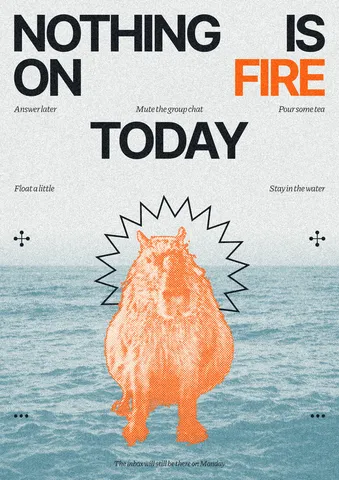
How to remove the background from a photo online — free, on your device
One click cuts the subject out; the background is hidden, not deleted, so you can bring it back.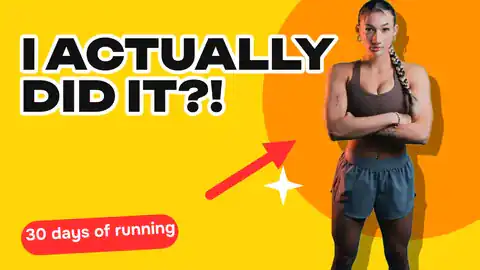
How to remove a background from a photo for free, without uploading it
A clean cut-out, made on your own computer or phone, ready for a thumbnail, a poster or a shop.
How to make a transparent PNG for free: a logo, words or a cut-out photo
A logo, a line of words or a cut-out photo that sits on anything — no white box, no watermark, on a computer or a phone.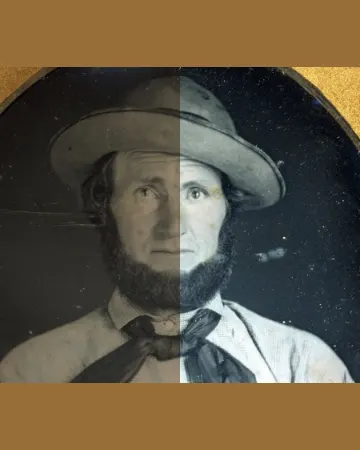
How to enhance photo quality online for free, without AI guesswork
A grey, yellowed or dark photo made clear in one press, then larger — and you can see every change.
In the help centre
More tools

Remove background online
Cut the subject out of any photo in one click — on your own device, with no upload and no credits.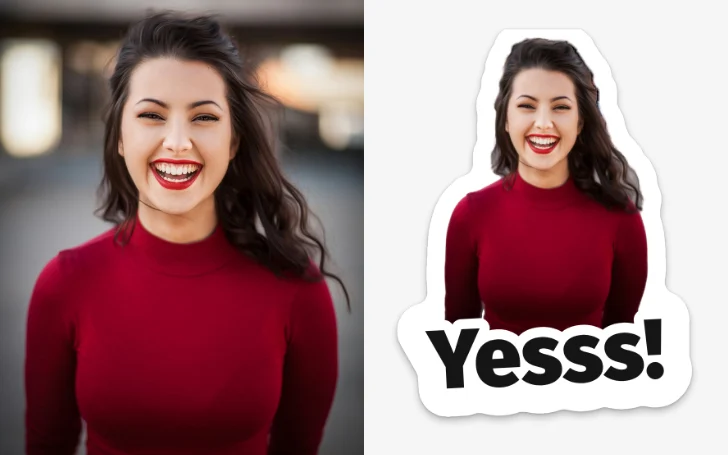
Make stickers from photos
Pick a few photos and get a sticker pack: each one cut out with a white rim and a caption, for Telegram, WhatsApp or as PNG files — free, no sign-up.
Mockup generator
Show your design on a phone, a poster, a T-shirt or a bag — free, with real light and folds, no watermark and no sign-up.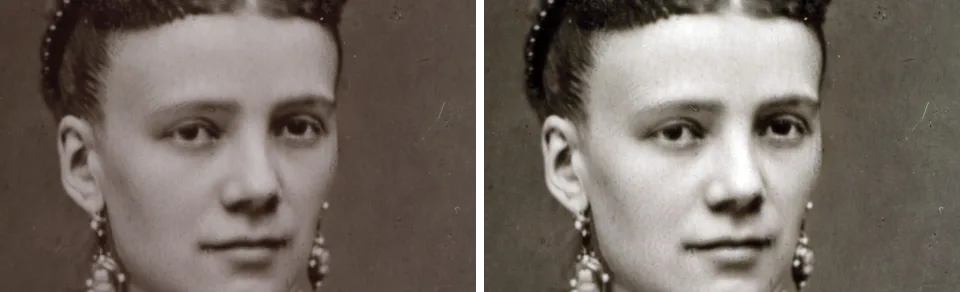
Photo enhancer
Fix a dull, grey or yellowed photo in one press, then make it two or four times larger — free, in your browser, nothing uploaded.
Make it now
Paletoo opens in your browser. Start from the template above or a blank page, and export when you are happy.
Start free