Type effects, hands-on3 min readFreeUpdated 2026-11-14
How to fit text to a shape: envelope and mesh warp
Drag the dots: the word fills the shape you draw — an envelope distort you can try right here.
By Paletoo’s designers · every step done in Paletoo
The short answer
To fit text to a shape, put the words in an envelope — a box whose edges you bend — and let the letters stretch to fill it. Move the corners for perspective, drag an edge’s middle to arch it, or start from a preset such as Arch, Bulge or Wave. In Paletoo the envelope is a mesh on the text layer, so the words stay editable.
Envelope distort, explained
An envelope is the shape the text is poured into. Its four corners and four edges can move; the letters are remapped so that the word always fills it from edge to edge. Illustrator calls it Envelope Distort, Photoshop has Warp with a custom grid, and in Paletoo it is the Mesh warp of the text: a grid of points over the words that you drag on the canvas.
The lab above shows the simplest envelope, eight points: four corners and the middle of each edge. A corner drags its two edges along with it; an edge’s middle bends that edge into a curve. That is enough for most lettering: a shield, a ribbon, a speech bubble, a word squeezed into a sticker.
Shapes that work
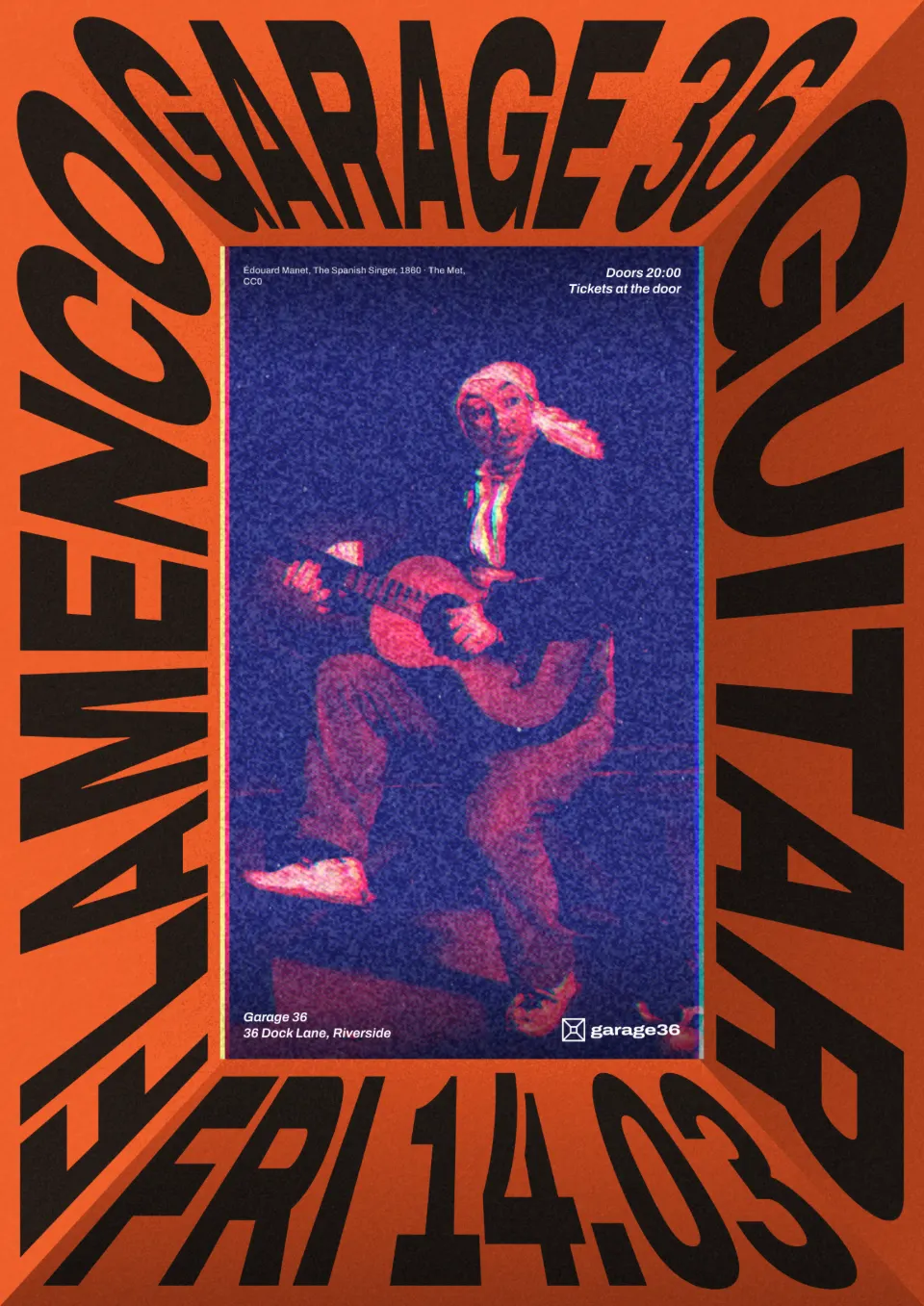
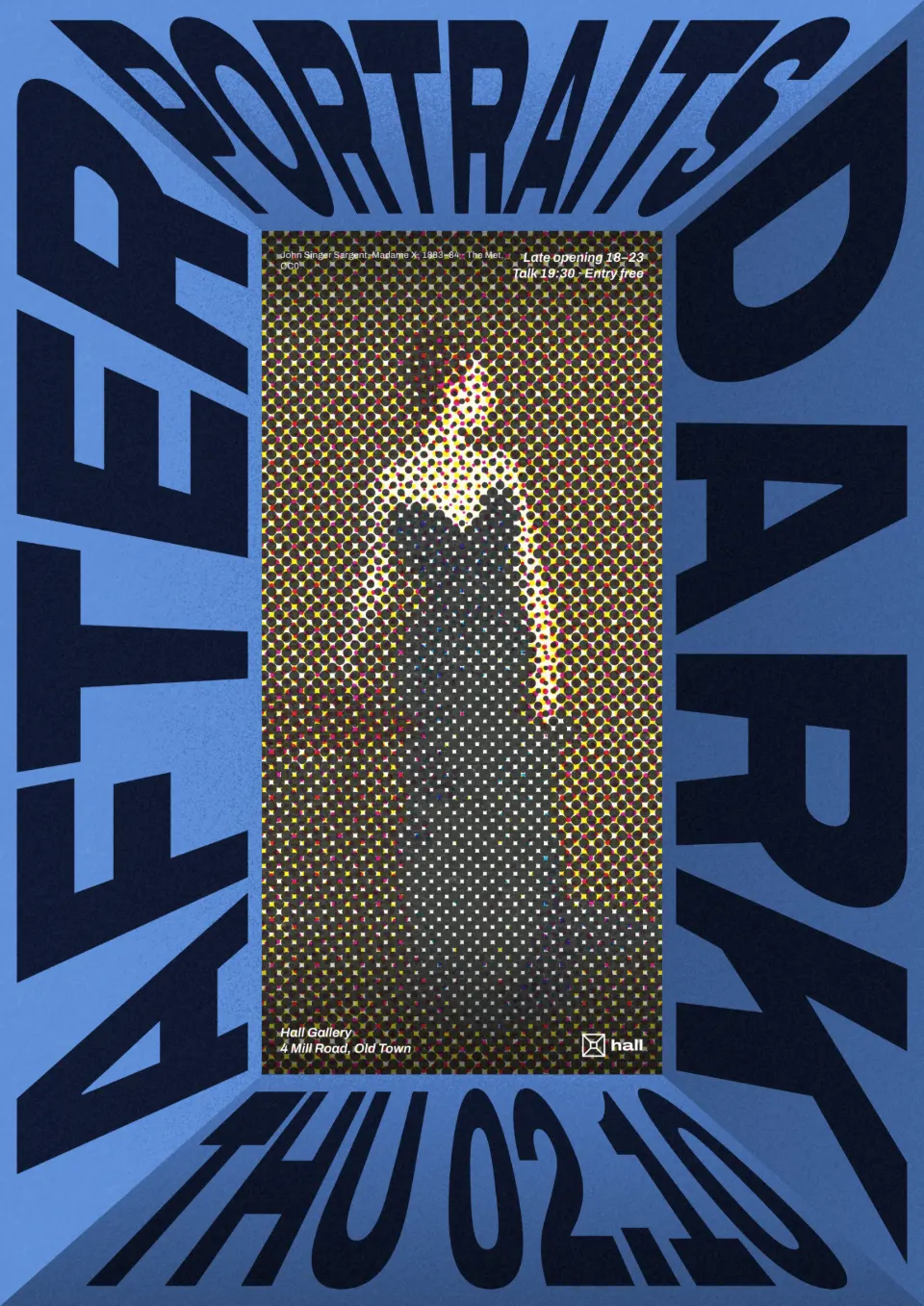
Perspective (the editor’s Distort): move the top corners in and the word lies down on a floor or climbs a wall — the look of the gallery and concert posters below, where four lines of type become a room around a picture. Arch and Bulge give badge and balloon shapes. A Wave envelope makes a flag or a banner.
Two rules keep it readable. First, heavy, condensed letters survive distortion far better than thin ones. Second, distort one block of type per design and keep the small text straight — a whole page of warped words reads like a fairground.
Envelope or curve?
If you only need the line to bend, a ready warp style is quicker: see curved text. If the letters should keep their shape and follow a circle, use circle text. The envelope is for when the outline matters: the word has to fill a given shape, edge to edge. The full mesh, with as many rows and columns as you like, is in how to warp text without Photoshop.
Made in Paletoo
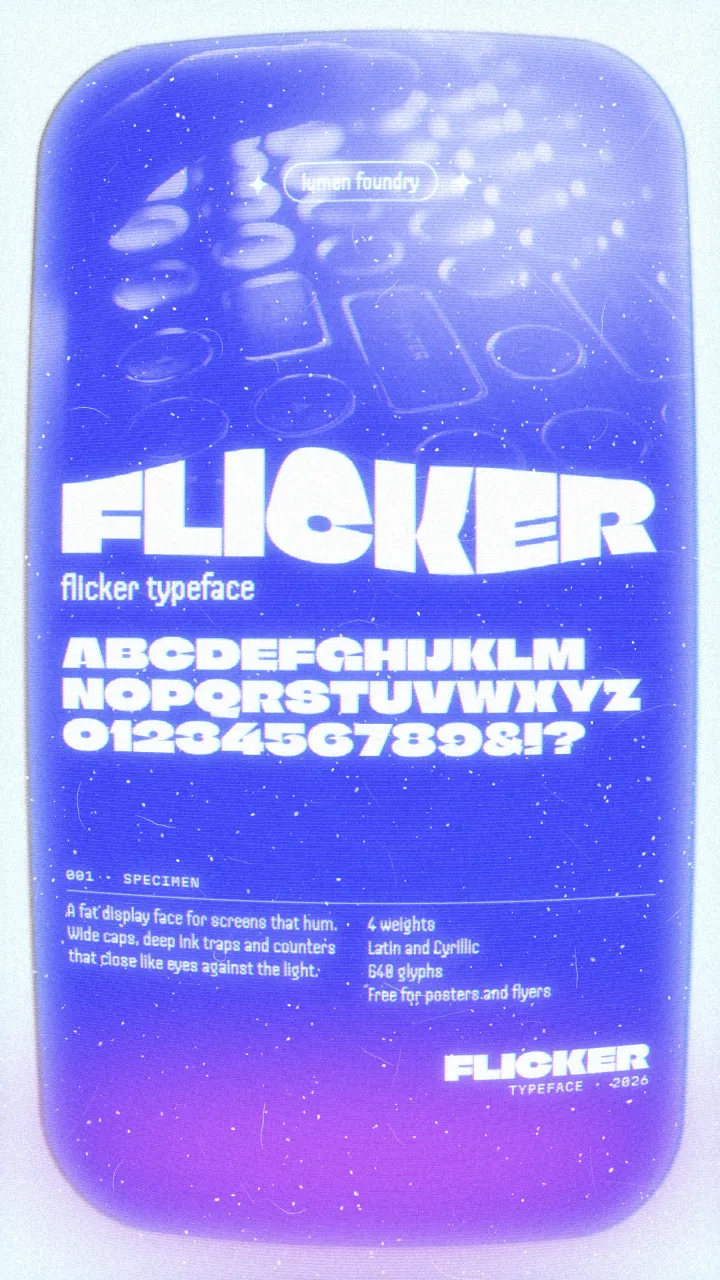
Every design here was made in Paletoo with this look — open one and change anything:
How to make it in Paletoo
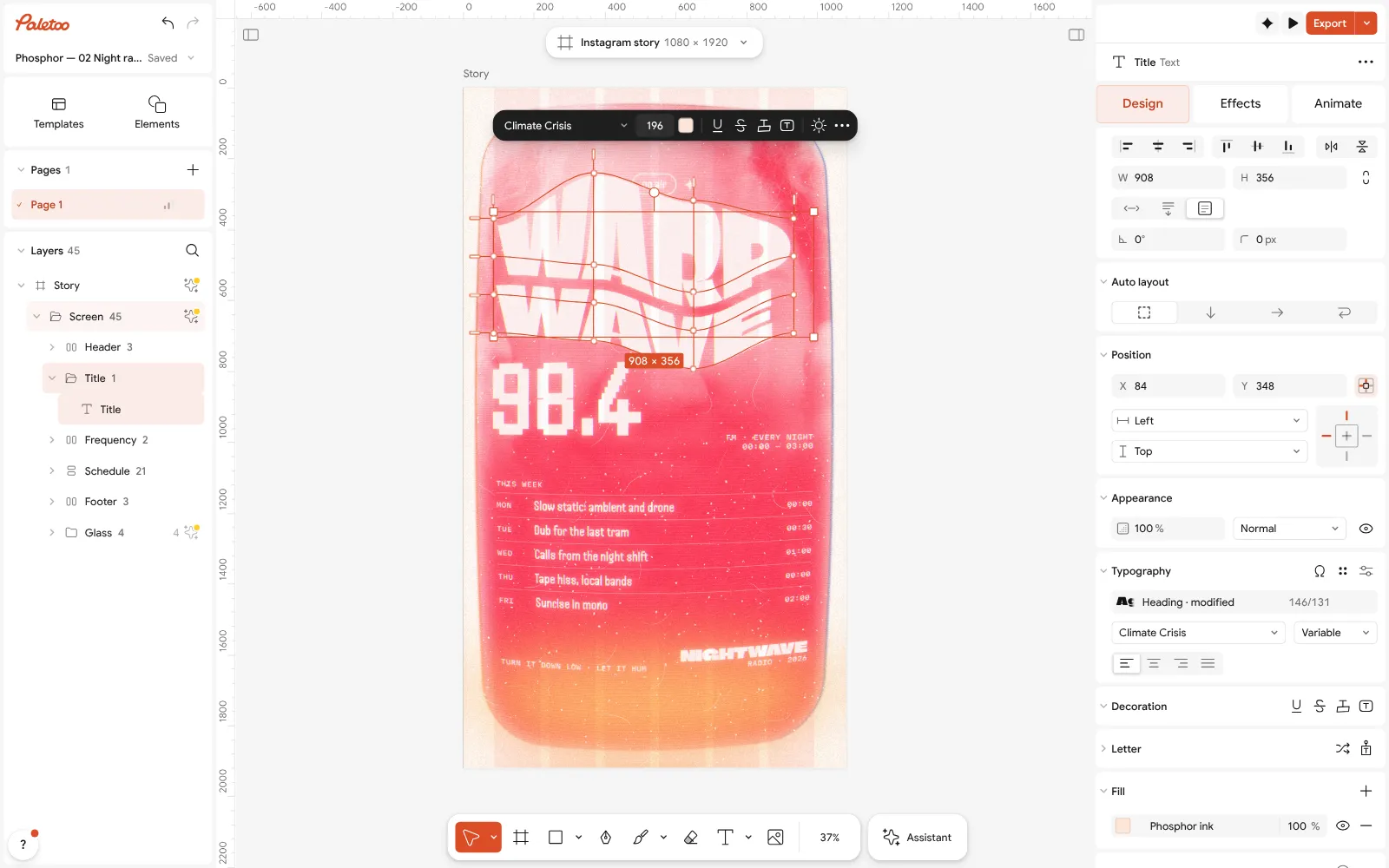
Open the editor and select your text. Heavy or condensed display faces fill a shape best.
In the Design tab, open the text’s Warp section and choose Mesh.
Start from a preset — Arch, Wave, Flag, Distort or Bulge — or drag the grid’s points and handles on the canvas.
For a simple four-corner perspective, choose Distort as the warp instead and drag the corners.
Use Reset grid to start over; retype the words at any time, then Export.
Questions
Can I fit text into a shape without Illustrator?
Yes. The lab on this page shows the idea live, and the free Paletoo editor has a Mesh warp for text that works like Envelope Distort, in the browser, with the text still editable.
What is the difference between envelope distort and mesh warp?
An envelope bends only the outline of the text block; a mesh adds points inside it, so you can bend the middle of the word differently from its edges. Paletoo’s Mesh warp does both: with no extra rows it behaves like an envelope.
Does the text stay editable after it is distorted?
Yes. The warp is a setting of the text layer. Change the words, the font or the size and the new letters are drawn through the same shape.
Why does my distorted text look blurry?
Usually because it was distorted as a picture. In Paletoo the letters stay vector until export, so the distorted text is sharp in PNG at any size, and in SVG and PDF.
Make it online
- Text effects onlineType your words, press one effect — chrome, gold foil, emboss, cut-out letters, outlines or warps — and download it in a minute, free and with no sign-up; the words stay editable text.
- Poster makerMake a poster from a template that already has the layout right, then export a print-ready PDF or an image for screens.
Try it on your own design
Paletoo opens in your browser, with no sign-up. Every effect here is live: change the picture or the words and the effect follows.
Open in PaletooOpens this design as your own copy — every layer and effect editable, free.
Read next
- 01
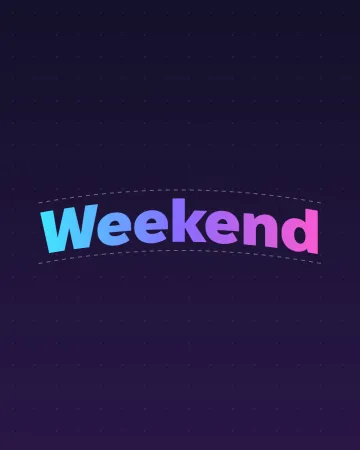 Curved text generator: arch, wave and flag, freeType a word, pick a curve, drag one slider. The words stay live text when you open them in the editor.
- 02
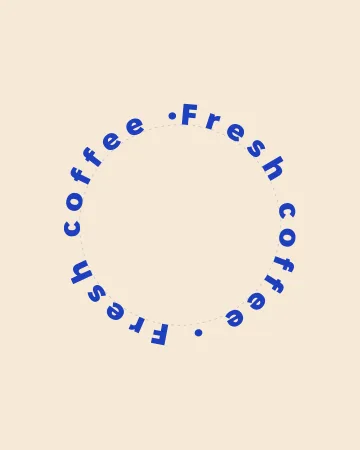 Circle text generator: words around a circle, freeWords around a circle that close without a gap — and turn, for an animated text ring.
- 03
 How to warp text on a mesh without rasterising itPull a grid over a headline; the words stay editable.
- 04
 How to warp text and put it on a path in Photoshop — and in one minuteThree Photoshop ways to bend a headline, and one Warp section that keeps the words live.