Type effects, hands-on3 min readFreeUpdated 2026-11-13
Glitch text effect: colour split and echo, free
Break your word on purpose: split the colours, slice the letters, or let echoes trail behind.
By Paletoo’s designers · every step done in Paletoo
The short answer
A glitch text effect pulls the red and blue channels of the letters apart and cuts the word into horizontal slices that slip sideways, like a broken video signal. An echo effect repeats the word behind itself as fading outlines. In Paletoo both are live steps on the text — Colour split and Echo — so the words stay editable, and both can be animated.
Glitch: a signal breaking
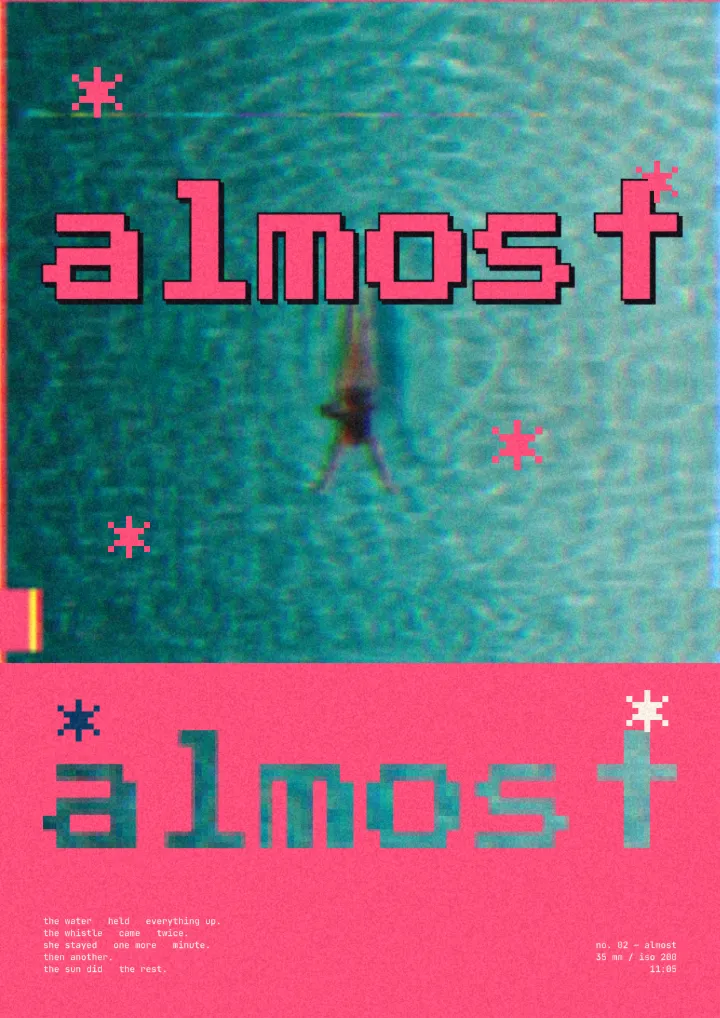
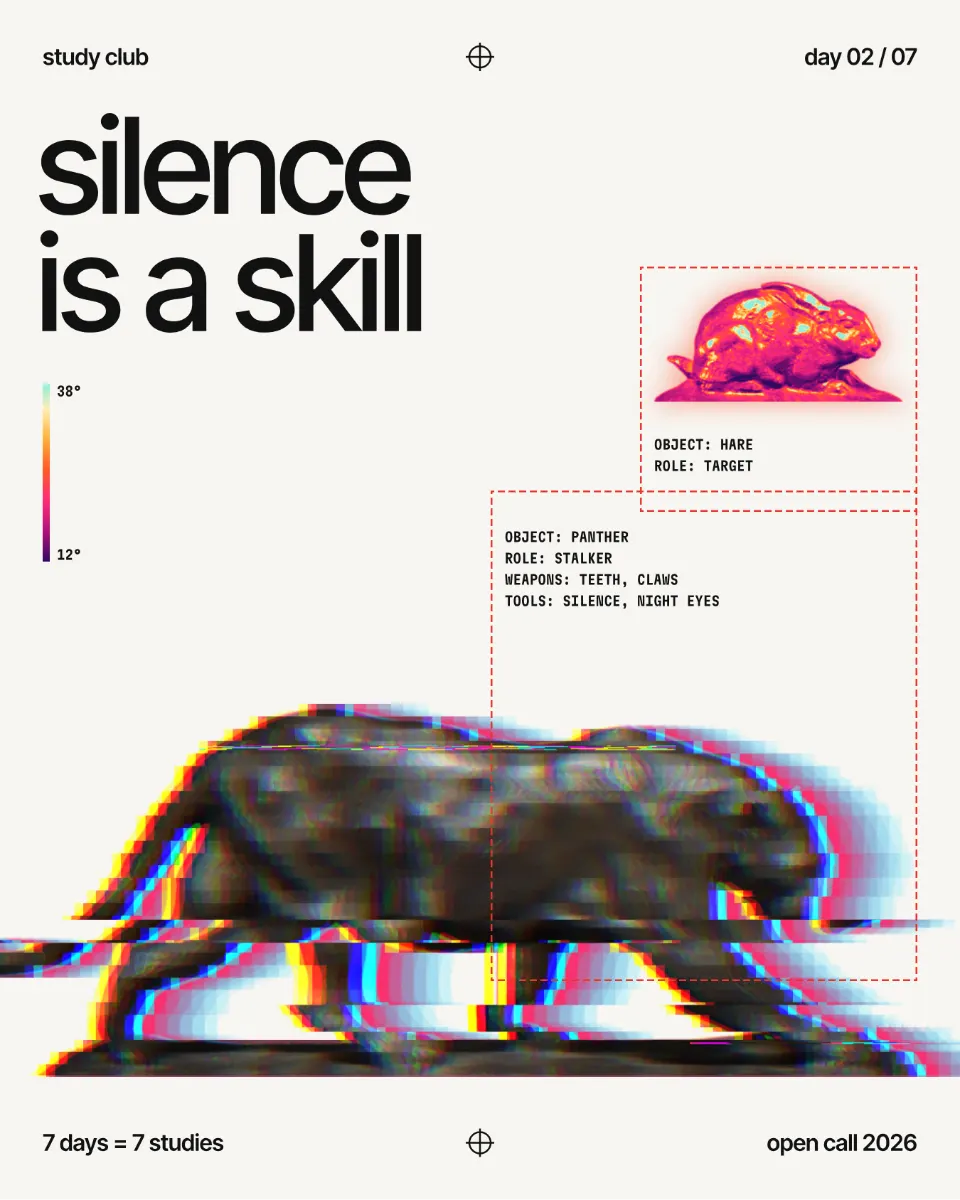
A digital glitch has two signatures. The colour channels drift apart, so every letter gets a red fringe on one side and a cyan one on the other; and the picture tears into bands that jump left and right. The lab does both: Distance pulls the channels apart, Slices sets how many bands break. Press Another break for a different set of cuts with the same settings — choose the one where the word is still readable.
Glitch says tech, gaming, electronic music, error and urgency. It is strongest on a dark background, in heavy letters, on one short word; on a paragraph it is only noise. If you want copy-and-paste Unicode «glitch» characters for a bio rather than a design, that is the glitch text generator.
Echo: the word repeated behind itself
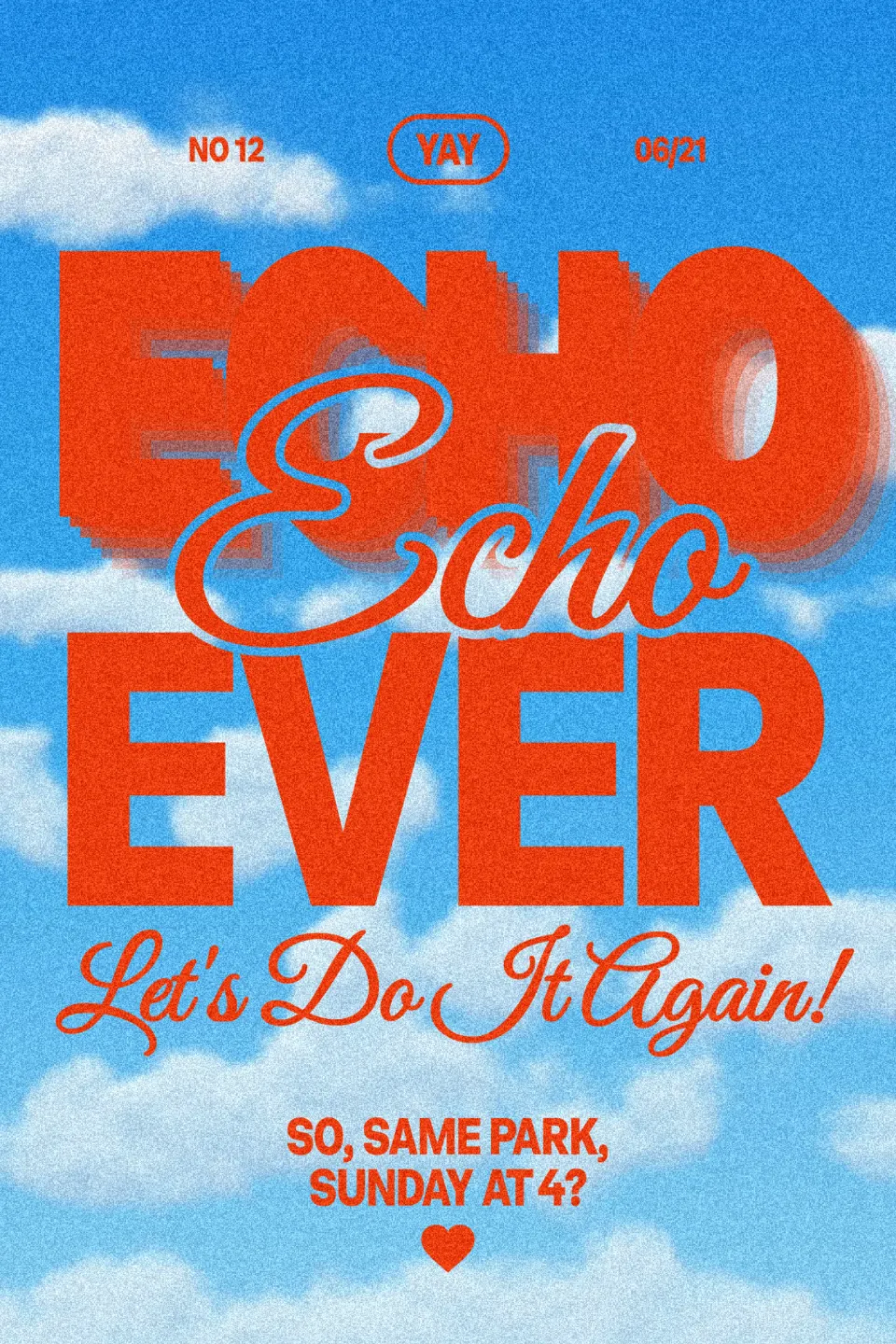
Echo type stacks outlined copies of the word behind it, each a step further and fainter, like a sound fading or a word in motion. Choose Echo in the lab: one slider sets the number of copies, the other how far they step. Few copies with a big step look graphic and bold; many with a small step look like a 3D extrusion drawn in lines.
It is one of the loudest typography trends of 2027, and it works in colour where glitch does not: white on orange, red on pink, black on yellow. For a cleaner outline that cuts through a photo, see the knockout outline.
Glitch on photos, and in motion
The same colour split works on pictures: the glitch effect guide breaks a portrait with pixel blocks and a red-to-cyan trail. And a glitch wants to move: a word that jitters for a few frames, then locks, is a classic Reel intro — see the text animation guide.
Made in Paletoo
Every design here was made in Paletoo with this look — open one and change anything:
How to make it in Paletoo
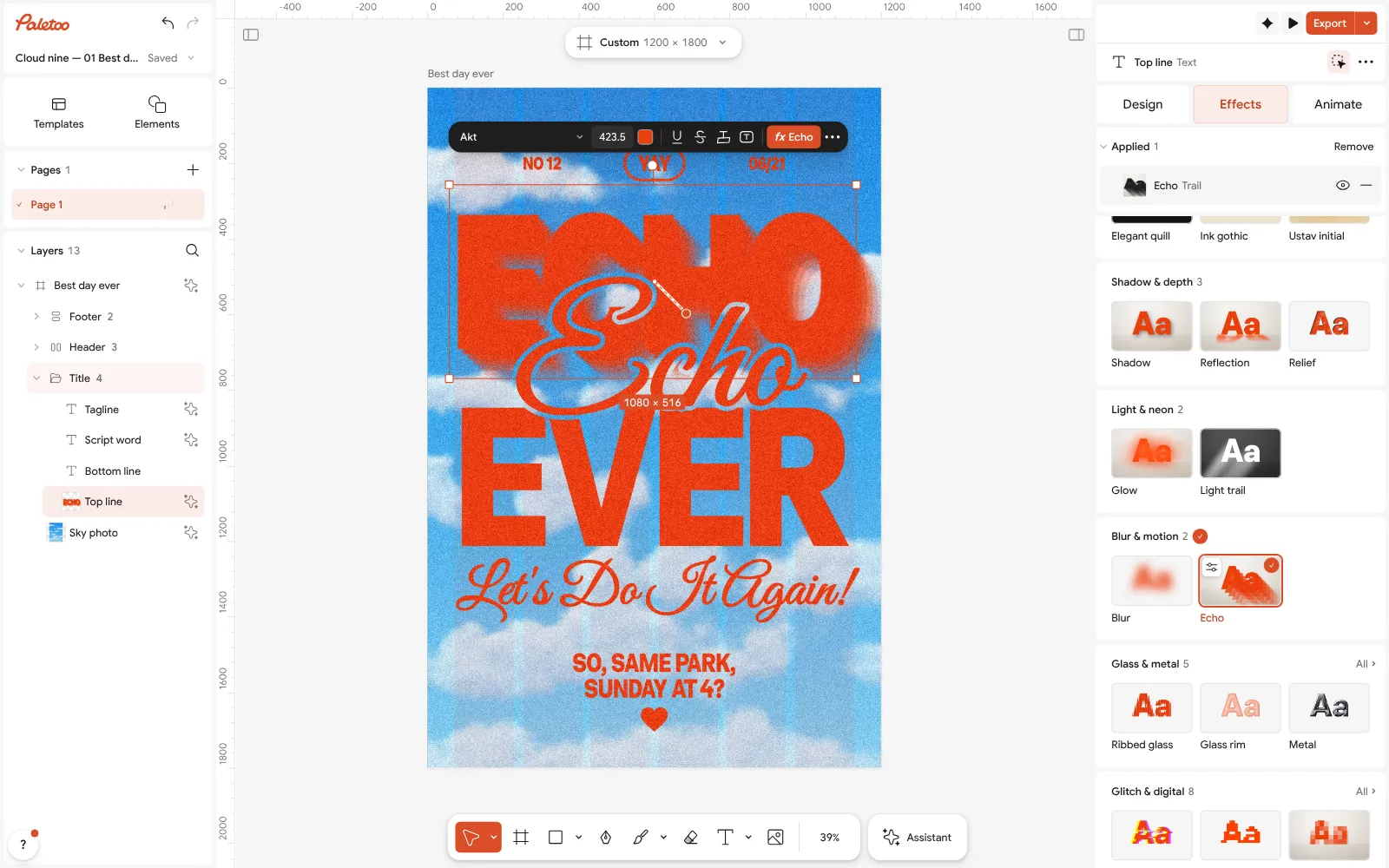
Open the editor and select your text — one short, heavy word glitches best.
Open the Effects tab and add Colour split.
Set Distance to pull the colours apart and Slices for how many bands break; change Seed for different cuts.
For echo type, add Echo instead and set Copies and Fade.
To make it move, open Animate; then Export a still or a video.
Questions
How do I make a glitch text effect for free?
Try it on your word in the lab on this page, then press «Open in the editor with this word». In the free editor add Colour split to the text and export PNG, JPG, MP4 or GIF with no watermark.
Is this the same as glitch text you can copy and paste?
No. Copy-and-paste glitch text uses Unicode marks stacked on letters, for bios and chats. This is a visual effect for designs; for the Unicode kind use the glitch text generator tool.
How do I make an echo text effect?
Repeat the word behind itself as outlines, each copy a step further and fainter. In Paletoo add Echo to the text and set Copies and Fade; the copies follow the words when you retype them.
Can I animate glitch text?
Yes. Animate the text in the editor and export MP4, GIF or a transparent WebM; a short jitter that settles into a clean word is a good Reel opener.
Make it online
- Duotone, halftone and glitch photo effects onlineThree of the strongest looks for a photo, each one click away and every step still yours to tune.
- Text effects onlineType your words, press one effect — chrome, gold foil, emboss, cut-out letters, outlines or warps — and download it in a minute, free and with no sign-up; the words stay editable text.
- Animated text makerMake words move in one click — rise, typing, pop, wave — and export a video for Reels, a GIF for chats or a Lottie file for the web. Free, with no watermark and no sign-up.
Try it on your own design
Paletoo opens in your browser, with no sign-up. Every effect here is live: change the picture or the words and the effect follows.
Open in PaletooOpens this design as your own copy — every layer and effect editable, free.
Read next
- 01
 Text animation for Reels: 6 looks that loopSix text animations on your own words — pop, rise, typing, wave, jelly and a looping ticker.
- 02
 Halftone and risograph text effect, free onlineDots, two inks, a little misregistration and paper grain: print your word without a printer.
- 03
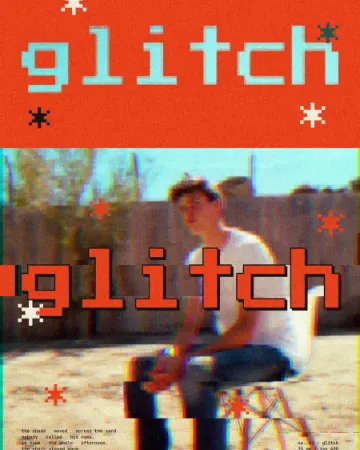 How to make a glitch effectBlocky pixels, torn colour channels and a smeared trail.
- 04
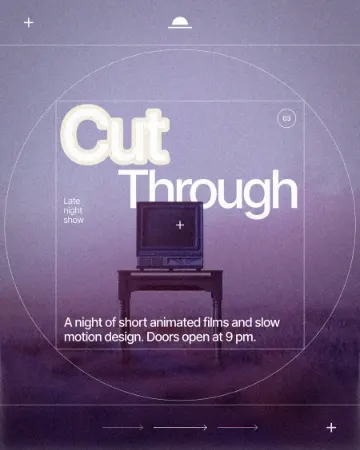 How to make a knockout outline that cuts throughA stroke that cuts through the layers under the text.