Type effects, hands-on3 min readFreeUpdated 2026-11-20
Curved text generator: arch, wave and flag, free
Type a word, pick a curve, drag one slider. The words stay live text when you open them in the editor.
By Paletoo’s designers · every step done in Paletoo
The short answer
To curve text online, type it, choose a warp style — Arch for a classic rainbow, Wave or Flag for movement, Rise for a slope — and set how strong the bend is. In Paletoo the curve is a setting of the text, not a picture of it, so you can still change the words, the font and the colour afterwards.
Which curve for which design
Arch is the one people mean by «curved text»: the line bends up like a rainbow, as on a college sweatshirt, a bakery sign or a band logo. Keep it gentle (30–60 in the lab) for logos; push it for stickers and badges, where the word should hug a shape.
Bulge swells the middle of the word up and down at once, like type printed on a balloon — loud, a little comic, good for one short word. Wave and Flag ripple the line; a wave reads as music, water and summer, a flag as sport and celebration. Rise tilts the word up and lets it lift at the end: a sale banner, a «new» badge, a headline with momentum.
Try the same word in all five. A long word curves more smoothly than a short one, and heavy, wide letters keep their shape far better than thin ones — that is why the lab draws in a black weight.
Only need the words as a picture? The curved text generator bends a line along an arc or a circle and saves a PNG with a transparent background.
Curved text that stays editable
Most curved text generators hand you a PNG: a picture of the letters, frozen. Change one word and you start again. In Paletoo the curve belongs to the text layer — the warp stays on the text — so you can retype, change the font, add an effect such as chrome or a knockout outline, and the curve follows.
When you export to SVG or PDF the curved letters are still vector shapes, sharp at any size, which matters for print, merch and cutting machines.
Curve or circle?
A curve bends the letters themselves: tops and bottoms stretch, the word changes shape. When you want the letters to keep their shape and simply follow a line — around a stamp, a logo badge or a coffee cup — you want text on a circle instead. When the word must fill a shape exactly — a shield, a speech bubble, a pennant — see how to fit text to a shape.
Made in Paletoo
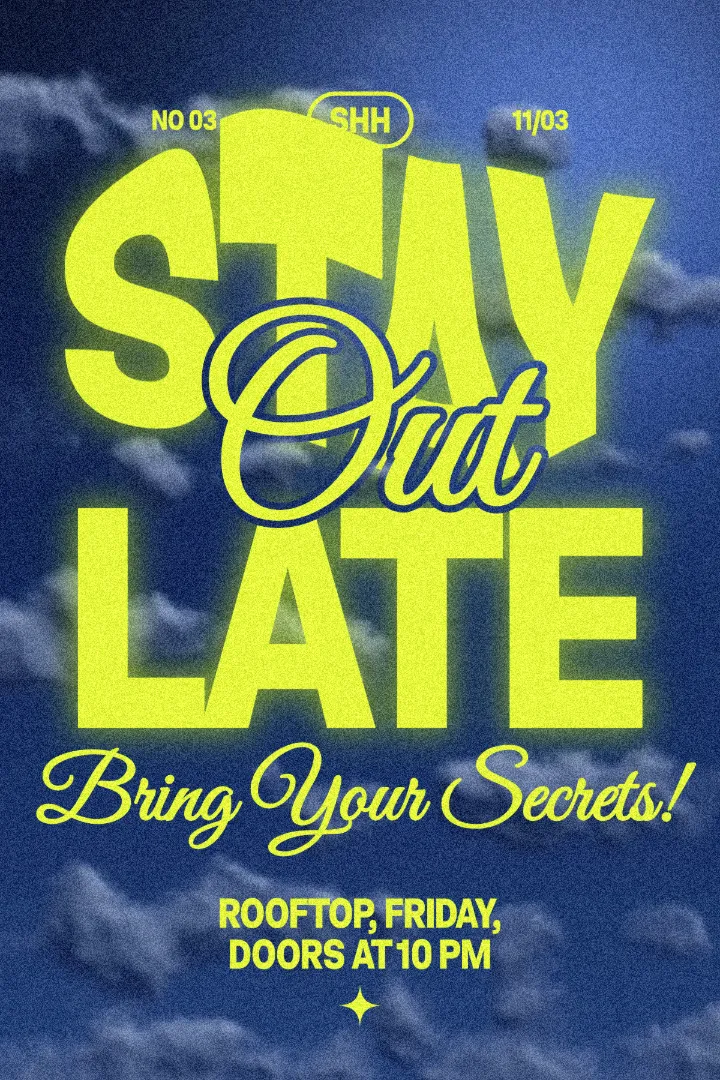
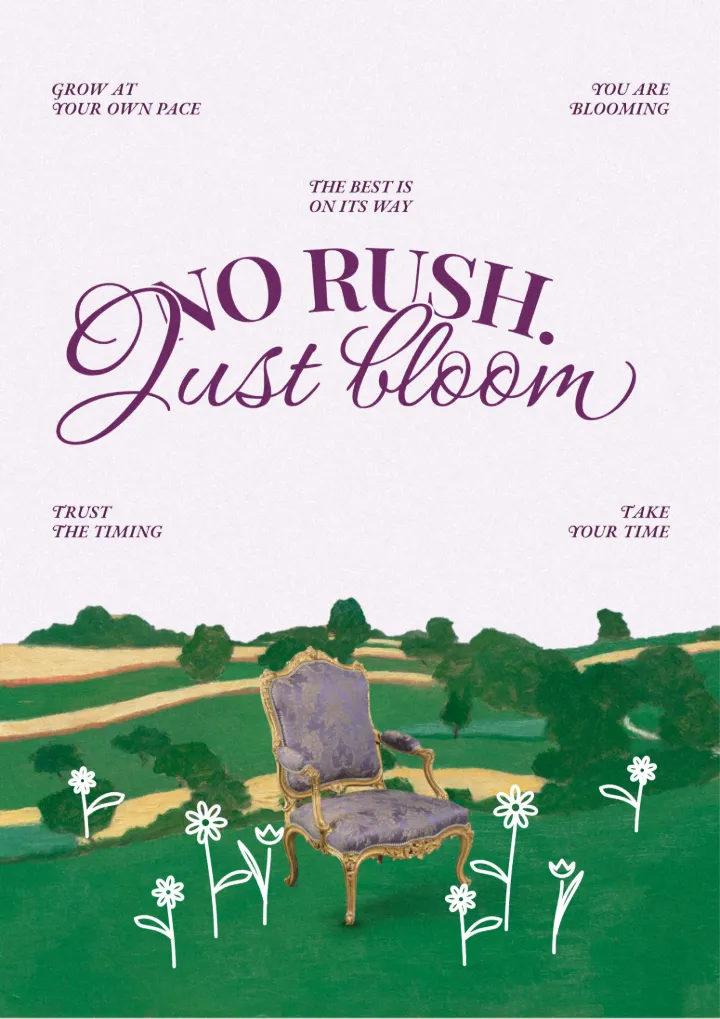
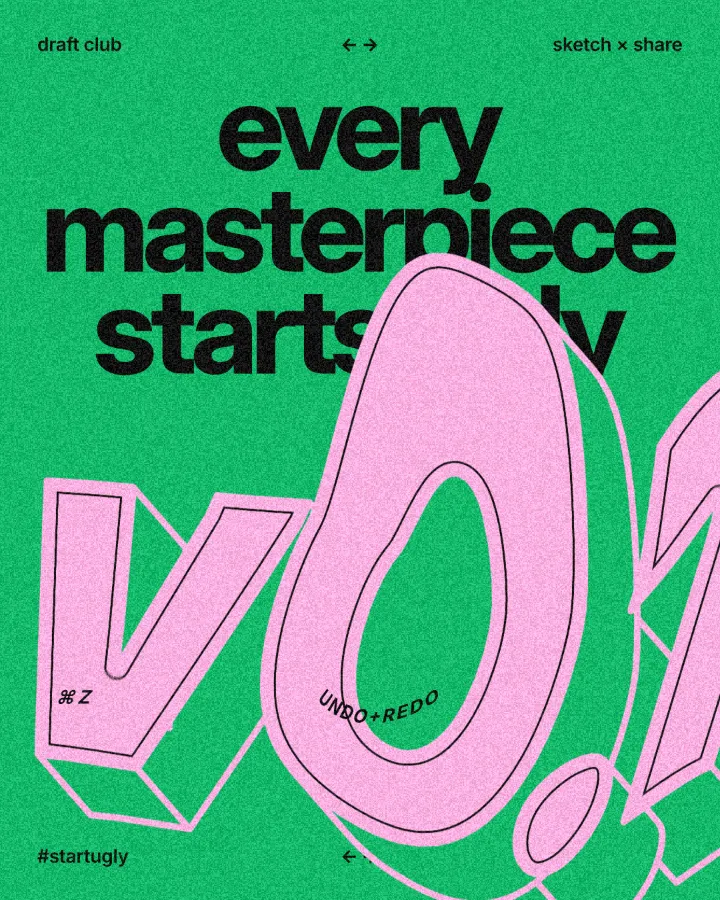
Every design here was made in Paletoo with this look — open one and change anything:
How to make it in Paletoo
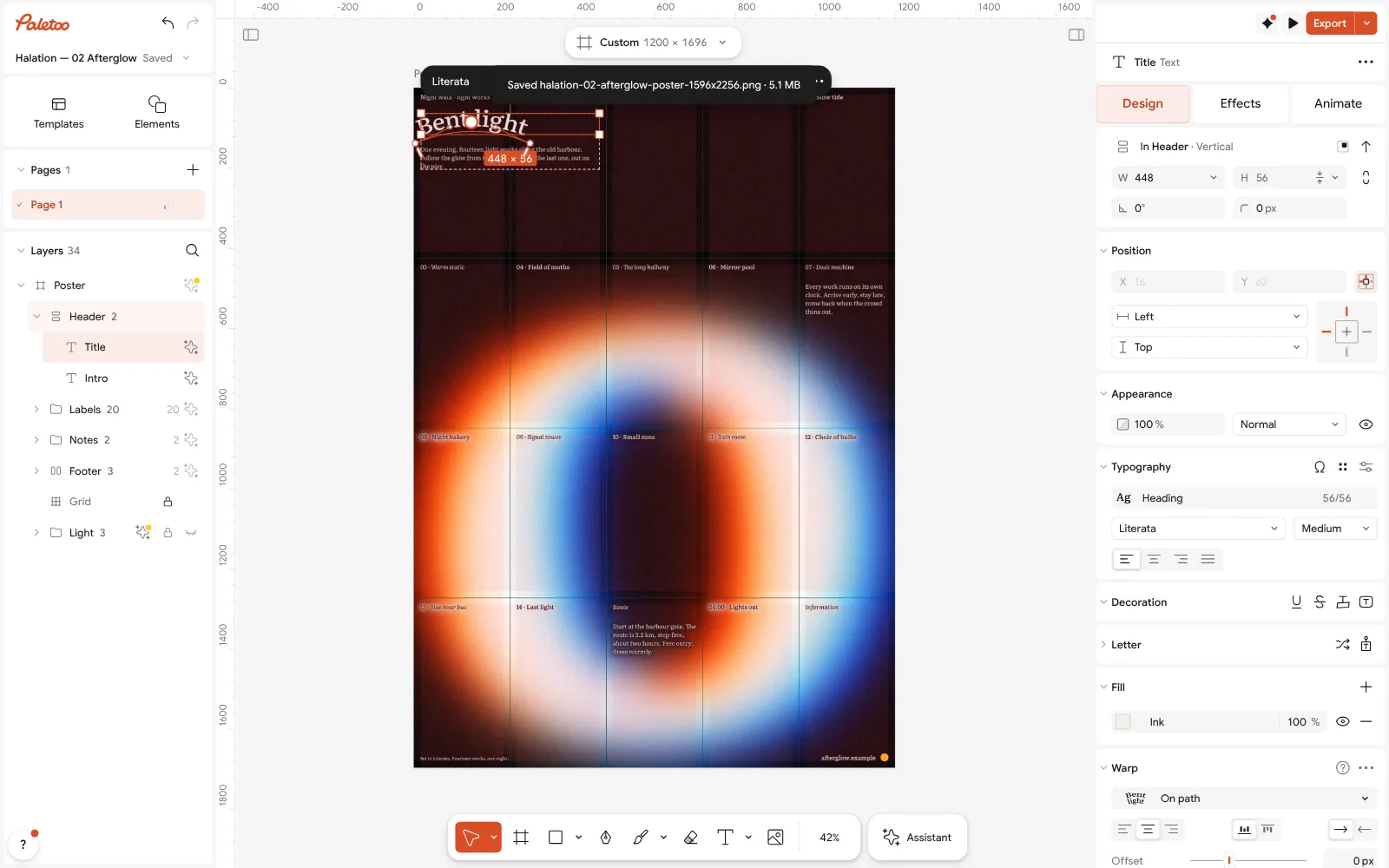
Open the editor and select your text, or add one with the text tool and type your words.
In the Design tab, find the Warp section of the text.
Choose a style: Arch, Wave, Rise or Flag. For a bulge, choose Mesh and its Bulge preset.
Set Amount for how far the line bends; a negative amount turns an arch into a bowl.
Change the words, the font or the colour whenever you like — the curve follows — then Export as PNG, SVG or PDF.
Questions
Is the curved text generator free?
Yes. The lab on this page and the editor are free, with no watermark and no sign-up needed to try them; you download PNG, JPG, SVG or PDF on the free plan.
Can I curve text and keep it editable?
Yes. In Paletoo the curve is a setting of the text layer, so the words, font, size and colour all stay editable, and the text exports as vector in SVG and PDF.
What is the difference between Arch and Bulge?
Arch bends the whole line along one curve, top and bottom together. Bulge swells the middle of the word outwards in both directions, so the letters get taller in the centre.
How do I curve text downwards?
Drag the slider below zero. A negative amount bends an arch into a bowl (a smile instead of a rainbow), which suits text placed under a logo or a picture.
Which fonts work best for curved text?
Heavy, wide sans and display faces. Thin or condensed letters get spindly where the curve stretches them; script fonts work on a gentle arch but not on a strong wave.
Make it online
- Text effects onlineType your words, press one effect — chrome, gold foil, emboss, cut-out letters, outlines or warps — and download it in a minute, free and with no sign-up; the words stay editable text.
- Logo makerType your brand name, pick a logo, try fonts, colours and layouts, then download SVG, PNG and app icons — free, no watermark, no sign-up.
Try it on your own design
Paletoo opens in your browser, with no sign-up. Every effect here is live: change the picture or the words and the effect follows.
Open in PaletooOpens this design as your own copy — every layer and effect editable, free.
Read next
- 01
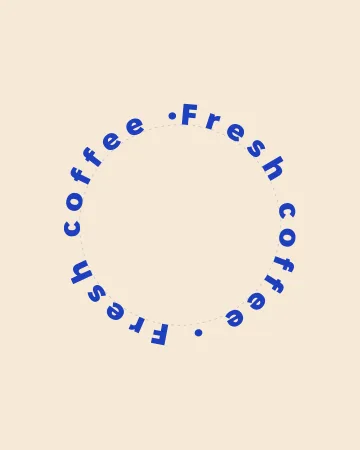 Circle text generator: words around a circle, freeWords around a circle that close without a gap — and turn, for an animated text ring.
- 02
 How to fit text to a shape: envelope and mesh warpDrag the dots: the word fills the shape you draw — an envelope distort you can try right here.
- 03
 How to warp text on a mesh without rasterising itPull a grid over a headline; the words stay editable.
- 04
 How to warp text and put it on a path in Photoshop — and in one minuteThree Photoshop ways to bend a headline, and one Warp section that keeps the words live.