Type effects, hands-on3 min readFreeUpdated 2026-11-17
Metallic text effect: chrome, silver, gold, copper
One word, five metals: set the bevel and turn the light, and see what each metal says.
By Paletoo’s designers · every step done in Paletoo
The short answer
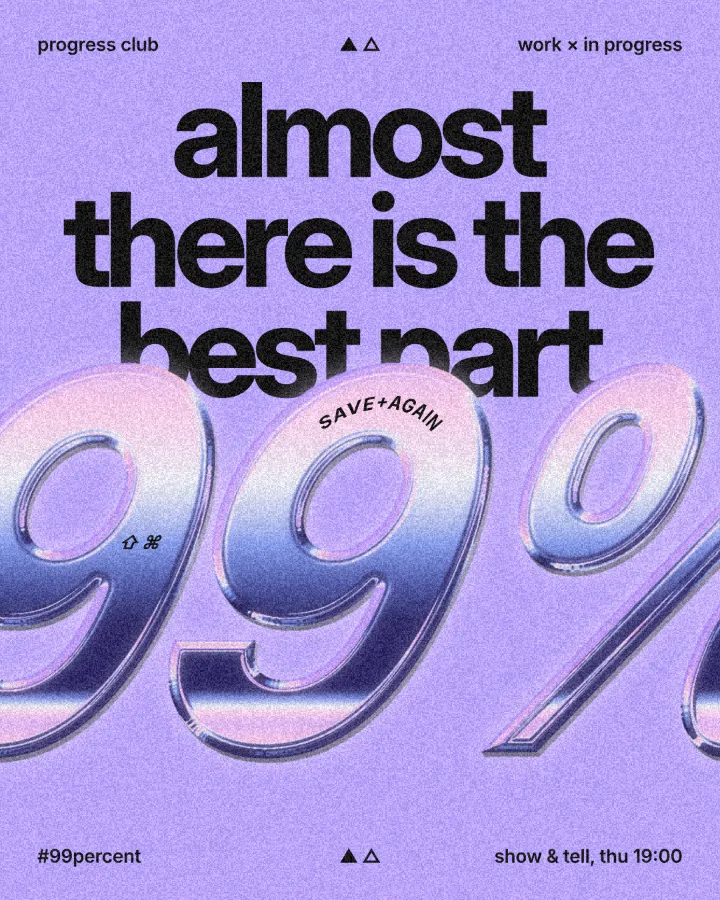
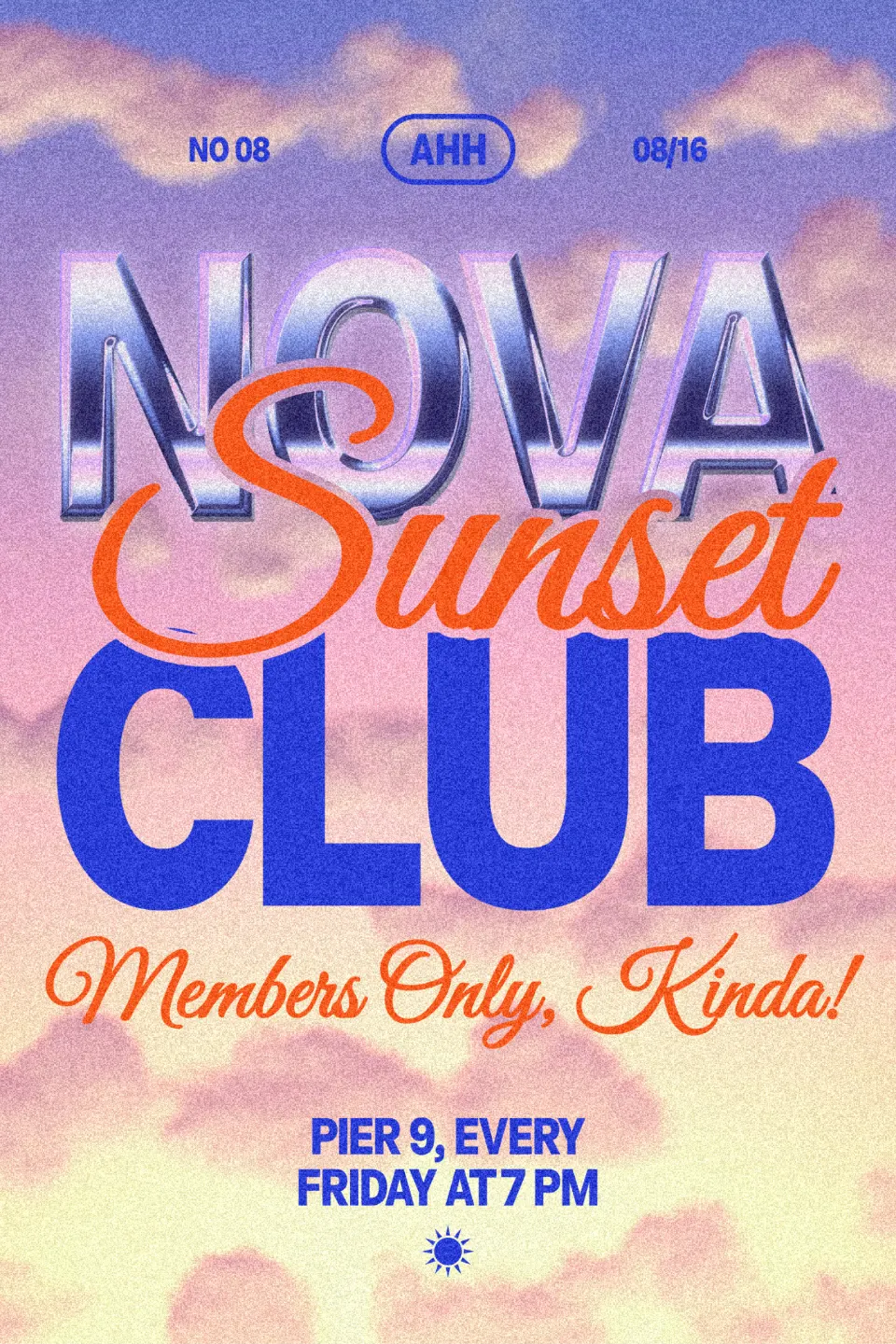
A metallic text effect is three things: a bevel that gives the letters a rounded edge, a reflection that maps light and dark bands onto that edge, and a few sharp highlights where the light hits. Chrome reflects a sky and a dark horizon; gold and copper tint the same bands warm. In Paletoo the Metal effect does all three on live text.
What makes text look like metal
Flat grey letters never read as metal, however well chosen the grey. Metal is contrast: very bright and very dark side by side, changing quickly across the surface. That is why the lab first gives the letters height — a bevel — and then lets each point of the surface «look» at an imaginary studio: the top of the letters reflects a pale sky, the middle a dark horizon line, the bottom the ground. Turn the light and the bands slide over the letters.
The Bevel slider sets how far the rounded edge reaches in: low for engraved, crisp plates, high for thick Y2K liquid chrome. The thicker the letters, the more bevel they can take — thin type turns into wire.
Chrome, silver, gold, rose gold, copper
Chrome is the coolest and the loudest: a blue-white sky, a near-black horizon, a star of light. It is the Y2K look — club nights, album covers, tech — and it loves a deep purple or black background (the Y2K chrome guide). Silver is chrome without the drama: soft greys, good for awards, invitations and anything that should look expensive but quiet.
Gold means celebration and premium: weddings, anniversaries, New Year, a «best of» badge; on dark green or navy it looks like foil on card (the gold foil guide). Rose gold softens it towards beauty and fashion; copper towards craft, coffee and beer labels.
Keep it readable
Metal eats contrast inside the letters, so give it contrast around them: a dark or richly coloured background, and a soft shadow under the word. Use metal on one word — a number, a name, a short headline — and set everything else flat. For a softer, plastic version of the same idea, see puffy 3D text; for letters pressed into a plate, embossed metal.
Made in Paletoo
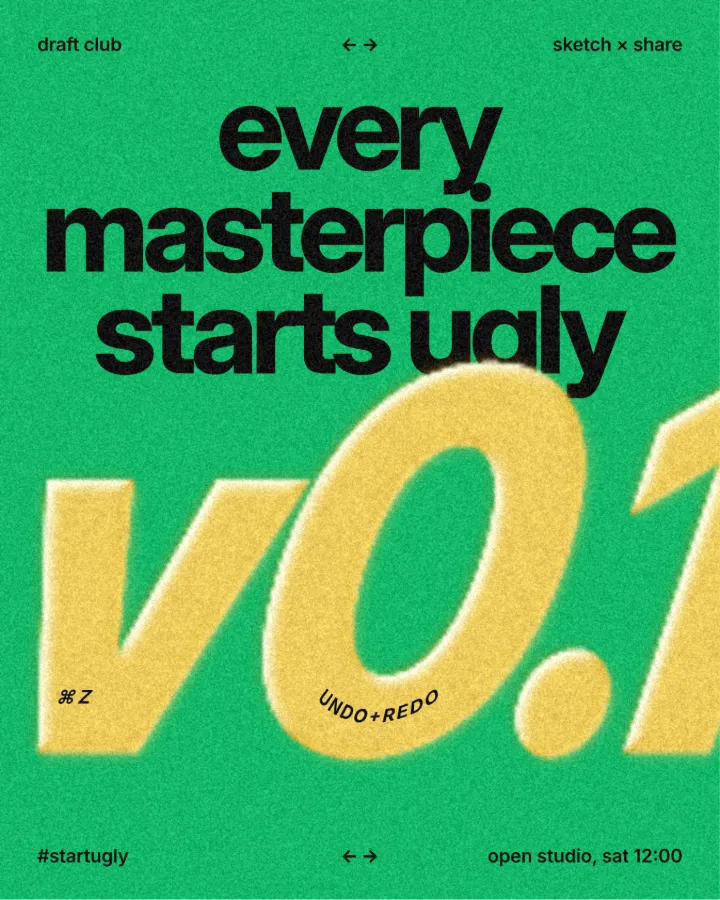
Every design here was made in Paletoo with this look — open one and change anything:
How to make it in Paletoo
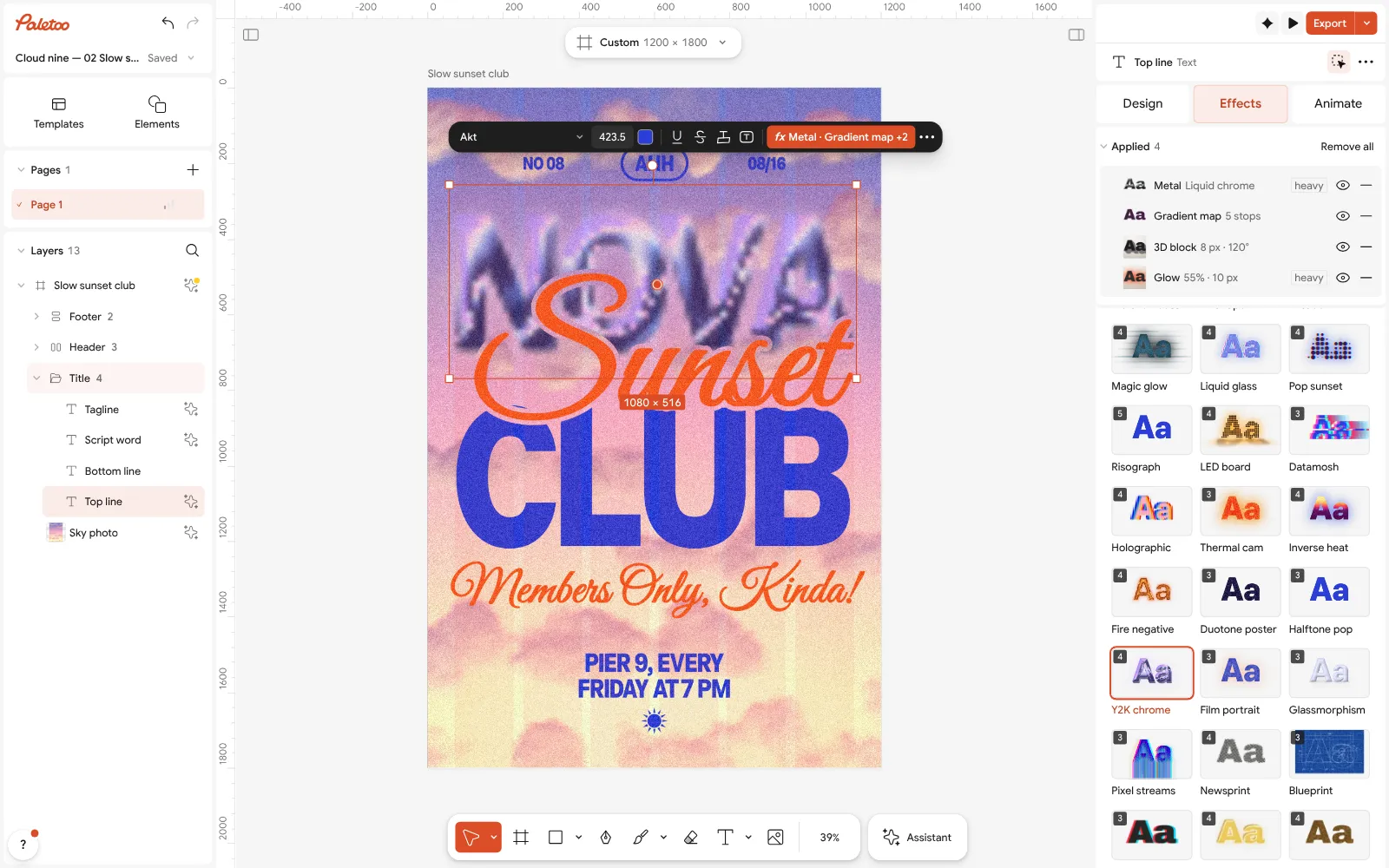
Open the editor and select the word you want in metal — heavy, wide letters show it best.
Open the Effects tab and add Metal.
Pick a preset: Chrome, Gold, Brushed or Liquid chrome.
Turn Light to move the reflection, set Bevel for the rounded edge and Shine for the highlights.
Add a Shadow or a Glow to lift the word off the background, then Export.
Questions
How do I make a metallic text effect for free?
Try your word in the lab on this page, then press «Open in the editor with this word»: it opens a design with the metal already on your text. Tune it and download PNG, JPG or PDF on the free plan, with no watermark.
What is the difference between chrome and silver text?
Chrome has extreme contrast — a bright sky, a near-black horizon and sharp sparkles — like a mirror. Silver keeps the same structure in soft greys, so it reads as polished metal rather than a mirror.
Which fonts look best in metal?
Heavy, wide and rounded display faces, and bold serifs for gold. Thin weights leave no room for the bevel and turn into wire.
Can I change the words after adding the metal effect?
Yes. The effect is a live step on the text layer: retype, change the font or the size and the metal is drawn again on the new letters.
Make it online
- Text effects onlineType your words, press one effect — chrome, gold foil, emboss, cut-out letters, outlines or warps — and download it in a minute, free and with no sign-up; the words stay editable text.
- Logo makerType your brand name, pick a logo, try fonts, colours and layouts, then download SVG, PNG and app icons — free, no watermark, no sign-up.
Try it on your own design
Paletoo opens in your browser, with no sign-up. Every effect here is live: change the picture or the words and the effect follows.
Open in PaletooOpens this design as your own copy — every layer and effect editable, free.
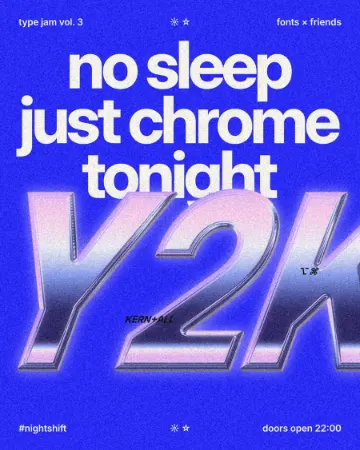 How to make a Y2K chrome text effect
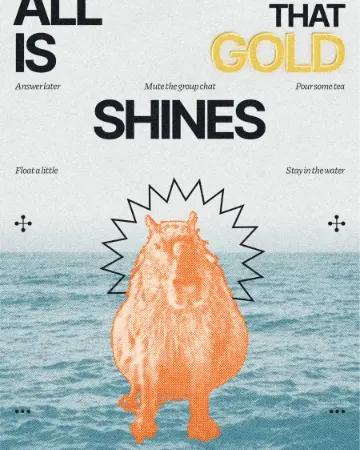 How to make a gold foil text effect
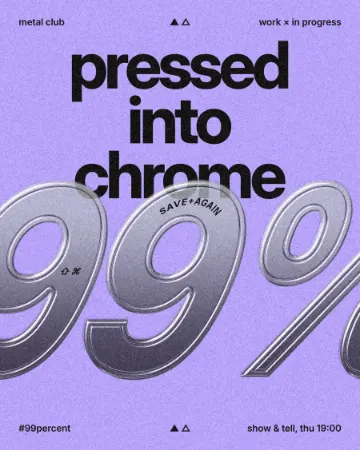 How to make an embossed metal effect