Type effects, hands-on3 min readFreeUpdated 2026-11-13
Text animation for Reels: 6 looks that loop
Six text animations on your own words — pop, rise, typing, wave, jelly and a looping ticker.
By Paletoo’s designers · every step done in Paletoo
The short answer
Good text animation for Reels is short, readable and loops: the words arrive in under a second, hold long enough to read (about 2–3 seconds for a short line), then either leave or loop seamlessly. Animate letter by letter with a small delay between them — that stagger is what makes kinetic typography feel alive. In Paletoo every look is a live preset on the text, exported as MP4, GIF or Lottie.
Kinetic typography in three rules
Stagger. Animate letters or words one after another with a short delay (40–80 ms), not the whole line at once. The eye reads the movement as a wave of energy.
Ease. Nothing in the real world starts or stops at full speed. Letters should shoot out fast and settle slowly — or overshoot and bounce back, as Pop and Jelly do in the lab.
Hold. The animation is there to bring the words in; then let them sit still long enough to be read. Most Reels are watched without sound, so the text carries the message: keep a line under six words and on screen for at least two seconds.
Six animations and where to use them
Pop — letters spring in with a bounce: announcements, sales, «new». Rise — letters slide up out of a line: the calm, premium default for titles and quotes. Typing — letters appear one by one with a caret: tips, captions, «how to», anything that should feel like a message.
Wave — a swell keeps running through the letters: music, summer, a looping sticker. Jelly — letters stretch and squash as they land: playful brands and kids. Ticker — the line slides sideways for ever, the copy repeating: a looping banner, a lower third, «sale • sale • sale». For a word ring that turns, see circle text.
Looping text that does not jump
A loop is seamless when the last frame equals the first. Two ways get you there: animations that are cycles by nature (a wave, a ticker that moves exactly one copy’s width, a turning ring) — or in-and-out animations that end where they began, with a hold in between. Turn Loop on in the lab and watch the Ticker: the copy slides exactly its own width, so there is no jump. Export loops as MP4 for Reels and TikTok, as GIF for chats, and as a transparent WebM or Lottie for stickers, apps and websites. For where the style comes from, read the kinetic typography trend.
Made in Paletoo
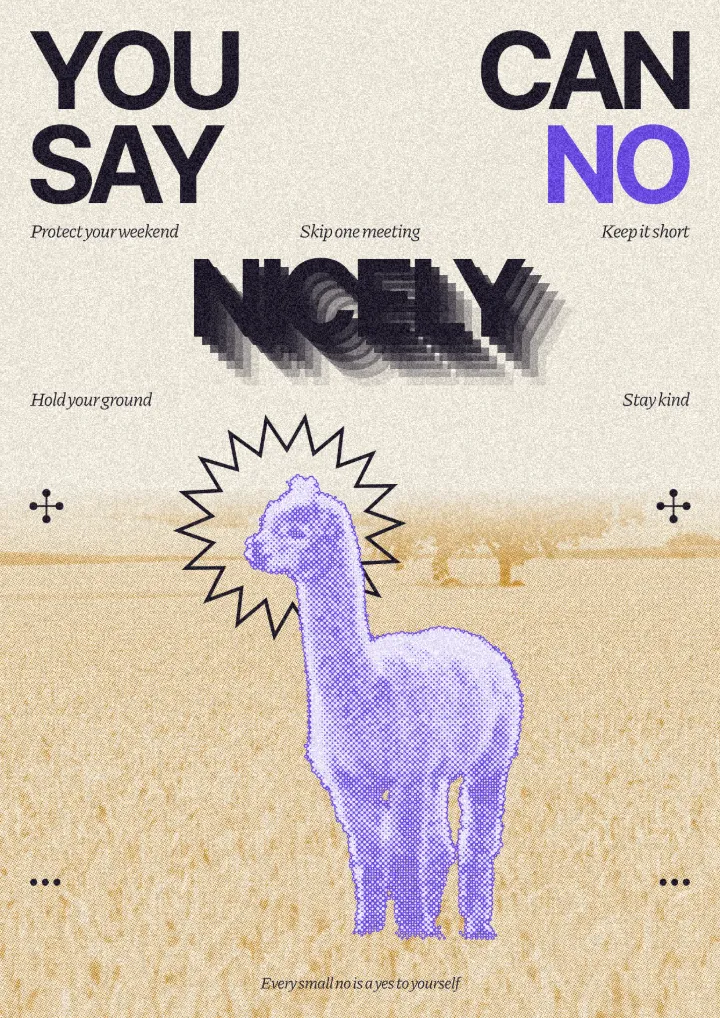
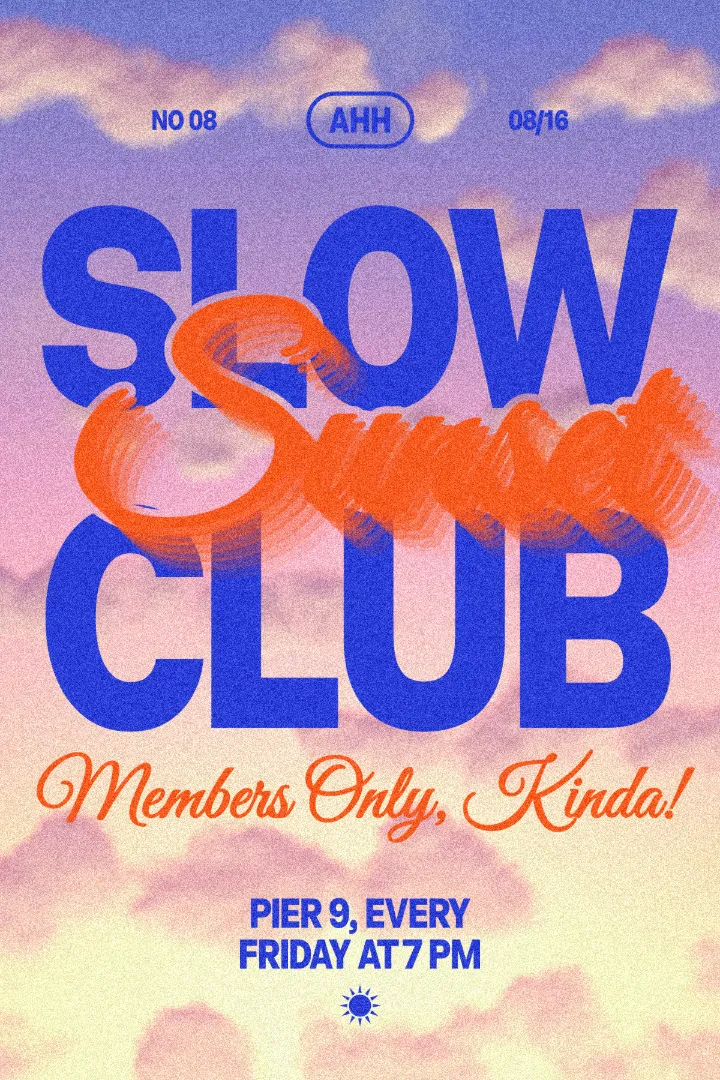
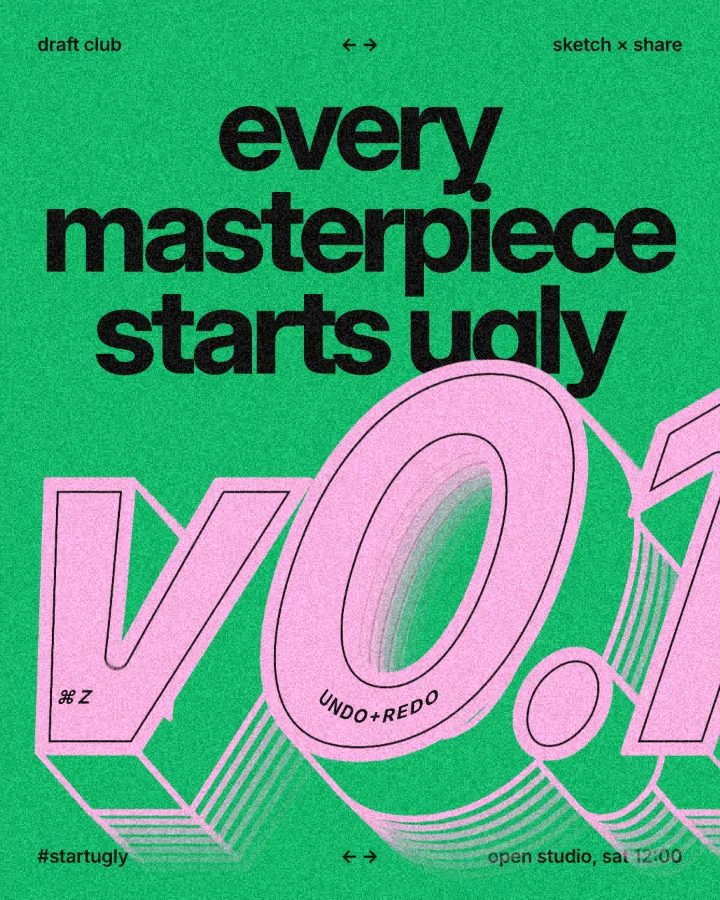
Every design here was made in Paletoo with this look — open one and change anything:
How to make it in Paletoo
Open the editor and select your text — a short line of three to six words.
Open the Animate tab and pick a preset: Pop, Rise, Typing, Wave or Drift, or a look from Mixes such as Jelly.
Set Speed and Duration so the words arrive in under a second and stay long enough to read.
For a seamless loop choose a looping preset such as Wave or Drift, or Loop a motion.
Press Export and choose MP4 for Reels, GIF for chats, or WebM and Lottie with a transparent background.
Questions
How do I animate text for Instagram Reels for free?
Try the six looks in the lab on this page, then open the editor with your words, pick a preset in Animate and export an MP4 at 1080 × 1920 — free, with no watermark.
How long should text stay on screen in a Reel?
Long enough to read it twice: about two seconds for three words, three to four seconds for a line of six. Bring it in within half a second so the hold is the longest part.
What is kinetic typography?
Type that moves to carry meaning: letters and words animate in rhythm with what is said, so the motion itself is part of the message. Staggered, eased letter animation is its basic building block.
How do I make text animation loop seamlessly?
Use a cyclic animation (a wave, a ticker moving exactly one copy’s width, a turning ring) or one that ends where it began. In Paletoo looping presets and Loop handle the seam for you.
Can I export animated text with a transparent background?
Yes: as a transparent WebM or as Lottie, which you can place over a video in any editor or use on a website.
Make it online
- Animated text makerMake words move in one click — rise, typing, pop, wave — and export a video for Reels, a GIF for chats or a Lottie file for the web. Free, with no watermark and no sign-up.
- Lottie animation makerAnimate type and shapes in one click each and export a light Lottie file for websites and apps.
- Instagram story makerPick a 9:16 template, change the words and the photo, add motion if you like, and export an image or a video in a couple of minutes.
Try it on your own design
Paletoo opens in your browser, with no sign-up. Every effect here is live: change the picture or the words and the effect follows.
Open in PaletooOpens this design as your own copy — every layer and effect editable, free.
Read next
- 01
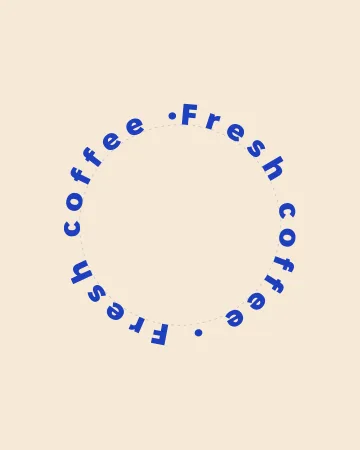 Circle text generator: words around a circle, freeWords around a circle that close without a gap — and turn, for an animated text ring.
- 02
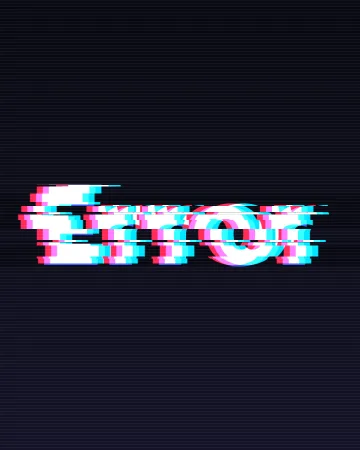 Glitch text effect: colour split and echo, freeBreak your word on purpose: split the colours, slice the letters, or let echoes trail behind.
- 03
 Kinetic typography trend 2027: bold type that moves, even on a posterBig, bold type that moves — or looks as if it just did.
- 04
 How to export an animation with a transparent backgroundAnimated type with nothing behind it: WebM with real alpha for video, Lottie for websites and apps.