Type effects, hands-on3 min readFreeUpdated 2026-11-20
Circle text generator: words around a circle, free
Words around a circle that close without a gap — and turn, for an animated text ring.
By Paletoo’s designers · every step done in Paletoo
The short answer
To write text in a circle, set the words on a circular path and make the line exactly as long as the circle, so the end meets the start without a gap. Repeating a short phrase with a dot between («fresh coffee • fresh coffee •») fills the ring evenly. In Paletoo the words stay editable on the circle and can spin as a looping animation.
Where circle text works
Round badges and stamps («handmade in Kyiv • since 2019 •»), coffee-cup and jar labels, vinyl and podcast covers, a ring of words around a portrait or a logo mark, and the «scroll down» ring spinning in the corner of a website. The circle frames something in its middle, so leave that middle calm: a symbol, a photo, a single big letter.
A full ring reads best with short, repeated words in capitals and generous letter spacing. One long sentence around a circle is hard to read — the reader has to turn their head.
For a quick badge or a stamp, the curved text generator sets the words round a circle on the page itself and saves a transparent PNG.
Closing the ring without a gap
The classic problem with circle text is the seam: the phrase is a little too short or too long for the circle, so the end either leaves a hole or runs into the start. The lab fixes it the way a designer would: it repeats your words as many times as fit and then spreads the letters just enough to close the circle exactly. Change the radius and watch the spacing adjust.
In the editor, choose Circle as the text’s warp and set its Radius; the words run round the circle and turn with Start. For any other line — a swoosh under a logo, the edge of a shape — use text on a path.
An animated text ring
Press Spin in the lab: a slowly turning ring of words is one of the simplest animations that still looks designed, for a story sticker, a website badge or a Reel’s corner. In Paletoo you can animate the ring and export it as MP4, GIF, a transparent WebM or Lottie; the text animation guide shows the other looks that loop.
Made in Paletoo
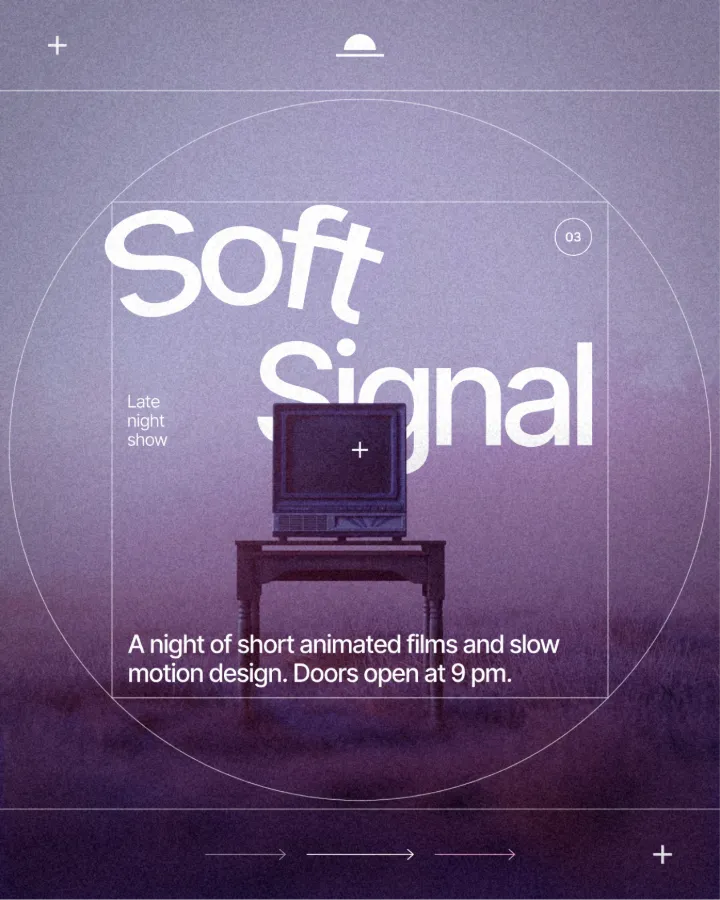
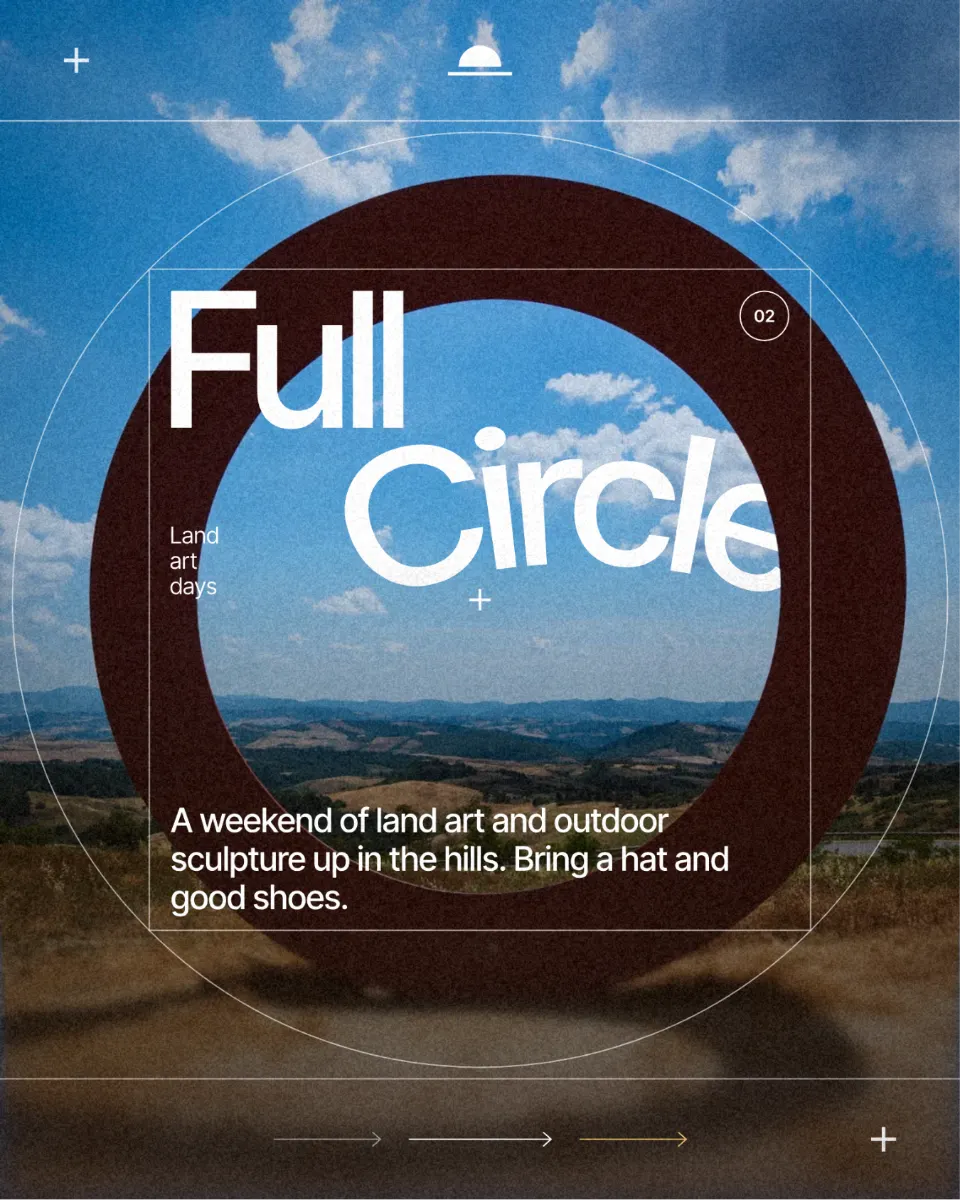
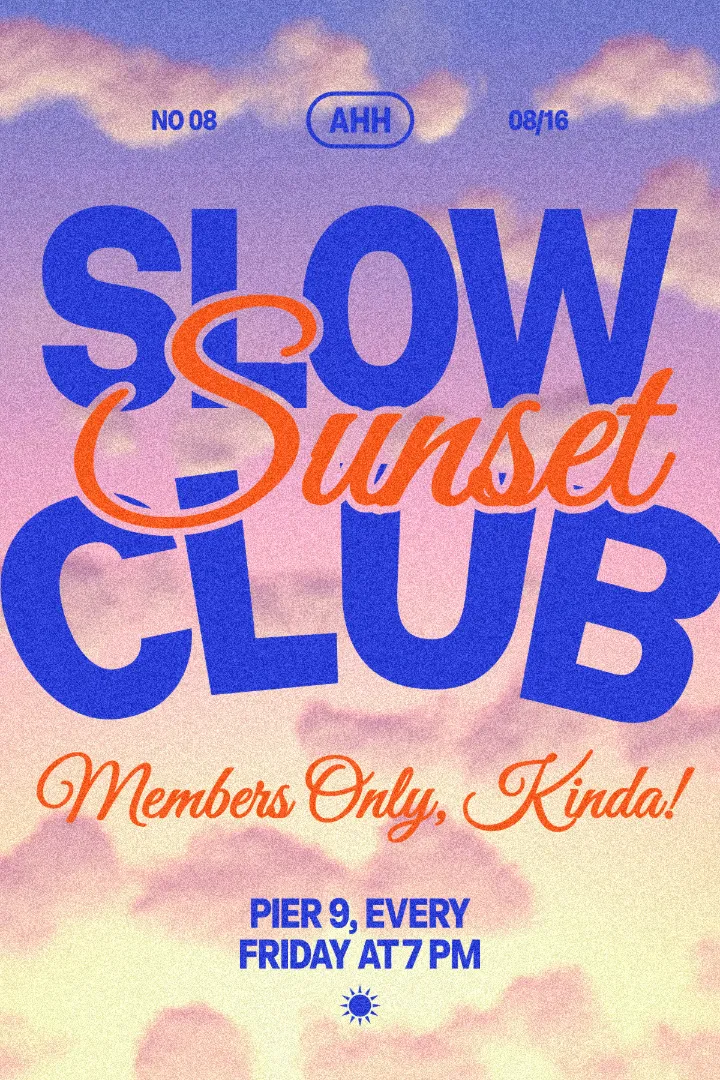
Every design here was made in Paletoo with this look — open one and change anything:
How to make it in Paletoo
Open the editor and select your text — a short phrase reads best around a circle.
In the Design tab, open the text’s Warp section and choose Circle.
Set Radius for the size of the ring and Start to turn the words round it.
For any other line, choose On a path and drag the path’s points and handles on the canvas.
To make the ring spin, open Animate, then Export it as a still or a video.
Questions
How do I put text in a circle for free?
Type your words in the lab on this page to see them on a circle, then press «Open in the editor with this word». In the free editor choose Circle in the text’s Warp section and export PNG, SVG or PDF with no watermark.
How do I stop the circle text from leaving a gap?
Make the line exactly as long as the circle: repeat the phrase with a separator such as «•» and adjust the letter spacing (or the radius) until the end meets the start. The lab does this for you.
Can the text go inside the circle, reading upright at the bottom?
Yes. The circle warp has an Inside option, so the words sit inside the ring, and On a path can flip the direction for a line along the bottom.
Can I animate circle text?
Yes. A spinning ring of words is a simple loop: animate it in the editor and export MP4, GIF, transparent WebM or Lottie for stories, Reels and websites.
Make it online
- Logo makerType your brand name, pick a logo, try fonts, colours and layouts, then download SVG, PNG and app icons — free, no watermark, no sign-up.
- Make stickers from photosPick a few photos and get a sticker pack: each one cut out with a white rim and a caption, for Telegram, WhatsApp or as PNG files — free, no sign-up.
- Animated text makerMake words move in one click — rise, typing, pop, wave — and export a video for Reels, a GIF for chats or a Lottie file for the web. Free, with no watermark and no sign-up.
Try it on your own design
Paletoo opens in your browser, with no sign-up. Every effect here is live: change the picture or the words and the effect follows.
Open in PaletooOpens this design as your own copy — every layer and effect editable, free.
Read next
- 01
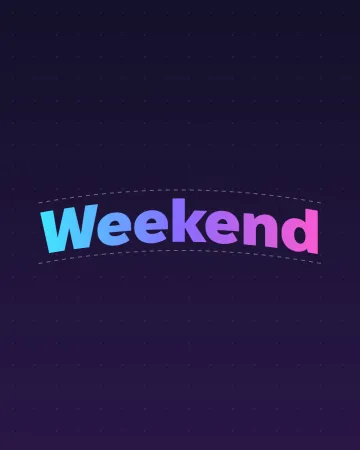 Curved text generator: arch, wave and flag, freeType a word, pick a curve, drag one slider. The words stay live text when you open them in the editor.
- 02
 Text animation for Reels: 6 looks that loopSix text animations on your own words — pop, rise, typing, wave, jelly and a looping ticker.
- 03
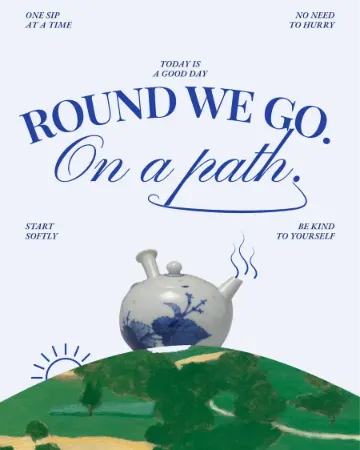 How to put text on a path that stays editableType along a curve you shape on the canvas; the words stay live.
- 04
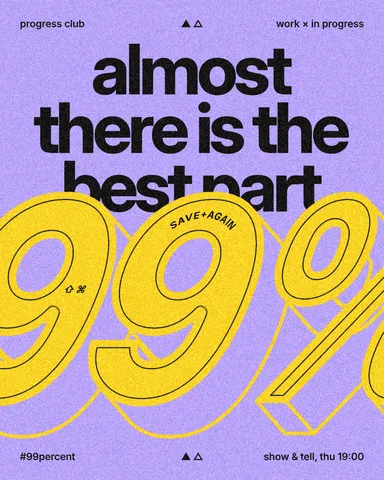 Free logo text effects: seven looks that work on a wordmarkSeven text looks for a wordmark, and how to keep them sharp at 32 px.