How-to3 min readFreeUpdated 2026-11-26
Instagram carousel size: 1080 × 1350 and the rest
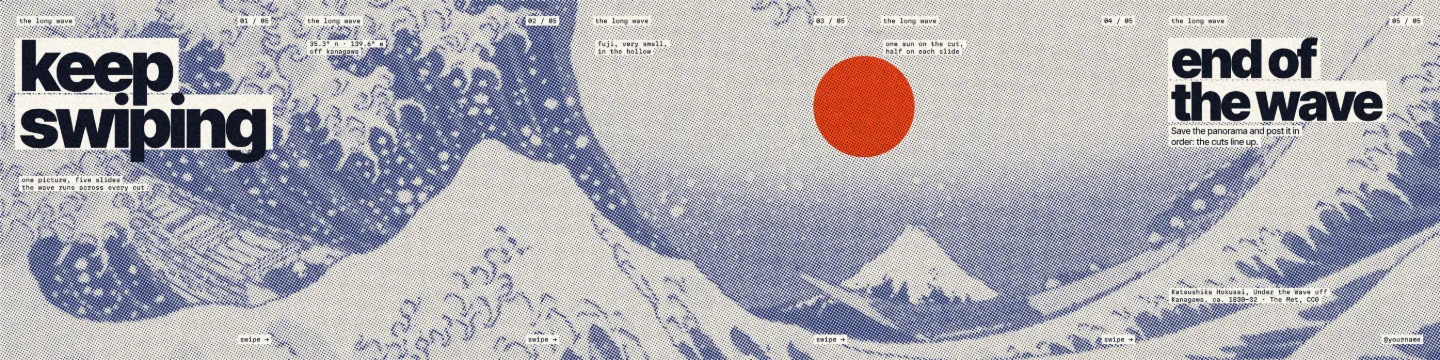
1080 × 1350 px a slide, 4:5, up to 20 slides — and a seamless panorama is simply that many slides side by side. Cut yours right here.
By Paletoo’s designers · every step done in Paletoo
The short answer
- 1
Make each slide 1080 × 1350 px (4:5). It is the tallest shape the feed shows in full; 1080 × 1080 (1:1) and 1080 × 1440 (3:4) work too, but every slide takes the first one’s shape.
- 2
For a seamless carousel, make one panorama N × 1080 wide. Five slides are 5400 × 1350 px; ten are 10800 × 1350. Up to 20 slides.
- 3
Cut it edge to edge, with no gap and no overlap, and post in order. Each slide exactly 1080 px wide, so the seams meet when people swipe.
Below, the editor’s own carousel export cuts a panorama — a real one made in Paletoo, or yours — into slides of the shape you choose, and saves each as a 1080 px PNG.
Try it right here
The picture covers the whole panorama (cropped to its middle). Change the number of slides and the shape; the files are cut where the preview is.
The tool wakes up as you scroll to it…
Engine: Paletoo’s carousel export — whole pixels, edge to edge, no gap and no overlap, so the slides put back together are exactly the panorama.
Instagram carousel sizes
A carousel can mix photos and videos, but not shapes: Instagram crops every slide to the first one’s ratio. Decide the shape once.
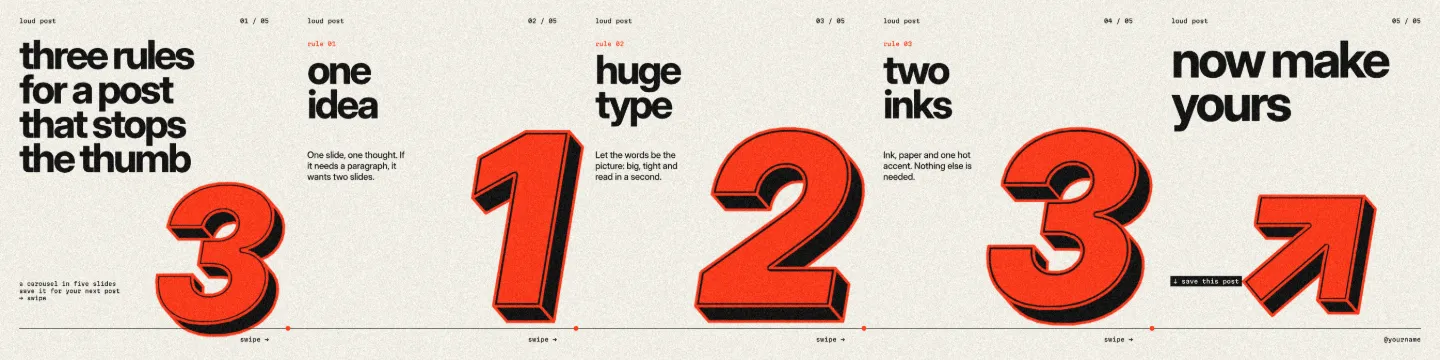
To see a long swipe done well, open the Deep work carousel template: one guide told across slides that join at the seams.
| Shape | One slide | 5 slides as one panorama | When |
|---|---|---|---|
| Portrait 4:5 | 1080 × 1350 px | 5400 × 1350 px | The default — the most space in the feed |
| Square 1:1 | 1080 × 1080 px | 5400 × 1080 px | Grids, product shots |
| Tall 3:4 | 1080 × 1440 px | 5400 × 1440 px | Matches the profile grid; check the feed crop |
| Landscape 1.91:1 | 1080 × 566 px | 5400 × 566 px | Rarely — it is small in the feed |
How a seamless carousel works
A seamless (or «panoramic») carousel is one wide picture cut into slides, so a shape that crosses a cut continues on the next slide as people swipe. The maths is simple: the panorama is the slide width times the number of slides — 1080 × 5 = 5400 px for five 4:5 slides. The cut must be exact: one pixel of overlap or gap and the line jumps.
Design across the cuts on purpose: a line, a wave or an arrow that runs over the seam pulls the thumb to the next slide. Keep text away from the cuts (60–80 px is enough), and give the first slide a reason to swipe — a question, a number, «1 / 5».
Before you post
Export PNG for text and flat colour, high-quality JPEG for photos. Upload the slides in order — Instagram keeps the order you pick — and check the first slide’s crop in the preview before you share. Up to 20 slides is the limit; 5–10 is what most people finish.
Made in Paletoo
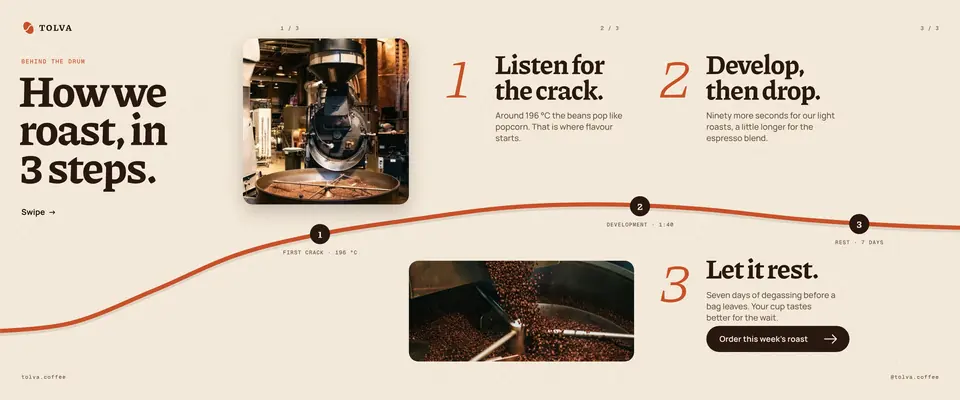
Real designs from Paletoo’s templates and tools — open any of them and change it.

Open this in Paletoo
This opens a real carousel template — one artboard of 1080 × 1350 slides side by side, its cuts shown. Change the slide count in the size menu, design across the seams, and export: Paletoo saves each slide as its own file.
Open a carousel templateFree, no sign-up. Everything stays editable.
Questions
What is the best size for an Instagram carousel?
1080 × 1350 px (4:5) per slide. It shows the largest in the feed. 1080 × 1080 (1:1) and 1080 × 1440 (3:4) also work.
How many slides can an Instagram carousel have?
Up to 20 photos or videos.
What size is a seamless carousel panorama?
The slide width times the number of slides: 5400 × 1350 px for five 4:5 slides, 10800 × 1350 px for ten.
Can carousel slides have different sizes?
No. Instagram crops every slide to the first slide’s shape.
How do I split a panorama into carousel slides for free?
Use the tool on this page: it cuts the panorama into 1080 px slides edge to edge and saves each as a PNG, without uploading it.
Keep going
- Carousel makerDesign all the slides of an Instagram carousel on one wide artboard, let a photo run across the cuts, and export one file per slide.
- How to make a seamless Instagram carousel that lines up at every cutOne wide artboard, a picture that runs across the cuts, and a file for every slide.
- How to make an Instagram carousel from a templateOne wide artboard, a design that runs across the cuts, a file for every slide.
- Instagram story size 2026: 1080 × 1920, safe zones and ratioThe pixels, the ratio, the bands that the profile and the reply bar cover — and a story that opens at the right size in one tap.
Sources
More how-tos you can try on the page
- 01
 How to make a sticker from a photoCut the subject out, give it a white die-cut border and a caption, save it at 512 px — try the border and the caption right on this page.
- 02
 How to remove a white background from an imageMake the white transparent without a white fringe, keep the white that belongs to the logo, save a PNG — try it on a real logo right here.
- 03
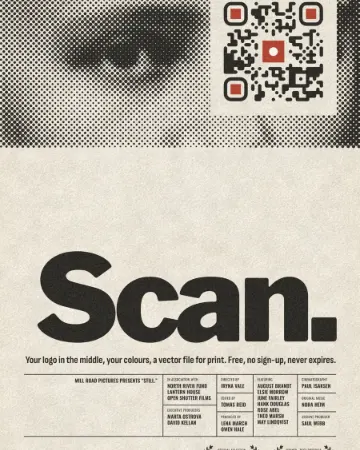 How to put a logo in a QR code (and keep it scannable)Error correction H, a logo of about a tenth of the code, a white quiet zone — and a scan check that shows you the exact moment it breaks.
- 04
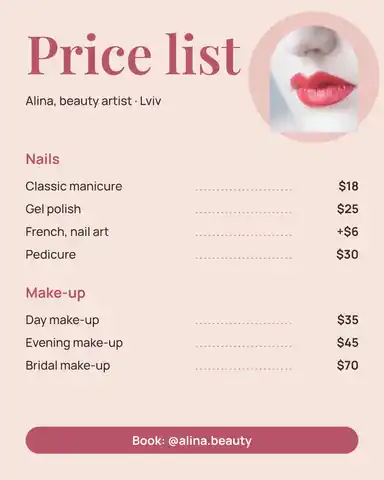 How to make a price listType your services and prices the way you would in a note — the page sets them as a finished price list for Instagram, Stories or A4.
- 05
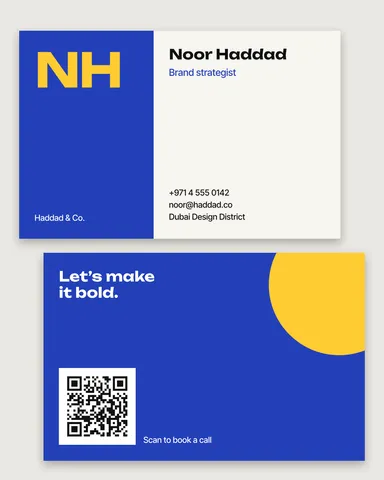 How to make a business card online, freeType your name and contacts, pick one of six designs, and the card lays itself out — front and back, with a QR code that saves your contact.
- 06
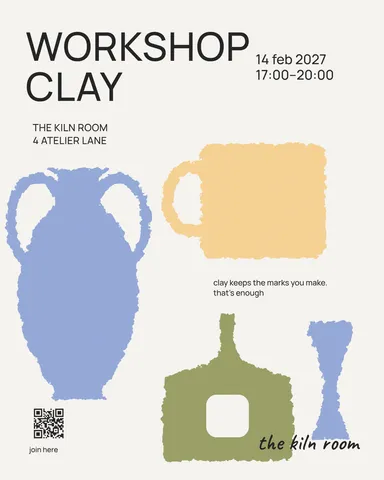 How to make a poster on your phoneOne photo, a title of a few words, a date line — the layout sets itself for an A3 print, an Instagram post or a story, on the phone in your hand.
- 08
 How to make a Black Friday banner in 2 minutesOne number people read in half a second, the dates and your shop’s name — as a post, a story and a site header from the same words.
- 09
 How to make a gift voucher with a unique codeEach voucher gets its own number and a code that cannot be guessed or misread — and you keep the list to check them off.
- 10
 A letter to St Nicholas with kids: print and fillA page a five-year-old can «write» with a drawing and a seven-year-old fills in alone — printed, signed, under the pillow on 5 December.
- 11
 How to make gift tags to print at homeNine named tags on one A4 sheet — red, kraft or green — with a hole marked for the ribbon and cut lines between them.