Type effects, hands-on3 min readFreeUpdated 2026-11-24
Puffy text effect: 3D bubble letters, free online
Soft, squeezable 3D letters from your own word: choose a colour, puff it up, move the light.
By Paletoo’s designers · every step done in Paletoo
How do I make puffy 3D bubble letters online?
Select the text — a bold, rounded font puffs up most evenly —, open the Effects tab and add Inflate: Amount puffs the letters up, Roundness softens their corners and Light angle moves the highlight. It stays live vector text, so you can retype the word at any time; the PNG, SVG or PDF export is free. For a 3D block, neon or chrome word as a ready PNG without the editor, use the text effect generator.
The short answer
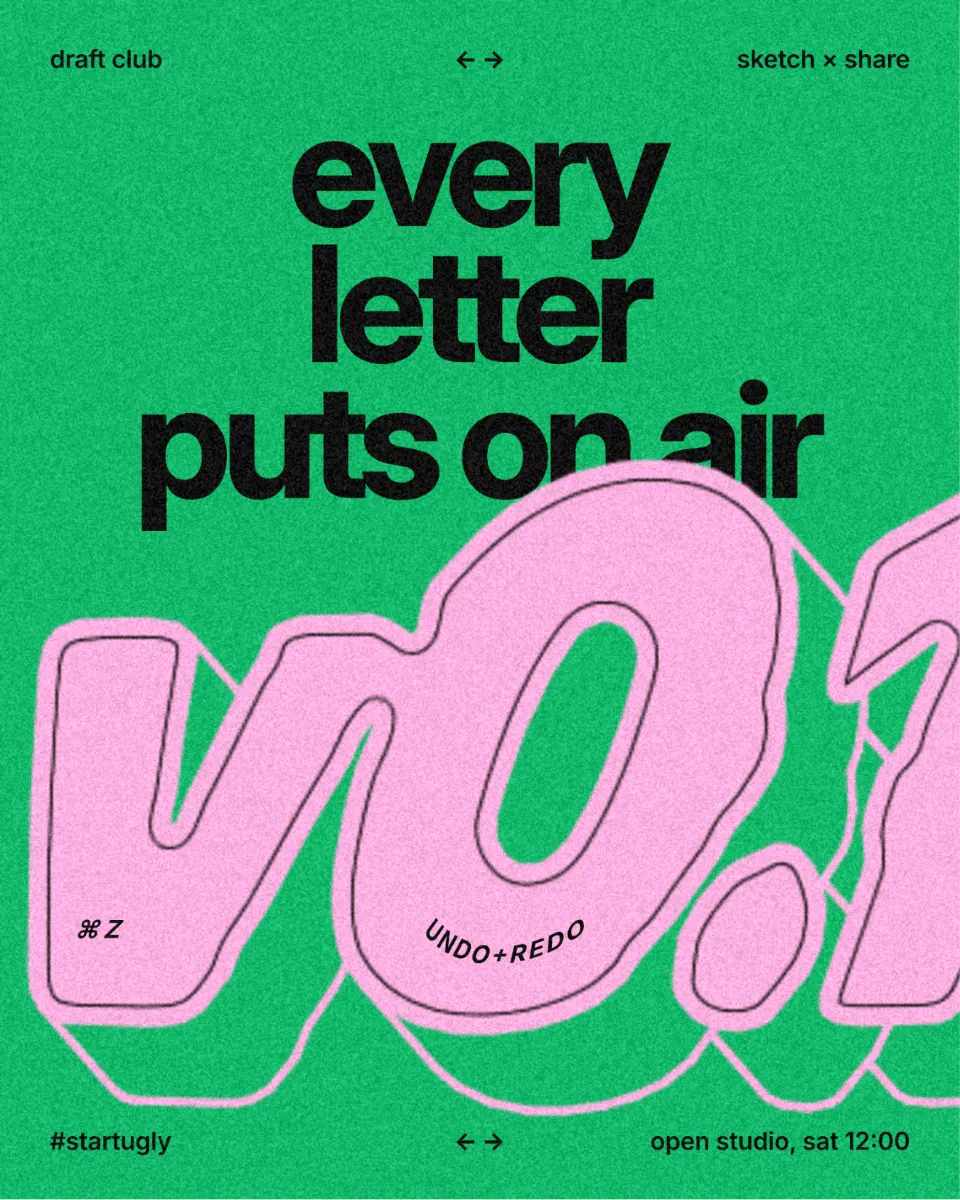
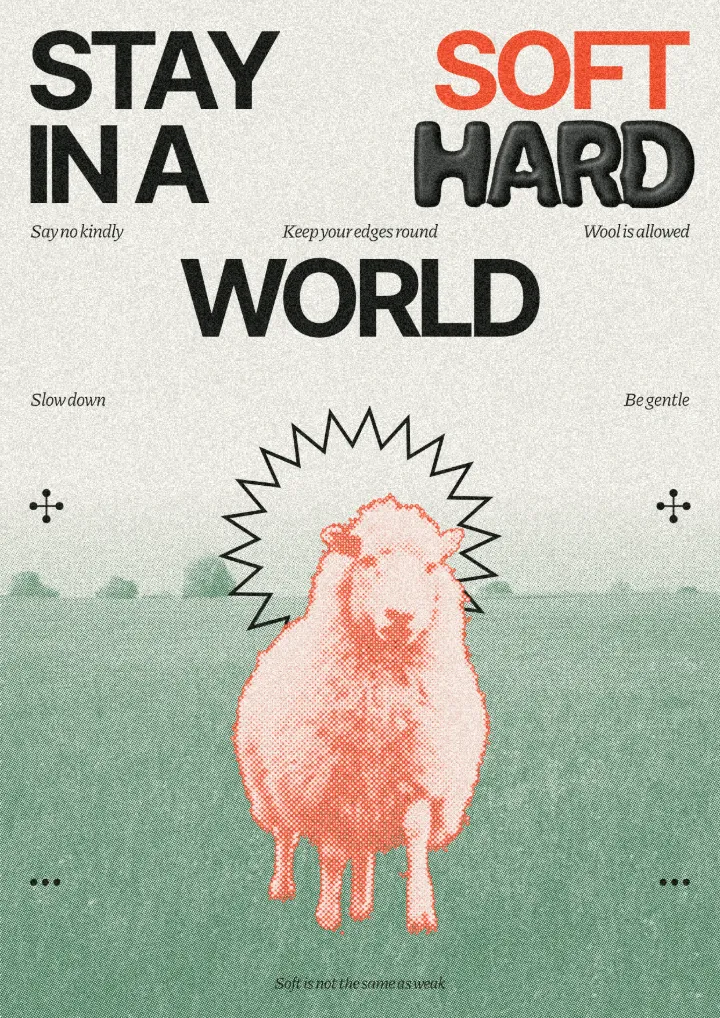
Puffy text (also called bubble or inflated text) makes letters look blown up like a balloon: the outline swells and rounds off, the strokes melt together a little, and soft shading with one bright highlight gives them volume. In Paletoo the Inflate effect does it on live text — as vectors, so the word stays editable — with Amount and Roundness.
How puffy letters are made
Two things happen. The shape swells: every letter grows past its outline and its corners round off, so a sharp «E» becomes a pillow. Then the surface gets a dome — highest in the middle of each stroke, falling off to the edge — and a light from one side shades it: a bright side, a darker side, a small glossy highlight. That highlight is what makes it look like plastic or a balloon rather than a blur.
In the lab, Amount controls both the swelling and the dome; Light turns the lamp around the word. Keep the amount moderate for words of five letters or more, or the counters (the holes in «a», «e», «o») fill in.
Colours that make it pop
Puffy type is a toy, so it loves toy colours: bubblegum pink on yellow, lime on deep blue, sky blue on peach. The background should contrast in hue, not only in lightness — the shading already uses light and dark inside the letters. Liquid chrome is the Y2K version: puffy letters with a mirror finish (see metallic text).
It is the clay 3D type trend of 2027: packaging, kids’ brands, food, playful event posters, stickers and app icons. Use it for one short word with a lot of air around it.
Puffy text that stays editable
Most bubble text generators give you a picture, or a «bubble font» that only looks round. In Paletoo the inflate is a step on the text layer: change the word or the font and the letters are inflated again, and they export as vector shapes in SVG and PDF — useful for stickers, merch and cutting.
Made in Paletoo
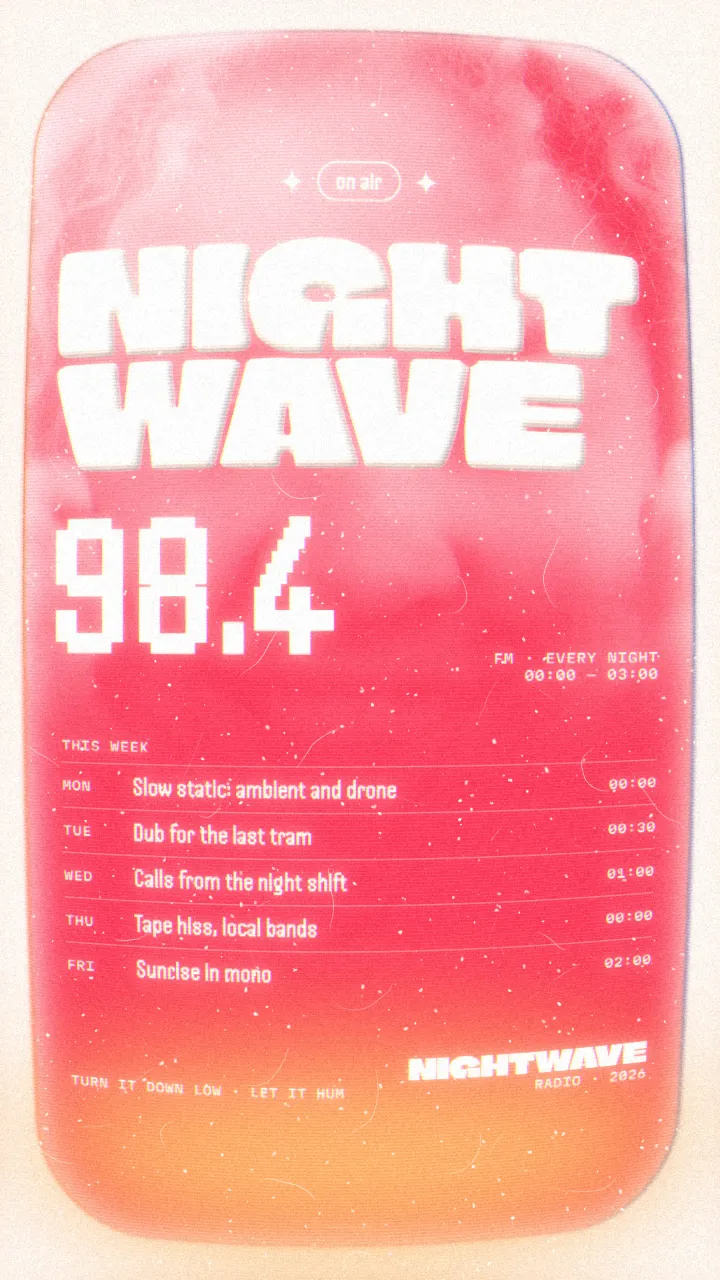
Every design here was made in Paletoo with this look — open one and change anything:
How to make it in Paletoo
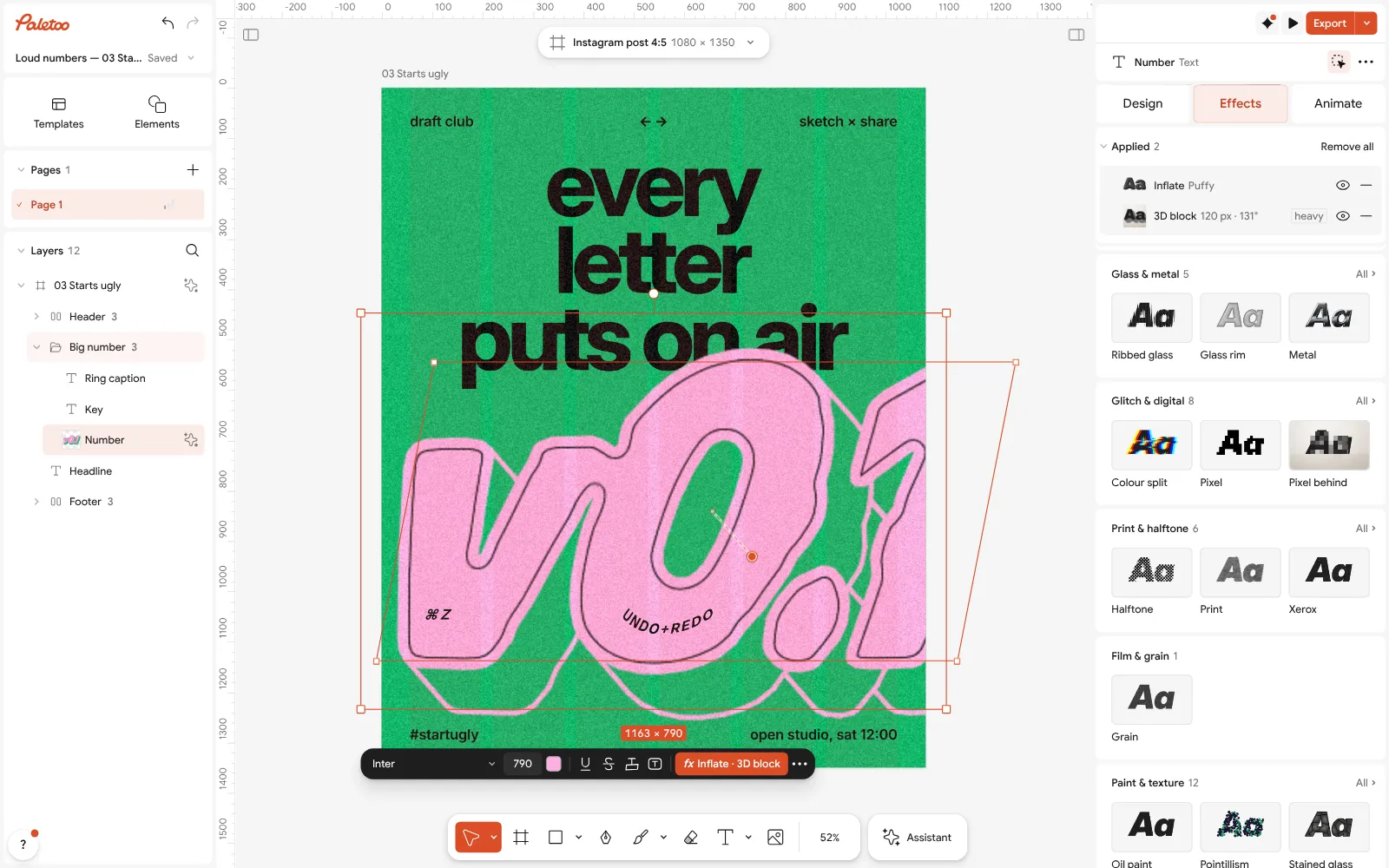
Open the editor and select your text. A bold, rounded face puffs up most evenly.
Open the Effects tab and add Inflate.
Raise Amount to puff the letters up and Roundness to soften their corners.
Turn Light angle to move the highlight; choose the Liquid chrome preset for a mirror finish.
Add a soft Shadow under the word, then Export as PNG, SVG or PDF.
Questions
How do I make puffy text for free?
Try your word in the lab on this page, then open it in the free Paletoo editor, add Inflate to the text and export PNG, SVG or PDF with no watermark.
What is the difference between puffy text and a bubble font?
A bubble font is a typeface drawn round. Puffy text is an effect that inflates any font, with real shading and a highlight, so you can puff up your brand’s own typeface.
Why do the holes in my letters disappear?
The letters swell into their own counters. Lower the amount, choose a wider font, or add letter spacing so each letter has room to grow.
Is puffy text the same as 3D text?
It is one kind of 3D: soft and rounded. Extruded 3D gives letters straight sides like a block; puffy gives them a pillow shape. Both are live effects in the editor.
Make it online
- Text effects onlineType your words, press one effect — chrome, gold foil, emboss, cut-out letters, outlines or warps — and download it in a minute, free and with no sign-up; the words stay editable text.
- Make stickers from photosPick a few photos and get a sticker pack: each one cut out with a white rim and a caption, for Telegram, WhatsApp or as PNG files — free, no sign-up.
- Logo makerType your brand name, pick a logo, try fonts, colours and layouts, then download SVG, PNG and app icons — free, no watermark, no sign-up.
Try it on your own design
Paletoo opens in your browser, with no sign-up. Every effect here is live: change the picture or the words and the effect follows.
Open in PaletooOpens this design as your own copy — every layer and effect editable, free.
Read next
- 01
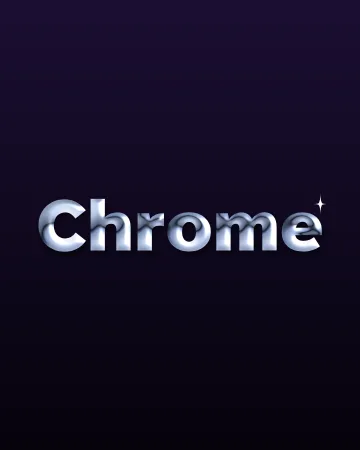 Metallic text effect: chrome, silver, gold, copperOne word, five metals: set the bevel and turn the light, and see what each metal says.
- 02
 Tactile 3D type: the clay trend of 2027, and how to make itSoft, swollen letters that look pressed out of clay or blown up like a balloon.
- 03
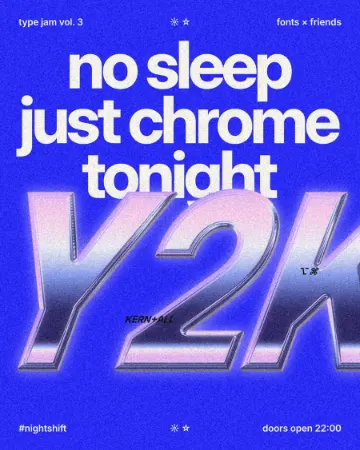 How to make a Y2K chrome text effectFat liquid chrome in pearly pastels, with a soft glow.
- 04
 Free logo text effects: seven looks that work on a wordmarkSeven text looks for a wordmark, and how to keep them sharp at 32 px.